
Sign PDFs with Uruguayan national ID (cédula) via PKCS#11, generating cryptographic PDF signatures visually compatible with signatures produced by the official Uruguayan cédula software. Not affiliated with AGESIC.

Project description
cedula-uy-pdf-sign
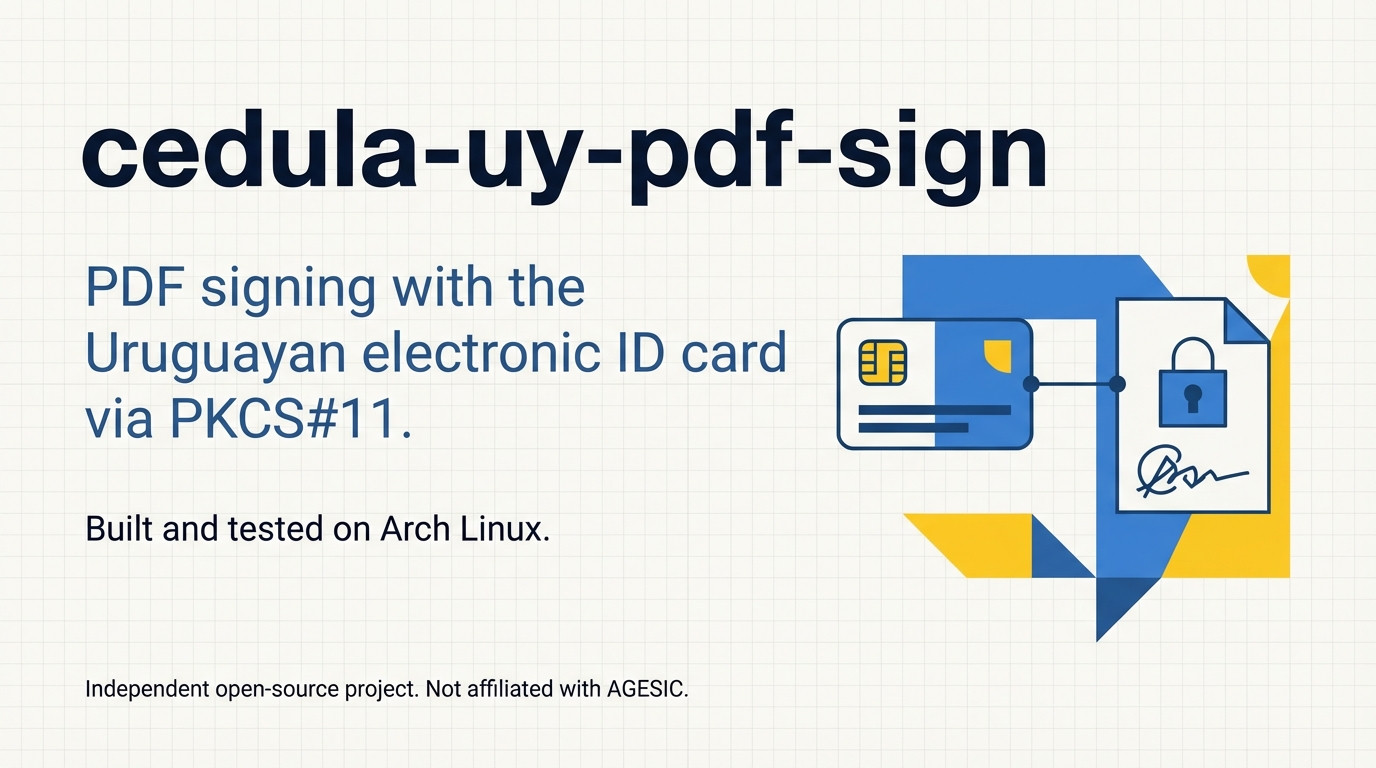
Sign PDFs with a Uruguayan national ID (cédula) via PKCS#11, generating an advanced electronic signature compatible with standard PDF signature validators.

Legal / Compliance Notice
⚠️ Important
This project:
- is not affiliated with or endorsed by AGESIC
- does not claim official certification or compliance
- is provided for technical and educational purposes
While it uses standard cryptographic mechanisms and aims to align with Uruguayan digital signature practices, it should not be assumed to be valid for legal or regulatory use without independent verification.
Users are solely responsible for ensuring that the generated signatures meet any legal or regulatory requirements applicable to their use case.
Scope
This tool focuses on:
- technical integration with PKCS#11
- PDF signing workflows
- reproducibility of signature appearance
It does not:
- validate certificates against official trust lists
- provide legal guarantees
- replace certified signing platforms
Requirements
Hardware
- Smart card reader compatible with your OS
- Uruguayan ID card (cédula) with active certificate
Arch Linux (recommended)
This tool is primarily designed for Arch Linux.
1. Install smart card stack
sudo pacman -S pcsclite ccid pcsc-tools opensc
sudo systemctl enable --now pcscd
2. Install PKCS#11 library (cédula)
Install the PKCS#11 module from AUR:
yay -S cedula-uruguay-pkcs11
# or manually:
# https://aur.archlinux.org/packages/cedula-uruguay-pkcs11
This is a community-maintained AUR package that repackages the official cédula drivers distributed by the Uruguayan government. It is not an official government package.
It provides the default PKCS#11 module used by this tool:
/usr/lib/pkcs11/libgclib.so
Installation with uv
uv tool install cedula-uy-pdf-sign
Usage
The CLI tool is invoked as firmauy. Use --help on any command to see all available options:
firmauy --help
firmauy sign --help
firmauy sign-batch --help
Sign a single PDF
firmauy sign input.pdf output_signed.pdf
The tool will prompt for the PKCS#11 PIN interactively. If the output path is omitted, the signed file is saved as <input>_firmado.pdf.
Custom signature position
firmauy sign input.pdf output_signed.pdf --x1 20 --y1 20 --x2 225 --y2 90
Specify page (0-indexed, -1 = last page)
firmauy sign input.pdf output_signed.pdf --page 0
Non-interactive PIN
PIN can be supplied without an interactive prompt via --pin-source:
# From an environment variable
firmauy sign input.pdf output_signed.pdf --pin-source env --pin-env-var MY_PIN

# From stdin
echo "1234" | firmauy sign input.pdf output_signed.pdf --pin-source stdin

# From a file descriptor
firmauy sign input.pdf output_signed.pdf --pin-source fd --pin-fd 3
⚠️ Avoid exposing the PIN in shell history or process lists.
Sign batch
Sign multiple PDFs with a single PKCS#11 session - the card PIN is entered only once.
# Explicit file list
firmauy sign-batch file1.pdf file2.pdf file3.pdf --output-dir ~/signed

# Whole directory
firmauy sign-batch --input-dir ~/docs --output-dir ~/signed

# Whole directory, recursively
firmauy sign-batch --input-dir ~/docs --recursive --output-dir ~/signed

# Both can be combined
firmauy sign-batch extra.pdf --input-dir ~/docs --output-dir ~/signed
Output files are named <original-name>_firmado.pdf by default. Change the suffix with --suffix:
firmauy sign-batch --input-dir ~/docs --output-dir ~/signed --suffix _signed
The output directory is created automatically if it does not exist.
All options available for sign (position, PIN source, reason, TSA, etc.) are also available for sign-batch.
⚠️ This tool produces cryptographic signatures. Legal validity depends on applicable regulations and use context. Make sure you have reviewed all documents before signing them in batch.
Discover tokens and certificates
List all visible PKCS#11 tokens:
firmauy list-tokens
List certificates available on a token:
firmauy list-certs
Notes
- The default visual signature appearance was derived by analyzing documents signed with official software.
- This project focuses on practical interoperability rather than strict compliance with any specific implementation.
Known issues
Incorrect PIN may crash the process (middleware bug)
On Arch Linux, entering an incorrect PIN may cause the process to terminate abruptly with:
*** stack smashing detected ***: terminated
This is a bug in the PKCS#11 middleware (libgclib.so), not in cedula-uy-pdf-sign.
The middleware correctly returns CKR_PIN_INCORRECT to the caller, but then appears to corrupt its own memory during error handling. This is independently reproducible with pkcs11-tool:
pkcs11-tool --module /usr/lib/pkcs11/libgclib.so --login --test
# With wrong PIN -> process crashes with stack smash
Because the crash occurs inside native code, it cannot be caught or recovered from at the Python level.
Practical advice: double-check your PIN before invoking firmauy.
This behavior is outside the control of this application.
Privacy
This tool is designed to run entirely locally.
It does not collect, transmit, or store any user data externally. All cryptographic operations are performed on the user's machine and/or the connected smart card.
Note: Optional features such as timestamping (TSA) may involve external network requests, depending on user configuration.
Validation
Signed documents can be independently verified using external tools, such as the official validator provided by AGESIC: https://firma.gub.uy/
No affiliation with or endorsement by AGESIC is implied.
Contributing & reporting issues
Bug reports, questions, and pull requests are welcome. Feel free to open an issue on GitHub.
Acknowledgements
- @nicolasgutierrezdev - provided reference for signature appearance inspired by signatures generated using the Uruguayan ID (cédula).
License
This project is licensed under the Apache License 2.0.
Release history Release notifications | RSS feed


Download files
Download the file for your platform. If you're not sure which to choose, learn more about installing packages.
Source Distribution
Built Distribution
Filter files by name, interpreter, ABI, and platform.
If you're not sure about the file name format, learn more about wheel file names.
Copy a direct link to the current filters
File details
Details for the file cedula_uy_pdf_sign-0.4.0.tar.gz.
File metadata
- Download URL: cedula_uy_pdf_sign-0.4.0.tar.gz
- Upload date:
- Size: 22.0 kB
- Tags: Source
- Uploaded using Trusted Publishing? No
- Uploaded via: twine/6.2.0 CPython/3.14.2
File hashes
| Algorithm | Hash digest | |
|---|---|---|
| SHA256 |
b7be6805bf9c1b9412626be5e8b6b7b69fa87705205fd93afd662242e8b76394
|
|
| MD5 |
db6a17f6c34dd5f09b3bf38ba8c2aa25
|
|
| BLAKE2b-256 |
ed0646c3a05806e8c5d4429ed0029ded87a0e330d8270e6a22387e960342840e
|
File details
Details for the file cedula_uy_pdf_sign-0.4.0-py3-none-any.whl.
File metadata
- Download URL: cedula_uy_pdf_sign-0.4.0-py3-none-any.whl
- Upload date:
- Size: 20.4 kB
- Tags: Python 3
- Uploaded using Trusted Publishing? No
- Uploaded via: twine/6.2.0 CPython/3.14.2
File hashes
| Algorithm | Hash digest | |
|---|---|---|
| SHA256 |
9e11cd7bf5d4e80f7550b7767e383e89a84ebb7ba4952d92cee55a0849888cbf
|
|
| MD5 |
a9dea86dcd1e9e6be63858d9d03ceac7
|
|
| BLAKE2b-256 |
13eef4c0e2dc0c5115604cae3bdda8d2d56428211c312b25d7f26f51de5e76da
|






