
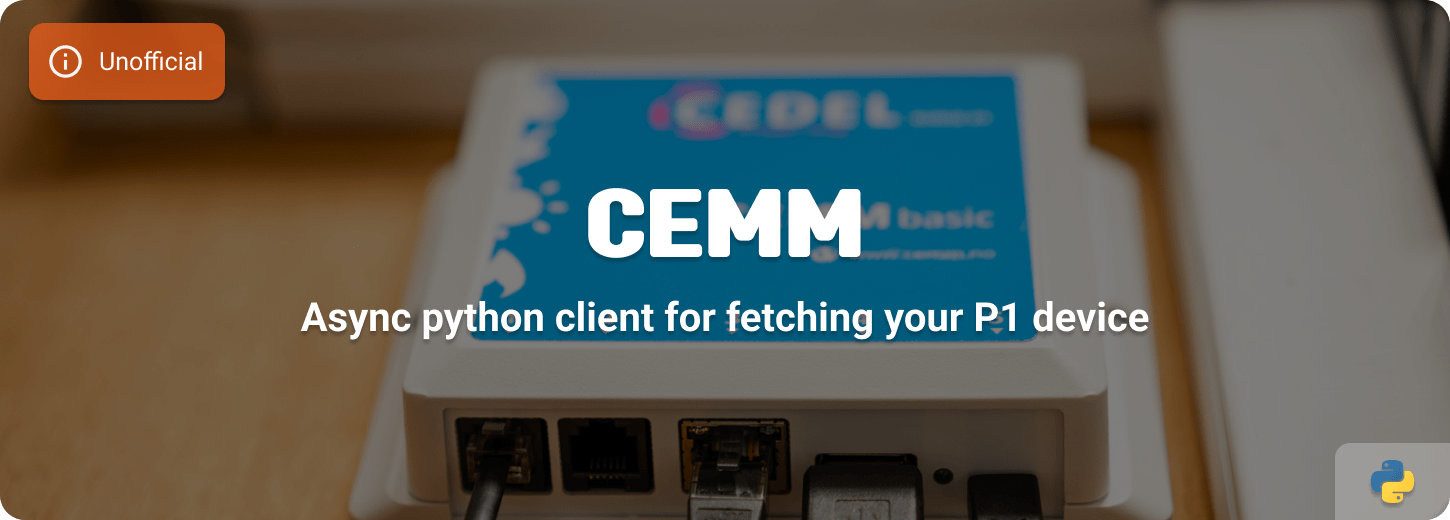















Asynchronous Python client for the CEMM devices.
About
A python package with which you can read the data from your CEMM device via a local API. You can use it to read your smart meter via the P1, read your water meter and gain insight into how much your solar panels are producing.
Installation
pip install cemm
Usage
import asyncio

from cemm import CEMM


async def main() -> None:
    """Show example on getting data from your CEMM device."""
    async with CEMM(
        host="127.0.0.1",
    ) as client:
        connections = await client.all_connections()
        device = await client.device()
        smartmeter = await client.smartpanel("p1")
        watermeter = await client.watermeter("pulse-1")
        solarpanel = await client.solarpanel("mb3")
        print(connections)
        print(device)
        print(smartmeter)
        print(watermeter)
        print(solarpanel)


if __name__ == "__main__":
    asyncio.run(main())
Data
You can read the following data with this package, the power flow entities can also give a negative value.
Connections
- ID
- Type
- Alias
Device
- Model
- Mac address
- Version
- Core version
SmartMeter
- Power Flow (W)
- Gas Consumption (m3)
- Energy Tariff Period
- Energy Consumption - High / Low (kWh)
- Energy Returned - High / Low (kWh)
- Billed Energy - High / Low (kWh)
WaterMeter
- Flow (liters)
- Volume
Solarpanel
- Power Flow (W)
- Device Consumption - High / Low / Total (kWh)
- Gross Production - High / Low / Total (kWh)
- Net Production - High / Low / Total (kWh)
Contributing
This is an active open-source project. We are always open to people who want to use the code or contribute to it.
We've set up a separate document for our contribution guidelines.
Thank you for being involved! 😍
Setting up development environment
This Python project is fully managed using the Poetry dependency manager.
You need at least:
- Python 3.9+
- Poetry
Install all packages, including all development requirements:
poetry install
Poetry creates by default an virtual environment where it installs all necessary pip packages, to enter or exit the venv run the following commands:
poetry shell
exit
Setup the pre-commit check, you must run this inside the virtual environment:
pre-commit install
Now you're all set to get started!
As this repository uses the pre-commit framework, all changes are linted and tested with each commit. You can run all checks and tests manually, using the following command:
poetry run pre-commit run --all-files
To run just the Python tests:
poetry run pytest
License
MIT License
Copyright (c) 2021-2023 Klaas Schoute
Permission is hereby granted, free of charge, to any person obtaining a copy of this software and associated documentation files (the "Software"), to deal in the Software without restriction, including without limitation the rights to use, copy, modify, merge, publish, distribute, sublicense, and/or sell copies of the Software, and to permit persons to whom the Software is furnished to do so, subject to the following conditions:
The above copyright notice and this permission notice shall be included in all copies or substantial portions of the Software.
THE SOFTWARE IS PROVIDED "AS IS", WITHOUT WARRANTY OF ANY KIND, EXPRESS OR IMPLIED, INCLUDING BUT NOT LIMITED TO THE WARRANTIES OF MERCHANTABILITY, FITNESS FOR A PARTICULAR PURPOSE AND NONINFRINGEMENT. IN NO EVENT SHALL THE AUTHORS OR COPYRIGHT HOLDERS BE LIABLE FOR ANY CLAIM, DAMAGES OR OTHER LIABILITY, WHETHER IN AN ACTION OF CONTRACT, TORT OR OTHERWISE, ARISING FROM, OUT OF OR IN CONNECTION WITH THE SOFTWARE OR THE USE OR OTHER DEALINGS IN THE SOFTWARE.
1 maintainer

Metadata
1 maintainer
Release files for cemm 0.5.1
For a detailed explanation of source distributions (sdists) and built distributions (wheels), please see the package formats documentation.
Source distribution (sdist)
| File | Size | Uploaded | Provenance | Actions |
|---|---|---|---|---|
| cemm-0.5.1.tar.gz | 10.8 kB | Without provenance | Details for cemm-0.5.1.tar.gz |
Built distribution (wheel)
| File | Interpreter | ABI | Platform | Actions Reset |
|---|---|---|---|---|
| cemm-0.5.1-py3-none-any.whl | Python 3 | none | any | Details for cemm-0.5.1-py3-none-any.whl |
Total release size: 19.0 kB
Release files / cemm-0.5.1.tar.gz
| Download URL | cemm-0.5.1.tar.gz |
|---|---|
| Size | 10.8 kB |
| Tags | Source |
|
SHA-256 checksum How to use checksums |
f87b990d5e451f1d378a7ca051ac62d1b9cbe56437b924e97b74bb87fa3dcda9
|
|
BLAKE2b-256 checksum How to use checksums |
5ceac3b4f79c986672a9ce76798d66c022e2f38fe11a2671ba25e66a4d3019b0
|
| Upload date | |
|
Uploaded using Trusted Publishing? What is trusted publishing? |
No |
| Uploaded via |
poetry/1.3.2 CPython/3.9.16 Linux/5.15.0-1031-azure
|
Release files / cemm-0.5.1-py3-none-any.whl
| Download URL | cemm-0.5.1-py3-none-any.whl |
|---|---|
| Size | 8.2 kB |
| Tags | Python 3 |
|
SHA-256 checksum How to use checksums |
c841462b438f1c9744f9e56bcaaadc70f8a21d47e8b2967ebdfe1d9a413ea82b
|
|
BLAKE2b-256 checksum How to use checksums |
d413c58535ebf214efd05cf5399608479d37bca6fa1f905c0a03838c1eb13e94
|
| Upload date | |
|
Uploaded using Trusted Publishing? What is trusted publishing? |
No |
| Uploaded via |
poetry/1.3.2 CPython/3.9.16 Linux/5.15.0-1031-azure
|
Security for cemm 0.5.1
Provenance
Provenance describes where a file came from. On PyPI, provenance is shared via attestations, which provide a verifiable record of the build or publishing details. View details, limitations and caveats.
No provenance found
None of the files in this release were uploaded with provenance metadata.
A note on package security
PyPI is a repository for distributing packages, not a service for auditing them. While third-party security researchers and our staff do their best to detect and remove malicious packages, PyPI cannot guarantee the quality, security or suitability of any given package.
To learn more about protecting yourself from malicious actors, visit our package security documentation.














