
cinestyle
If you just want to use the library the easiest way it just to install the official PyPi release (via pip)
pip install cinestyle




Cinematic, publication-grade data-viz for matplotlib, done with color science. Twenty-eight film-inspired themes that are beautiful, correct, and accessible; high-level chart-idiom builders for the pictures matplotlib has no shorthand for; an animation engine for data reveals; and a built-in accessibility toolkit. The themes also drive Plotly and Altair, and you can define your own brand.
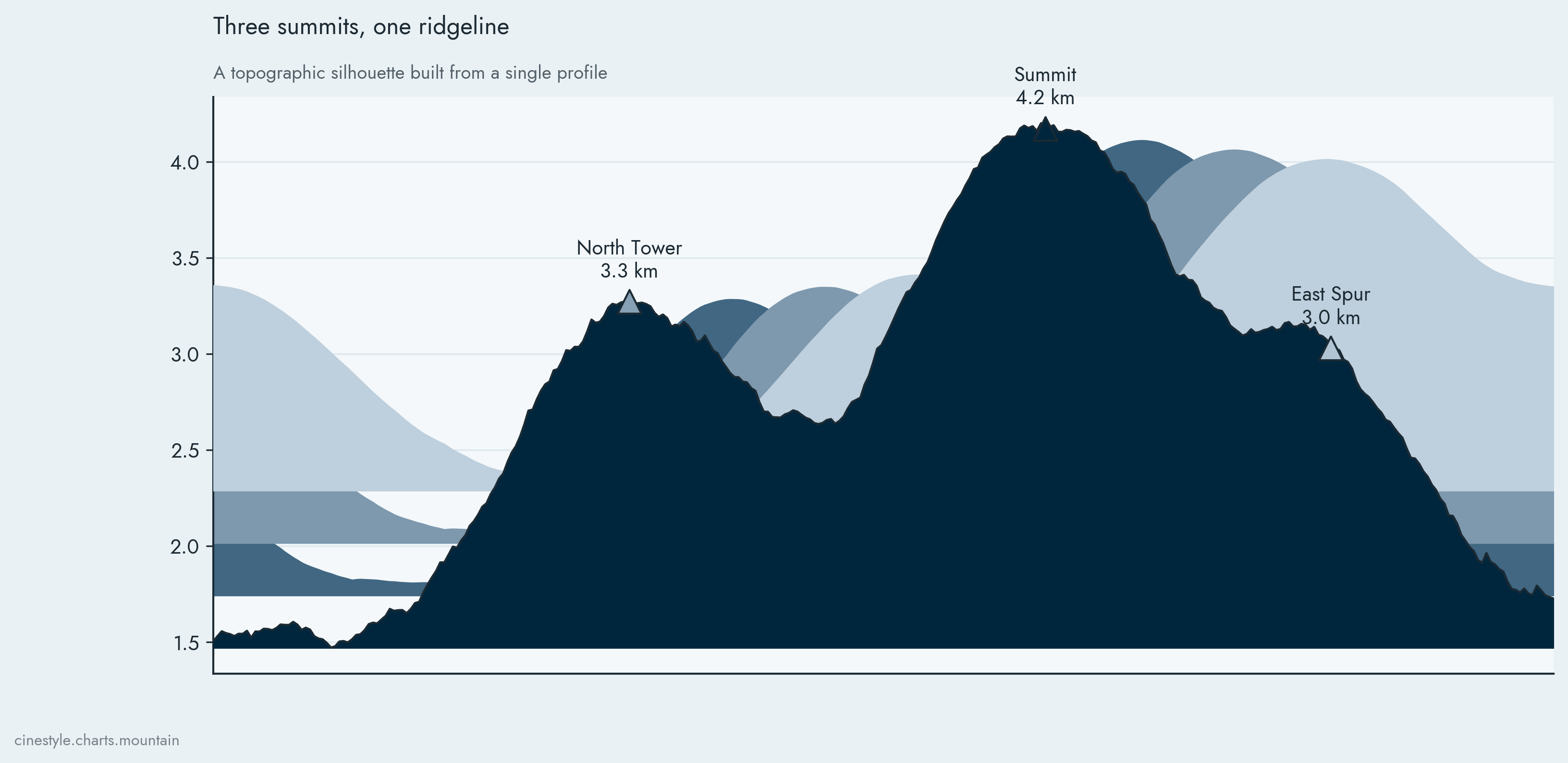
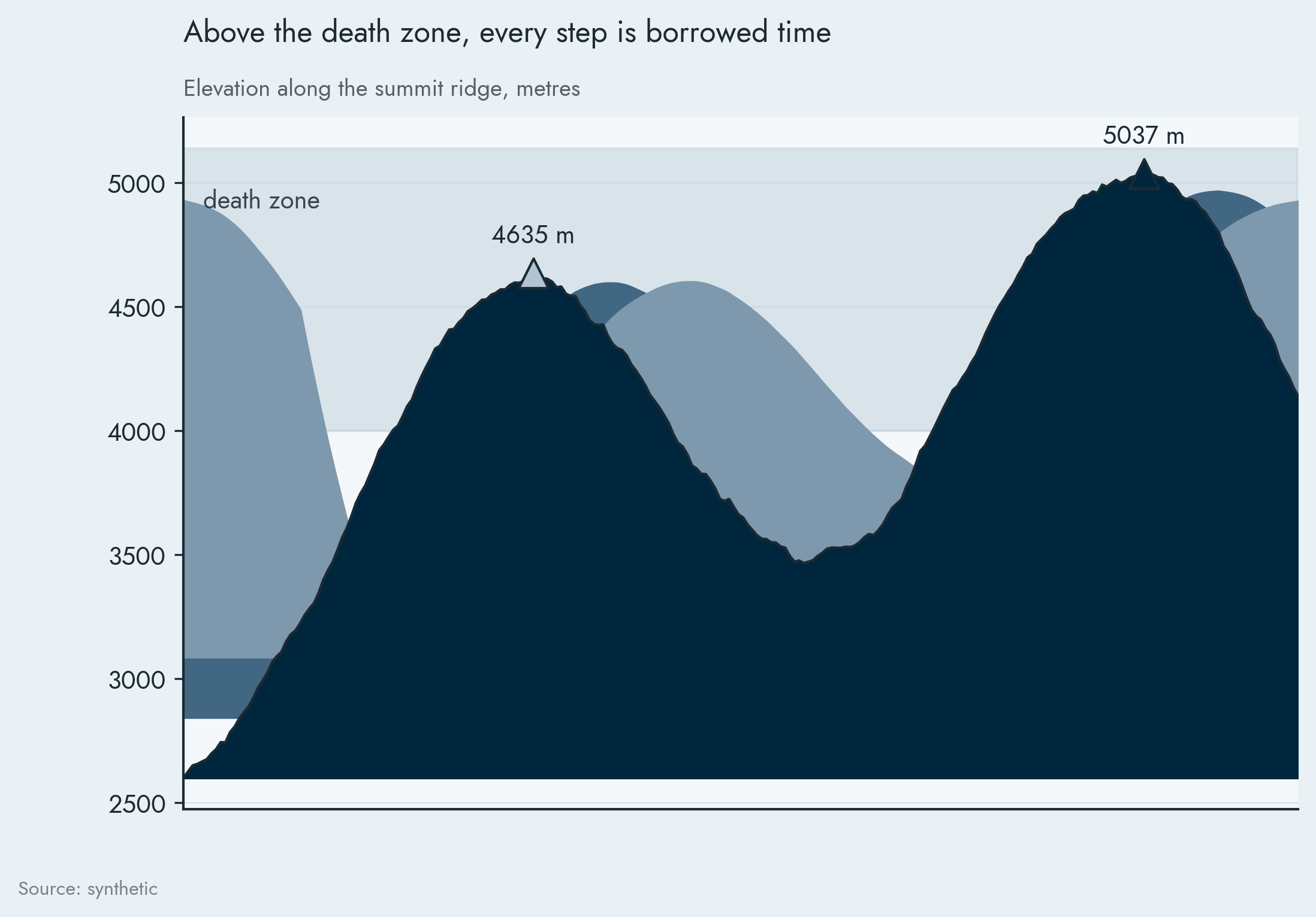
The signature mountain idiom: a topographic silhouette that still reads its
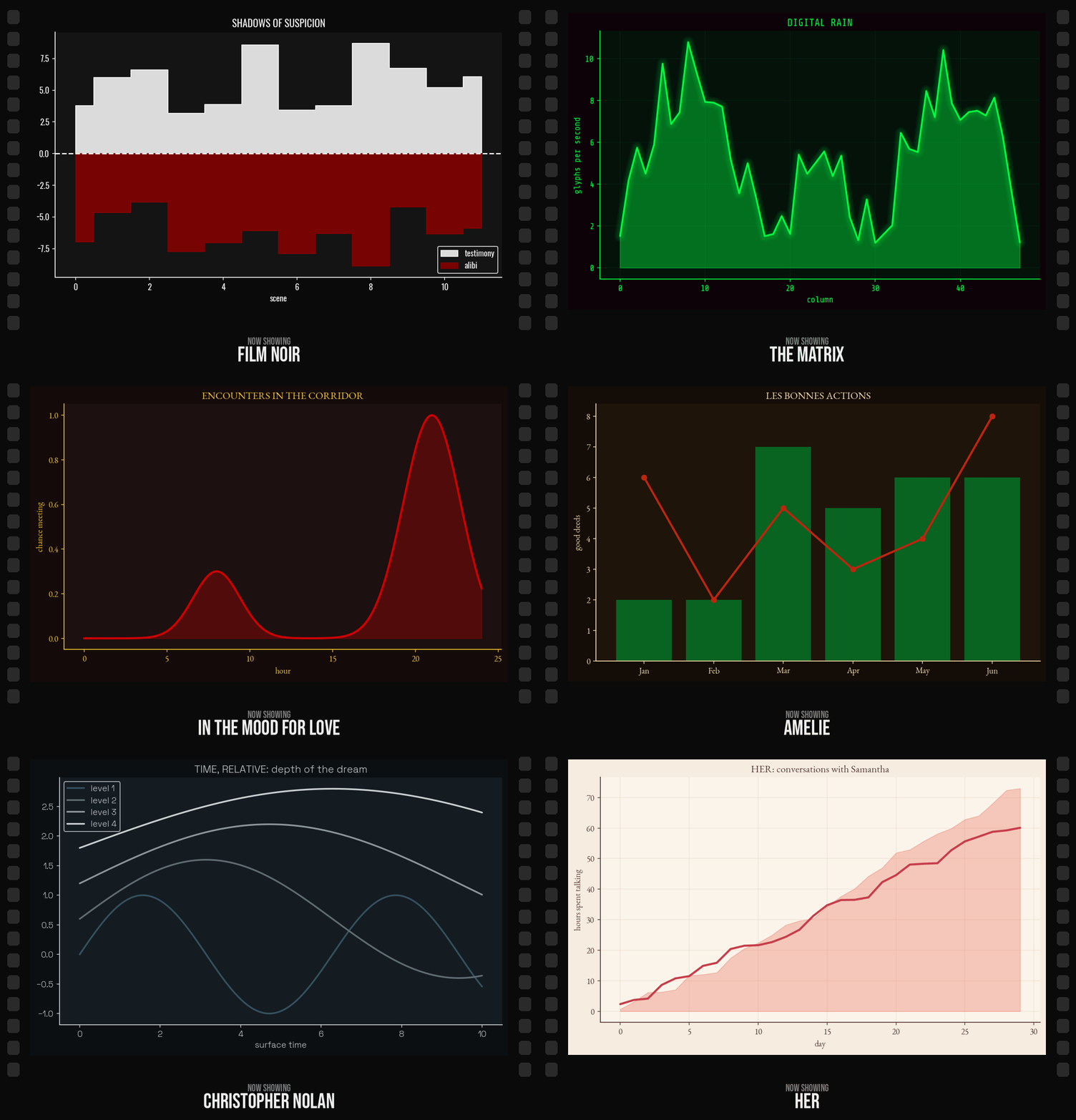
y-axis honestly. The themes each plot data from their own film; same data,
cinematic finish:
Why this exists
Most "pretty matplotlib" packages pick colors by eye and only look right on the one chart in their README. cinestyle is built differently:
- Perceptually derived. Each theme's categorical palette and its sequential and diverging colormaps are computed in a perceptual color space (OKLCH, with CIEDE2000 distances) from a few sourced "hero" colors, not hand-waved. Sequential maps have monotonic lightness; diverging maps are symmetric.
- One spec, three backends. Define a theme once and apply it to matplotlib, Plotly, or Altair. The palette, the sequential/diverging colormaps, and the chrome all travel; you stop caring which plotting library wins.
- Works on every chart type. On matplotlib it only sets rcParams and registers colormaps. Lines, bars, scatter, hist, boxplots, pies, heatmaps, errorbars: all themed. You never switch themes mid-deck.
- Accessible by design.
audit()any palette (or theme) for color-vision deficiency and contrast;repair()turns it into a colorblind-safe variant. - Idioms, not just colors. A
chartslayer for the pictures matplotlib makes you hand-roll: beeswarm, dumbbell, ridgeline, slope and bump, underwater drawdown, streamgraph, rolling-correlation heatmap, the signaturemountain, plus choropleth and Sankey behind extras. - Motion. An
animengine wrapsFuncAnimationto render data reveals to mp4 or gif, headless and deterministic, with a motion preset per subject theme. - Reproducible. Themes ship their fonts (SIL OFL), so a matplotlib chart looks the same on every machine.
- Cinematic extras (matplotlib). A neon glow for the dark themes, and
film-look LUTs you can apply to image plots and export as
.cube.
Install
pip install cinestyle
Latest unreleased build: pip install git+https://github.com/Burton-David/cinematic-matplotlib.git.
Optional extras: cinestyle[plotly], cinestyle[altair] (the other backends),
cinestyle[a11y] (color-vision checks), cinestyle[luts] (reading external
.cube LUTs), cinestyle[geo] (choropleths: geopandas + shapely),
cinestyle[flow] (a pandas frame for Sankey), cinestyle[anim] (a bundled
ffmpeg for mp4). For development: pip install -e ".[dev]". Requires Python 3.10+.
Quick start
import matplotlib.pyplot as plt
import numpy as np
import cinestyle

x = np.linspace(0, 12, 200)

# 1. Scoped: styling is restored when the block exits
with cinestyle.use("blade_runner"):
    fig, ax = plt.subplots()
    for i in range(4):
        ax.plot(x, np.sin(x + i * 0.6) + i * 0.4)
    cinestyle.add_glow(ax)          # the neon glow

# 2. Registered style sheet: use it like any matplotlib style
cinestyle.register()
plt.style.use("cinestyle-dune")

# 3. The Theme object itself: palette, colormaps, and more
theme = cinestyle.get_theme("ghibli")
plt.imshow(data, cmap=theme.sequential)
Finishing a figure
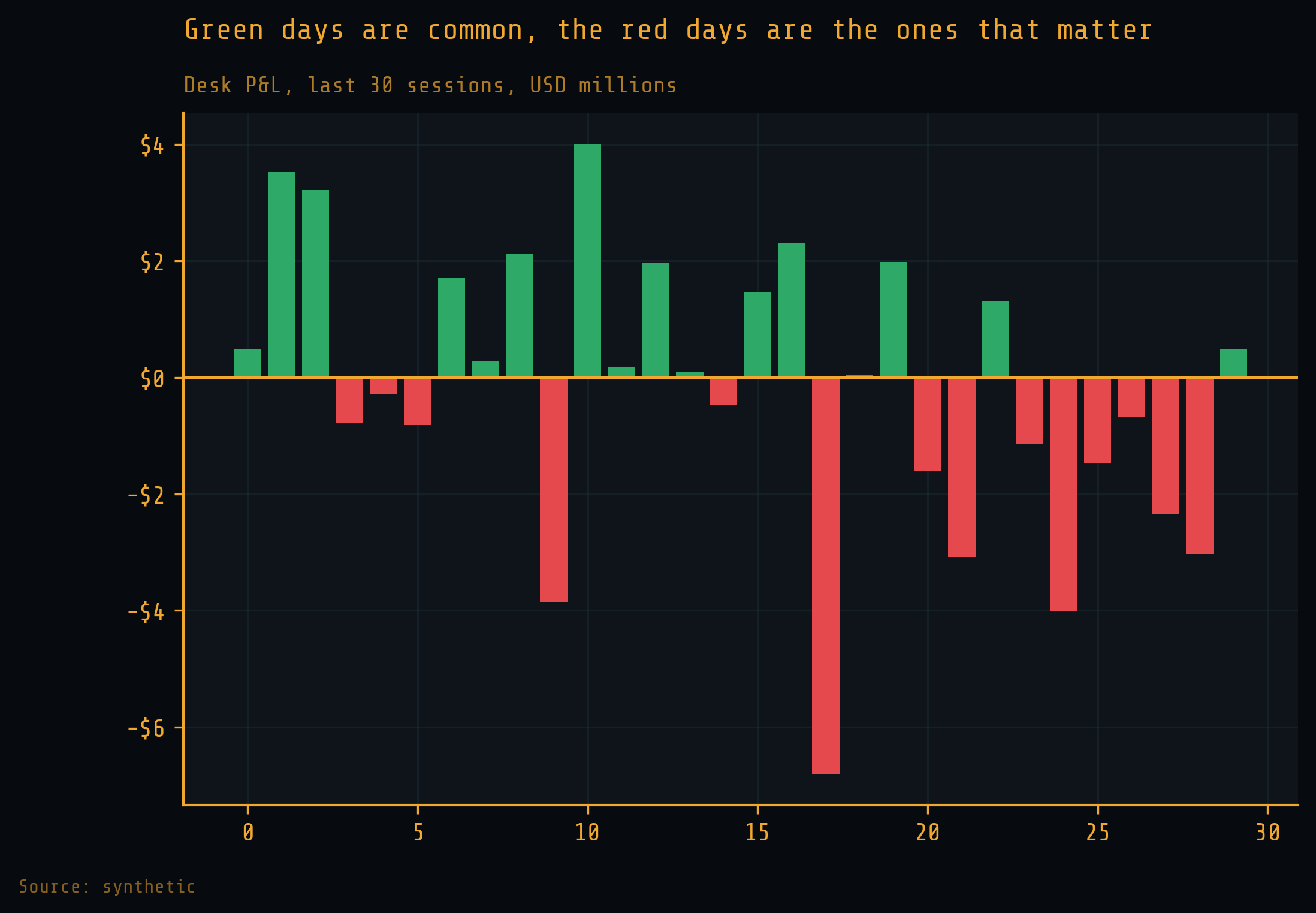
The scaffolding turns a plot into an exhibit: a finding-driven title, a muted subtitle and source line, decluttered spines, and thousands/currency formatting. Everything reads the active theme, so it looks right without being told which.
fig, ax = plt.subplots()
ax.bar(tickers, pnl)
cinestyle.currency(ax, "y", "$")              # 12000 -> $12,000
cinestyle.value_labels(ax)                    # label each bar
cinestyle.finish(
    ax,
    "Green days are common, the red days are the ones that matter",
    "Desk P&L, last 30 sessions, USD millions",
    source="Source: filings",
)
cinestyle.save(fig, "out/pnl.png")            # 300 dpi, tight, parents made
cinestyle.lint_text(fig)                       # flag em/en dashes (house style)
Chart idioms
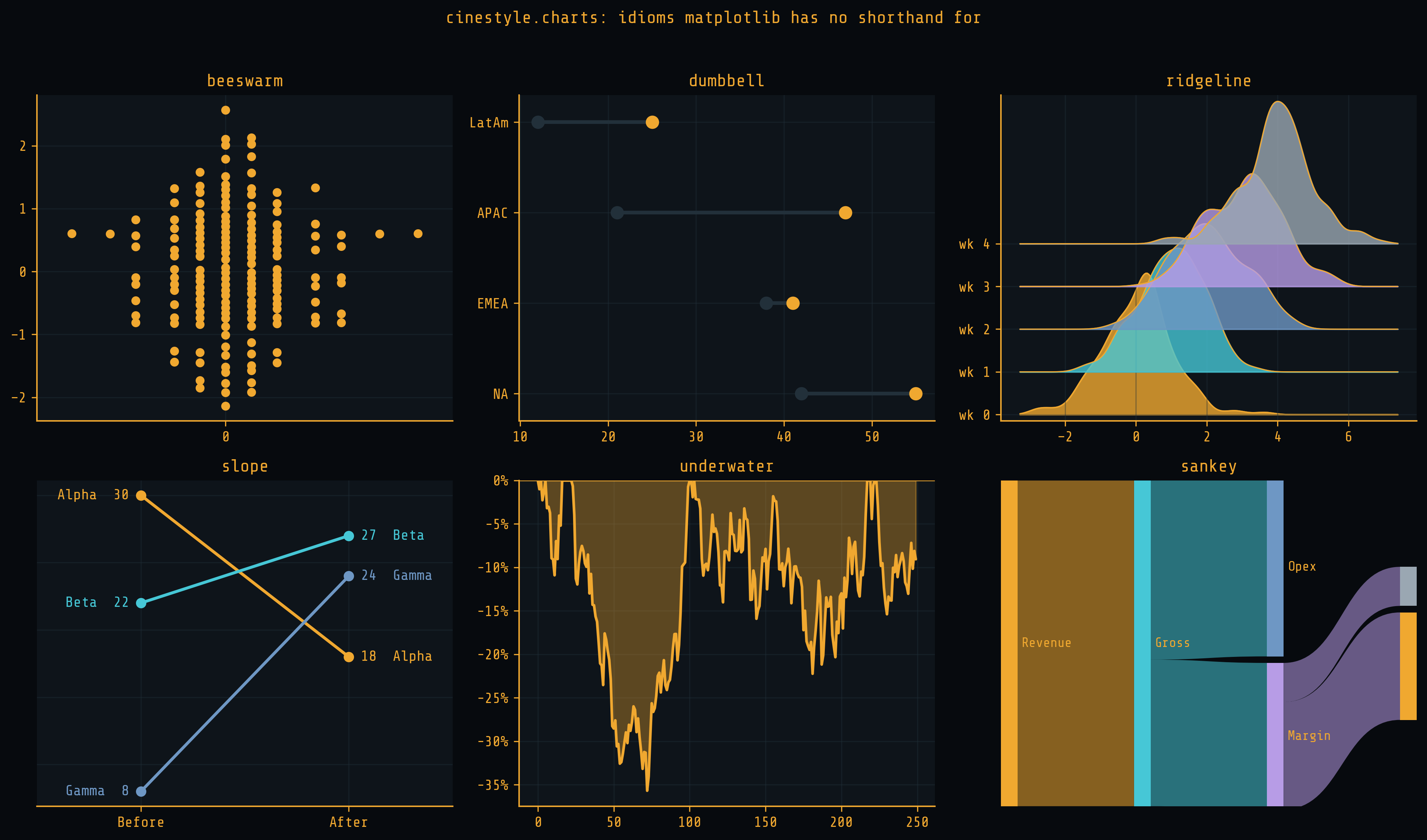
cinestyle.charts builds the idioms matplotlib has no shorthand for. Each takes
tidy data and an axes, applies the active theme, and returns the axes (or the
artist). Heavyweight idioms sit behind extras: choropleth ([geo]) and sankey
([flow]).
from cinestyle import charts

with cinestyle.theme("the_revenant"):
    fig, ax = plt.subplots()
    charts.mountain(profile, zone=(4000, 5200), zone_label="death zone", ax=ax)
beeswarm, dumbbell, lollipop, ridgeline, slope, bump, underwater,
streamgraph, hexbin_density, rolling_corr_heatmap, mountain, choropleth,
sankey:
Animation
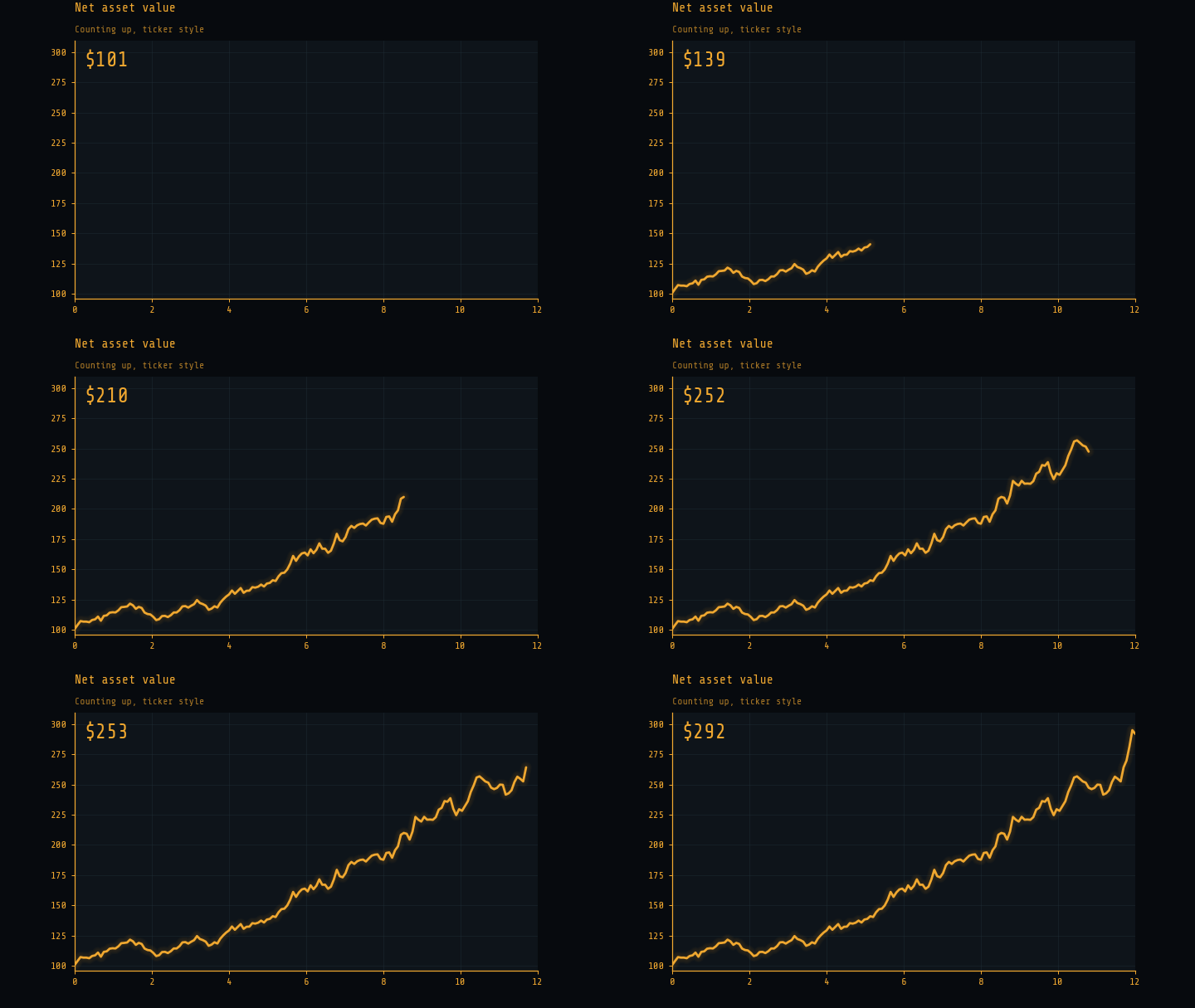
cinestyle.anim wraps FuncAnimation to render data reveals, headless and
deterministic. You write an update(frame) with the reveal helpers; the engine
picks the writer from the extension and degrades an mp4 to a gif if no ffmpeg is
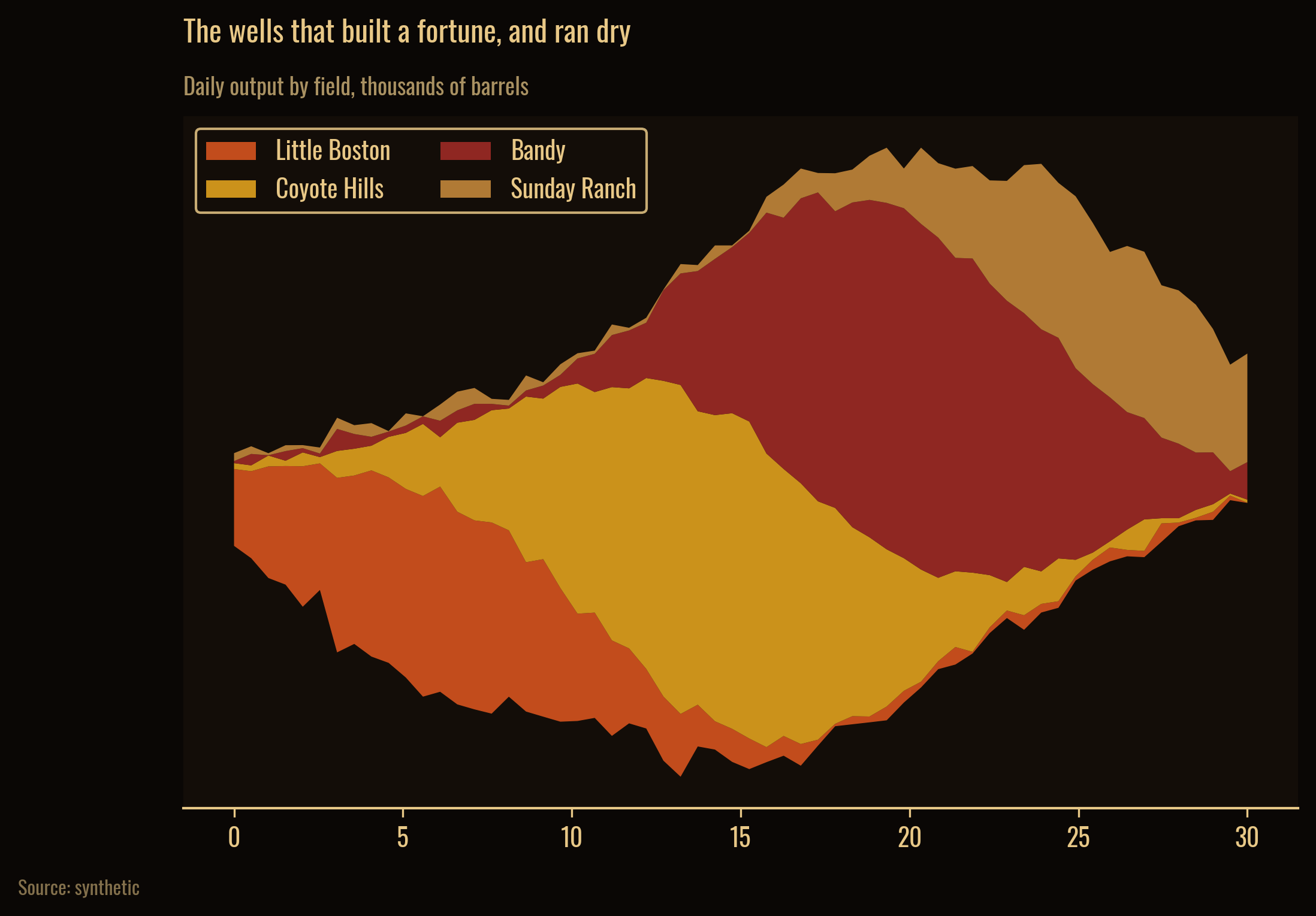
present. Each subject theme carries a motion preset (terminal counts up,
petroleum flows, altitude ascends, atlas fills).
from cinestyle import anim

with cinestyle.theme("terminal"):
    fig, ax = plt.subplots()
    (line,) = ax.plot([], [])

    def update(i):
        t = anim.progress(i, frames, anim.ease_out_cubic)
        anim.reveal_line(line, x, y, t)
        return (line,)

    anim.animate(fig, frames, update, preset="ticker", out="reveal.mp4")
Other backends
The same theme drives Plotly and Altair. The palette, colormaps, and chrome carry over; glow and LUTs stay matplotlib-only.
import cinestyle

# Plotly
cinestyle.register_plotly()
fig.update_layout(template="cinestyle-blade_runner")   # or use_plotly("dune")

# Altair
cinestyle.register_altair(enable="dune")               # enables the theme
See docs/gallery.md for the same theme rendered across all three backends side by side.
Gallery
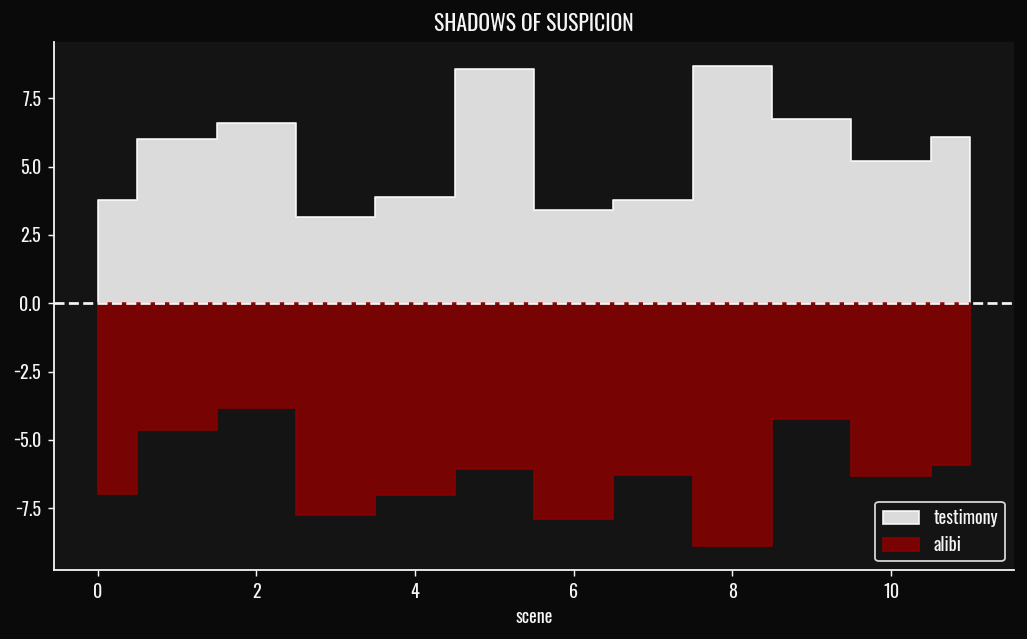
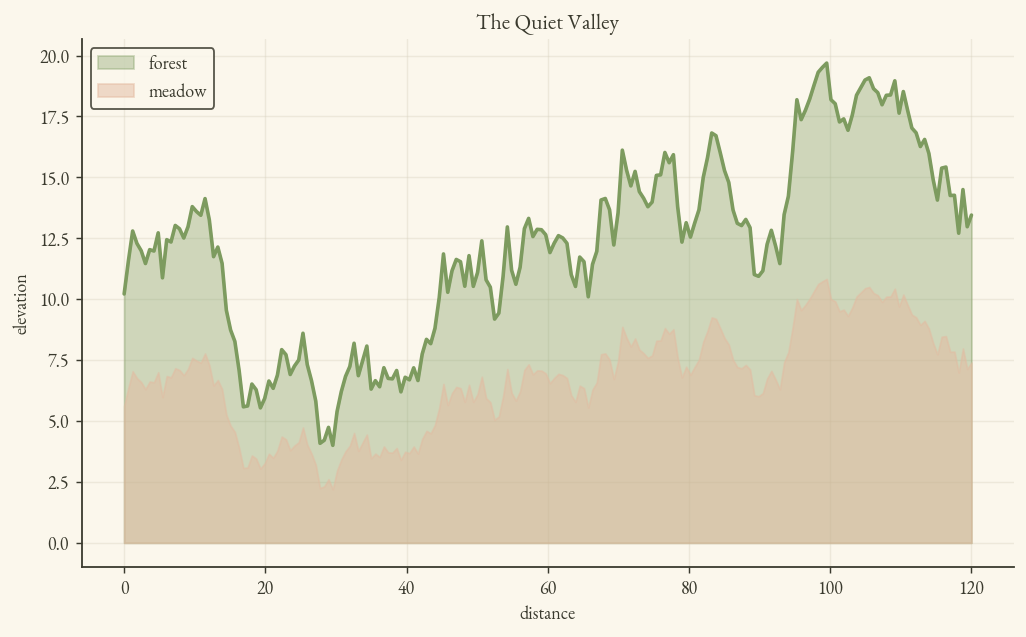
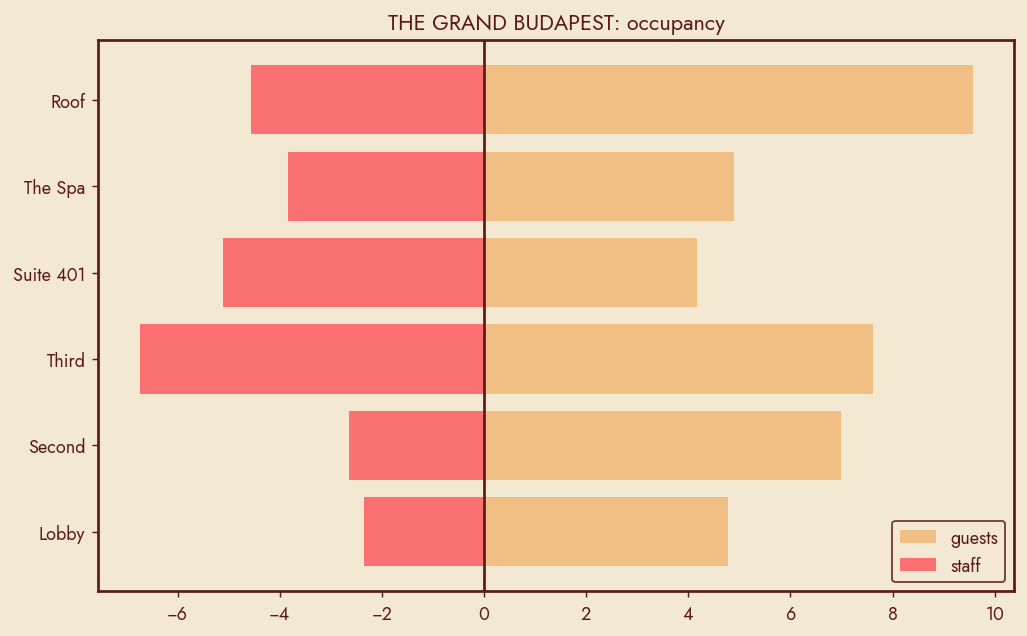
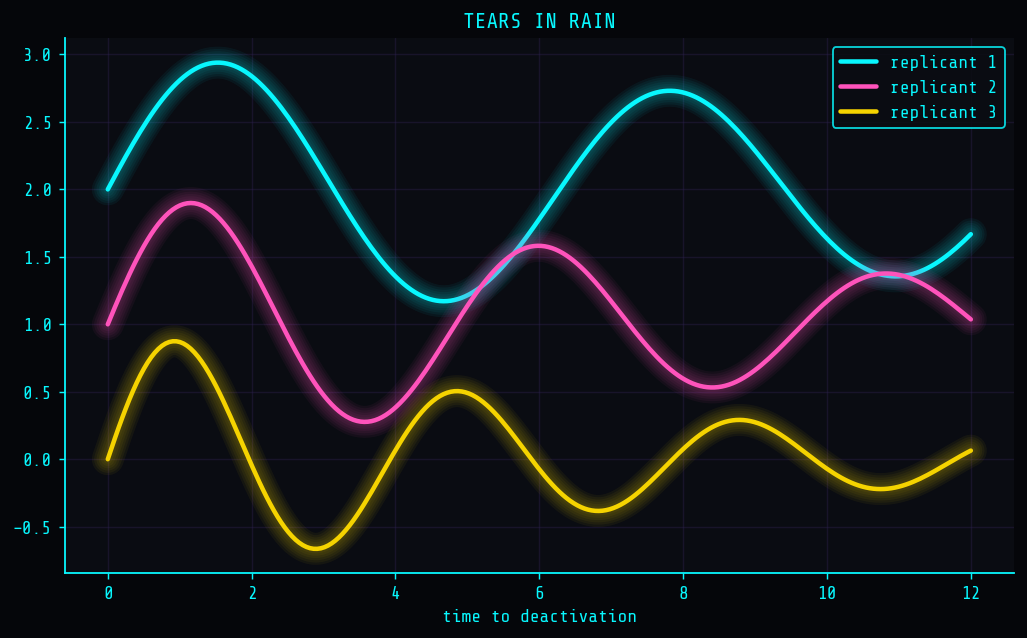
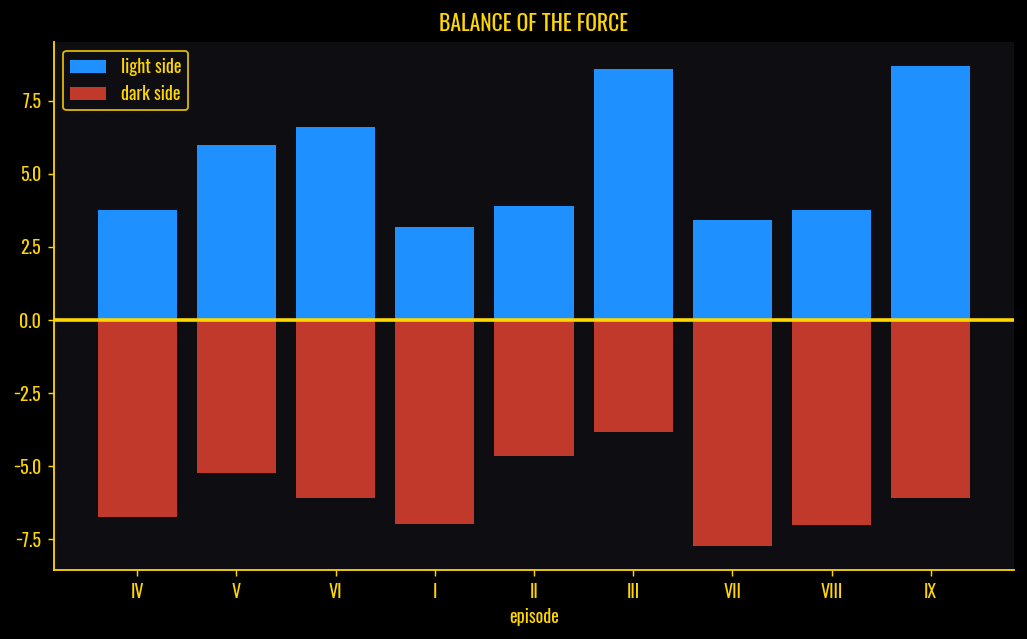
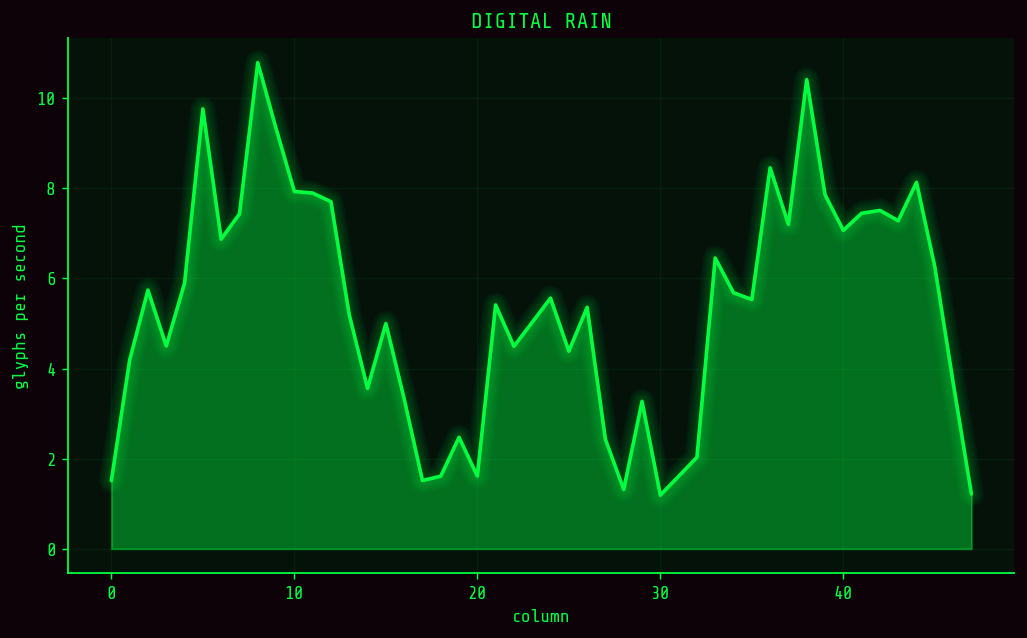
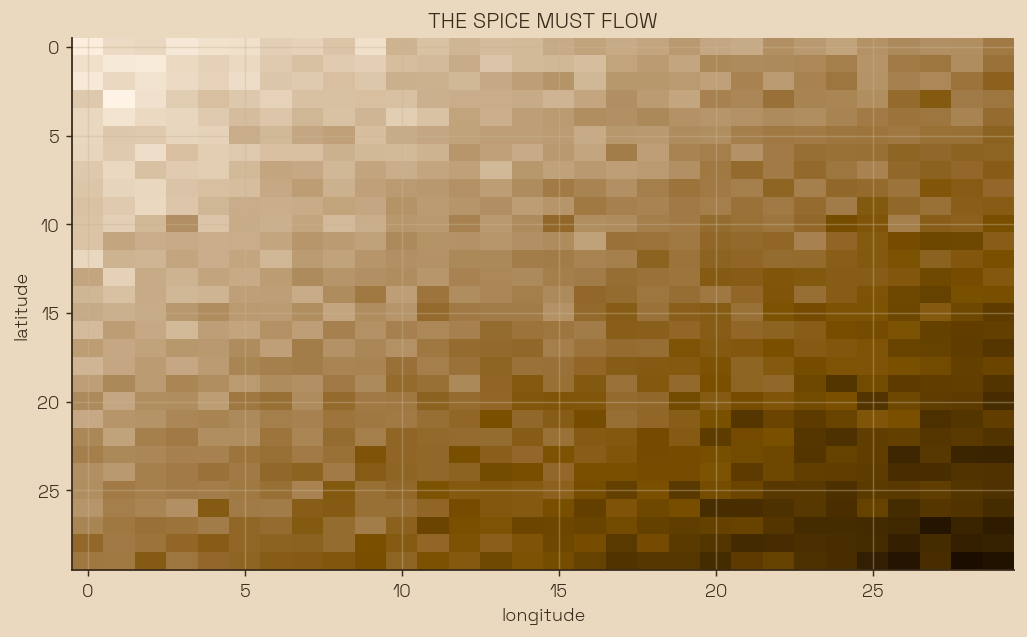
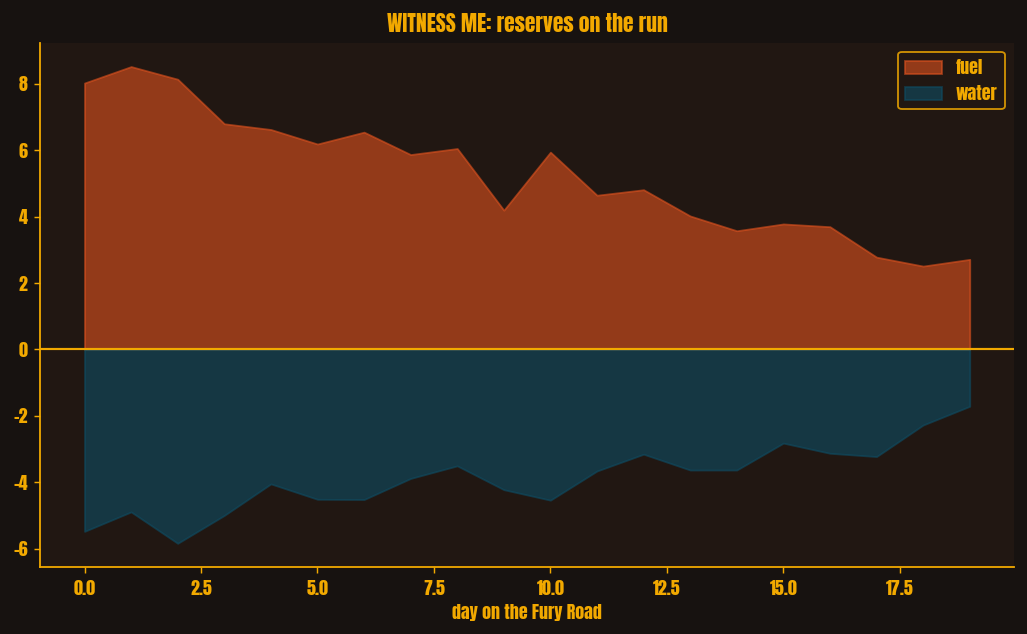
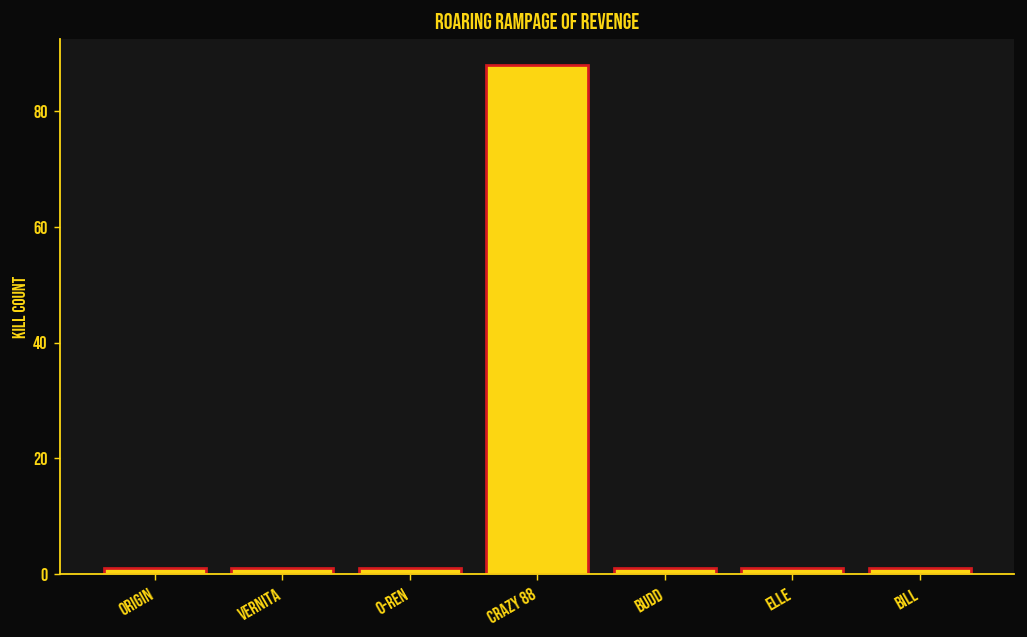
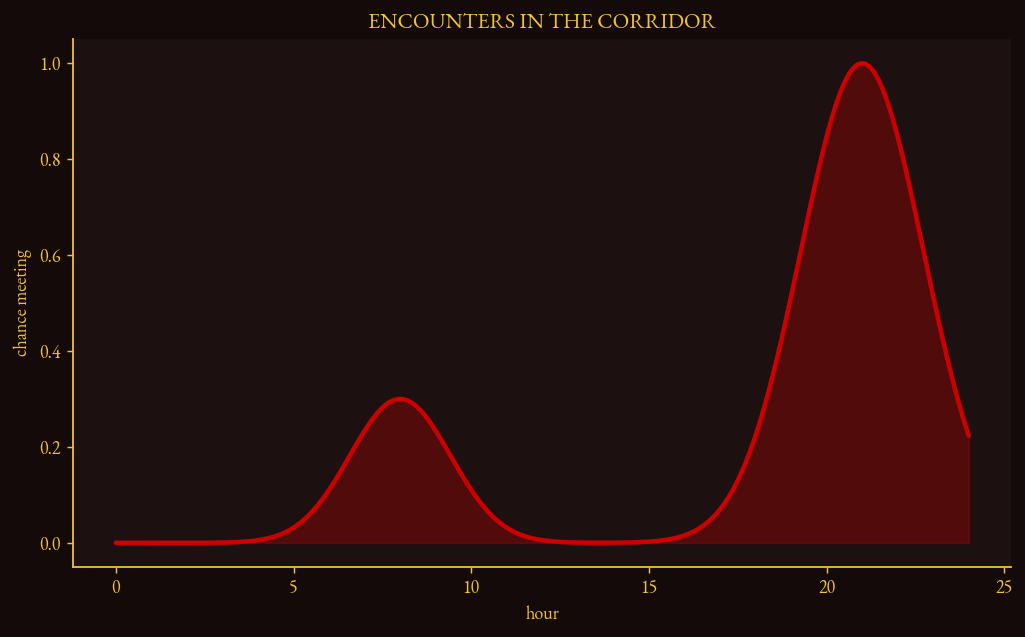
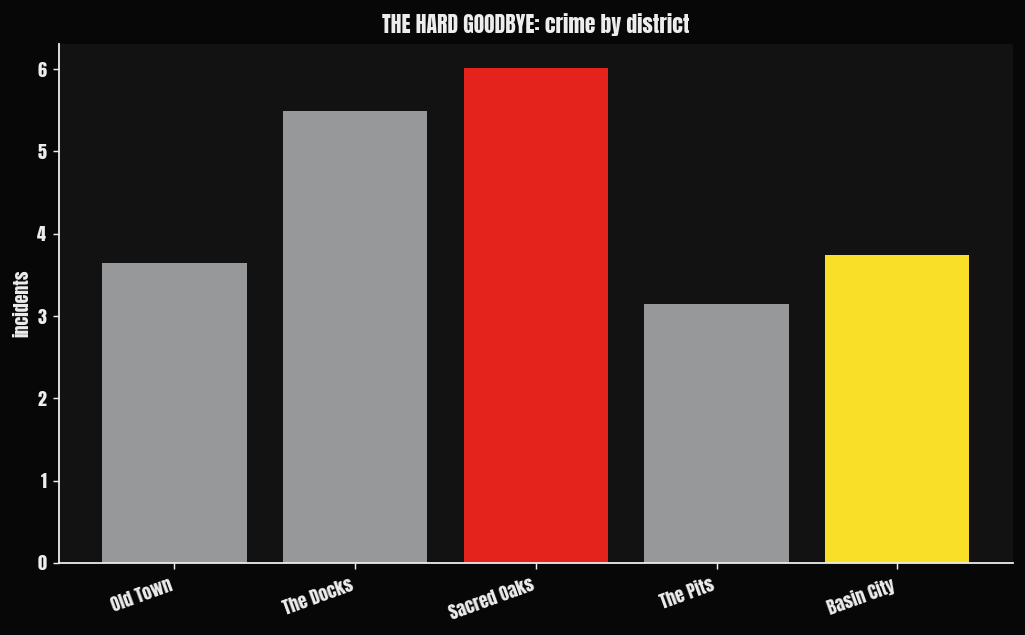
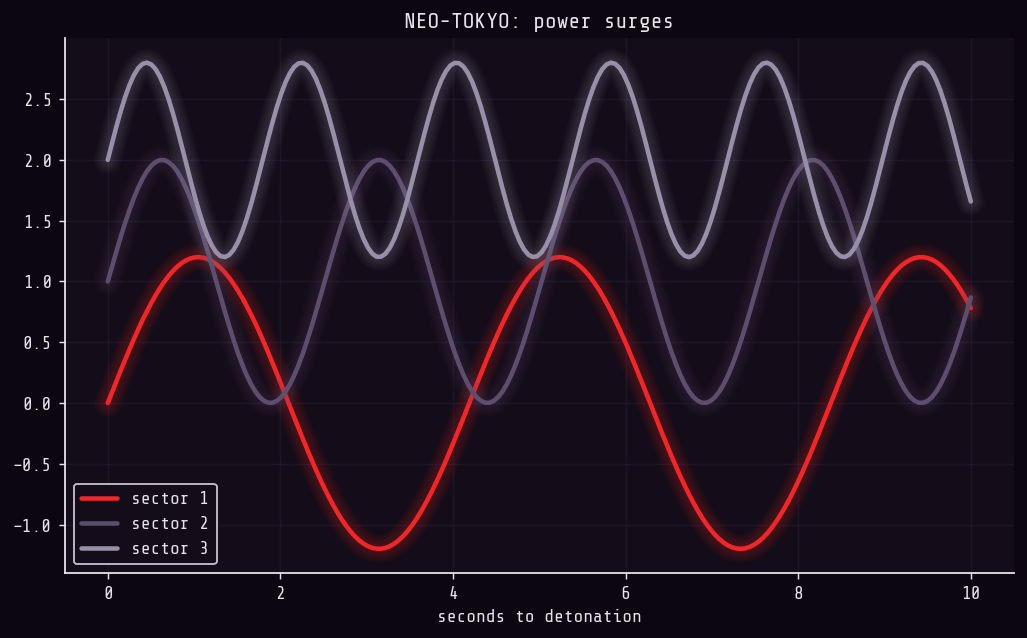
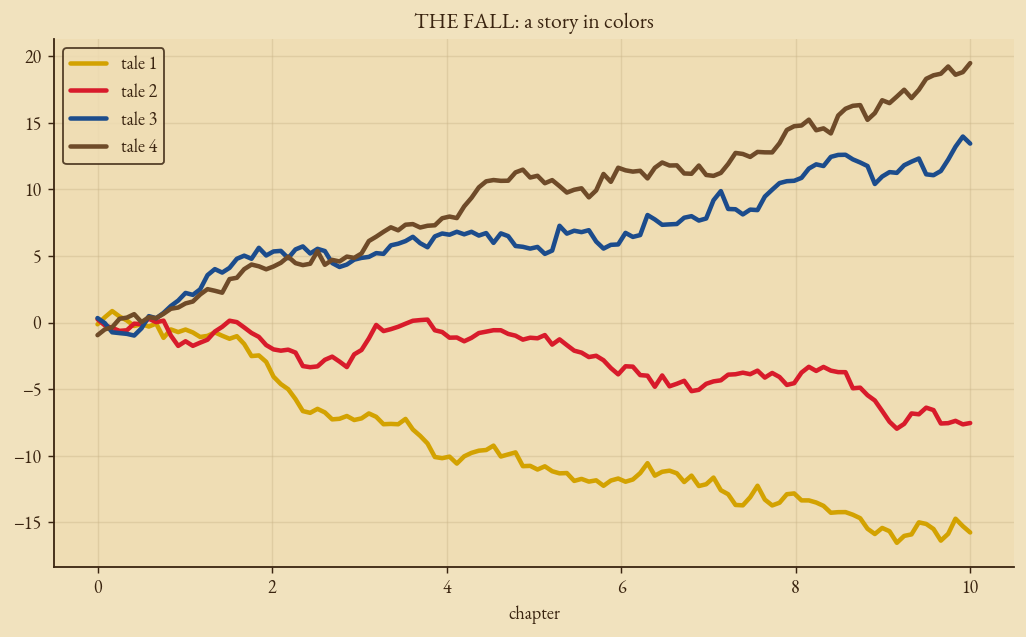
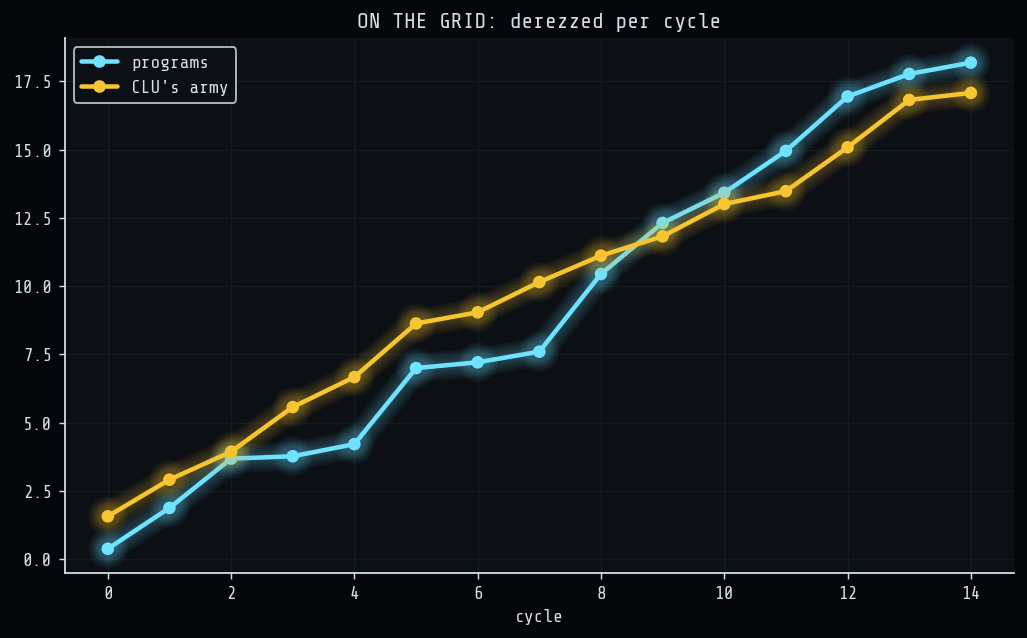
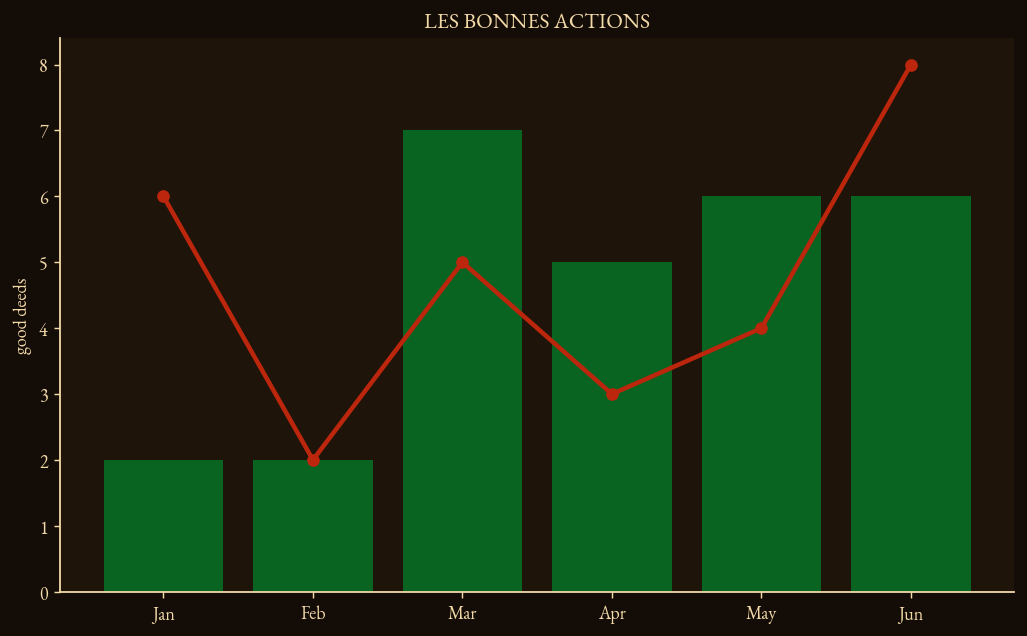
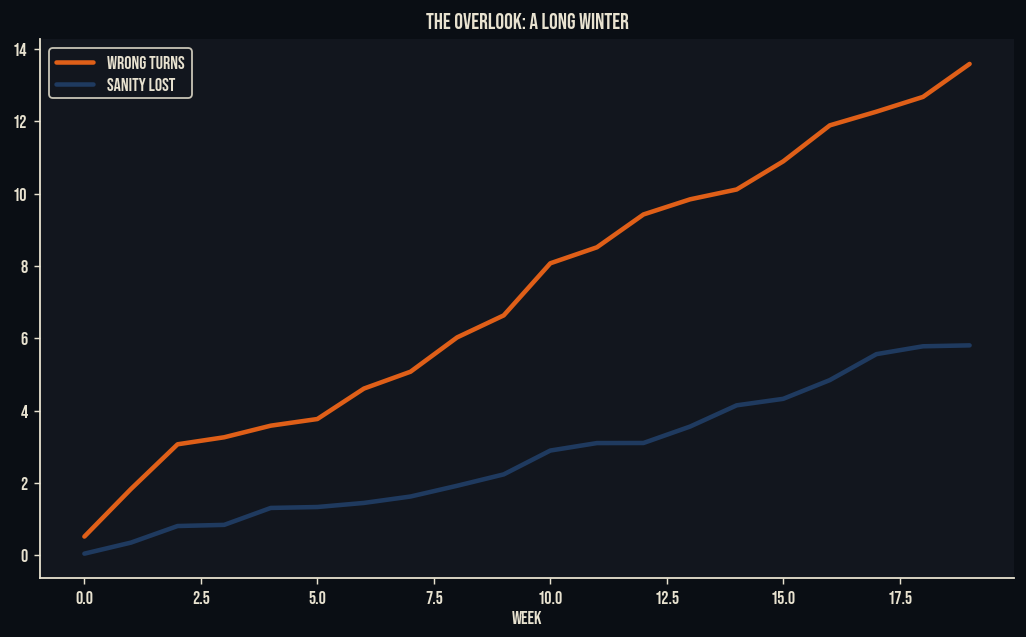
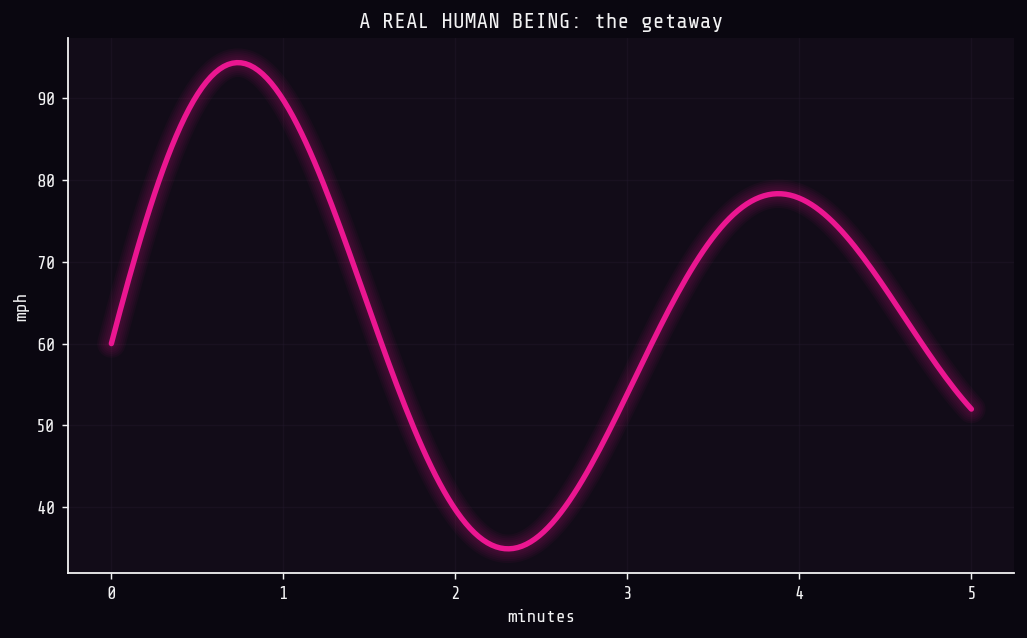
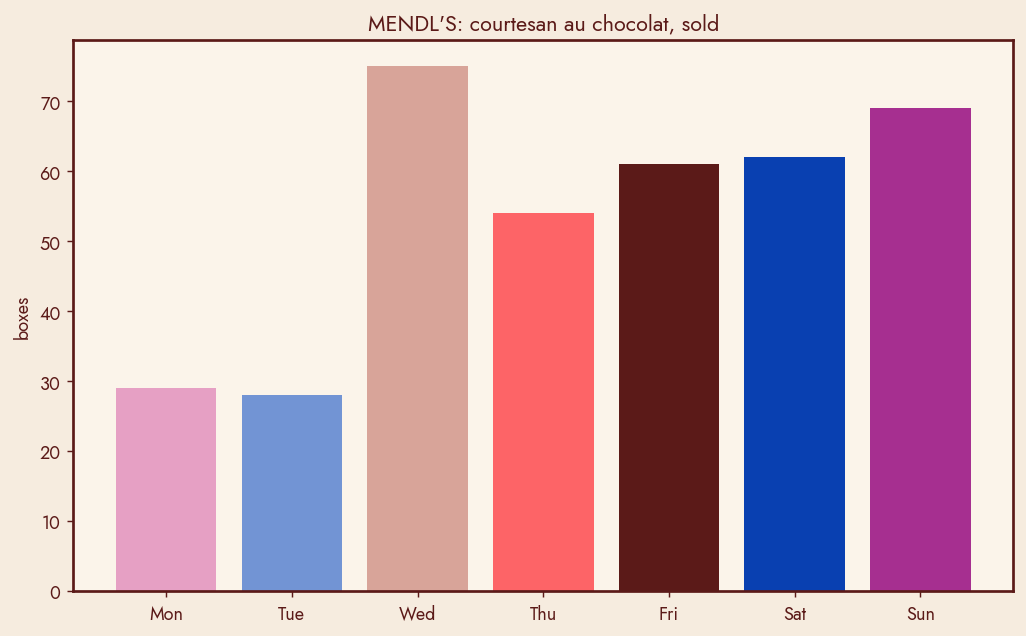
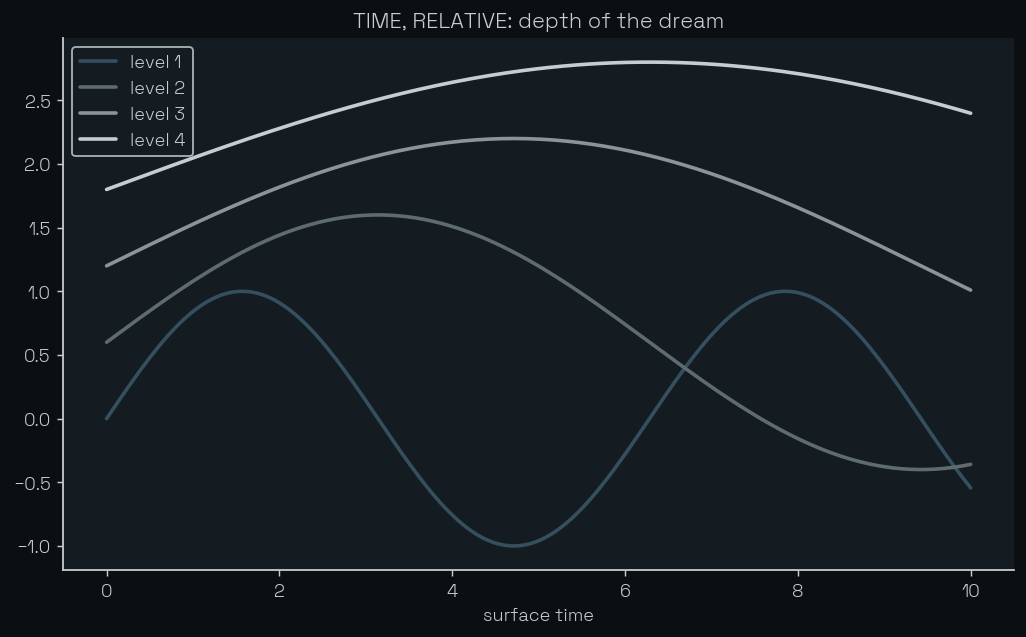
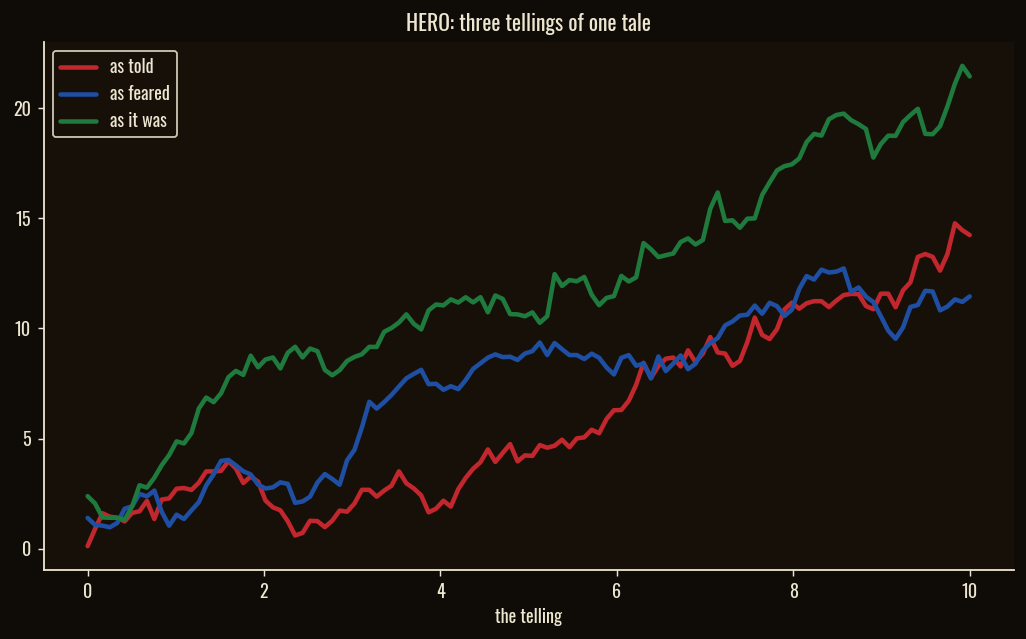
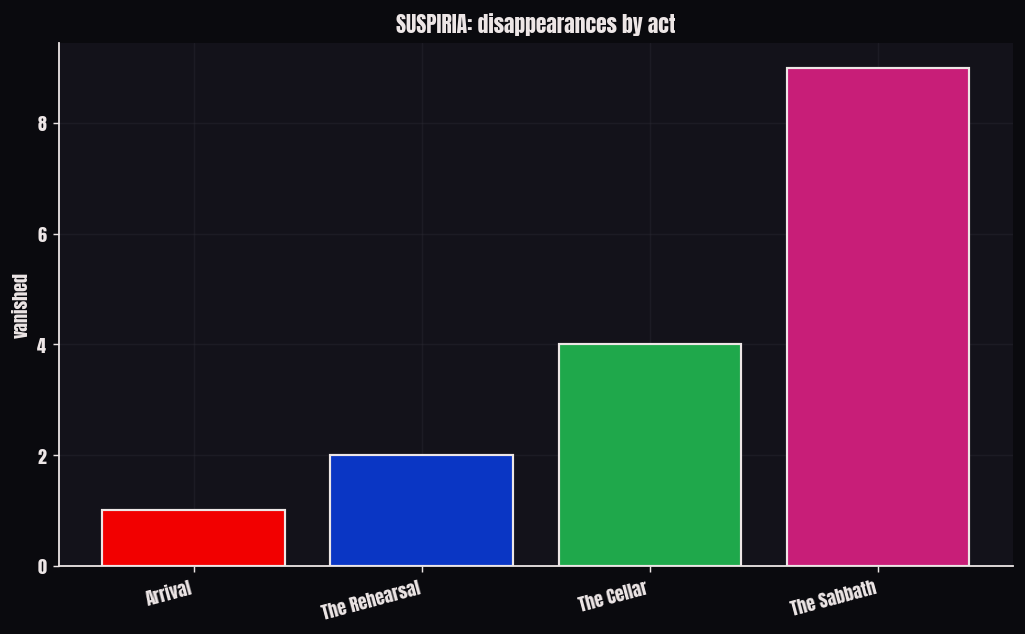
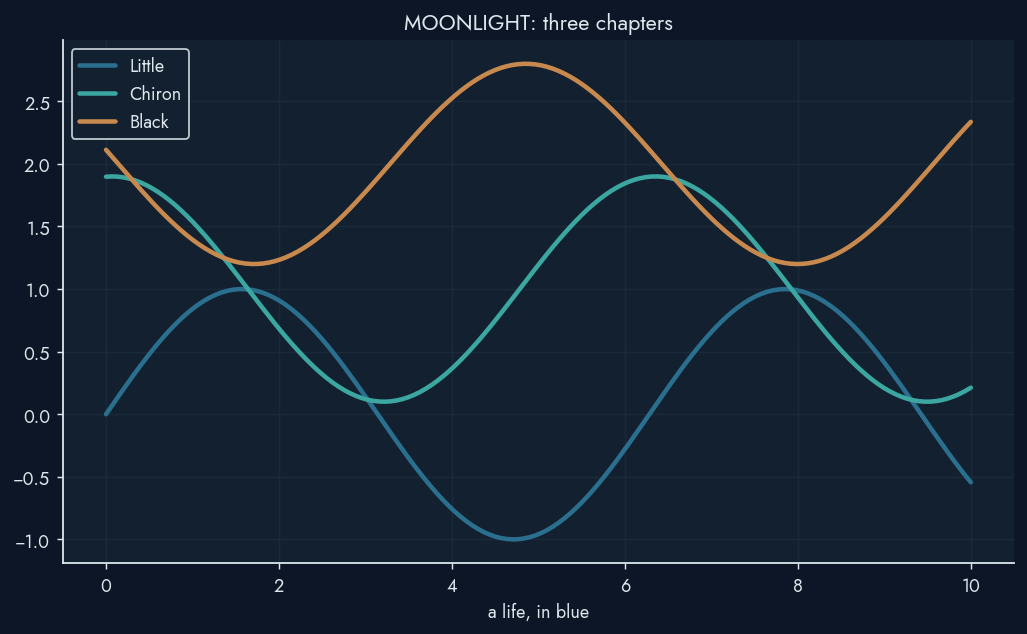
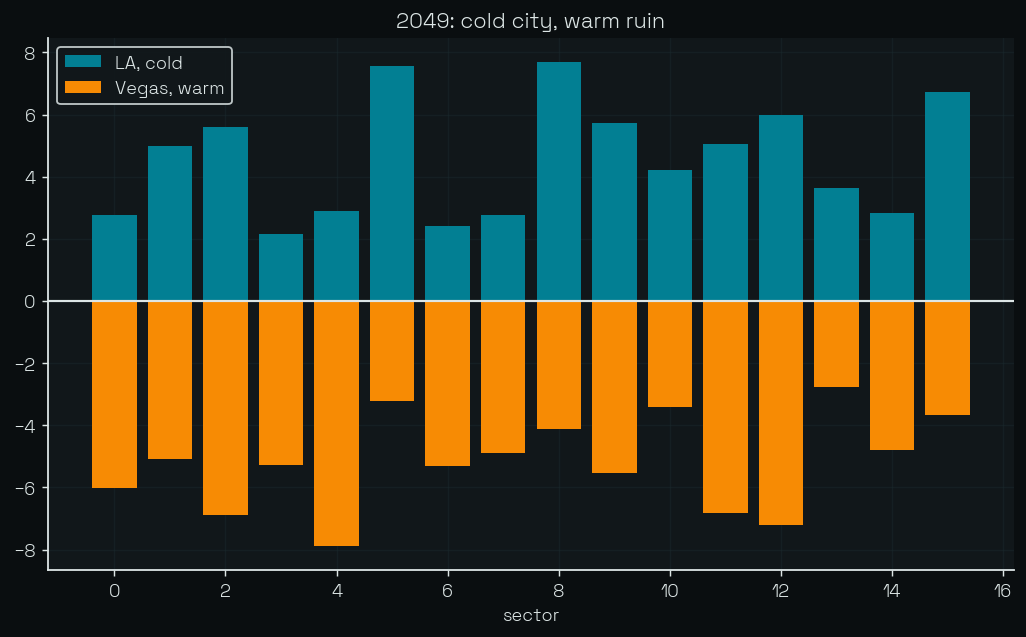
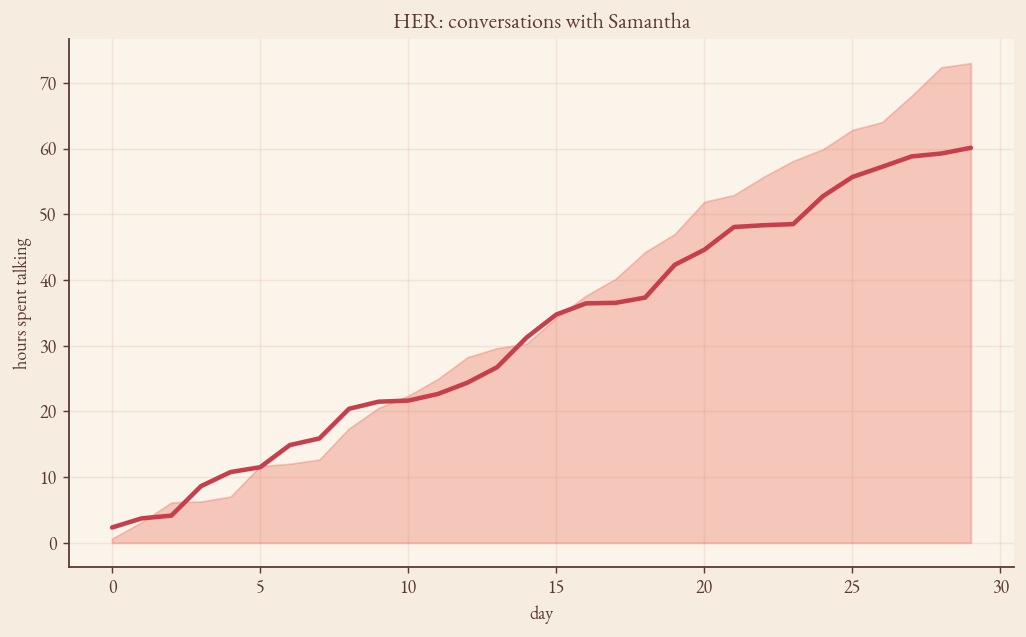
Each card plots something from its own film: Blade Runner's "Tears in Rain", the
Bride's kill count, the Balance of the Force. All regenerated from deterministic
data by python scripts/generate_gallery.py (add --reel to rebuild the GIF).
 |
 |
 |
 |
 |
 |
 |
 |
 |
 |
 |
 |
 |
 |
 |
 |
 |
 |
 |
 |
 |
 |
 |
 |
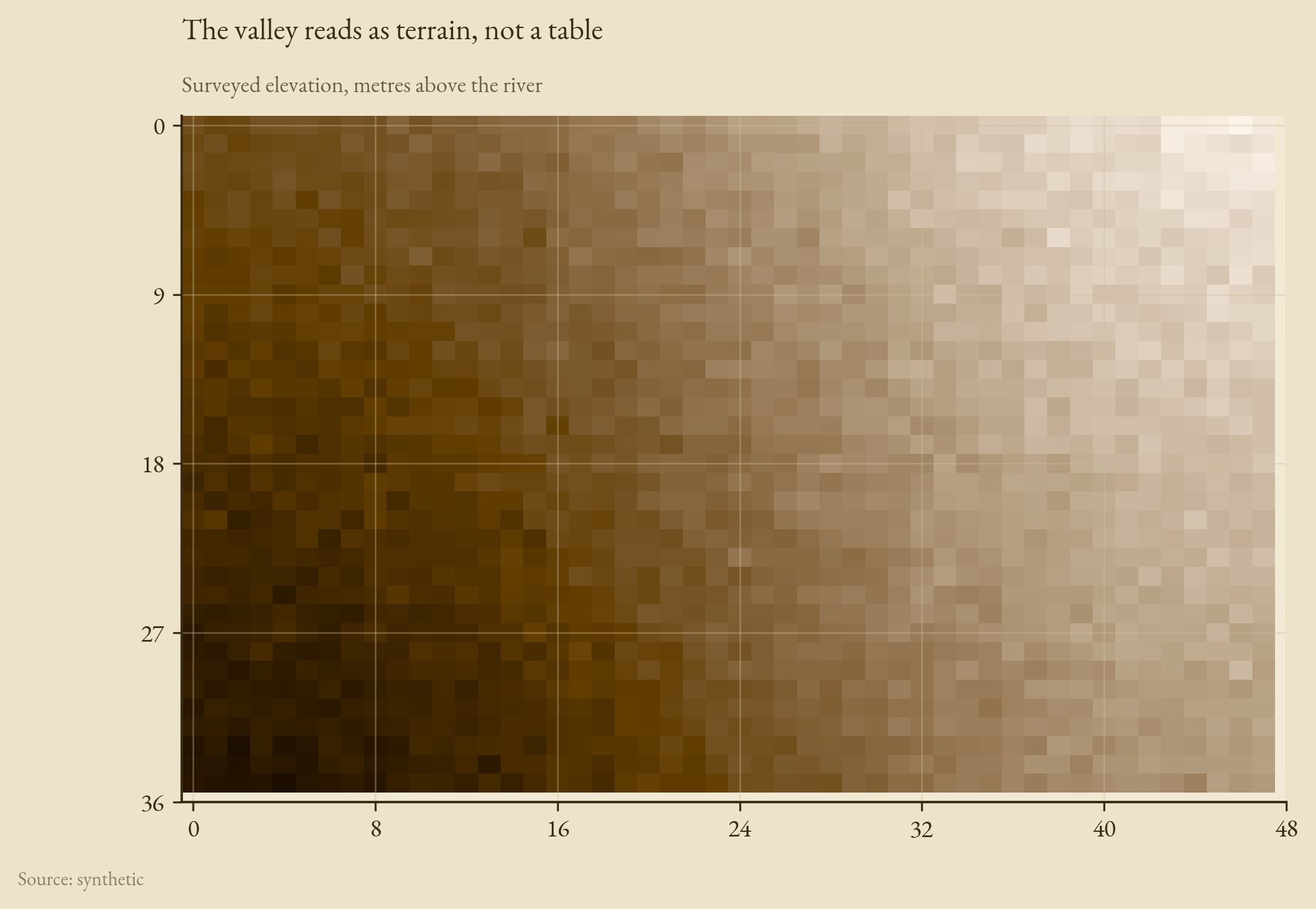
The four subject themes, each doing the job it was designed for, via
python scripts/generate_v3_gallery.py (add --reveal for the gif):
 |
 |
 |
 |
The themes
| Theme | Film | Font |
|---|---|---|
noir |
Film noir / chiaroscuro | Oswald |
ghibli |
Studio Ghibli | EB Garamond |
wes_anderson |
Wes Anderson | Jost |
blade_runner |
Blade Runner (neon-noir) | Share Tech Mono |
star_wars |
Star Wars | Oswald |
matrix |
The Matrix | Share Tech Mono |
dune |
Dune (Villeneuve) | Space Grotesk |
fury_road |
Mad Max: Fury Road | Anton |
kill_bill |
Kill Bill | Bebas Neue |
in_the_mood |
In the Mood for Love | EB Garamond |
sin_city |
Sin City | Anton |
akira |
Akira | Share Tech Mono |
the_fall |
The Fall (Tarsem) | EB Garamond |
tron |
Tron: Legacy | Share Tech Mono |
amelie |
Amélie | EB Garamond |
the_shining |
The Shining (Kubrick) | Bebas Neue |
drive |
Drive | Share Tech Mono |
grand_budapest |
The Grand Budapest Hotel | Jost |
nolan |
Nolan (Interstellar, Inception) | Space Grotesk |
hero |
Hero (Zhang Yimou) | Oswald |
suspiria |
Suspiria | Anton |
moonlight |
Moonlight | Jost |
blade_runner_2049 |
Blade Runner 2049 | Space Grotesk |
her |
Her | EB Garamond |
Four of those are subject themes: a film theme tuned for a kind of data, with a convenience alias so you can ask for the role instead of the film.
| Theme | Alias | Designed for | Font |
|---|---|---|---|
margin_call |
terminal |
markets, P&L (green-up/red-down) | Share Tech Mono |
there_will_be_blood |
petroleum |
oil, energy, commodities | Oswald |
the_revenant |
altitude |
climbing, alpine, cold | Jost |
raiders |
atlas |
choropleths and maps | EB Garamond |
Each Theme exposes its palette, sequential and diverging colormaps,
heroes, motion preset, and chrome. cinestyle.list_themes() lists them all.
Color, done right
The palette and colormaps are derived from the hero colors, preserving the film's mood (hue identity and chroma) while spacing colors perceptually:
theme = cinestyle.get_theme("dune")
theme.palette       # categorical cycle, perceptually separated
theme.sequential    # monotonic-lightness sequential colormap
theme.diverging     # symmetric diverging colormap
Accessibility
audit() and repair() work on any palette, theme name, or Theme, not just
ours:
cinestyle.audit("blade_runner").summary()   # CIEDE2000 under protan/deutan/tritan + contrast
cinestyle.audit(["#D62728", "#2CA02C"])      # check your own colors
safe = cinestyle.repair("blade_runner")      # a colorblind-safe version
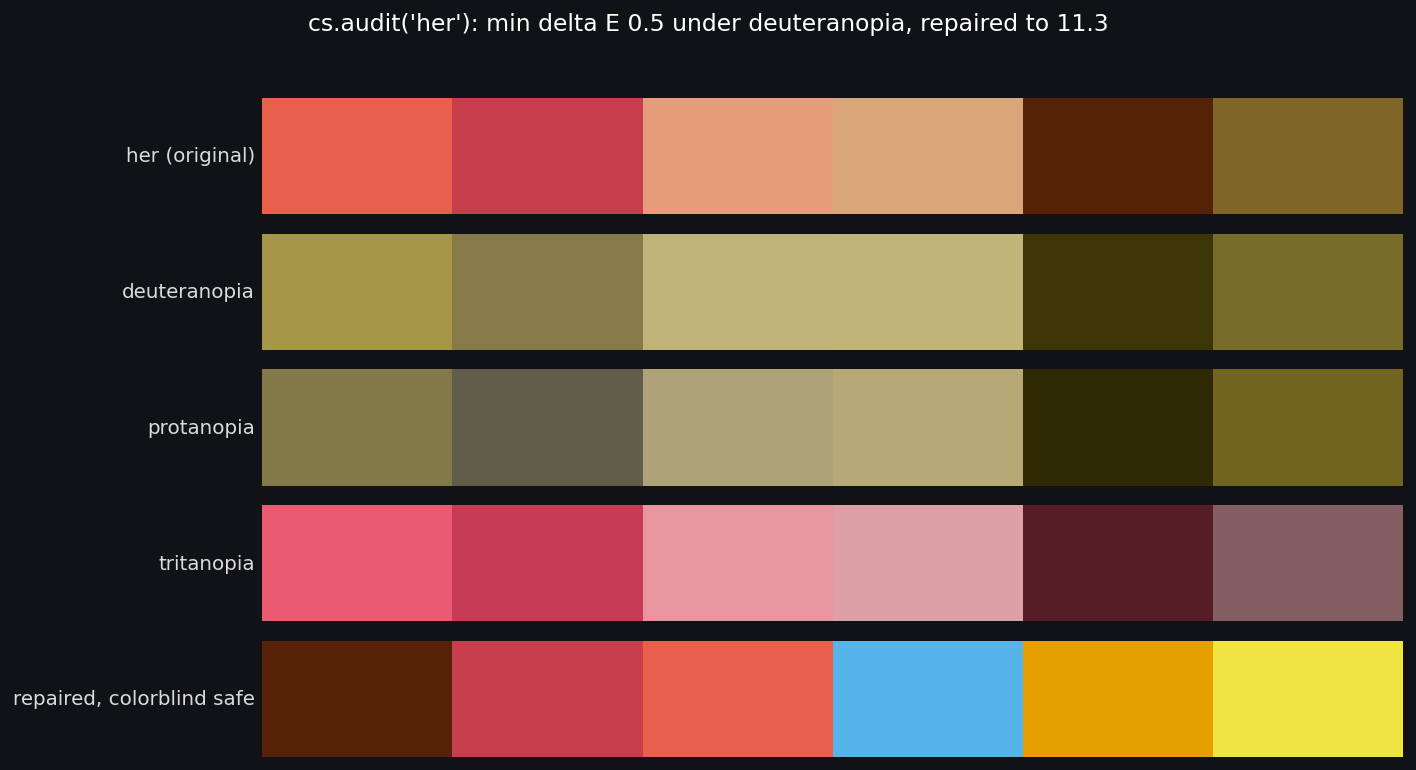
Checks simulate the palette under each color-vision deficiency and flag any pair that collapses (CIEDE2000), plus WCAG non-text contrast against the background. The repair keeps the film's mood where it can and borrows from known-safe palettes (Okabe-Ito, Paul Tol) where it must.
Film looks
look = cinestyle.get_look("teal_orange")
im = ax.imshow(image)
look.apply_to_image(im)          # grade an image plot / heatmap
look.to_cube("teal_orange.cube") # export a 3D LUT for video tools
Looks are original parametric grades (lift/gamma/gain, saturation, split-tone). They matter most for image and heatmap plots; flat bar/line charts are carried by the palette and chrome.
Define your own brand
brand = cinestyle.define_brand(
    "acme",
    palette=["#0B5FFF", "#FF6B00", "#00B5AD"],
    background="#FBFBFD",
    foreground="#1A1A2E",
)
with brand.use():
    ...
brand.register()                  # plt.style.use("cinestyle-acme")
brand.to_matplotlibrc("acme.mplstyle")
Development
pip install -e ".[dev]"
black --check . && ruff check . && mypy cinestyle && pytest
python scripts/generate_gallery.py      # the film-theme gallery
python scripts/generate_v3_gallery.py   # the subject themes, idioms, mountain
Tests run headless (Agg) and assert that styling and idioms are actually applied: rcParams change, artist colors match the palette, colormaps are monotonic/symmetric, the scoped context restores global state, each idiom draws the structure it promises, palettes have a colorblind-safe variant, and an animation renders to a gif.
Credits
cinestyle is an independent, inspired-by tribute and is not affiliated with or
endorsed by any rights holder; film titles are trademarks of their owners. See
NOTICE.md for palette sources (incl. the wesanderson and ghibli
palette projects) and bundled-font licenses.
License
MIT. See LICENSE.
Author
David Burton, databurton.com
1 maintainer

Release files for cinestyle 3.0.0
For a detailed explanation of source distributions (sdists) and built distributions (wheels), please see the package formats documentation.
Source distribution (sdist)
| File | Size | Uploaded | |
|---|---|---|---|
| cinestyle-3.0.0.tar.gz | 824.9 kB | Details |
Built distribution (wheel)
| File | Interpreter | ABI | Platform | Reset |
|---|---|---|---|---|
| cinestyle-3.0.0-py3-none-any.whl | Python 3 | none | any | Details |
Total release size: 1.7 MB
Release files / cinestyle-3.0.0.tar.gz
| Download URL | cinestyle-3.0.0.tar.gz |
|---|---|
| Size | 824.9 kB |
| Tags | Source |
|
SHA-256 checksum How to use checksums |
b1ab21d74c0542b402cd5132b8d602a1336952919132d8f8c33330f1a1eb695b
|
|
BLAKE2b-256 checksum How to use checksums |
558a8f2a4827071d1247ae080399a9fbff9feaf6cd16c9d303470b318d18c5e7
|
| Upload date | |
|
Uploaded using Trusted Publishing? What is trusted publishing? |
Yes |
| Uploaded via |
twine/6.1.0 CPython/3.13.12
|
Provenance
Provenance describes where a file came from. On PyPI, provenance is shared via attestations, which provide a verifiable record of the build or publishing details. View details, limitations and caveats.


PyPI Publish Attestation
PyPI verified that this artifact, at this checksum, originated from the publisher listed below.
Signed by GitHub Actions, verified by PyPI on Jun 14, 2026.
Transparency logRelease files / cinestyle-3.0.0-py3-none-any.whl
| Download URL | cinestyle-3.0.0-py3-none-any.whl |
|---|---|
| Size | 831.5 kB |
| Tags | Python 3 |
|
SHA-256 checksum How to use checksums |
2fc3b8f9191b6dd3d343333aa624f018f84ef737d82c63804a653e6baea0677a
|
|
BLAKE2b-256 checksum How to use checksums |
2ac9f8872d0629b9ec1b263c0c1b5cc0a764b5f715673b09a4a92d176393ff8d
|
| Upload date | |
|
Uploaded using Trusted Publishing? What is trusted publishing? |
Yes |
| Uploaded via |
twine/6.1.0 CPython/3.13.12
|
Provenance
Provenance describes where a file came from. On PyPI, provenance is shared via attestations, which provide a verifiable record of the build or publishing details. View details, limitations and caveats.
PyPI Publish Attestation
PyPI verified that this artifact, at this checksum, originated from the publisher listed below.
Signed by GitHub Actions, verified by PyPI on Jun 14, 2026.
Transparency log













