
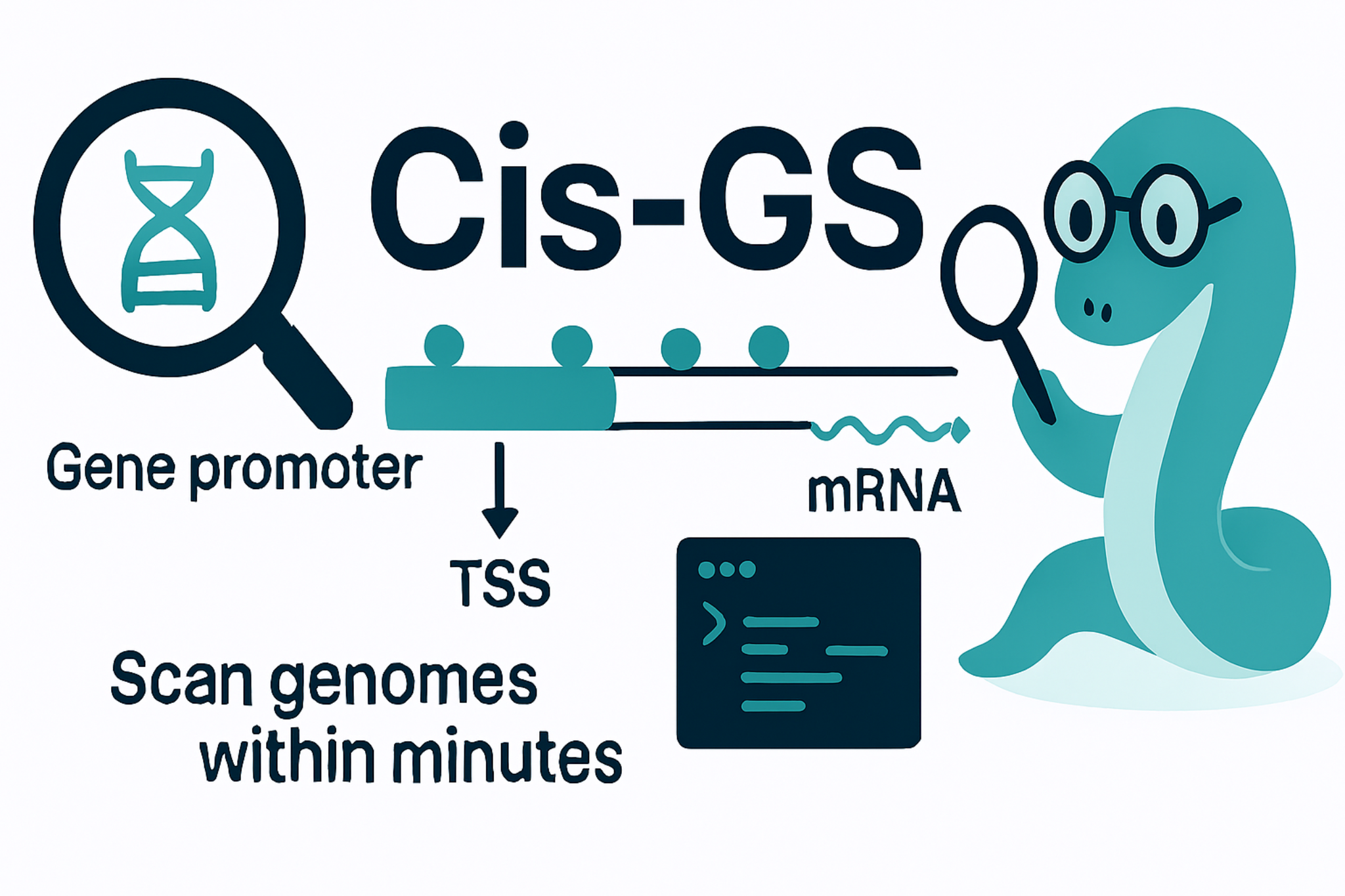
Cis-GS · Cis-regulatory Element Genome Scanner
A whole-genome pipeline for discovering cis-regulatory elements, coupling them to expression, and finishing with KEGG enrichment — in one PyQt5 desktop app and one interactive CLI.









Table of Contents
- What Cis-GS Does
- Highlights of v1.1
- Installation
- Quick Start
- The 7-Step Workflow
- Supported Motif Databases
- CLI Reference
- Programmatic API
- Screenshots
- Troubleshooting
- Contributing
- Citation
- License
- Contact
What Cis-GS Does
Cis-GS automates the full promoter → motif → expression → function journey that plant- and animal-genomics labs run by hand today:
- Fetch a reference genome + annotation directly from NCBI (live Assembly search).
- Extract promoter sequences (configurable length, strand-aware, indexed so multi-Gb genomes extract in seconds) from any GFF3.
- Scan those promoters for transcription-factor binding motifs imported from PlantTFDB, AnimalTFDB, JASPAR 2024, or HOCOMOCO v11 — or any user-supplied IUPAC consensus.
- Render publication-ready sequence logos and per-gene hit tables with composition-matched p-values, BH-FDR and motif-level enrichment.
- Couple the hits to your expression table (RNA-seq, microarray, qPCR) to flag motifs whose presence tracks expression direction.
- Build a co-expression network (Pearson / Spearman / WGCNA-style soft-thresholding), detect modules via Louvain or hierarchical clustering, and visualise eigengenes.
- Enrich the top module / cluster against KEGG (live REST queries, 11 700+ organisms) with one-sided hypergeometric ORA + Benjamini-Hochberg FDR.
Everything runs locally, offline-friendly after the first network fetch, and exports CSV / SVG / PDF at every step.
Highlights of v1.1
- Live KEGG dropdown — every one of the 11 700+ organisms KEGG knows about, fetched on demand. No more stale species tables.
- Live NCBI Taxonomy search — type any common or Latin name; results stream back as you type.
- 60× faster ID conversion — MyGene.info batched POST + progress bar (previously 60+ minutes for 10 k genes; now ~60 s).
- Interactive CLI wizards —
cis-gs wizardwalks you through every step with arrow-key menus. Every subcommand also accepts-i / --interactive. - Fuzzy "did you mean...?" for CLI typos.
- Brand-icon Contact tab with real-website logos (LinkedIn, GitHub, KEGG, NCBI, PlantTFDB, AnimalTFDB, MyGene).
- Modern single-color theme (teal
#16A085) with instant light / dark toggle — no more 1-2 s freeze. - First-run NCBI email prompt — required by the Entrez API, stored only on your machine.
- Three Gene-ID-Mapping methods for the annoying NCBI-LOC vs species-database mismatch (column swap, mapping CSV, GFF3 Dbxref expansion).
See the full release notes for the v1.0 → v1.1 diff.
Installation
Option 1 — PyPI (Linux / macOS / Windows)
pip install cis-gs
cis-gs --help          # CLI
cis-gs-gui             # GUI
Python 3.9+ required. The first GUI launch will pop up a one-time NCBI email prompt.
Option 2 — Standalone Windows executable
Download Cis-GS.exe from the latest release page.
Double-click. No Python install needed. Roughly 120 MB.
Option 3 — From source
git clone https://github.com/Ayushmania2002/Cis-GS.git
cd Cis-GS
pip install -e ".[dev,docs]"
python app_v4_open.py        # GUI
python -m cis_gs --help      # CLI
Full build details (PyInstaller spec, build scripts for all 3 OSes, PyPI release workflow):
see BUILD.md.
Quick Start
GUI (one minute)
cis-gs-gui
- Step 1 — Promoters: drop a FASTA + GFF3, set promoter length (default 2 kb), click Extract.
- Step 2 — Motif Search: click Import from PlantTFDB (or AnimalTFDB), pick your species, tick the motifs you want, Import Selected.
- Step 7 — KEGG Enrichment: pick a KEGG organism from the live dropdown, paste your gene list, run.
Done. CSVs and SVGs land in ~/CisGS-Workspace/.
CLI (interactive wizard)
cis-gs wizard
The wizard auto-detects what you've already produced and offers the next sensible step.
CLI (one-liners)
# Extract 2 kb promoters from a GFF3 + FASTA
cis-gs extract --fasta genome.fa --gff annot.gff3 --upstream 2000 --out promoters.fa

# Scan promoters with a MEME motif file
cis-gs search --promoters promoters.fa --motifs motifs.meme --out hits.csv

# KEGG enrichment
cis-gs enrich-kegg --organism ath --genes top_module.txt --out kegg.csv
Every command supports -i / --interactive if you want to be walked through it.
The 7-Step Workflow
| Step | What it does | Output |
|---|---|---|
| 1. Promoters | Strand-aware promoter extraction from any FASTA + GFF3 | promoters.fa |
| 2. Motif Search | IUPAC / MEME / PlantTFDB / AnimalTFDB scanning with composition-matched p-values + BH-FDR | hits.csv, significance summary |
| 3. Motif Logos | logomaker sequence logos with information-content shading | per-motif SVG / PNG |
| 4. Expression Feeding | Joins hits with an expression CSV via three Gene-ID-Mapping methods (LOC swap, mapping CSV, GFF3 Dbxref expansion) | expression_matched.csv |
| 5. Coexpression | Pearson / Spearman / WGCNA-style soft-thresholding, Louvain / hierarchical module detection | network.gexf, eigengene plot |
| 6. K-means | Elbow + silhouette, deterministic seeding, exportable per-cluster gene lists | clusters/*.txt |
| 7. KEGG Enrichment | Live REST query against any of 11 700+ KEGG organisms, hypergeometric ORA, BH-FDR, fold-enrichment | kegg_enrichment.csv |
A full description of each step's algorithm and parameters lives in the online documentation.
Supported Motif Databases
| Database | Coverage | Access |
|---|---|---|
| PlantTFDB v5 | 157 plant species, ~6 000 motifs | Built-in importer with live species list |
| AnimalTFDB v4 | Human, mouse, zebrafish, insects | Built-in importer |
| JASPAR 2024 (non-redundant) | 575 vertebrate + 99 insect motifs | Direct REST download |
| HOCOMOCO v11 | ~700 human + ~400 mouse ChIP-Seq motifs | Direct REST download |
| Custom IUPAC / MEME | Anything you can write down | Paste into Step 2 |
CLI Reference
cis-gs --help

usage: cis-gs [-h] {wizard,fetch,extract,search,feed,coexpr,kmeans,enrich-kegg,id-convert} ...

  wizard         Step-by-step wizard (recommended for new users)
  fetch          Download a genome + annotation from NCBI
  extract        Extract promoter sequences from FASTA + GFF3
  search         Scan promoters for motif occurrences
  feed           Couple motif hits with an expression table
  coexpr         Build a co-expression network
  kmeans         K-means clustering with elbow / silhouette
  enrich-kegg    KEGG over-representation analysis
  id-convert     Convert gene IDs across namespaces (MyGene.info, batched)
Every subcommand accepts -i / --interactive for a guided run, and --help for full flags.
Programmatic API
from cis_gs.enrichment import KEGGEnricher

e = KEGGEnricher(organism="ath")          # Arabidopsis
result = e.enrich(["AT1G01010", "AT2G18790", "AT3G09600"])
print(result.table.head())
from cis_gs.enrichment.idmap import IDConverter

idc = IDConverter(species="human")
mapping = idc.convert(["TP53", "BRCA1", "MYC"], target="entrez")
Full API reference: Ayushmania2002.github.io/Cis-GS/api.
Screenshots
Live GUI screenshots of all 7 workflow steps are available in the online documentation.
Troubleshooting
| Symptom | Likely cause | Fix |
|---|---|---|
cis-gs-gui: command not found after pip install |
Scripts dir not on PATH |
python -m cis_gs works, or add pip --user bin dir to PATH |
| First NCBI Fetch returns 0 results | NCBI email not set | Settings → Set NCBI Email, then retry |
KEGG REST unreachable |
Firewall or VPN | Set HTTPS_PROXY env var, or use the Browse & Import tab with a manually downloaded MEME |
Motif hits CSV has empty gene_symbol column |
Annotation GFF3 not loaded in Step 2 | Re-run with the same GFF3 from Step 1 in Gene ID Resolution |
| Coexpression freezes on > 30k genes | All-vs-all correlation is O(n²) | Pre-filter to expressed genes (TPM > 1) before Step 5 |
Open an issue with the log file from ~/CisGS-Workspace/cisgs.log if you hit anything else.
Contributing
Bug reports, feature requests, and pull requests are welcome. For substantial contributions please open an issue first to discuss the change.
git clone https://github.com/Ayushmania2002/Cis-GS.git
cd Cis-GS
pip install -e ".[dev]"
pytest                       # run the test suite
Citation
If Cis-GS contributes to a publication, please cite:
Mallick A. Cis-GS: a unified pipeline for whole-genome cis-regulatory element discovery, expression coupling, and KEGG enrichment. (manuscript in preparation, Plant Signaling Lab, IISER Tirupati, 2026).
BibTeX:
@software{mallick_cisgs_2026,
  author  = {Mallick, Ayushman},
  title   = {{Cis-GS}: Cis-regulatory Element Genome Scanner},
  year    = {2026},
  url     = {https://github.com/Ayushmania2002/Cis-GS},
  version = {1.1.0}
}
A CITATION.cff is included for GitHub's automatic citation widget.
License
Released under the MIT License. Free for academic and commercial use.
Contact
Ayushman Mallick · ayushmania2002@gmail.com Plant Signaling Lab, IISER Tirupati
© 2026 Ayushman Mallick · Plant Signaling Lab · Cis-GS
1 maintainer

Metadata
1 maintainer
Release files for cis-gs 1.3.2.5
For a detailed explanation of source distributions (sdists) and built distributions (wheels), please see the package formats documentation.
Source distribution (sdist)
| File | Size | Uploaded | |
|---|---|---|---|
| cis_gs-1.3.2.5.tar.gz | 6.9 MB | Details |
Built distribution (wheel)
| File | Interpreter | ABI | Platform | Reset |
|---|---|---|---|---|
| cis_gs-1.3.2.5-py3-none-any.whl | Python 3 | none | any | Details |
Total release size: 13.8 MB
Release files / cis_gs-1.3.2.5.tar.gz
| Download URL | cis_gs-1.3.2.5.tar.gz |
|---|---|
| Size | 6.9 MB |
| Tags | Source |
|
SHA-256 checksum How to use checksums |
02a897a079ddc65890e09f3498e87cec36cce5fdf05f0953b8f0e8e9f6b3bfc5
|
|
BLAKE2b-256 checksum How to use checksums |
95bd5d89960d272fe38bb8454230ba6af92d453e78da7a7870533327c876f816
|
| Upload date | |
|
Uploaded using Trusted Publishing? What is trusted publishing? |
Yes |
| Uploaded via |
twine/7.0.0 CPython/3.13.14
|
Provenance
Provenance describes where a file came from. On PyPI, provenance is shared via attestations, which provide a verifiable record of the build or publishing details. View details, limitations and caveats.


PyPI Publish Attestation
PyPI verified that this artifact, at this checksum, originated from the publisher listed below.
Signed by GitHub Actions, verified by PyPI on Oct 6, 2026.
Transparency logRelease files / cis_gs-1.3.2.5-py3-none-any.whl
| Download URL | cis_gs-1.3.2.5-py3-none-any.whl |
|---|---|
| Size | 6.9 MB |
| Tags | Python 3 |
|
SHA-256 checksum How to use checksums |
71e9e08994f73311fa973096b7cfcf4f7d28d4a24df95baa4a0d5c20b8884789
|
|
BLAKE2b-256 checksum How to use checksums |
95eb573cc4b210a4449485d4de227cd51e847f618fceaa10885c930b065df922
|
| Upload date | |
|
Uploaded using Trusted Publishing? What is trusted publishing? |
Yes |
| Uploaded via |
twine/7.0.0 CPython/3.13.14
|
Provenance
Provenance describes where a file came from. On PyPI, provenance is shared via attestations, which provide a verifiable record of the build or publishing details. View details, limitations and caveats.
PyPI Publish Attestation
PyPI verified that this artifact, at this checksum, originated from the publisher listed below.
Signed by GitHub Actions, verified by PyPI on Oct 6, 2026.
Transparency log













