
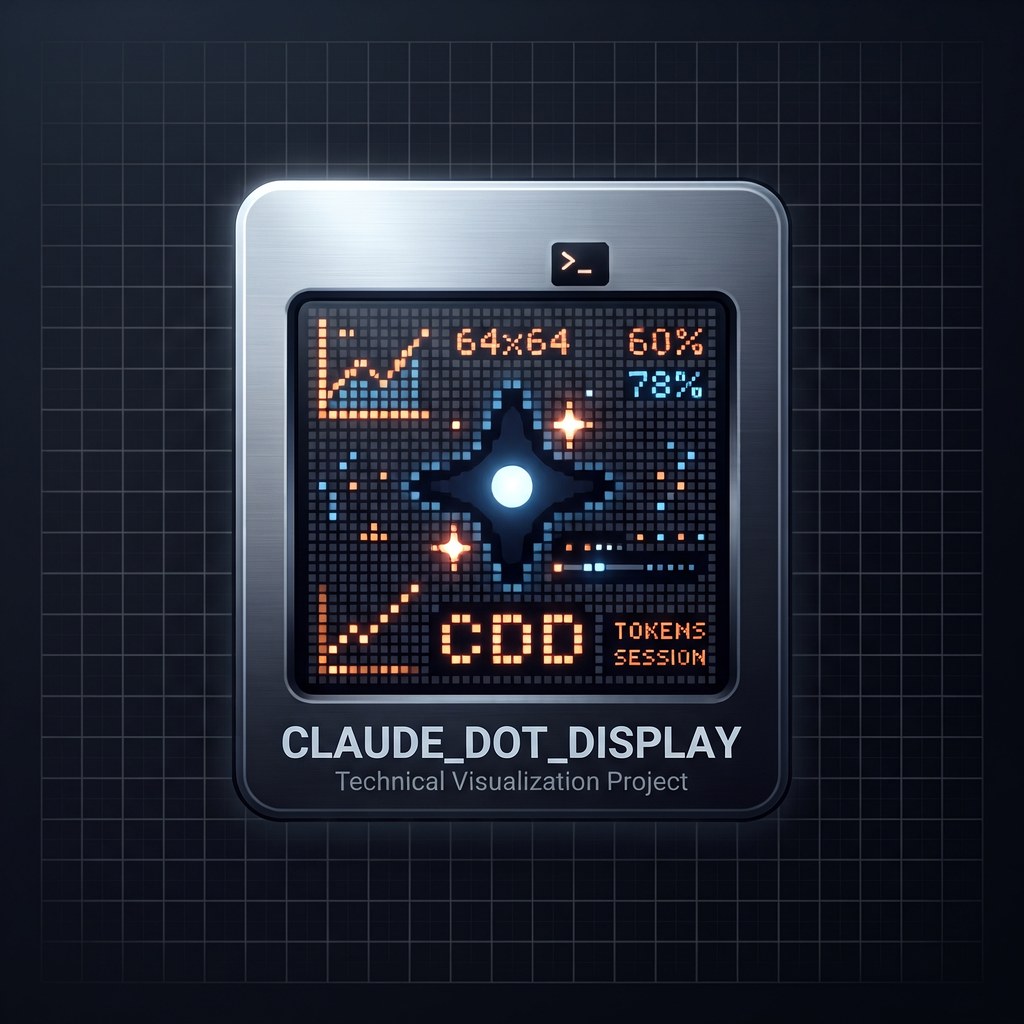



claude-dot-display turns a 64x64 iDotMatrix LED panel into an ambient status
board for your Claude Code sessions. Each running session gets a row: its name
in a colour that tells you its state, and how many stages it has left.
- blue — running
- amber — waiting on a question
- red — hit an issue
- green — done
When nothing is running, the panel switches to a summary of your token usage.
Underneath it is an original, MIT-licensed implementation of the iDotMatrix BLE protocol, usable on its own.
No panel? It still works
dotdisplay board shows the same board in your terminal, and
dotdisplay statusline puts a one-line summary wherever you want one. Neither
needs Bluetooth, an address, or the daemon.
claude-dot-display                                   38% · reset 22:10
──────────────────────────────────────────────────────────────────────
● hwmon-d7          running               3/7  Refreshing the panel
● kolonial          running
● storygen          waiting on you        1/4  Waiting for the API key
The terminal view is not a mirror of the panel. Nine-character names, the 8px font and the four-row budget are consequences of a 64x64 LED matrix; a terminal has none of them, so it shows full names, spells the states out, and has room for what each session is actually doing.
That last column comes from the session's own todo list — no session has to
remember to report anything. dotdisplay board --tasks lists the open items
under each row:
● hwmon-d7          running               3/7  Refreshing the panel
  · Refresh the panel on a cadence
  · Update the docs
  · Cut the release
dotdisplay statusline names the sessions that have something to say and
counts the rest:
?storygen:1/4 *hwmon-d7:3/7 *1
A session waiting on you is named because that is actionable; one merely running earns a name only by having a plan to show with it.
To put the summary in Claude Code's status line, add to your settings.json:
{
  "statusLine": { "type": "command", "command": "dotdisplay statusline" }
}
It shows names for the sessions that need you and counts for the rest:
!hwmon-d7 ?storygen *3
! issue · ? waiting on you · * running · + done. Knowing which
session is blocked is actionable; knowing which one is merely running is not,
so those stay a number. If names would push the line past 60 characters it
falls back to counts entirely — a prompt segment that wraps is worse than one
that is vague. --counts-only forces that shorter form.
It prints nothing when no session is running, so it costs you no space when
there is nothing to say. The installer will not edit settings.json for
you — you may already have a status line, and replacing it is not ours to
do. If you already run one for its side effects, wrap it rather than replace
it: mine writes the rate-limit file this board's header reads.
The LED matrix is the fun part, not the price of entry.
Status
Alpha, and honest about it. The repository is being built in phases:
| Phase | What | State |
|---|---|---|
| P0 | Repo foundation | done |
| P1 | BLE driver | done — verified against hardware |
| P2 | Board, renderer, daemon | done — running as a service |
| P3 | Claude Code plugin | done — sessions report themselves |
| P4 | Shell toolkit | done |
| P5 | Agent integration guide | done |
| P6 | Works without a panel | done |
Install the plugin today and it does nothing yet — it carries no hooks or skills until P3. It exists so the install path is real and testable.
Written with Claude Code. Essentially all of the code, the protocol document and these docs were produced by an AI pair, directed and reviewed by a human, with every hardware claim verified by photographing the panel. That is worth knowing before you read the code, and worth saying plainly rather than leaving you to infer it from the name.
PROTOCOL.md is already worth reading if you own one of these
panels. Everything in it is marked with whether it has been replayed against
real hardware yet — at this stage, none of it has.
Why we wrote our own protocol layer
Every Python library for these panels is GPL-3.0:
| Project | Licence |
|---|---|
derkalle4/python3-idotmatrix-client |
GPL-3.0 |
markusressel/idotmatrix-api-client |
GPL-3.0 |
python3-idotmatrix-library (upstream of both) |
GPL-3.0 |
Those projects did the original work of making these panels usable at all, and this one would not exist without the path they cut. But their licence is viral: anything that links them inherits it. A project cannot honestly call itself MIT while requiring a GPL-3.0 library at runtime.
We wanted this to be really free — usable in commercial work, in proprietary tools, in anything at all, with no obligations flowing back. So we wrote the protocol layer ourselves.
Clean-room, and we mean it. No GPL source was read. The protocol was
derived from bytes observed on the wire against real hardware — the vendor's
own phone application talking to the panel, captured over Bluetooth HCI and
decoded. Protocol facts are not copyrightable, but provenance is what makes
that defensible, so PROTOCOL.md records for every command
where it was captured and whether it has been replayed.
It turned out faster, too
Going to the wire directly answered a question the existing libraries had not: how the vendor app uploads a full frame so quickly. It sends the panel raw RGB888 in three chunks. This driver does the same in a measured 0.77 seconds — the per-pixel approach the GPL libraries use takes roughly 6 seconds for the same frame.
The pixel ordering — row-major, origin top-left — was established by uploading three images that differ from a black baseline by exactly one pixel, at three known corners, and finding that pixel in each payload. Measured, not inferred.
If you only want a permissively licensed way to talk to one of these panels,
take dotdisplay.ble and ignore the rest.
Requirements
- Python 3.11 or newer
- A Bluetooth LE adapter within range of the panel
- A 64x64 iDotMatrix panel
No pairing is needed — the panel accepts connections unpaired. What you do need is its Bluetooth address:
dotdisplay discover          # lists panels in range as IDM-<six hex digits>
dotdisplay check             # shows a code on the panel to confirm it
check matters when more than one panel is around: reachability only proves
that something answered, while seeing the code proves the address points at
the panel you are looking at.
Other iDotMatrix sizes are untested. We only claim what we have verified against hardware.
Install
pipx install claude-dot-display
Not yet published — see Status.
Shell usage
Every command works whether or not the board daemon is running. If it is, the command is queued and the daemon executes it; if not, the CLI connects directly. A script does not have to know which.
dotdisplay text "BUILD OK" --colour 00ff00
dotdisplay fill 0000ff
dotdisplay pixel 0 0 ff0000
dotdisplay brightness 40
dotdisplay power off
dotdisplay clear
Add --json for one machine-readable object per command; the exit code is
0 only when its status is done.
if make test; then dotdisplay fill 00ff00; else dotdisplay text "KAPUTT" --colour ff0000; fi
Text is rasterised on this side and sent as an image: the panel has no font
of its own (see PROTOCOL.md). The size is chosen so the text
fills as much of the panel as it can.
For agents and LLMs
AGENTS.md is the integration contract: the commands, the
--json output shape, and — more usefully — the constraints that are
invisible from outside, such as the single radio owner and the fact that
nothing can read back what the panel is showing.
Licence
MIT — see LICENSE.
1 maintainer

Metadata
1 maintainer
Release files for claude-dot-display 0.6.0
For a detailed explanation of source distributions (sdists) and built distributions (wheels), please see the package formats documentation.
Source distribution (sdist)
| File | Size | Uploaded | Provenance | Actions |
|---|---|---|---|---|
| claude_dot_display-0.6.0.tar.gz | 65.2 kB | With provenance | Details for claude_dot_display-0.6.0.tar.gz |
Built distribution (wheel)
| File | Interpreter | ABI | Platform | Actions Reset |
|---|---|---|---|---|
| claude_dot_display-0.6.0-py3-none-any.whl | Python 3 | none | any | Details for claude_dot_display-0.6.0-py3-none-any.whl |
Total release size: 110.9 kB
Release files / claude_dot_display-0.6.0.tar.gz
| Download URL | claude_dot_display-0.6.0.tar.gz |
|---|---|
| Size | 65.2 kB |
| Tags | Source |
|
SHA-256 checksum How to use checksums |
43eecd62d65918736172fef80a23ebd3bf143b388d8f9881b59e13ab3faa44c1
|
|
BLAKE2b-256 checksum How to use checksums |
50c9899c85610b7983bf296abacefaa278d2fa1df44abfe900587a3123fde663
|
| Upload date | |
|
Uploaded using Trusted Publishing? What is trusted publishing? |
Yes |
| Uploaded via |
twine/7.0.0 CPython/3.13.14
|
Provenance
Provenance describes where a file came from. On PyPI, provenance is shared via attestations, which provide a verifiable record of the build or publishing details. View details, limitations and caveats.


PyPI Publish Attestation
PyPI verified that this artifact, at this checksum, originated from the publisher listed below.
Signed by GitHub Actions, verified by PyPI on Aug 29, 2026.
Transparency logRelease files / claude_dot_display-0.6.0-py3-none-any.whl
| Download URL | claude_dot_display-0.6.0-py3-none-any.whl |
|---|---|
| Size | 45.8 kB |
| Tags | Python 3 |
|
SHA-256 checksum How to use checksums |
fd8f4f01efc91e5ae5eccac0afc557d572bae71c4abeb9f22e464a4d96422b39
|
|
BLAKE2b-256 checksum How to use checksums |
146623c3750bf7f0c2148762302f1dcb61dd946eeb89d8534049c90159e2ac71
|
| Upload date | |
|
Uploaded using Trusted Publishing? What is trusted publishing? |
Yes |
| Uploaded via |
twine/7.0.0 CPython/3.13.14
|
Provenance
Provenance describes where a file came from. On PyPI, provenance is shared via attestations, which provide a verifiable record of the build or publishing details. View details, limitations and caveats.
PyPI Publish Attestation
PyPI verified that this artifact, at this checksum, originated from the publisher listed below.
Signed by GitHub Actions, verified by PyPI on Aug 29, 2026.
Transparency logSecurity for claude-dot-display 0.6.0
Provenance
Provenance describes where a file came from. On PyPI, provenance is shared via attestations, which provide a verifiable record of the build or publishing details. View details, limitations and caveats.
Full provenance
All 2 files in this release have been uploaded with provenance metadata.
Attestation for claude_dot_display-0.6.0.tar.gz
PyPI Publish Attestation
PyPI verified that this artifact, at this checksum, originated from the publisher listed below.
Signed by GitHub Actions, verified by PyPI on Aug 29, 2026.
Transparency logA note on package security
PyPI is a repository for distributing packages, not a service for auditing them. While third-party security researchers and our staff do their best to detect and remove malicious packages, PyPI cannot guarantee the quality, security or suitability of any given package.
To learn more about protecting yourself from malicious actors, visit our package security documentation.














