
cloudflare-skip
Skip Cloudflare challenges: solve once in headless Chrome, then reuse the clearance with fast HTTP requests. No display needed.



Quick start
pip install cloudflare-skip
cloudflare-skip https://cl-skip.tn3w.dev               # non-interactive challenge
cloudflare-skip https://cl-skip.tn3w.dev/interactive   # interactive (checkbox) challenge
cloudflare-skip --turnstile https://cl-skip.tn3w.dev/turnstile   # print a widget token
from cloudflare_skip import get, solve, solve_turnstile

response = get("https://cl-skip.tn3w.dev", params={"q": "x"}, timeout=10)
print(response.status_code, response.text)

clearance = solve("https://cl-skip.tn3w.dev")  # {"cookies": {...}, "user_agent": "..."}
token = solve_turnstile("https://cl-skip.tn3w.dev/turnstile")  # cf-turnstile-response
get(url, **kwargs) returns a curl_cffi response; keyword arguments (params,
headers, cookies, timeout, ...) go to curl_cffi. It raises ChallengeError if
Cloudflare still challenges after a solve and TimeoutError if the browser cannot solve
within 30s. The CLI prints the body, writes the status to stderr and exits 1 on 4xx/5xx.
Turnstile widgets in your own flows
Sites that embed Turnstile themselves answer 200 without cf-mitigated, so get
can't see it. Get a token with solve_turnstile and send it where the site's own
JavaScript would (form field, JSON body or header; check the browser's network tab):
from cloudflare_skip import session, solve_turnstile

token = solve_turnstile("https://cl-skip.tn3w.dev/turnstile")
response = session.post(
    "https://cl-skip.tn3w.dev/turnstile/verify", data={"cf-turnstile-response": token}
)
If the widget only appears after a click (turnstile.render(...) in the site's
script), pass its sitekey and the widget is rendered on that page directly, no click
needed. Extra keyword arguments (action, cData, ...) go to turnstile.render; copy
them from the site's call, since the server may check action:
token = solve_turnstile("https://example.com/watch", sitekey="0x4AAAA...", action="play")
cloudflare-skip --sitekey 0x4AAAA... --action play https://example.com/watch
Tokens are single-use and expire after 300s, so get one right before each request.
Needs Chrome or Chromium (found on PATH, or set CHROME_PATH). Runs headless, so it
works on servers without a display; solve(url, headless=False) shows the window.
As root (e.g. in Docker) the sandbox is disabled automatically.
How it works
- Request with
curl_cffi(Chrome TLS fingerprint) and the cached clearance. cf-mitigated: challenge→ headless Chrome opens the page, driven over the DevTools protocol directly (no automation framework).- Interactive Turnstile: once its checkbox renders (found through the frame's DOM,
closed shadow roots included), it is focused and ticked with
Space. - As soon as
cf_clearanceis set, cookies + user agent are cached per host in~/.cache/cloudflare_skip.jsonand replayed over HTTP. - Turnstile widgets on normal pages:
solve_turnstileticks the same way and returns thecf-turnstile-responsetoken as soon as it is filled. With a sitekey it renders its own widget on the page (loading Turnstile's script if missing) instead.
| Run | Time |
|---|---|
First, browser solve (non-interactive, /) |
~2.7-3.1s |
First, browser solve (interactive, /interactive) |
~3.2-3.9s |
Turnstile widget token (/turnstile) |
~2.3-2.8s |
| Cached, in-process | ~0.02-0.1s |
Almost all of the solve time is Cloudflare itself: Chrome is ready after 0.2s, the challenge loads at ~0.8s, the rest is Cloudflare's check (and showing the checkbox).
Notes
- The API is synchronous; from async code use
await asyncio.to_thread(get, url). - A clearance is bound to the user agent and IP of the solving browser:
getalways sends the browser's user agent, and a proxy passed inkwargsmakes the replay fail withChallengeError. The cache holds session cookies, so it is created with mode 600.
Things Cloudflare detects, found the hard way:
--remote-debugging-port=0and--remote-debugging-pipe: the clearance is issued but rejected on the next request, so the page reloads forever. A fixed free port works.- The
HeadlessChromeuser agent. It is replaced with--user-agent(the reduced UA of headful Chrome, major version fromchrome --version); a CDP user agent override breaks client hints and gets flagged too. - CDP mouse clicks on Turnstile are always rejected; keyboard input passes.
- Attaching to the Turnstile frame on every poll; it is attached once and reused.
Development
uv run pytest
uv run scripts/record.py <non-interactive|interactive> [light|dark]   # header GIFs
site/ is the test page behind https://cl-skip.tn3w.dev, put behind Cloudflare
challenge rules: / gets a non-interactive challenge, /interactive an interactive
one. /turnstile is a standalone managed Turnstile widget (no challenge rule), its
token verified server side at /turnstile/verify. pages.yml builds it on every
push to site/.
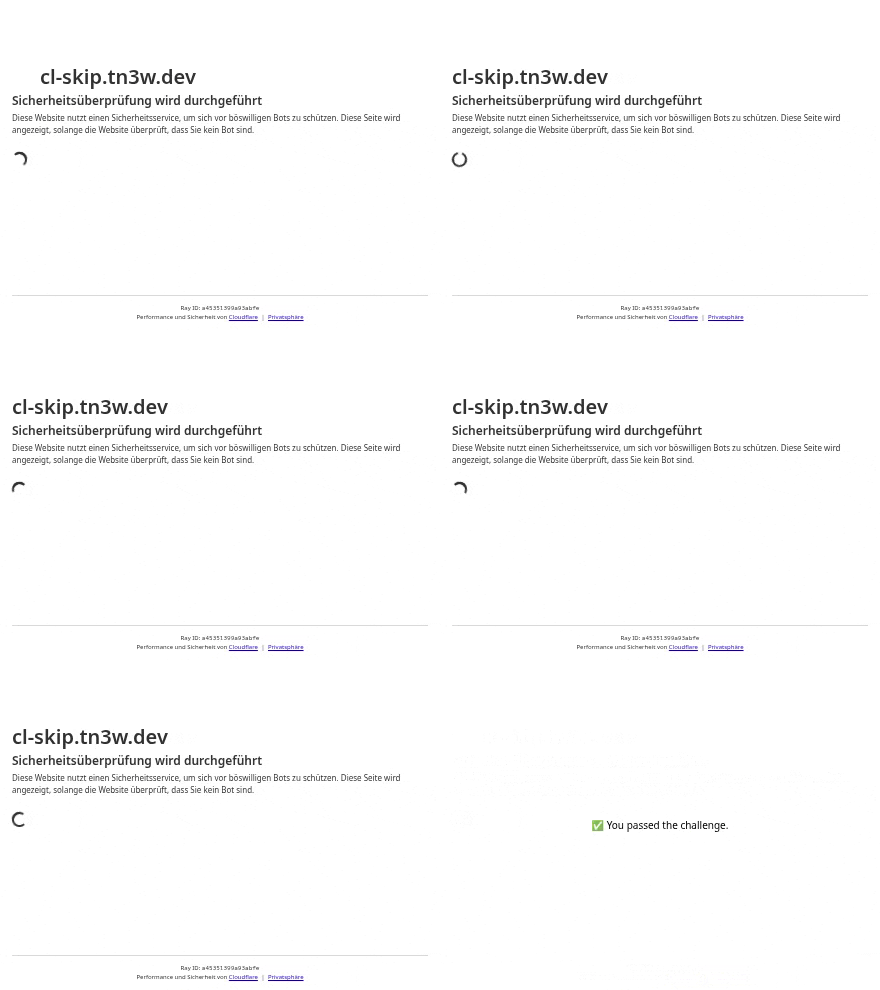
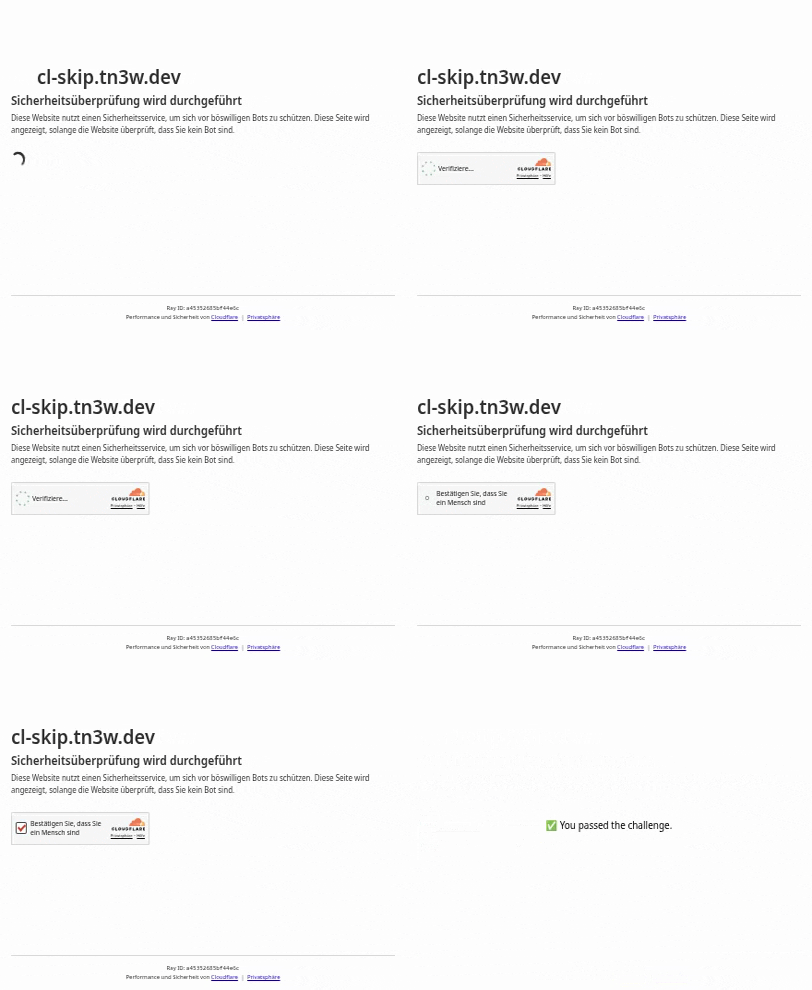
scripts/record.py screencasts headless Chrome solving the challenge and encodes the
frames with gifski (needs gifski, no display).
1 maintainer

Metadata
1 maintainer
Release files for cloudflare-skip 2.1.0
For a detailed explanation of source distributions (sdists) and built distributions (wheels), please see the package formats documentation.
Source distribution (sdist)
| File | Size | Uploaded | Provenance | Actions |
|---|---|---|---|---|
| cloudflare_skip-2.1.0.tar.gz | 13.0 kB | With provenance | Details for cloudflare_skip-2.1.0.tar.gz |
Built distribution (wheel)
| File | Interpreter | ABI | Platform | Actions Reset |
|---|---|---|---|---|
| cloudflare_skip-2.1.0-py3-none-any.whl | Python 3 | none | any | Details for cloudflare_skip-2.1.0-py3-none-any.whl |
Total release size: 26.1 kB
Release files / cloudflare_skip-2.1.0.tar.gz
| Download URL | cloudflare_skip-2.1.0.tar.gz |
|---|---|
| Size | 13.0 kB |
| Tags | Source |
|
SHA-256 checksum How to use checksums |
5fc76889d891fb3f111eb3d6af091b9b41277950e4d74f8f5c1eadf03e8af175
|
|
BLAKE2b-256 checksum How to use checksums |
22ccd7bc9633ea1490b775c2d40d6cbc04f196795c83299d250799535c9008c6
|
| Upload date | |
|
Uploaded using Trusted Publishing? What is trusted publishing? |
Yes |
| Uploaded via |
twine/7.0.0 CPython/3.13.16
|
Provenance
Provenance describes where a file came from. On PyPI, provenance is shared via attestations, which provide a verifiable record of the build or publishing details. View details, limitations and caveats.


PyPI Publish Attestation
PyPI verified that this artifact, at this checksum, originated from the publisher listed below.
Signed by GitHub Actions, verified by PyPI on Nov 28, 2026.
Transparency logRelease files / cloudflare_skip-2.1.0-py3-none-any.whl
| Download URL | cloudflare_skip-2.1.0-py3-none-any.whl |
|---|---|
| Size | 13.1 kB |
| Tags | Python 3 |
|
SHA-256 checksum How to use checksums |
0779590edbd3b169b19bc632f9c4f1dc4618ce03b6dfd77fc9821f65287a70ac
|
|
BLAKE2b-256 checksum How to use checksums |
d8fcff9f8b6068d1cef35ea825eebc72fae91f0cff455a3c3b6573189512d289
|
| Upload date | |
|
Uploaded using Trusted Publishing? What is trusted publishing? |
Yes |
| Uploaded via |
twine/7.0.0 CPython/3.13.16
|
Provenance
Provenance describes where a file came from. On PyPI, provenance is shared via attestations, which provide a verifiable record of the build or publishing details. View details, limitations and caveats.
PyPI Publish Attestation
PyPI verified that this artifact, at this checksum, originated from the publisher listed below.
Signed by GitHub Actions, verified by PyPI on Nov 28, 2026.
Transparency logSecurity for cloudflare-skip 2.1.0
Provenance
Provenance describes where a file came from. On PyPI, provenance is shared via attestations, which provide a verifiable record of the build or publishing details. View details, limitations and caveats.
Full provenance
Both files in this release have been uploaded with provenance metadata.
Attestation for cloudflare_skip-2.1.0.tar.gz
PyPI Publish Attestation
PyPI verified that this artifact, at this checksum, originated from the publisher listed below.
Signed by GitHub Actions, verified by PyPI on Nov 28, 2026.
Transparency logA note on package security
PyPI is a repository for distributing packages, not a service for auditing them. While third-party security researchers and our staff do their best to detect and remove malicious packages, PyPI cannot guarantee the quality, security or suitability of any given package.
To learn more about protecting yourself from malicious actors, visit our package security documentation.














