



Multi-Agent System for Science, Made by Cosmologists, Powered by AG2.
Check our demo videos on YouTube!
This is open-source research-ready software. Please star the repo ⭐ and cite Laverick et al (2024) to support our open-source work.
-
Check the demo notebooks.
-
Best perfmonces are obtained with top-scoring models.
We emphasize that cmbagent is under active development and apologize for any bugs.
The backbone of cmbagent is AG2. Please star the AG2 repo ⭐ and cite Wu et al (2023)!
Strategy
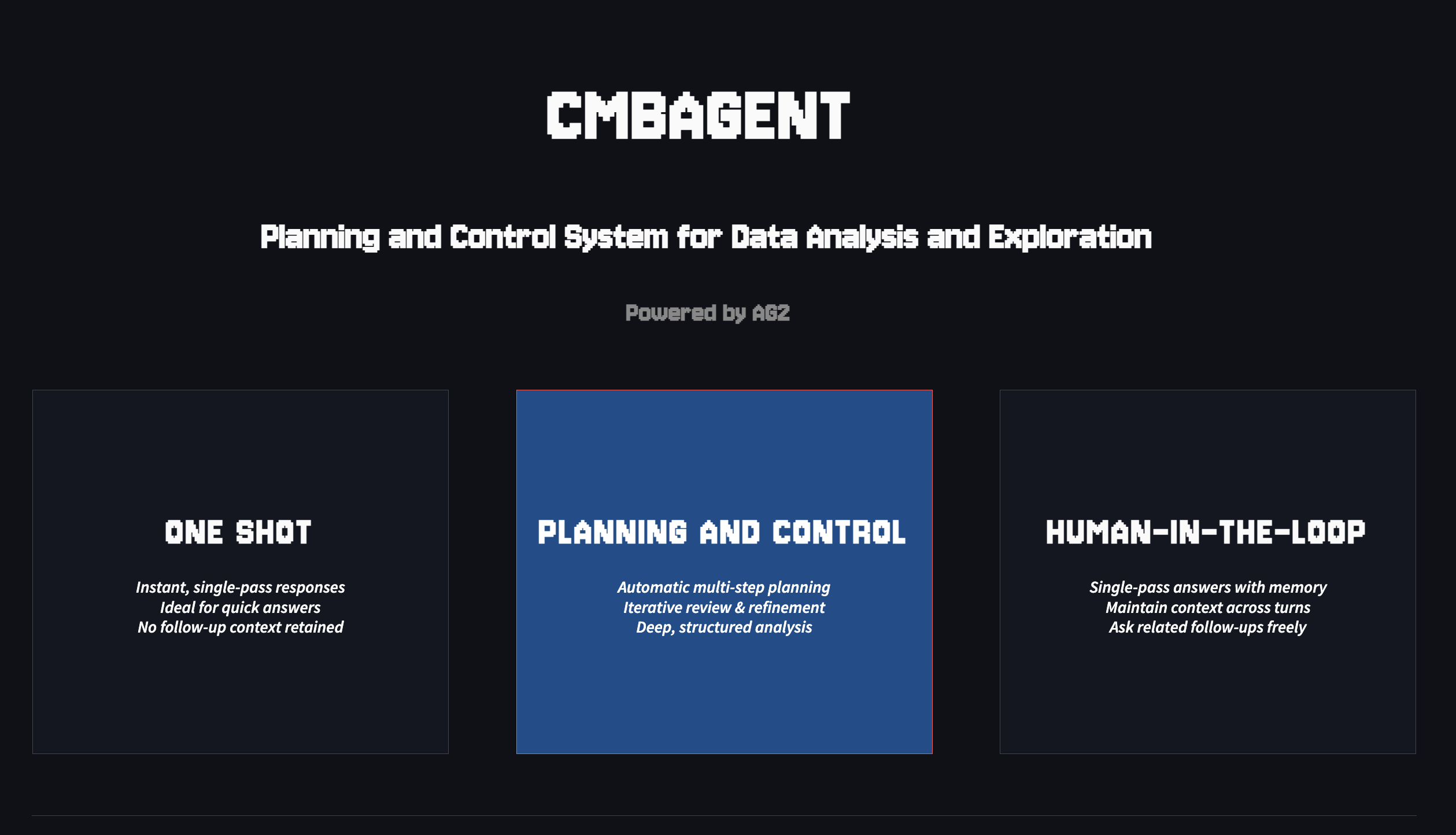
Cmbagent acts according to a Planning and Control strategy with no human-in-the-loop.
You give a task to solve, then:
Planning
- A plan is designed from a conversation between a planner and a plan reviewer.
- Once the number of feedbacks (reviews) is exhausted the plan is recorded in context and cmbagent switches to control.
Control
- The plan is executed step-by-step.
- Sub-tasks are handed over to a single agent in each step.
Install
With Python 3.9 or above:
python3 -m venv cmbagent_env
source cmbagent_env/bin/activate
pip install cmbagent
Go ahead and launch the GUI:
cmbagent run
See below if you need to run in terminal, notebooks etc.
Run
We assume you are in the virtual environment where you installed cmbagent.
Here is a one-liner you can run in terminal:
python -c "import os, re; os.environ['CMBAGENT_DEBUG']='false'; os.environ['ASTROPILOT_DISABLE_DISPLAY']='true'; import cmbagent; task='''Draw two random numbers and give me their sum'''; results=cmbagent.one_shot(task, max_rounds=50, initial_agent='engineer', engineer_model='gpt-4o-mini');"
If you want to run the notebooks, first create the ipykernel (assuming your virtual environment is called cmbagent_env):
python -m ipykernel install --user --name cmbagent_env --display-name "Python (cmbagent_env)"
Then launch jupyterlab:
jupyter-lab
Select the cmbagent kernel, and run the the notebook.
API Keys
Before you can use cmbagent, you need to set your OpenAI API key as an environment variable. Do this in a terminal, before launching Jupyter-lab.
For Unix-based systems (Linux, macOS), do:
export OPENAI_API_KEY="sk-..."  ## mandatory for the RAG agents
export ANTHROPIC_API_KEY="sk-..." ## optional
export GEMINI_API_KEY="AI...." ## optional
(paste in your bashrc or zshrc file, if possible.)
For Windows, use WSL and the same command.
By default, cmbagent uses models from oai/anthropic/google. If you want to pick different LLMs, just adapat agent_llm_configs as above, or the default_agent_llm_configs in utils.py.
References
   @misc{Laverick:2024fyh,
      author = "Laverick, Andrew and Surrao, Kristen and Zubeldia, Inigo and Bolliet, Boris and Cranmer, Miles and Lewis, Antony and Sherwin, Blake and Lesgourgues, Julien",
      title = "{Multi-Agent System for Cosmological Parameter Analysis}",
      eprint = "2412.00431",
      archivePrefix = "arXiv",
      primaryClass = "astro-ph.IM",
      month = "11",
      year = "2024"
   }
Acknowledgments
Our project is funded by the Cambridge Centre for Data-Driven Discovery Accelerate Programme. We are grateful to Mark Sze for help with AG2.
1 maintainer

Metadata
1 maintainer
Release files for cmbagent 0.0.1.post16
For a detailed explanation of source distributions (sdists) and built distributions (wheels), please see the package formats documentation.
Built distribution (wheel)
| File | Interpreter | ABI | Platform | Reset |
|---|---|---|---|---|
| cmbagent-0.0.1.post16-py3-none-any.whl | Python 3 | none | any | Details |
Release files / cmbagent-0.0.1.post16-py3-none-any.whl
| Download URL | cmbagent-0.0.1.post16-py3-none-any.whl |
|---|---|
| Size | 657.5 kB |
| Tags | Python 3 |
|
SHA-256 checksum How to use checksums |
3e29d637a08188a4bd8c4da4edf8a53d78fd3495fe2b9efdf42b82c70aa2811b
|
|
BLAKE2b-256 checksum How to use checksums |
246e41f0cf8f78a5fdae3e73cabf247301611753a81d1be38f4068add9a68ba5
|
| Upload date | |
|
Uploaded using Trusted Publishing? What is trusted publishing? |
No |
| Uploaded via |
twine/6.1.0 CPython/3.12.9
|














