
CMDOP Bots
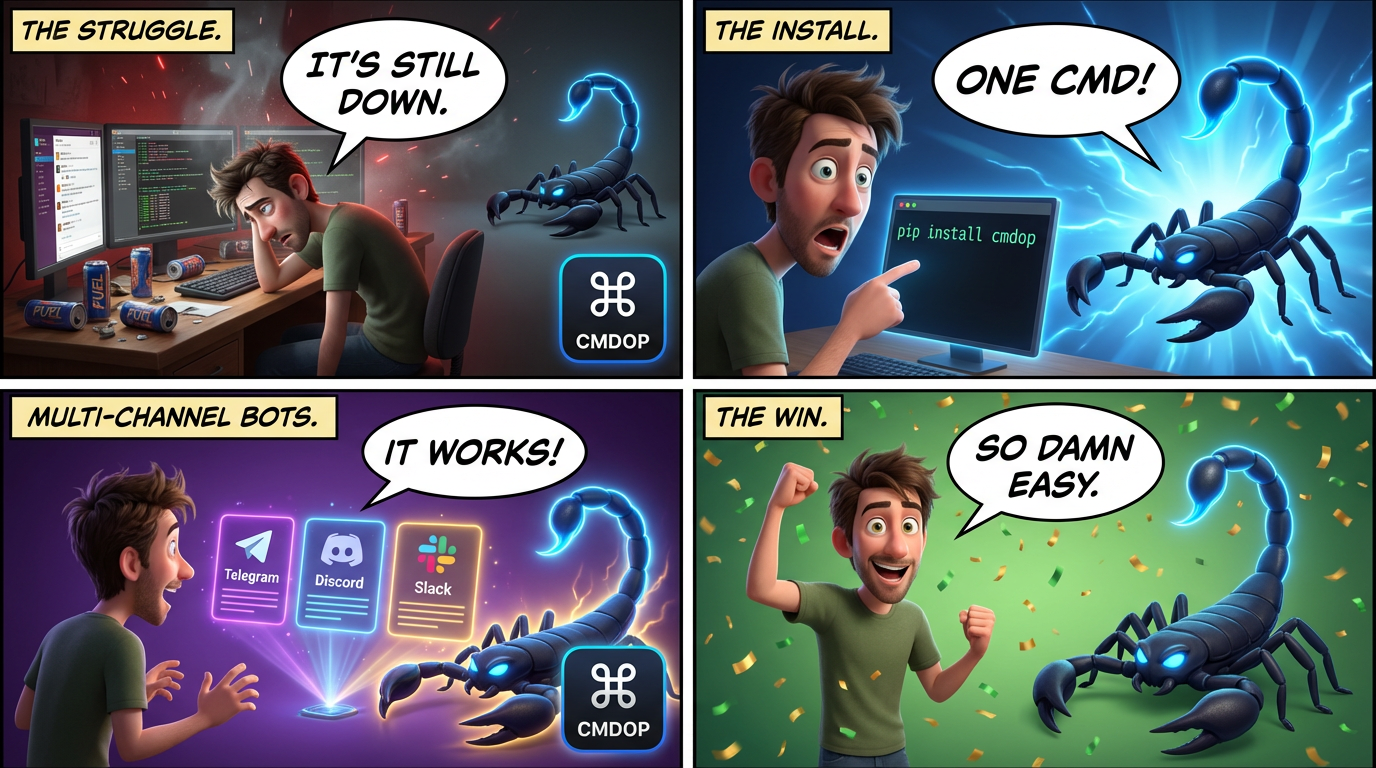
Multi-channel bot integrations for remote machine access.
Control your servers via Telegram, Discord, or Slack. Simple, reliable, open-source.
📖 Documentation: cmdop.com/docs/sdk/python-bot
📖 Read the article: PicoClaw and OpenClaw Are Not Infrastructure: The $10 AI Agent Myth
Getting Started
- Download agent from cmdop.com/downloads
- Install and authorize the agent on your machine
- Get API key from my.cmdop.com/dashboard/settings
- Install the bot (see below)
Install
pip install cmdop-bot

# With Telegram support
pip install "cmdop-bot[telegram]"

# With Discord support
pip install "cmdop-bot[discord]"

# With Slack support
pip install "cmdop-bot[slack]"

# With all channels
pip install "cmdop-bot[all]"
Quick Start
Telegram Bot
from cmdop_bot import Model
from cmdop_bot.channels.telegram import TelegramBot

bot = TelegramBot(
    token="YOUR_TELEGRAM_BOT_TOKEN",
    cmdop_api_key="cmdop_xxx",  # https://my.cmdop.com/dashboard/settings/
    allowed_users=[123456789],  # Your Telegram user ID
    machine="my-server",        # Optional: target machine
    model=Model.balanced(),     # Optional: AI model tier
)

bot.run()
Discord Bot
from cmdop_bot.channels.discord import DiscordBot

bot = DiscordBot(
    token="YOUR_DISCORD_BOT_TOKEN",
    cmdop_api_key="cmdop_xxx",  # https://my.cmdop.com/dashboard/settings/
    guild_ids=[123456789],  # Optional: for faster command sync
)

bot.run()
Slack App
from cmdop_bot.channels.slack import SlackApp

app = SlackApp(
    bot_token="xoxb-YOUR-BOT-TOKEN",
    app_token="xapp-YOUR-APP-TOKEN",
    cmdop_api_key="cmdop_xxx",  # https://my.cmdop.com/dashboard/settings/
)

app.run()
Commands
| Channel | Command | Description |
|---|---|---|
| Telegram | /shell <cmd> |
Execute shell command |
| Telegram | /exec <cmd> |
Alias for /shell |
| Telegram | /agent <task> |
Run AI agent task |
| Telegram | /ls [path] |
List directory |
| Telegram | /cat <path> |
Read file |
| Telegram | /skills list|show|run |
Skills management |
| Telegram | /skill <name> <prompt> |
Run a skill (shorthand) |
| Telegram | /machine <host> |
Set target machine |
| Discord | /shell <cmd> |
Execute shell command |
| Discord | /agent <task> |
Run AI agent task |
| Discord | /ls [path] |
List directory |
| Discord | /cat <path> |
Read file |
| Discord | /skills <action> [name] [prompt] |
List, show, or run skills |
| Discord | /skill <name> <prompt> |
Run a skill (shorthand) |
| Discord | /machine <host> |
Set target machine |
| Discord | /status |
Show connection status |
| Slack | /cmdop shell <cmd> |
Execute shell command |
| Slack | /cmdop agent <task> |
Run AI agent task |
| Slack | /cmdop ls [path] |
List directory |
| Slack | /cmdop cat <path> |
Read file |
| Slack | /cmdop skills list|show|run |
Skills management |
| Slack | /cmdop skill <name> <prompt> |
Run a skill (shorthand) |
| Slack | /cmdop machine <host> |
Set target machine |
| Slack | /cmdop status |
Show connection status |
Features
Telegram
- Chat mode: Just type messages - no
/agentneeded - MarkdownV2 formatting
- Code block syntax highlighting
- Typing indicators
- User allowlist
Discord
- Slash commands
- Rich embeds
- Ephemeral messages for sensitive data
- Deferred responses for slow operations
- Guild-specific command sync
Slack
- Socket Mode (no public webhooks needed)
- Block Kit messages
- Interactive buttons
- Slash command handling
CMDOPHandler
Use CMDOPHandler directly in your own bot:
from cmdop_bot import CMDOPHandler, Model

# Create handler with all CMDOP logic
async with CMDOPHandler(
    api_key="cmdop_xxx",
    machine="my-server",
    model=Model.balanced(),
) as cmdop:
    # Run AI agent
    result = await cmdop.run_agent("List files in /tmp")
    print(result.text)

    # Execute shell command
    output, exit_code = await cmdop.execute_shell("ls -la")
    print(output.decode())

    # List files
    files = await cmdop.list_files("/var/log")
    for f in files.entries:
        print(f.name)

    # Read file
    content = await cmdop.read_file("/etc/hostname")
    print(content.decode())

    # List available skills
    skills = await cmdop.list_skills()
    for s in skills:
        print(f"{s.name}: {s.description}")

    # Run a skill
    result = await cmdop.run_skill("code-review", "Review this PR")
    print(result.text)

    # Switch machine
    await cmdop.set_machine("other-server")
Permissions
Control who can use your bot:
from cmdop_bot import PermissionManager, PermissionLevel

pm = PermissionManager()

# Add admin (full access)
pm.add_admin("telegram:123456789")

# Grant execute permission
pm.grant("discord:987654321", machine="prod-server", level=PermissionLevel.EXECUTE)

# Use with bot
bot = TelegramBot(
    token="...",
    cmdop_api_key="...",
    permissions=pm,
)
Model Selection
Choose AI model tier for /agent command:
from cmdop_bot import Model

# Available tiers (cheapest to most capable)
Model.cheap()      # "@cheap+agents"    - Most economical
Model.budget()     # "@budget+agents"   - Budget-friendly
Model.fast()       # "@fast+agents"     - Fastest response
Model.standard()   # "@standard+agents" - Standard performance
Model.balanced()   # "@balanced+agents" - Best value (default)
Model.smart()      # "@smart+agents"    - Highest quality
Model.premium()    # "@premium+agents"  - Premium tier

# With capabilities
Model.smart(vision=True)   # "@smart+agents+vision"
Model.balanced(code=True)  # "@balanced+agents+code"

# Use in bot
bot = TelegramBot(
    token="...",
    cmdop_api_key="...",
    model=Model.cheap(),  # Use cheapest model
)
Models are resolved dynamically by SDKRouter - the actual LLM is selected server-side based on current best options for each tier.
Architecture
+--------------+
|  Telegram    |
|  Discord     |---> CMDOPHandler ---> CMDOP SDK ---> Your Servers
|  Slack       |
+--------------+
All bots share the same CMDOPHandler class which encapsulates:
-
CMDOP client initialization and connection management
-
Machine targeting (switch between servers)
-
Model selection (AI tier for agent commands)
-
Shell command execution
-
File operations (list, read)
-
AI agent execution
-
Skills (list, inspect, run)
-
Simple: Each bot uses CMDOPHandler for all CMDOP logic
-
Reliable: Proper error handling, reconnection
-
Secure: Permission system, user allowlists
Development
# Clone repository
git clone https://github.com/commandoperator/cmdop-bot
cd cmdop-bot

# Install dev dependencies
pip install -e ".[dev,all]"

# Run tests
pytest

# Type check
mypy src/cmdop_bot

# Lint
ruff check src/cmdop_bot
Environment Variables
| Variable | Description | Required |
|---|---|---|
TELEGRAM_BOT_TOKEN |
Telegram bot token | For Telegram |
DISCORD_BOT_TOKEN |
Discord bot token | For Discord |
SLACK_BOT_TOKEN |
Slack bot token (xoxb-...) | For Slack |
SLACK_APP_TOKEN |
Slack app token (xapp-...) | For Slack |
CMDOP_API_KEY |
CMDOP API key from my.cmdop.com | Yes |
CMDOP_MACHINE |
Default target machine | No |
CMDOP_MODEL |
Model tier (@cheap, @balanced, @smart) | No |
ALLOWED_USERS |
Comma-separated user IDs | No |
License
MIT
1 maintainer

Metadata
1 maintainer
Release files for cmdop-bot 2026.4.7.2
For a detailed explanation of source distributions (sdists) and built distributions (wheels), please see the package formats documentation.
Source distribution (sdist)
| File | Size | Uploaded | |
|---|---|---|---|
| cmdop_bot-2026.4.7.2.tar.gz | 36.9 kB | Details |
Built distribution (wheel)
| File | Interpreter | ABI | Platform | Reset |
|---|---|---|---|---|
| cmdop_bot-2026.4.7.2-py3-none-any.whl | Python 3 | none | any | Details |
Total release size: 96.0 kB
Release files / cmdop_bot-2026.4.7.2.tar.gz
| Download URL | cmdop_bot-2026.4.7.2.tar.gz |
|---|---|
| Size | 36.9 kB |
| Tags | Source |
|
SHA-256 checksum How to use checksums |
939fe273dba9ee73fd1d7e1f7bcfc35f4b3801e3fab5242691bd01afc866568e
|
|
BLAKE2b-256 checksum How to use checksums |
662a316d6b853735f79c3a1676fb7cd528c8cd87de85221bbcbef95a53e4f4e0
|
| Upload date | |
|
Uploaded using Trusted Publishing? What is trusted publishing? |
No |
| Uploaded via |
twine/6.2.0 CPython/3.12.8
|
Release files / cmdop_bot-2026.4.7.2-py3-none-any.whl
| Download URL | cmdop_bot-2026.4.7.2-py3-none-any.whl |
|---|---|
| Size | 59.1 kB |
| Tags | Python 3 |
|
SHA-256 checksum How to use checksums |
3393e88c10859de80c2bba36665d748dec871d9c2a2411a482dc00175586feca
|
|
BLAKE2b-256 checksum How to use checksums |
dd67726b5f07adfd71ff390a1cc1790bb3977de79d20ced5527fd5bf2763b961
|
| Upload date | |
|
Uploaded using Trusted Publishing? What is trusted publishing? |
No |
| Uploaded via |
twine/6.2.0 CPython/3.12.8
|














