
Cocode is the friend of your code
Verified details
These details have been verified by PyPIProject links
GitHub Statistics
Maintainers

Project description
Cocode ⚡️
Cocode is the friend of your code
Cocode is a powerful command-line tool for analyzing and processing code repositories. It converts repository structures and contents into text formats, extracts code interfaces, and performs software engineering analysis using AI-powered workflows using Pipelex.
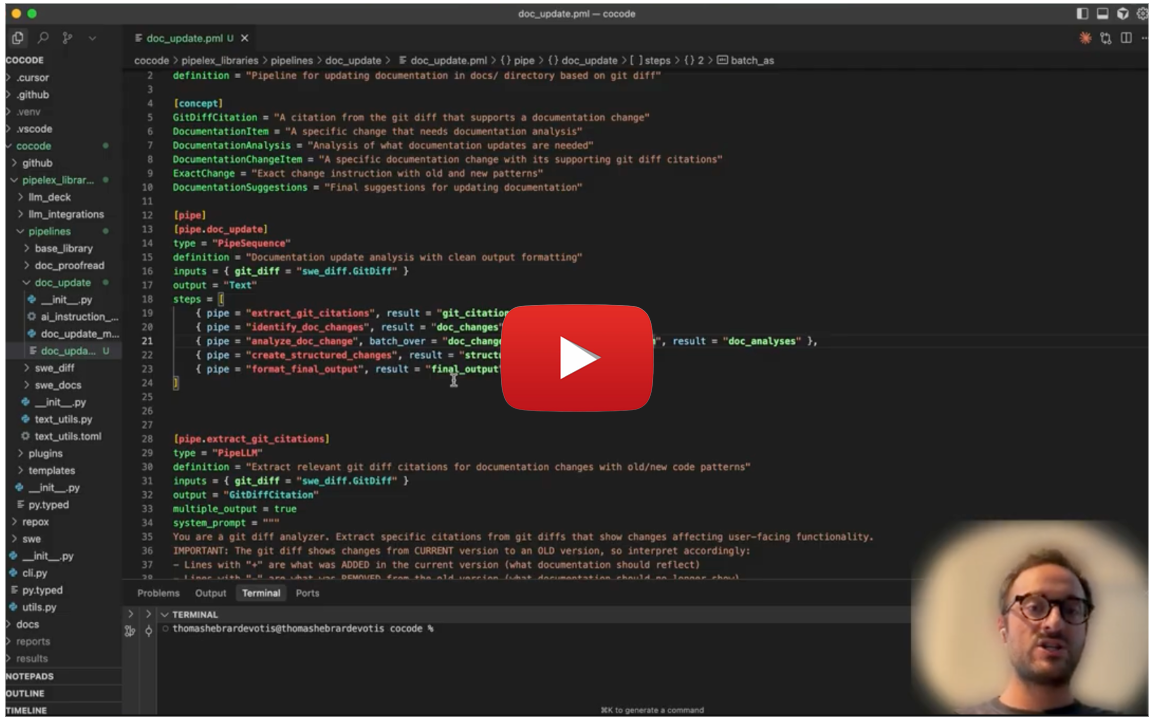
Cocode demo
🚀 Main Features
📝 Automatic Documentation & Release Management
Streamline your documentation workflow with AI-powered automation:
- Automatic Changelog Generation: Generate comprehensive changelogs from git diffs and version comparisons
- Smart Documentation Updates: Automatically update docs and README files based on releases and code changes
- Documentation Proofreading: Detect critical inconsistencies between documentation and actual codebase that could break user code
📦 Installation
pip install cocode
Important: the current version of Cocode only works when run from the cocode directory.
🔑 Get Your API Keys
Cocode's built-in AI workflows require access to AI models. To use the main features (changelog generation, documentation updates, proofreading), you need API keys for:
- Claude models (Anthropic) - Required for changelog generation and documentation analysis
- Gemini models (Google) - Required for documentation proofreading
You have several options:
Option 1: Free Pipelex API Key (Free)
Get free access to all models with a single API key:
- Join our Discord community
- Request your free API key (no credit card required) in the 🔑・free-api-key channel
- Add it to your
.envfile:PIPELEX_API_KEY=your-key-here
Option 2: Bring Your Own API Keys
Use your own API keys from AI providers:
Required for core features:
- Claude models - Use either:
ANTHROPIC_API_KEY- Direct Anthropic API (Get key)- Amazon Bedrock - AWS credentials for Claude via Bedrock (Setup guide)
- Google Cloud credentials - For Gemini models (Setup guide)
Add these to your environment variables or in your .env file in your project root.
Option 3: Local AI
You can also use local models with Ollama, vLLM, or any OpenAI-compatible endpoint. See the Pipelex configuration guide for details.
✅ Validation
# Verify setup and pipelines
cocode validate
🛠️ Quick Start
Automatic Documentation & Release Features
# Update documentation based on code changes
cocode doc update v1.0.0 path/to/your/local/repository

# Proofread documentation against codebase
cocode doc proofread --doc-dir docs path/to/your/local/repository

# Generate changelog from version diff
cocode changelog update v1.0.0 path/to/your/local/repository

# Update AI instructions (AGENTS.md, CLAUDE.md, cursor rules) based on code changes
cocode ai_instructions update v1.0.0 path/to/your/local/repository
📁 Output Location
The results of these commands will be saved in a results (default behavior) folder at the root of your project.
IDE extension
We highly recommend installing our own extension for PLX files into your IDE of choice. You can find it in the Open VSX Registry. It's coming soon to VS Code marketplace too and if you are using Cursor, Windsurf or another VS Code fork, you can search for it directly in your extensions tab.
🔧 Other Features
🤖 AI-Powered Software Engineering Analysis
Leverage AI pipelines for advanced code understanding:
- Extract project fundamentals and architecture insights
- Generate comprehensive onboarding documentation
- Analyze software features and capabilities
- Create structured development guides
📊 Repository Analysis
Transform entire repositories into structured, analyzable formats:
- Convert codebases to text for AI processing and documentation
- Extract directory structures and file contents
- Filter by file types, paths, and patterns
- Multiple output formats for different use cases
🐍 Smart Python Processing
Intelligent Python code analysis with multiple extraction modes:
- Interface Mode: Extract class/function signatures and docstrings only
- Imports Mode: Analyze dependencies and import relationships
- Integral Mode: Include complete source code
🎯 Flexible Output Formats
Choose the right format for your needs:
- Repo Map: Complete tree structure with file contents
- Flat: Clean content-only output
- Tree: Directory structure visualization
- Import List: Dependency analysis format
🔗 GitHub Integration
Powerful GitHub repository management features:
- Authentication: Check and manage GitHub authentication status
- Repository Info: Get detailed information about repositories
- Branch Management: Check branches, list branches
- Label Sync: Synchronize issue labels across repositories from JSON templates
GitHub Commands
# Check authentication status
cocode github auth

# Get repository information
cocode github repo-info pipelex/cocode

# Check if a branch exists
cocode github check-branch pipelex/cocode feature-branch

# List branches (with limit)
cocode github list-branches pipelex/cocode --limit 20

# Sync labels from JSON file
cocode github sync-labels pipelex/cocode ./labels.json --dry-run
cocode github sync-labels pipelex/cocode ./labels.json --delete-extra
Commands for Other Features
Code Analysis
# Analyze git diff with a specific prompt/query
cocode analyze diff v1.0.0 --prompt "What are the main architectural changes in this update?"

# Analyze security-related changes
cocode analyze diff HEAD~10 --prompt "Identify any security vulnerabilities or improvements"

# Analyze performance impacts
cocode analyze diff main --prompt "What changes might affect application performance?"
⚠️ Limitations
This tool is in early development! There are many things to fix and improve. You may encounter bugs, incomplete features, or unexpected behavior. We're actively working on making Cocode more robust and user-friendly.
If you run into issues or have suggestions, please check our GitHub Issues section to report problems or see what we're working on.
Basic Repository Analysis
# Converts repositories into AI-readable text formats
cocode repox convert

# Analyze specific project
cocode repox convert path/to/project --output-filename project-analysis.txt
Smart Code Extraction
# Extract Python interfaces only
cocode repox convert --python-rule interface

# Analyze import dependencies
cocode repox convert --python-rule imports --output-style import_list
AI-Powered Analysis
# Extract project fundamentals
cocode repo extract_fundamentals . --output-filename overview.json

# Generate feature documentation
cocode features extract ./analysis.txt --output-filename features.md
🔧 Configuration
Cocode integrates with the Pipelex framework for AI pipeline processing. Configuration files control default settings, output directories, and pipeline behaviors.
For detailed command options and advanced usage, see CLI_README.md.
Contact & Support
| Channel | Use case |
|---|---|
| GitHub Discussions → "Show & Tell" | Share ideas, brainstorm, get early feedback. |
| GitHub Issues | Report bugs or request features. |
| Email (privacy & security) | security@pipelex.com |
| Discord | Real-time chat — https://go.pipelex.com/discord |
📝 License
This project is licensed under the MIT license. Runtime dependencies are distributed under their own licenses via PyPI.
Happy coding! 🚀
Project details
Verified details
These details have been verified by PyPIProject links
GitHub Statistics
Maintainers
Release history Release notifications | RSS feed


Download files
Download the file for your platform. If you're not sure which to choose, learn more about installing packages.
Source Distribution
Built Distribution
Filter files by name, interpreter, ABI, and platform.
If you're not sure about the file name format, learn more about wheel file names.
Copy a direct link to the current filters
File details
Details for the file cocode-0.6.1.tar.gz.
File metadata
- Download URL: cocode-0.6.1.tar.gz
- Upload date:
- Size: 46.3 kB
- Tags: Source
- Uploaded using Trusted Publishing? Yes
- Uploaded via: twine/6.1.0 CPython/3.13.7
File hashes
| Algorithm | Hash digest | |
|---|---|---|
| SHA256 |
11e1e0acf7ef4d8b48ff7eb448497f45a4bbfde26a9f6f74e6bff9f2194a38df
|
|
| MD5 |
07ffd1bbd17ff858d8161bf365bfef8b
|
|
| BLAKE2b-256 |
9ebcbecc8d1ff558620c805c0cf55067eb8af9a8926559f67b0035dff37bb137
|
Provenance
The following attestation bundles were made for cocode-0.6.1.tar.gz:
Publisher:
publish-pypi.yml on Pipelex/cocode
-
Statement:
-
Statement type:
https://in-toto.io/Statement/v1 -
Predicate type:
https://docs.pypi.org/attestations/publish/v1 -
Subject name:
cocode-0.6.1.tar.gz -
Subject digest:
11e1e0acf7ef4d8b48ff7eb448497f45a4bbfde26a9f6f74e6bff9f2194a38df - Sigstore transparency entry: 699855588
- Sigstore integration time:
-
Permalink:
Pipelex/cocode@dc36708f002315fed7e2466ec11498f40a2b0ce8 -
Branch / Tag:
refs/heads/main - Owner: https://github.com/Pipelex
-
Access:
public
-
Token Issuer:
https://token.actions.githubusercontent.com -
Runner Environment:
github-hosted -
Publication workflow:
publish-pypi.yml@dc36708f002315fed7e2466ec11498f40a2b0ce8 -
Trigger Event:
push
-
Statement type:
File details
Details for the file cocode-0.6.1-py3-none-any.whl.
File metadata
- Download URL: cocode-0.6.1-py3-none-any.whl
- Upload date:
- Size: 65.8 kB
- Tags: Python 3
- Uploaded using Trusted Publishing? Yes
- Uploaded via: twine/6.1.0 CPython/3.13.7
File hashes
| Algorithm | Hash digest | |
|---|---|---|
| SHA256 |
96cd9ebe1caa1e2fa8b996101e69f5efaf98600d5dbc7af59a27a8e3ea8558ae
|
|
| MD5 |
a580d69623983a7b1f36496d61c59223
|
|
| BLAKE2b-256 |
0723559ede5ab80aee46015937a3cc01102ff16857911792cd051eb100b19bbf
|
Provenance
The following attestation bundles were made for cocode-0.6.1-py3-none-any.whl:
Publisher:
publish-pypi.yml on Pipelex/cocode
-
Statement:
-
Statement type:
https://in-toto.io/Statement/v1 -
Predicate type:
https://docs.pypi.org/attestations/publish/v1 -
Subject name:
cocode-0.6.1-py3-none-any.whl -
Subject digest:
96cd9ebe1caa1e2fa8b996101e69f5efaf98600d5dbc7af59a27a8e3ea8558ae - Sigstore transparency entry: 699855591
- Sigstore integration time:
-
Permalink:
Pipelex/cocode@dc36708f002315fed7e2466ec11498f40a2b0ce8 -
Branch / Tag:
refs/heads/main - Owner: https://github.com/Pipelex
-
Access:
public
-
Token Issuer:
https://token.actions.githubusercontent.com -
Runner Environment:
github-hosted -
Publication workflow:
publish-pypi.yml@dc36708f002315fed7e2466ec11498f40a2b0ce8 -
Trigger Event:
push
-
Statement type:






