
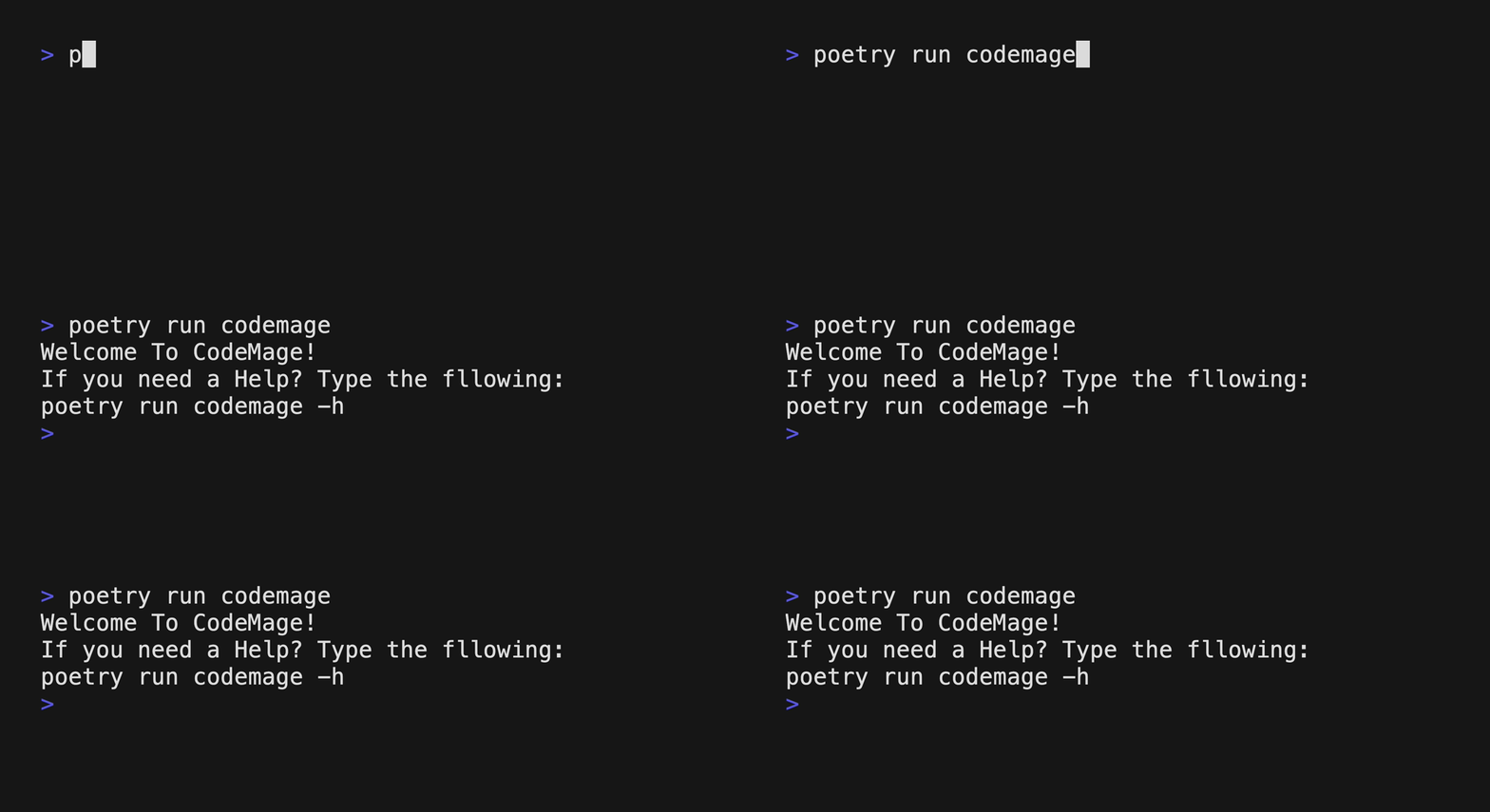
Description
CodeMage is a tool that translates a source file written in one programming language into another language. The translation will be done by Large Language Model AI(such as ChatGPT)
Features (Release 1.1.2)
1. Supported Languages: Javascript, Python, C++, Java
2. Default target Language is Python
3. Supported LLM model: openrouter, groq
4. Default LLM model is openrouter(sao10k/l3-euryale-70b)
Getting started
Prerequisite
- Python
- You need python 3.12 or later version to use this tool
- Install Python : https://www.python.org/downloads/
Start with PyPI
1. Download the package using PyPI
# for window user
pip install code-mage

# for mac user
pip3 install code-mage
2. Create your API_KEY at openrouter Or Groq
It's free with sign-up. You can easily sign-up with your google account
3.a Set-up the API_KEY using Variable (option 1)
export GROQ_API_KEY=YOUR-API-KEY # if you use groq model
export OPENROUTER_API_KEY=YOUR-API-KEY # if you use openrouter model
3.b Set-up with .toml file (option 2)
With this option, you can also set other tool options more easily
- Start by creating a
.codemage-config.tomlin your home directory.
vi ~/.codemage-config.toml
- Add the following environment settings in the file:
# the double quotes for string values are necessary.

model="groq" # if you wish to use OPEN ROUTER you can just delete this line
GROQ_API_KEY="<YOUR-GROQ-API-KEY>"
OPENROUTER_API_KEY="<YOUR-OPEN-ROUTER-API-KEY>"
language="java" # you can use any of the supported languages
stream=false # if you wish to get the output streamed, set it `true`
token_usage=false # if you wish to get token_usage info, set it `true`
output="result" # type any name for the output file without the extension
4. Run the tool
codemage <file-you-want-to-convert>

# For example,
codemage test.js
codemage test.js -s
codemage test.js -m openrouter # specify your model, or the default model is "groq"
Start by cloning the github repo
If you are using the tool by cloning the repo, you need poetry package manager.
1. Install Poetry (if not installed yet)
curl -sSL https://install.python-poetry.org | python3 -
OR if you have pipx installed on your local machine, you can use the following commend
pipx install poetry
Refer to How to download pipx
2. Clone the repository
git clone https://github.com/gitdevjin/code-mage.git
cd code_mage
3. Install Poetry Dependencies
poetry install
4. Create your API_KEY at openrouter Or Groq
It's free with sign-up. You can easily sign-up with your google account
5-a Create .env file in the root directory and save the following:
OPENROUTER_API_KEY=your_open_router_api_key
GROQ_API_KEY=your_groq_api_key
5-b Using TOML files
You can also use .toml file with this method
Refer to this
Now you are ready to use the tool!
Usage
- Run the command
poetry run codemage <source_file>
poetry run codemage ./example/test.js
Examples
You can try the tool with the included example files as followings:
poetry run codemage ./example/test.js -l python
You can also use the tool with multiple files:
poetry run codemage ./example/test.js ./example/sample.js -l java
You can select model with -m, --model <model_name> option:
poetry run codemage ./example/test.js -m groq -o result -t
You can stream out the result onto stdout with -s, --stream flag:
poetry run codemage ./example/test.js -s
Options
-h, --help : display help message and exit
-l, --language : choose your target language (currently python, java, c++, and javascript are supported)
-o, --output : enter your output file name without extension
-m, --model : select LLM API model (currently openrouter, and groq are supported)
-v, --version : Show program's version number and exit
-t, --token-usage : Get information about token usage for the prompt and response
-s, --stream : Stream out the output into stdout
1 maintainer

Metadata
1 maintainer
Release files for code-mage 1.1.2
For a detailed explanation of source distributions (sdists) and built distributions (wheels), please see the package formats documentation.
Source distribution (sdist)
| File | Size | Uploaded | |
|---|---|---|---|
| code_mage-1.1.2.tar.gz | 6.0 kB | Details |
Built distribution (wheel)
| File | Interpreter | ABI | Platform | Reset |
|---|---|---|---|---|
| code_mage-1.1.2-py3-none-any.whl | Python 3 | none | any | Details |
Total release size: 13.5 kB
Release files / code_mage-1.1.2.tar.gz
| Download URL | code_mage-1.1.2.tar.gz |
|---|---|
| Size | 6.0 kB |
| Tags | Source |
|
SHA-256 checksum How to use checksums |
0bde2d30190fb378642e76e06ca299d6bb1685beff34036800bb3a5c41b69e29
|
|
BLAKE2b-256 checksum How to use checksums |
3821601c917c591baeff6711ffd08f500af399ae621d7a3765411db5a146be34
|
| Upload date | |
|
Uploaded using Trusted Publishing? What is trusted publishing? |
No |
| Uploaded via |
poetry/1.8.3 CPython/3.12.1 Darwin/23.6.0
|
Release files / code_mage-1.1.2-py3-none-any.whl
| Download URL | code_mage-1.1.2-py3-none-any.whl |
|---|---|
| Size | 7.5 kB |
| Tags | Python 3 |
|
SHA-256 checksum How to use checksums |
39fcf8bae7047789a42d8abc9b209e9ad6b61390ee2931178e9b2e3902de6d27
|
|
BLAKE2b-256 checksum How to use checksums |
29f2d756b960d2a10c11336287064bef20aa76a9f541648f1f5717962726dcfb
|
| Upload date | |
|
Uploaded using Trusted Publishing? What is trusted publishing? |
No |
| Uploaded via |
poetry/1.8.3 CPython/3.12.1 Darwin/23.6.0
|














