
codename-generator


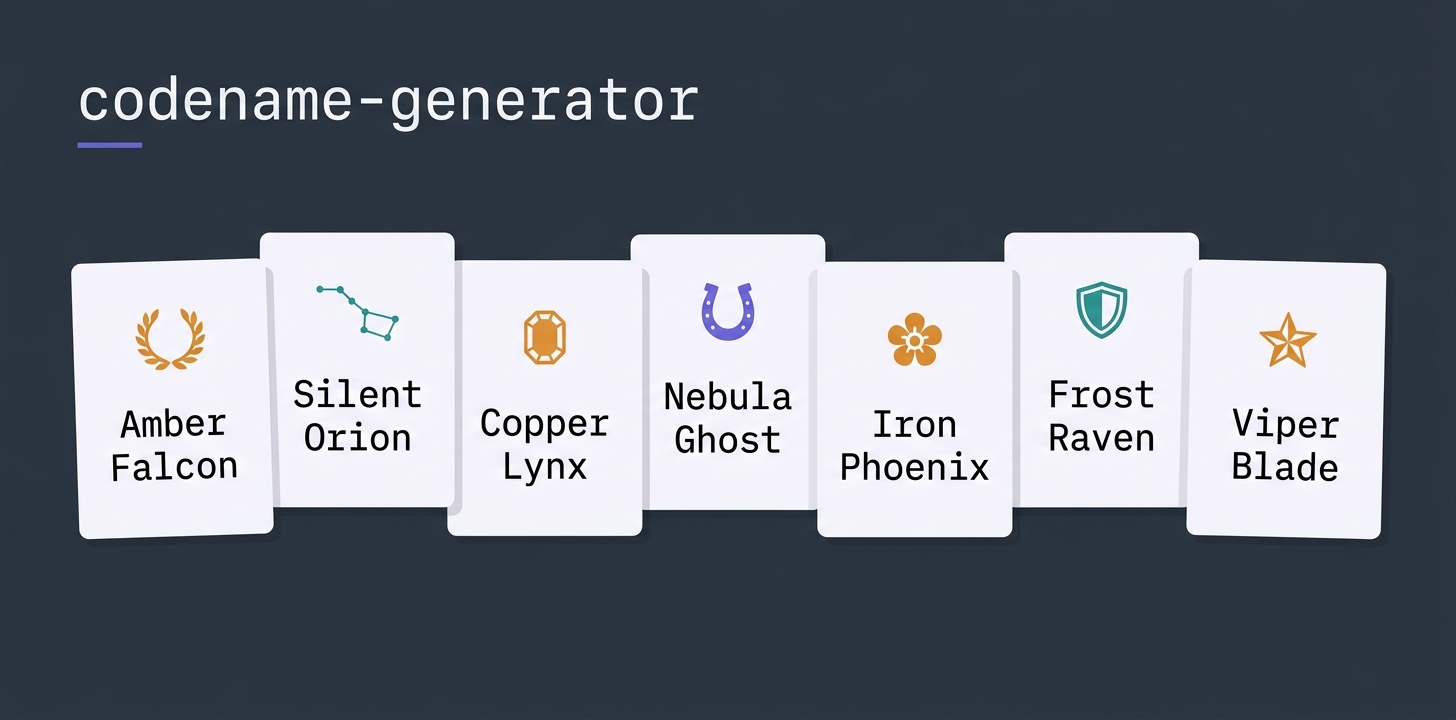









A terminal codename generator. Pick a theme (Greek gods, racehorses, gemstones, constellations, ...), get a batch of unique suggestions (10 to 40, your pick) combined with adjective or verb modifiers and optional phonetic mutations.
Themes
Greek gods · Egyptian gods · Norse gods · Constellations · Zodiac · Animals · Dangerous animals · Racehorses · Flowers · Gemstones · Mountains · Mushrooms · Historic ships · Landmarks · Dev · Air traffic control · Random (pooled)
German themes (language: de): Tierwelt · Sagenwesen · Wetter und Landschaft · Random (DE)
Themes whose words are proper names (Greek/Egyptian/Norse gods, racehorses,
mountains, landmarks, historic ships) are marked
language: neutral. They show up in every language and take the modifiers of
the one you picked - Silent Secretariat in English, Stiller Secretariat in
German.
Two themes use their own curated word pools:
- Evocative - a stark adjective + an emotionally charged noun
(
Cold Ember,Iron Hour,Sacred Tide). Never mutated. - Power words - single bold standalone words, no modifiers
(
Mythos,Skyline,Oracle,Aegis).
A theme YAML can override the global modifier pools (adjectives, verbs),
restrict the name patterns, disable mutation (mutate: false) or set the
mutation level it starts at (default_mutation).
Setup
setup.bat        # Windows
./setup.sh       # macOS/Linux
Requires uv.
Usage
TUI (default)
run.bat          # Windows
./run.sh         # macOS/Linux
uv run codename  # any platform
Keys: r regenerate · n copy name · f favorite · + your own idea · o your own word · w new modifiers · m new word · l language · s settings · i info · q quit. Not in the footer: c copy slug, v favorites, u mutation +25%, t colour theme, ? every key.
The layout follows the shared convention of all my TUIs (SHORTCUTS.md). Under s -> Keyboard you can switch to function keys (F1 info, F2 settings, F5 regenerate, F7 own word, F8 new modifiers, F9 new word, F10 language - the letters stay next to them), plus vim navigation for the table. Own bindings go into settings.json under keymap_custom, ? shows what is bound right now.
Your own word (o, entry Custom Seed): your word is combined with adjectives and
verbs or, via Seed partner in the settings panel, with the words of a theme
(Sitemap Orion, Pegasus Sitemap). Seed position decides whether your word stands
in front or at the back. With a partner theme only the partner's word mutates, yours
stays as typed. A fixed position or a partner theme sets the name to two words.
Theme mix (Mix with in the settings panel): the active theme is crossed with a
second one, every name takes one word from each (Matterhorn Monoceros,
Snowdon Aries). No word appears twice in a batch. Themes of the other language work too, they
carry their language code in the list (Tierwelt (DE)).
Varying: w keeps the word of the highlighted suggestion and rolls new modifiers
(Silent Falcon -> Falcon Runner), m keeps the modifier and swaps the word
(Silent Falcon -> Silent Otter, Silent Lynx; German inflects it per gender). From a
variant, w/m go on from there, r rerolls, picking a theme in the list goes back.
Methods (bar above the list): Theme words is the classic way. Coined words invents
new words that sound like the theme (Athelion, Leidon), a mix partner adds its sound.
Blends melt two theme words at a shared letter (Orion + Andromeda = Oromeda), with a
mix partner the back half comes from the second theme. Acronym takes up to three letters,
every word of the name starts with its letter (SM -> Silent Marten). Coined words and
blends take modifiers like any theme word.
Tone limits the modifiers to one mood: dark, bright, noble, swift, calm or fierce.
Filters: Starts with, a syllable limit and Alliteration - the modifiers are then
drawn with the initial of the theme word, not just filtered. Sort by sound puts the
best-sounding names first, the Sound column shows the score (0-100: short, easy to say
and to spell). With a filter a larger pool is drawn, the info line says when fewer names
pass. Esc in a text field returns to the list.
The left settings panel has three sliders - mutation chance (0-100%),
word count (1, 2 or 3 visible words per name) and suggestions
(10/20/30/40 names per batch) - plus a language dropdown (see
Languages). Moving a slider re-renders the current set of
names in place so you see the effect immediately — only r draws a fresh
batch. Each theme keeps its own set, so switching themes back and forth never
loses what you had. Hover a theme in the list for a tooltip describing it.
Right-click any suggestion for a context menu (copy slug/name, favorite,
regenerate). The theme list starts with a Favorites entry — selecting it
lists your saved favorites on the right, where only the mutation slider
applies and re-mutates them live. Ships with 35+ colour themes (Textual
built-ins plus retro palettes) — switch with t or the Ctrl+P theme picker.
Chosen colour theme, mutation chance, word count, suggestion count, method,
tone, filters and favorites are persisted to ~/.codename-generator/settings.json across
restarts.
CLI
uv run codename --list-themes
uv run codename -t greek-gods           # 30 suggestions (default)
uv run codename -t flowers -n 5 --mutation-chance 0.6 --seed 42
uv run codename -t random -n 20         # pulls from every theme
uv run codename -t mountains --words 3  # exactly 3 components per name
uv run codename --list-themes --lang de  # German plus the neutral themes
uv run codename -t tierwelt -n 10       # German names, inflected
uv run codename -t racehorses --lang de  # proper names, German modifiers
uv run codename -w Sitemap              # your own word with modifiers
uv run codename -w Sitemap -t constellations --position front   # Sitemap Orion ...
uv run codename -t mountains --mix constellations   # Matterhorn Monoceros ...
uv run codename -t animals --tone dark                     # only dark modifiers
uv run codename -t greek-gods --method coined --words 1    # Athelion, Leidon ...
uv run codename -t greek-gods --mix constellations --method blend --words 1
uv run codename -t animals --method acronym --letters SM   # Silent Marten ...
uv run codename -t animals --initial s --max-syllables 3 --alliteration --sort
uv run codename --export-favorites favorites.json          # for the web version
uv run codename --import-favorites favorites.json          # web export or settings.json
Favorites between TUI and web: both use the same format. --export-favorites writes
a file the web version imports (Import in its list), the web's Export goes back in with
--import-favorites. A settings.json works as import file, too. Known names are skipped.
A * next to a suggestion means a phonetic mutation was applied
(Pegasus -> Pegasos, Carnation -> Carnatiyn, Frankel -> Frankil).
Adding themes
Drop a YAML file into src/codename_generator/data/themes/:
name: My Theme
description: ...
words:
  - Word1
  - Word2
The modifier lists under data/modifiers/<lang>/ carry a tones: map (tone -> words). A
word may have several tones or none, every word there must also be in words - the loader
refuses anything else.
Languages
A theme declares its language, and that language decides which modifier pools
it draws from, how the name is put together and whether the modifier gets
inflected. Themes without a language key are English. A theme of proper
names uses language: neutral - it stays visible in every language and
borrows the modifiers of whichever one is active.
name: Tierwelt
description: Heimische Tiere
language: de
words:
  - Falke|m
  - Eule|f
  - Wiesel|n
The |m / |f / |n / |p marker is the grammatical gender of the noun.
German inflects an attributive modifier after it - still becomes
Stiller Falke, Stille Eule, Stilles Wiesel. Without a marker the
masculine form is used. Languages that do not inflect (English) ignore it.
Modifier pools live per language in
src/codename_generator/data/modifiers/<lang>/ - adjectives.yaml,
verbs.yaml and agents.yaml. A language without its own folder falls back
to the English pools. German verbs are present participles (jagend,
lauernd), because that is what German puts in front of a noun.
Word order differs too: German never trails a participle, so theme-verb
("Falke Jagend") is dropped and three-word names use adj-verb-theme
("Stiller Jagender Falke") instead of adj-theme-verb.
Each language gets its own Random theme (random, random-de, ...) so
pooled draws never mix a German noun with an English adjective - neutral
themes feed into all of them.
Pick the language in the settings panel (bottom dropdown) or cycle it with
l. The theme list then shows that language plus the neutral themes, and
every name is generated with its modifiers. On the CLI, --lang does the same
for --list-themes and for generation. The setting is persisted like the
sliders. Slugs stay ASCII: umlauts are written out
(Grüner Blitz -> gruener-blitz), accents are stripped
(Volupté -> volupte).
Credits
The settings sliders use textual-slider by Tom J Gooding - thank you for the widget.
License
Apache License 2.0 - see LICENSE.
1 maintainer

Metadata
1 maintainer
Release files for codename-factory 0.4.1
For a detailed explanation of source distributions (sdists) and built distributions (wheels), please see the package formats documentation.
Source distribution (sdist)
| File | Size | Uploaded | |
|---|---|---|---|
| codename_factory-0.4.1.tar.gz | 77.9 kB | Details |
Built distribution (wheel)
| File | Interpreter | ABI | Platform | Reset |
|---|---|---|---|---|
| codename_factory-0.4.1-py3-none-any.whl | Python 3 | none | any | Details |
Total release size: 169.4 kB
Release files / codename_factory-0.4.1.tar.gz
| Download URL | codename_factory-0.4.1.tar.gz |
|---|---|
| Size | 77.9 kB |
| Tags | Source |
|
SHA-256 checksum How to use checksums |
d8a214af4a9ad8d1781933b81349b49bdd21180b0f18f1ddfabbdb01f9dffd38
|
|
BLAKE2b-256 checksum How to use checksums |
62161dbae1f44650ce45d5005c1f92df050fbaee2c5f2bd9f0b1518007de1457
|
| Upload date | |
|
Uploaded using Trusted Publishing? What is trusted publishing? |
Yes |
| Uploaded via |
twine/7.0.0 CPython/3.13.14
|
Provenance
Provenance describes where a file came from. On PyPI, provenance is shared via attestations, which provide a verifiable record of the build or publishing details. View details, limitations and caveats.


PyPI Publish Attestation
PyPI verified that this artifact, at this checksum, originated from the publisher listed below.
Signed by GitHub Actions, verified by PyPI on Oct 5, 2026.
Transparency logRelease files / codename_factory-0.4.1-py3-none-any.whl
| Download URL | codename_factory-0.4.1-py3-none-any.whl |
|---|---|
| Size | 91.5 kB |
| Tags | Python 3 |
|
SHA-256 checksum How to use checksums |
0b68905f85e8faadc80e8275726ecb30845730f99f4d917d801ffb5181b40696
|
|
BLAKE2b-256 checksum How to use checksums |
fa3834b57412808c5868b65e7e48eee14ab395f5ed7d5fa8295f87dc064bd61c
|
| Upload date | |
|
Uploaded using Trusted Publishing? What is trusted publishing? |
Yes |
| Uploaded via |
twine/7.0.0 CPython/3.13.14
|
Provenance
Provenance describes where a file came from. On PyPI, provenance is shared via attestations, which provide a verifiable record of the build or publishing details. View details, limitations and caveats.
PyPI Publish Attestation
PyPI verified that this artifact, at this checksum, originated from the publisher listed below.
Signed by GitHub Actions, verified by PyPI on Oct 5, 2026.
Transparency log












