
Codeskop for Python
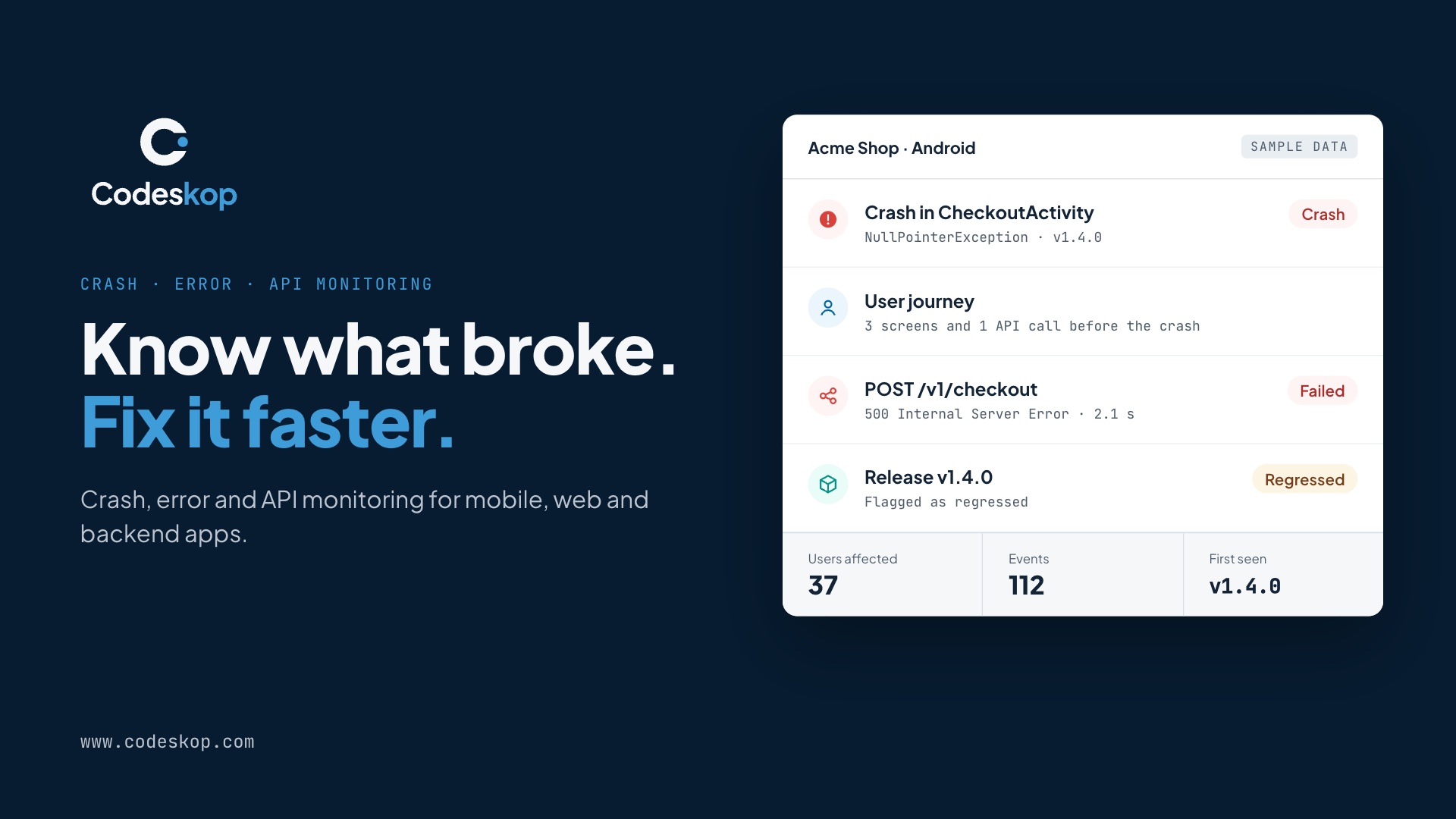
Codeskop is crash, error and API monitoring for mobile, web and backend apps. Get started free at www.codeskop.com.



codeskop is the Python SDK for Codeskop. Add it to a Django, Flask, FastAPI or Celery app and Codeskop groups its errors into issues with stack traces, records every request it handles by route, and shows which outgoing API calls fail or slow down, next to the crashes and network calls from your mobile and web apps.
- Errors: unhandled exceptions in web requests, threads, Celery tasks and the main thread, plus
capture_exception(),capture_message()and alogginghandler. Grouped by your own code, so library frames don't split issues. - Incoming requests: every request your app handles, by route (
/orders/{pk}/), with status, latency and size. - Outgoing calls:
requestsandhttpxcalls to other APIs, with status, latency and failures. - Light and safe: no dependencies. It never blocks a request: events are batched, compressed and sent in the background, with retries. Every public function is safe to call before
initand never raises into your code.
Works with Django 3.2+, Flask 2.2+, FastAPI and Starlette, Celery 5+, requests and httpx. Python 3.9 and later.
Get started in 2 minutes
1. Create a free account at dashboard.codeskop.com/signup. No credit card. Every project has a Test key (cs_test_pk_…) and a Live key (cs_live_pk_…); copy one from API tokens.
2. Install:
pip install codeskop # or: poetry add codeskop / uv add codeskop
3. Set your key (Test key locally, Live key in production):
export CODESKOP_API_KEY=cs_test_pk_…
4. Initialize once, as early as possible:
import codeskop

codeskop.init()   # reads CODESKOP_API_KEY; or codeskop.init(api_key="cs_live_pk_…")
On its own this captures unhandled exceptions in the main thread and other threads, and outgoing requests / httpx calls. Add your framework below to record requests too. Raise an exception and it shows up in your dashboard a few seconds later.
Frameworks
Django
# settings.py
import codeskop

codeskop.init()

MIDDLEWARE = [
    "codeskop.integrations.django.CodeskopMiddleware",  # near the top
    "django.middleware.security.SecurityMiddleware",
    # ...
]
Routes come from your URL patterns (/orders/{pk}/), and the signed-in user's primary key is attached automatically.
Flask
from flask import Flask
import codeskop
from codeskop.integrations.flask import CodeskopFlask

codeskop.init()

app = Flask(__name__)
CodeskopFlask(app)   # in an app factory: CodeskopFlask().init_app(app)
Routes come from your URL rules. Uses g.user_id or Flask-Login's current_user when present.
FastAPI and Starlette
from fastapi import FastAPI
import codeskop
from codeskop.integrations.asgi import CodeskopMiddleware

codeskop.init()

app = FastAPI()
app.add_middleware(CodeskopMiddleware)
Routes come from the matched path (/items/{item_id}). Set request.state.user_id in your auth dependency to attach users.
Celery
import codeskop
from codeskop.integrations import celery as codeskop_celery

codeskop.init()
codeskop_celery.install()   # task failures, tagged with the task name
Task failures are reported with the task name and ID as tags, and events are flushed after each task.
Common tasks
import logging
import codeskop

# Report a handled error, with optional tags.
try:
    charge(order)
except PaymentError as exc:
    codeskop.capture_exception(exc, tags={"provider": "stripe"})

codeskop.capture_message("Inventory sync skipped", severity="medium")

# Attach events in this request to a user (your own ID, never an email).
codeskop.set_user(request.user.pk)

# Send ERROR (and above) log records to Codeskop.
logging.getLogger().addHandler(codeskop.LoggingHandler())
Workers, forking and serverless
Gunicorn, uWSGI and other pre-fork servers work as they are: each worker process starts its own sender, and events left in memory are sent when the process exits normally. On AWS Lambda or Cloud Functions, flush at the end of each invocation:
def handler(event, context):
    try:
        return process(event)
    finally:
        codeskop.flush(2)   # send before the runtime freezes
What's captured automatically
- Unhandled exceptions in the main thread, other threads, web requests (with the route) and Celery tasks.
- Every incoming request by route, with method, status, latency and size, once your framework integration is added. Find them on the Network page under Requests your servers receive. Health checks (
/health*,/healthz,/metrics,/favicon.ico) aren't recorded. - Outgoing
requestsandhttpxcalls, on the Network page under APIs your apps call. - Users from Django's signed-in user, Flask's
g.user_id/ Flask-Login, orrequest.state.user_idon FastAPI. - Release, detected from
CODESKOP_RELEASEor the commit on Render, Heroku, Vercel, Railway, Cloud Run and GitHub Actions.
API keys and environments
Server SDKs use the project's public key, the same kind of key your mobile and web apps use. Public keys can only send events, never read your data.
| Key | Use it for |
|---|---|
cs_test_pk_… (Test) |
Local development, CI and staging, so test traffic never mixes with real users |
cs_live_pk_… (Live) |
Production |
Set it as CODESKOP_API_KEY in each environment and the SDK reads it on its own, or pass codeskop.init(api_key=…) in code. Never put a secret key (cs_…_sk_…) in a service: the SDK refuses it and stays switched off, without throwing. A missing or malformed key does the same, so if nothing shows up, check the key first. The key decides which environment events land in; the environment option is a label shown on events.
Create a separate Codeskop project for each backend service so its issues and routes stay apart. More: Core concepts and server SDK keys.
Configuration
Pass options as keyword arguments to codeskop.init().
| Option | Type | Default | Description |
|---|---|---|---|
api_key |
str |
CODESKOP_API_KEY |
The project's public key. Secret keys are refused and the SDK stays off. |
environment |
str |
"production" |
Shown on events. Env var CODESKOP_ENVIRONMENT. |
release |
str |
auto | Your version or commit. Env var CODESKOP_RELEASE. |
capture_requests |
bool |
True |
Record incoming requests. |
capture_outgoing |
bool |
True |
Record requests and httpx calls. |
ignore_routes |
tuple |
health checks | Glob patterns never recorded, for example ("/internal/*",). |
ignore_exceptions |
tuple |
() |
Exception class names never sent, for example ("Http404",). |
before_send |
callable |
None |
Edit or drop any event before it's sent. |
send_user_id |
bool |
True |
Attach the signed-in user's ID. |
debug |
bool |
False |
Log what the SDK does. |
def scrub(event):
    if event["type"] == "exception" and "card" in event["payload"].get("message", ""):
        event["payload"]["message"] = "[scrubbed]"
    return event          # or None to drop it

codeskop.init(before_send=scrub)
Plans
| Free | Starter | Growth | Scale | |
|---|---|---|---|---|
| Errors | ✓ | ✓ | ✓ | ✓ |
| Incoming requests and outgoing API calls | ✓ | ✓ | ✓ | |
| Events per month | 10,000 | 100,000 | 1,000,000 | 10,000,000 |
| Data retention | 7 days | 30 days | 90 days | 365 days |
The SDK is the same on every plan; your plan decides what's kept. Request and API call monitoring follow the network monitoring on your plan, with the same sampling, and failed requests are always kept. See pricing.
Privacy
Never captured: request or response bodies, cookies, Authorization headers and query strings. Requests are recorded by route template, so IDs in the path don't become separate routes.
What is sent: the error type, message and stack trace; for each request, the method, route, status, latency and size; for outgoing calls, the method, host, path, status and latency. Each event also carries your environment and release, plus the host name, OS and runtime version of the server.
You choose the user ID. Pass your own ID, never an email address or phone number.
Error messages are sent as written. If yours can contain personal data, scrub or drop events with before_send, or skip error types with ignore_exceptions.
Codeskop also redacts payload fields named like secrets (password, token, api_key, card number…) on the server.
Details: Privacy & Security.
Troubleshooting
- Initialize with
debug=Trueand look forcodeskoplog lines. - Check you used the public key (
_pk_) of the project and environment you're viewing. - Incoming requests need network monitoring on your plan (Starter and up). Errors work on every plan.
- Short scripts: call
codeskop.flush()before exiting.
More: Troubleshooting.
Documentation
Other Codeskop SDKs
Monitor your mobile apps, web apps and backend services in one dashboard:
| Platform | Package | Links |
|---|---|---|
| Android | com.codeskop.sdk:tracker-android |
Docs |
| Kotlin Multiplatform and iOS (beta) | com.codeskop.sdk:tracker-core |
Docs |
| Flutter | codeskop_tracker |
Docs |
| Web (JavaScript, React) | @codeskop/tracker, @codeskop/tracker-react |
Docs · GitHub |
| Go | github.com/Codeskop-io/codeskop-go |
Docs · GitHub |
| Python (this SDK) | codeskop |
Docs · GitHub |
| Node.js | @codeskop/node |
Docs · GitHub |
| Java and Kotlin (JVM) | com.codeskop.sdk:codeskop-server |
Docs · GitHub |
| PHP | codeskop/codeskop-php |
Docs · GitHub |
| Any other language | OpenTelemetry (OTLP) or HTTPS | OpenTelemetry · Ingest API |
Help
Questions or a bug? Contact us, email support@codeskop.com, or open an issue in this repository.
Development
python -m venv .venv && .venv/bin/pip install -e ".[test]"
.venv/bin/pytest
The test suite runs against a local mock of the ingest API (tests/conftest.py).
License
1 maintainer

Metadata
1 maintainer
Release files for codeskop 0.1.2
For a detailed explanation of source distributions (sdists) and built distributions (wheels), please see the package formats documentation.
Source distribution (sdist)
| File | Size | Uploaded | Provenance | |
|---|---|---|---|---|
| codeskop-0.1.2.tar.gz | 30.4 kB | With provenance | Details |
Built distribution (wheel)
| File | Interpreter | ABI | Platform | Reset |
|---|---|---|---|---|
| codeskop-0.1.2-py3-none-any.whl | Python 3 | none | any | Details |
Total release size: 59.0 kB
Release files / codeskop-0.1.2.tar.gz
| Download URL | codeskop-0.1.2.tar.gz |
|---|---|
| Size | 30.4 kB |
| Tags | Source |
|
SHA-256 checksum How to use checksums |
8cae9f5628d5ef7497fef09cde57b0cda09c62a3d0552b4500ee6d62c1a357b7
|
|
BLAKE2b-256 checksum How to use checksums |
44e283f73b4bbd9310f73131b58c87c514cbcf2024b15778b004748957229a94
|
| Upload date | |
|
Uploaded using Trusted Publishing? What is trusted publishing? |
Yes |
| Uploaded via |
twine/7.0.0 CPython/3.13.16
|
Provenance
Provenance describes where a file came from. On PyPI, provenance is shared via attestations, which provide a verifiable record of the build or publishing details. View details, limitations and caveats.


PyPI Publish Attestation
PyPI verified that this artifact, at this checksum, originated from the publisher listed below.
Signed by GitHub Actions, verified by PyPI on Oct 22, 2026.
Transparency logRelease files / codeskop-0.1.2-py3-none-any.whl
| Download URL | codeskop-0.1.2-py3-none-any.whl |
|---|---|
| Size | 28.6 kB |
| Tags | Python 3 |
|
SHA-256 checksum How to use checksums |
7e0c259b84e92a59b224db3f762562096c8f4832778e775fe57c214bb079afdc
|
|
BLAKE2b-256 checksum How to use checksums |
6767c7d1c2466682273a2aa66b4b111fe85c70754c59188042977866cd6cb2ee
|
| Upload date | |
|
Uploaded using Trusted Publishing? What is trusted publishing? |
Yes |
| Uploaded via |
twine/7.0.0 CPython/3.13.16
|
Provenance
Provenance describes where a file came from. On PyPI, provenance is shared via attestations, which provide a verifiable record of the build or publishing details. View details, limitations and caveats.
PyPI Publish Attestation
PyPI verified that this artifact, at this checksum, originated from the publisher listed below.
Signed by GitHub Actions, verified by PyPI on Oct 22, 2026.
Transparency logSecurity for codeskop 0.1.2
Provenance
Provenance describes where a file came from. On PyPI, provenance is shared via attestations, which provide a verifiable record of the build or publishing details. View details, limitations and caveats.
Full provenance
All 2 files in this release have been uploaded with provenance metadata.
Attestation for codeskop-0.1.2.tar.gz
PyPI Publish Attestation
PyPI verified that this artifact, at this checksum, originated from the publisher listed below.
Signed by GitHub Actions, verified by PyPI on Oct 22, 2026.
Transparency logA note on package security
PyPI is a repository for distributing packages, not a service for auditing them. While third-party security researchers and our staff do their best to detect and remove malicious packages, PyPI cannot guarantee the quality, security or suitability of any given package.














