
codify
Generate codes
To install: pip install codify
Qr code
from codify.qr_coding import qrcode_img_of

qrcode_img_of("https://github.com/thorwhalen")

And if you wanted to save that, you just do:
qrcode_img_of("https://github.com/thorwhalen").save("qr_code_of_my_website.png")
But qr codes aren't just for links. They're just a means to implement text->image->text error compressed and robust communication pipeline.
For example...
some_long_text = """Lorem Ipsum is simply dummy text of the printing and typesetting industry.
Lorem Ipsum has been the industry's standard dummy text ever since the 1500s,
when an unknown printer took a galley of type and scrambled it to make a type specimen book.
It has survived not only five centuries, but also the leap into electronic typesetting, remaining essentially unchanged.
It was popularised in the 1960s with the release of Letraset sheets containing
Lorem Ipsum passages, and more recently with desktop publishing software like Aldus PageMaker including versions of Lorem Ipsum.
"""
qrcode_img_of(some_long_text)
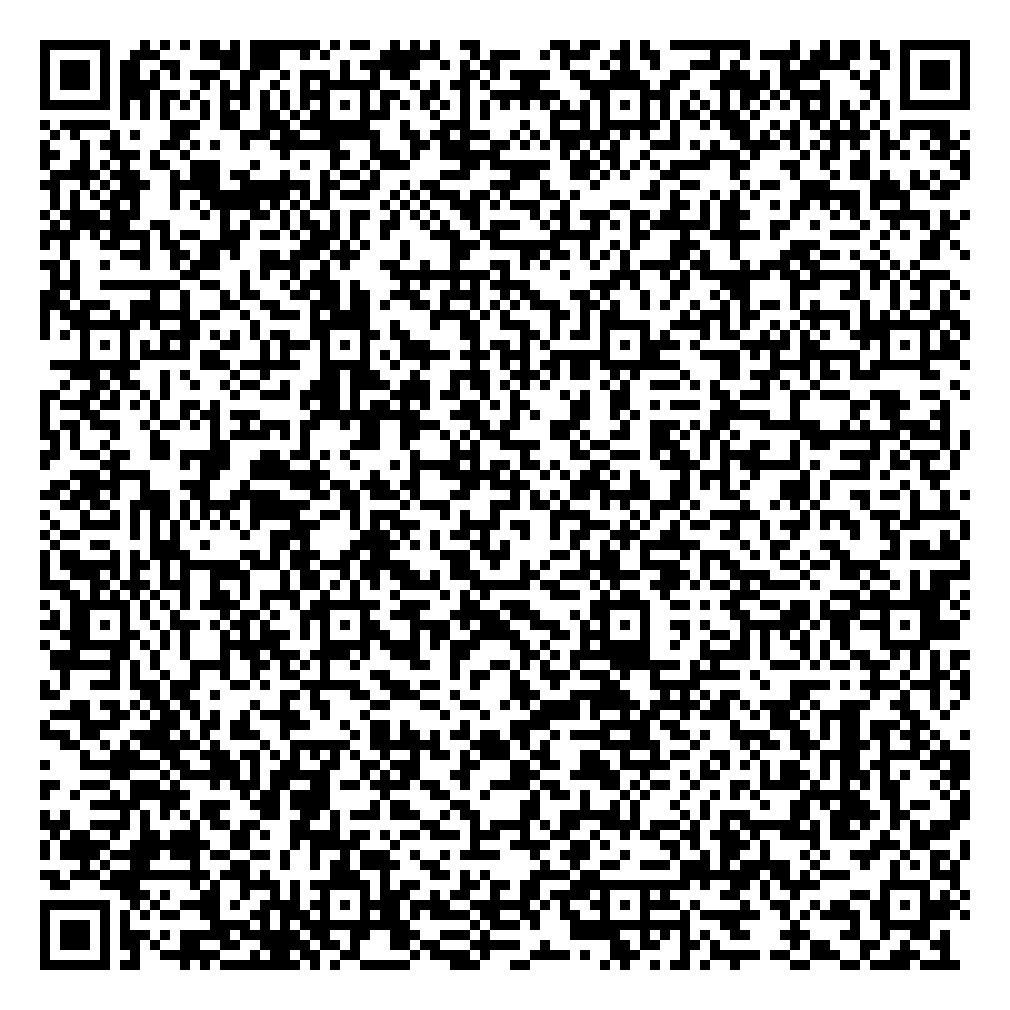
Obviously, this could get out of hand.
But if all you're doing is wanting to send a fingerprint (a hash) of some text, for verification or legal purposes.
For this, you can use sha256 for example...
from codify import bytes_to_sha256

bytes_to_sha256(some_long_text.encode()).hex()
'a1a2423753693304b35308d019a37bbb12b8e8c36e07c02d1e448f28927ea557'
from codify.qr_coding import qrcode_img_of_sha256

qrcode_img_of_sha256(some_long_text)

Ceasar Cyphers
Tools to play with Ceasar cyphers (https://en.wikipedia.org/wiki/Caesar_cipher).
>>> from codify import ceasar_cypher
>>> ceasar_cypher("Hi, I'm Bob!")
"ij, j'n cpc!"
Note that every letter is lower-cased now. This is because ceasar_cypher preprocesses all phrases with
str.lower by default. You can stop this by specifying preprocess=None, but note that, then, upper case
letters won't be transformed (since they're not mapped by the default letter_transformer).
>>> ceasar_cypher("Hi, I'm Bob!", preprocess=None)
"Hj, I'n Bpc!"
The key to the cypher is letter_transformer which defines the letter mapping.
The most general way to specify this is through a function, but most of the time you specify it through a mapping:
an explicit {transform_this: into_this, and_this: into_that, ...} dict.
If you don't specify any letter_transformer, as above, the default is taken to be a cylclic mapping over the
whole alphabet with an offset=1.
You can change that offset to another number:
>>> ceasar_cypher("Hi, I'm Bob!", letter_transformer=4)
"lm, m'q fsf!"
>>> ceasar_cypher("Hi, I'm Bob!", letter_transformer=-3)
"ef, f'j yly!"
Here's an example of specifying letter_transformer as an explicit dict:
>>> ceasar_cypher("Hi, I'm Bob!", letter_transformer={'b': 'd', 'i': 'o'})
"ho, o'm dod!"
You also have tools that will create such mappings for you, based on jumping by a fixed offset in one
(mk_letter_map_from_offset) or several (multiple_cycles_letter_transformer) letter cycles.
Below is an example using offset=1 on vowels and consonants separately.
>>> from codify import vowel_separated_letter_transformer
>>> vowel_separated_letter_trans = vowel_separated_letter_transformer(offset=1)
>>> list(vowel_separated_letter_trans.items())[:9]
[('a', 'e'), ('e', 'i'), ('i', 'o'), ('o', 'u'), ('u', 'a'), ('b', 'c'), ('c', 'd'), ('d', 'f'), ('f', 'g')]
This makes cyphers more readable:
>>> ceasar_cypher("Hi, I'm Bob!".lower(), letter_transformer=vowel_separated_letter_trans)
"jo, o'n cuc!"
>>> ceasar_cypher("jo, o'n cuc!", letter_transformer=invert_mapping(vowel_separated_letter_trans))
"hi, i'm bob!"
1 maintainer

Download files
Download the file for your platform. If you're not sure which to choose, learn more about installing packages.
Source Distribution
Built Distribution
Filter files by name, interpreter, ABI, and platform.
If you're not sure about the file name format, learn more about wheel file names.
Copy a direct link to the current filters
File details
Details for the file codify-0.0.9.tar.gz.
File metadata
- Download URL: codify-0.0.9.tar.gz
- Upload date:
- Size: 17.8 kB
- Tags: Source
- Uploaded using Trusted Publishing? No
- Uploaded via:
uv/0.11.32 {"installer":{"name":"uv","version":"0.11.32","subcommand":["publish"]},"python":null,"implementation":{"name":null,"version":null},"distro":{"name":"Ubuntu","version":"24.04","id":"noble","libc":null},"system":{"name":null,"release":null},"cpu":null,"openssl_version":null,"setuptools_version":null,"rustc_version":null,"ci":true}
File hashes
| Algorithm | Hash digest | |
|---|---|---|
| SHA256 |
10dca5c85b5656814141f68cb113d29e1f385fa644e336692814cf667a68b89c
|
|
| MD5 |
ca9f6f8fbbeb62980bb6609a91b1614e
|
|
| BLAKE2b-256 |
347cddc6800da85ea53b319abc7530bb0b747433db5875ef52726e9a723d3a5a
|
File details
Details for the file codify-0.0.9-py3-none-any.whl.
File metadata
- Download URL: codify-0.0.9-py3-none-any.whl
- Upload date:
- Size: 8.3 kB
- Tags: Python 3
- Uploaded using Trusted Publishing? No
- Uploaded via:
uv/0.11.32 {"installer":{"name":"uv","version":"0.11.32","subcommand":["publish"]},"python":null,"implementation":{"name":null,"version":null},"distro":{"name":"Ubuntu","version":"24.04","id":"noble","libc":null},"system":{"name":null,"release":null},"cpu":null,"openssl_version":null,"setuptools_version":null,"rustc_version":null,"ci":true}
File hashes
| Algorithm | Hash digest | |
|---|---|---|
| SHA256 |
f83dd80a5cdf82317343469d60fb577e648e494204dc124ce9dd6422a512d29b
|
|
| MD5 |
3b714912ef111612a3cd60040c4797e9
|
|
| BLAKE2b-256 |
13f84d73384851cfaad1f417a7c747af67b7d63aaccc4d17edbb7e8f53da350f
|














