
colab-slides




Show PowerPoint or Google Slides decks inside a Google Colab or Jupyter notebook by pasting a link.

Install (in Colab)
!pip install -q colab-slides
Use
%load_ext colab_slides

%slides https://docs.google.com/presentation/d/<ID>/edit      # Google Slides
%slides https://drive.google.com/file/d/<ID>/view             # .pptx in Drive
%slides https://example.com/talk.pptx                          # direct link
%slides /content/drive/MyDrive/deck.pptx                       # mounted Drive / uploaded file
%slides https://example.com/talk.pptx --local --width 1000     # force in-notebook rendering
Or from Python:
import colab_slides
colab_slides.show(url, mode="auto")   # "auto" | "embed" | "local"
Modes
| Mode | How it works | Good for |
|---|---|---|
embed |
Uses the Google Slides embed viewer or Microsoft Office Online in an iframe. Nothing to install. Keeps animations and transitions. | Public links |
local |
Downloads the file, converts it with LibreOffice → PDF → PNG inside the Colab VM, and shows a built-in slideshow. | Private files (mounted Drive), uploaded files, links the online viewers can't open |
auto (default) |
Uses embed when the link can be embedded, otherwise local |
— |
The first local render installs LibreOffice in the Colab VM (about 1–2 minutes, once per runtime).
Slideshow controls (local mode): ← → / Space / PageUp/PageDown, Home/End, f for fullscreen, click the left or right part of a slide, or click a thumbnail.
Screenshots
| Slideshow with thumbnails | Fullscreen (press f) |
|---|---|
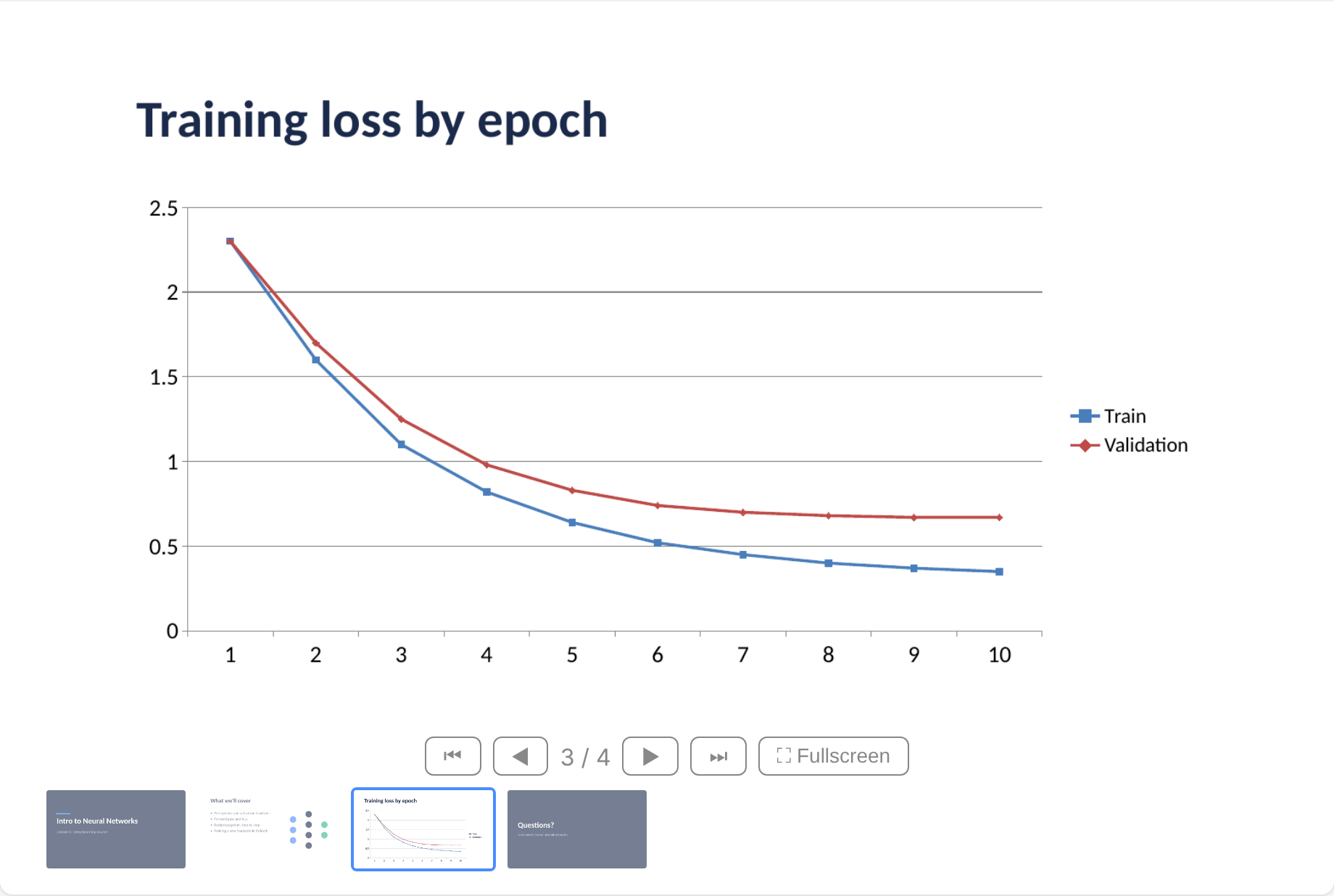 |
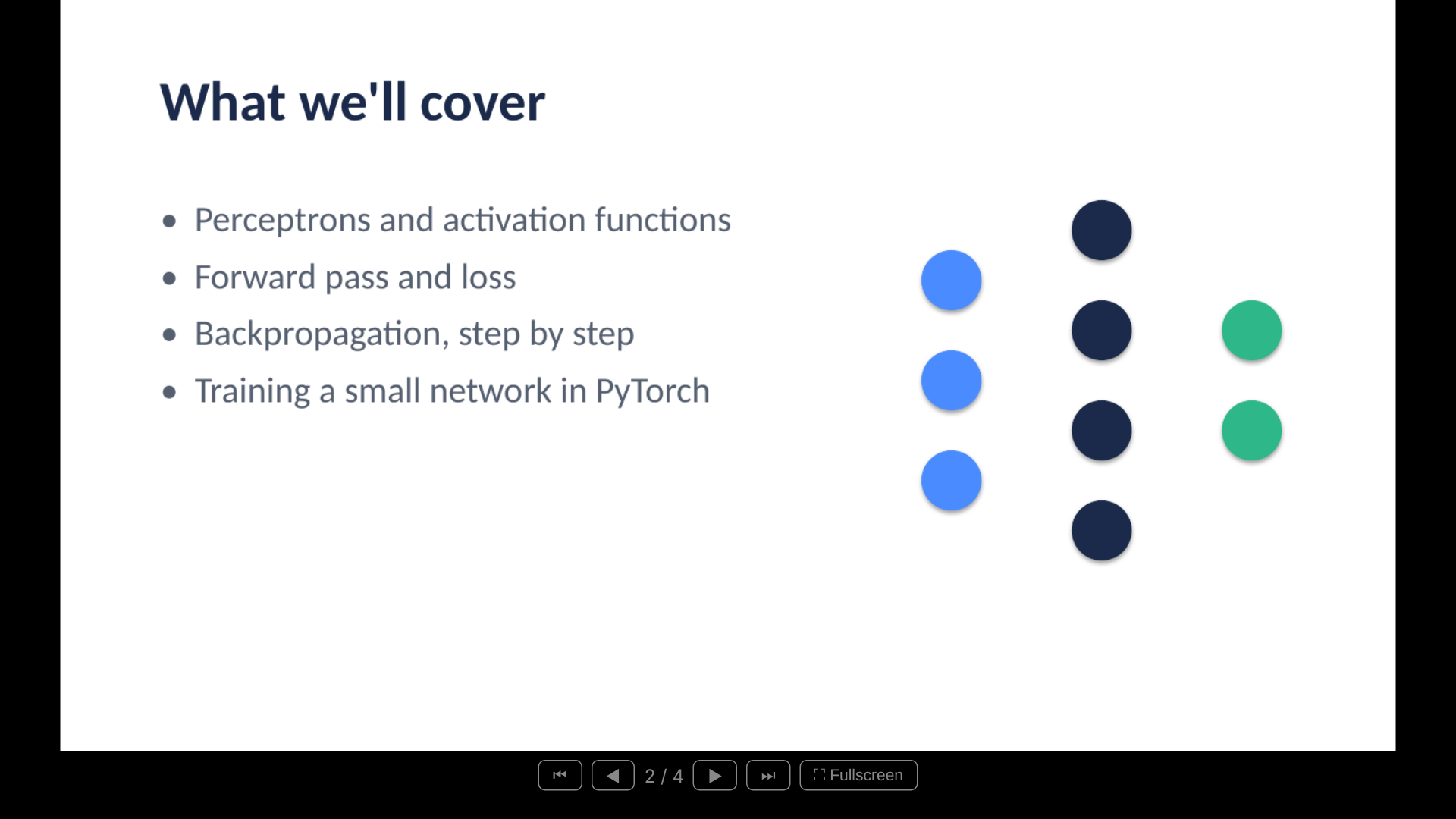 |
Supported links
- Google Slides (
/editlinks and "Publish to web" links) - Google Drive file links (shared as "Anyone with the link")
- Dropbox share links
- OneDrive / SharePoint share links (embed only)
- Any direct URL to a
.pptx,.ppt,.odpor.pdf - Local paths
Limits
localmode shows static images: animations, transitions, embedded video and audio aren't kept.- Fonts that aren't installed in the VM are replaced with similar ones, so layouts can shift slightly.
- Office Online only opens files that are publicly downloadable over HTTPS.
License
MIT
1 maintainer

Metadata
1 maintainer
Release files for colab-slides 0.1.0
For a detailed explanation of source distributions (sdists) and built distributions (wheels), please see the package formats documentation.
Source distribution (sdist)
| File | Size | Uploaded | Provenance | Actions |
|---|---|---|---|---|
| colab_slides-0.1.0.tar.gz | 9.9 kB | With provenance | Details for colab_slides-0.1.0.tar.gz |
Built distribution (wheel)
| File | Interpreter | ABI | Platform | Actions Reset |
|---|---|---|---|---|
| colab_slides-0.1.0-py3-none-any.whl | Python 3 | none | any | Details for colab_slides-0.1.0-py3-none-any.whl |
Total release size: 19.3 kB
Release files / colab_slides-0.1.0.tar.gz
| Download URL | colab_slides-0.1.0.tar.gz |
|---|---|
| Size | 9.9 kB |
| Tags | Source |
|
SHA-256 checksum How to use checksums |
9497bc6b85c4e56ba84948f51269502b88ff08c9e29b122330aa8ccd441d0ca5
|
|
BLAKE2b-256 checksum How to use checksums |
94d8f586edaf72d3f0437ec681f258f9c832d96a0bc3aa9f62ee6e6c94764d16
|
| Upload date | |
|
Uploaded using Trusted Publishing? What is trusted publishing? |
Yes |
| Uploaded via |
twine/7.0.0 CPython/3.13.16
|
Provenance
Provenance describes where a file came from. On PyPI, provenance is shared via attestations, which provide a verifiable record of the build or publishing details. View details, limitations and caveats.


PyPI Publish Attestation
PyPI verified that this artifact, at this checksum, originated from the publisher listed below.
Signed by GitHub Actions, verified by PyPI on Nov 23, 2026.
Transparency logRelease files / colab_slides-0.1.0-py3-none-any.whl
| Download URL | colab_slides-0.1.0-py3-none-any.whl |
|---|---|
| Size | 9.4 kB |
| Tags | Python 3 |
|
SHA-256 checksum How to use checksums |
3217842e87b0e20aa2d9d17803f40a3a3aaa8b5158d454a1d7339c6f69a8f8a4
|
|
BLAKE2b-256 checksum How to use checksums |
59a4eeb04d8921ed5e14f7d3ccc861ea3ab2a2454272d657bec7e2aabbdd1f94
|
| Upload date | |
|
Uploaded using Trusted Publishing? What is trusted publishing? |
Yes |
| Uploaded via |
twine/7.0.0 CPython/3.13.16
|
Provenance
Provenance describes where a file came from. On PyPI, provenance is shared via attestations, which provide a verifiable record of the build or publishing details. View details, limitations and caveats.
PyPI Publish Attestation
PyPI verified that this artifact, at this checksum, originated from the publisher listed below.
Signed by GitHub Actions, verified by PyPI on Nov 23, 2026.
Transparency logSecurity for colab-slides 0.1.0
Provenance
Provenance describes where a file came from. On PyPI, provenance is shared via attestations, which provide a verifiable record of the build or publishing details. View details, limitations and caveats.
Full provenance
Both files in this release have been uploaded with provenance metadata.
Attestation for colab_slides-0.1.0.tar.gz
PyPI Publish Attestation
PyPI verified that this artifact, at this checksum, originated from the publisher listed below.
Signed by GitHub Actions, verified by PyPI on Nov 23, 2026.
Transparency logA note on package security
PyPI is a repository for distributing packages, not a service for auditing them. While third-party security researchers and our staff do their best to detect and remove malicious packages, PyPI cannot guarantee the quality, security or suitability of any given package.
To learn more about protecting yourself from malicious actors, visit our package security documentation.














