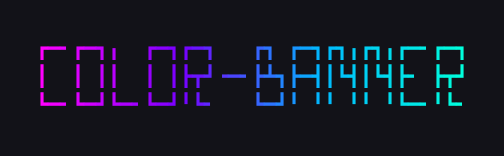
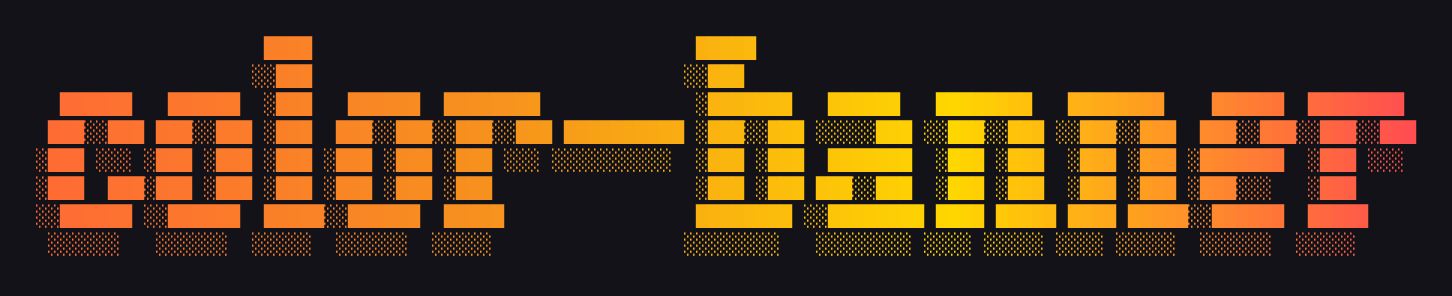
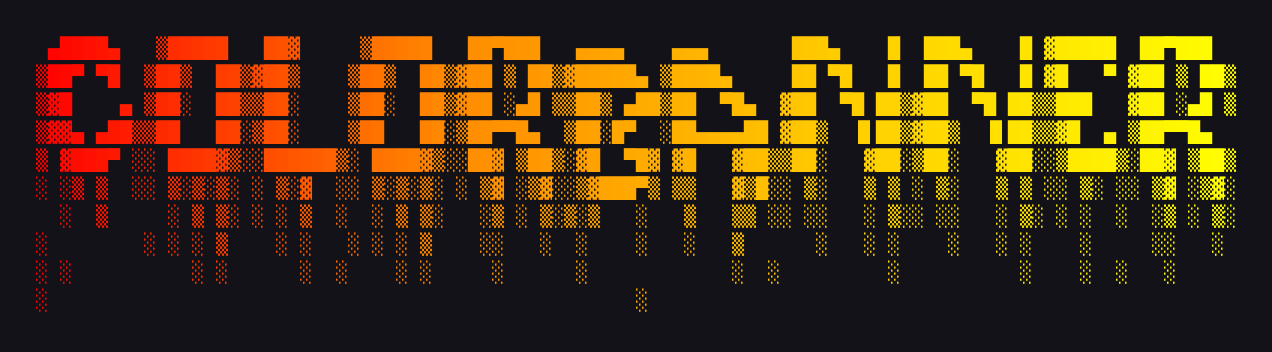
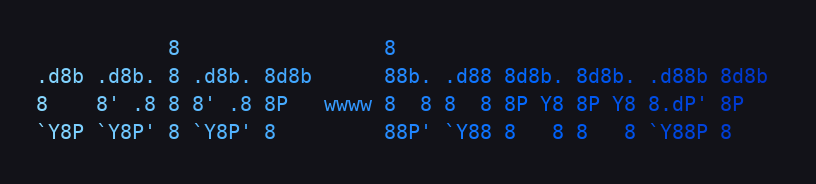
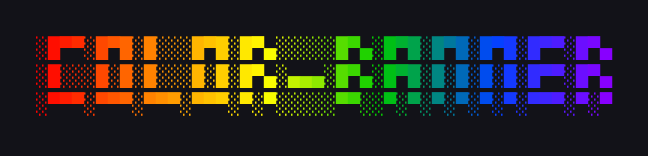
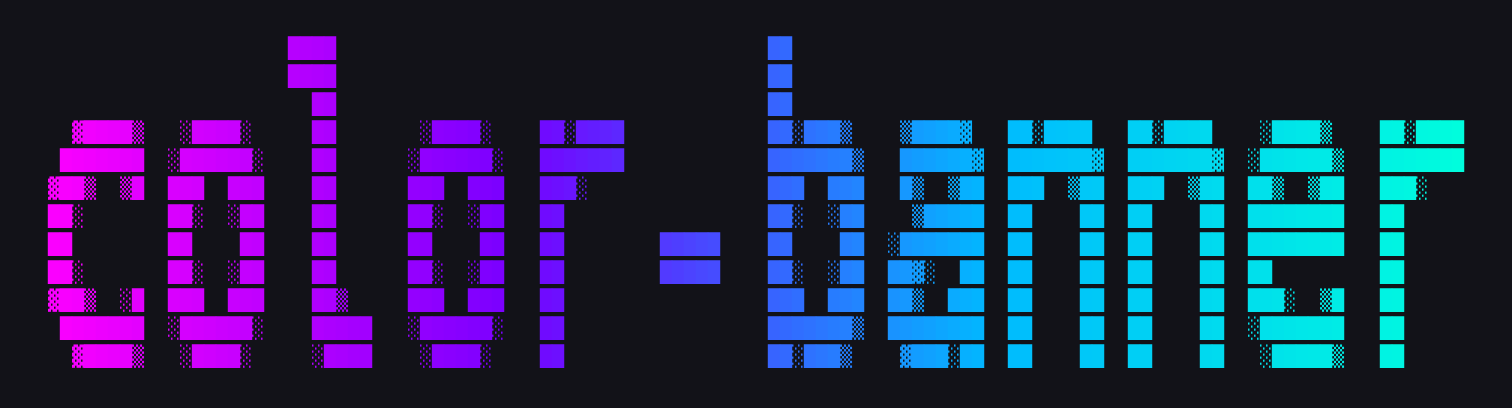
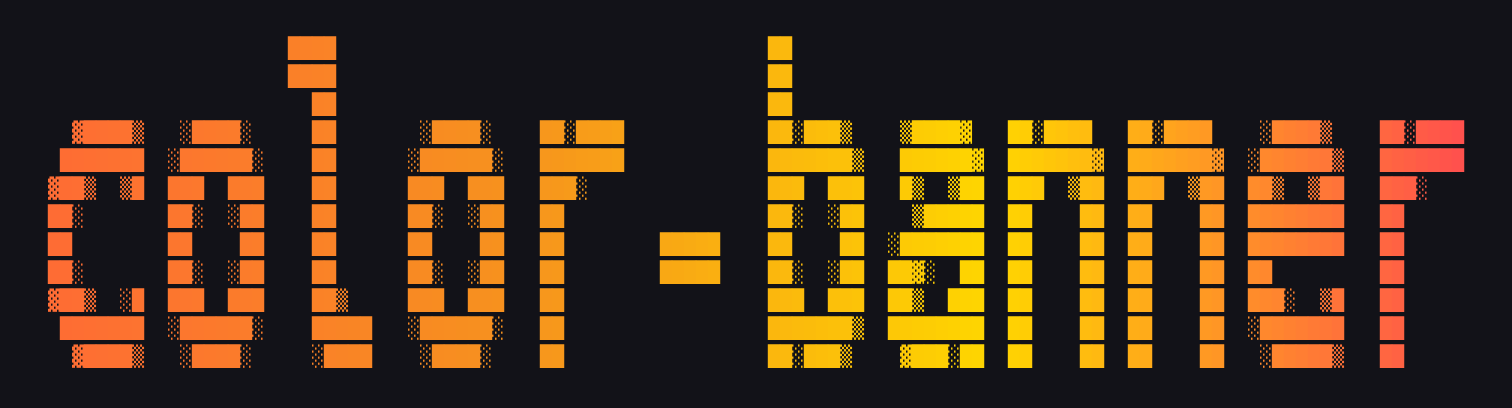
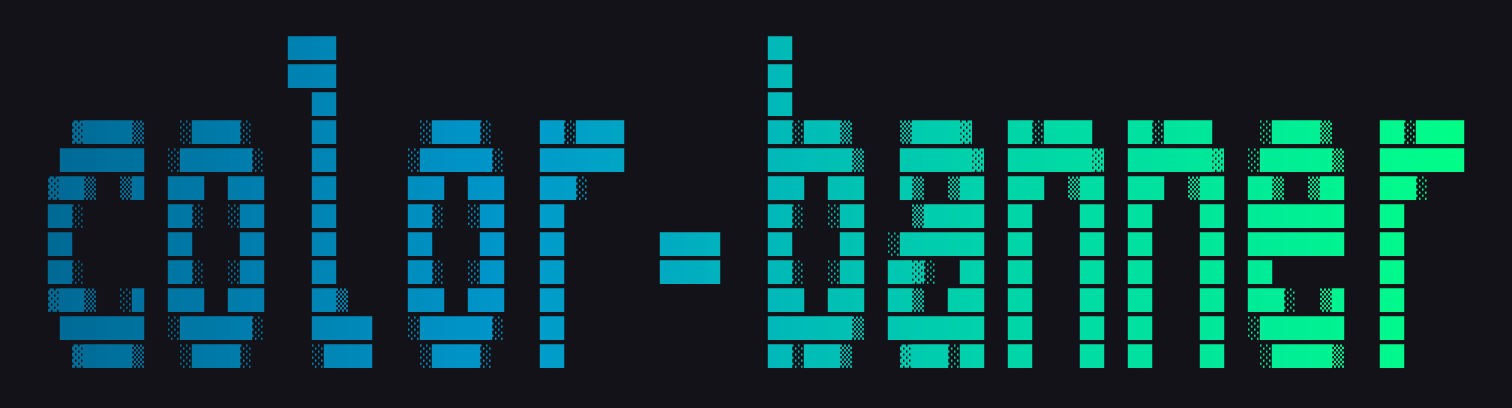
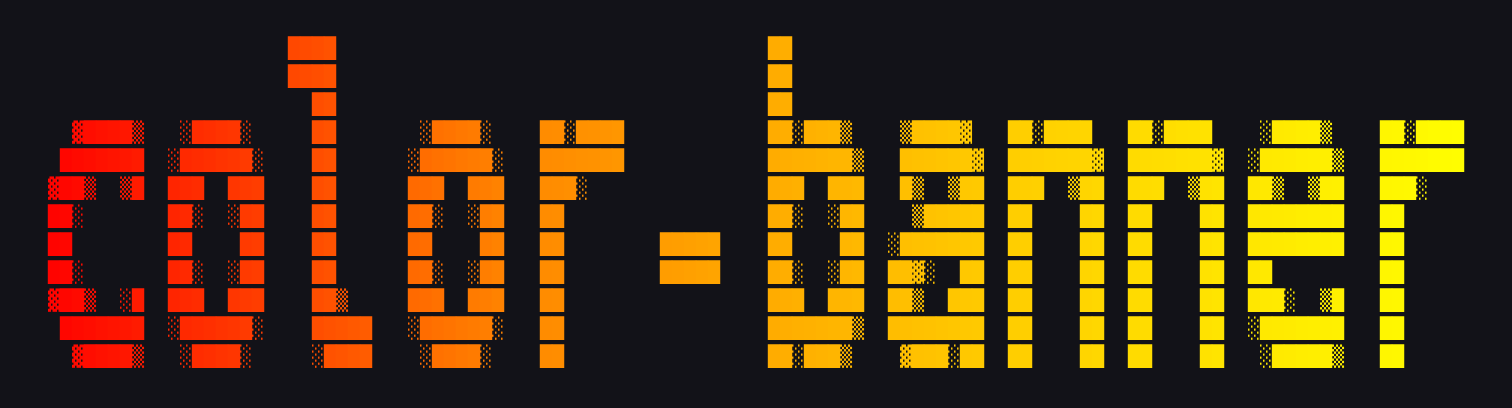
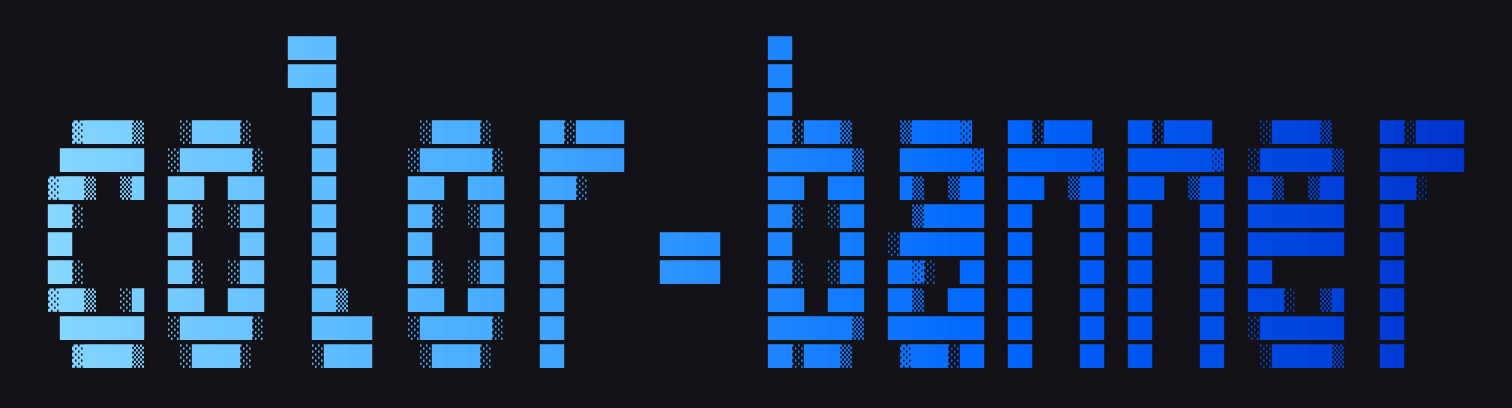
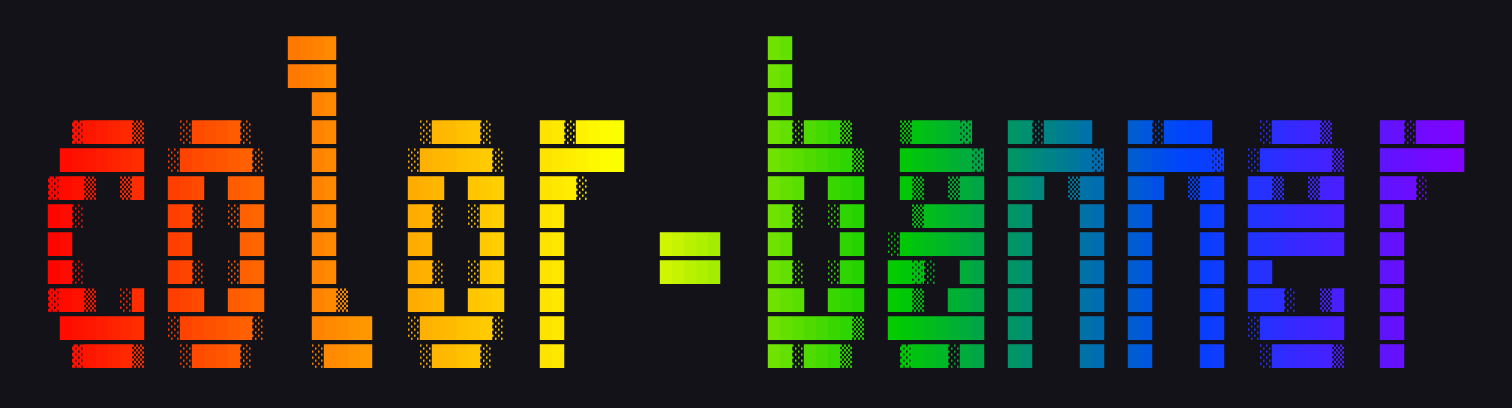
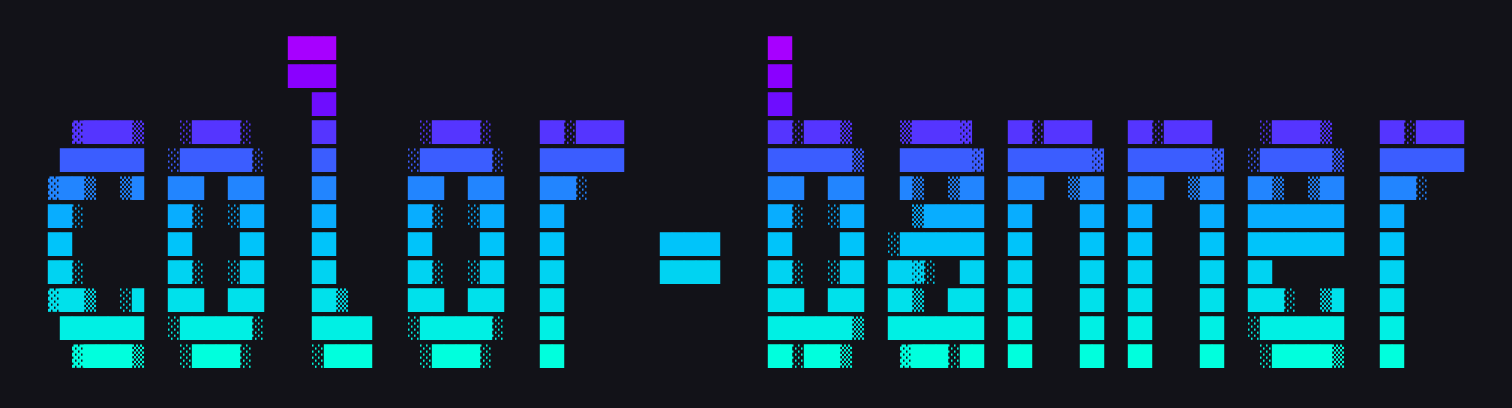
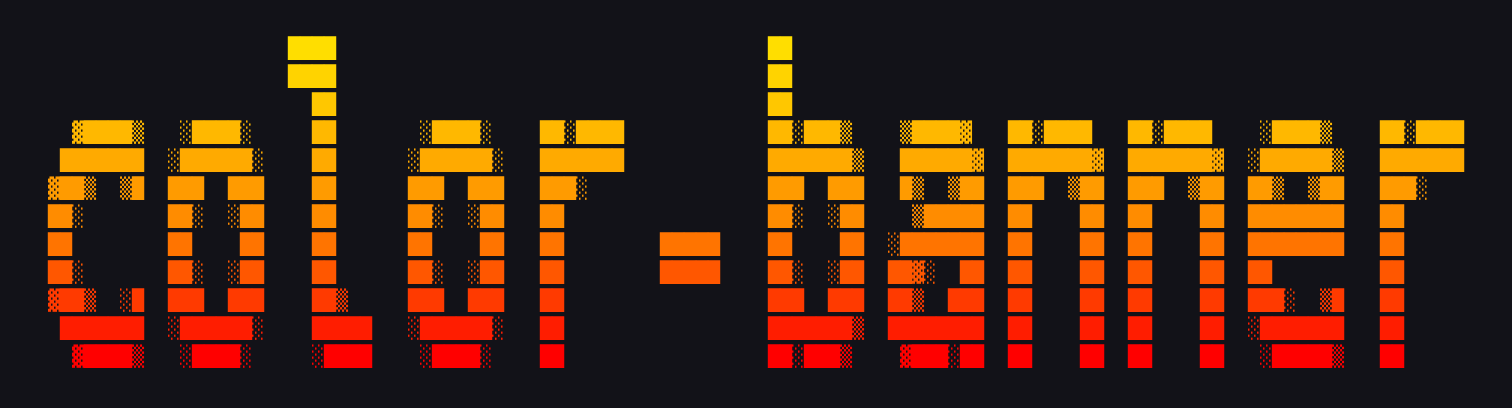
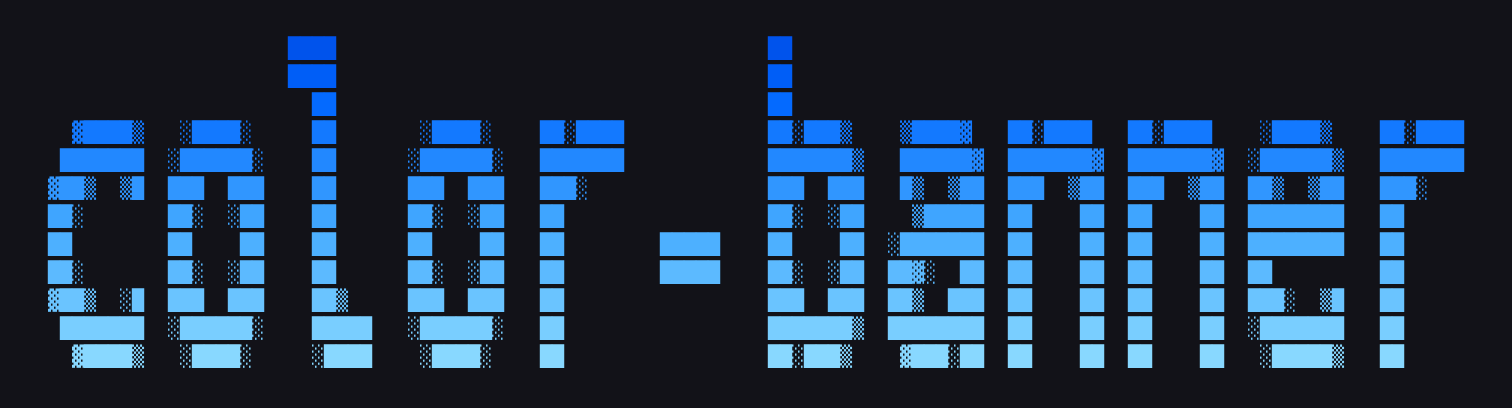
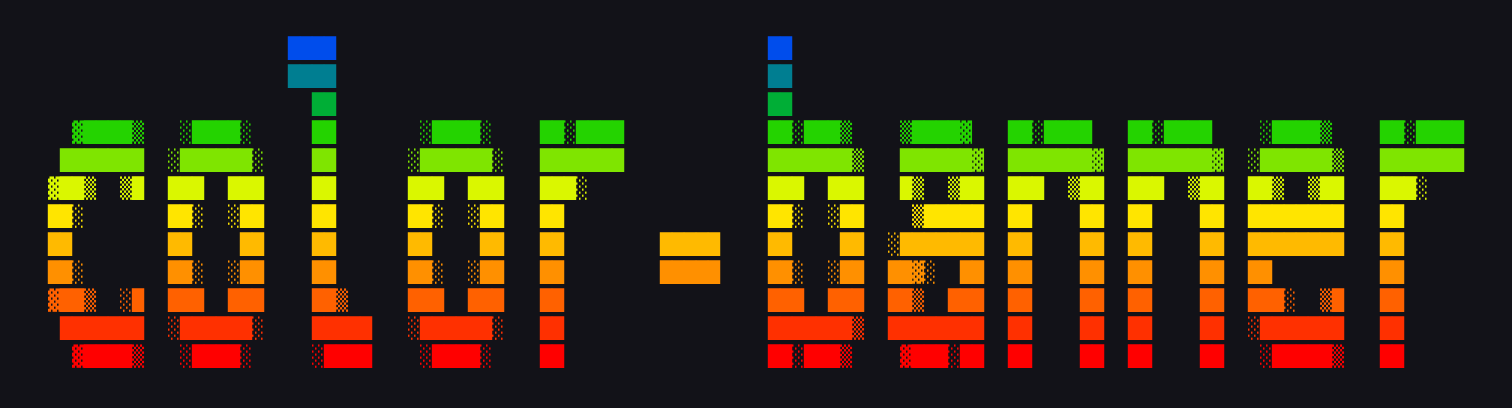
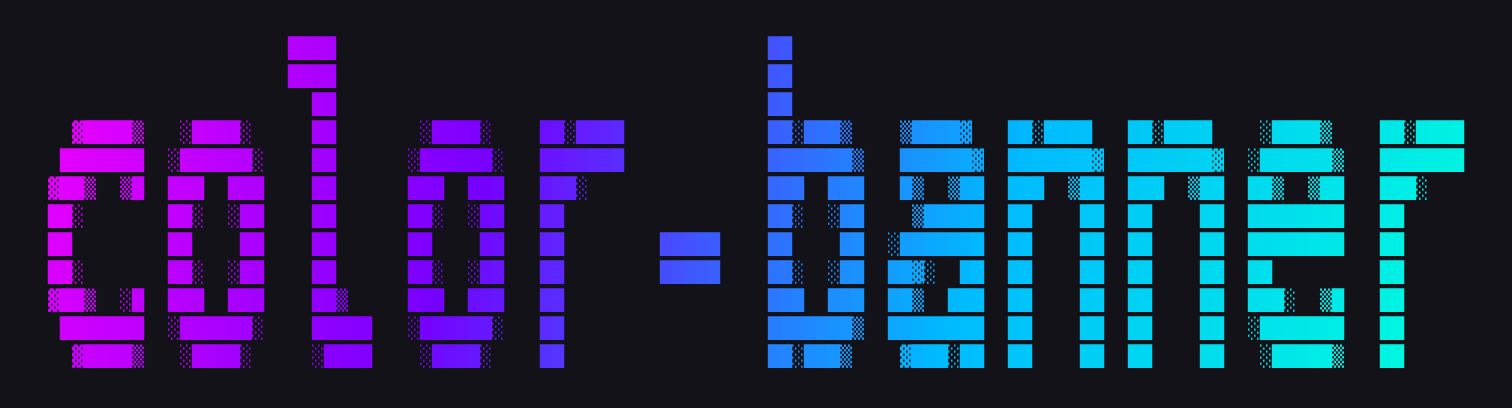
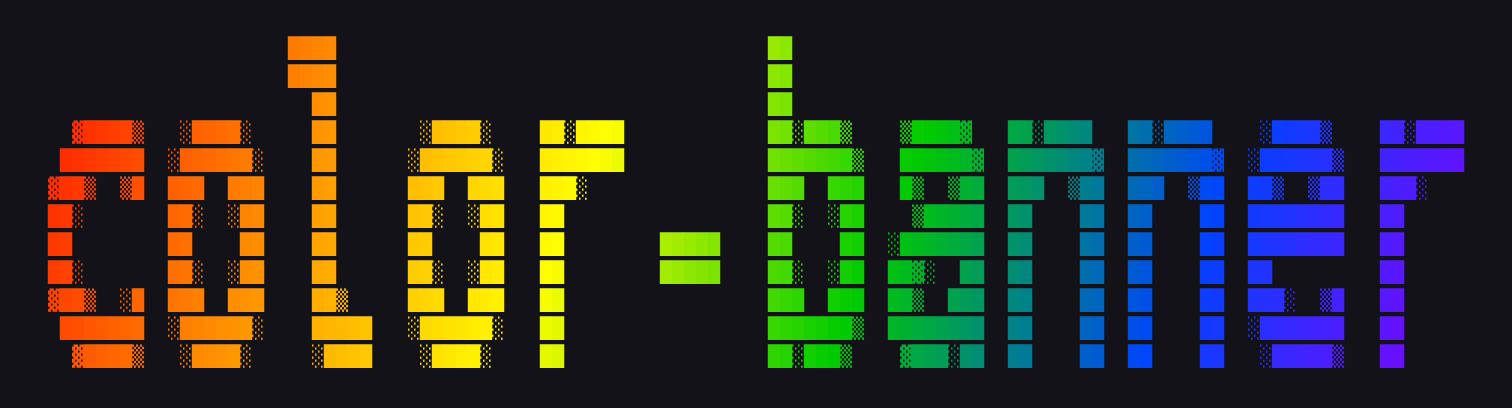
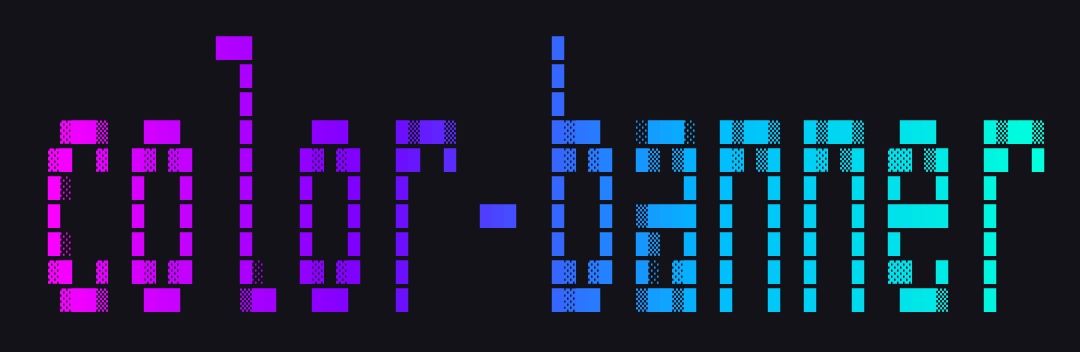
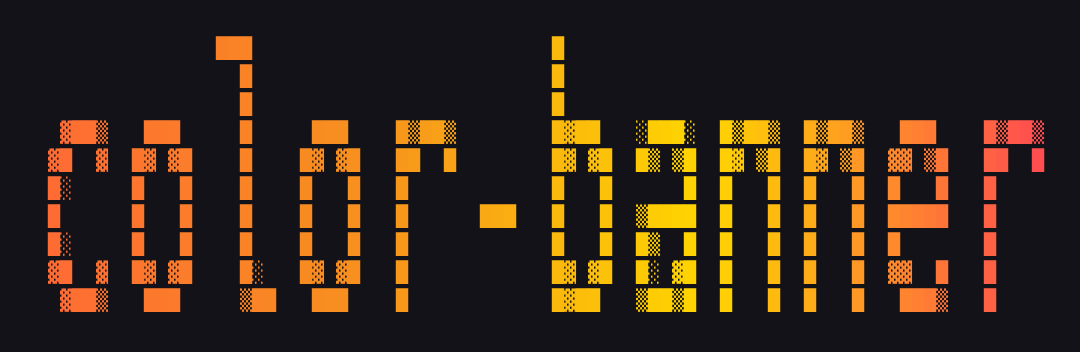
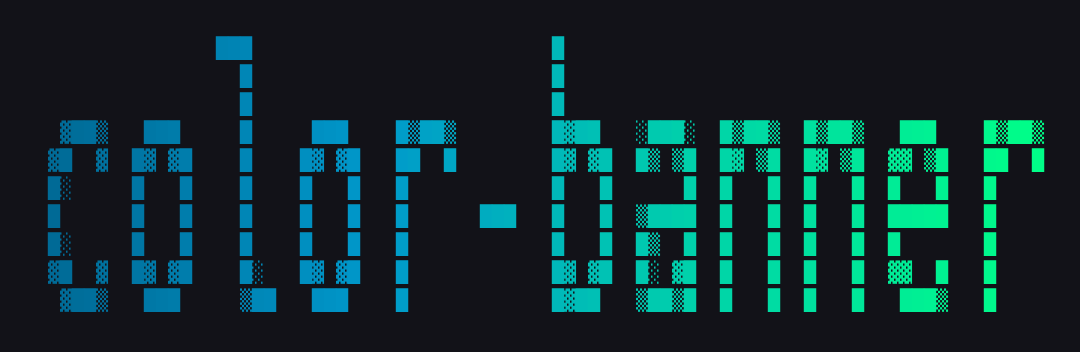
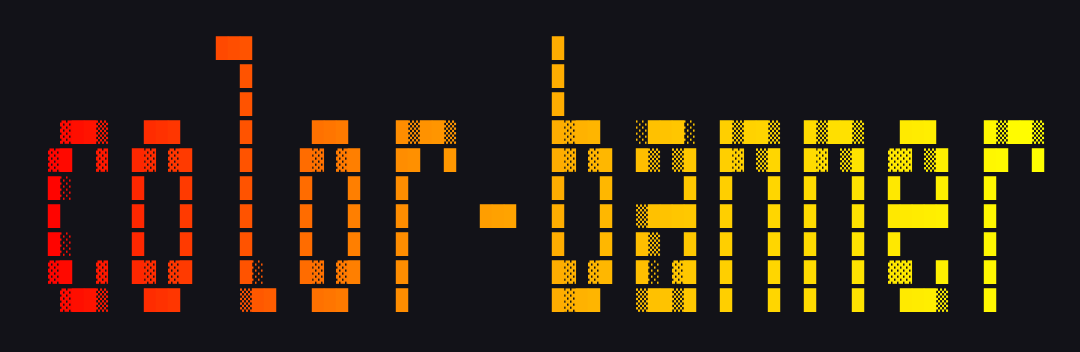
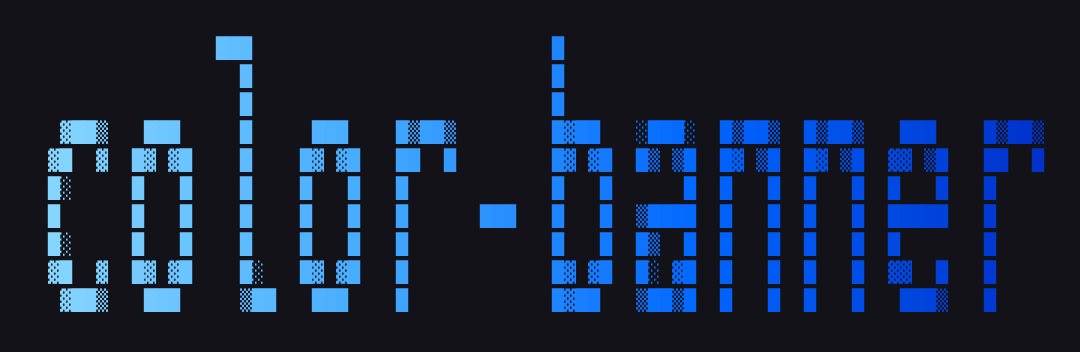
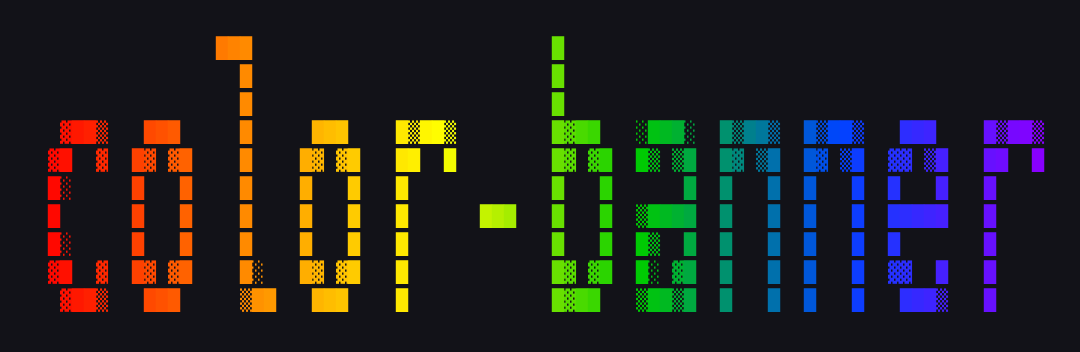
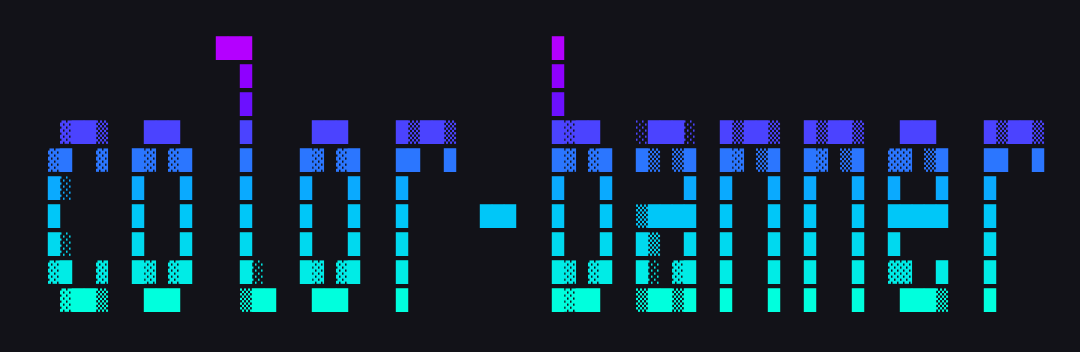
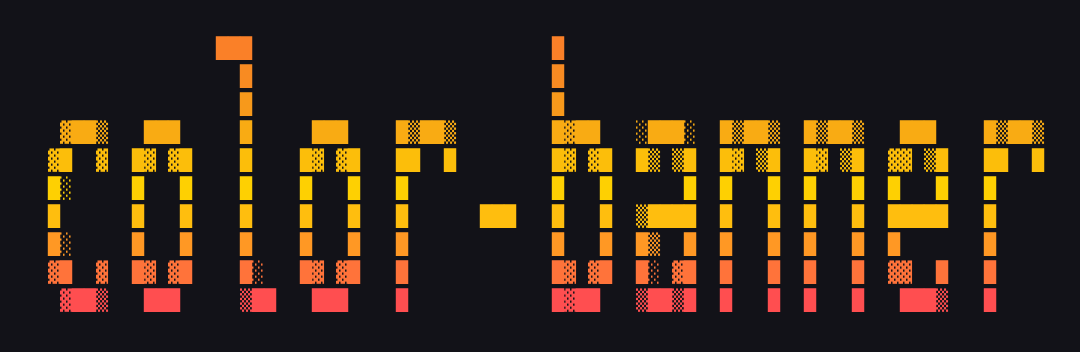
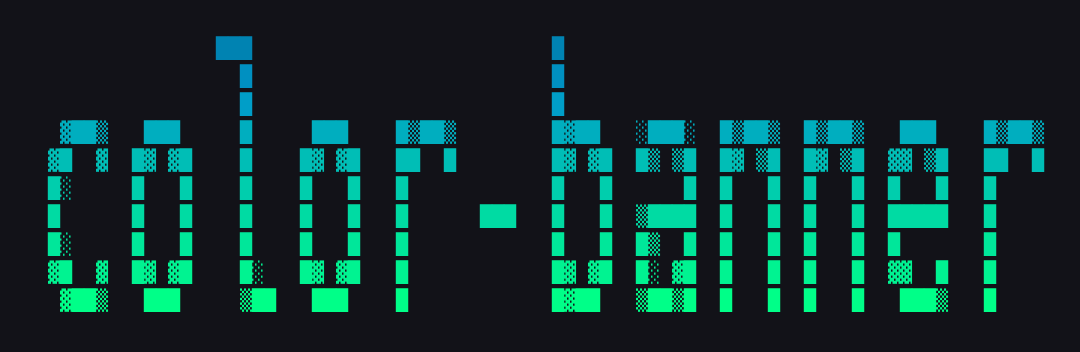
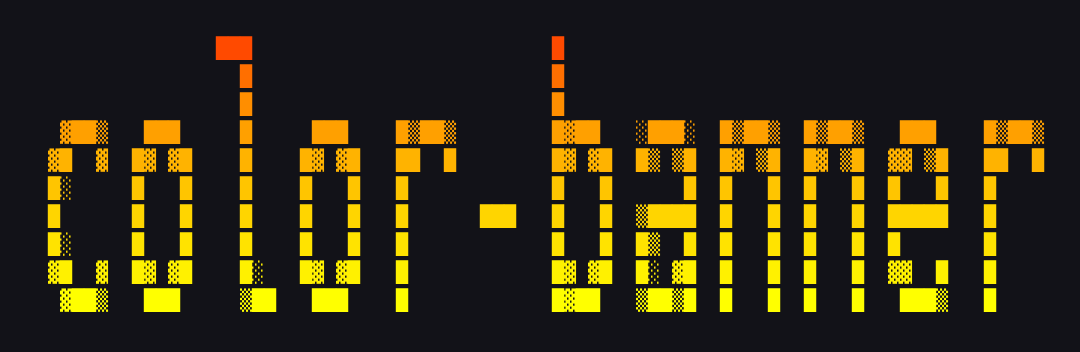
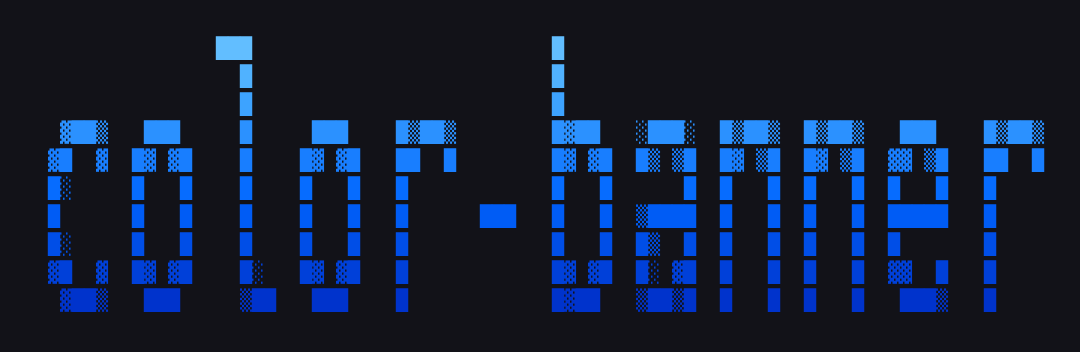
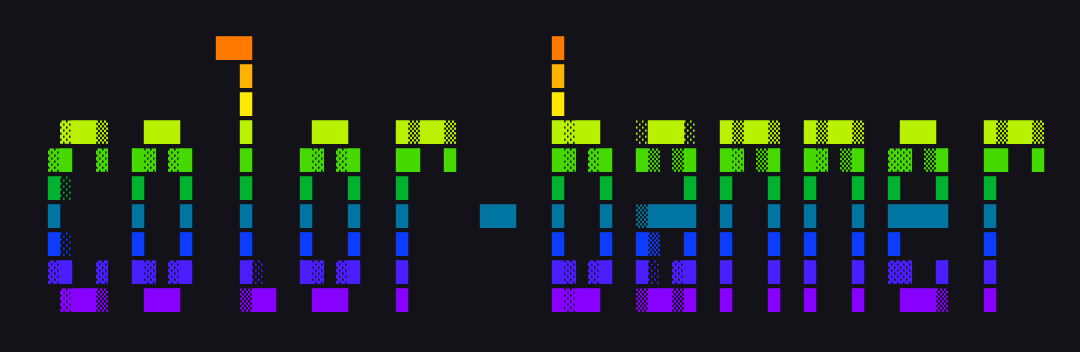
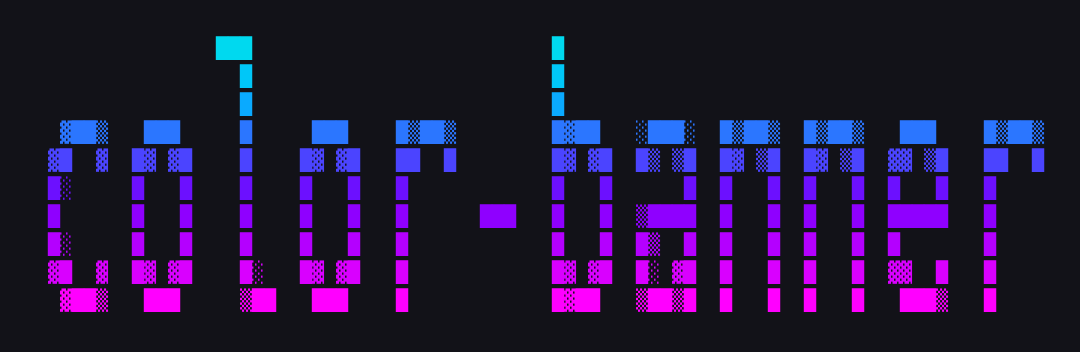
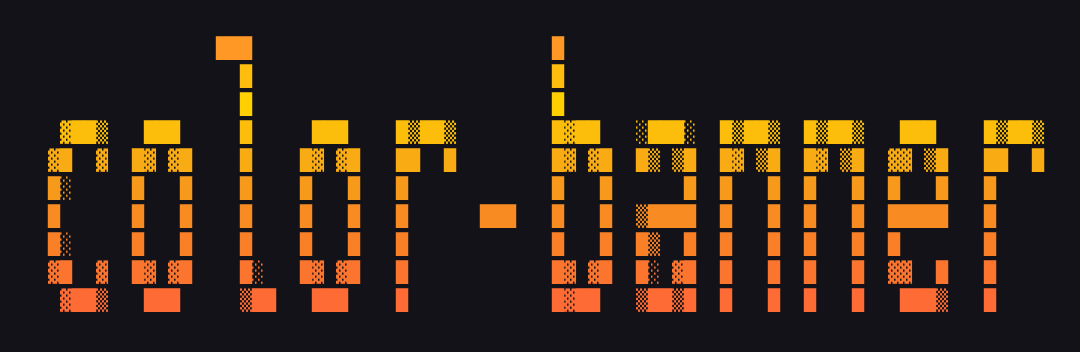
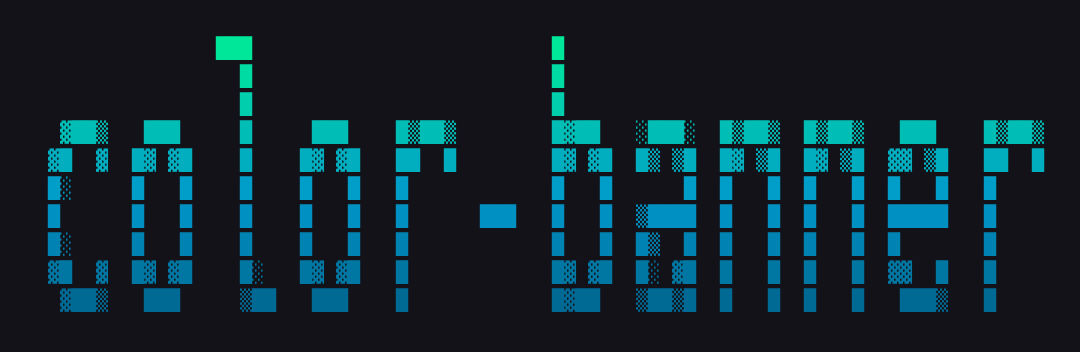
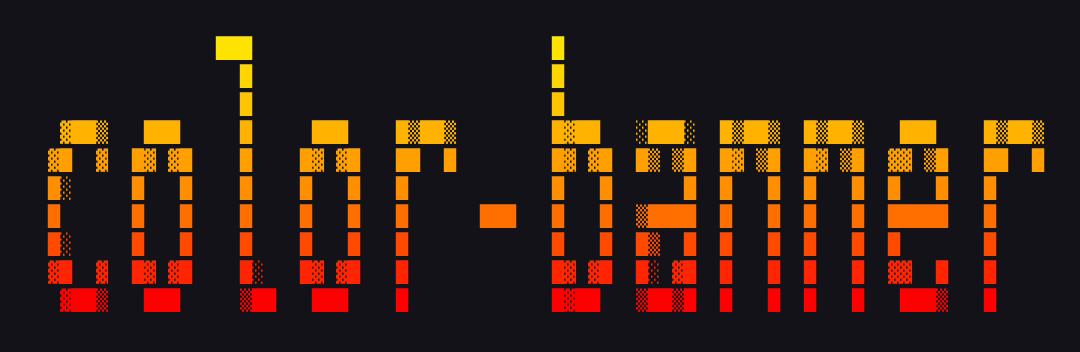
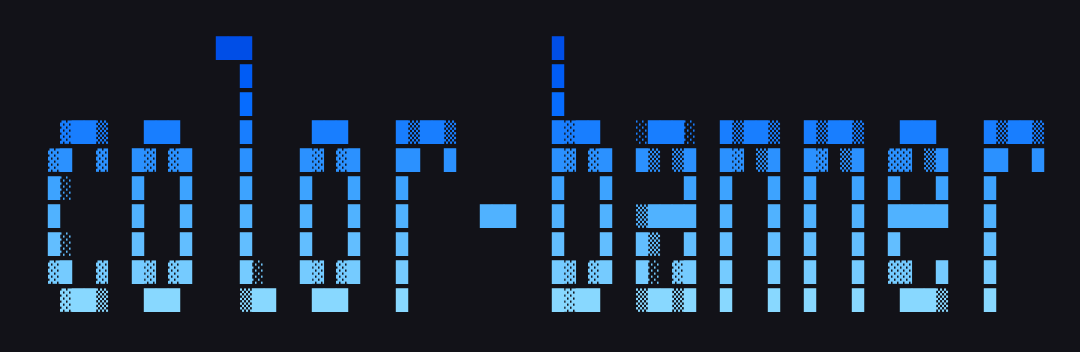
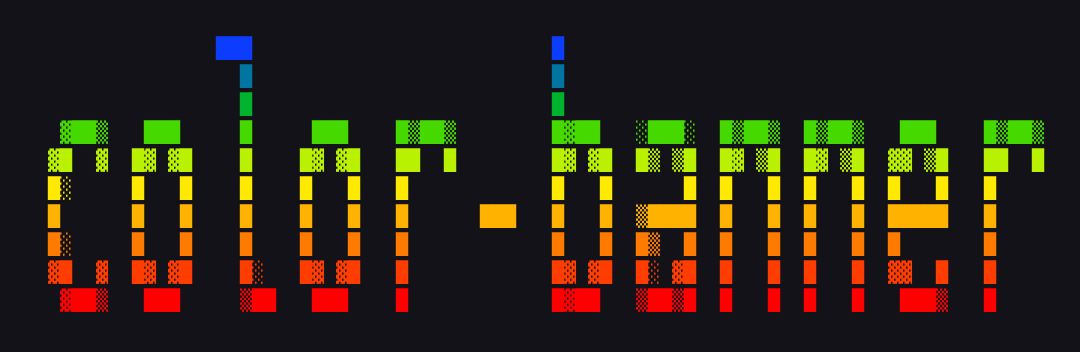
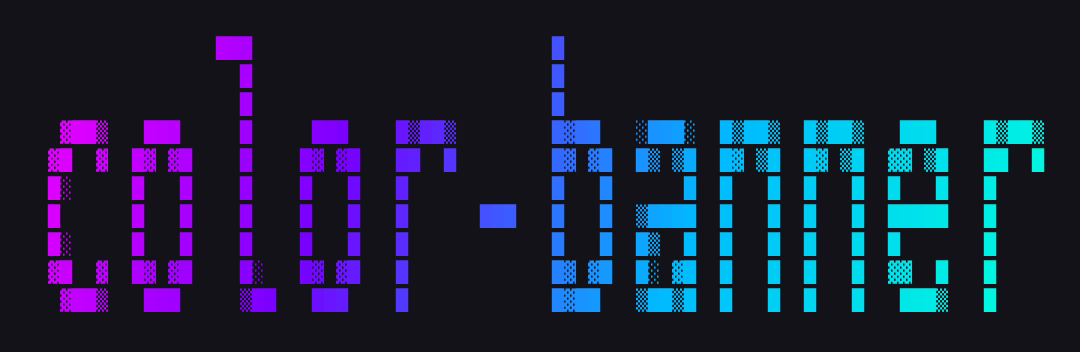
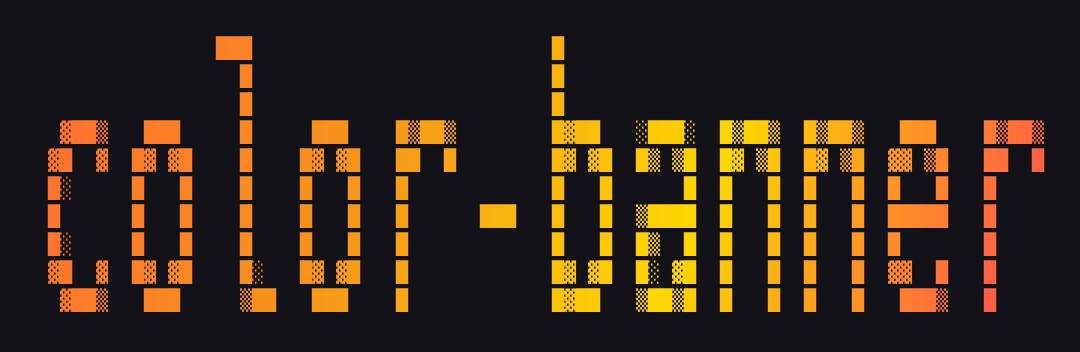
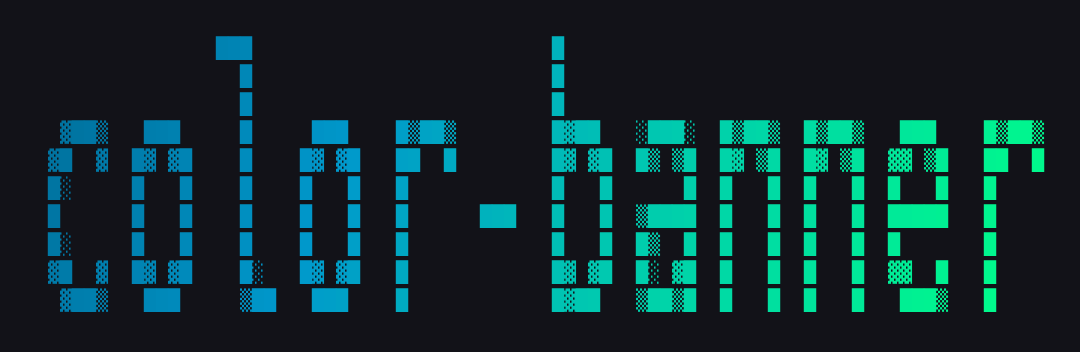
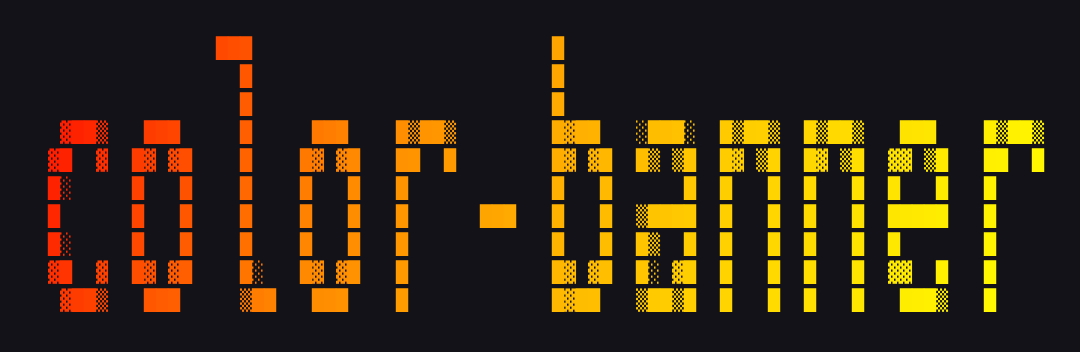
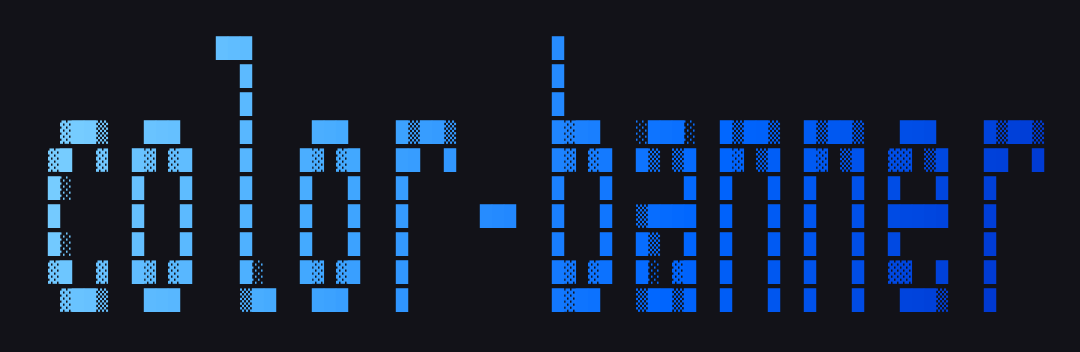
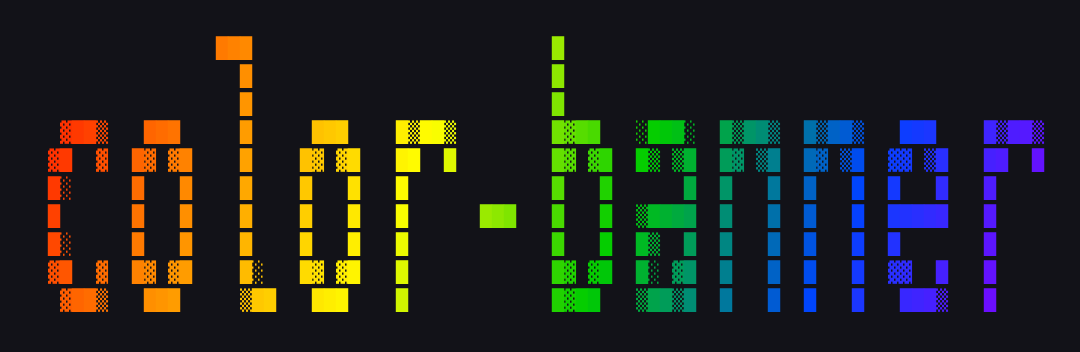
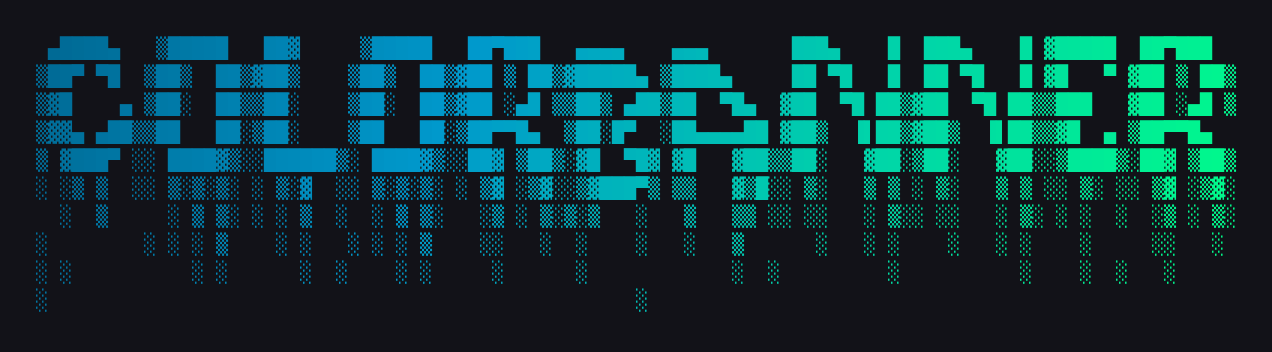
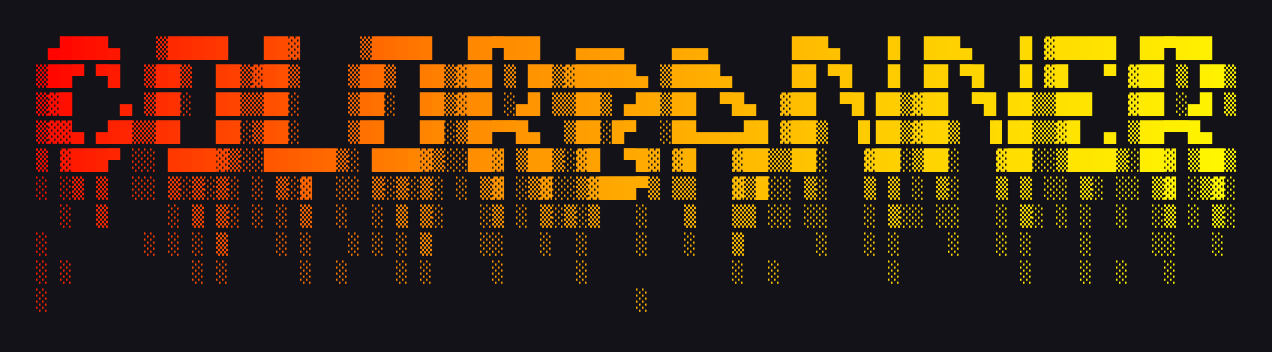
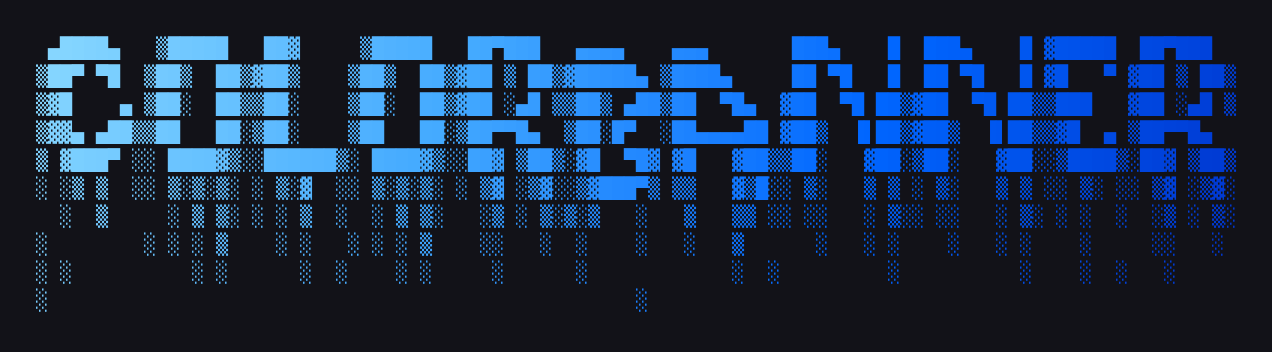
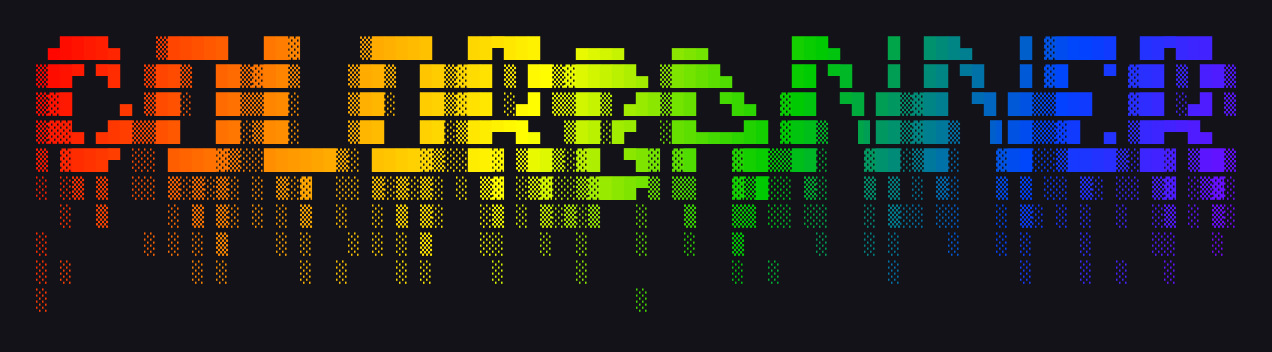
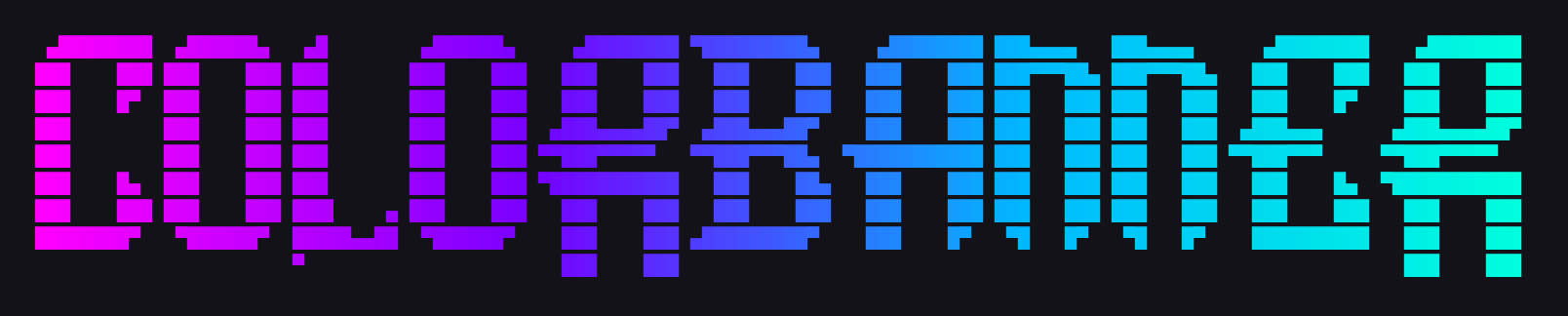
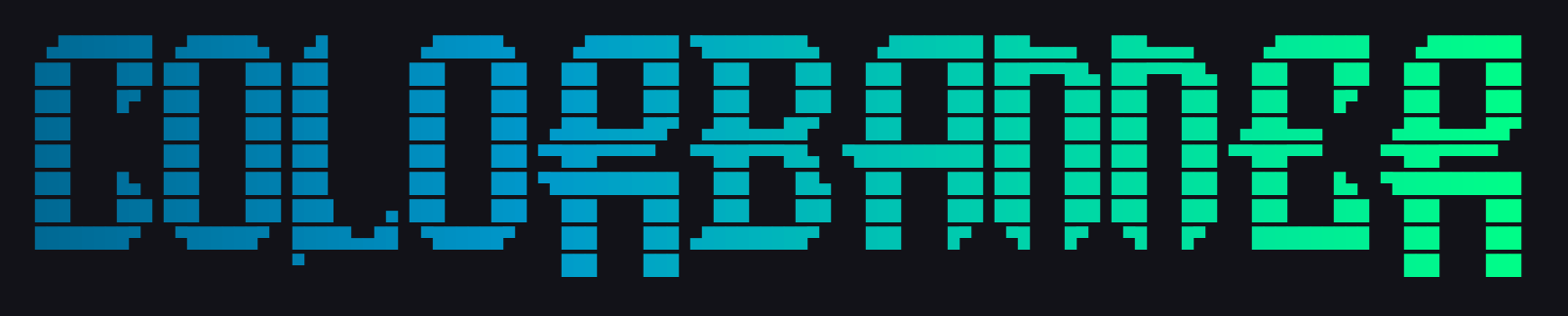
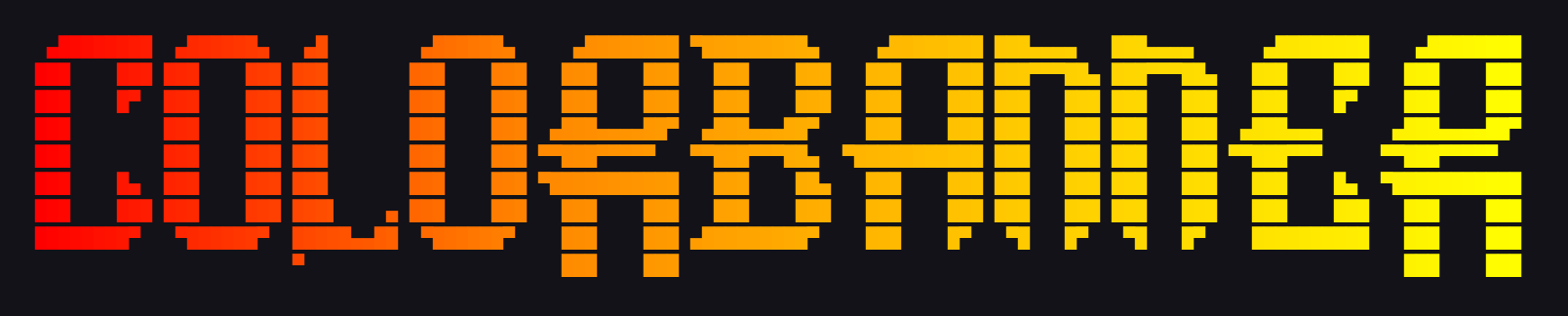
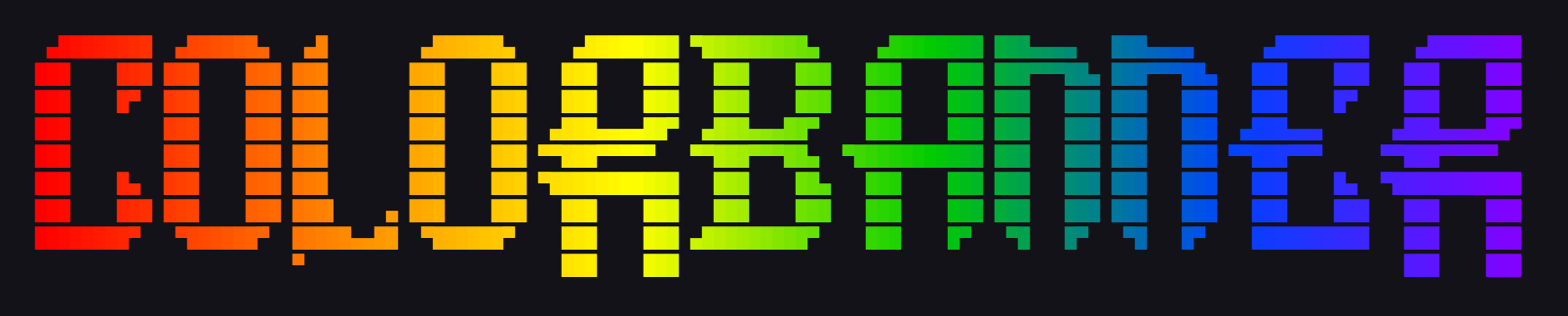
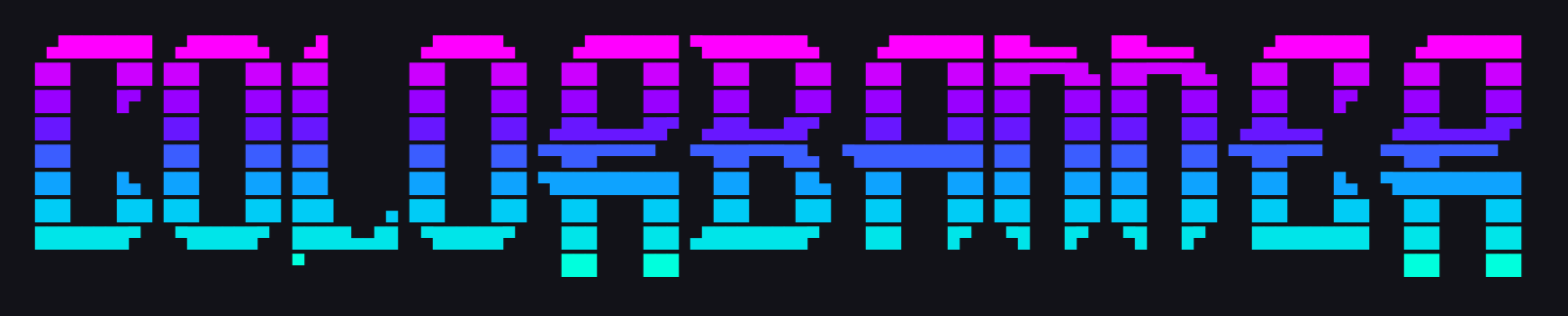
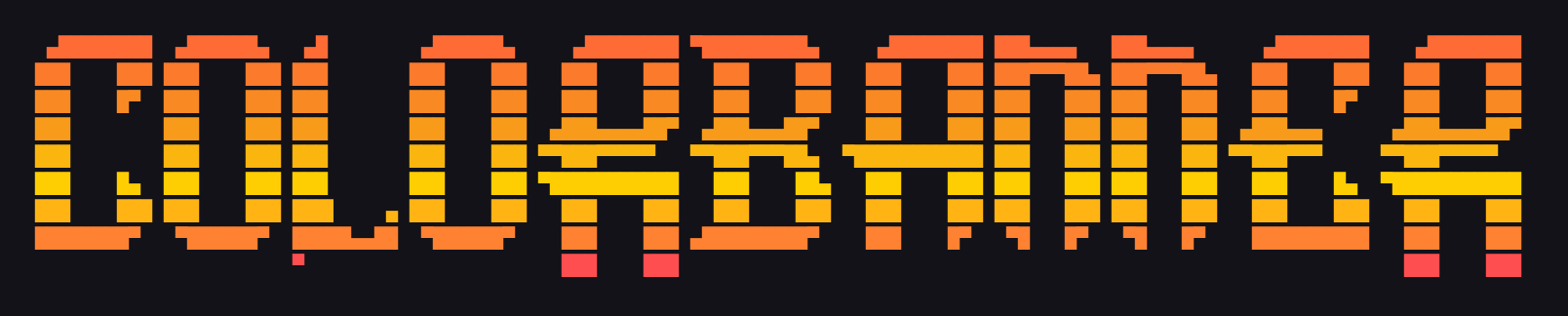
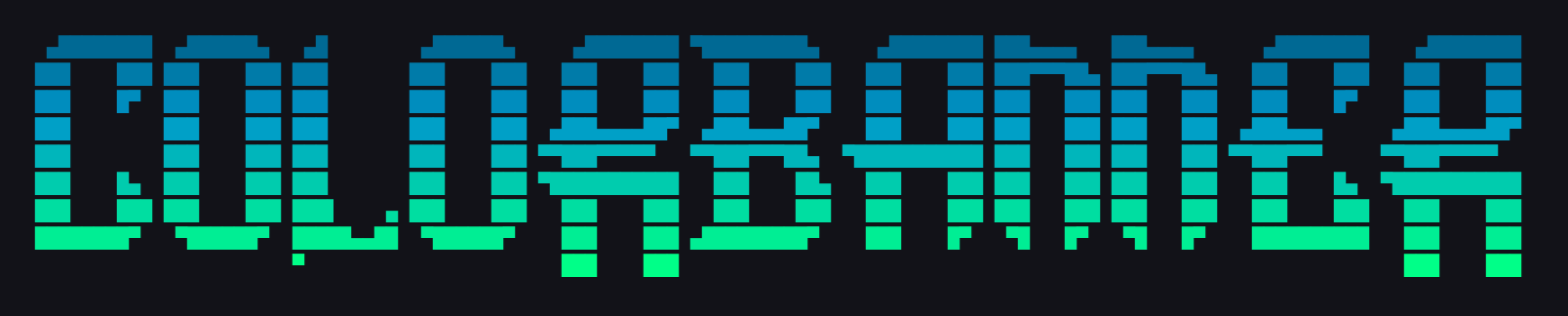
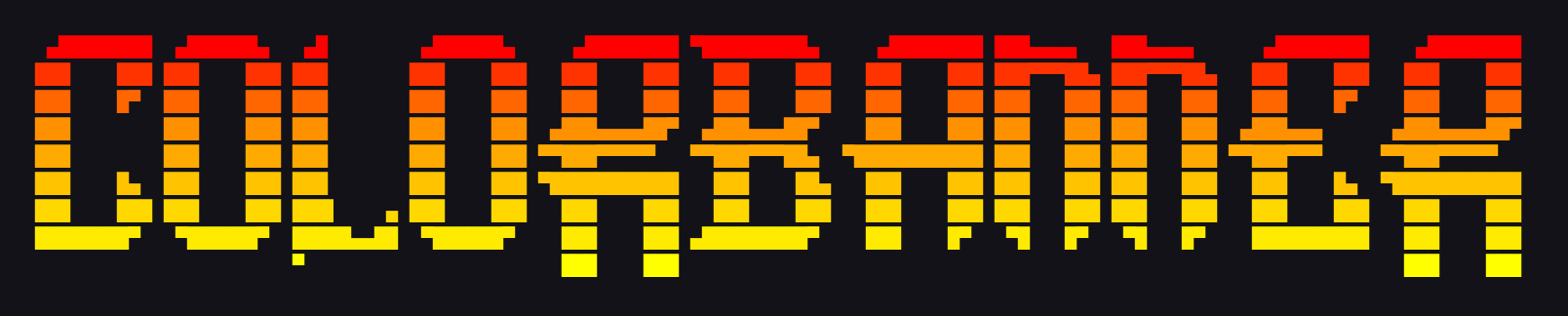
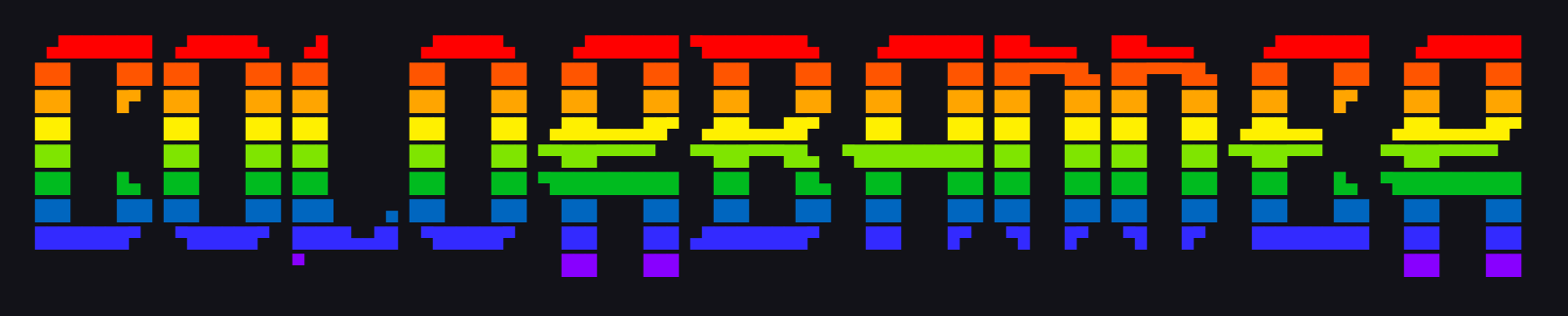
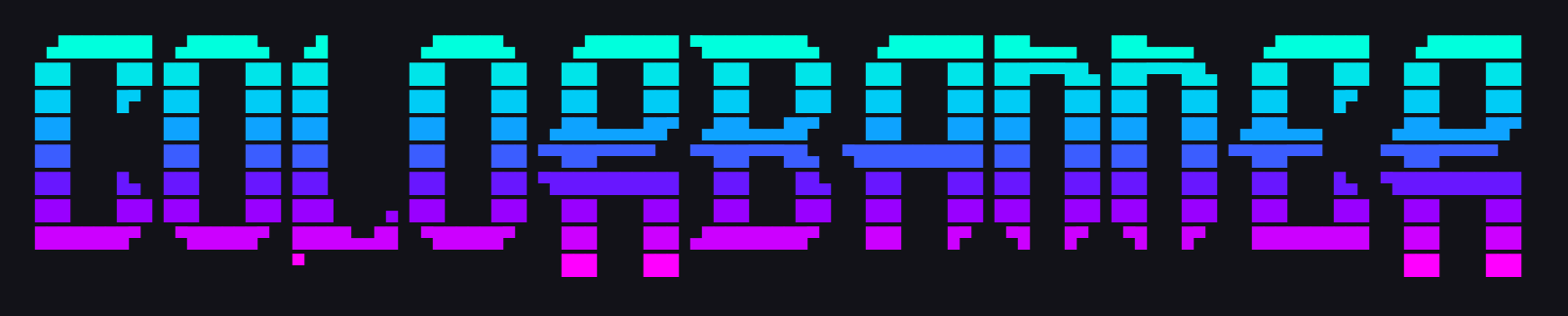
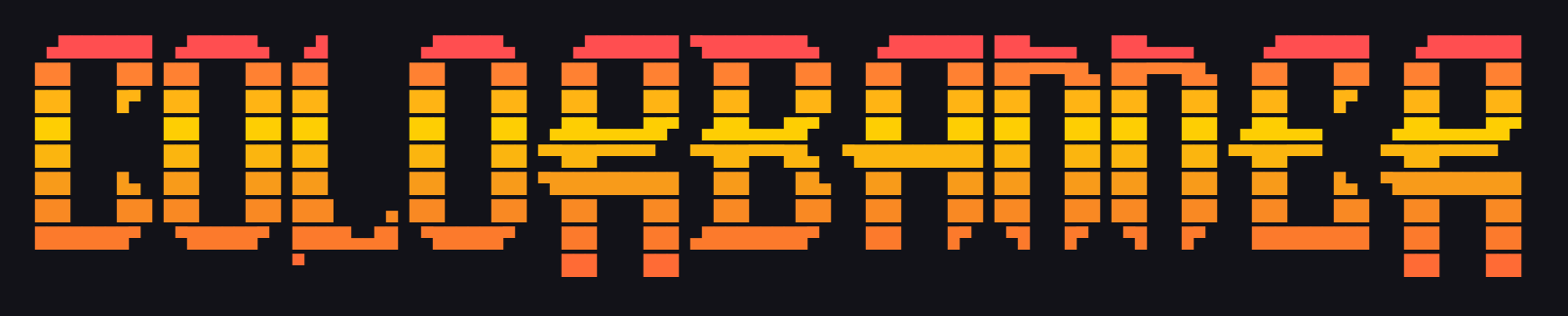
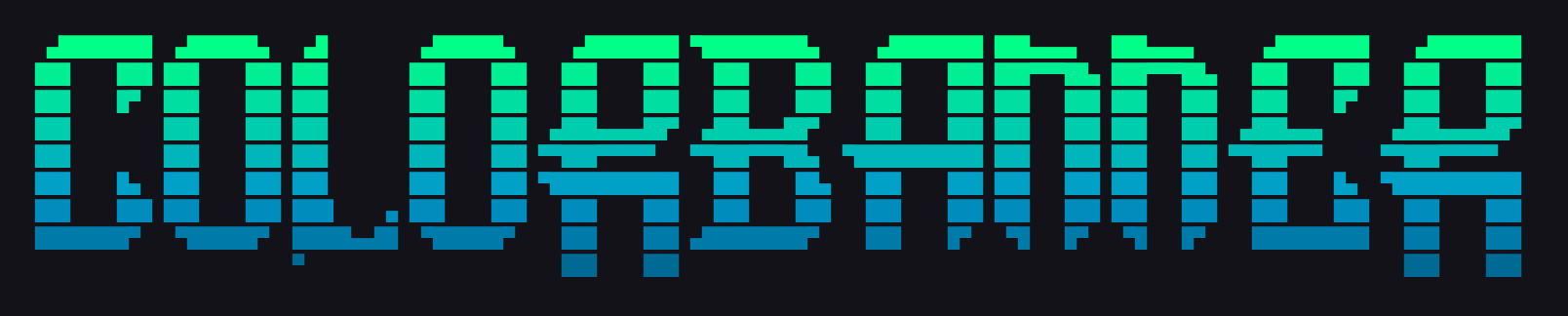
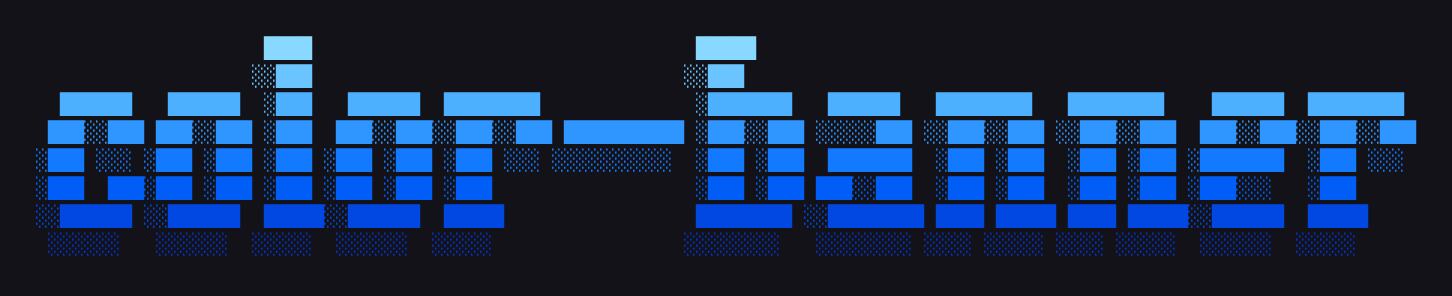
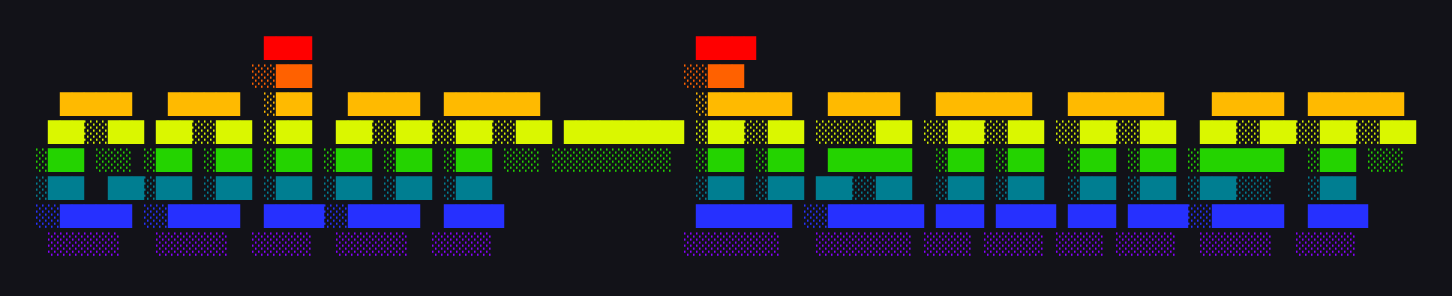
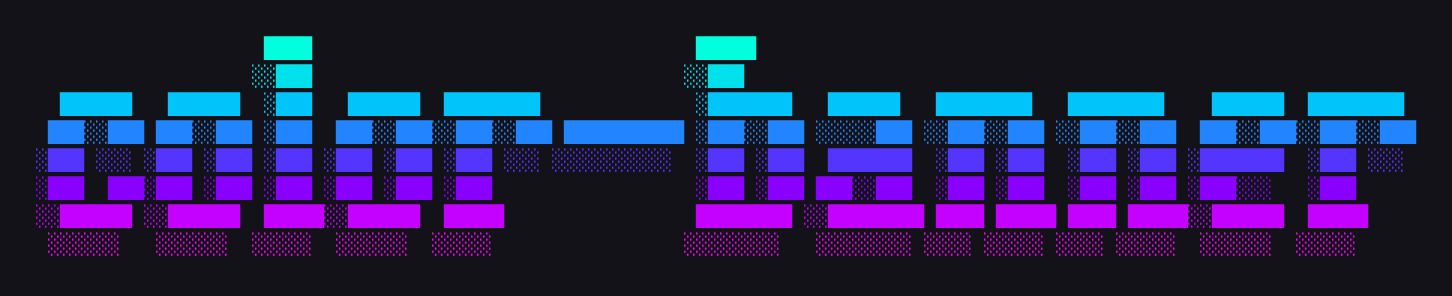
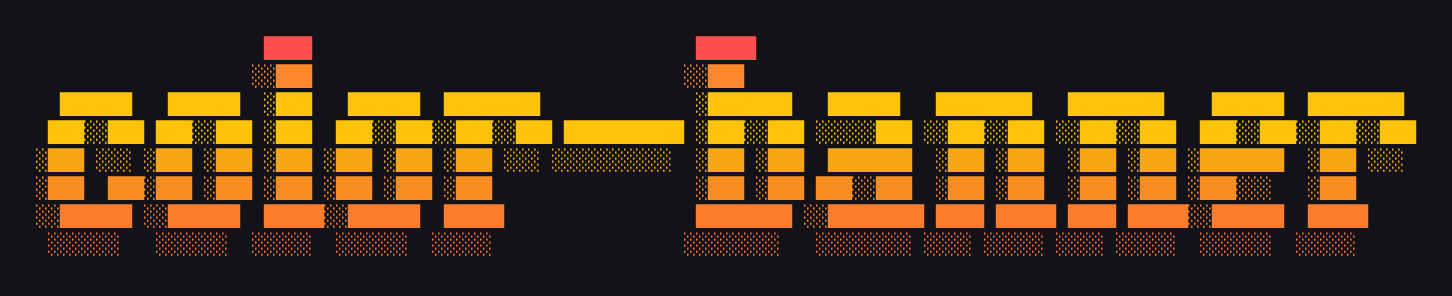
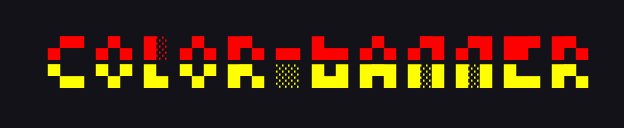
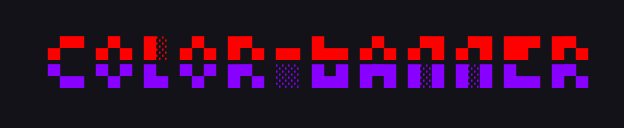
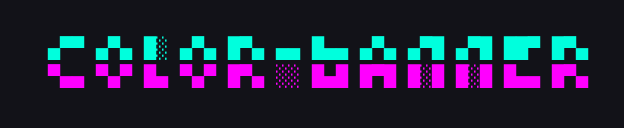
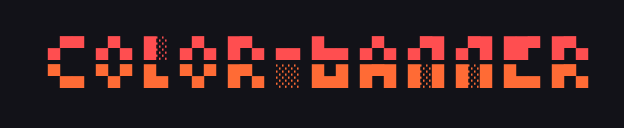
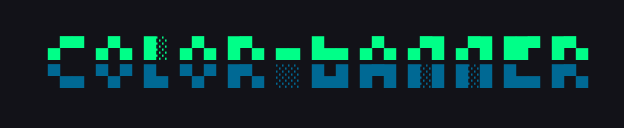
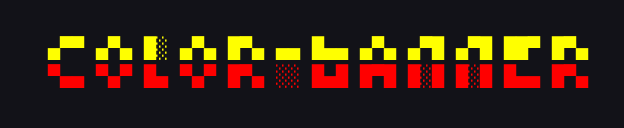
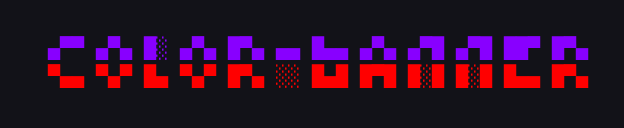
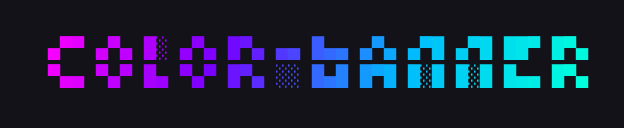
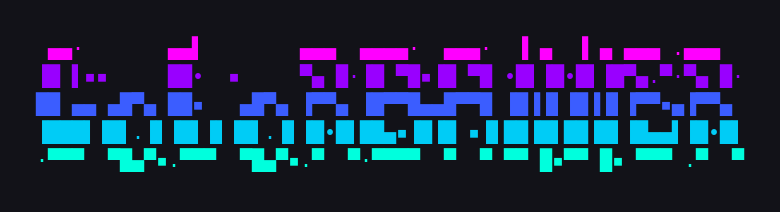
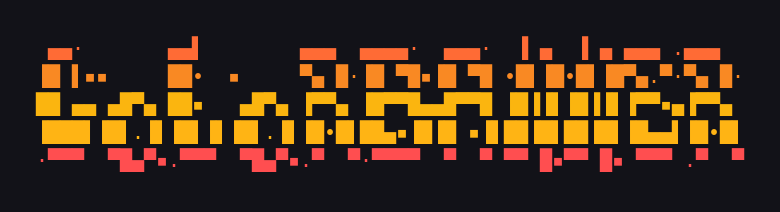
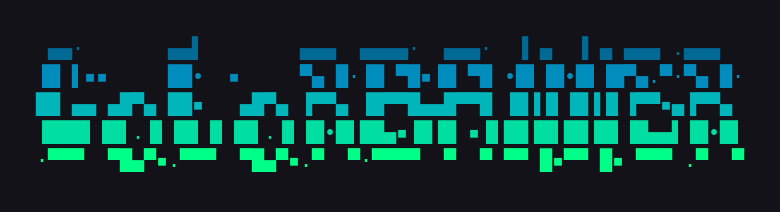
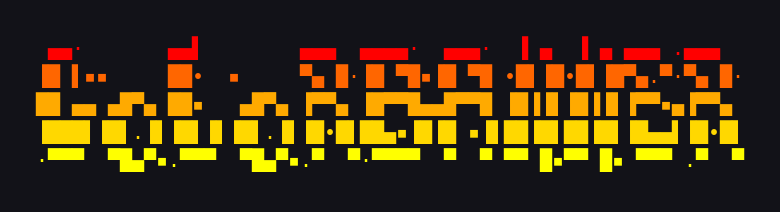
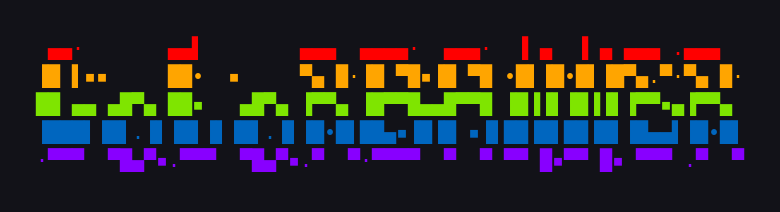
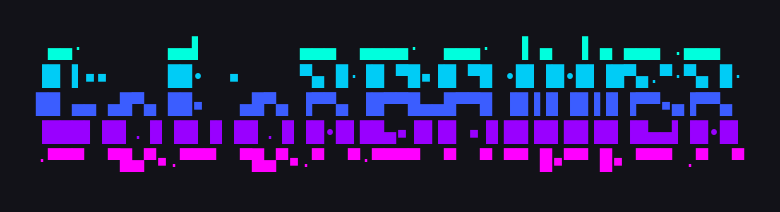
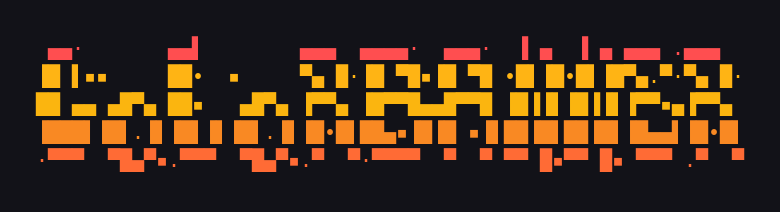
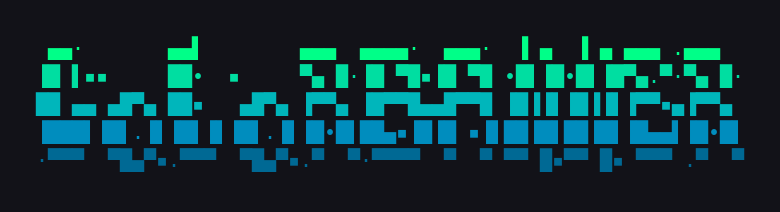
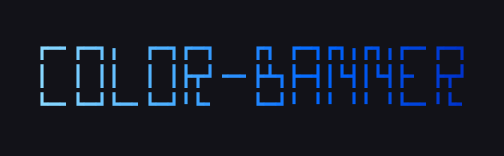
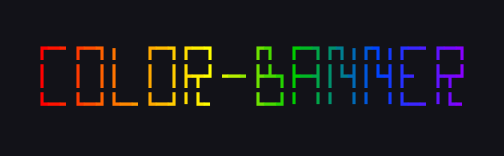
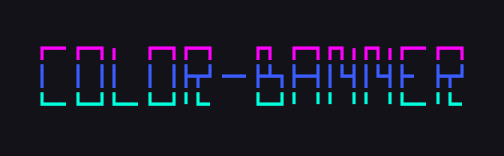
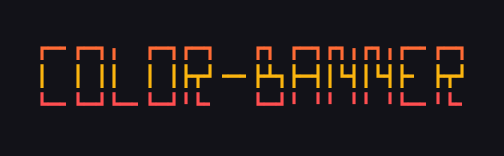
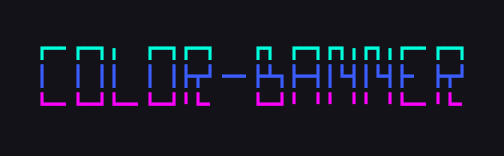
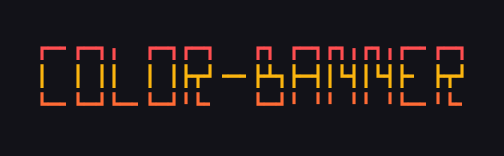
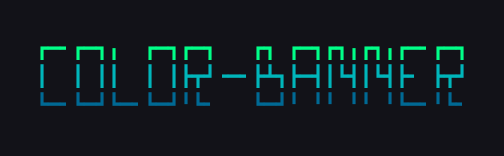
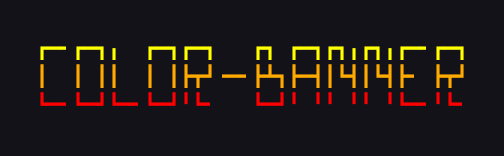
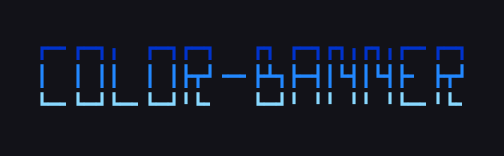
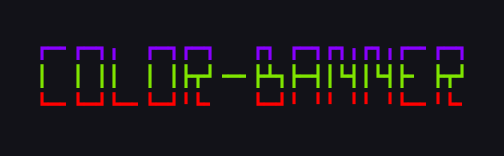
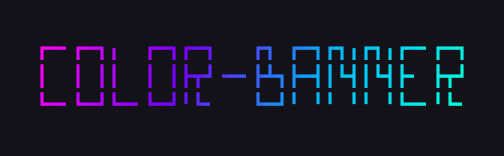
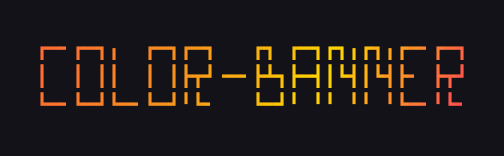
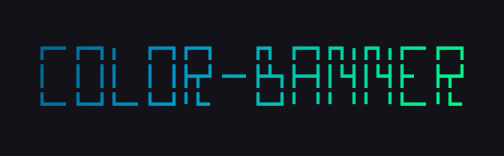
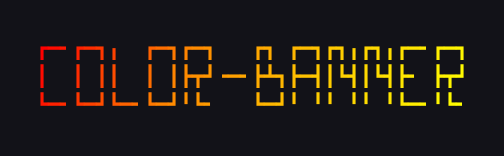
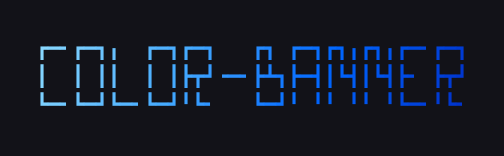
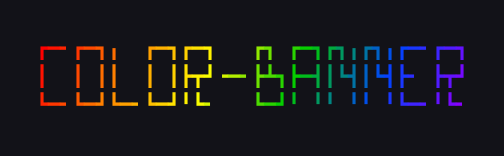
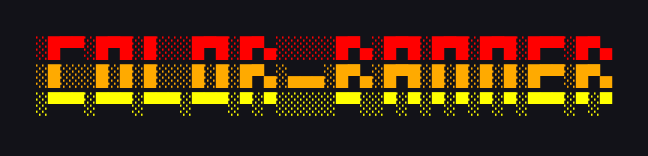
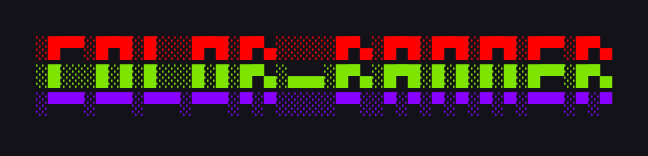
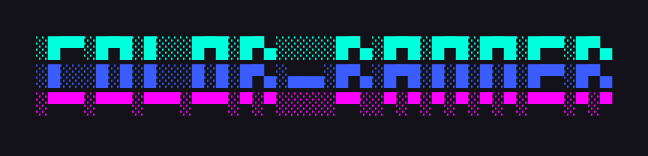
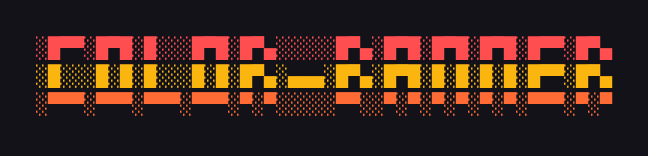
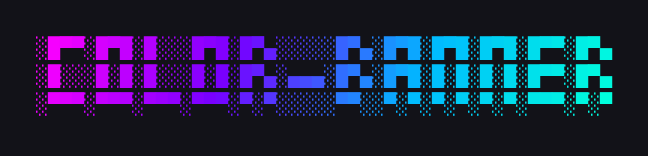
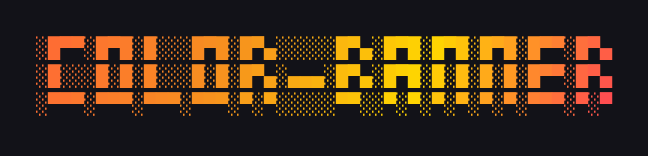
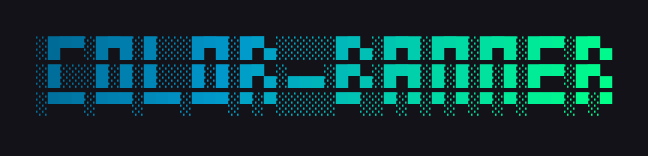
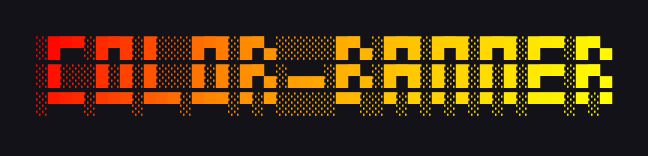
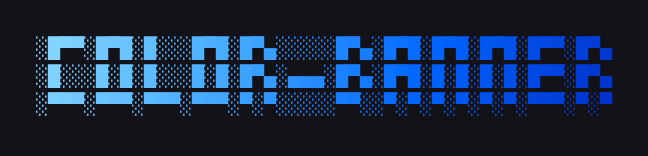
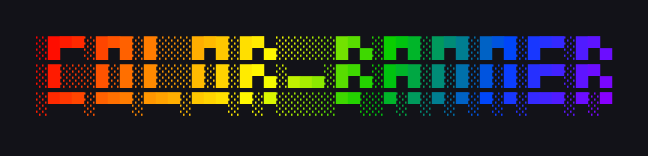
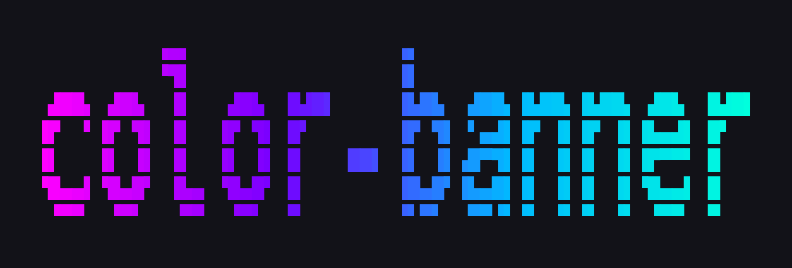
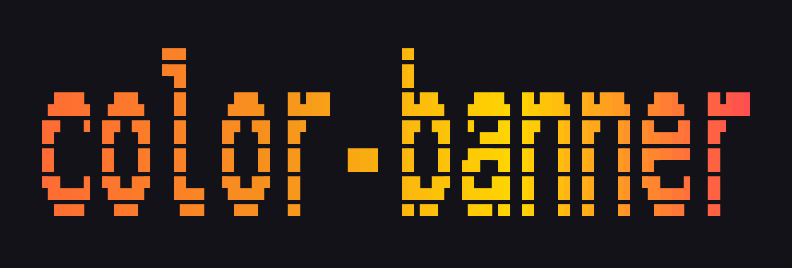
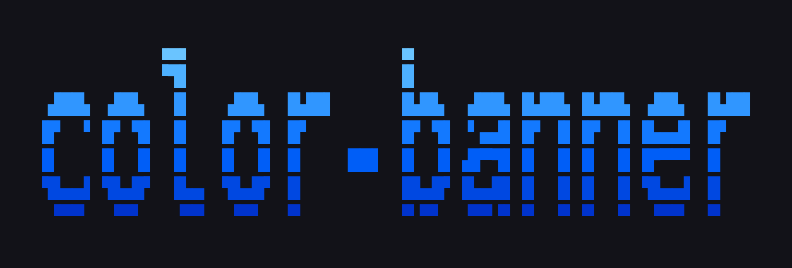
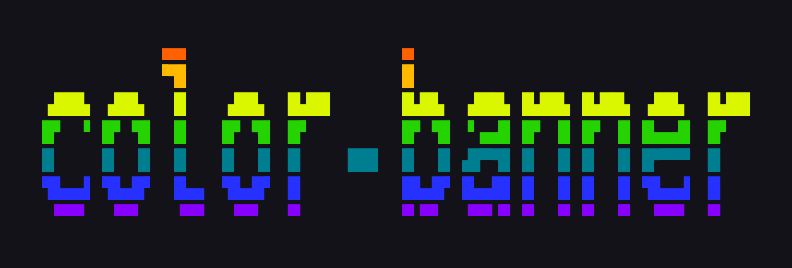
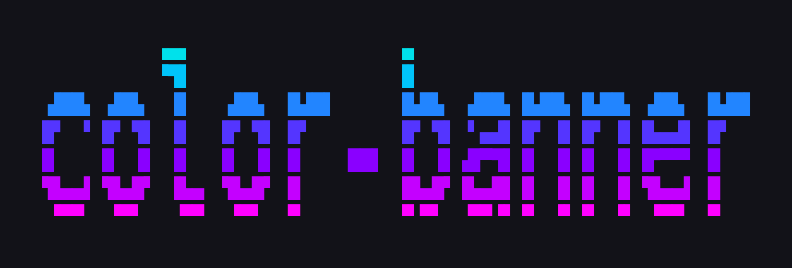
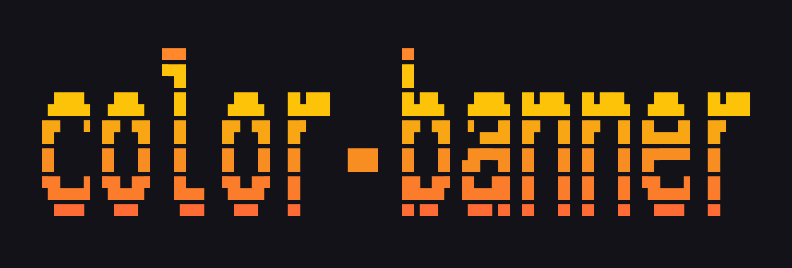
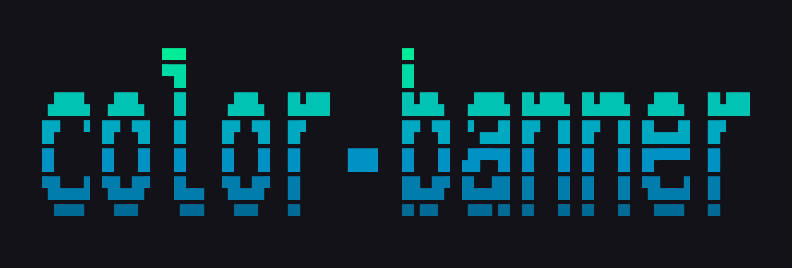
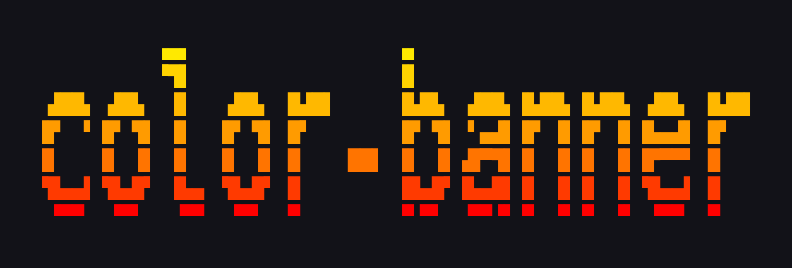
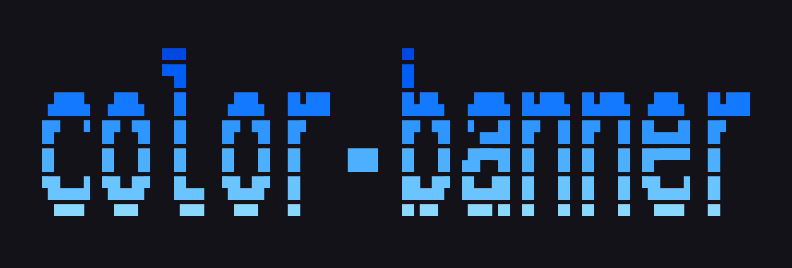
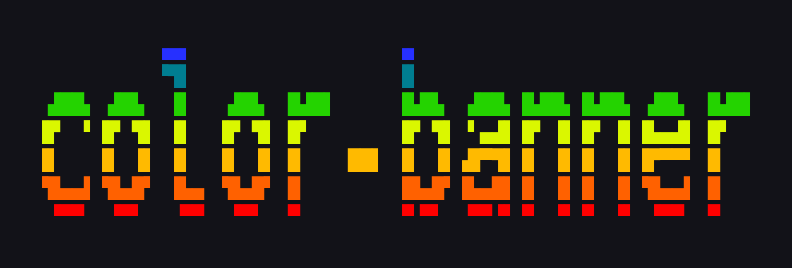
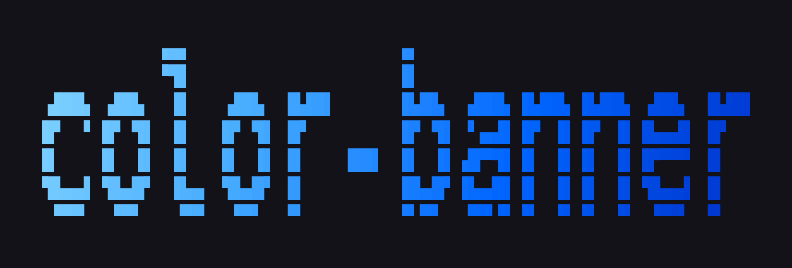
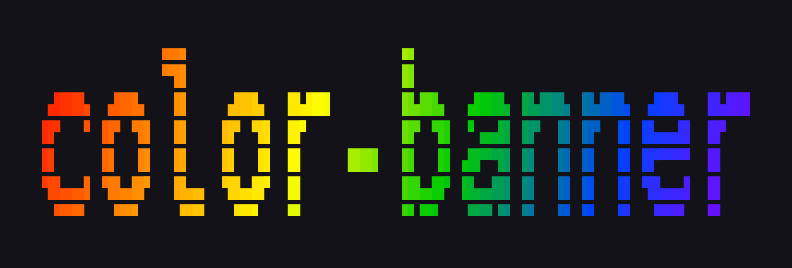
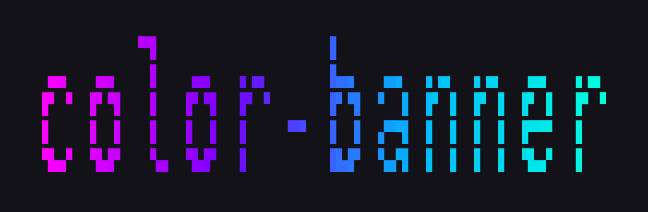
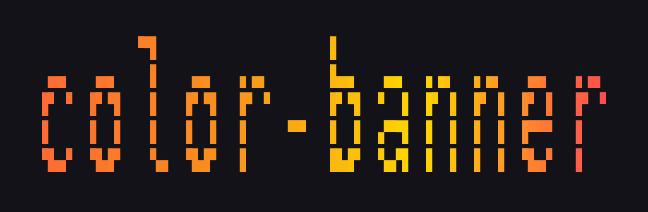
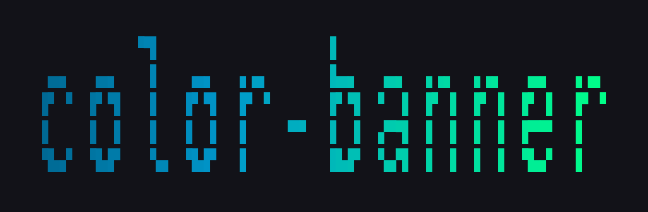
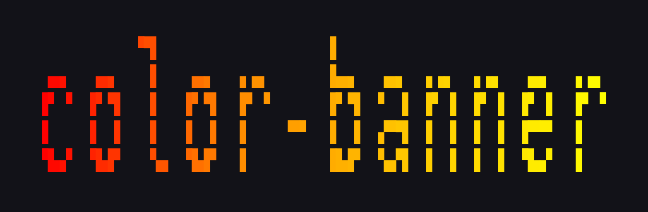
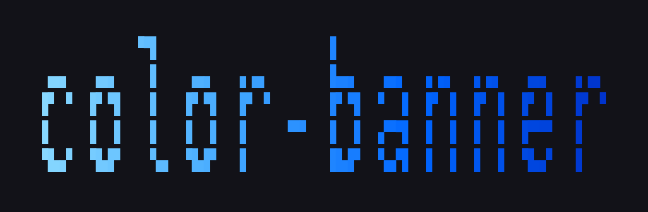
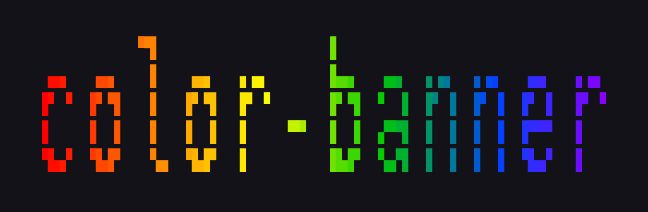
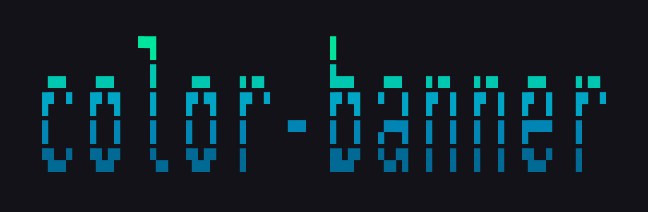
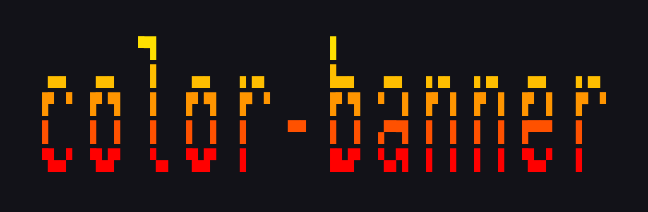
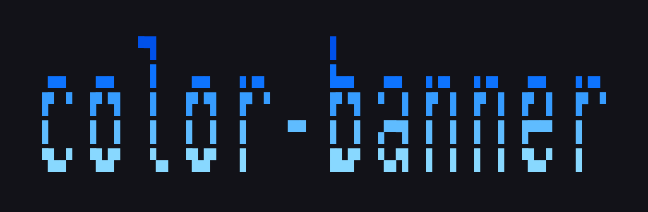
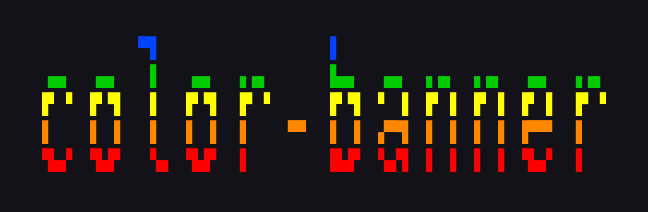
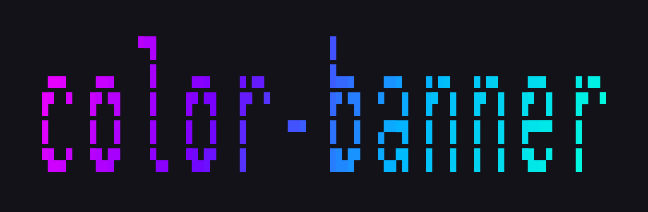
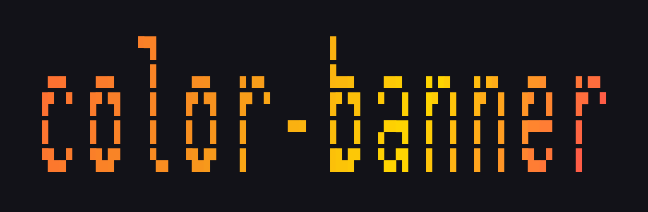
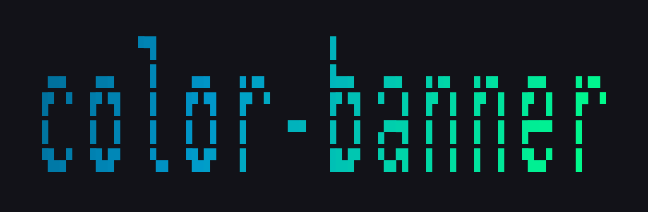
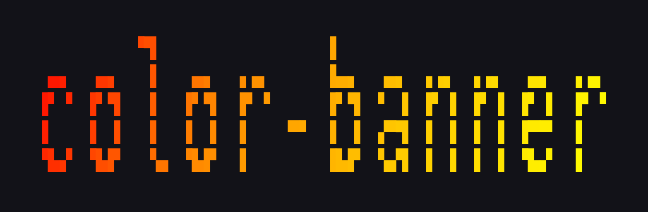
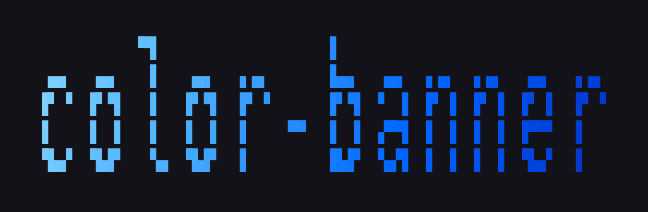
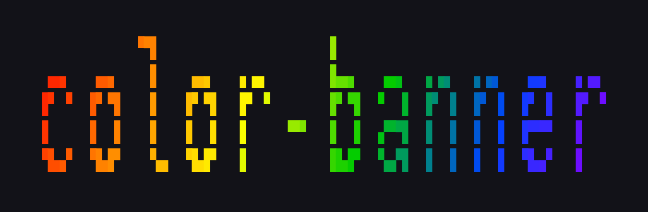
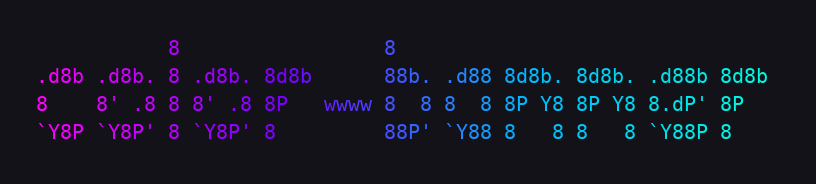
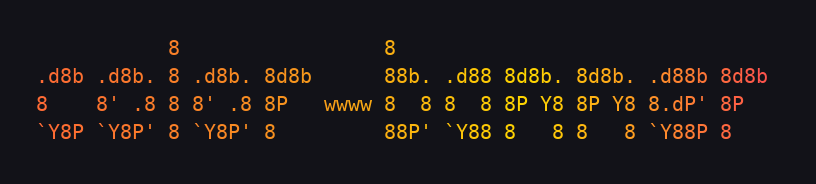
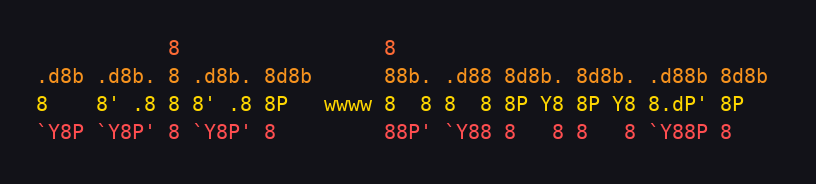
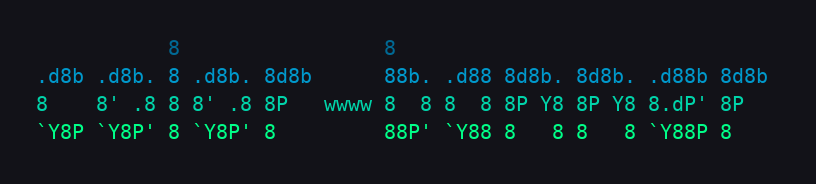
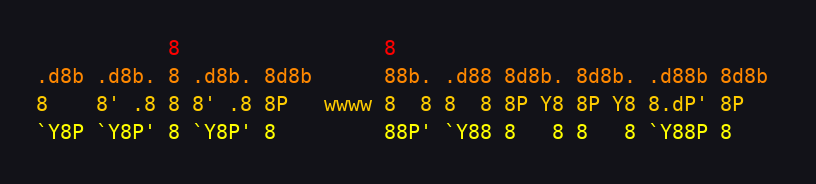
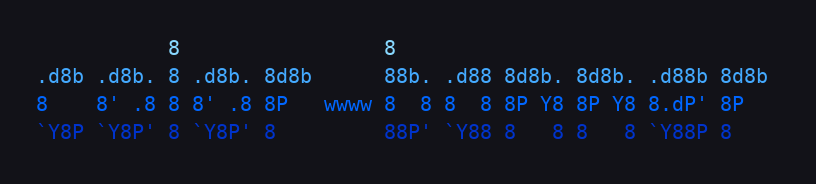
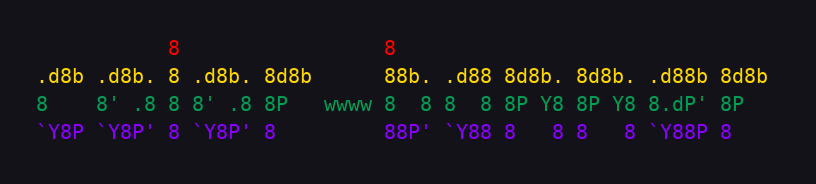
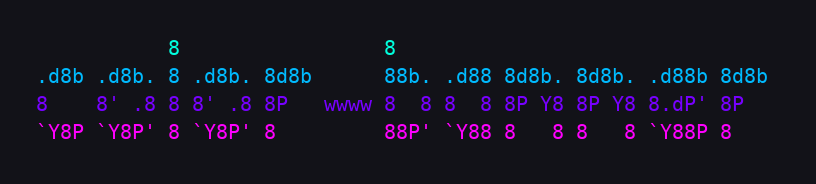
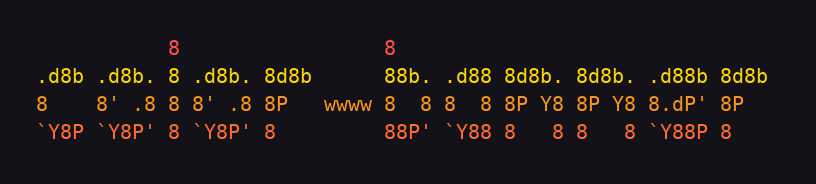
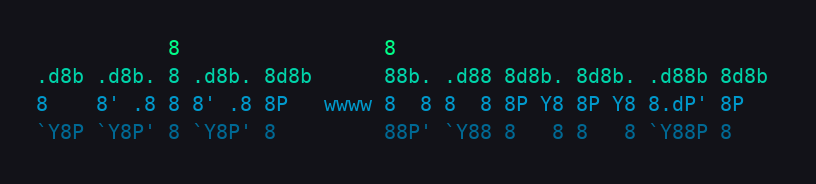
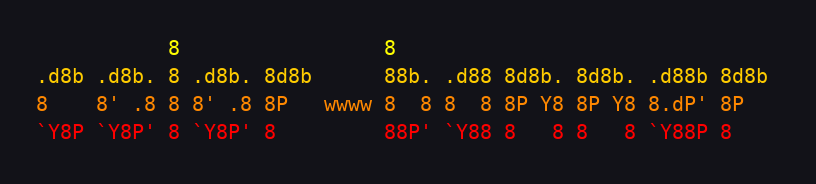
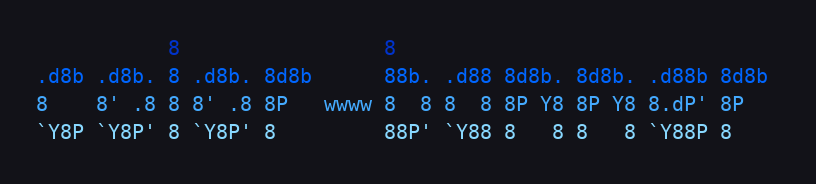
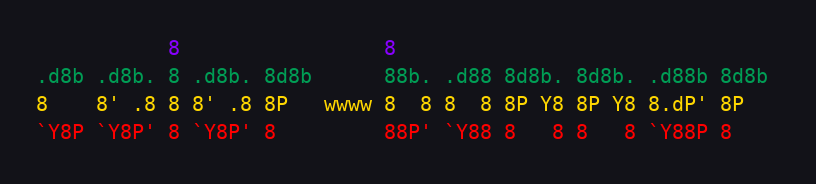
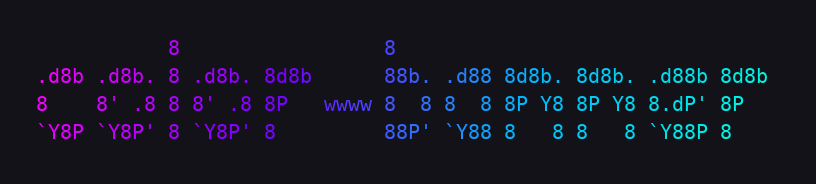
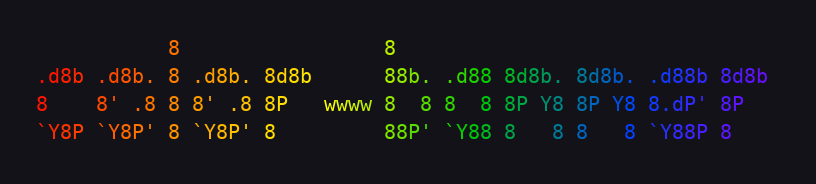
color-banner
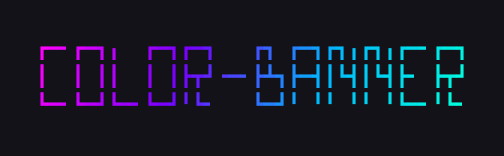



Built on the shoulders of FIGlet (Glenn Chappell & Ian Chai, 1991),
pyfiglet (Christopher Jones, Stefano Rivera, Peter Waller), and
Calligraphy (GeopJr / Gregor "gregorni" Niehl).
Licensed under Apache 2.0.
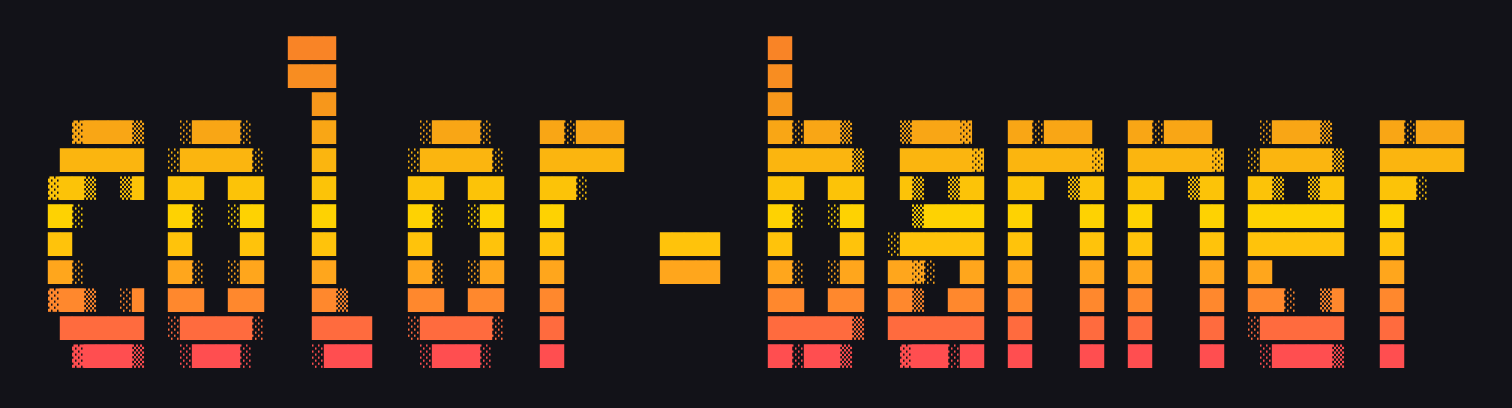
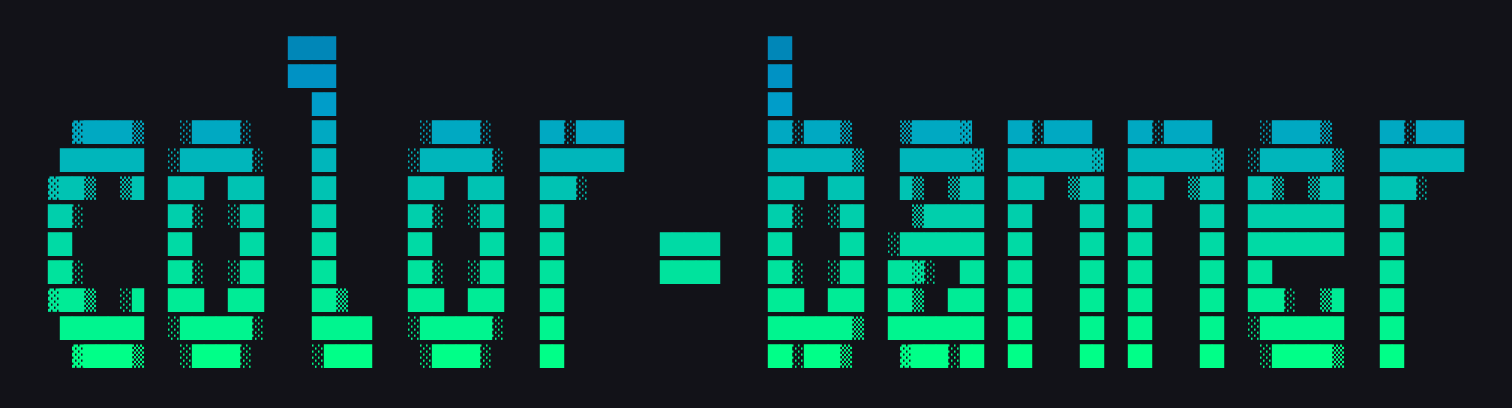
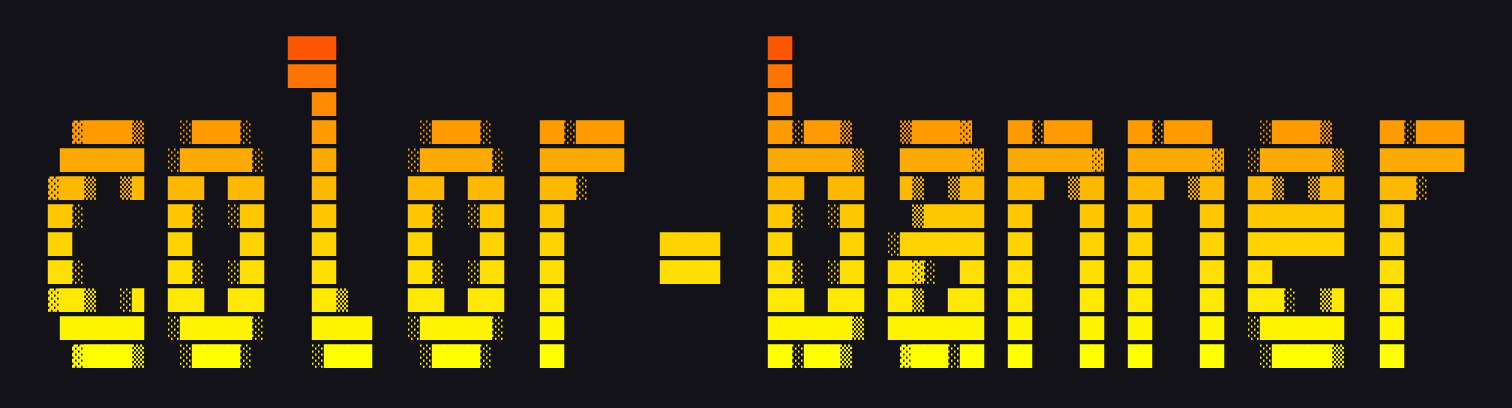
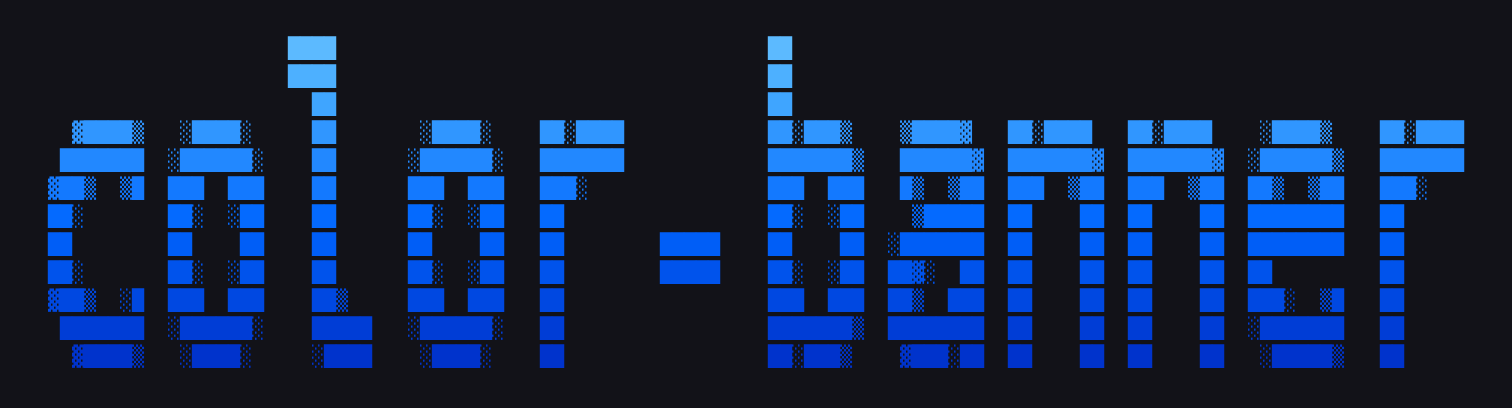
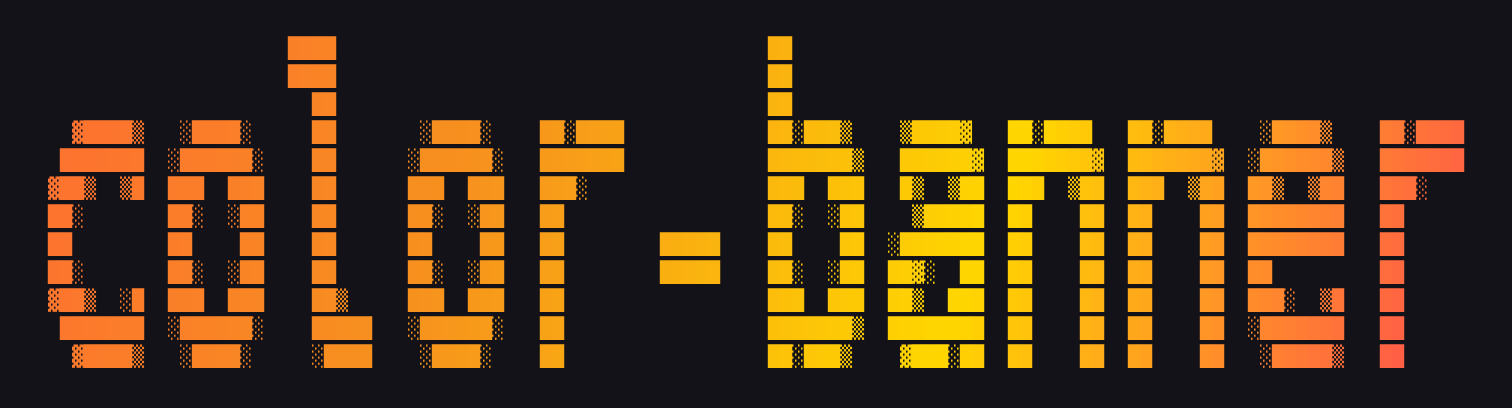
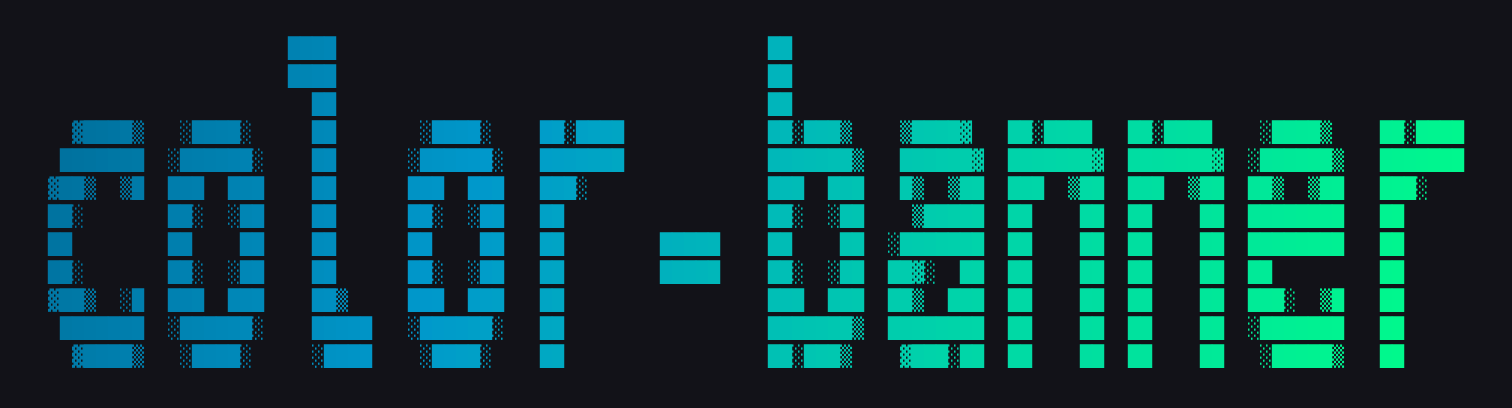
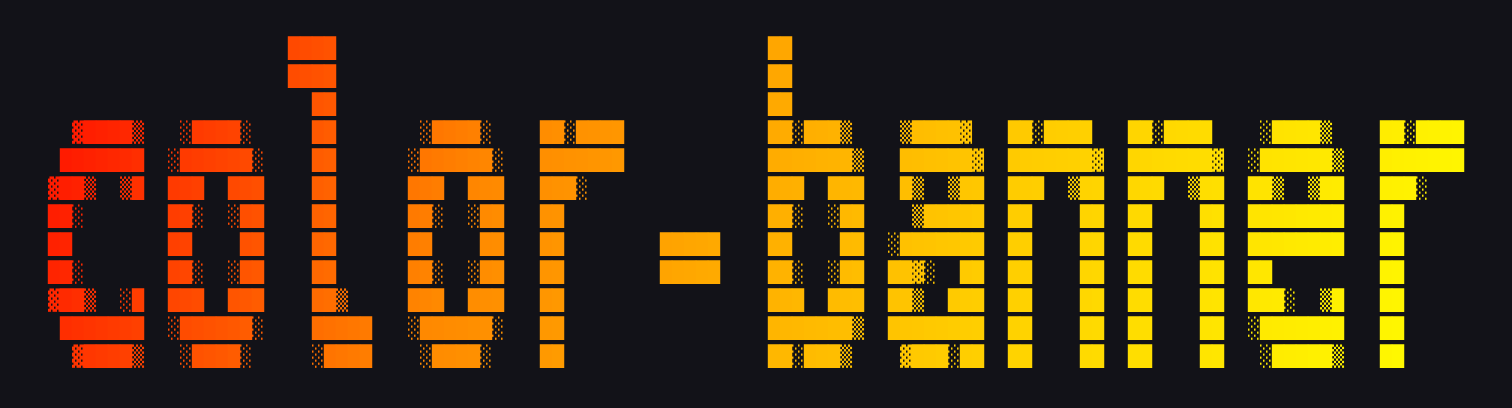
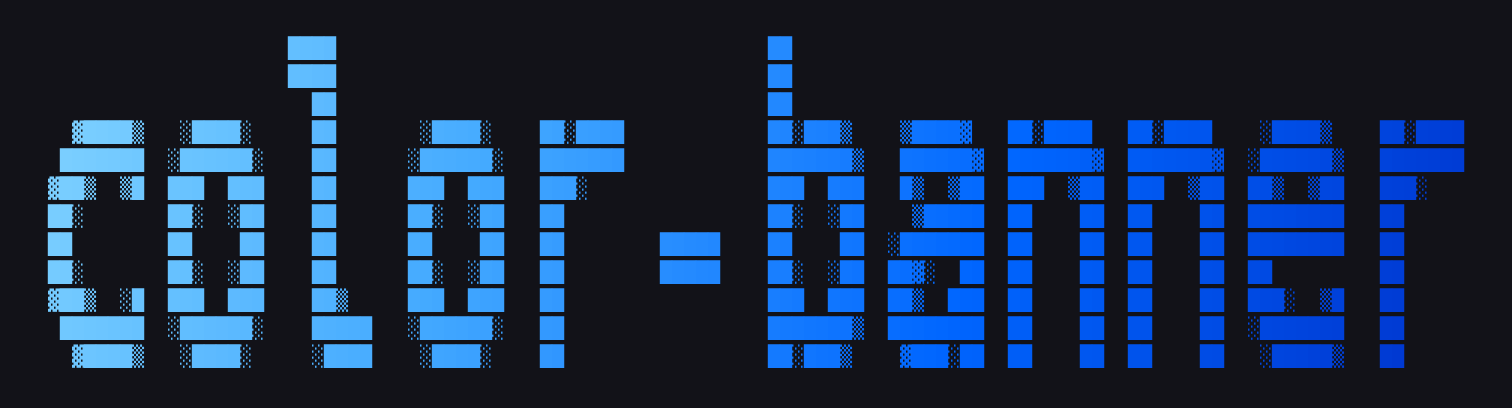
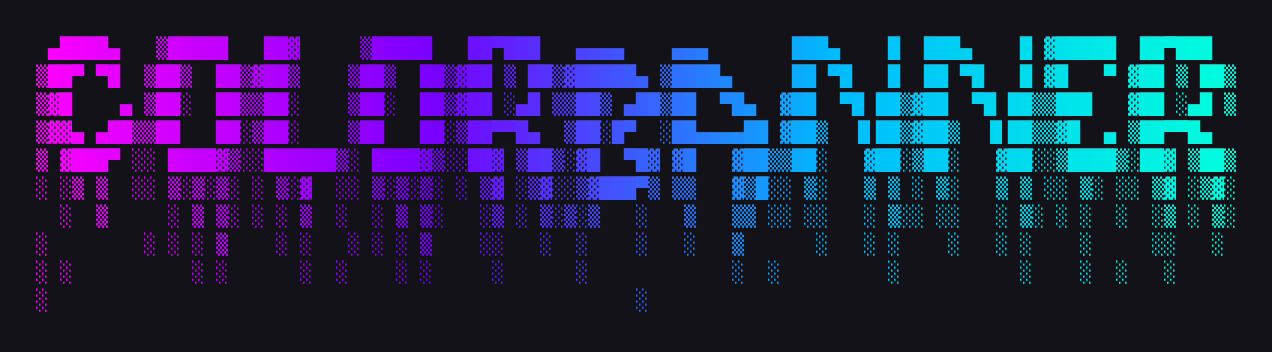
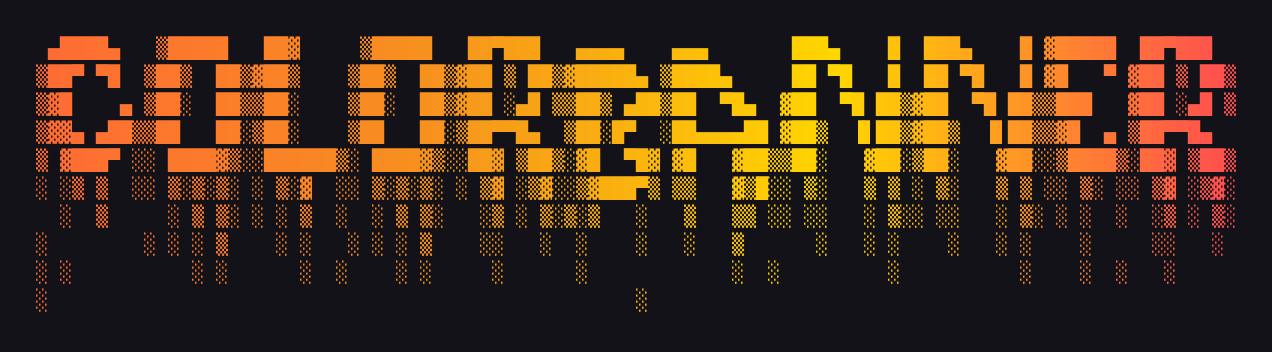
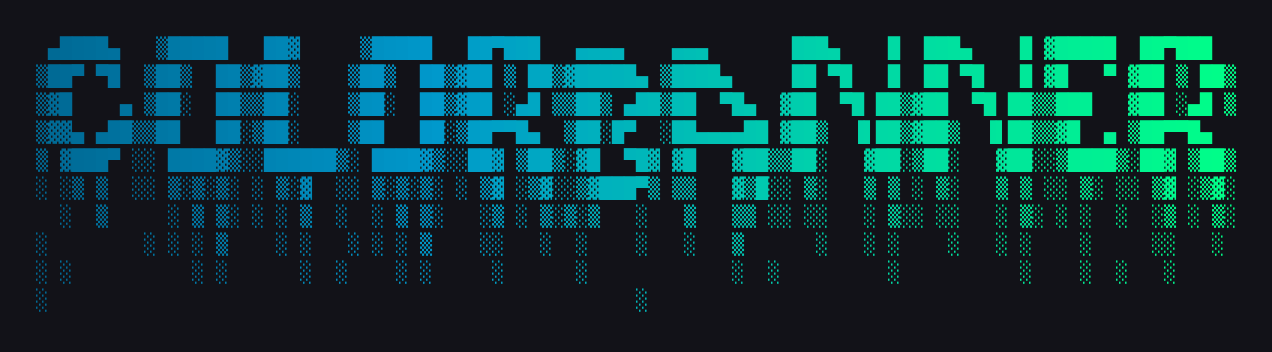
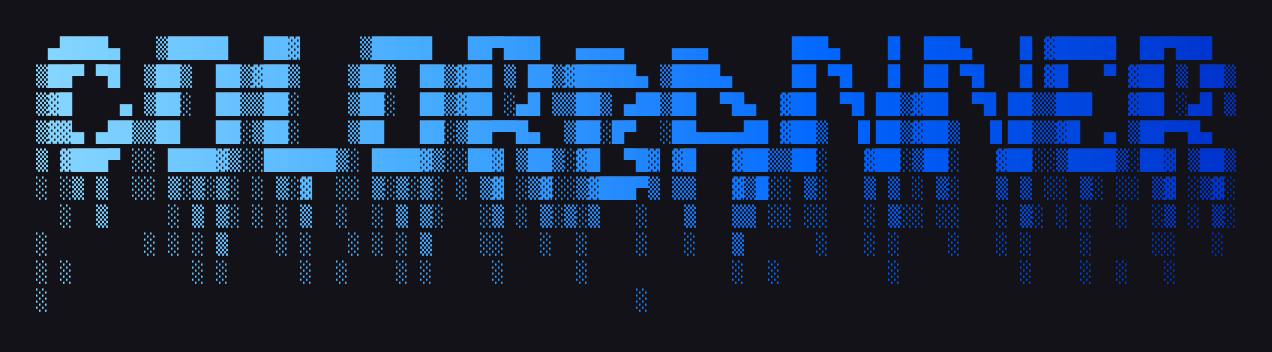
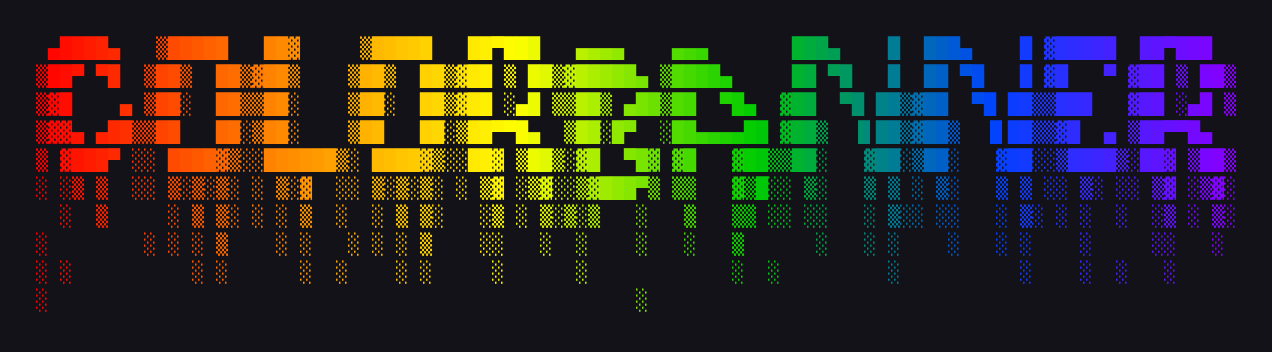
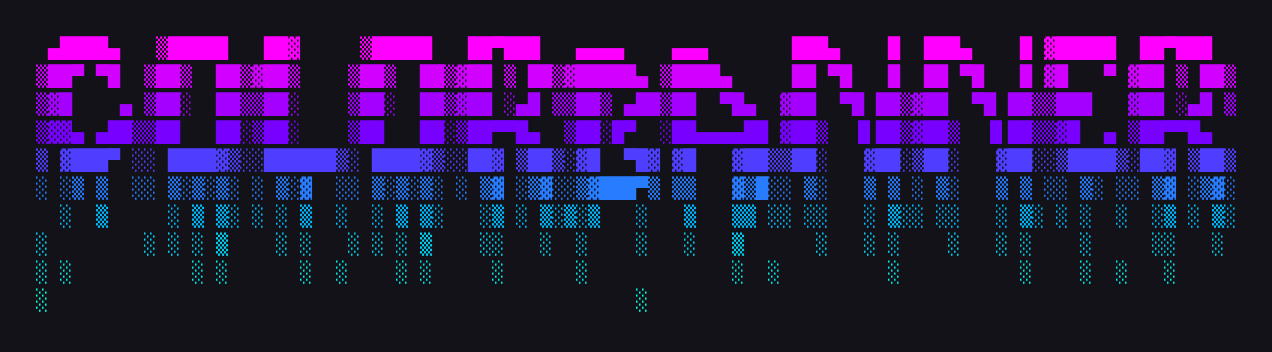
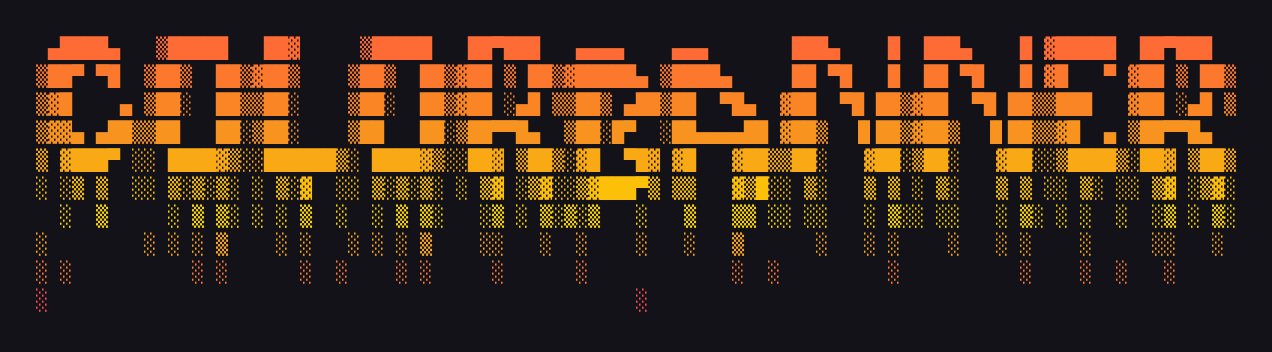
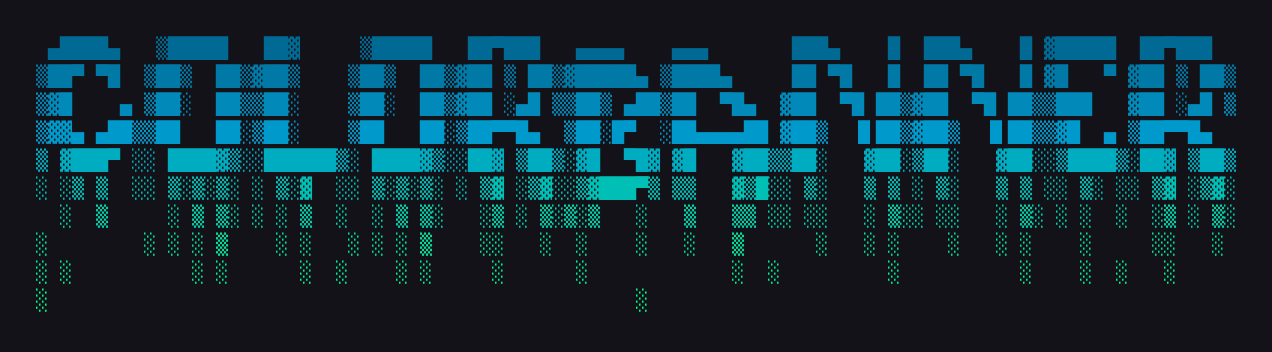
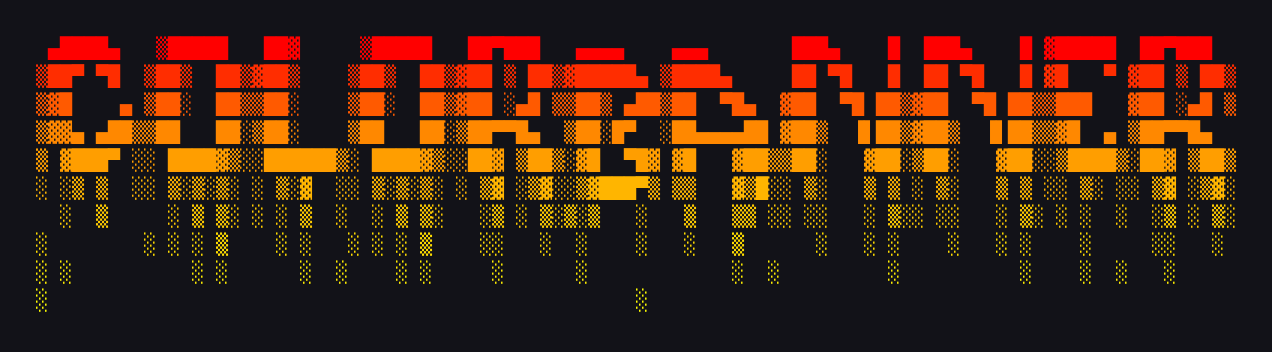
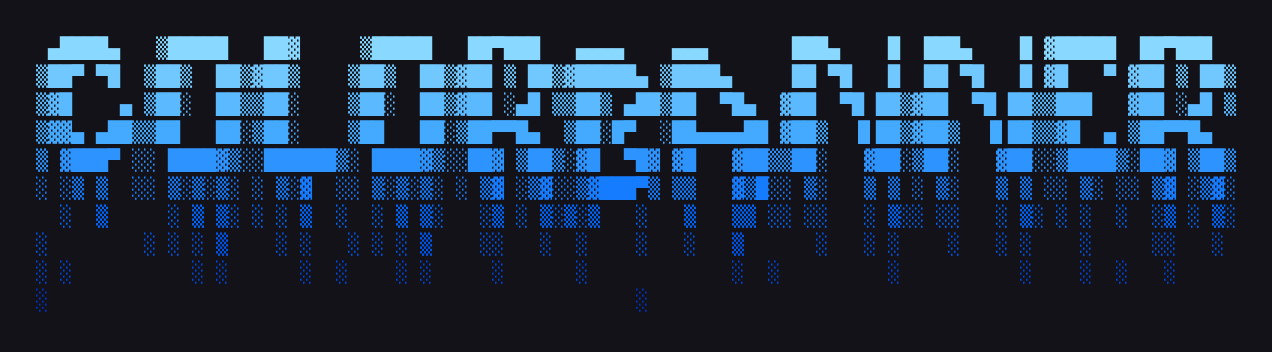
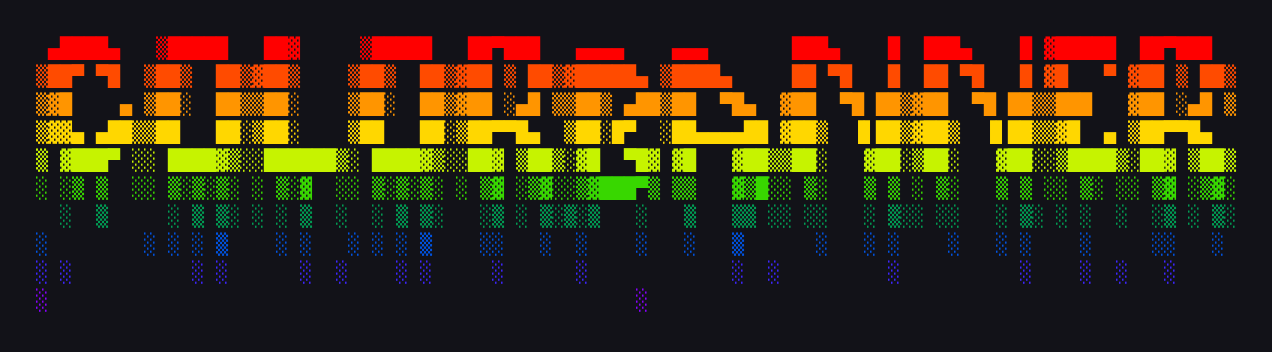
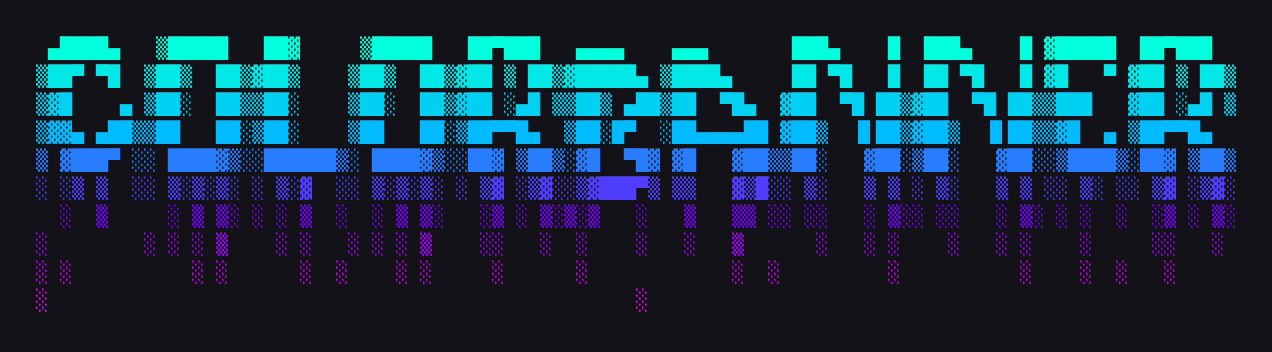
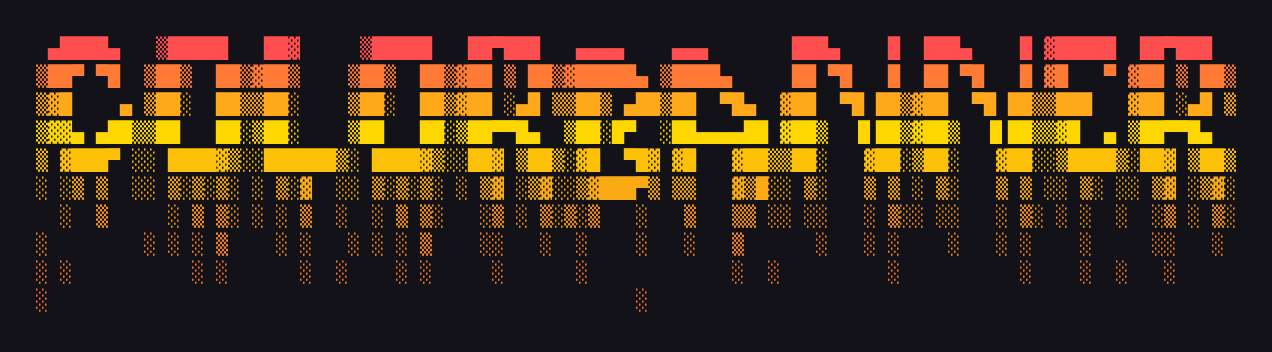
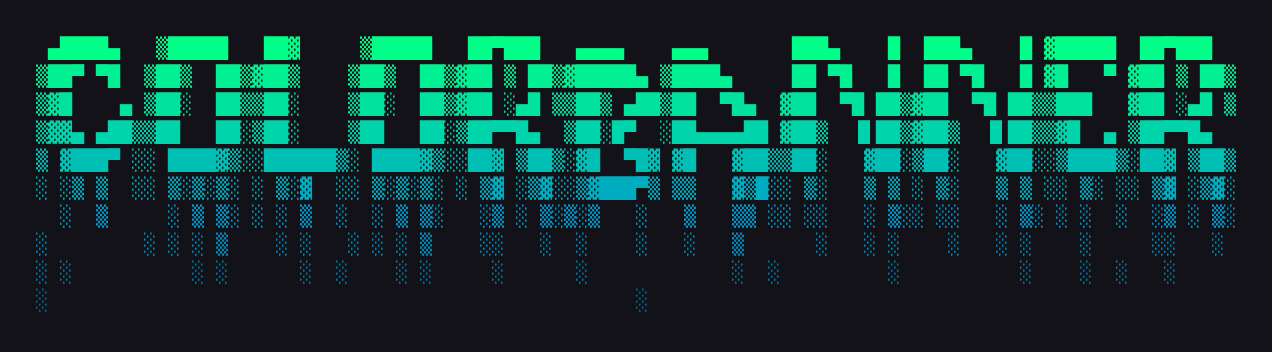
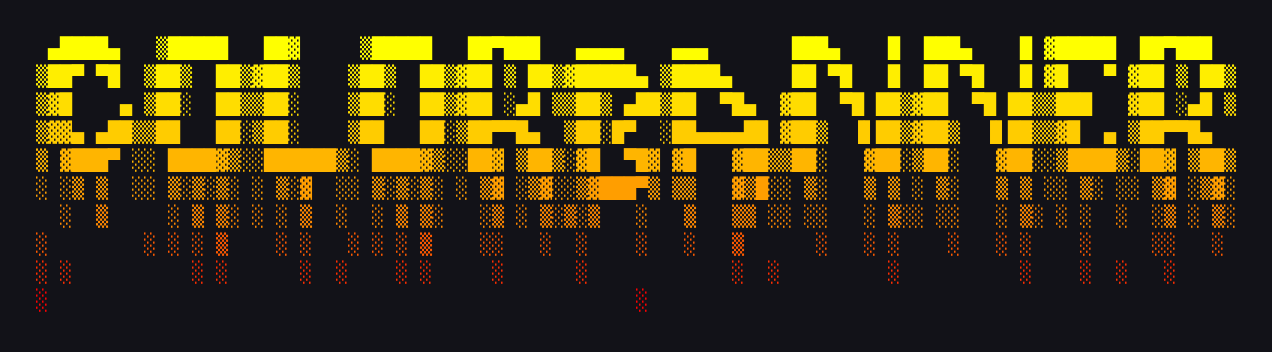
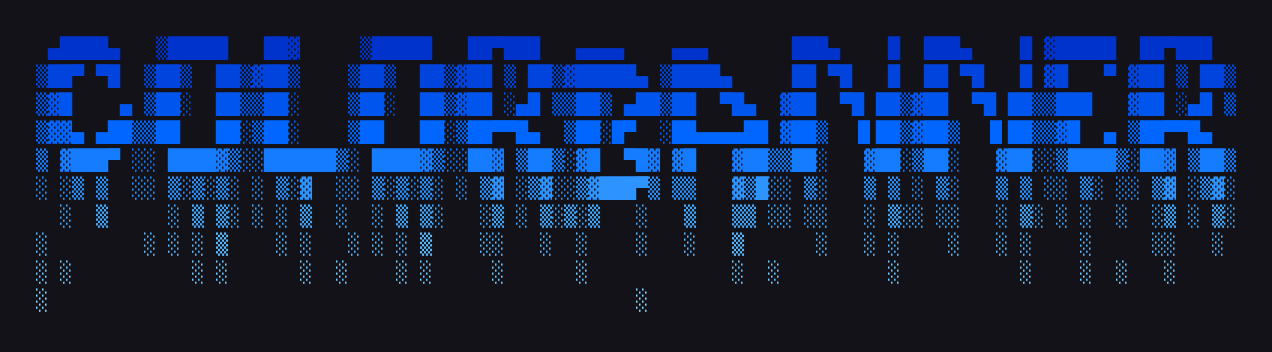
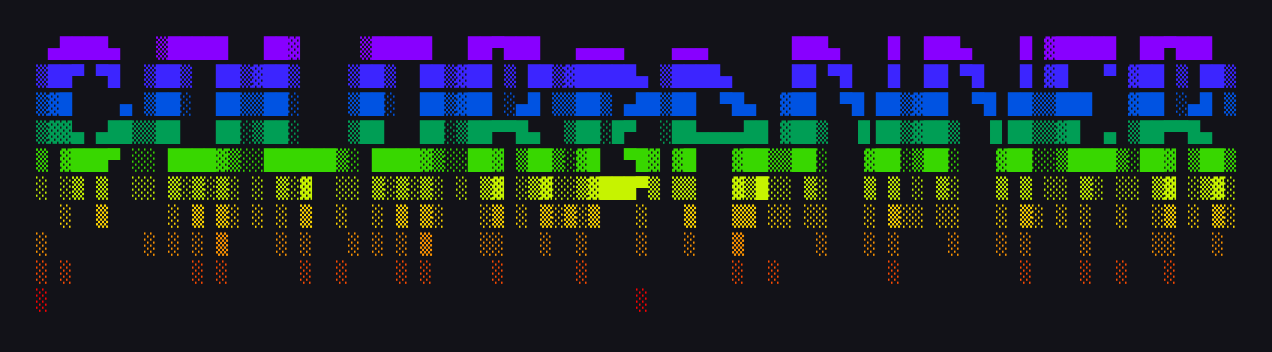
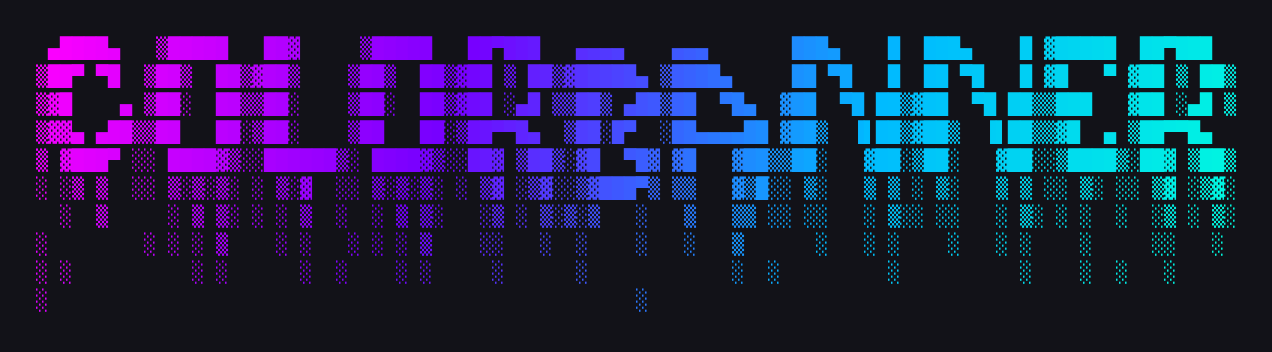
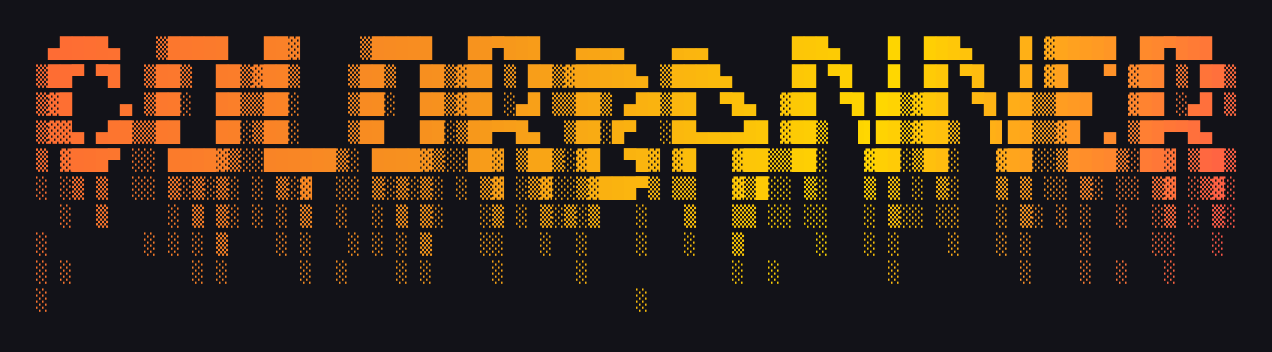
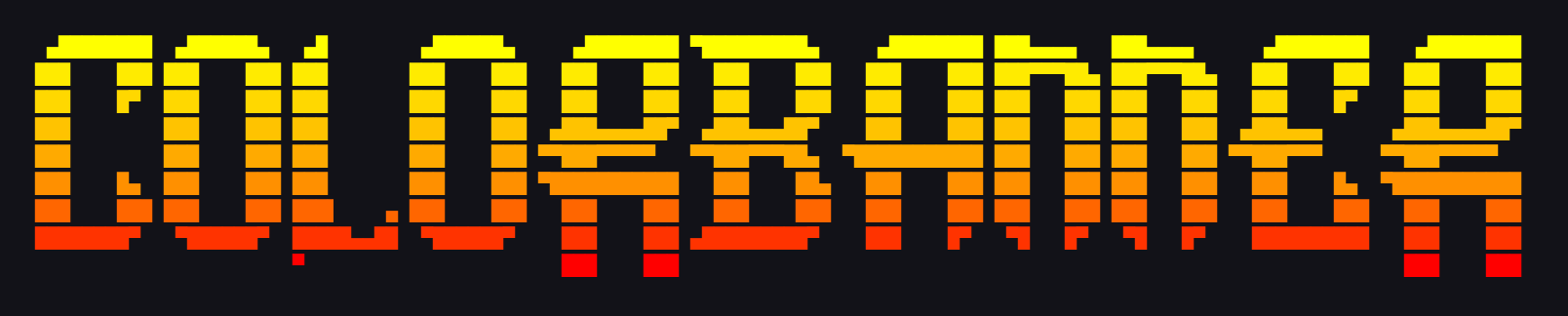
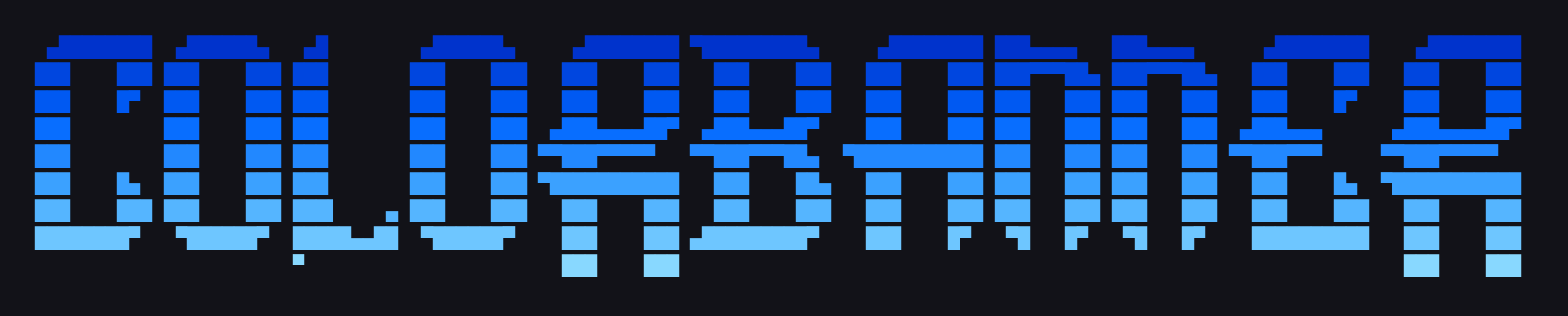
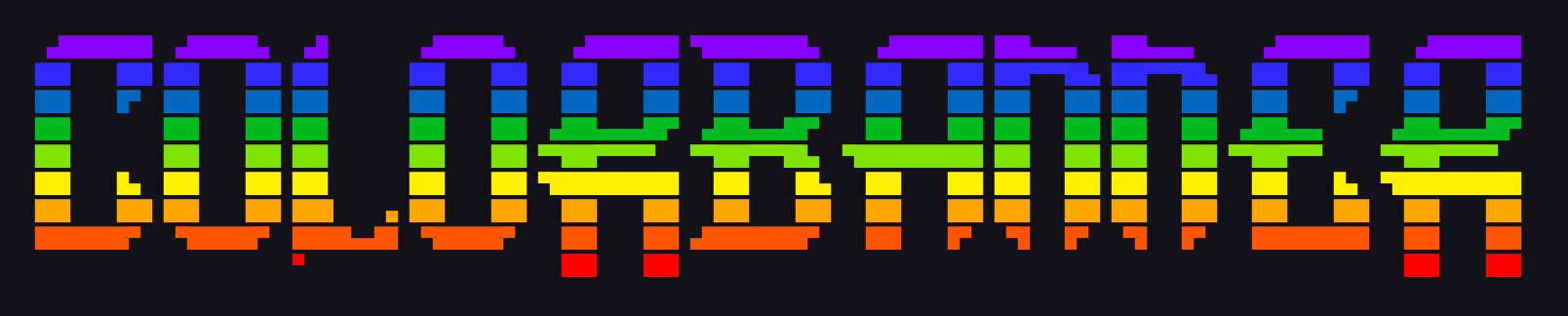
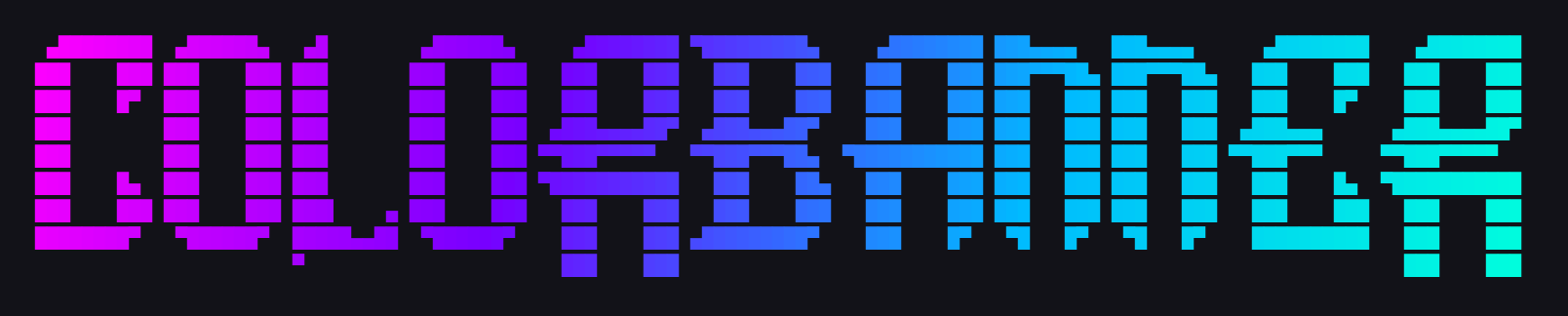
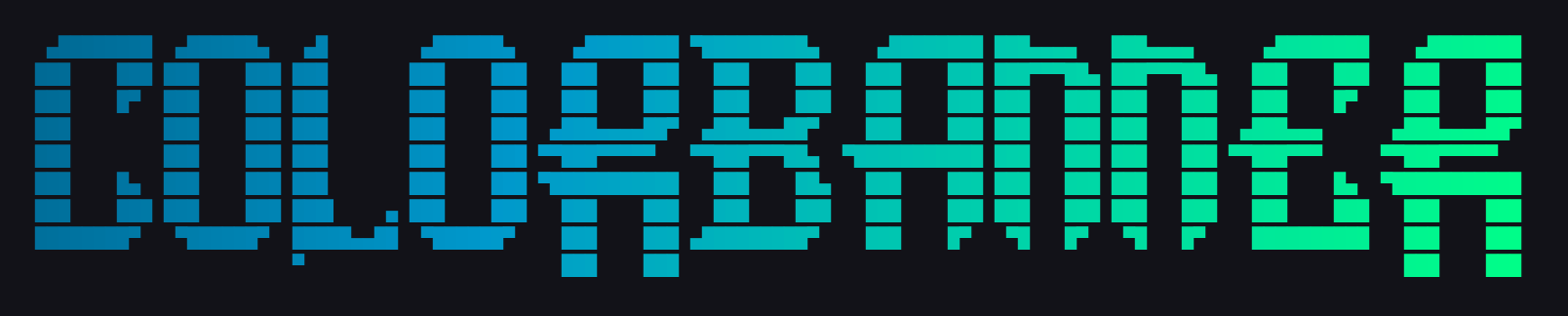
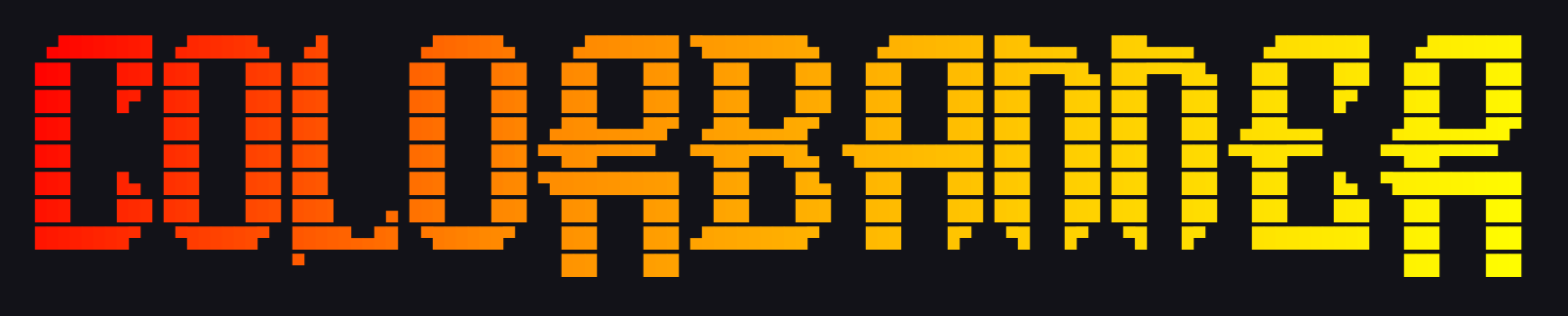
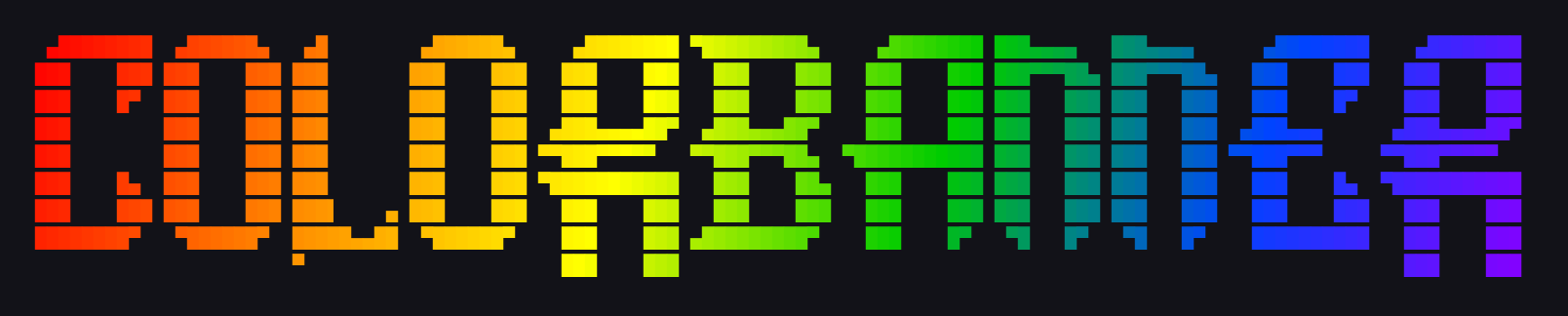
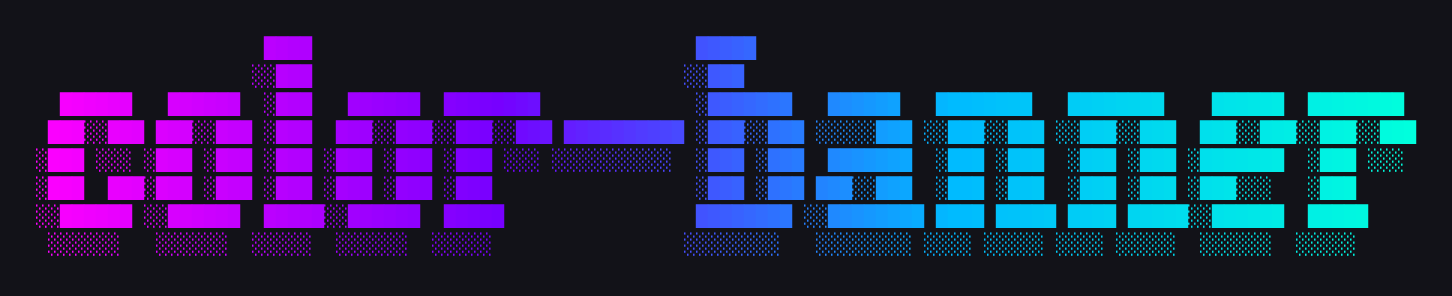
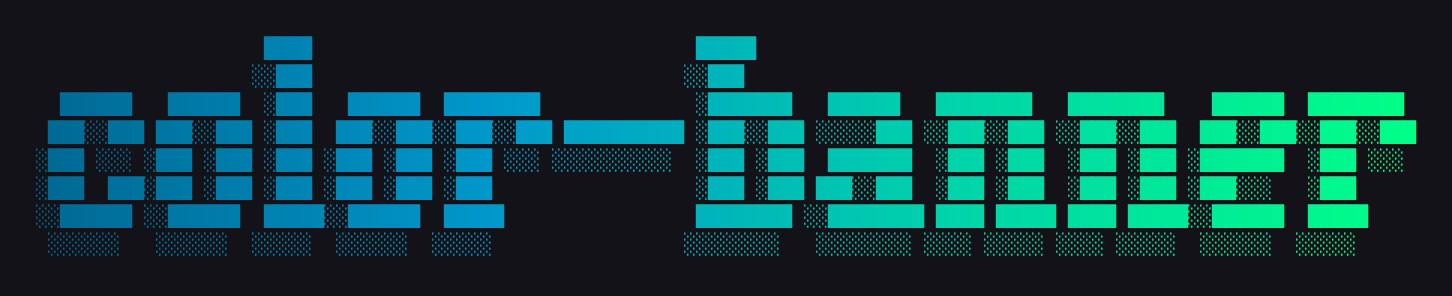
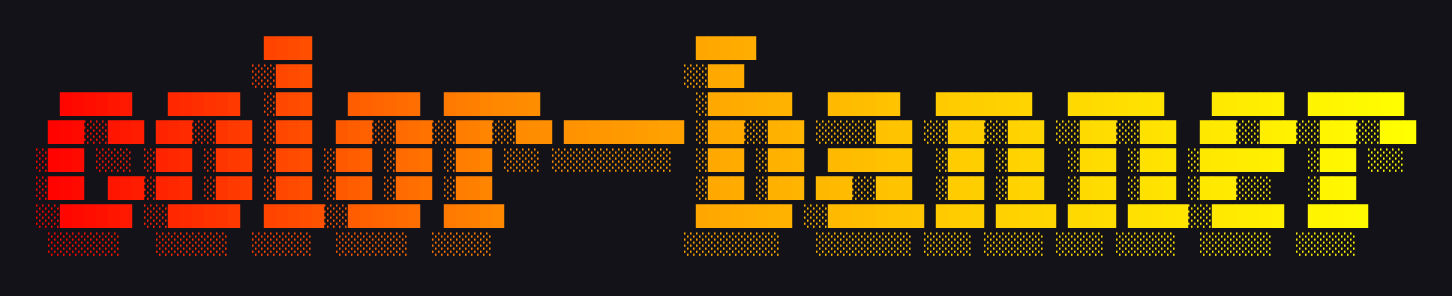
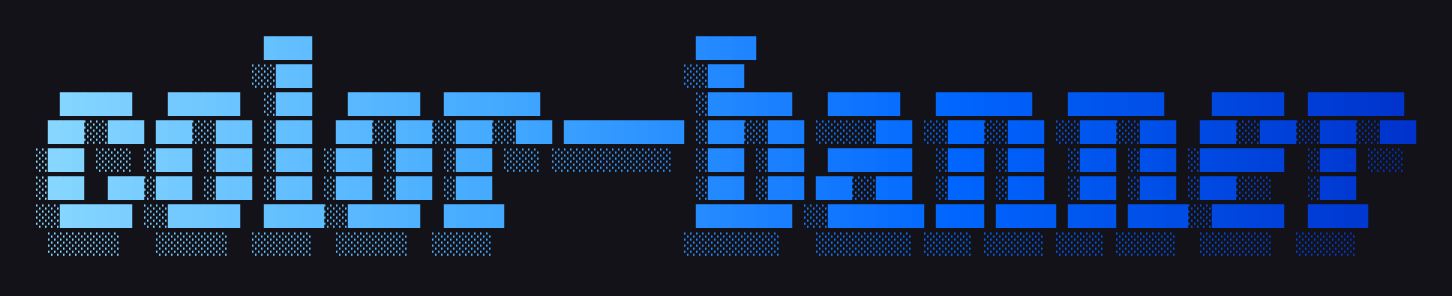
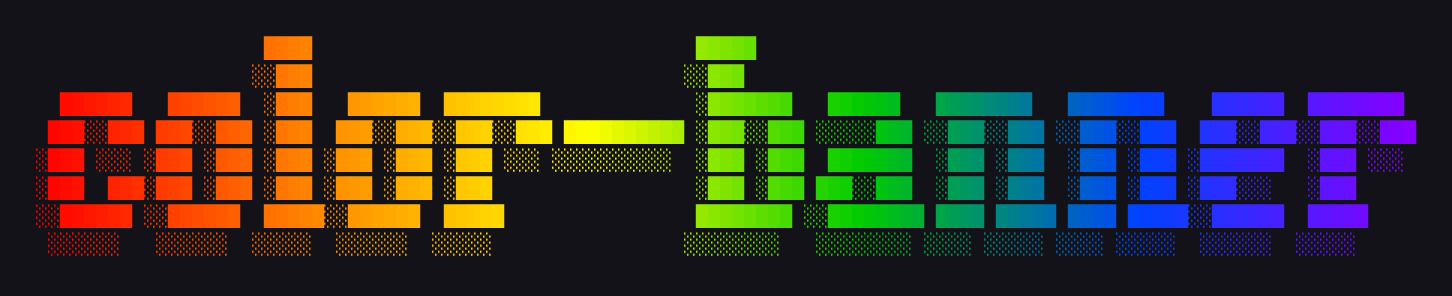
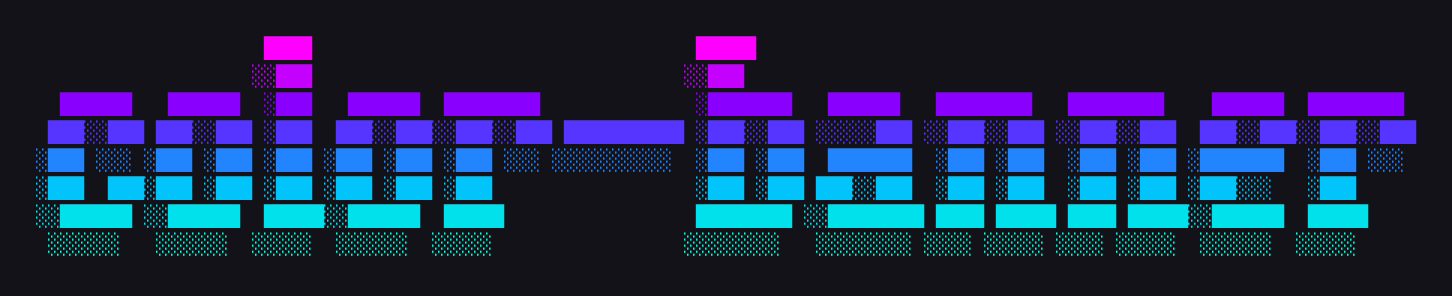
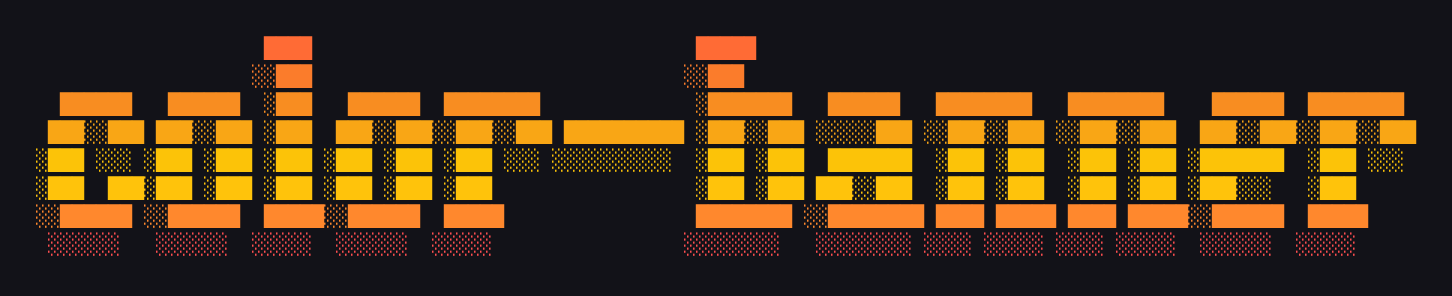
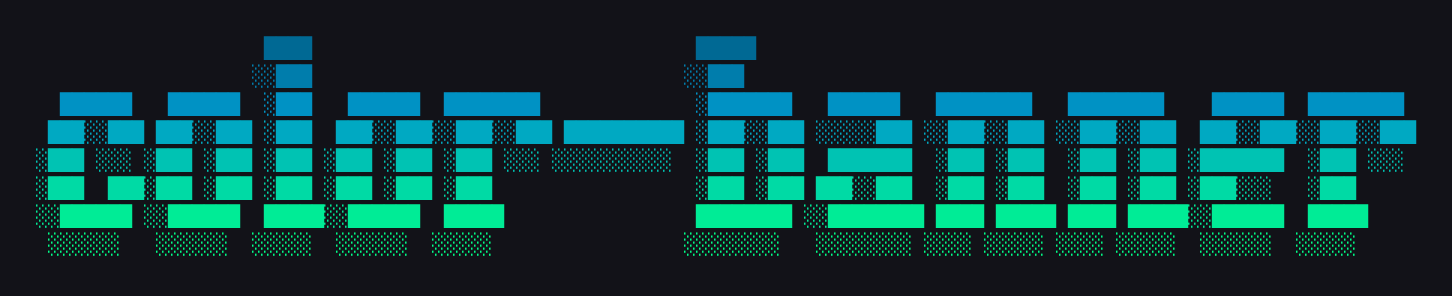
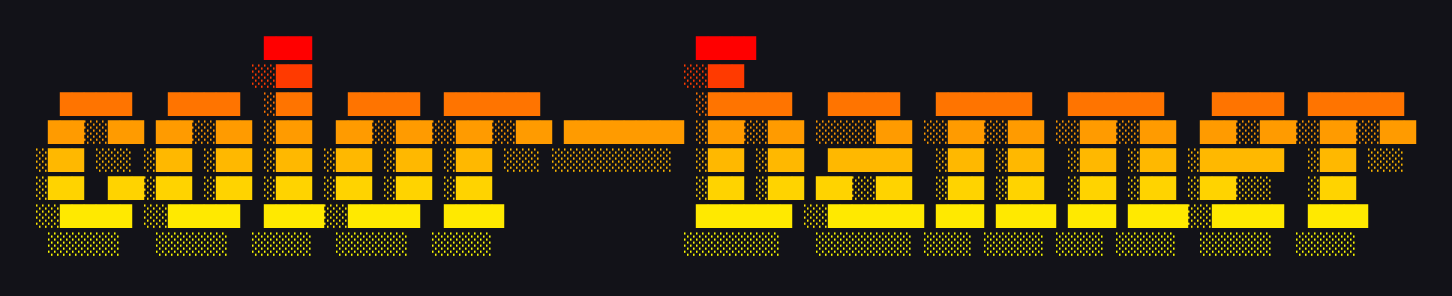
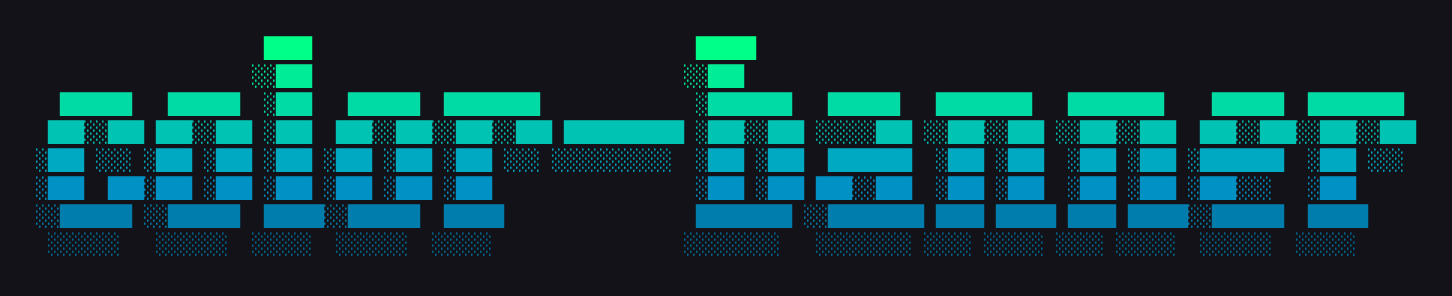
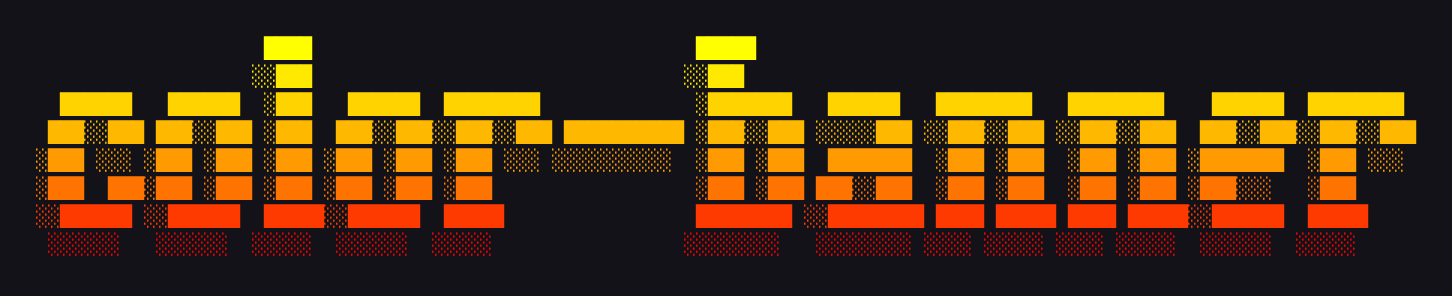
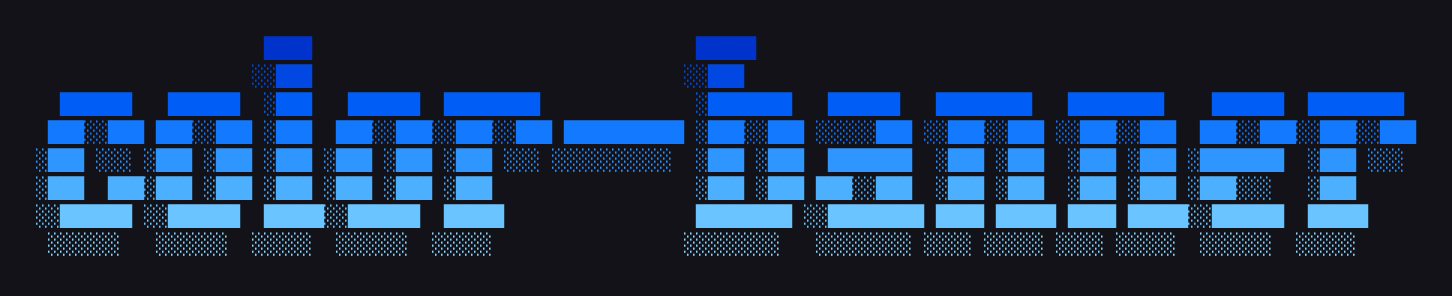
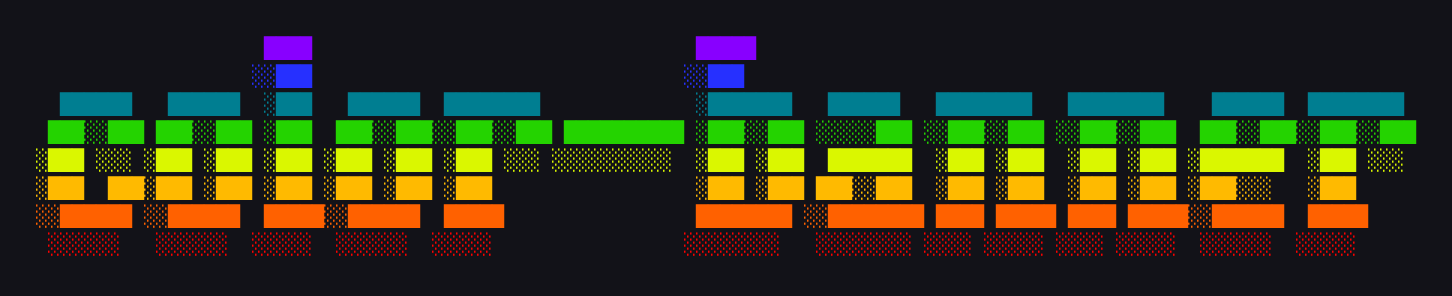
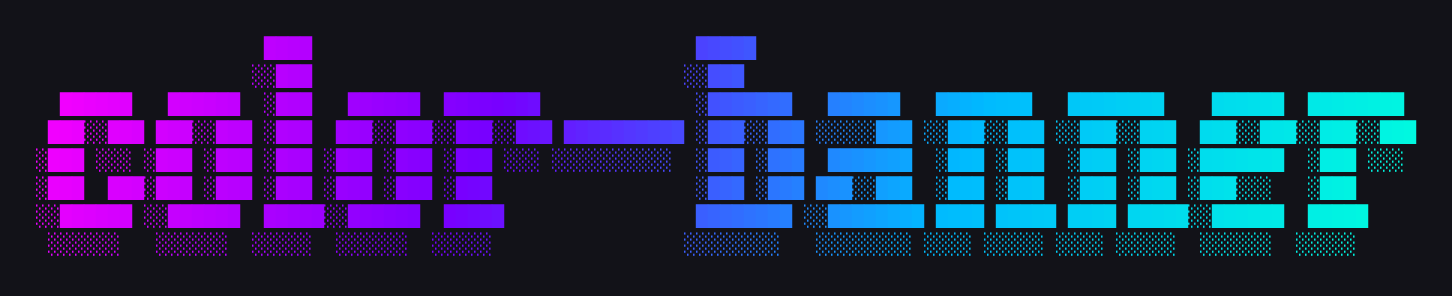
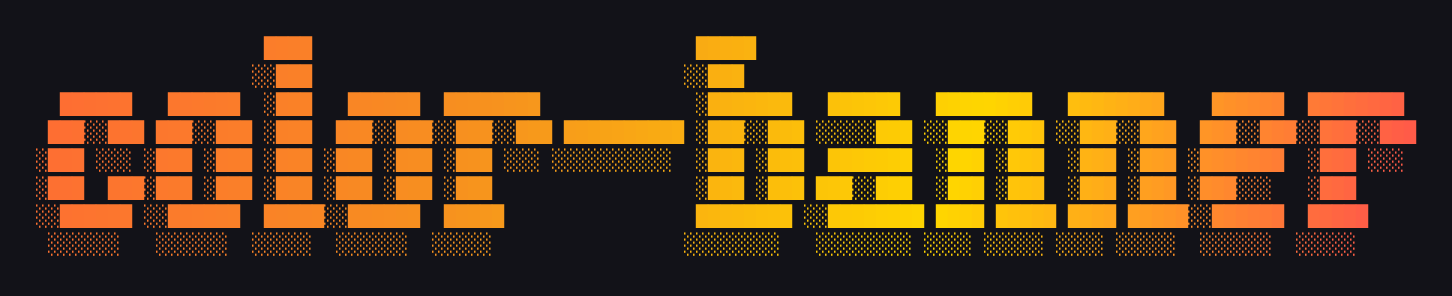
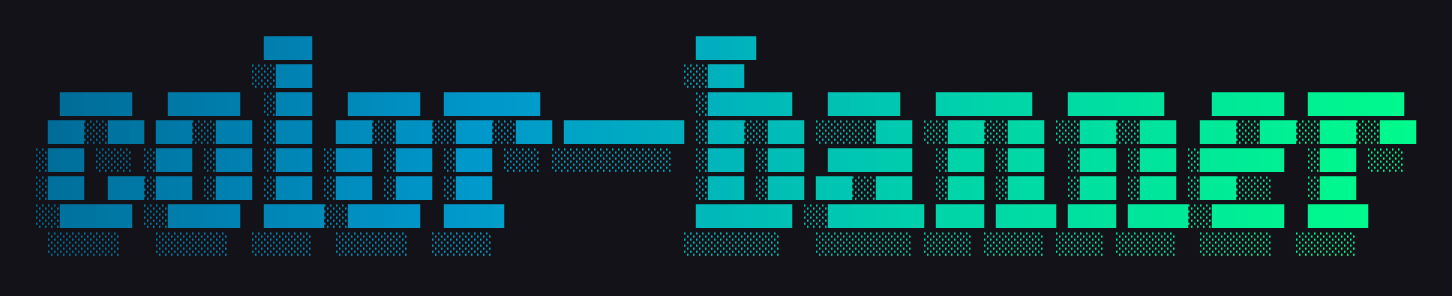
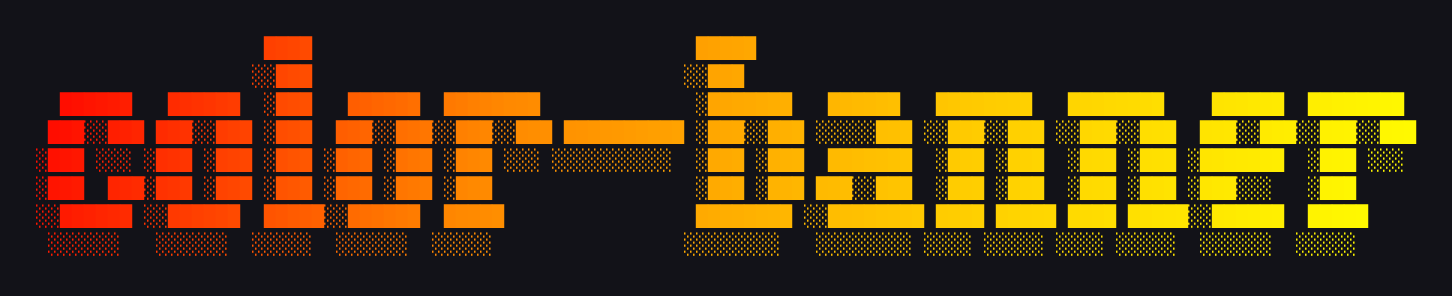
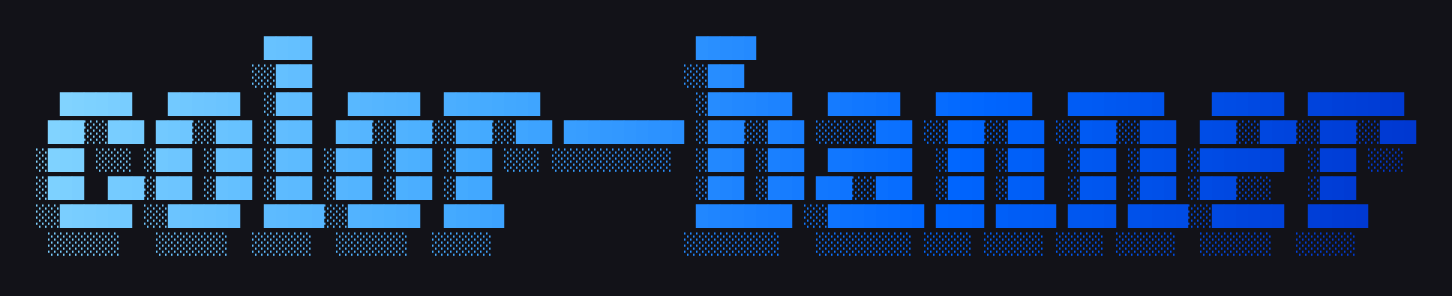
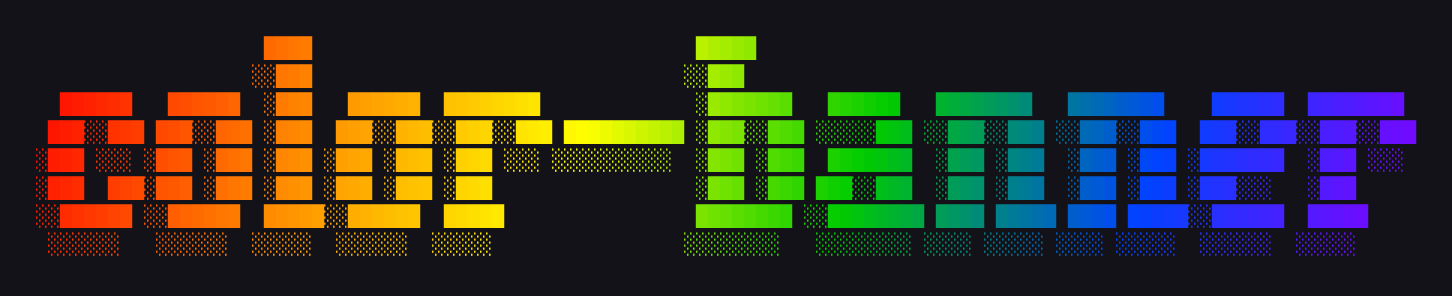
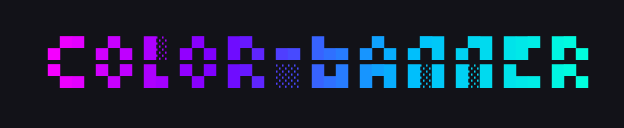
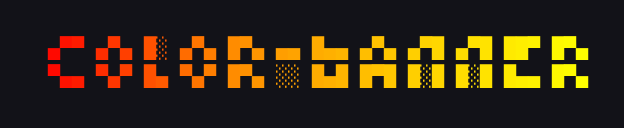
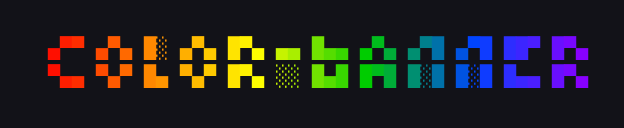
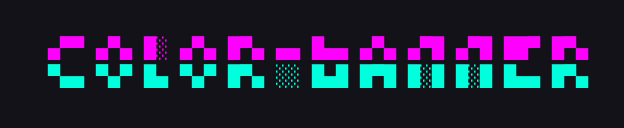
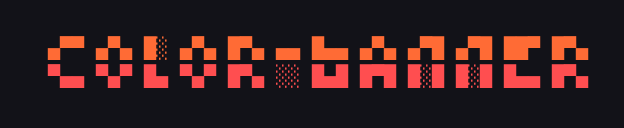
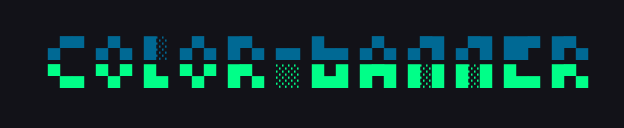
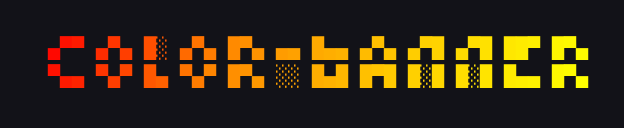
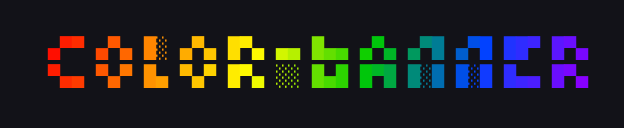
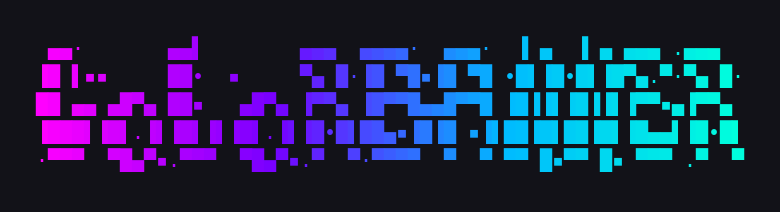
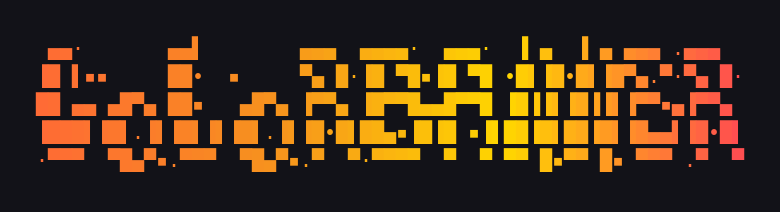
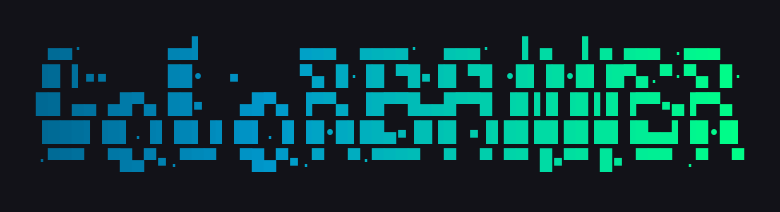
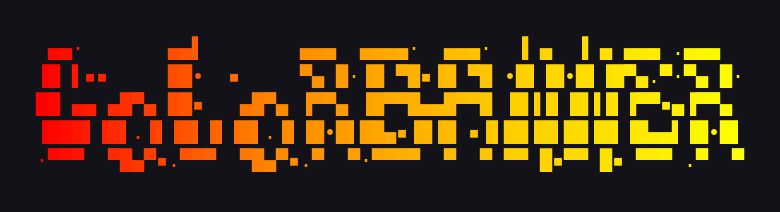
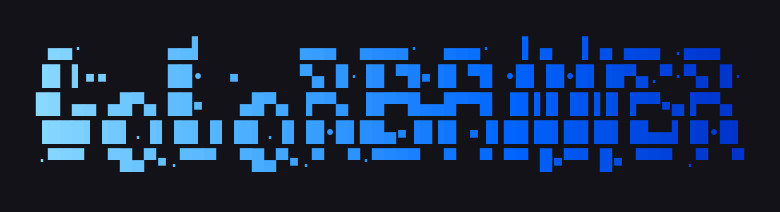
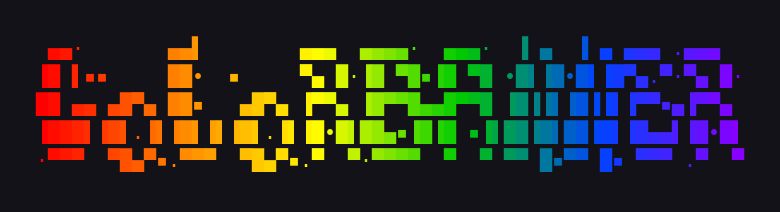
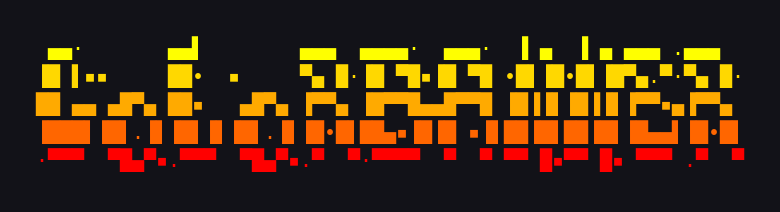
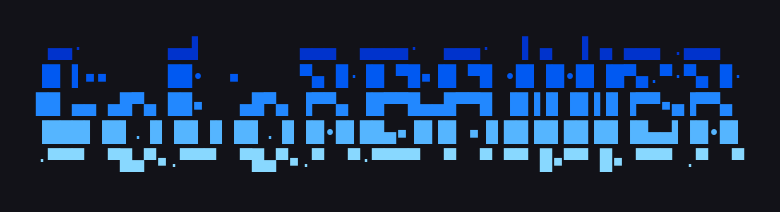
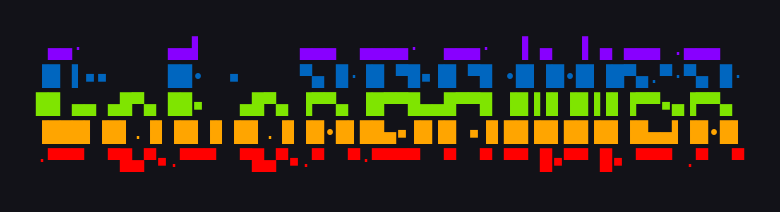
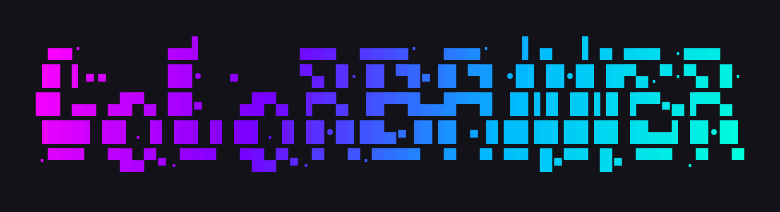
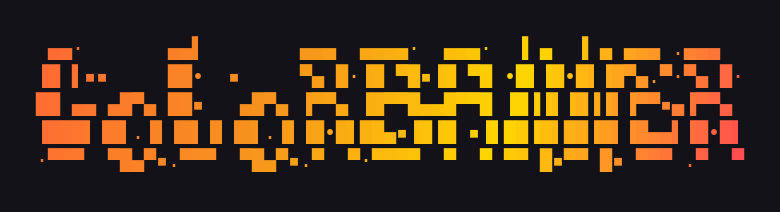
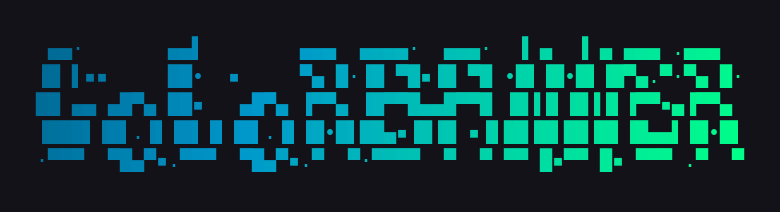
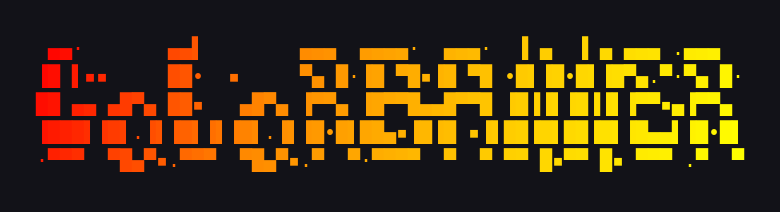
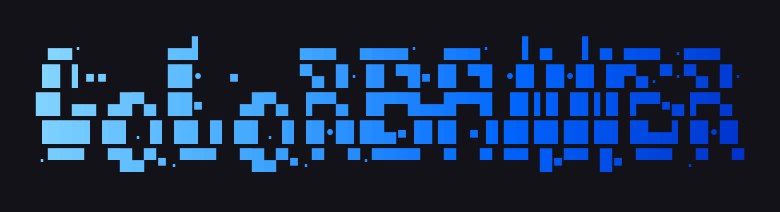
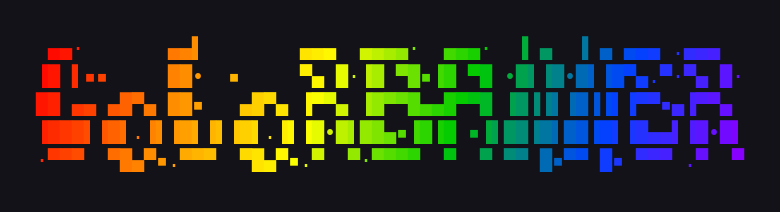
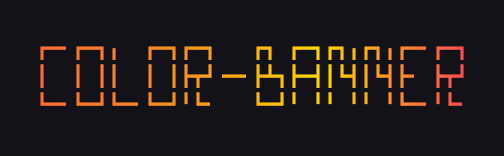
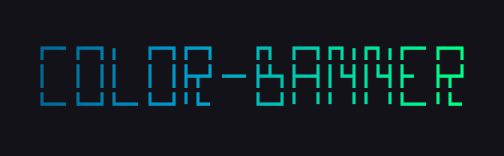
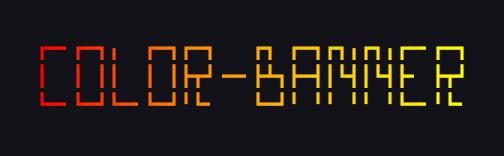
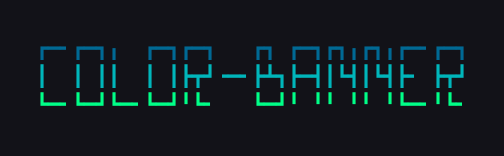
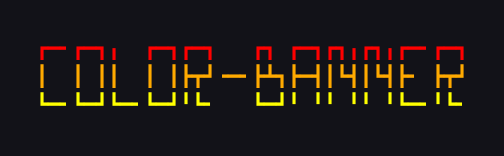
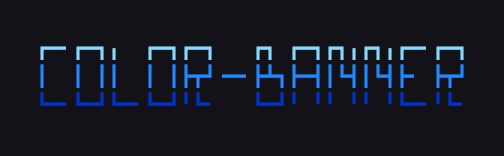
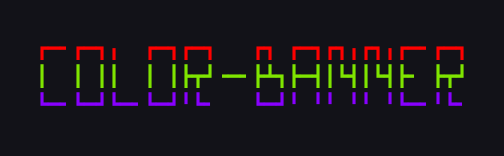
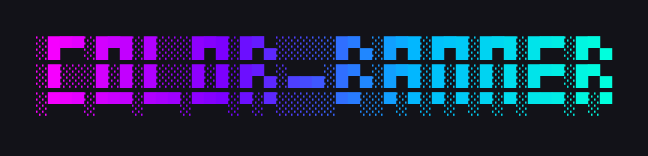
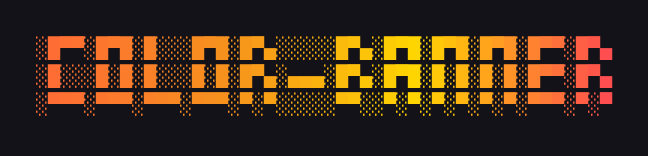
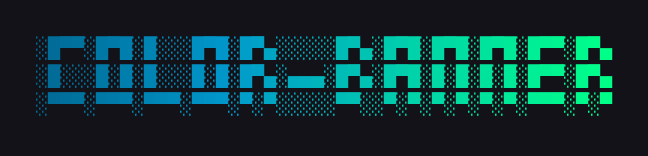
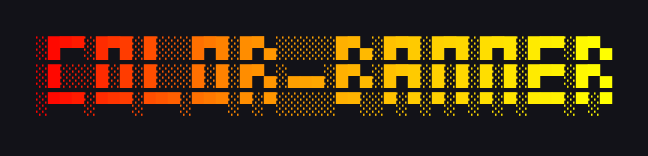
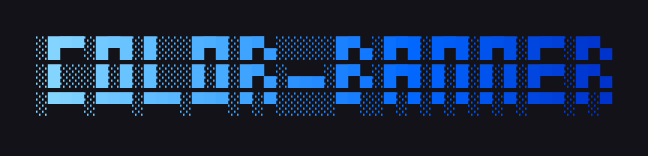
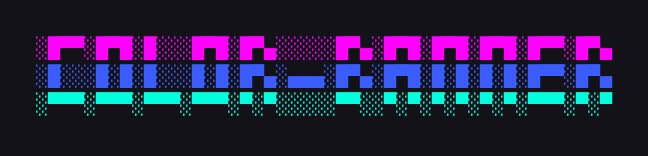
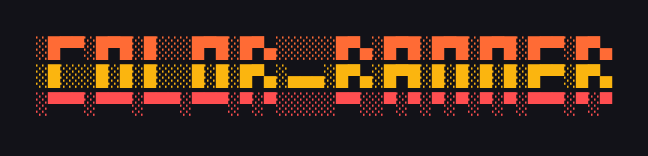
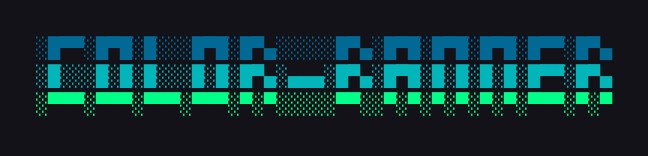
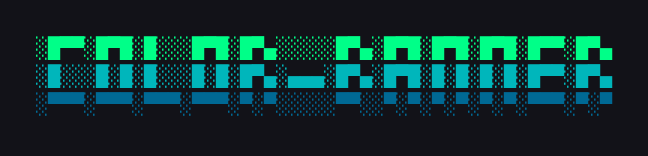
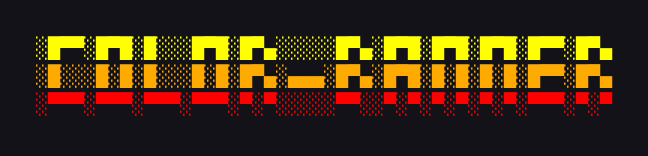
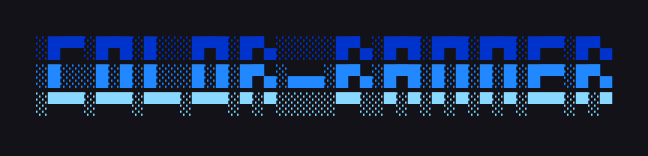
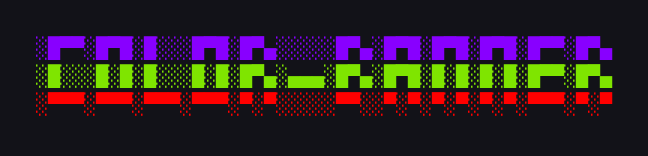
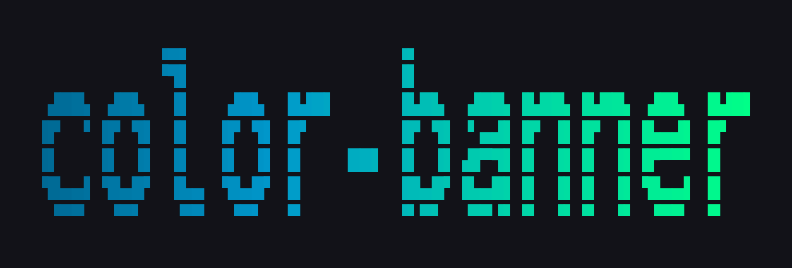
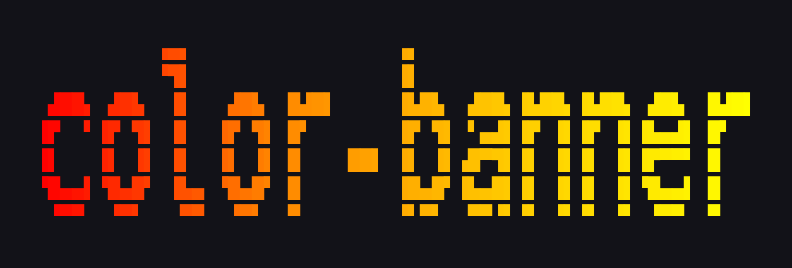
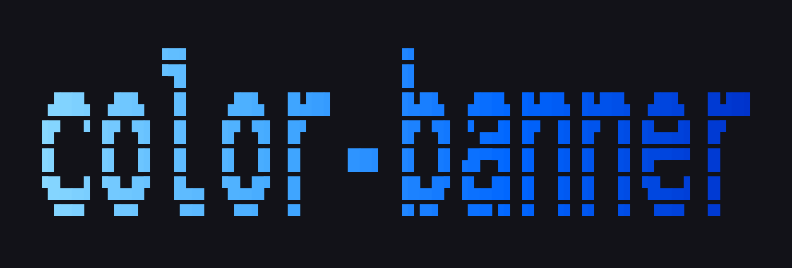
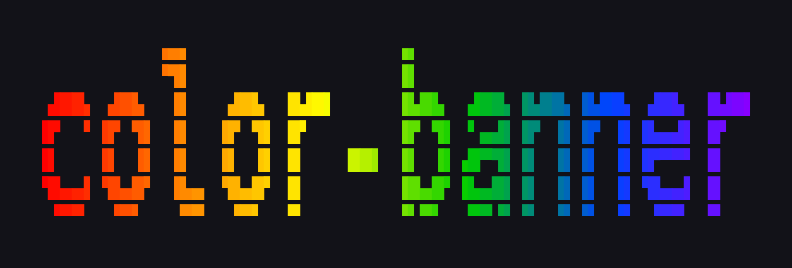
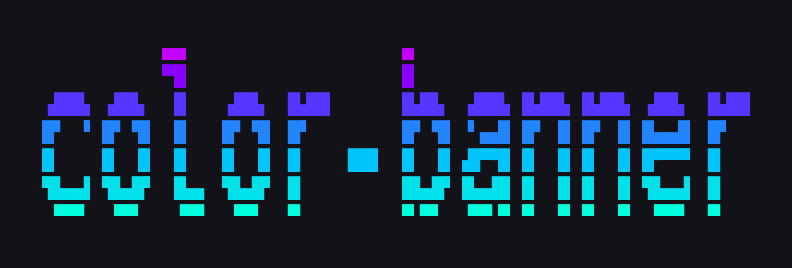
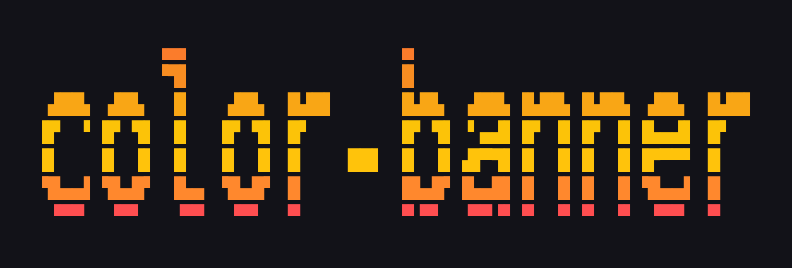
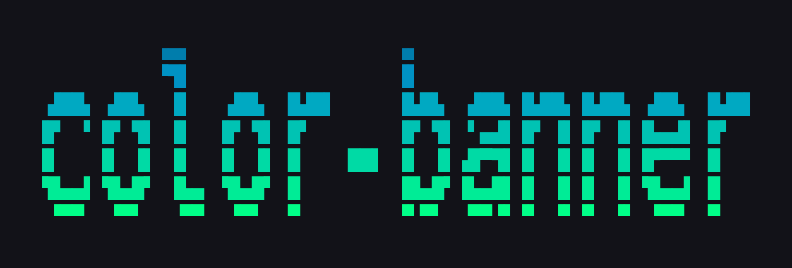
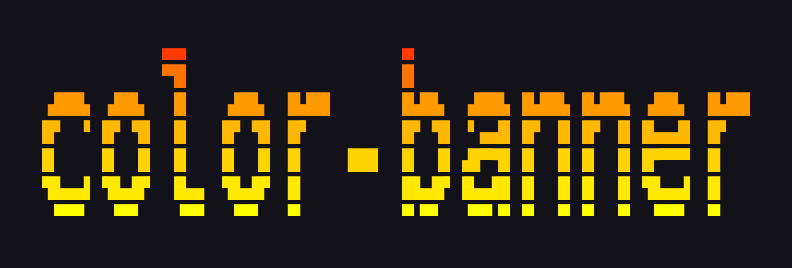
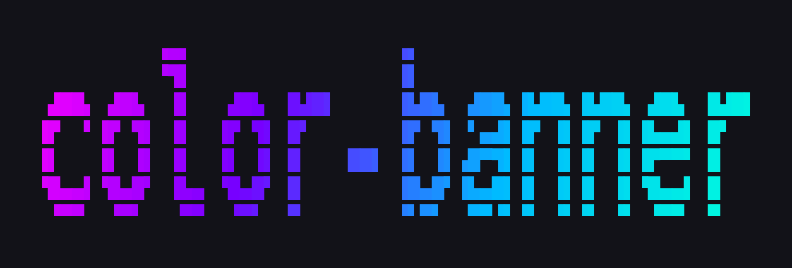
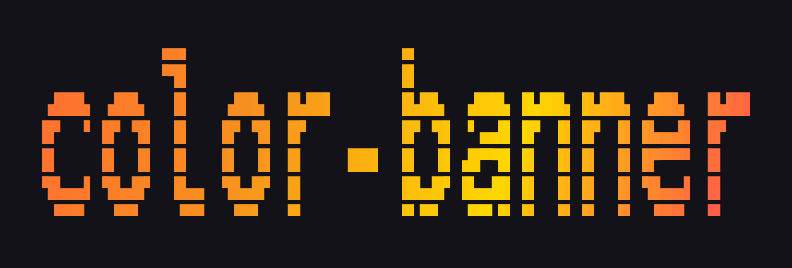
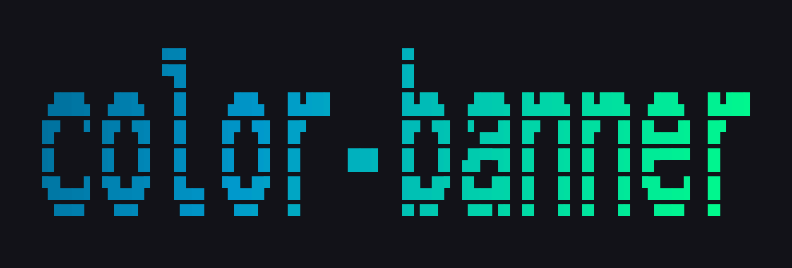
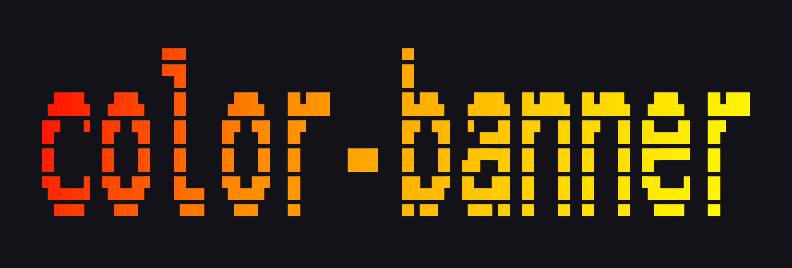
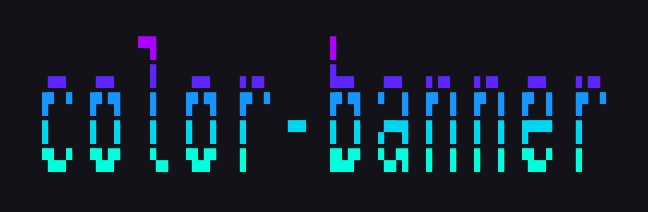
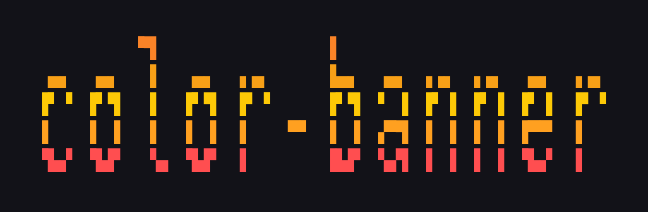
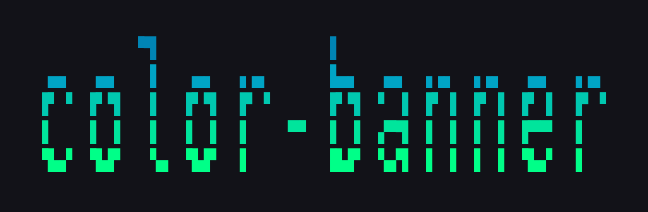
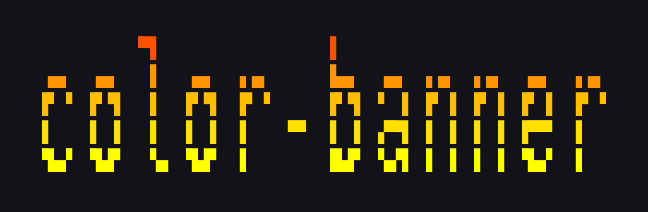
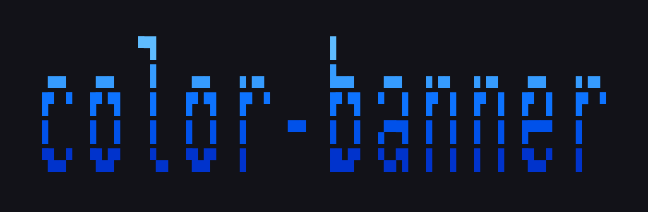
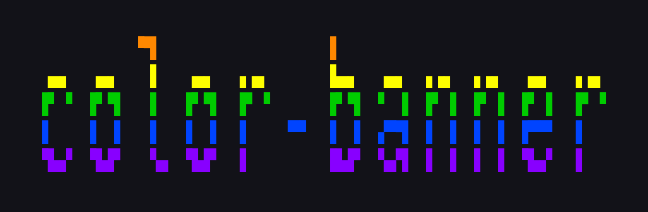
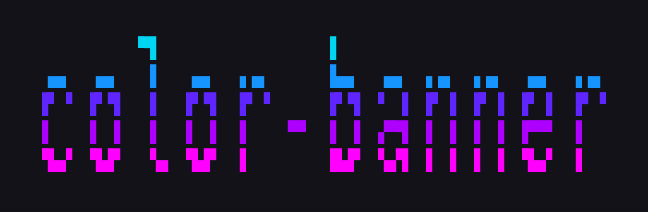
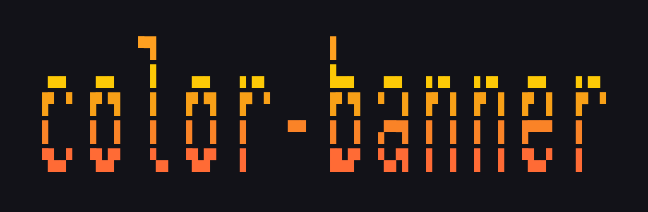
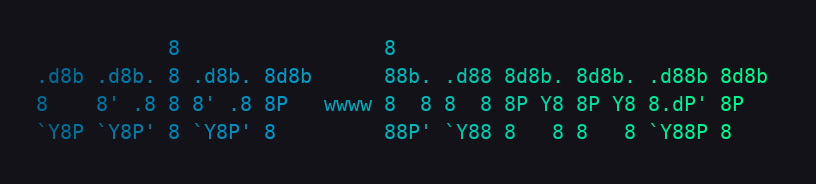
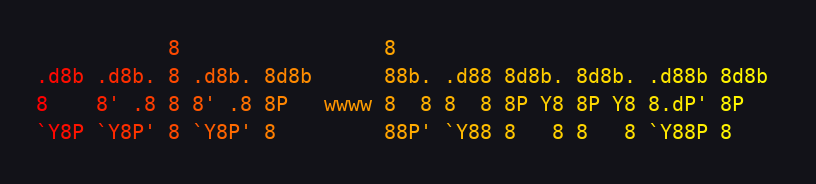
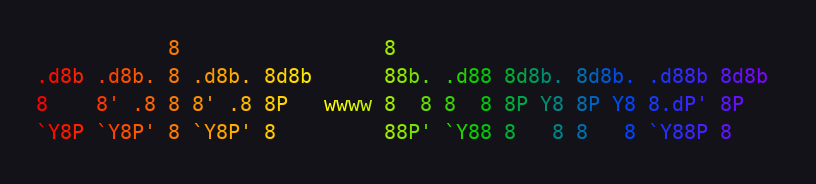
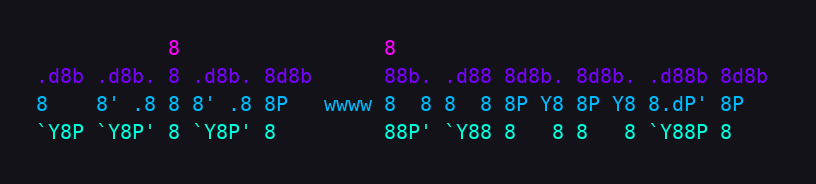
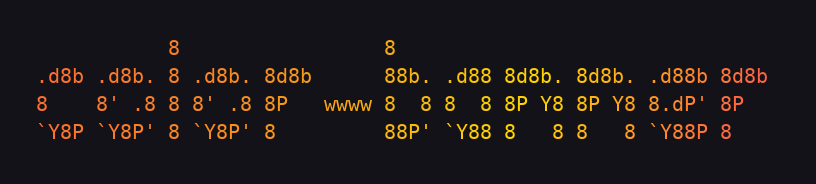
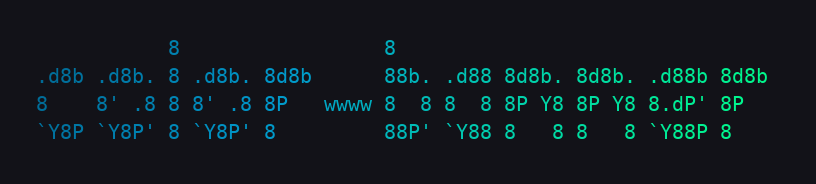
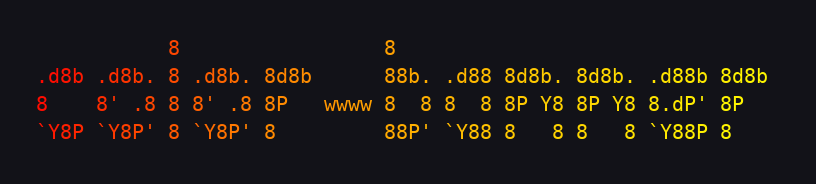
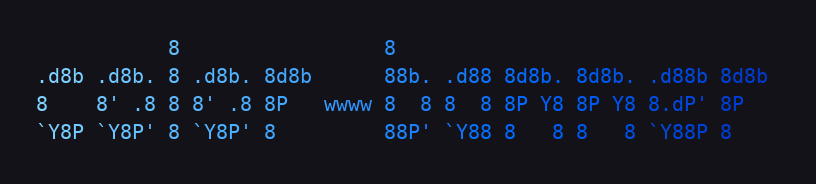
Render text as colorful 24-bit figlet ASCII banners in the terminal.
Designed for CI/CD pipelines, shell startup screens, and BBS-style splash screens.
Requirements
- Python 3.11+
- pyfiglet ≥ 1.0.2 — installed automatically as a dependency
- A 24-bit colour terminal — required for gradients to render correctly; most modern terminal emulators (iTerm2, GNOME Terminal, Windows Terminal, kitty, Alacritty, etc.) support this; classic xterm and some CI log viewers do not
base64 (GNU coreutils or macOS built-in) — only needed for the --export feature; not required for normal use
Install
From PyPI:
uv tool install color-banner
From source (local development):
git clone https://github.com/EntropyWorks/color-banner
cd color-banner
uv tool install --editable .
The editable install means code changes take effect immediately without reinstalling.
To reinstall after pulling updates: uv tool install --editable . again, or
uv tool uninstall color-banner then reinstall.
Usage
color-banner TEXT [options]

font options:
  -f, --font FONT         figlet font name or 3-digit number (default: slant)
  --list-fonts [FILTER]   list fonts; use 'readable' to filter to clean-rendering fonts
  --all [FILTER]          render banner for every font; use 'readable' to skip unreadable
  --readable              filter --save-all to readable fonts only
  --width N               terminal width for line-wrapping (default: 80; 0 = never wrap)

color options:
  --palette NAME          built-in palette name or 'random'; see --list-palettes for all 23
  --gradient HEX [HEX …]  2–8 hex color stops e.g. --gradient '#ff0080' '#00d4ff'
  --direction DIR         gradient direction: lr|tb|bt|diag (default: lr)
  --bg-color HEX          24-bit terminal background color e.g. --bg-color '#1a1a1a'
  (--palette and --gradient are mutually exclusive)

output options:
  --save FILE             write ANSI escape file (cat-able); parent dirs auto-created
  --save-all DIR          save a banner per font into DIR as NNN-fontname.ans
  --export FILE           write self-contained shell function (.sh)
  --function-name NAME    function name for --export (default: show_banner)
  --save-html FILE        write self-contained HTML page (open in browser)
  --html-snippet          print <pre> HTML snippet to stdout
  --no-color              plain text, no ANSI codes

info:
  --list-palettes         print palette names and hex stops
  --preview-palettes      print palette names rendered in their own colors
  -v, --version           show version and exit
Examples
# basic render
color-banner "Fox and Dog" --palette neon

# gradient direction (lr, tb, bt, diag)
color-banner "Fox and Dog" --palette neon --direction tb

# widen canvas to avoid line-wrapping with large fonts
color-banner "Fox and Dog" --palette sunset --width 0

# custom font
color-banner "Hello" --font delta_corps_priest_1 --palette dracula

# pick a random built-in palette on each run (great for .bashrc splash screens)
color-banner "Hello" --palette random

# add a 24-bit background color behind every character cell
color-banner "Hello" --palette synthwave --bg-color '#1a1a1a'

# custom hex gradient with diagonal sweep
color-banner "Hello" --gradient "#ff0080" "#7b2fff" "#00d4ff" --direction diag

# plain text — no ANSI codes (safe to pipe)
color-banner "Hello" --font ogre --no-color

# browse palettes
color-banner --list-palettes          # hex stop values
color-banner --preview-palettes       # names rendered in their own colors

# save a cat-able ANSI file (parent directories created automatically)
color-banner "Deploy v2" --palette fire --direction diag --save .ci/banners/splash.ans
cat .ci/banners/splash.ans

# export a portable shell function for CI pipelines
color-banner "Deploy v2" --palette fire --export splash.sh
bash splash.sh

# save a browser-viewable HTML page (dark background, self-contained)
color-banner "Hello" --palette dracula --save-html banner.html

# print a <pre> HTML snippet to stdout
color-banner "Hello" --palette synthwave --html-snippet
Palettes
23 built-in palettes across three categories:
Editor / terminal themes (4 stops)
| Name |
Colors |
dracula |
purple → pink → cyan → green |
nord |
steel blue → periwinkle → sky → teal |
monokai |
pink → orange → yellow → lime |
gruvbox |
crimson → burnt orange → harvest yellow → olive |
catppuccin |
mauve → dusty rose → peach → mint |
tokyo |
cornflower → violet → lime → teal |
vaporwave |
hot pink → purple → electric cyan → mint |
aurora |
sage → sky blue → soft purple → gold |
zebra |
near-black → silver → white → silver |
Rich multi-stop gradients (6–8 stops)
| Name |
Feel |
synthwave |
hot pink → deep purple → electric blue |
inferno |
black → purple → crimson → orange → incandescent yellow |
plasma |
deep indigo → magenta → salmon → neon yellow |
galaxy |
deep space → violet → pink → gold → starlight |
tropical |
coral → tangerine → lime → turquoise → ocean blue |
pride |
full rainbow in flag order |
deepsea |
midnight navy → sapphire → teal → seafoam |
lava |
near-black red → deep crimson → amber → gold |
Classics (original 6)
neon · sunset · ocean · fire · ice · rainbow
Run color-banner --list-palettes to see all hex stops, or color-banner --preview-palettes to see each name rendered in its own colors. Use --palette random to pick one at random on each invocation.
Fonts
pyfiglet ships 571 fonts. Use --list-fonts to browse them:
# all fonts with 3-digit index numbers
color-banner --list-fonts

# only the ~514 fonts that render cleanly on a standard terminal
color-banner --list-fonts readable
Font numbers are stable — you can use them instead of the name with --font:
# these are equivalent
color-banner "Hello" --font slant
color-banner "Hello" --font 432
Preview every font at once
# print all banners to stdout
color-banner "Hello" --all --palette neon

# readable fonts only (skips unusually tall/wide fonts)
color-banner "Hello" --all readable --palette dracula

# save every font as a numbered .ans file for offline browsing
color-banner "Hello" --palette neon --save-all ./font-preview
color-banner "Hello" --palette neon --save-all ./font-preview --readable
ls font-preview/
# 001-1943____.ans  002-1row.ans  003-3-d.ans …
cat font-preview/432-slant.ans
HTML Export
Generate a browser-viewable HTML file or an embeddable snippet. Colors are always
rendered regardless of --no-color — HTML output is inherently color-capable.
# full self-contained page (dark background, no external dependencies)
color-banner "Hello" --palette synthwave --save-html banner.html

# combine with --bg-color for a custom page background feel
color-banner "Hello" --palette tokyo --bg-color '#0d0d0d' --save-html banner.html

# inline <pre> snippet — pipe into a template or webpage
color-banner "Hello" --palette dracula --html-snippet

# combine with --save to get both ANSI and HTML in one shot
color-banner "Hello" --palette neon --save banner.ans --save-html banner.html
The HTML file uses inline style="color:rgb(...)" spans — no classes, no external
CSS, safe to embed anywhere.
Embedding in a CI pipeline
Generate the splash once and commit the .sh file:
color-banner "🚀 Deploying" --palette sunset --export .ci/splash.sh
Then in your pipeline script:
source .ci/splash.sh
show_banner
Gallery
Showcase
All fonts
Each section below shows all six built-in palettes rendered with that font.
Click a font name to expand.
Note: This is a small sample of the 571 bundled fonts — many others produce
great results too. Not every font works well with color-banner; some render
cleanly only with uppercase input, and others may produce garbled output
regardless. Use --list-fonts readable to get a pre-filtered list of fonts
that tend to render reliably. (Work is ongoing to improve the readability
filter so it catches more edge cases, including uppercase-only fonts.)
ansi_regular
→ left to right
↓ top to bottom
↑ bottom to top
⤢ diagonal
ansi_shadow
→ left to right
↓ top to bottom
↑ bottom to top
⤢ diagonal
bigmono12
→ left to right
↓ top to bottom
↑ bottom to top
⤢ diagonal
bigmono9
→ left to right
↓ top to bottom
↑ bottom to top
⤢ diagonal
bloody
→ left to right
↓ top to bottom
↑ bottom to top
⤢ diagonal
delta_corps_priest_1
→ left to right
↓ top to bottom
↑ bottom to top
⤢ diagonal
dos_rebel
→ left to right
↓ top to bottom
↑ bottom to top
⤢ diagonal
double_blocky
→ left to right
↓ top to bottom
↑ bottom to top
⤢ diagonal
electronic
→ left to right
↓ top to bottom
↑ bottom to top
⤢ diagonal
elite
→ left to right
↓ top to bottom
↑ bottom to top
⤢ diagonal
future
→ left to right
↓ top to bottom
↑ bottom to top
⤢ diagonal
mono12
→ left to right
↓ top to bottom
↑ bottom to top
⤢ diagonal
mono9
→ left to right
↓ top to bottom
↑ bottom to top
⤢ diagonal
pagga
→ left to right
↓ top to bottom
↑ bottom to top
⤢ diagonal
smmono12
→ left to right
↓ top to bottom
↑ bottom to top
⤢ diagonal
smmono9
→ left to right
↓ top to bottom
↑ bottom to top
⤢ diagonal
thick
→ left to right
↓ top to bottom
↑ bottom to top
⤢ diagonal
License
Apache 2.0 — see LICENSE, NOTICE, and CREDITS.md.
Credits
The rendering engine is pyfiglet by Peter Waller,
a pure-Python port of FIGlet — the original ASCII art renderer
created by Glenn Chappell and Ian Chai in 1991. The 571 bundled fonts and the .flf font
format originate from the FIGlet project.
The concept and design are inspired by
Calligraphy by GeopJr,
originally by Gregor "gregorni" Niehl.
See CREDITS.md for full details and NOTICE for the
third-party attribution notices required by Apache 2.0.