
colp



The color processor

Objective
This tool is inspired on various processing tools such as awk, sed and imagemagick. There is no processing library for single color operations, be it interactively or not.
colp attempts to solve that. It supports a number of color models (specified later in this README). The goal is to have the ability to script and automate any algorithmic color transformation.
Installation
pip install colp
Example Usage
Interactively operate on colors
$ colp 'a=RGB(1,1,1)' # optionally load a color to memory

┌─┐┌─┐┬  ┬─┐
│  │ ││  │─┘
└─┘┘─┘┆─┘┆   the color processor

> a = a.redder()                  # single channel increment
> a
RGB(2, 1, 1)
> a = a + 1                       # all channels increment
> a
RGB(3, 2, 2)
> lightgoldenrodyellow            # X11/HTML constants
RGB(250, 250, 210)
> -a                              # inversion
RGB(252, 253, 253)
> red.rotate(180) == -red == cyan # rotate hue in HSV space
True
> skyblue ; skyblue.brighter()    # brighter in HSV space
RGB(135, 206, 235)
RGB(136, 208, 237)

> a_set_of_colors = [RGB(25,25,112), HSV(186,23,90), plum, orchid, fuchsia, HEX('#800080')]
> sorted(a_set_of_colors)
[RGB(25, 25, 112), HEX('#800080'), RGB(218, 112, 214), RGB(221, 160, 221), HSV(186, 23, 90), HEX('#ff00ff')]
>
> cursor = RGB(0,0,0)             # define your own custom functions
> def pop_and_turn(x):
>       if x: # equivalent to RGB(0,0,0) == 0
>             x = x.redder() * 255
>       return x.rotate(30)
>
> for i in range(10):
>       cursor = pop_and_turn(cursor)
>       print(cursor)
>
RGB(255, 0, 127)
RGB(255, 0, 0)
RGB(255, 127, 0)
RGB(255, 255, 0)
RGB(127, 255, 0)
RGB(0, 255, 0)
RGB(0, 255, 127)
RGB(0, 255, 255)
RGB(0, 127, 255)
RGB(0, 0, 255)
> red.interpolate(blue, 10)       # interpolate between colors
[HEX('#ff0000'), HEX('#e50019'), HEX('#cc0033'), HEX('#b2004c'), HEX('#990066'), HEX('#7f007f'), HEX('#660099'), HEX('#4c00b2'), HEX('#3300cc'), HEX('#1900e5'), HEX('#0000ff')]
Or pipe commands in
$ echo "HEX('#ff0000').rotate(15.).to(RGB)" | colp

RGB(255, 63, 0)
Usage from Python script
from colp import *
print(RGB(1,2,3).to(HEX))
outputs:
HEX('#010203')
Class Hierarchy
Color
├── RGB
│   ├── HEX
│   └── CMYK
├── YIQ
│   ├── YUV
│   ├── YPbPr
│   ├── YDbDr
│   └── YCbCr
│       └── xvYCC
├── CIE
│   ├── CIELAB
│   ├── CIELCh
│   ├── CIEUVW
│   └── CIEXYZ
└── HSV = HSD = HSB = HSI
    └── HSL
Formal Parameters
usage: colp [-h] [-n] [-v] [-c] [-s] [-l SCRIPT_FILE] [VAR [VAR ...]]

Color Processor

positional arguments:
  VAR                   arbitrary python code execution

optional arguments:
  -h, --help            show this help message and exit
  -n, --no-banner       don't show banner on interactive mode
  -v, --visualizer      visualize current color processed
  -c, --css-mode        css-compliant output
  -s, --scripting-mode  colp script output, which can be reinterpreted by colp
  -l SCRIPT_FILE, --load-script SCRIPT_FILE
                        load script from file or stdin
Basic Color Operators
- |
+ |
* |
/ |
// |
~ |
^ |
| |
& |
** |
% |
>> |
<< |
< |
> |
<= |
>= |
== |
is |
not |
Named Constants (140)
Good Resources
- HSV Color Specification
- Color Models vs Color Spaces
- rapidtables.com color converter (including formulas)
- colormath-basics
Supported Color Models
| ✓ RGB/RGBA/HEX: | ✓ HSV=HSB=HSI=HSD: |
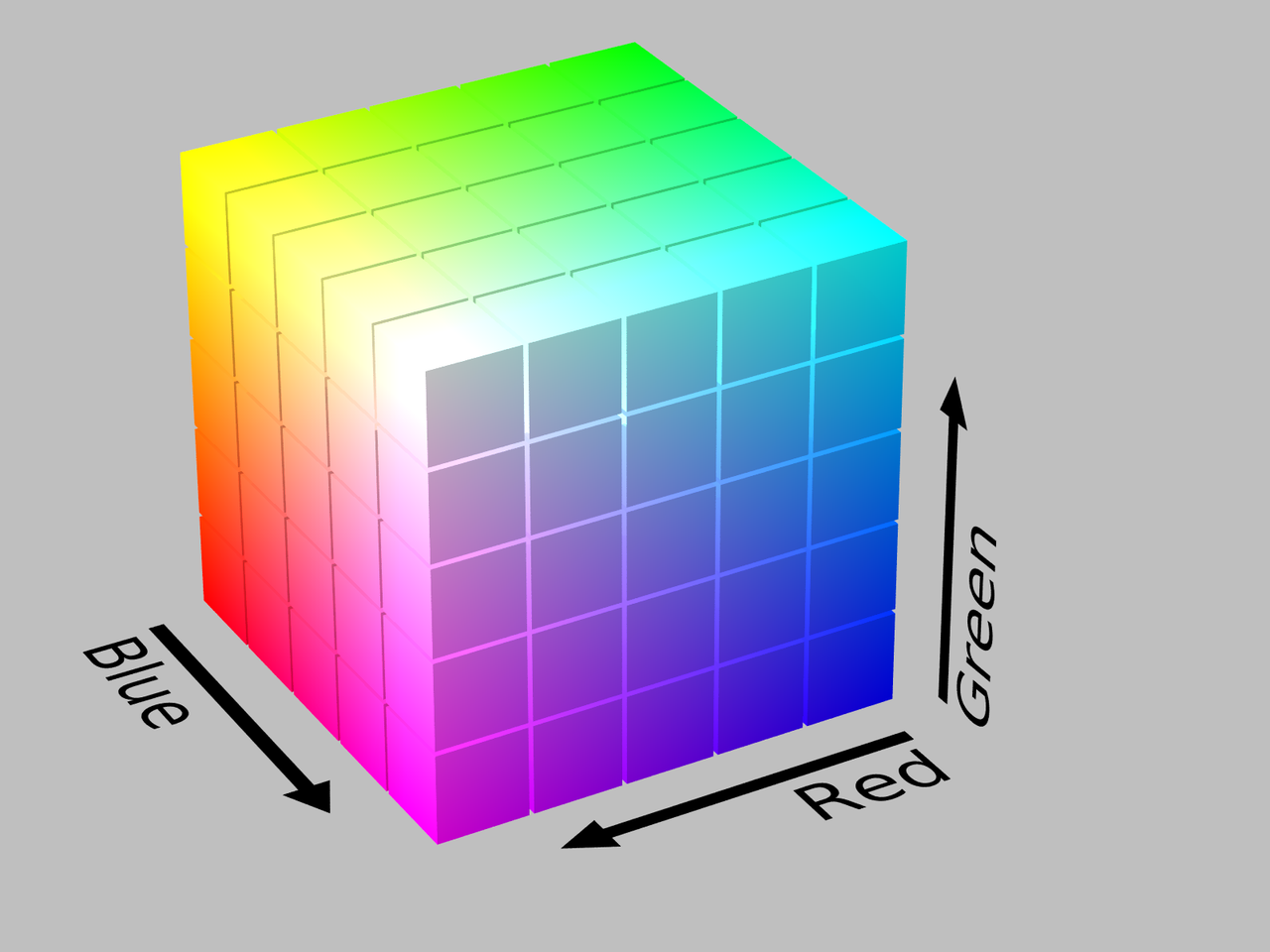 |
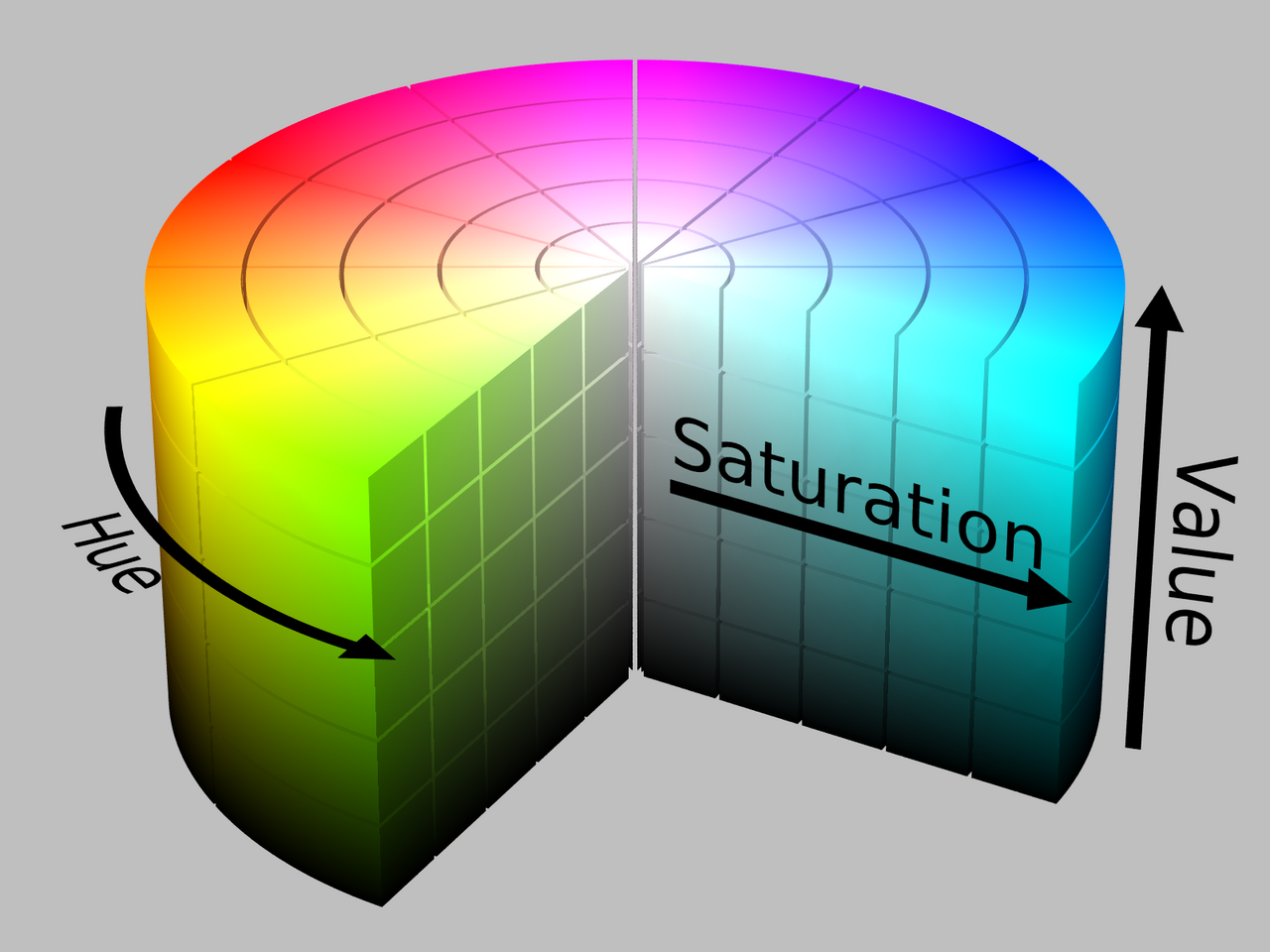 |
| HSL: | CMY[K]: |
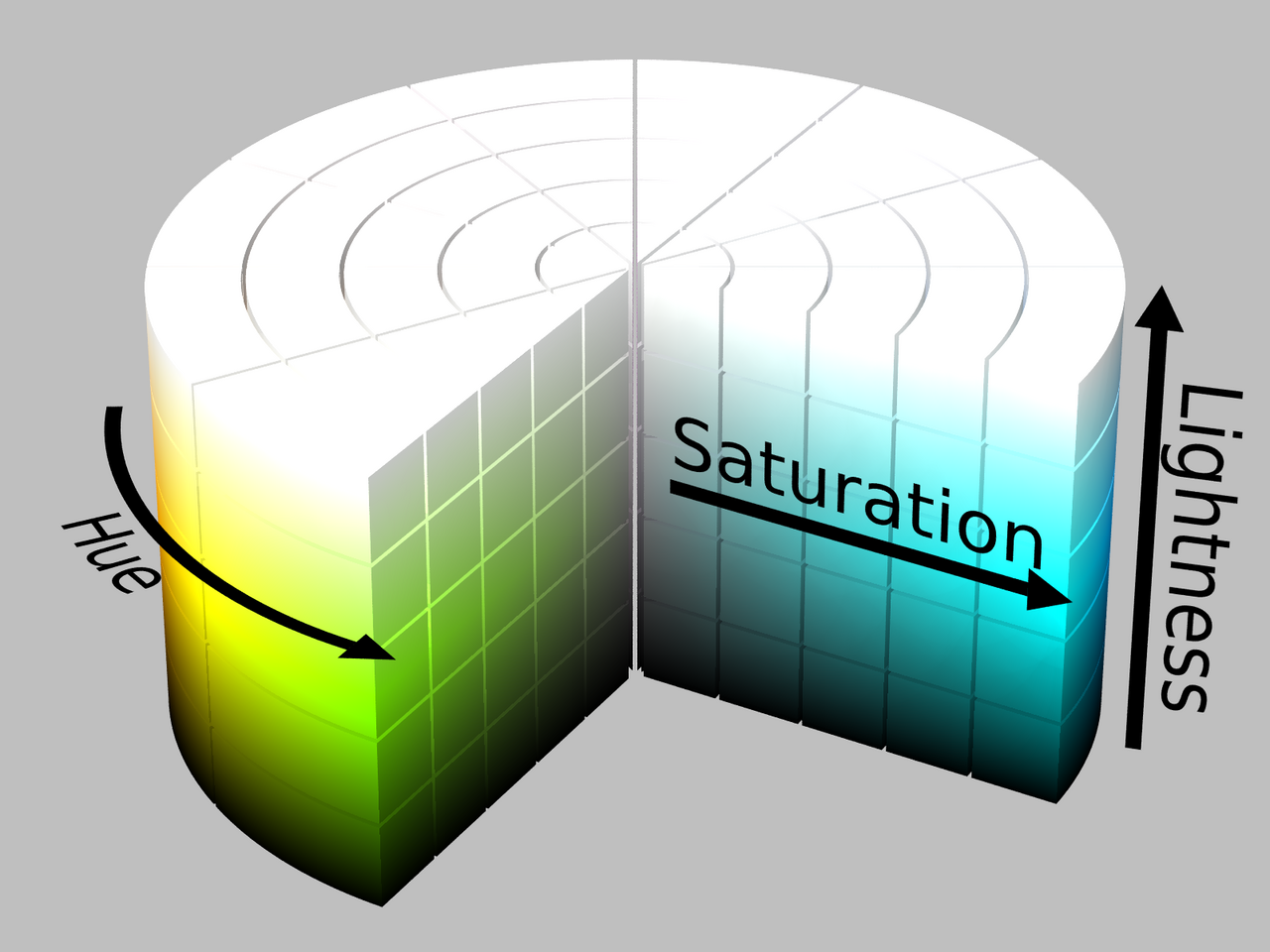 |
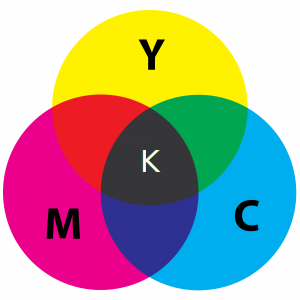 |
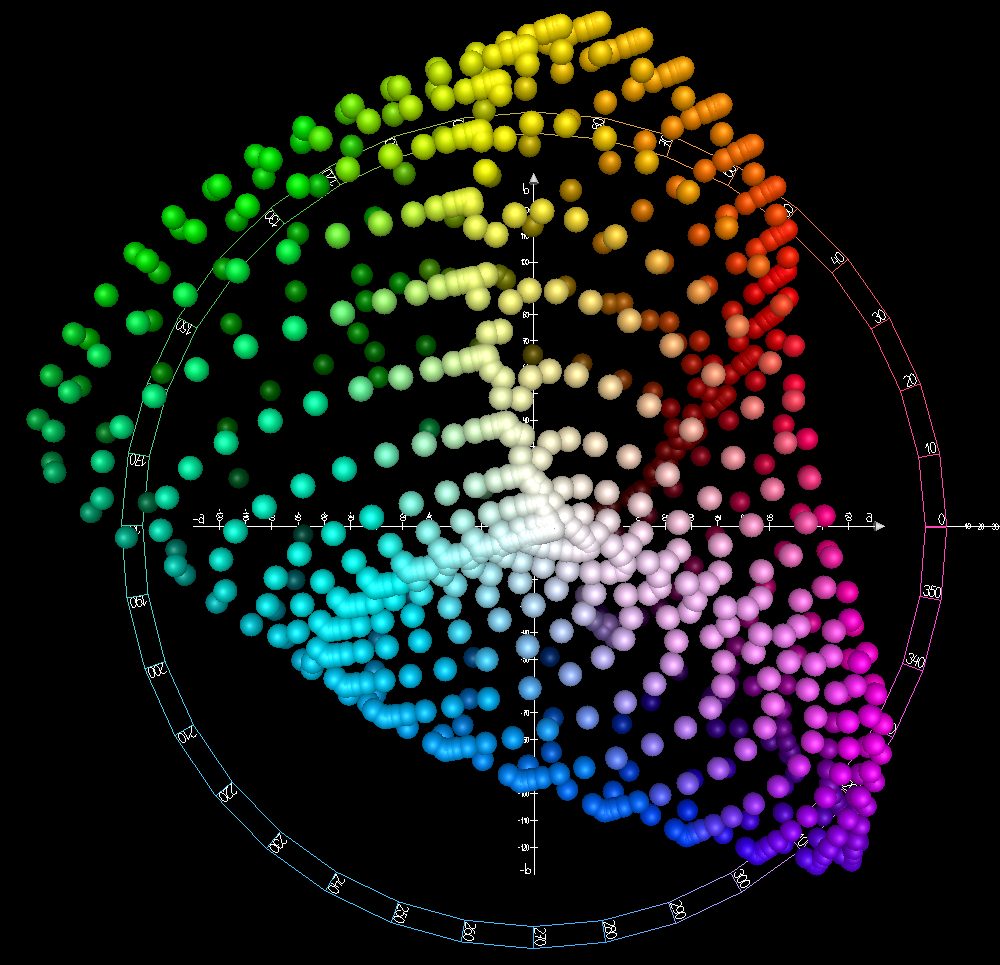
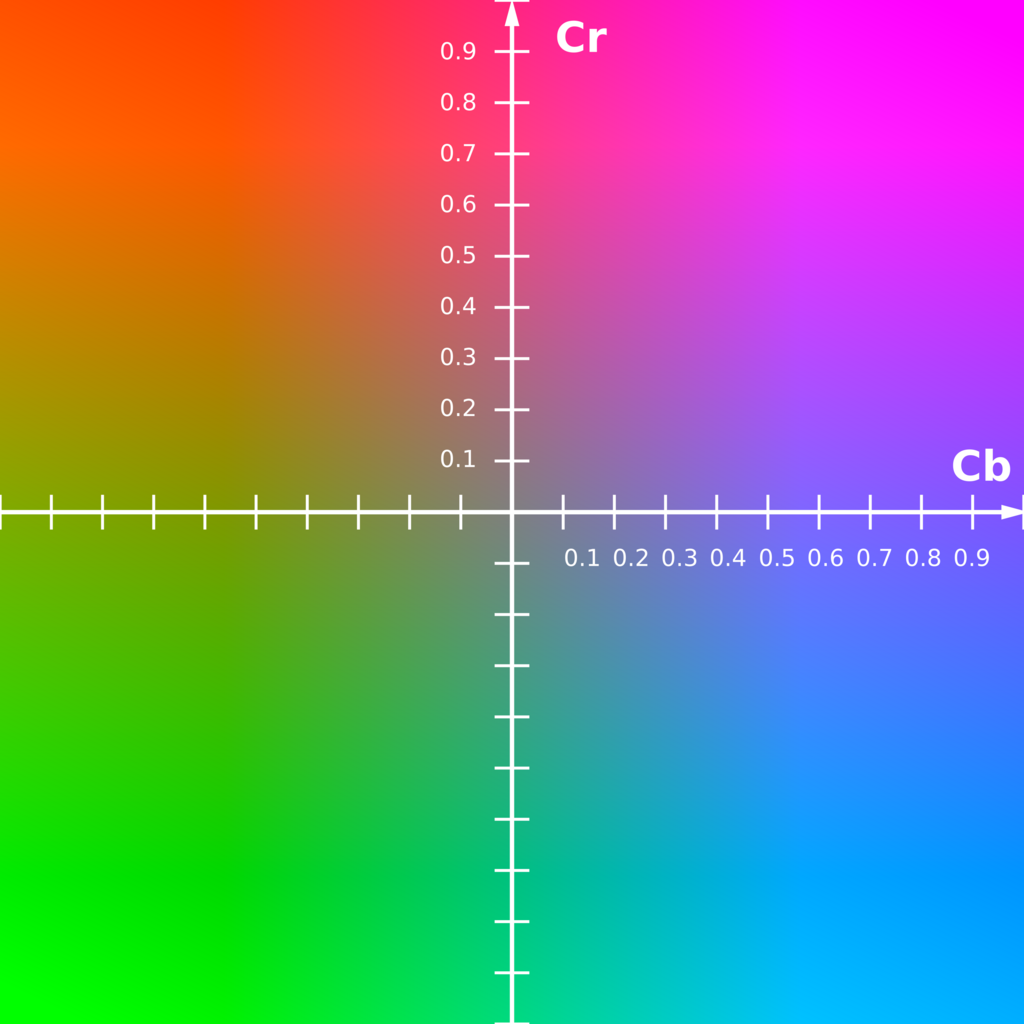
| [CIE]LAB: | YCbCr: |
 |
 |
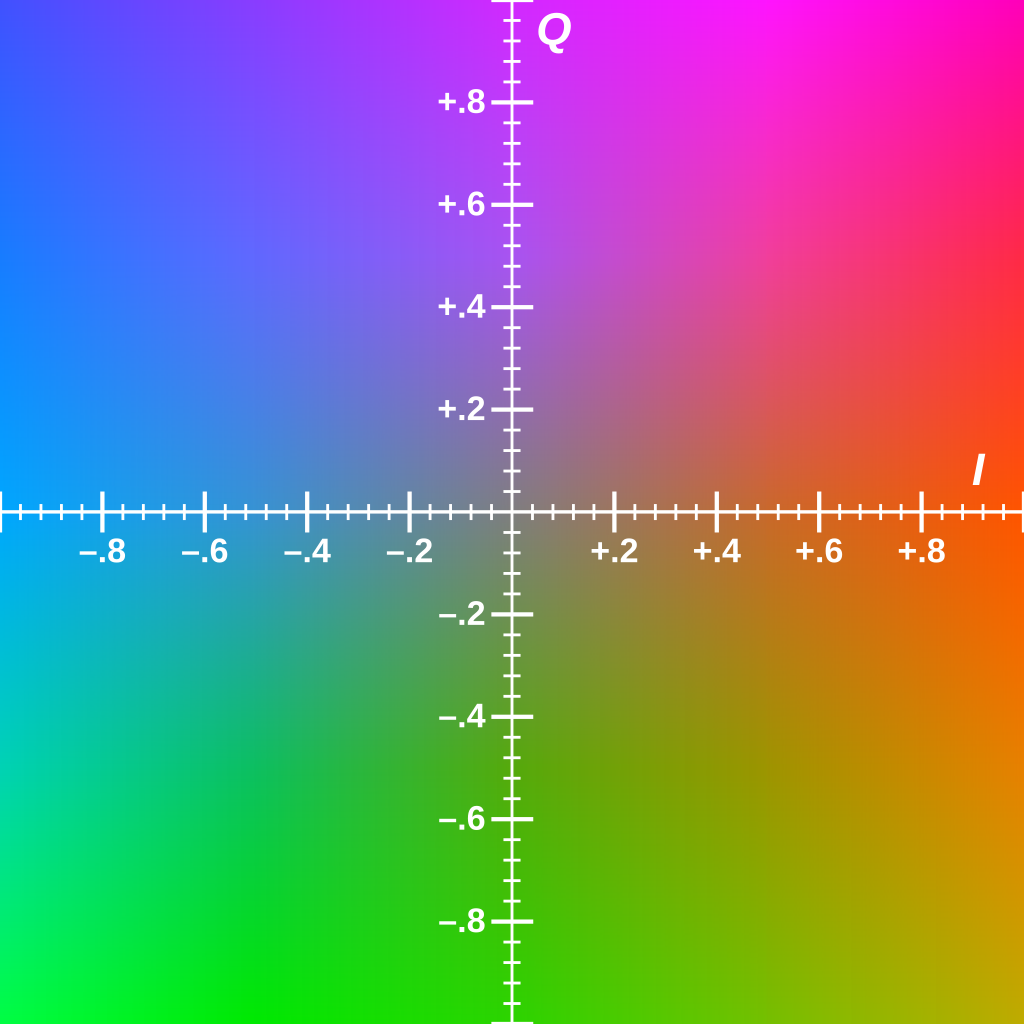
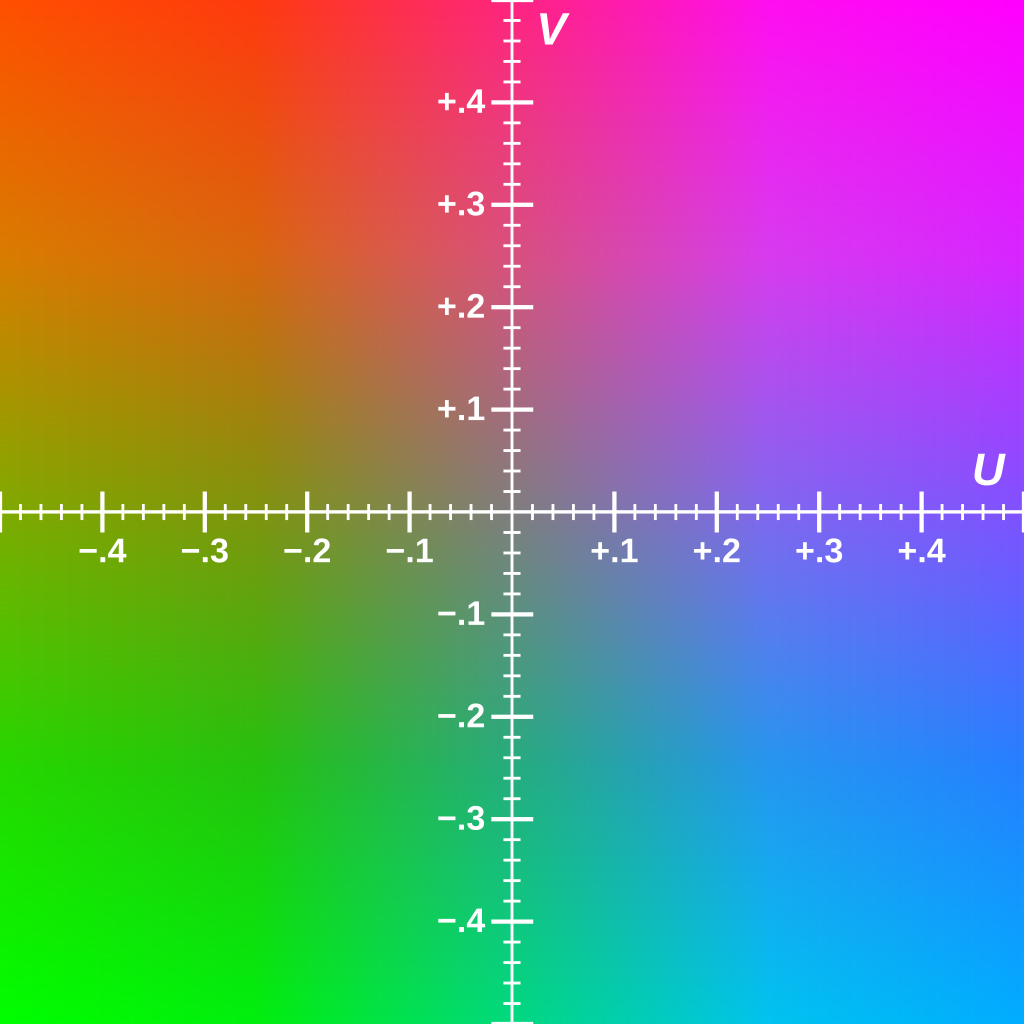
| YIQ: | YUV: |
 |
 |
Contributing
There are many other useful colorspaces to convert to and only some are listed in this README.
To cover a new colorspace, just add a class that extends Color or, even better, a Color subclass.
There's also definitely some room for automating CSS-file editing.
Pull requests are welcomed!
1 maintainer

Metadata
1 maintainer
Release files for colp 0.0.2
For a detailed explanation of source distributions (sdists) and built distributions (wheels), please see the package formats documentation.
Built distribution (wheel)
| File | Interpreter | ABI | Platform | Reset |
|---|---|---|---|---|
| colp-0.0.2-py3-none-any.whl | Python 3 | none | any | Details |
Release files / colp-0.0.2-py3-none-any.whl
| Download URL | colp-0.0.2-py3-none-any.whl |
|---|---|
| Size | 15.5 kB |
| Tags | Python 3 |
|
SHA-256 checksum How to use checksums |
9ed4759d8969bc0e68a502bce4a1895c32b2935a5b27575a54de57e2465b06a9
|
|
BLAKE2b-256 checksum How to use checksums |
59981503a25bcc9fc13cca59cd6ebc593651e74f251b680a47da82ba37e54c83
|
| Upload date | |
|
Uploaded using Trusted Publishing? What is trusted publishing? |
No |
| Uploaded via |
twine/1.13.0 pkginfo/1.5.0.1 requests/2.21.0 setuptools/41.0.1 requests-toolbelt/0.9.1 tqdm/4.31.1 CPython/3.7.0
|














