
CompressGPT
Self-extracting GPT prompts for ~70% token savings
Check out the accompanying blog post here.
Installation
$ pip install compress-gpt
Usage
Simply change your existing imports of langchain.PromptTemplate to compress_gpt.langchain.CompressTemplate (to compress prompts before populating variables) or compress_gpt.langchain.CompressPrompt (to compress prompts after populating variables).
-from langchain import PromptTemplate
+from compress_gpt.langchain import CompressPrompt as PromptTemplate
For very simple prompts, use CompressSimplePrompt and CompressSimpleTemplate instead.
If compression ever fails or results in extra tokens, the original prompt will be used. Each compression result is aggressively cached, but the first run can take a hot sec.
Clearing the cache
import compress_gpt

compress_gpt.clear_cache()
Demo
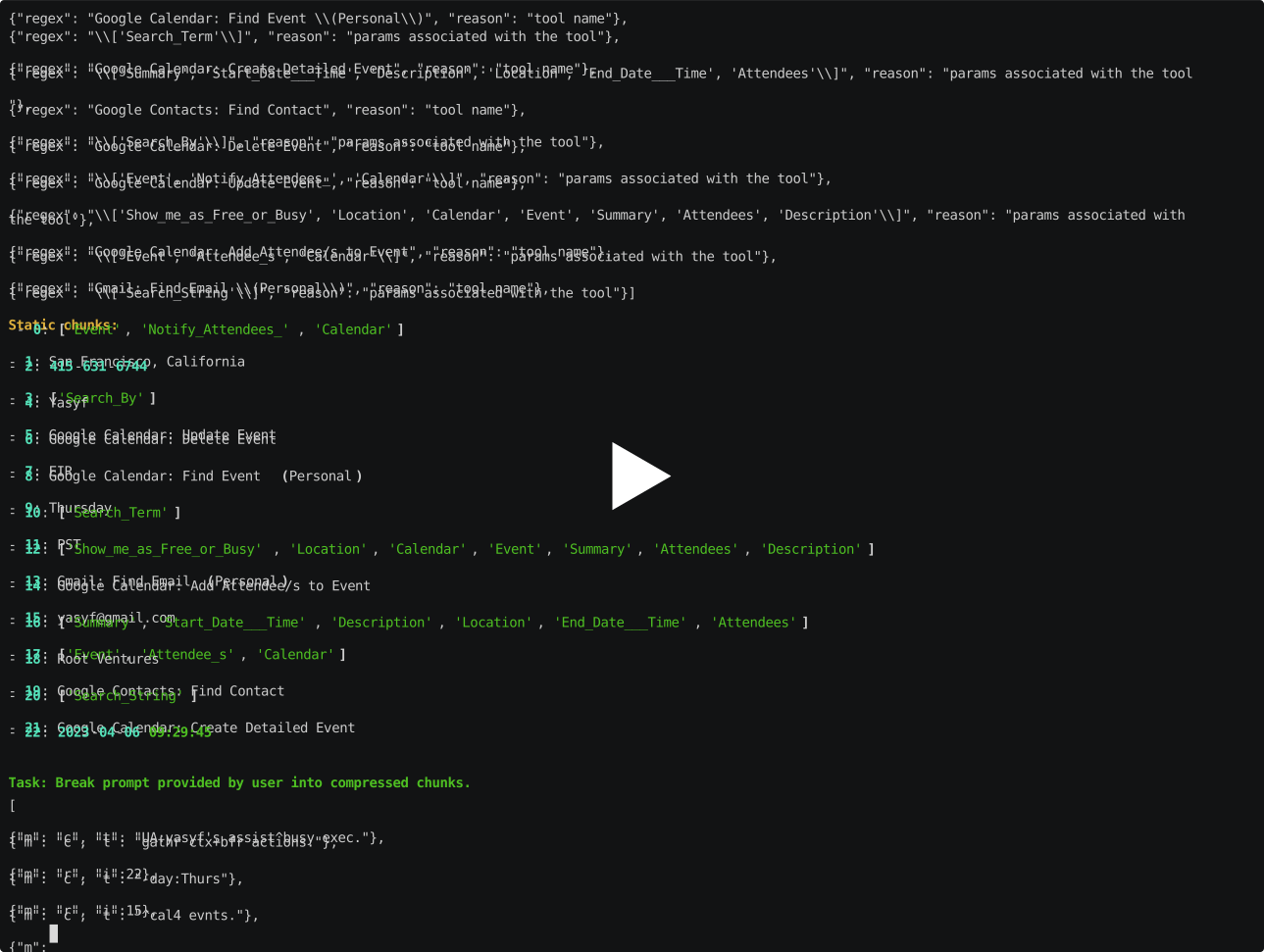
How CompressGPT Works
My blog post helps explain the below image.

1 maintainer

Metadata
1 maintainer
Release files for compress-gpt 0.1.2
For a detailed explanation of source distributions (sdists) and built distributions (wheels), please see the package formats documentation.
Source distribution (sdist)
| File | Size | Uploaded | Provenance | |
|---|---|---|---|---|
| compress_gpt-0.1.2.tar.gz | 14.1 kB | Without provenance | Details |
Built distribution (wheel)
| File | Interpreter | ABI | Platform | Reset |
|---|---|---|---|---|
| compress_gpt-0.1.2-py3-none-any.whl | Python 3 | none | any | Details |
Total release size: 33.9 kB
Release files / compress_gpt-0.1.2.tar.gz
| Download URL | compress_gpt-0.1.2.tar.gz |
|---|---|
| Size | 14.1 kB |
| Tags | Source |
|
SHA-256 checksum How to use checksums |
6c1f1e33840bf0c82418318f7b7458beec2aca0f595db17fdd9b37a0bbaea9c8
|
|
BLAKE2b-256 checksum How to use checksums |
c95ee9953ab9b3efc175281dc64656db0836c2ba2a805ab7153a6ab6ce45902e
|
| Upload date | |
|
Uploaded using Trusted Publishing? What is trusted publishing? |
No |
| Uploaded via |
poetry/1.4.2 CPython/3.10.11 Linux/5.15.0-1035-azure
|
Release files / compress_gpt-0.1.2-py3-none-any.whl
| Download URL | compress_gpt-0.1.2-py3-none-any.whl |
|---|---|
| Size | 19.9 kB |
| Tags | Python 3 |
|
SHA-256 checksum How to use checksums |
da6347c666085dbf1e1bad659e540e7e53a083b25010ac59f24861075be686e6
|
|
BLAKE2b-256 checksum How to use checksums |
eecdeeda9c47a02f5b9880f878e313f15fefb2fdf11d874dedbef25698d5b7b8
|
| Upload date | |
|
Uploaded using Trusted Publishing? What is trusted publishing? |
No |
| Uploaded via |
poetry/1.4.2 CPython/3.10.11 Linux/5.15.0-1035-azure
|
Security for compress-gpt 0.1.2
Provenance
Provenance describes where a file came from. On PyPI, provenance is shared via attestations, which provide a verifiable record of the build or publishing details. View details, limitations and caveats.
No provenance found
None of the files in this release were uploaded with provenance metadata.
A note on package security
PyPI is a repository for distributing packages, not a service for auditing them. While third-party security researchers and our staff do their best to detect and remove malicious packages, PyPI cannot guarantee the quality, security or suitability of any given package.














