
Connect Four game. Additionally, form a square with 4 corners instead of a line.

Project description
Connect Square
From wikipedia: Connect Four:
Connect Four is a game in which the players choose a color and then take turns dropping colored tokens into a six-row, seven-column vertically suspended grid. The pieces fall straight down, occupying the lowest available space within the column. The objective of the game is to be the first to form a horizontal, vertical, or diagonal line of four of one's own tokens.
As a twist, this TUI implementation also offers two more variations of the game:
- form a square, i.e. four cells forming 90 degree angles and equidistant from each other
- form a line or square
Screenshots
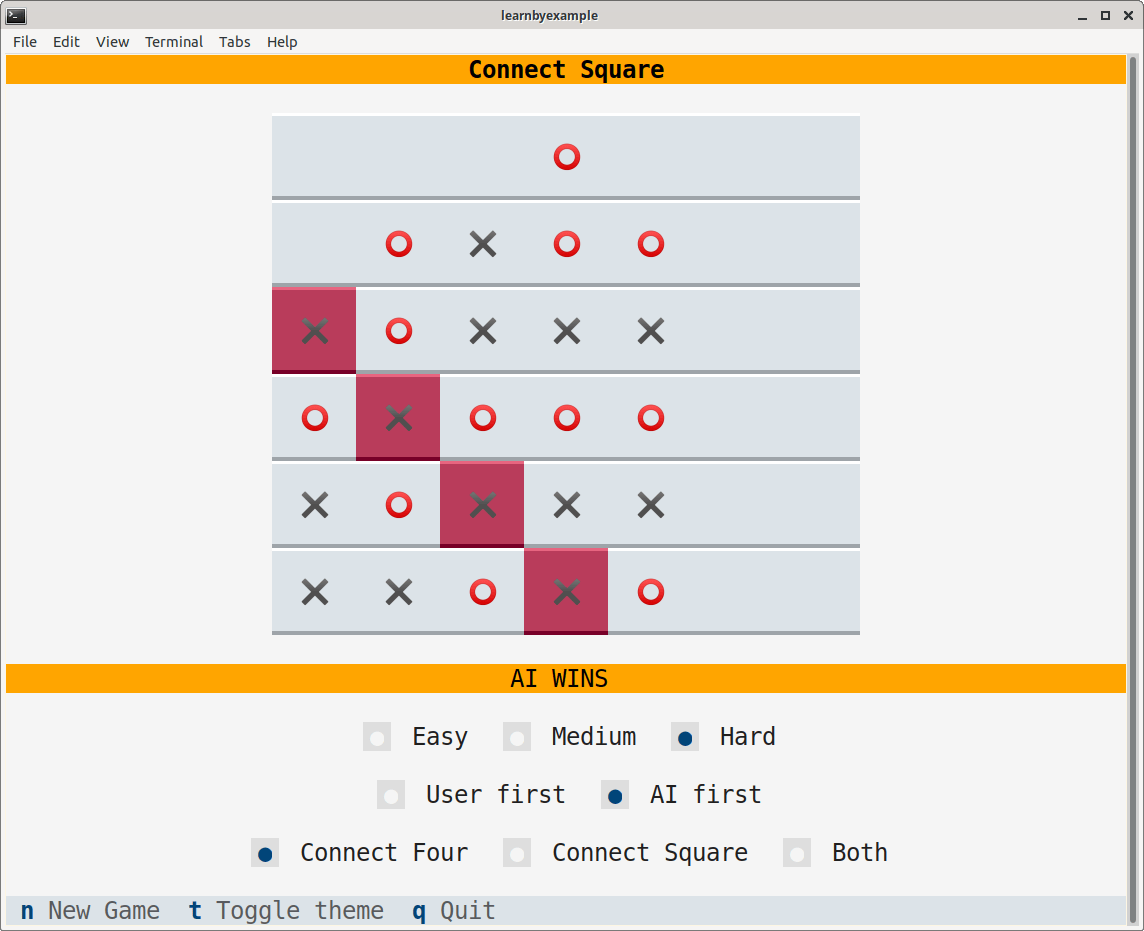
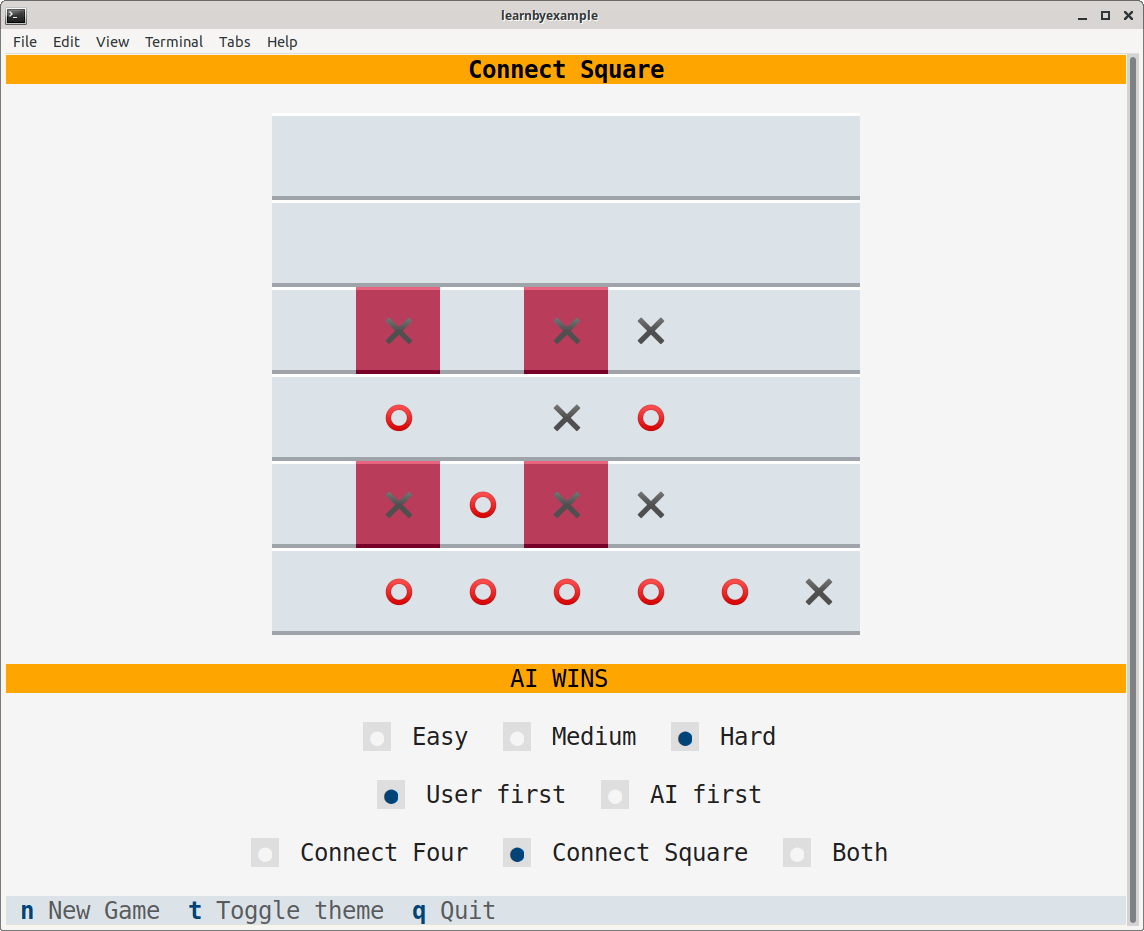
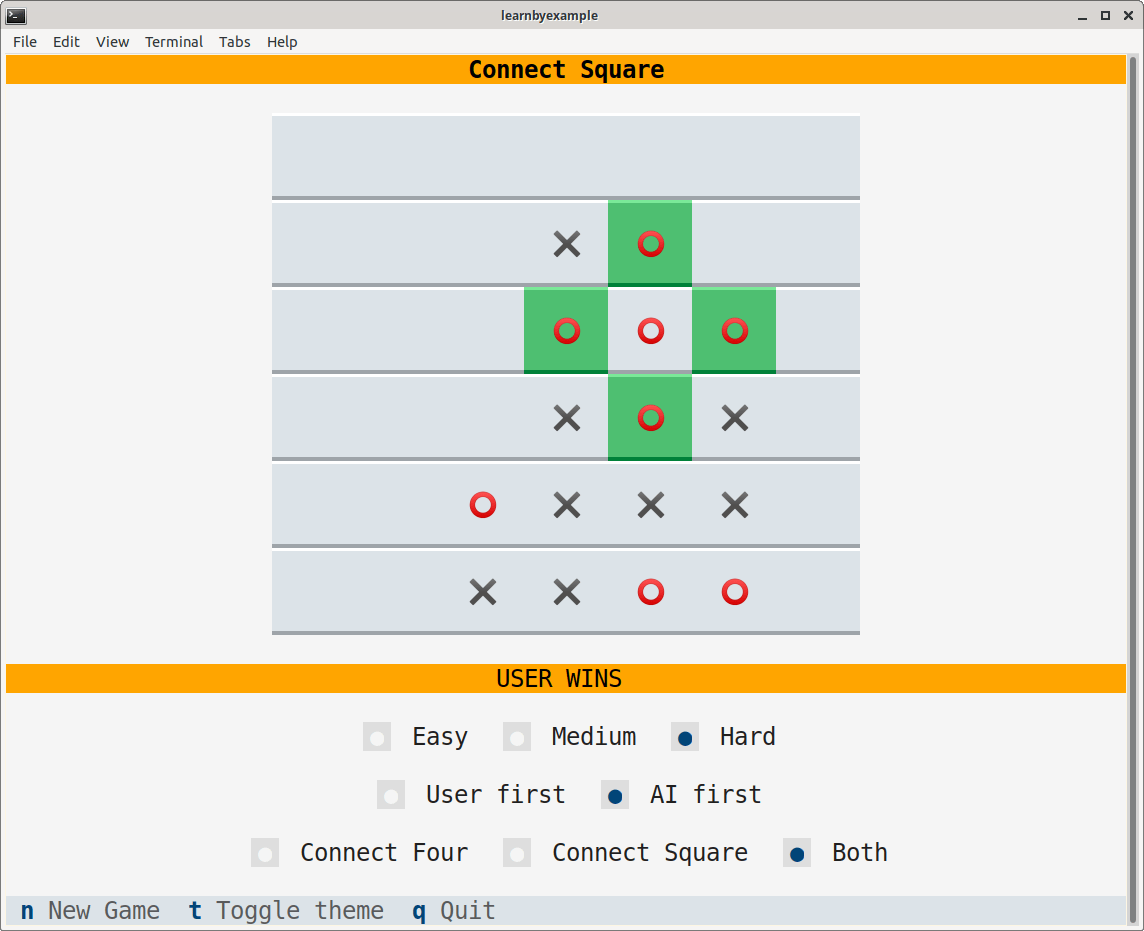
Adjust your terminal's dimension for the game widgets to appear properly, for example 80x30 (characters x lines). Sample screenshots are shown below:
Guide
- Press the n key to start a new game. Existing game, if any, will be abandoned
- You can choose between Connect Four, Connect Square (default) and Both types of game
- You can choose between Easy (default), Medium and Hard difficulty modes:
- In the Easy mode, the AI will make a random move
- In the Medium mode, the AI will make a random move based on certain weight calculations
- In the Hard mode, the AI will make the best move based on the weight calculations (the algorithm is based only on the current board state and thus it is not impossible for the user to win)
- The first move is based on the User first (default) and AI first choices
- Only the bottom most empty cell of each column will be considered as a valid move
- Press the t key to toggle between light and dark themes
- Press the q key to quit the app
User moves are denoted by the ⭕️ character and AI moves are denoted by the ✖️ character.
The text panel under the game board displays the current status of the game. If the game ends with one of the players forming a valid line or square, the cells forming the winning move will be highlighted.
Release history Release notifications | RSS feed

Download files
Download the file for your platform. If you're not sure which to choose, learn more about installing packages.
Source Distribution
Built Distribution
Filter files by name, interpreter, ABI, and platform.
If you're not sure about the file name format, learn more about wheel file names.
Copy a direct link to the current filters
File details
Details for the file connectsquare-1.0.0.tar.gz.
File metadata
- Download URL: connectsquare-1.0.0.tar.gz
- Upload date:
- Size: 5.5 kB
- Tags: Source
- Uploaded using Trusted Publishing? No
- Uploaded via: twine/6.1.0 CPython/3.9.21
File hashes
| Algorithm | Hash digest | |
|---|---|---|
| SHA256 |
824de7285a69e7747b15039ec9348e162f0993416c55ca3afd489cc3ccd1b6c2
|
|
| MD5 |
8b2c6b08a409dd2733b23086f6a43e82
|
|
| BLAKE2b-256 |
e7677b42b471eeb9e29030d6d60701082dd273d02251643581be2557e3bcd60e
|
File details
Details for the file connectsquare-1.0.0-py3-none-any.whl.
File metadata
- Download URL: connectsquare-1.0.0-py3-none-any.whl
- Upload date:
- Size: 6.8 kB
- Tags: Python 3
- Uploaded using Trusted Publishing? No
- Uploaded via: twine/6.1.0 CPython/3.9.21
File hashes
| Algorithm | Hash digest | |
|---|---|---|
| SHA256 |
a5a503fc25b043012feee70bb4d19b4ea854dbdb58234eaacbcf1acc8e51478e
|
|
| MD5 |
4d8ca1f70861b2c028affd16226fecc0
|
|
| BLAKE2b-256 |
566ce3edce1bf91d9bbc87a08b7783c506d6efb2c2a0e246c3da63eadcf09345
|






