
introduction
When we initialize a container, if we accidentally make a port mapping mistake, we need to rebuild the container or modify the docker configuration file manually.
This tool is designed to automate the process of modifying docker configuration files.
demo
This demo shows how container-cli can modify the port mapping of a container named python
admin@ubuntuyyy:~$ cc  #short of container-cli
current user is not root
? confirm close docker? Yes
INFO     | container_cli:__close_docker:17 - closing docker
0 Warning: Stopping docker.service, but it can still be activated by:
  docker.socket
? Please input container name: python
Please enter ALL host ports and their corresponding ports in the container one by one
? Please input host port, empty to exit 23
? Please input container port, empty to exit 22
? Please input host port, empty to exit
? confirm? Yes
INFO     | container_cli.change_ports:change_ports:59 - finished
docker restarted, please restart your container
installation
step1 install pipx
By default, ubuntu doesn't have a way to install pipx using pip, so we have to:
sudo apt-get update && sudo apt-get install pipx && pipx ensurepath
After that we need to shut down the terminal and reenter it (or just reboot)
step2 install container-cli
pipx install container-cli
usage
Type cc or container_cli on the command line to start, and follow the prompts.
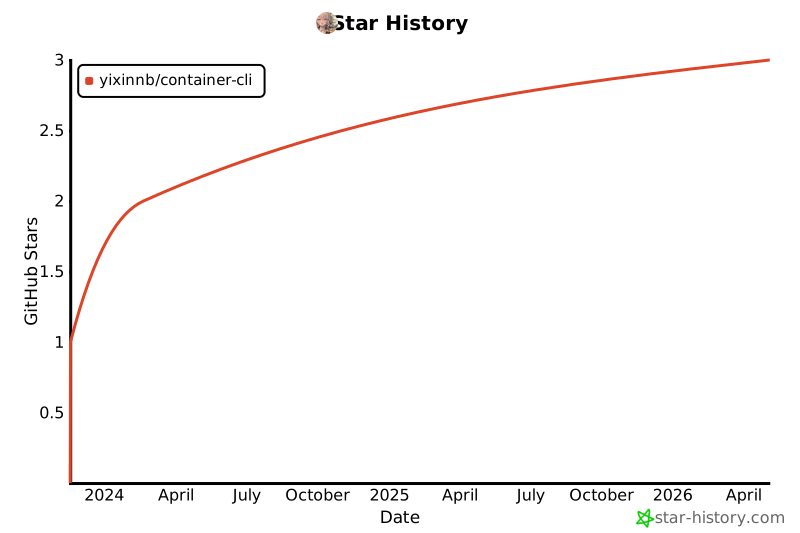
Star History
1 maintainer

Release files for container-cli 1.0.1
For a detailed explanation of source distributions (sdists) and built distributions (wheels), please see the package formats documentation.
Source distribution (sdist)
| File | Size | Uploaded | |
|---|---|---|---|
| container-cli-1.0.1.tar.gz | 8.0 kB | Details |
Built distribution (wheel)
| File | Interpreter | ABI | Platform | Reset |
|---|---|---|---|---|
| container_cli-1.0.1-py3-none-any.whl | Python 3 | none | any | Details |
Total release size: 17.1 kB
Release files / container-cli-1.0.1.tar.gz
| Download URL | container-cli-1.0.1.tar.gz |
|---|---|
| Size | 8.0 kB |
| Tags | Source |
|
SHA-256 checksum How to use checksums |
5764f93b3442a2e2d47177babb703fd441309a706ad33d51b3b7190c08673dee
|
|
BLAKE2b-256 checksum How to use checksums |
0d04e10b1ce969bd37ccf0b135c01507041f42978c57348d11bd1d42b66635c9
|
| Upload date | |
|
Uploaded using Trusted Publishing? What is trusted publishing? |
No |
| Uploaded via |
twine/4.0.2 CPython/3.11.4
|
Release files / container_cli-1.0.1-py3-none-any.whl
| Download URL | container_cli-1.0.1-py3-none-any.whl |
|---|---|
| Size | 9.1 kB |
| Tags | Python 3 |
|
SHA-256 checksum How to use checksums |
b8687ba0f743aa10458ffd4c4b649bf0b78270f6d523256f03b85b803ef9552b
|
|
BLAKE2b-256 checksum How to use checksums |
417df95351549218bb2ef8d086e2c35389696c9e3f396760171d6e6e9f30b6b0
|
| Upload date | |
|
Uploaded using Trusted Publishing? What is trusted publishing? |
No |
| Uploaded via |
twine/4.0.2 CPython/3.11.4
|














