

Turn any codebase into semantically-aware, searchable knowledge for AI-powered workflows.
Key Features
- AST-Powered Chunking - Extract functions, classes, and methods from 23+ programming languages
- Parent-Child Relationships - Maintain hierarchical chunk-context for complete understanding
- Semantic Search - Find relevant code using natural language queries
- Multiple Search Modes - Semantic, symbol-based, pattern matching, and hybrid search
- Smart Deduplication - Hash-based detection of duplicate code
- TOON Format Export - Token-efficient output format for LLM prompts (40-60% token savings)
- Full Pipeline Automation - One command to chunk, embed, and store
- Docker-Ready - ChromaDB server included
Use Cases
| Agentic AI Systems | RAG Applications | Code Intelligence |
|---|---|---|
| Dynamic code retrieval for autonomous coding agents | High-precision code retrieval for question answering | Cross-repository code search and discovery |
| Context provision for code generation | Context injection for code explanation and documentation | Duplicate and similar code detection |
| Multi-step reasoning over large codebases | Semantic code search across repositories | Legacy codebase analysis and understanding |
| Tool integration for agent frameworks | Parent-child relationship tracking for complete context | MCP-compliant async architecture |
Getting Started
Prerequisites
- Python 3.11 or higher
- Docker (for ChromaDB)
- OpenAI API key (for embeddings)
Installation
pip install contextinator
Verify the installation (requiers chromadb & openai api key setup):
contextinator --help
For detailed setup and configuration, see USAGE.md
Getting Started
- Index a repository:
contextinator chunk-embed-store-embeddings \
  --repo-url https://github.com/user/repo \
  --save \
  --collection-name MyRepo
- Search your codebase:
# Natural language semantic search
contextinator search "authentication logic" -c MyRepo

# Find specific functions
contextinator symbol authenticate_user -c MyRepo

# Export results in TOON format for LLM consumption
contextinator search "error handling" -c MyRepo --toon results.json
For comprehensive CLI and Python API documentation, see USAGE.md
Acknowledgements
Built with and inspired by amazing open-source projects:
Core Technologies
- tree-sitter - Incremental parsing system for AST generation
- ChromaDB - AI-native embedding database
- OpenAI - Embedding generation API
Inspired By
- Serena - Code intelligence and semantic search
- Continue - AI-powered code assistant
- Tabby - Self-hosted AI coding assistant
- Semantic Code Search - Code search and retrieval
- Aider - AI pair programming in the terminal
- VS Code Copilot Chat - Conversational AI for code
License
Licensed under the Apache License, Version 2.0. See LICENSE for details.
TL;DR 
Contextinator is a code intelligence tool that uses Abstract Syntax Tree (AST) parsing to extract semantic code chunks, generates embeddings, and stores them in a vector database. This enables AI systems to understand, navigate, and reason about codebases with precision.
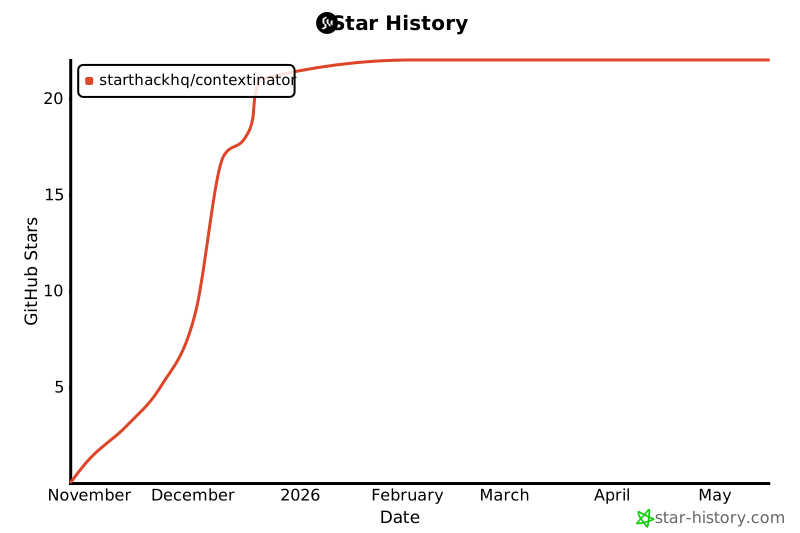
Star History
2 maintainers


Release files for contextinator 2.0.2
For a detailed explanation of source distributions (sdists) and built distributions (wheels), please see the package formats documentation.
Built distribution (wheel)
| File | Interpreter | ABI | Platform | Reset |
|---|---|---|---|---|
| contextinator-2.0.2-cp311-cp311-manylinux_2_34_x86_64.whl | CPython 3.11 | CPython 3.11 | Linux glibc 2.34+ x86-64 | Details |
Release files / contextinator-2.0.2-cp311-cp311-manylinux_2_34_x86_64.whl
| Download URL | contextinator-2.0.2-cp311-cp311-manylinux_2_34_x86_64.whl |
|---|---|
| Size | 1.1 MB |
| Tags | CPython 3.11 Linux glibc 2.34+ x86-64 |
|
SHA-256 checksum How to use checksums |
745af31eb1fd1b64742a282facefdd990dfc753360426805df432e00ce4a13f3
|
|
BLAKE2b-256 checksum How to use checksums |
0bcd045aa4ecca41ce3c44d67b6d96c0ff893a926282497457c866e9730250a3
|
| Upload date | |
|
Uploaded using Trusted Publishing? What is trusted publishing? |
No |
| Uploaded via |
twine/6.2.0 CPython/3.11.14
|














