

converter-cli
A media converter command line program in Python.
Purpose
This is a custom Python (3) CLI for converting media files
I've done this to make it easy to convert my media files into different formats, bitrates and whatnot without having to remember the ffmpeg syntax for each case.
It does NOT cover all ffmpeg options (I just wanted a few) but it is possible to add them.
Install
Plug & Play:
$ pip3 install converter-cli
If you want to play around with the code I'd recommend creating a virtual environment first (with python3):
$ mkvirtualenv --python=/usr/local/bin/python3 converter-cli
And then:
$ git clone https://github.com/patillacode/converter-cli.git

$ cd converter-cli

$ pip install -r requirements-dev.txt

$ python setup.py develop
Unit Tests
$ py.test tests
Usage
The idea is for the CLI to ask you for the necessary information in order to work,
the only thing you should know is that if what you are interested in is converting audio
you should use the audio command:
$ converter-cli audio
If you are interested in converting video files then
use command video:
$ converter-cli video
Full command list follows:
Usage:
    converter-cli hello
    converter-cli audio
    converter-cli audio [-m | --multiple] [--verbose] [-n | --no-confirm]
    converter-cli video
    converter-cli video [-m | --multiple] [--verbose] [-n | --no-confirm]
    converter-cli -h | --help
    converter-cli -v | --version

Options:
    -h --help                         Show this screen.
    -v --version                      Show version.
    -m --multiple                     Convert all files within a given folder
    -n --no-confirm                   Avoid user confirmation before converting
    --verbose                         Redirect converting process to stdout
By default the CLI will be used to convert one file, but the -m/--multiple option will allow you to do multiple files at once:
$ converter-cli video -m
Also by default, the CLi will hide the output of the ffmpeg command in favor of a more readable custom line,
unless the --verbose option is specified:
$ converter-cli audio --verbose
Examples
Convert a .wav audio file into a .mp3 file:
$ converter-cli audio
You will be presented with the following:
Please choose an option:
    1) Convert to .mp3 (320k)
    2) Convert to .wav
Enter option number:
Insert the option number in this case 1 and this will show up:
Enter path to source file:
Here we will enter something like /path/to/file/music.wav and hit enter.
Enter path to destination folder (Enter for same folder as source):
Notice if your click enter without specifying any path then the output file will
be in the same directory as the source file /path/to/file/
Next thing to happen will be (unless the --no-confirm option was given):
                  WARNING

Output file will be called the same as the original
with the proper extension (.mp4, .mp3, ...) which
may cause an overwrite - YOU HAVE BEEN WARNED


You are about to convert file /path/to/file/music.wav into a .mp3 file to be saved in folder /path/to/file/

Please confirm action above [y/n]:
I have added the confirmation process with the warning message to give the user the option to review what is going to happen, I might add the option in the future to bypass this.
You can just hit enter, or type y and hit enter, anything else will stop the process.
Once you accept, this will show up:
Converting source /path/to/file/music.wav into output /path/to/file/music.mp3 ...

(っ◕‿◕)っ    Conversion completed    ⊂(´・◡・⊂ )∘˚
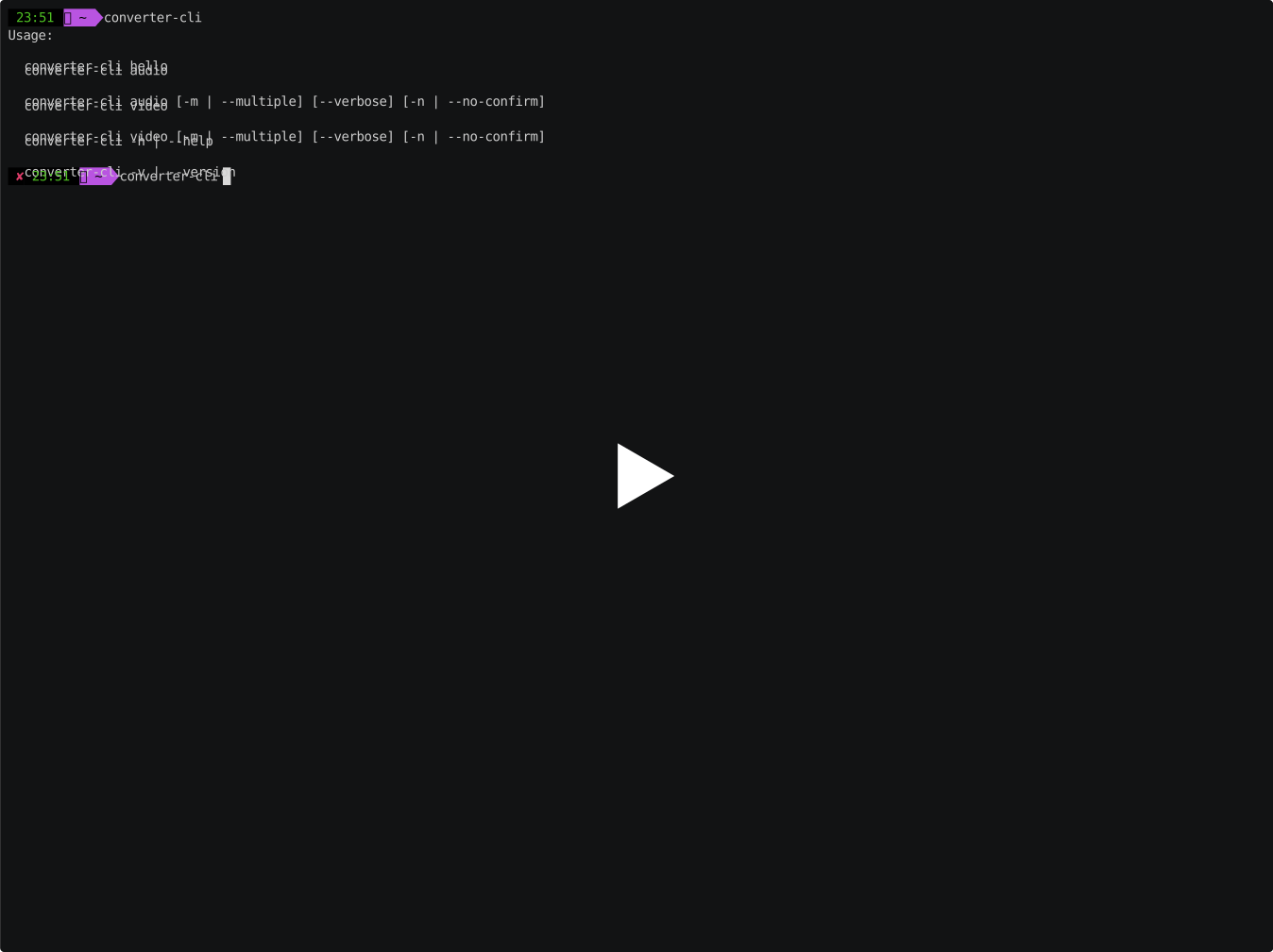
As you can see the CLI asks the user for all needed data and provides the user with explicit messages of what is happening. The rest of the commands have the same flow, just read what it asks for :)
Demo
Dependencies
Contributing
Feel free to report any bugs or submit feature requests.
Pull requests are welcome as well.
Special thanks
1 maintainer

Release files for converter-cli 1.0.7
For a detailed explanation of source distributions (sdists) and built distributions (wheels), please see the package formats documentation.
Source distribution (sdist)
| File | Size | Uploaded | |
|---|---|---|---|
| converter-cli-1.0.7.tar.gz | 12.7 kB | Details |
Built distribution (wheel)
| File | Interpreter | ABI | Platform | Reset |
|---|---|---|---|---|
| converter_cli-1.0.7-py2.py3-none-any.whl | Python 2, Python 3 | none | any | Details |
Total release size: 26.9 kB
Release files / converter-cli-1.0.7.tar.gz
| Download URL | converter-cli-1.0.7.tar.gz |
|---|---|
| Size | 12.7 kB |
| Tags | Source |
|
SHA-256 checksum How to use checksums |
f5ce7e47502d8757928db0ea9de660545d5f39f4bcf1323e06ba637859950c56
|
|
BLAKE2b-256 checksum How to use checksums |
c182e0b577d1b7783769e78ec79159123c1f44c25fcfca6dab2973918b9c4121
|
| Upload date | |
|
Uploaded using Trusted Publishing? What is trusted publishing? |
No |
| Uploaded via |
twine/3.4.2 importlib_metadata/4.8.1 pkginfo/1.7.1 requests/2.26.0 requests-toolbelt/0.9.1 tqdm/4.62.3 CPython/3.8.12
|
Release files / converter_cli-1.0.7-py2.py3-none-any.whl
| Download URL | converter_cli-1.0.7-py2.py3-none-any.whl |
|---|---|
| Size | 14.2 kB |
| Tags | Python 2 Python 3 |
|
SHA-256 checksum How to use checksums |
3ffa1ef3414e4b6c7a6a5f25299298c7c722085c39840dd1dafcb17230c8ef9a
|
|
BLAKE2b-256 checksum How to use checksums |
cbea8e1df90386228e22670c7a82e8e6978b067ad92c3ea34088e9cd9ac3da81
|
| Upload date | |
|
Uploaded using Trusted Publishing? What is trusted publishing? |
No |
| Uploaded via |
twine/3.4.2 importlib_metadata/4.8.1 pkginfo/1.7.1 requests/2.26.0 requests-toolbelt/0.9.1 tqdm/4.62.3 CPython/3.8.12
|














