

Turn Markdown into branded corporate PDFs. In seconds.



See it in action
Drop in your logo and CorpDoc automatically derives your brand palette:
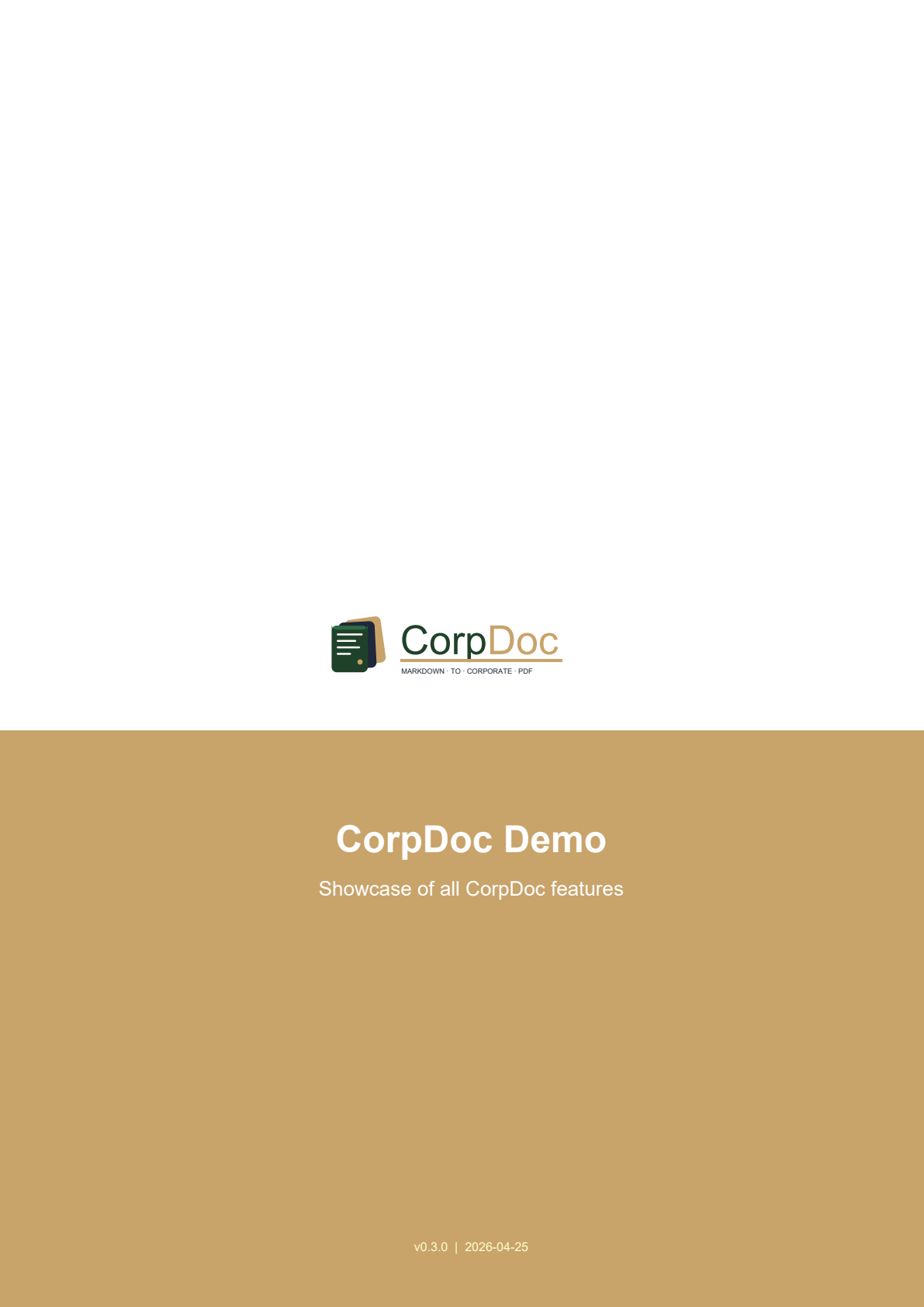
CorpDoc self-demo — forest/camel palette from the CorpDoc logo
What is CorpDoc?
CorpDoc is an open-source tool that converts plain Markdown into professional corporate PDFs with almost zero manual layout work. Drop in your logo and a YAML config once, and every document you produce afterwards comes out branded, paginated, and ready to send to clients.
The killer feature: CorpDoc is designed to be driven by AI. A single
SKILL.md file teaches any LLM (Claude, GPT, Gemini, local Ollama models)
how to generate CorpDoc-compatible Markdown. Your workflow becomes:
prompt the AI → AI generates Markdown → corpdoc render → done
Why CorpDoc exists
Because this shouldn't take an afternoon in Word every time you need to send an offer. It should take 30 seconds.
AI models generate great text. They don't generate professional layouts. CorpDoc bridges that gap without requiring you (or the AI) to learn LaTeX, Typst, or fight with Word templates.
Features
- 🎨 Extracts brand colors automatically from your SVG logo
- 📄 Cover page with 4 styles to pick from (classic, minimal, bold-band, split) — configurable in the YAML
- 📋 Version history page for document control (change log)
- 📚 Auto table of contents from your headings
- 🏷️ Branded headers and footers with company info on every page
- 📊 Auto-styled tables with zebra striping in your brand colors
- 📐 Auto-landscape for wide tables — 8+ column tables rotate the page so content stays readable
- 🌐 Language detection (English, Spanish, German, French) — pagination and labels localize automatically
- 📐 Nested lists, inline formatting, code blocks, Mermaid diagrams
- 🤖 AI-ready — comes with a
SKILL.mdany LLM can follow
Quickstart
1. Install
pip install corpdoc
Or from source:
git clone https://github.com/RoCCoCo13/corpdoc.git
cd corpdoc
pip install -e .
2. Create a config from your logo
corpdoc init --logo my-logo.svg --name "My Company SL"
This extracts the brand colors from your logo and writes a corpdoc.yml
template. Open it and fill in your footer info (address, director, VAT, etc.).
3. Write (or generate) a Markdown document
---
title: "Project Proposal"
subtitle: "For ACME Industrial"
reference: "OFR-2026-0042"
version: "1.0"
---

# 1. Executive Summary

We propose the installation of a 500 kWp photovoltaic system...
4. Render it
corpdoc render proposal.md --config corpdoc.yml
Open proposal.pdf. Done.
AI-driven workflow
The skill/SKILL.md file in this repo is the manual for any LLM. Paste it
into your Claude / ChatGPT / Gemini / Ollama system prompt and the model will
generate CorpDoc-compatible Markdown on demand.
Example prompt to your AI:
"Using the CorpDoc skill, draft an offer for installing HVAC in a 2,000 m² warehouse for ClienteCorp. Budget around €45k. Include timeline and team section."
The AI writes the Markdown. You run corpdoc render. The PDF lands in your
clients' inbox 30 seconds later.
See the AI Integration Guide for detailed workflows.
Examples
A complete example is included in examples/corpdoc-sample/ — a self-referential
demo using CorpDoc's own logo (forest + camel) that exercises every feature in one file.
cd examples/corpdoc-sample
corpdoc render demo.md --config corpdoc.yml
Project structure
corpdoc/
├── src/corpdoc/            # Python package
│   ├── api.py              # Main CorpDoc class
│   ├── cli.py              # Command-line interface
│   ├── colors.py           # SVG color extraction
│   ├── parser.py           # Markdown parser
│   ├── canvas.py           # Header/footer drawing
│   ├── flowables.py        # Cover page, custom flowables
│   └── styles.py           # Paragraph and table styles
├── skill/
│   └── SKILL.md            # Instructions for any LLM
├── examples/
│   └── corpdoc-sample/     # Self-referential demo
├── assets/
│   ├── corpdoc-logo.svg       # Brand mark (transparent — for in-product use)
│   └── corpdoc-logo-card.svg  # Same logo with white card (for docs/README)
├── docs/                   # Extended documentation
└── tests/                  # Unit tests
Roadmap
- v0.3 — Core rendering, SVG color extraction, AI skill
- v0.4 — Native SVG rendering, auto-landscape for wide tables,
configurable cover styles,
highlightcolor role, pastel cover surfaces, hardened release pipeline (OIDC + pip-audit + Dependabot) - v0.5 — Mermaid diagram rendering via Quarto/Kroki fallback
- v0.6 — DOCX export via Pandoc pipeline
- v0.7 — Template gallery (offers, reports, memos, contracts)
- v1.0 — Stable API, PyPI release, comprehensive test suite
See CHANGELOG.md for release history.
Contributing
Contributions welcome! Areas we'd love help with:
- Additional document templates (legal briefs, academic papers, invoices)
- Language support beyond en/es/de/fr
- Better diagram rendering
- Integrations (VS Code extension, Obsidian plugin, GitHub Action)
See CONTRIBUTING.md for guidelines.
License
MIT — see LICENSE. Use it for anything, commercial or otherwise.
Credits
Built by Alejandro Méndez because nobody should spend 2 hours maquetting a proposal in Word when an AI can generate the content in 30 seconds.
If CorpDoc saves you time, a ⭐ on GitHub goes a long way.
1 maintainer

Metadata
1 maintainer
Release files for corpdoc 0.4.1
For a detailed explanation of source distributions (sdists) and built distributions (wheels), please see the package formats documentation.
Source distribution (sdist)
| File | Size | Uploaded | |
|---|---|---|---|
| corpdoc-0.4.1.tar.gz | 34.9 kB | Details |
Built distribution (wheel)
| File | Interpreter | ABI | Platform | Reset |
|---|---|---|---|---|
| corpdoc-0.4.1-py3-none-any.whl | Python 3 | none | any | Details |
Total release size: 63.6 kB
Release files / corpdoc-0.4.1.tar.gz
| Download URL | corpdoc-0.4.1.tar.gz |
|---|---|
| Size | 34.9 kB |
| Tags | Source |
|
SHA-256 checksum How to use checksums |
5e88e729a267ed5f8e63caa60926463206a3e49891988004023ecc2b99d485a3
|
|
BLAKE2b-256 checksum How to use checksums |
52a032f3e65b8ebc46529b8a30c7707974084ed06ea43233e3264d40ed4849b4
|
| Upload date | |
|
Uploaded using Trusted Publishing? What is trusted publishing? |
Yes |
| Uploaded via |
twine/6.1.0 CPython/3.13.12
|
Provenance
Provenance describes where a file came from. On PyPI, provenance is shared via attestations, which provide a verifiable record of the build or publishing details. View details, limitations and caveats.


PyPI Publish Attestation
PyPI verified that this artifact, at this checksum, originated from the publisher listed below.
Signed by GitHub Actions, verified by PyPI on Apr 25, 2026.
Transparency logRelease files / corpdoc-0.4.1-py3-none-any.whl
| Download URL | corpdoc-0.4.1-py3-none-any.whl |
|---|---|
| Size | 28.7 kB |
| Tags | Python 3 |
|
SHA-256 checksum How to use checksums |
aa5801a4b8b221616477d57090caf5e70bfdf8228d60a90e53eac62db6df4eae
|
|
BLAKE2b-256 checksum How to use checksums |
666c85c5c3219ca5f56996143870889527ccb18af1e114f297b77de331f7cea9
|
| Upload date | |
|
Uploaded using Trusted Publishing? What is trusted publishing? |
Yes |
| Uploaded via |
twine/6.1.0 CPython/3.13.12
|
Provenance
Provenance describes where a file came from. On PyPI, provenance is shared via attestations, which provide a verifiable record of the build or publishing details. View details, limitations and caveats.
PyPI Publish Attestation
PyPI verified that this artifact, at this checksum, originated from the publisher listed below.
Signed by GitHub Actions, verified by PyPI on Apr 25, 2026.
Transparency log













