
Countscape
A private, offline photo countdown wallpaper for Ubuntu GNOME.


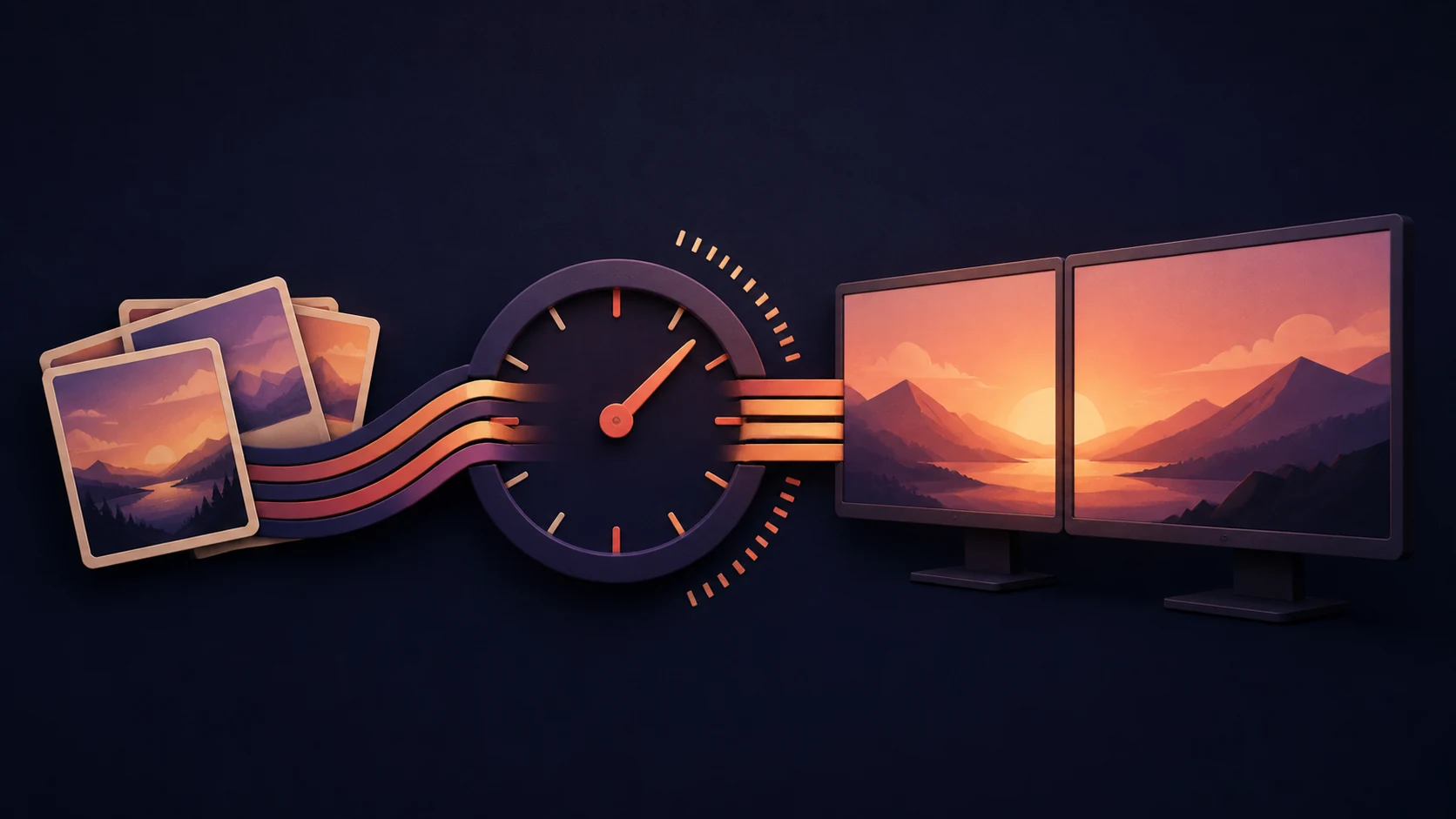
Countscape turns a folder of local photos into a timezone-aware countdown wallpaper. It understands GNOME/Wayland display layouts, renders every monitor as one coherent canvas, and updates the wallpaper from a user-scoped systemd timer. Your source photos stay where they are and are never modified.
Why Countscape
- Local JPG, JPEG, and PNG photo pools; no cloud account, upload, or telemetry.
- Aware countdowns with an explicit UTC offset and matching IANA timezone.
- Independent countdown-refresh and photo-rotation schedules.
- Mixed orientation, scaling, transforms, and mirrored GNOME/Wayland layouts.
containandcoverphoto fitting with adaptive, wrapped overlay text.- Atomic output, unchanged-render reuse, and conservative cleanup.
- User-scoped installation and conditional restoration of the prior wallpaper.
Supported platform
| Component | v0.1 support target |
|---|---|
| Operating system | Ubuntu 26.04 |
| Desktop | GNOME on Wayland |
| Session integration | systemd user manager and GNOME settings |
| Python | 3.14 |
| Host commands | busctl, fc-match, gsettings, systemctl, systemd-analyze |
Other GNOME distributions may work, but they are not supported until contract
fixtures and live-session evidence exist. Countscape itself does not require
root. A standard Ubuntu GNOME installation normally supplies the host commands;
countscape doctor reports anything missing.
Quick start
Install uv, then install the exact Countscape
release into a persistent tool environment:
uv tool install --python 3.14 "countscape==0.1.0"
countscape --version
Create a private configuration. The target must include an explicit UTC offset that agrees with its IANA timezone:
countscape init \
  --target "2030-01-01T12:00:00+00:00" \
  --timezone "Etc/UTC" \
  --label "Until the big day" \
  --after-message "It's here!"
Add at least one .jpg, .jpeg, or .png directly to:
${XDG_DATA_HOME:-$HOME/.local/share}/countscape/backgrounds/
Check the environment, render a non-mutating preview, and only then install the timer:
countscape doctor
countscape render
countscape install
countscape status
countscape install stores validated countscape.service and
countscape.timer sources under the recorded runtime-state directory and links
them into the systemd user manager. The service runs the persistent tool
installation, not this repository and not an ephemeral command environment.
Everyday use
countscape status
countscape doctor
countscape apply
countscape calibrate
countscape calibrate --apply
journalctl --user-unit countscape.service
systemctl --user list-timers countscape.timer
calibrate creates a numbered display-layout image without reading the photo
bank. If you apply it, run countscape apply afterward to restore the countdown.
Common changes do not require hand-editing TOML:
countscape configure --event-label "Until launch"
countscape configure --after-message "We made it!"
countscape configure --overlay-position center
countscape configure --photo-fit cover
countscape configure --photos "/path/to/another-photo-folder"
countscape configure \
  --countdown-refresh-seconds 60 \
  --photo-rotation-seconds 600
countscape configure \
  --target "2030-06-01T09:00:00-04:00" \
  --timezone "America/New_York"
Rerun countscape install after changing either schedule so the timer is
regenerated. Event and presentation changes take effect on the next timer run.
Version lifecycle
Always name the version you intend to run. After any package upgrade, downgrade, or reinstall, regenerate the systemd integration so it records the current tool environment.
# Upgrade to an exact published version; replace X.Y.Z.
uv tool upgrade --python 3.14 "countscape==X.Y.Z"
countscape --version
countscape doctor
countscape install

# Roll back to v0.1.0.
uv tool install --force --python 3.14 "countscape==0.1.0"
countscape --version
countscape doctor
countscape install

# Remove integration first, then the tool environment.
countscape uninstall
uv tool uninstall countscape
Configuration and source photos are preserved by countscape uninstall.
Generated files are removed only after Countscape validates ownership and
confirms that GNOME no longer references them. See the complete
installation, update, rollback, and removal guide.
Pre-v0.1 preview config and integration state are not migrated. Remove preview
integration with the matching preview code before installing v0.1, then recreate
configuration with countscape init --force; do not change a schema number by
hand. Forced initialization refuses to replace config while managed integration
is active; run countscape uninstall first.
Files and privacy
Defaults honor the XDG base-directory environment variables:
| Data | Default location | Removal behavior |
|---|---|---|
| Configuration | ${XDG_CONFIG_HOME:-$HOME/.config}/countscape/config.toml |
Preserved |
| Source photos | ${XDG_DATA_HOME:-$HOME/.local/share}/countscape/backgrounds/ |
Preserved; never modified |
| Final wallpapers | ${XDG_DATA_HOME:-$HOME/.local/share}/countscape/generated/ |
Recognized managed files removed only when safe |
| Rebuildable cache | ${XDG_CACHE_HOME:-$HOME/.cache}/countscape/ |
Recognized managed files removed |
| Runtime and integration state | Configured [runtime].state_directory; defaults to ${XDG_STATE_HOME:-$HOME/.local/state}/countscape/ at init time |
Managed state removed |
| User-unit sources | [runtime].state_directory/systemd/, linked into the user manager |
Validated Countscape units and links removed |
Final wallpapers are persistent data because GNOME may still reference one after normal cache cleanup. Output and cache directories have private ownership markers; Countscape refuses destructive cleanup when those markers or its unit digests do not match.
Default countscape doctor and countscape status output, including JSON, is
redacted, but review either before sharing. Never publish output from either
command with --include-private; those modes expose private diagnostic or raw
runtime state. Also review configuration, generated wallpapers, logs, and
screenshots: they can reveal event details, photo content, usernames, paths,
monitor data, or other machine information.
Documentation
| Guide | Purpose |
|---|---|
| Installation | Prerequisites and first setup |
| Configuration | Event, schedule, style, storage, and display schema |
| Lifecycle | Exact-version install, update, rollback, and uninstall |
| Troubleshooting | Diagnostics and safe recovery |
| Security model | Trust boundaries and local-data handling |
| Architecture | Current implementation and data flow |
| Release checklist | Artifact gates and live Ubuntu evidence |
| Release-readiness audit | Current public-repository and v0.1 blocker status |
| Community Wiki | Privacy-safe FAQ, recipes, and community troubleshooting |
| Support | Supported scope and how to ask for help |
The checked-in example configuration documents
the TOML schema. It deliberately has event.confirmed = false and cannot run as
an installable sample target; use countscape init for a private, confirmed
configuration.
Contributing and security
Contributions are welcome. Read CONTRIBUTING.md and follow the Code of Conduct. Use SUPPORT.md for ordinary help. Report vulnerabilities privately as described in the security policy.
Countscape is available under the MIT License.
1 maintainer

Metadata
1 maintainer
Release files for countscape 0.1.0
For a detailed explanation of source distributions (sdists) and built distributions (wheels), please see the package formats documentation.
Source distribution (sdist)
| File | Size | Uploaded | |
|---|---|---|---|
| countscape-0.1.0.tar.gz | 38.9 kB | Details |
Built distribution (wheel)
| File | Interpreter | ABI | Platform | Reset |
|---|---|---|---|---|
| countscape-0.1.0-py3-none-any.whl | Python 3 | none | any | Details |
Total release size: 84.8 kB
Release files / countscape-0.1.0.tar.gz
| Download URL | countscape-0.1.0.tar.gz |
|---|---|
| Size | 38.9 kB |
| Tags | Source |
|
SHA-256 checksum How to use checksums |
565db30780592ce92f9d7e9891a77b577dd23484df97e4b3036f36cd9346f9a2
|
|
BLAKE2b-256 checksum How to use checksums |
f4422b1c24edd3d29de49e03ee3b153a863bc8652628b928871957ce2aa88b7c
|
| Upload date | |
|
Uploaded using Trusted Publishing? What is trusted publishing? |
Yes |
| Uploaded via |
twine/7.0.0 CPython/3.13.14
|
Provenance
Provenance describes where a file came from. On PyPI, provenance is shared via attestations, which provide a verifiable record of the build or publishing details. View details, limitations and caveats.


PyPI Publish Attestation
PyPI verified that this artifact, at this checksum, originated from the publisher listed below.
Signed by GitHub Actions, verified by PyPI on Aug 23, 2026.
Transparency logRelease files / countscape-0.1.0-py3-none-any.whl
| Download URL | countscape-0.1.0-py3-none-any.whl |
|---|---|
| Size | 45.9 kB |
| Tags | Python 3 |
|
SHA-256 checksum How to use checksums |
b35024538c8d972e8ee9ed0fb4631973e84222d3d5a4b7c53c8a1a4a597fda76
|
|
BLAKE2b-256 checksum How to use checksums |
6b78a4e5ab45513260580e4ecf52f70f1a4e1256a31c4c80fe69861b264ff1d6
|
| Upload date | |
|
Uploaded using Trusted Publishing? What is trusted publishing? |
Yes |
| Uploaded via |
twine/7.0.0 CPython/3.13.14
|
Provenance
Provenance describes where a file came from. On PyPI, provenance is shared via attestations, which provide a verifiable record of the build or publishing details. View details, limitations and caveats.
PyPI Publish Attestation
PyPI verified that this artifact, at this checksum, originated from the publisher listed below.
Signed by GitHub Actions, verified by PyPI on Aug 23, 2026.
Transparency log












