
Createnv



A simple CLI to create .env files.
Motivation
I use .env file to decouple configuration from application in many projects, and I see that many newcomers might struggle in creating this file.
Thus, I created this package to offer a better user interface for creating configuration files in the format of .env.
Example
Using the sample .env.sample in this repository:
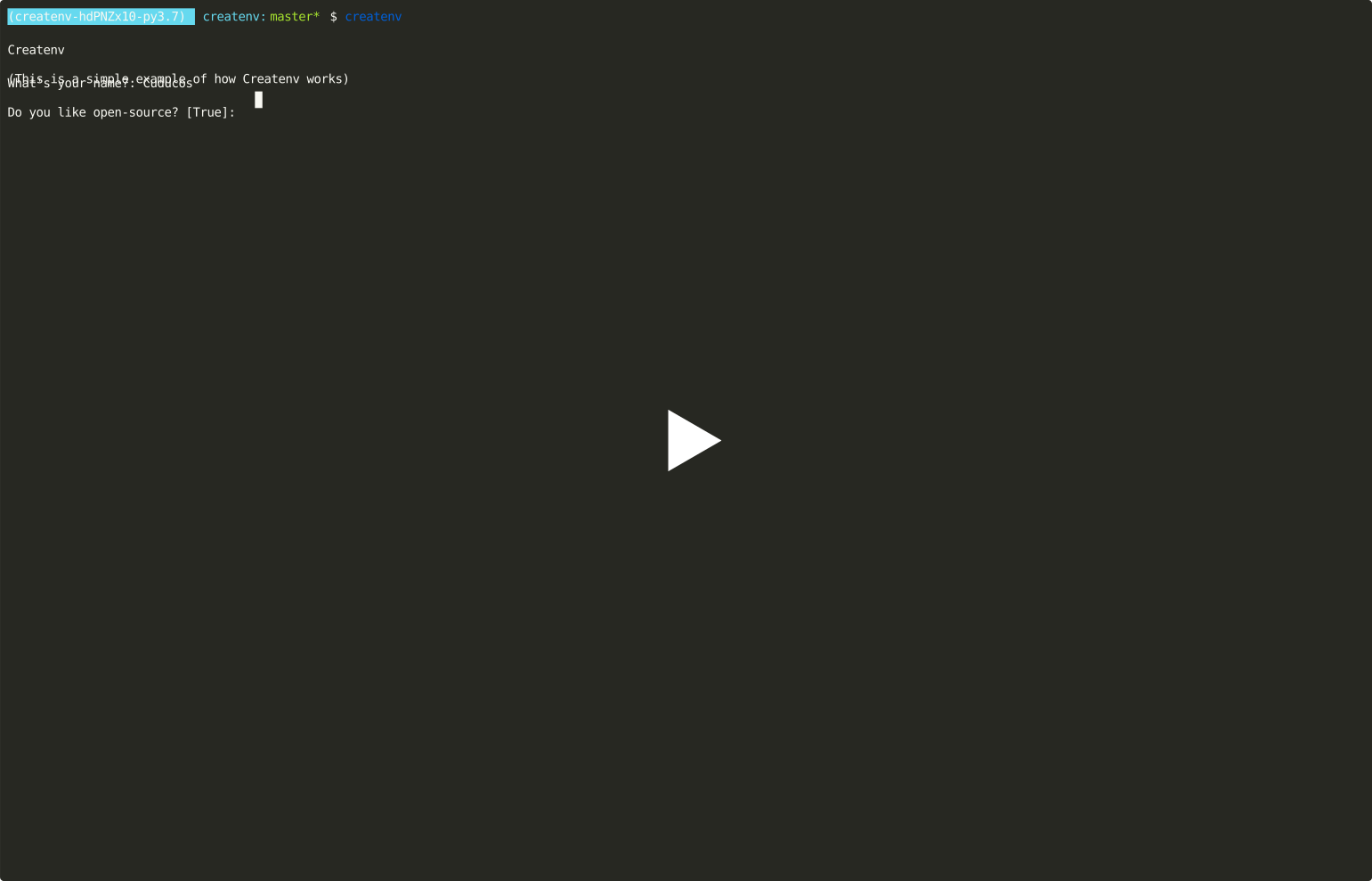
You can now experiment by yourself, or try more advanced .env.sample such as the tests/.env.sample or [Bot Followers's .env.sample]
Install
Createnv requires Python 3.7 or newer:
$ pip install createnv
Usage
To use the default values (reads the sample from .env.sample and write the result into .env):
$ createnv
Options
| Option | Default | Description |
|---|---|---|
--target |
.env |
File to write the result |
--source |
.env.sample |
File to use as a sample |
--overwrite and --no-overwrite |
--no-overwrite |
Whether to ask before overwriting files |
--use-default or --no-use-default |
--no-use-default |
Whether to ask for input on fields that have a default value set |
--chars-for-random-string |
All ASCII letters, numbers and a few extra characters (!@#$%^&*(-_=+)) |
Characters used to create random strings |
Format of sample files
Createnv reads the sample file and separate lines in blocks, splitting at empty lines. It follows a few rules:
- The first line is required to be a title
- The second line might be a description or a variable
- The remaining lines should be variables
Title
The first line of the block should start with a # character, followed by a space. The title value is the remaining text after the # and space.
Example
# Hell Yeah!
In this case, the title is Hell yeah! (not # Hell yeah!).
Description (optional)
If the second line follows the syntax of a title line, it's text (without the # ) is considered a description and is used to give more information to the user about the variables from this block.
Variables
There are three types of variables:
Regular
Each block might one or more variable lines. The syntax requires a name of variable using only capital letters, numbers, or underscore, followed by an equal sign.
What comes after the equal sign is optional. This text is considered the default value of this variable.
The human description of this variable is also optional. You can create one by placing a comment at the end of the line. That is to say, any text after a sequence of two spaces, followed by the # sign and one extra space, is the human description of that variable.
Example
NAME=
This is a valid variable line. It has a name (NAME), no default value, and no human description. We can add a default value:
NAME=Cuducos
This is still a valid variable line. It has a name(NAME), and a default value (Cuducos). Yet, we can add a human description:
NAME=Cuducos # What is your name?
Now it's a complete variable with a name (NAME), a default value (Cuducos), and a human description (What is your name?)
Random values
If you want to have a variable with a random value, you can set its default value to <random> and Createnv will take care of it. Optionally you can specify how long this variable should be with :int.
You can use the --chars-for-random-string option to specify which characters to be used in the random value.
Example
SECRET_KEY=<random>
TOKEN=<random:32>
The first line will create a SECRET_VALUE with random characters and random length between 64 and 128 chars.
The second line will create a TOKEN with random value and with exactly 32 characters.
Auto generated
Finally, you can combine existing variables within the same block to create a new variable (without prompting your user to combine them), the syntax is similar to f-strings in Python..
Example
NAME=  # What is your name?
PERIOD=  # Is it morning, afternoon, or evening?
GREETING=Good {PERIOD}, {NAME}!
In this case, Createnv only asks the user for NAME and PERIOD, and creates GREETING automagically.
1 maintainer

Metadata
1 maintainer
Release files for createnv 0.0.2
For a detailed explanation of source distributions (sdists) and built distributions (wheels), please see the package formats documentation.
Source distribution (sdist)
| File | Size | Uploaded | |
|---|---|---|---|
| createnv-0.0.2.tar.gz | 7.9 kB | Details |
Built distribution (wheel)
| File | Interpreter | ABI | Platform | Reset |
|---|---|---|---|---|
| createnv-0.0.2-py3-none-any.whl | Python 3 | none | any | Details |
Total release size: 16.8 kB
Release files / createnv-0.0.2.tar.gz
| Download URL | createnv-0.0.2.tar.gz |
|---|---|
| Size | 7.9 kB |
| Tags | Source |
|
SHA-256 checksum How to use checksums |
5ae979d8975b0f95455fd6b4b08c1820457c432d58116e0c615ecf81a9be1ab7
|
|
BLAKE2b-256 checksum How to use checksums |
66fd8a9b4b0be53b6e97cbd9b74c8fb33fa597f0525e6e037f1ee63ba4fbd536
|
| Upload date | |
|
Uploaded using Trusted Publishing? What is trusted publishing? |
No |
| Uploaded via |
poetry/1.1.12 CPython/3.9.10 Darwin/21.3.0
|
Release files / createnv-0.0.2-py3-none-any.whl
| Download URL | createnv-0.0.2-py3-none-any.whl |
|---|---|
| Size | 8.8 kB |
| Tags | Python 3 |
|
SHA-256 checksum How to use checksums |
f28badee4025129b1f0afa07850770192948a323cf9afbb3e0aef87394d9a7c5
|
|
BLAKE2b-256 checksum How to use checksums |
58d79aadb47cbb8e90f5efe817b89405b8c926ede0b63c8d84c69e9743a7b86c
|
| Upload date | |
|
Uploaded using Trusted Publishing? What is trusted publishing? |
No |
| Uploaded via |
poetry/1.1.12 CPython/3.9.10 Darwin/21.3.0
|














