
CrewAI Chat UI
A modern web interface for interacting with CrewAI crews through an intuitive, feature-rich chat UI.
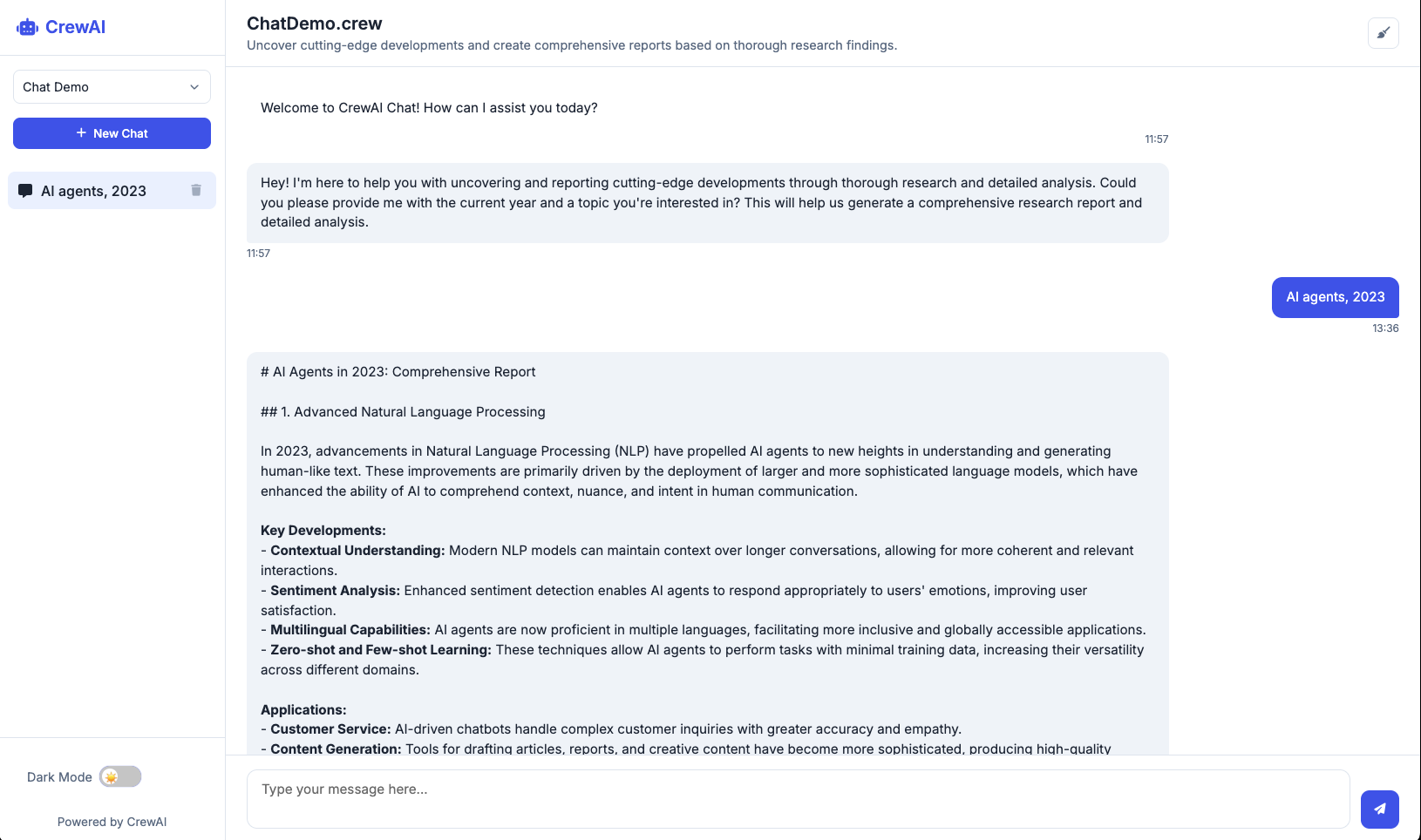
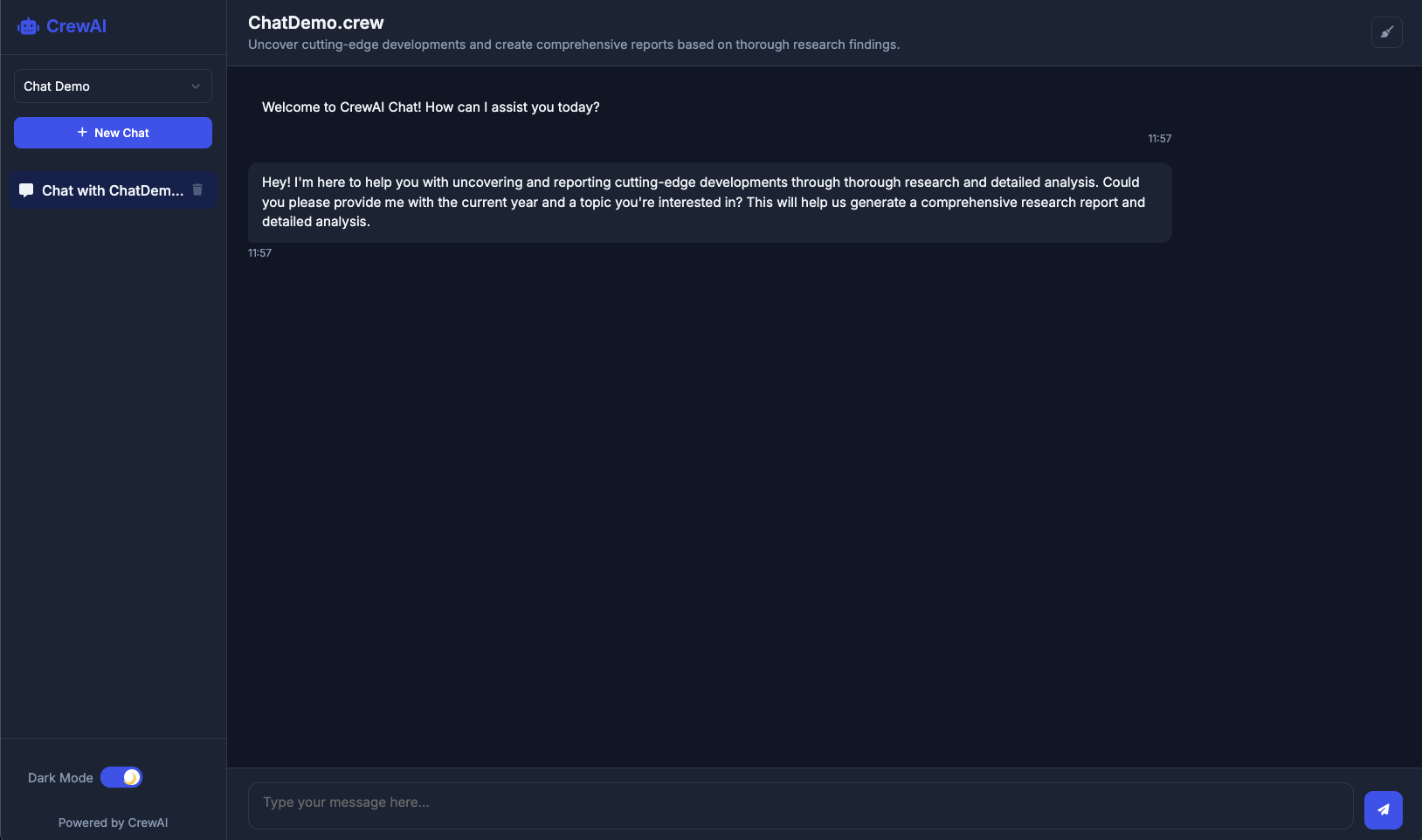
Screenshot: CrewAI Chat UI in action
Features
- 🌐 Modern Web Interface: Sleek, responsive chat UI for interacting with your CrewAI crews
- 🔍 Auto-Discovery: Automatically finds and loads your crew from the current directory
- 🎮 Interactive: Real-time chat with typing indicators and message formatting
- 📋 Chat History: Save and manage conversation threads with local storage
- 🗑️ Thread Management: Create new chats and delete old conversations
- 🔄 State Persistence: Conversations are saved and can be resumed
- 📱 Responsive Design: Optimized for various screen sizes
- 🚀 Easy to Use: Simple installation and setup process
- 🧵 Multi-Thread Support: Maintain multiple conversations with proper message tracking
- 🔔 Cross-Thread Notifications: Get notified when responses arrive in other threads
- 💬 Persistent Typing Indicators: Typing bubbles remain visible when switching threads
- 🔄 Synchronization: Messages are properly synchronized between client and server
Installation
From PyPI (when published)
pip install crewai-chat-ui
From source
- Clone this repository or download the source code
- Navigate to the directory containing the
pyproject.tomlfile - Install with pip:
pip install -e .
Requirements
- Python 3.9+
- CrewAI 0.98.0+
- A properly configured CrewAI project with a crew instance
Usage
- Navigate to your CrewAI project directory
- Run the chat UI:
crewai-chat-ui
- Open your browser and go to
http://localhost:5000 - Start chatting with your crew!
How It Works
The CrewAI Chat UI:
- Searches for crew.py or *_crew.py files in your current directory
- Loads your crew instance
- Uses the crew's chat_llm to initialize a chat interface
- Provides a modern web-based UI for interacting with your crew
- Manages chat history using local storage for persistent conversations
Configuration
The chat UI uses the following configuration from your crew:
chat_llm: The language model to use for chat interactions (required)- Crew task descriptions: To understand your crew's purpose
- Agent descriptions: To understand the agents' roles
Development
Project Structure
src/
└── crewai_chat_ui/
    ├── __init__.py        # Package initialization
    ├── server.py          # Web server implementation
    ├── crew_loader.py     # Logic to load user's crew
    ├── chat_handler.py    # Chat functionality
    └── static/            # Frontend assets
        ├── index.html     # Main UI page
        ├── styles.css     # Styling
        └── scripts.js     # Client-side functionality
pyproject.toml          # Package configuration
README.md               # Documentation
UI Features
Chat History Management
The UI provides several ways to manage your conversations:
- Create New Chat: Click the "New Chat" button in the sidebar to start a fresh conversation
- View Past Conversations: All your conversations are saved and accessible from the sidebar
- Delete Conversations: Each conversation in the sidebar has a delete button (trash icon) to remove unwanted threads
- Clear Current Chat: The "Clear" button in the header removes all messages in the current conversation while keeping the thread
Thread Management
The application supports sophisticated thread management:
- Multiple Concurrent Threads: Maintain multiple conversations with different crews simultaneously
- Thread Persistence: All messages are correctly stored in their respective threads
- Cross-Thread Notifications: When a response arrives in a thread you're not currently viewing, you'll receive a notification
- Persistent Typing Indicators: Typing bubbles remain visible when switching between threads until a response is received
- Thread Synchronization: Messages are properly synchronized between client and server to ensure no messages are lost
Development
Building the Package
To build the package:
pip install build
python -m build
The package will be available in the dist/ directory.
License
MIT
Contributing
Contributions are welcome! Please feel free to submit a Pull Request.
1 maintainer

Metadata
1 maintainer
Release files for crewai-chat-ui 0.1.2
For a detailed explanation of source distributions (sdists) and built distributions (wheels), please see the package formats documentation.
Source distribution (sdist)
| File | Size | Uploaded | |
|---|---|---|---|
| crewai_chat_ui-0.1.2.tar.gz | 30.0 kB | Details |
Built distribution (wheel)
| File | Interpreter | ABI | Platform | Reset |
|---|---|---|---|---|
| crewai_chat_ui-0.1.2-py3-none-any.whl | Python 3 | none | any | Details |
Total release size: 60.0 kB
Release files / crewai_chat_ui-0.1.2.tar.gz
| Download URL | crewai_chat_ui-0.1.2.tar.gz |
|---|---|
| Size | 30.0 kB |
| Tags | Source |
|
SHA-256 checksum How to use checksums |
ee3eccec6a0c7f8336c98113d81fb7e4afd23839f6365af74c383a1169962899
|
|
BLAKE2b-256 checksum How to use checksums |
f7b1c168fa821eaef618e1dd9620b2d666995348f610f997296721ce4cd7f5a7
|
| Upload date | |
|
Uploaded using Trusted Publishing? What is trusted publishing? |
No |
| Uploaded via |
twine/6.1.0 CPython/3.12.8
|
Release files / crewai_chat_ui-0.1.2-py3-none-any.whl
| Download URL | crewai_chat_ui-0.1.2-py3-none-any.whl |
|---|---|
| Size | 30.0 kB |
| Tags | Python 3 |
|
SHA-256 checksum How to use checksums |
db4fda3045b0789edba1ab9aa2b8d03dc59007163efeae9838e158ca48e1450b
|
|
BLAKE2b-256 checksum How to use checksums |
05e8eca308ab304e515c978bf720ccf92bbfd347abe365f50140750b7cdf7993
|
| Upload date | |
|
Uploaded using Trusted Publishing? What is trusted publishing? |
No |
| Uploaded via |
twine/6.1.0 CPython/3.12.8
|














