
CRUDAdmin

Modern admin interface for FastAPI with built-in authentication, event tracking, and security features



CRUDAdmin is a robust admin interface generator for FastAPI applications, offering secure authentication, comprehensive event tracking, and essential monitoring features. Built with FastCRUD and HTMX, it helps you create production-ready admin panels with minimal configuration.
Documentation: https://benavlabs.github.io/crudadmin/
[!IMPORTANT]
v0.4.0 Breaking Changes: Session backend configuration has been completely redesigned. The old method-based API (admin.use_redis_sessions(), etc.) has been removed in favor of a cleaner constructor-based approach. Existing code will need updates. See the v0.4.0 release notes for migration guide and examples.
[!WARNING]
CRUDAdmin is still experimental. While actively developed and tested, APIs may change between versions. Upgrade with caution in production environments, always carefully reading the changelog.
Features
- 🔒 Multi-Backend Session Management: Memory, Redis, Memcached, Database, and Hybrid backends
- 🛡️ Built-in Security: CSRF protection, rate limiting, IP restrictions, HTTPS enforcement, and secure cookies
- 📝 Event Tracking & Audit Logs: Comprehensive audit trails for all admin actions with user attribution
- 📊 Auto-generated Interface: Creates admin UI directly from your SQLAlchemy models with intelligent field detection
- 🔍 Advanced Filtering: Type-aware field filtering, search, and pagination with bulk operations
- 🌗 Modern UI: Clean, responsive interface built with HTMX and FastCRUD
Video Preview
To see what CRUDAdmin dashboard actually looks like in practice, watch the video demo on youtube:

Quick Start
Installation
uv add crudadmin
For production with Redis sessions:
uv add "crudadmin[redis]"
Or using pip and memcached:
pip install "crudadmin[memcached]"
Basic Setup
from contextlib import asynccontextmanager
from fastapi import FastAPI
from sqlalchemy.ext.asyncio import AsyncSession, create_async_engine
from crudadmin import CRUDAdmin

from .user import (
    User,
    UserCreate,
    UserUpdate,
)

# Database setup
engine = create_async_engine("sqlite+aiosqlite:///app.db")

# Create database session dependency
async def get_session():
    async with AsyncSession(engine) as session:
        yield session

# Create admin interface
admin = CRUDAdmin(
    session=get_session,
    SECRET_KEY="your-secret-key-here",
    initial_admin={
        "username": "admin",
        "password": "secure_password123"
    }
)

# Add models to admin
admin.add_view(
    model=User,
    create_schema=UserCreate,
    update_schema=UserUpdate,
    allowed_actions={"view", "create", "update"}
)

# Setup FastAPI with proper initialization
@asynccontextmanager
async def lifespan(app: FastAPI):
    # Initialize database tables
    async with engine.begin() as conn:
        await conn.run_sync(Base.metadata.create_all)

    # Initialize admin interface
    await admin.initialize()
    yield

# Create and mount the app
app = FastAPI(lifespan=lifespan)
app.mount("/admin", admin.app)
Navigate to /admin to access your admin interface with:
- User authentication
- CRUD operations for your models
- Responsive UI with dark/light themes
- Built-in security features
[!WARNING] Important for SQLite users: If you're using SQLite databases (which is the default for CRUDAdmin), make sure to add database files to your
.gitignoreto avoid committing sensitive data like admin credentials and session tokens.# SQLite databases - NEVER commit these to version control *.db *.sqlite *.sqlite3 crudadmin_data/ # Also exclude database journals *.db-journal *.sqlite3-journal
Session Backends
Development (Default)
admin = CRUDAdmin(session=get_session, SECRET_KEY="key") # Memory backend (default)
Production with Redis
from crudadmin import CRUDAdmin, RedisConfig

# Using configuration object (recommended)
redis_config = RedisConfig(host="localhost", port=6379, db=0)
admin = CRUDAdmin(
    session=get_session,
    SECRET_KEY="key",
    session_backend="redis",
    redis_config=redis_config
)

# Or using a dictionary
admin = CRUDAdmin(
    session=get_session,
    SECRET_KEY="key",
    session_backend="redis",
    redis_config={"host": "localhost", "port": 6379, "db": 0}
)

# Or using Redis URL
redis_config = RedisConfig(url="redis://localhost:6379/0")
admin = CRUDAdmin(
    session=get_session,
    SECRET_KEY="key",
    session_backend="redis",
    redis_config=redis_config
)
Production with Security Features
from crudadmin import CRUDAdmin, RedisConfig

# Configure Redis backend
redis_config = RedisConfig(
    host="localhost",
    port=6379,
    db=0,
    password="your-redis-password"
)

admin = CRUDAdmin(
    session=get_session,
    SECRET_KEY=SECRET_KEY,
    # Session backend configuration
    session_backend="redis",
    redis_config=redis_config,
    # Session management settings
    max_sessions_per_user=3,
    session_timeout_minutes=15,
    cleanup_interval_minutes=5,
    # Security features
    allowed_ips=["10.0.0.1"],
    allowed_networks=["192.168.1.0/24"],
    secure_cookies=True,
    enforce_https=True,
    # Event tracking
    track_events=True
)
Backend Options
| Backend | Use Case | Performance | Persistence | Scalability |
|---|---|---|---|---|
| Memory | Development/Testing | Fastest | No | Single Instance |
| Redis | Production (Recommended) | Very Fast | Optional | High |
| Memcached | High-Traffic Production | Very Fast | No | High |
| Database | Simple Deployments | Good | Yes | Medium |
| Hybrid | Enterprise/Audit Requirements | Fast | Yes | High |
What You Get
- Secure Authentication - Login/logout with session management
- Auto-Generated Forms - Create and edit forms built from your Pydantic schemas
- Data Tables - Paginated, sortable tables for viewing your data
- CRUD Operations - Full Create, Read, Update, Delete functionality
- Responsive UI - Works on desktop and mobile devices
- Dark/Light Themes - Toggle between themes
- Input Validation - Built-in validation using your Pydantic schemas
- Event Tracking - Monitor all admin actions with audit trails
- Health Monitoring - Real-time system status and diagnostics
Documentation
- Quick Start: Get up and running in 5 minutes
- Usage Guide: Complete usage documentation
- API Reference: Full API documentation
- Advanced Topics: Production features and configurations
License
This project is licensed under the MIT License - see the LICENSE file for details.
Build a full SaaS on FastAPI
Need more than an admin panel? FastroAI is the complete FastAPI SaaS template from the same team: auth, Stripe payments (subscriptions, credits, discounts), entitlements, transactional email, an Astro frontend, and PydanticAI agents, wired together and production-ready.
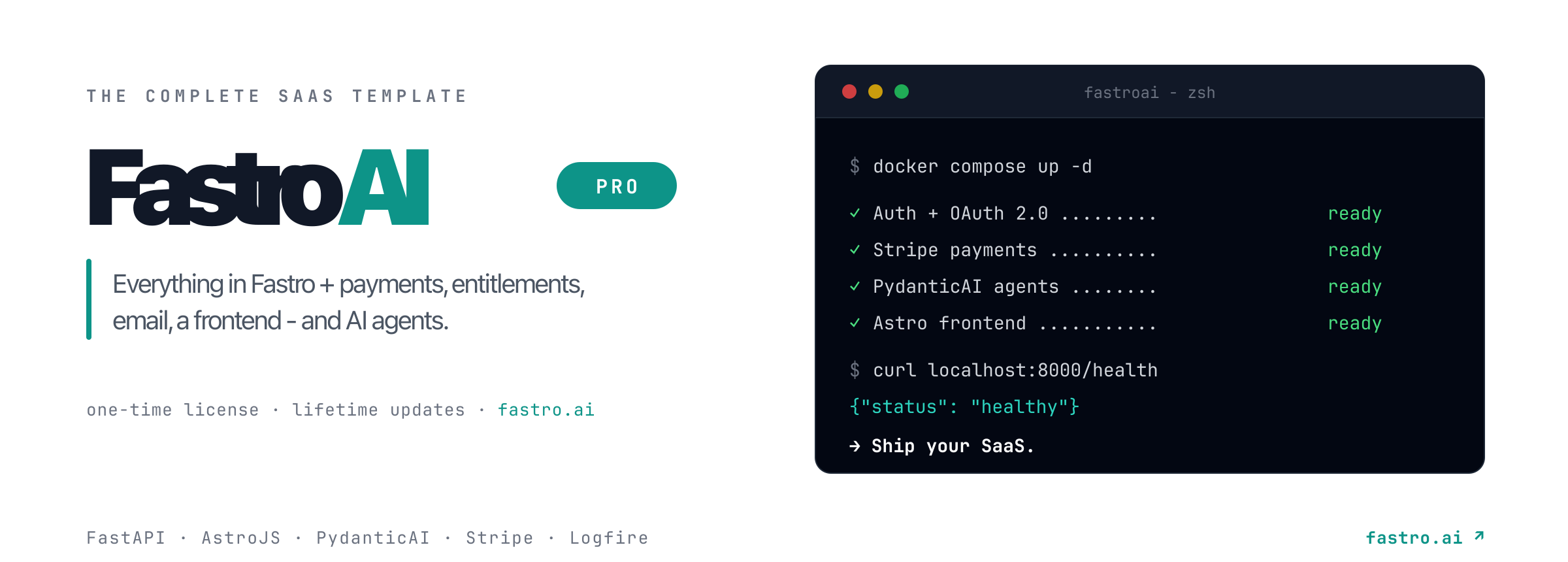
Ship your SaaS faster with FastroAI →

1 maintainer

Metadata
1 maintainer
Release files for crudadmin 0.5.1
For a detailed explanation of source distributions (sdists) and built distributions (wheels), please see the package formats documentation.
Source distribution (sdist)
| File | Size | Uploaded | |
|---|---|---|---|
| crudadmin-0.5.1.tar.gz | 199.3 kB | Details |
Built distribution (wheel)
| File | Interpreter | ABI | Platform | Reset |
|---|---|---|---|---|
| crudadmin-0.5.1-py3-none-any.whl | Python 3 | none | any | Details |
Total release size: 429.2 kB
Release files / crudadmin-0.5.1.tar.gz
| Download URL | crudadmin-0.5.1.tar.gz |
|---|---|
| Size | 199.3 kB |
| Tags | Source |
|
SHA-256 checksum How to use checksums |
9f1d0a2c8b5830e3539d410af491bbbd850f228fac7c8e7602f31b83f3f1b9a9
|
|
BLAKE2b-256 checksum How to use checksums |
e359cab2ca29ca81a31cf3645732698e28691498d838aaa31fd56389c5167617
|
| Upload date | |
|
Uploaded using Trusted Publishing? What is trusted publishing? |
No |
| Uploaded via |
uv/0.10.11 {"installer":{"name":"uv","version":"0.10.11","subcommand":["publish"]},"python":null,"implementation":{"name":null,"version":null},"distro":{"name":"macOS","version":null,"id":null,"libc":null},"system":{"name":null,"release":null},"cpu":null,"openssl_version":null,"setuptools_version":null,"rustc_version":null,"ci":null}
|
Release files / crudadmin-0.5.1-py3-none-any.whl
| Download URL | crudadmin-0.5.1-py3-none-any.whl |
|---|---|
| Size | 229.9 kB |
| Tags | Python 3 |
|
SHA-256 checksum How to use checksums |
814e07b4c64cf1955679cc7b08583100cc14608ad9f8640b2f177e4986cddd2c
|
|
BLAKE2b-256 checksum How to use checksums |
27d9ece77a9cb8c6f4ecabd924e8087edfeda826342a129cddb6fa8164f20859
|
| Upload date | |
|
Uploaded using Trusted Publishing? What is trusted publishing? |
No |
| Uploaded via |
uv/0.10.11 {"installer":{"name":"uv","version":"0.10.11","subcommand":["publish"]},"python":null,"implementation":{"name":null,"version":null},"distro":{"name":"macOS","version":null,"id":null,"libc":null},"system":{"name":null,"release":null},"cpu":null,"openssl_version":null,"setuptools_version":null,"rustc_version":null,"ci":null}
|














