
CrysplanarArt 3D 💎
"3D crystals from 2D planes"
CrysplanarArt 3D is a Python module for designing stunning generative crystal art using simple and intuitive tools. Built on turtle and pygame, it gives complete creative freedom with minimal code.
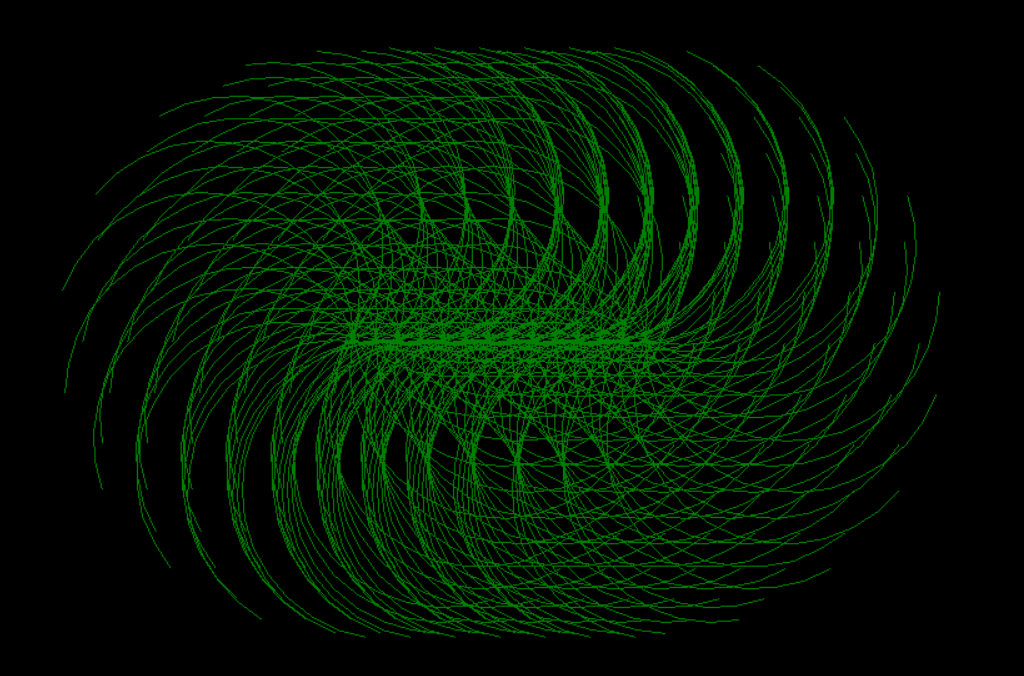
🖼️ Gallery
The Four Elements
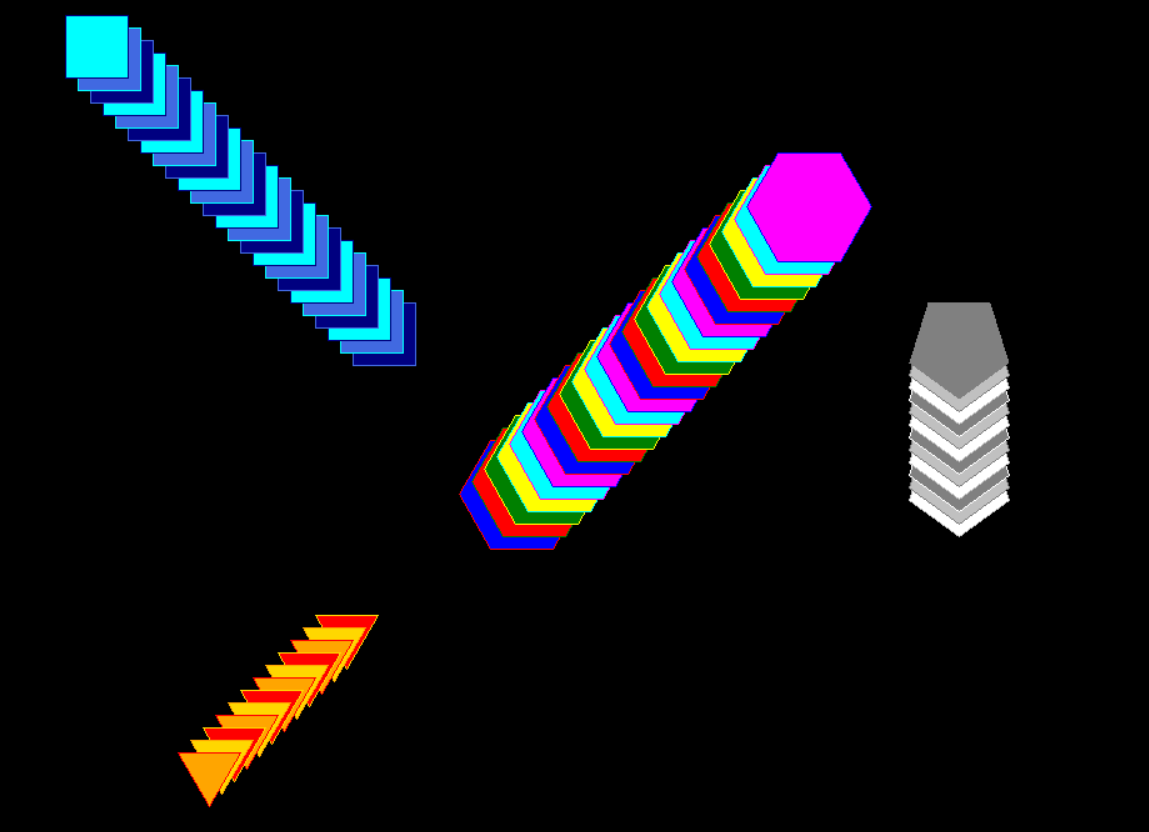
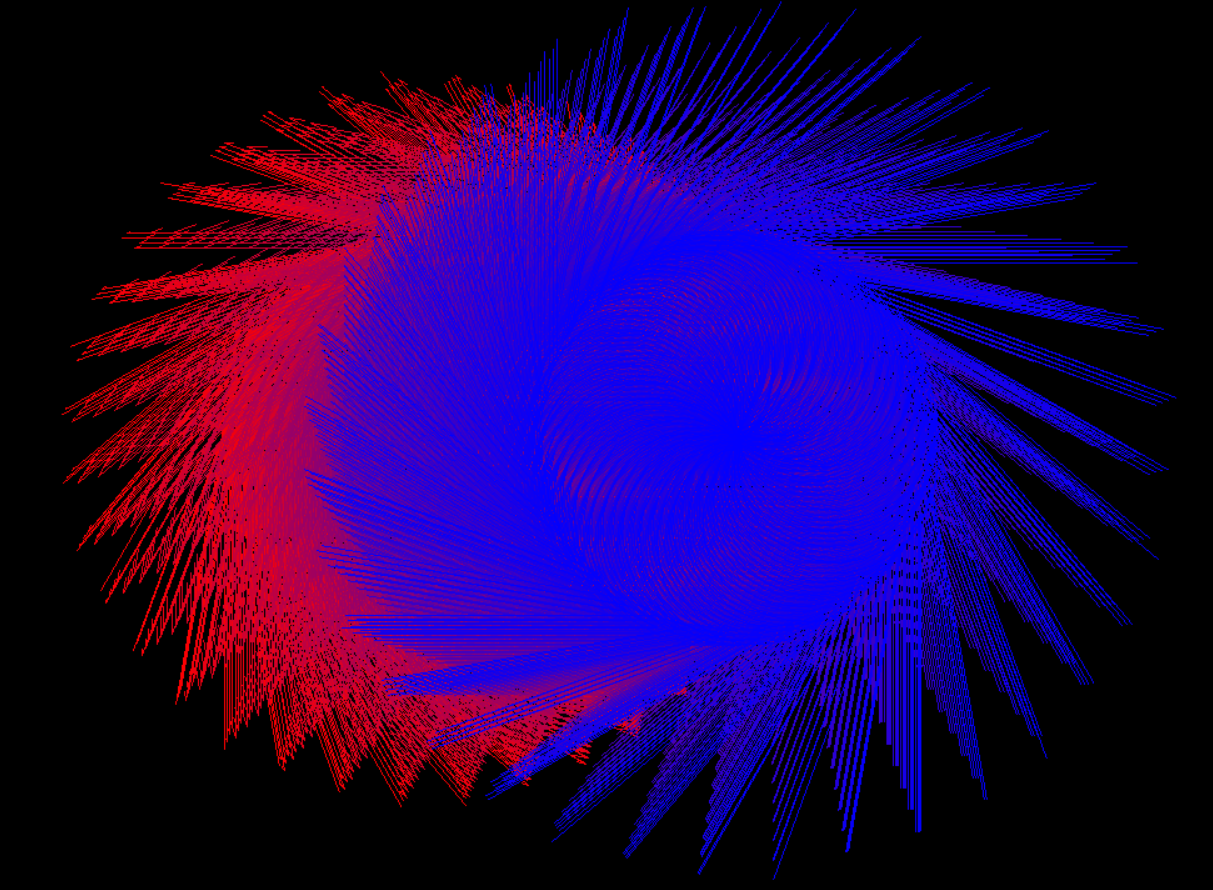
Galaxy Collision — Good vs Evil
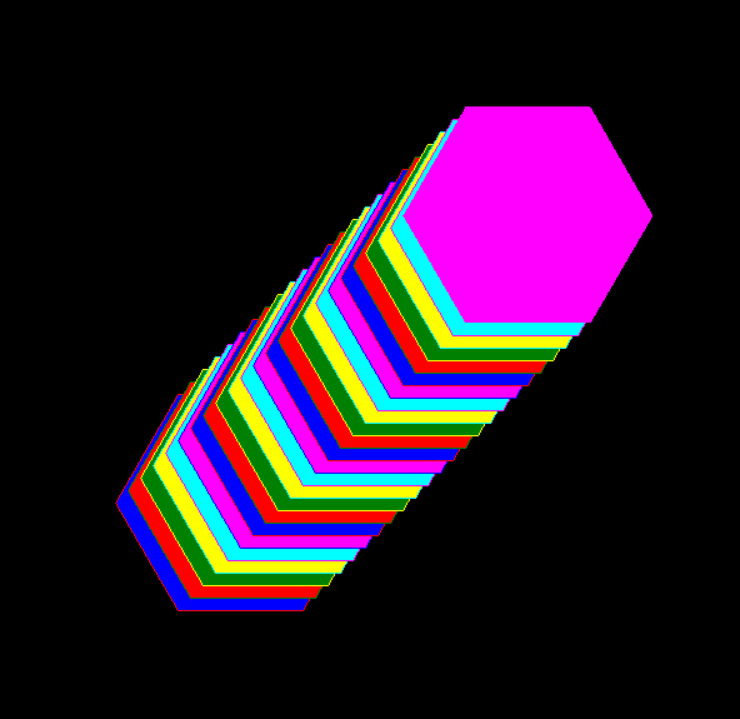
Crystal Rod
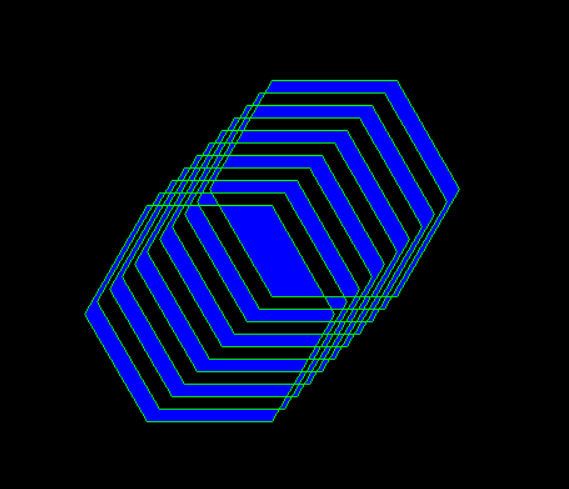
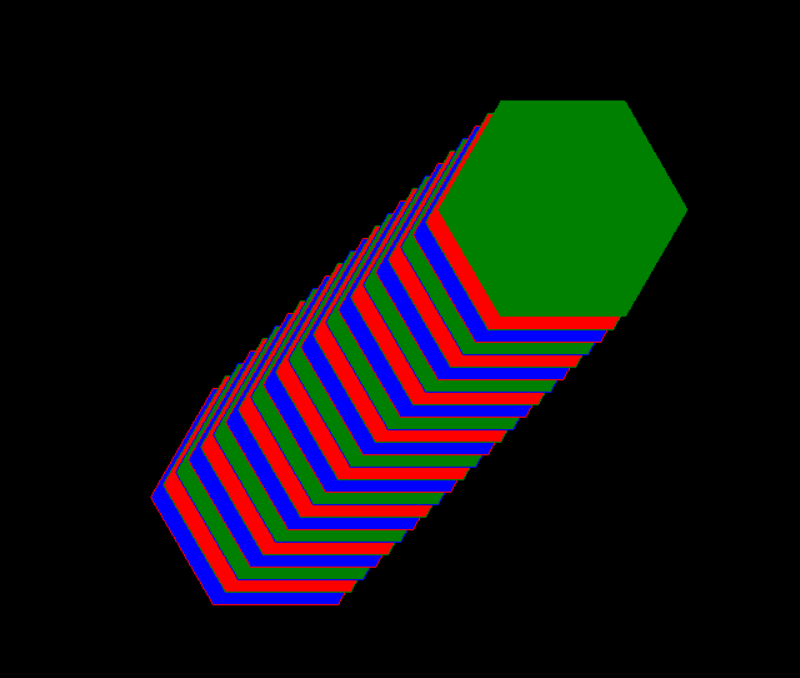
Hexa Pattern
Generative Art
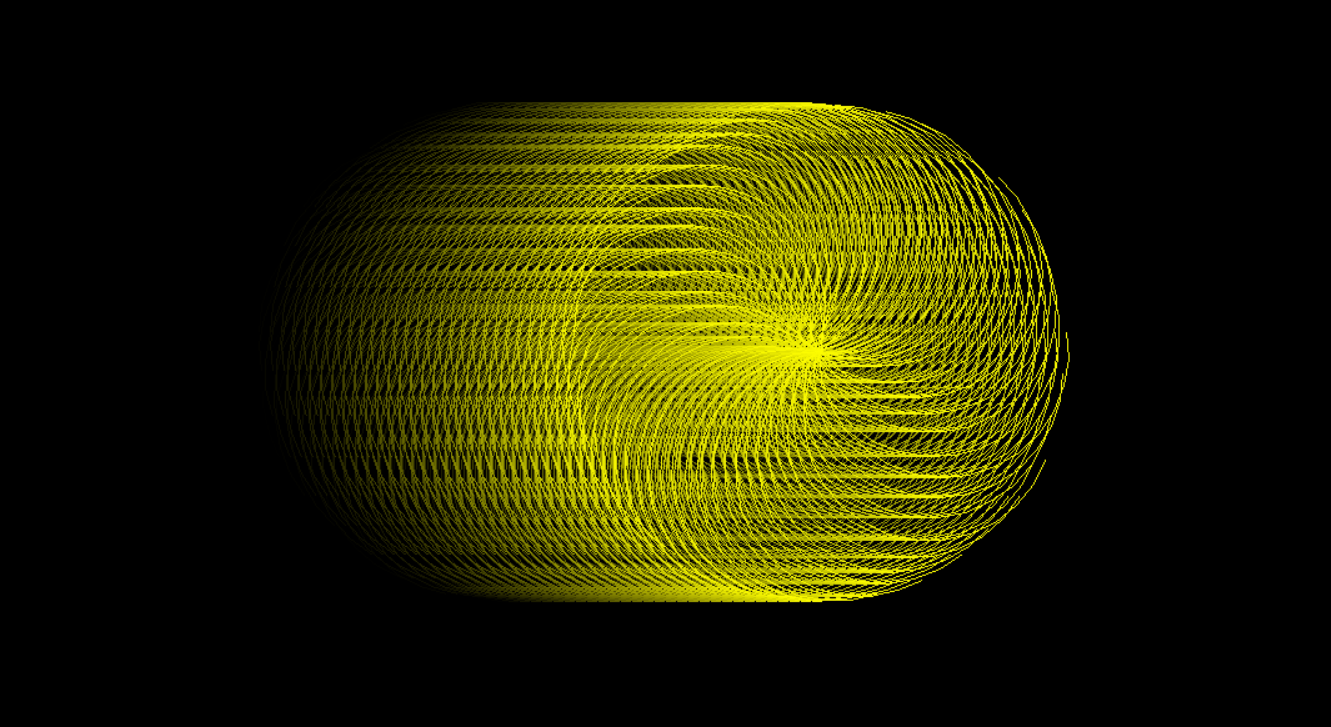
Other Designs
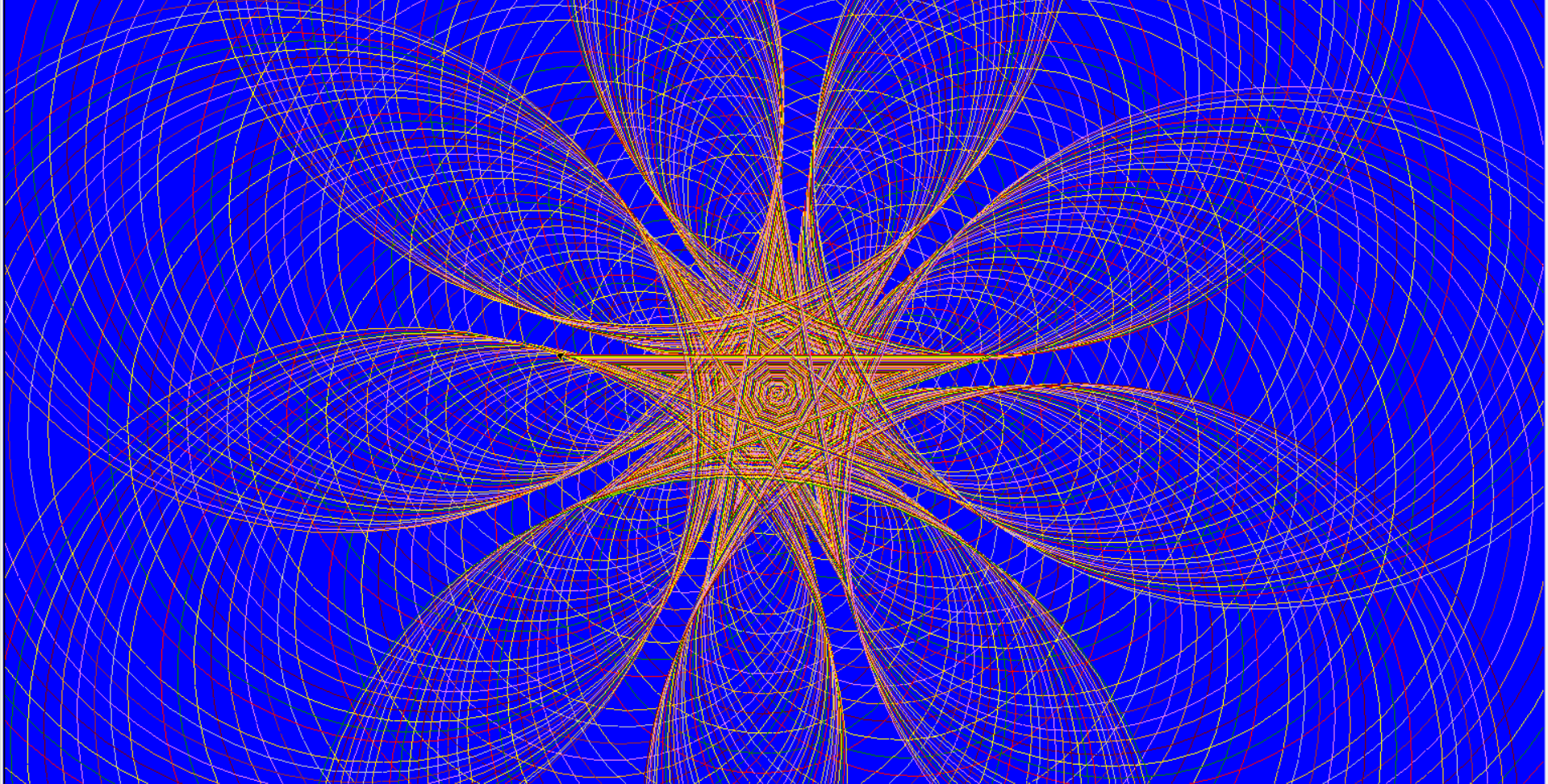
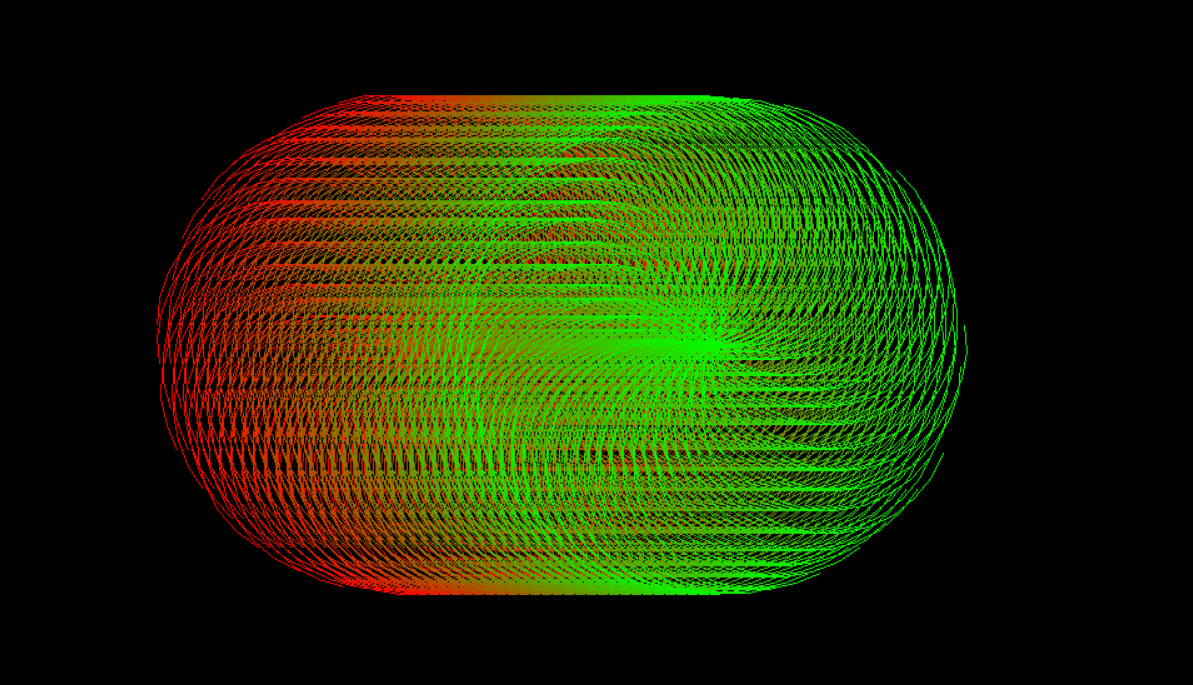
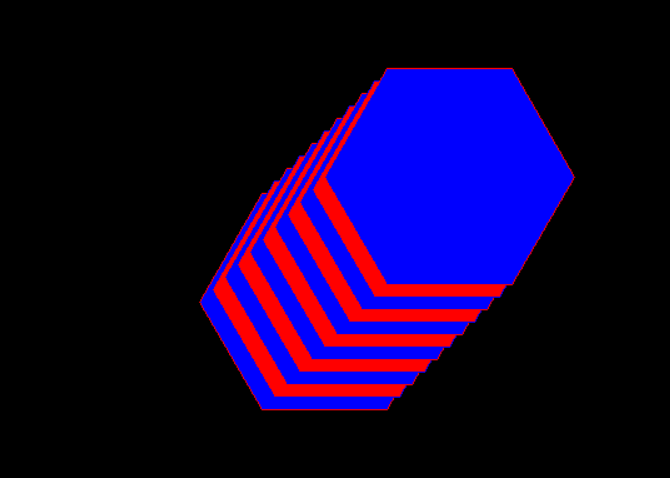
📦 Installation
pip install crysplanar
⚡ Quick Start
from crysplanar import crysplanar

cp = crysplanar()
cp.Board('My Art', 'black')
cp.ArtPencil(size=1, hidepencil=True)

cp.crystalmaker(
    sidesno=6,
    crystalno=24,
    crayon=['blue', 'red', 'green', 'yellow', 'cyan', 'magenta'],
    sidelen=100,
    spacing=10,
    x=list(range(25)),
    y=list(range(25))
)
🛠️ Tools
| Tool | Description |
|---|---|
Board |
Setup the art canvas |
ArtPencil |
Configure the drawing pen |
placer |
Move ArtPencil to any position |
crystalmaker |
Generate crystal structures |
drawshape |
Draw basic geometric shapes |
bgmusic |
Add background music |
picback |
Set background image |
💎 crystalmaker
The flagship tool of CrysplanarArt 2D.
cp.crystalmaker(sidesno, crystalno, crayon, sidelen, spacing, x, y)
| Parameter | Description |
|---|---|
sidesno |
Number of sides of the crystal (3=triangle, 6=hexagon) |
crystalno |
Length of the crystal |
crayon |
List of colors for the crystal |
sidelen |
Length of each side in pixels |
spacing |
Spacing between crystal layers |
x / y |
Positional coordinate lists |
Examples
# Fire Crystal 🔥
cp.crystalmaker(sidesno=3, crystalno=12,
                crayon=['red', 'gold', 'orange'],
                sidelen=100, spacing=10,
                x=list(range(12)),
                y=list(range(12)))

# Ice Crystal ❄️
cp.crystalmaker(sidesno=4, crystalno=24,
                crayon=['navy', 'royalblue', 'cyan'],
                sidelen=100, spacing=10,
                x=list(range(25)),
                y=list(range(25)))

# Rainbow Crystal 🌈
cp.crystalmaker(sidesno=6, crystalno=24,
                crayon=['blue','red','green','yellow','cyan','magenta'],
                sidelen=100, spacing=10,
                x=list(range(25)),
                y=list(range(25)))
🔷 drawshape
Draw basic geometric shapes anywhere on the canvas.
import crysplanar as cp

art=cp.crysplanar()

ds = cp.drawshape(art)

ds.triangle(sidelen=100, rotate=False, fillcolor='red')
ds.square(sidelen=100, fillcolor='blue')
ds.rectangle(width=200, height=100, fillcolor='green')
ds.pentagon(sidelen=100, fillcolor='purple')
ds.round(radius=50, fillcolor='yellow', angle=360)
ds.polygon(sidesno=8, sidelen=100, fillcolor='cyan')
🎵 bgmusic
Add background music to your art canvas.
cp.bgmusic('music.mp3', repeat=True)
📋 Requirements
- Python 3.x
- turtle
- pygame
- ghostscript
pip install pygame
pip install ghostscript
📜 License
MIT License — free to use, modify and share with credit.
👨💻 Author
Made with 🧠 and 🐢
Born from a single line: circle(100, 190)
1 maintainer

Metadata
1 maintainer
Release files for crysplanar 1.5.3
For a detailed explanation of source distributions (sdists) and built distributions (wheels), please see the package formats documentation.
Source distribution (sdist)
| File | Size | Uploaded | Provenance | Actions |
|---|---|---|---|---|
| crysplanar-1.5.3.tar.gz | 10.5 kB | Without provenance | Details for crysplanar-1.5.3.tar.gz |
Built distribution (wheel)
| File | Interpreter | ABI | Platform | Actions Reset |
|---|---|---|---|---|
| crysplanar-1.5.3-py3-none-any.whl | Python 3 | none | any | Details for crysplanar-1.5.3-py3-none-any.whl |
Total release size: 20.7 kB
Release files / crysplanar-1.5.3.tar.gz
| Download URL | crysplanar-1.5.3.tar.gz |
|---|---|
| Size | 10.5 kB |
| Tags | Source |
|
SHA-256 checksum How to use checksums |
309e8613da192c03ede188d026443f07822c4fb6ca9af29737ccbb46280fbfd0
|
|
BLAKE2b-256 checksum How to use checksums |
02374b3ec11520ff799464e17ad3b403c06286df52a9d288a736cac19b2254b3
|
| Upload date | |
|
Uploaded using Trusted Publishing? What is trusted publishing? |
No |
| Uploaded via |
twine/6.2.0 CPython/3.13.13
|
Release files / crysplanar-1.5.3-py3-none-any.whl
| Download URL | crysplanar-1.5.3-py3-none-any.whl |
|---|---|
| Size | 10.2 kB |
| Tags | Python 3 |
|
SHA-256 checksum How to use checksums |
fbcb49ed8b8ecf098477d5c5ef5d7d5670a287d8a9a632c11e18e1e6225d8a57
|
|
BLAKE2b-256 checksum How to use checksums |
792cedab2573cf382d510424b0d717341e7986e7facfb4bb0f93f0ea8bfce89b
|
| Upload date | |
|
Uploaded using Trusted Publishing? What is trusted publishing? |
No |
| Uploaded via |
twine/6.2.0 CPython/3.13.13
|
Security for crysplanar 1.5.3
Provenance
Provenance describes where a file came from. On PyPI, provenance is shared via attestations, which provide a verifiable record of the build or publishing details. View details, limitations and caveats.
No provenance found
None of the files in this release were uploaded with provenance metadata.
A note on package security
PyPI is a repository for distributing packages, not a service for auditing them. While third-party security researchers and our staff do their best to detect and remove malicious packages, PyPI cannot guarantee the quality, security or suitability of any given package.
To learn more about protecting yourself from malicious actors, visit our package security documentation.














