
A modern sidebar navigation control for CustomTkinter

Project description
Sidebar Control for CustomTkinter
This is a custom widget that adds a sidebar to your CustomTkinter app and handles navigation.
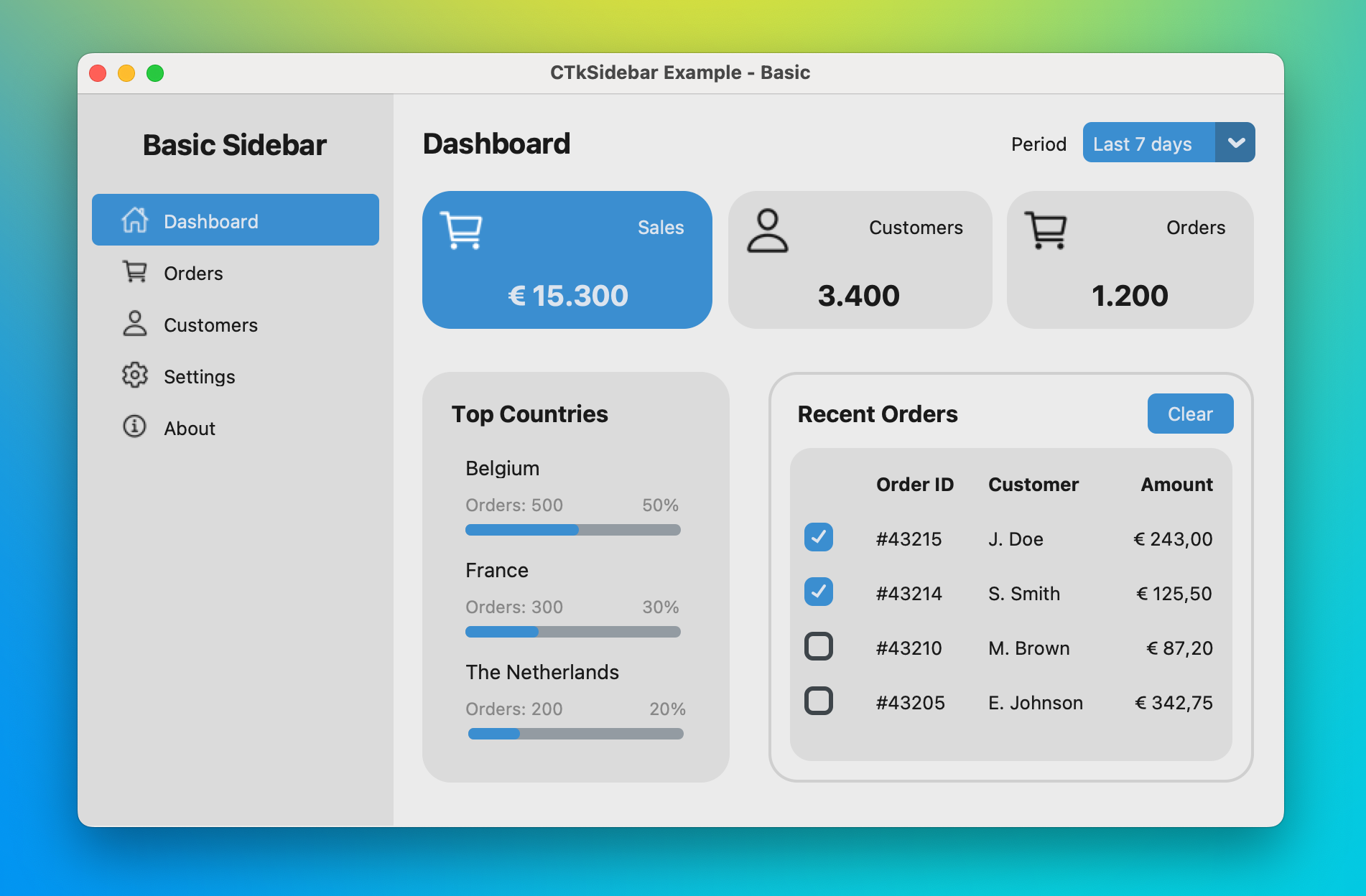
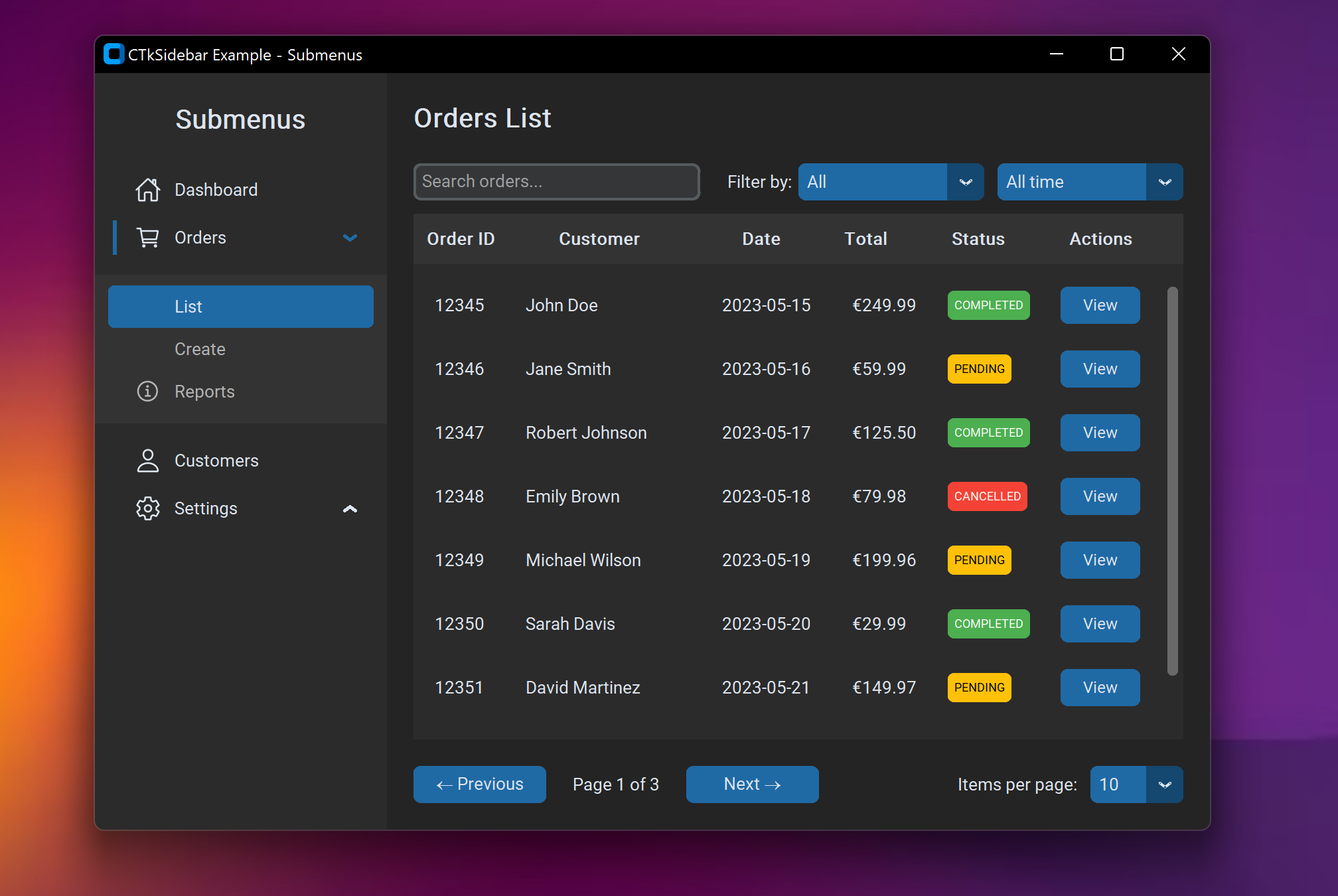
Features
- Modern look
- Handles navigation: each menu item gets a separate view
- Easy to configure
- Customizable styles
- Supports submenus (tree structure)
Installation
Get the latest version from PyPI:
pip install ctk-sidebar
Getting started
Import required modules:
import customtkinter
from ctksidebar import CTkSidebarNavigation
Instantiate a CTkSidebarNavigation component on your app's toplevel and get a reference to the sidebar:
app = customtkinter.CTk()
app.geometry("640x480")

nav = CTkSidebarNavigation(master=app)
nav.pack(fill="both", expand=True)
side = nav.sidebar
Add a header:
header = customtkinter.CTkLabel(side, text="My App", font=customtkinter.CTkFont(size=20, weight="bold"), fg_color="transparent", anchor="center", height=70)
side.add_frame(header)
Add some menu items:
side.add_item(id="home", text="Dashboard")
side.add_item(id="orders", text="Orders")
side.add_item(id="customers", text="Customers")
Populate the view of each menu item by using nav.view(<your_id>) as the master:
home_view = customtkinter.CTkLabel(nav.view("home"), text="Home", font=customtkinter.CTkFont(size=20, weight="bold"), fg_color="transparent")
home_view.grid(row=0, column=0, sticky="nsew", padx=20, pady=20)

orders_view = customtkinter.CTkLabel(nav.view("orders"), text="Orders", font=customtkinter.CTkFont(size=20, weight="bold"), fg_color="transparent")
orders_view.grid(row=0, column=0, sticky="nsew", padx=20, pady=20)

customers_view = customtkinter.CTkLabel(nav.view("customers"), text="Customers", font=customtkinter.CTkFont(size=20, weight="bold"), fg_color="transparent")
customers_view.grid(row=0, column=0, sticky="nsew", padx=20, pady=20)
Finally, set the startup view and launch the application:
nav.set("home")
app.mainloop()
Documentation
See the documentation page for a detailed description of this component.
See the examples folder for the demo applications shown in the screenshots above.


Download files
Download the file for your platform. If you're not sure which to choose, learn more about installing packages.
Source Distribution
Built Distribution
Filter files by name, interpreter, ABI, and platform.
If you're not sure about the file name format, learn more about wheel file names.
Copy a direct link to the current filters






