
Standalone CustomTkinter playground for animations and easings — pick a curve, watch it run on buttons / cards / text / loaders / popups / toasts, then export self-contained Python code.

Project description
CTk Transitions Demo
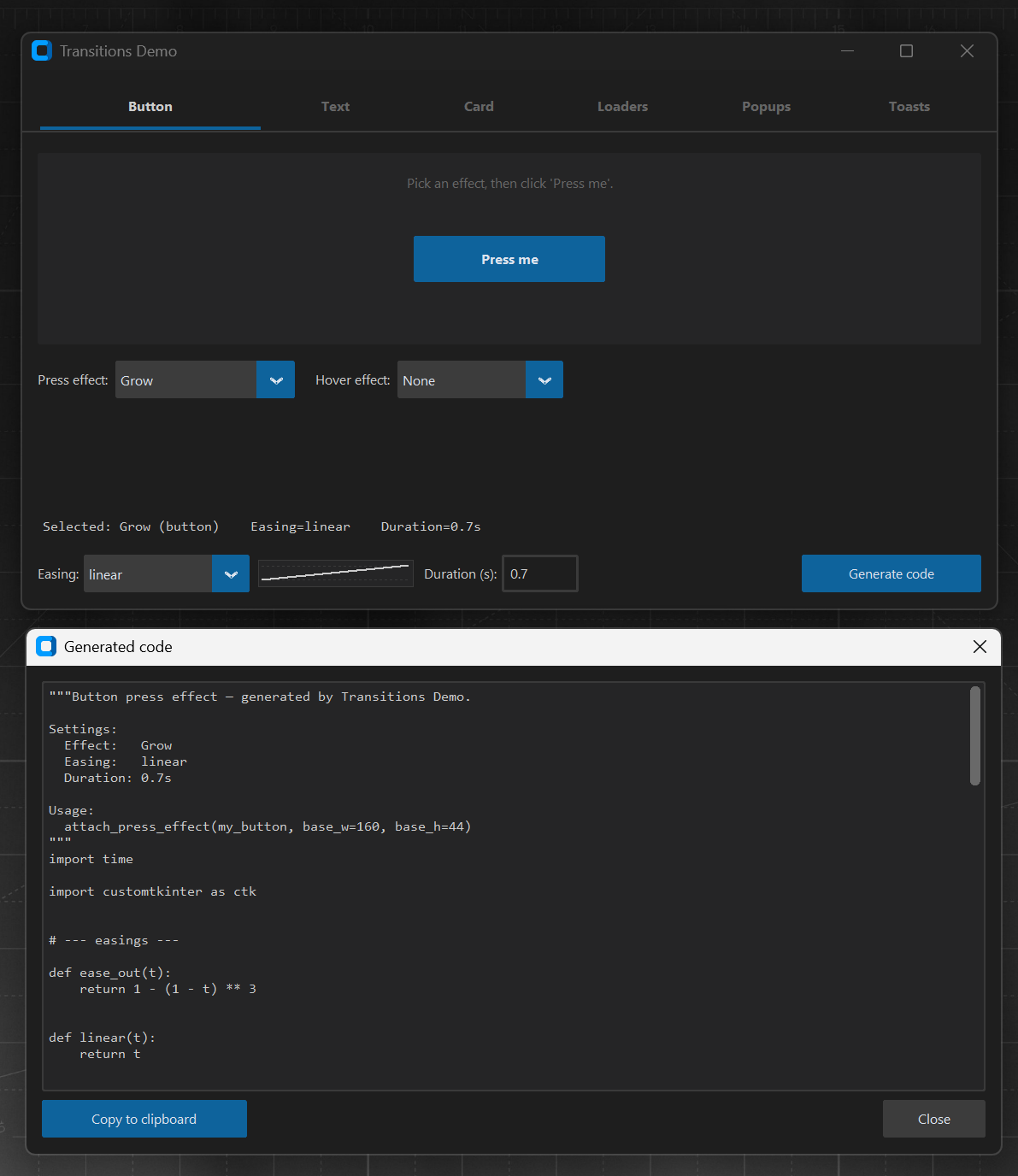
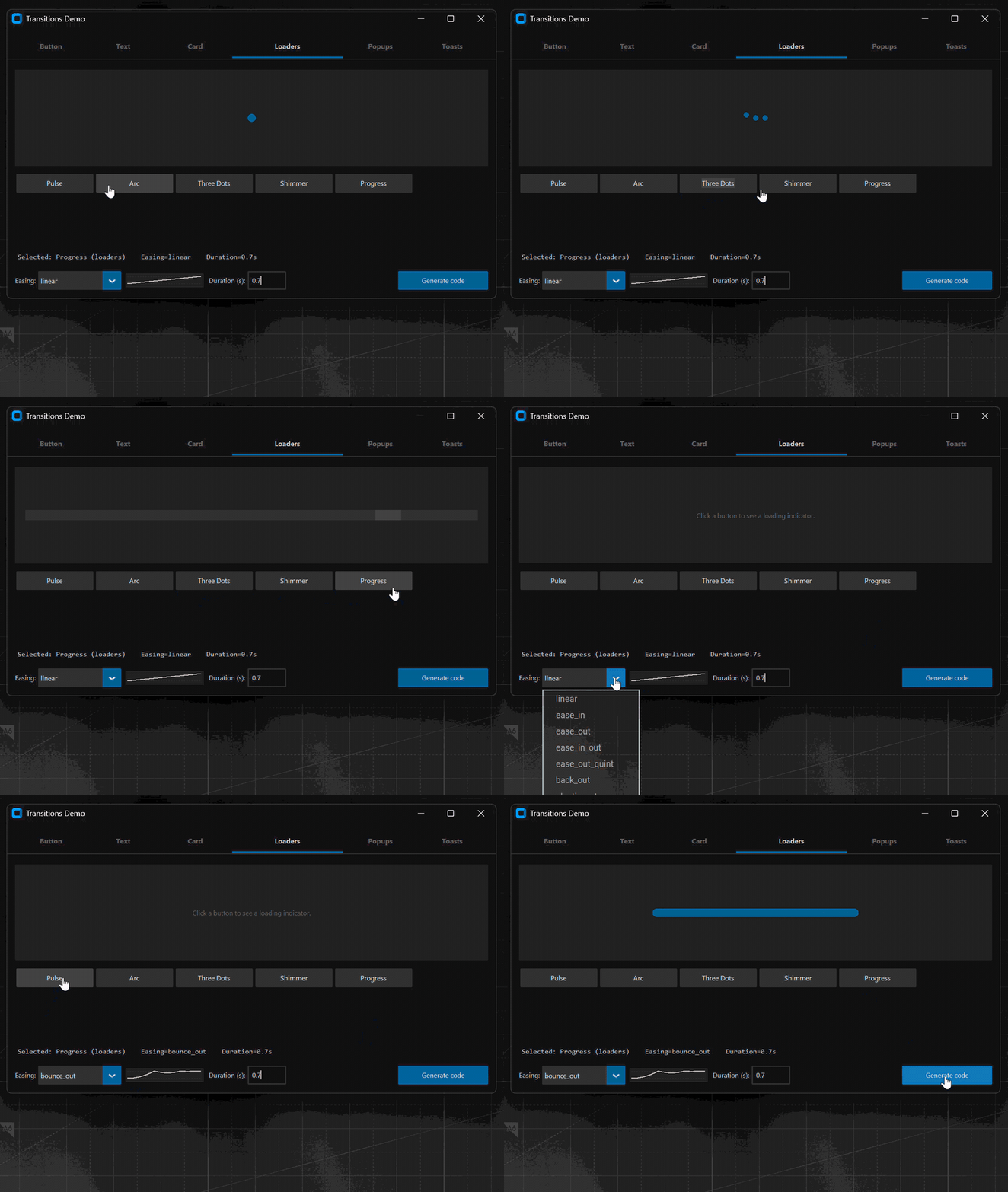
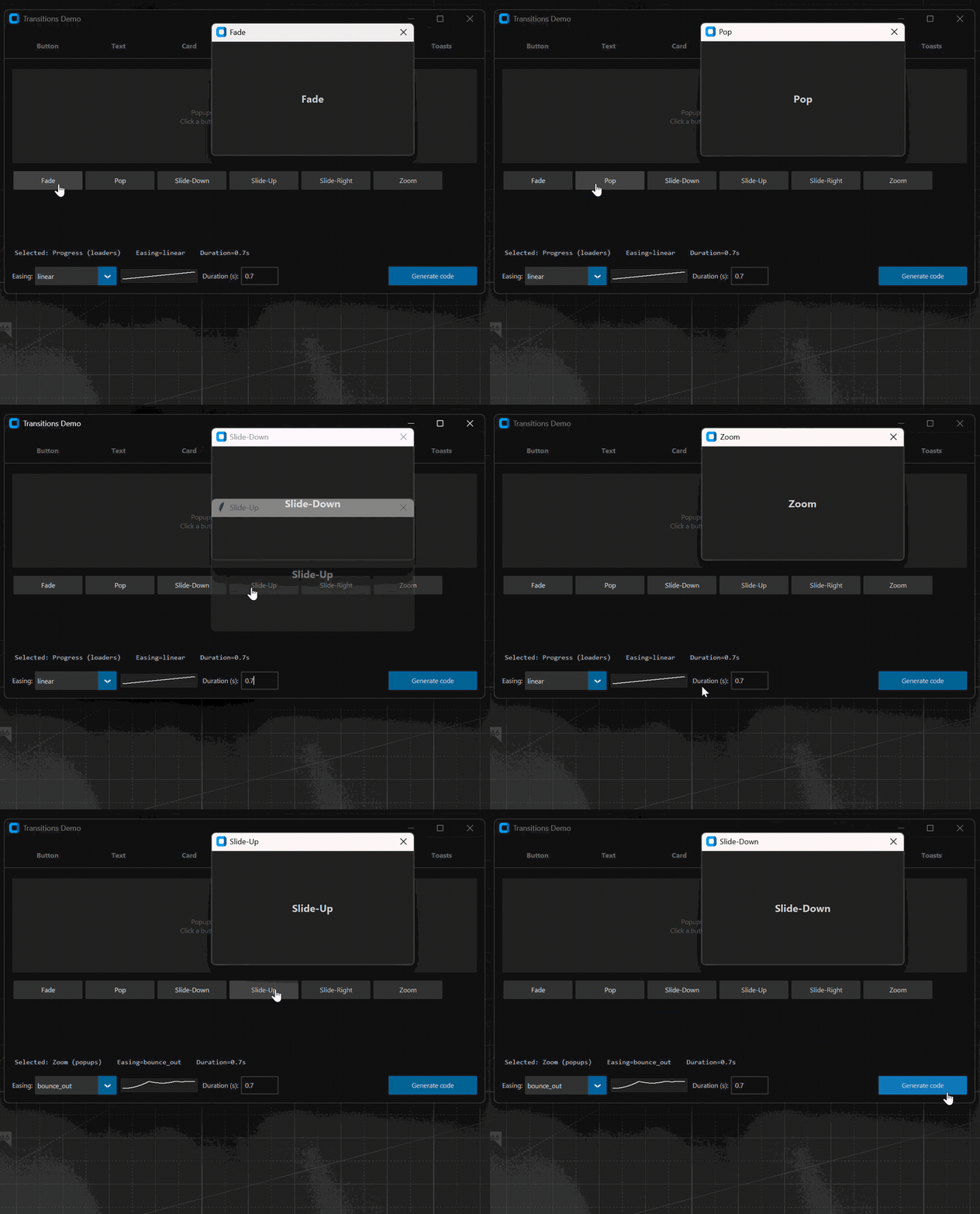
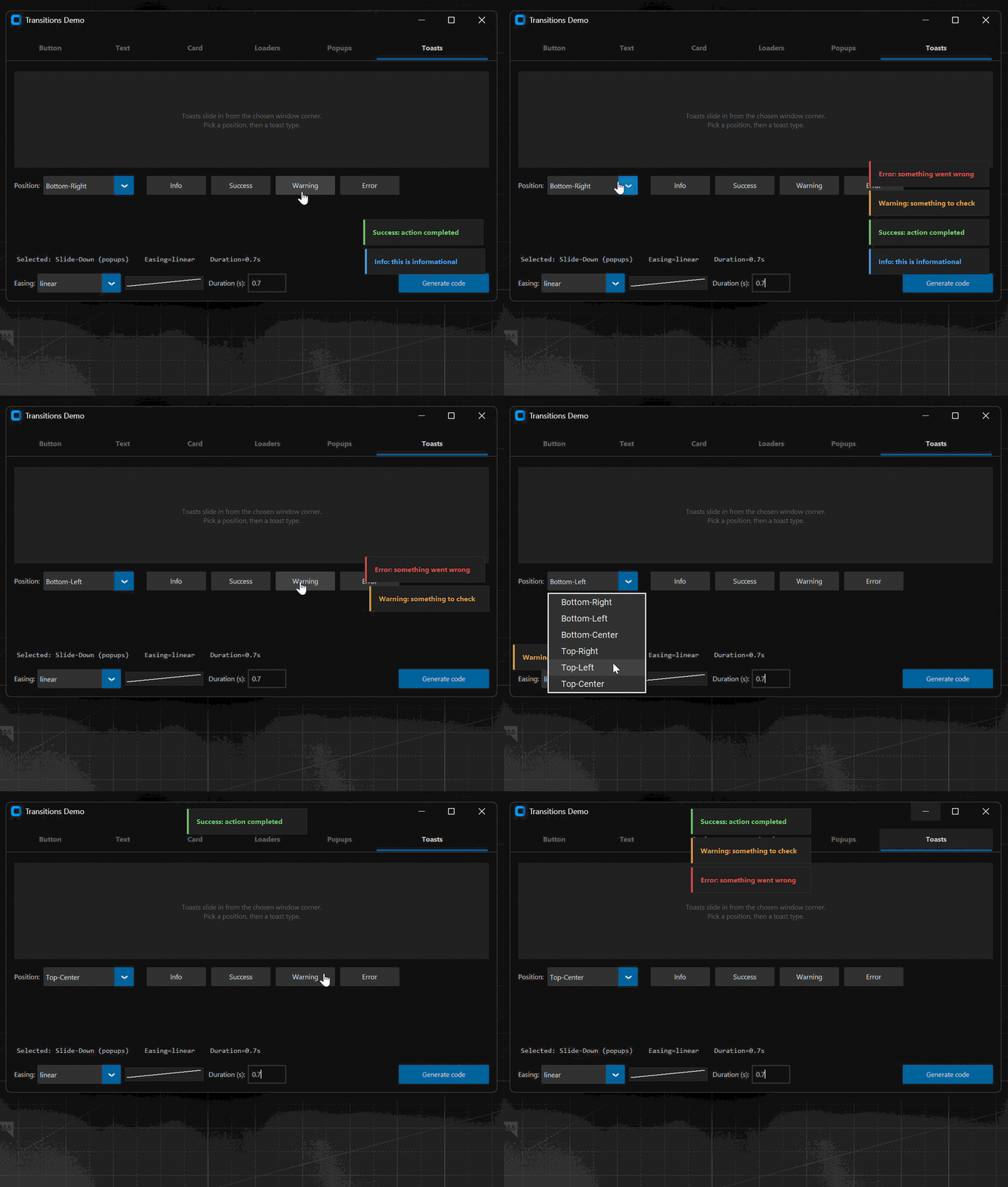
Standalone CustomTkinter playground for animations and easings. Pick a curve, watch it run on buttons, cards, text, loaders, popups, and toasts, then click Generate code to export a self-contained Python module you can drop into any project.
Features
- 6 tabs — Button presses, Text, Card, Loaders, Popups, Toasts
- 25+ animations across the tabs
- 9 built-in easings:
linear,ease_in,ease_out,ease_in_out,ease_out_quint,back_out,elastic_out,spring,bounce_out - Generate code exports imports + easings + Tween engine + helpers +
animation function + a runnable
__main__block — paste-anywhere - Single file, single dependency:
customtkinter
Quick start
Install from PyPI:
pip install ctk-transitions
ctk-transitions          # launches the GUI
# or
python -m ctk_transitions
Or run from a clone:
git clone https://github.com/kandelucky/ctk-transitions-code-generator.git
cd ctk-transitions-code-generator
pip install customtkinter
python -m ctk_transitions
Demo gallery
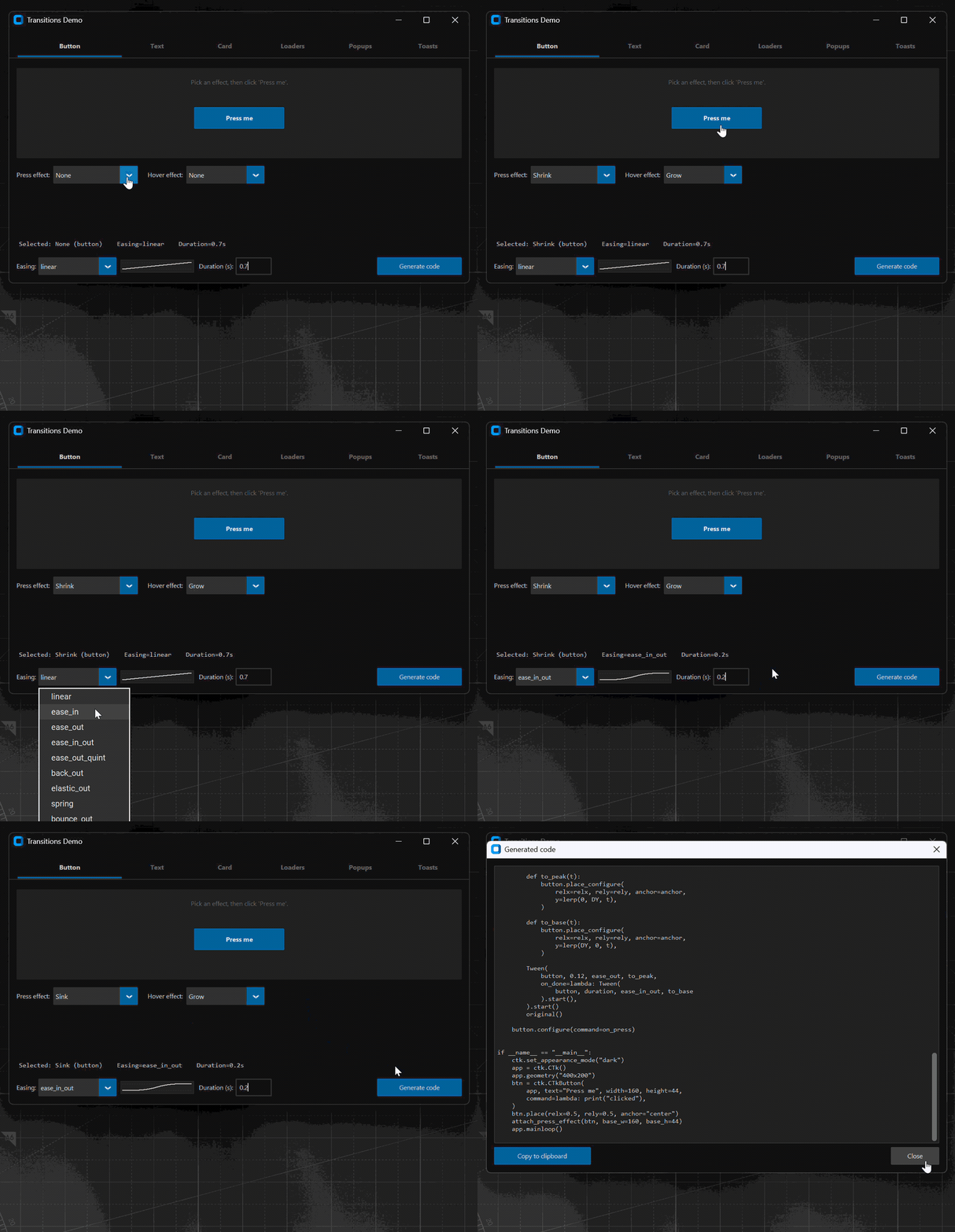
Button presses
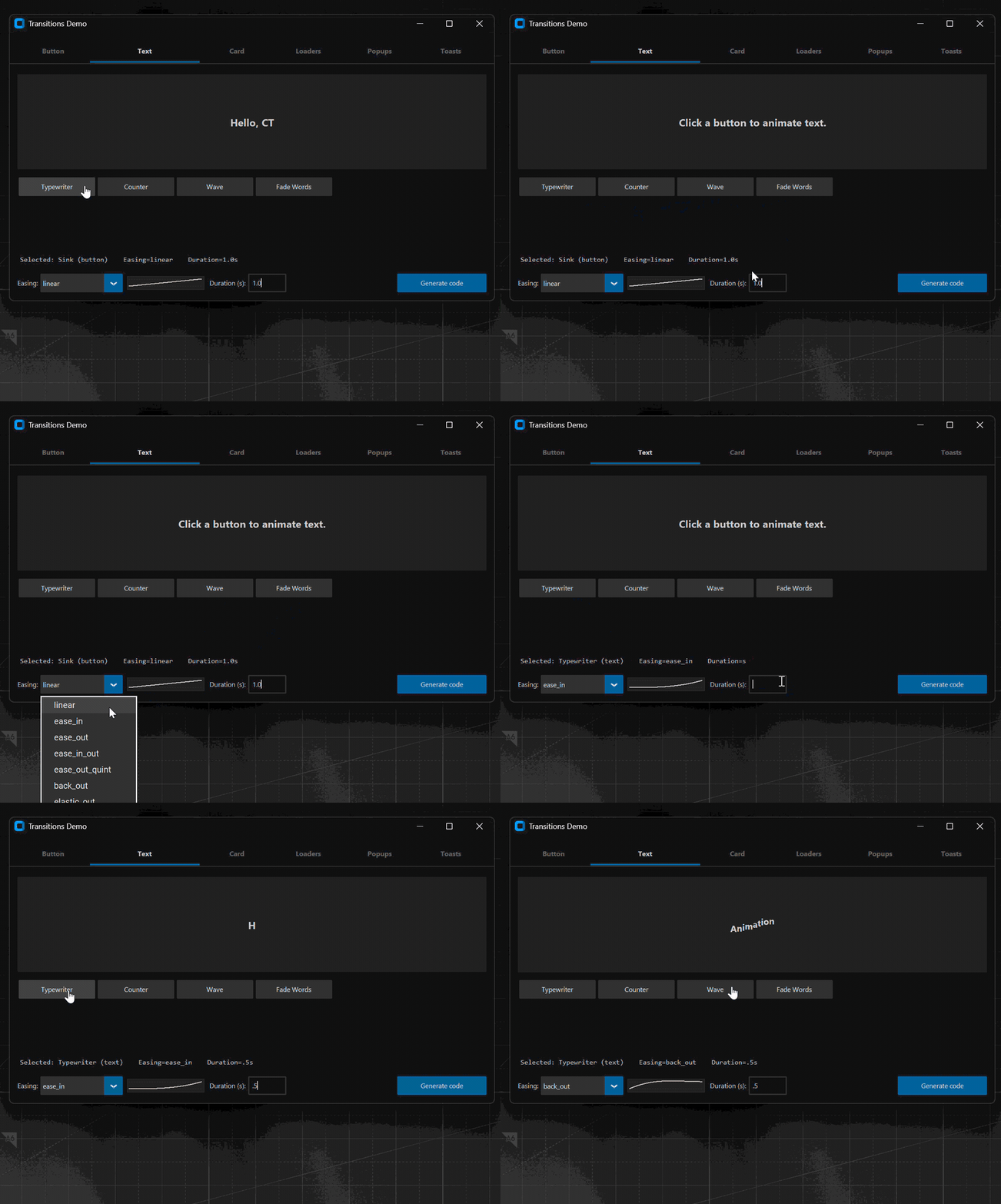
Text
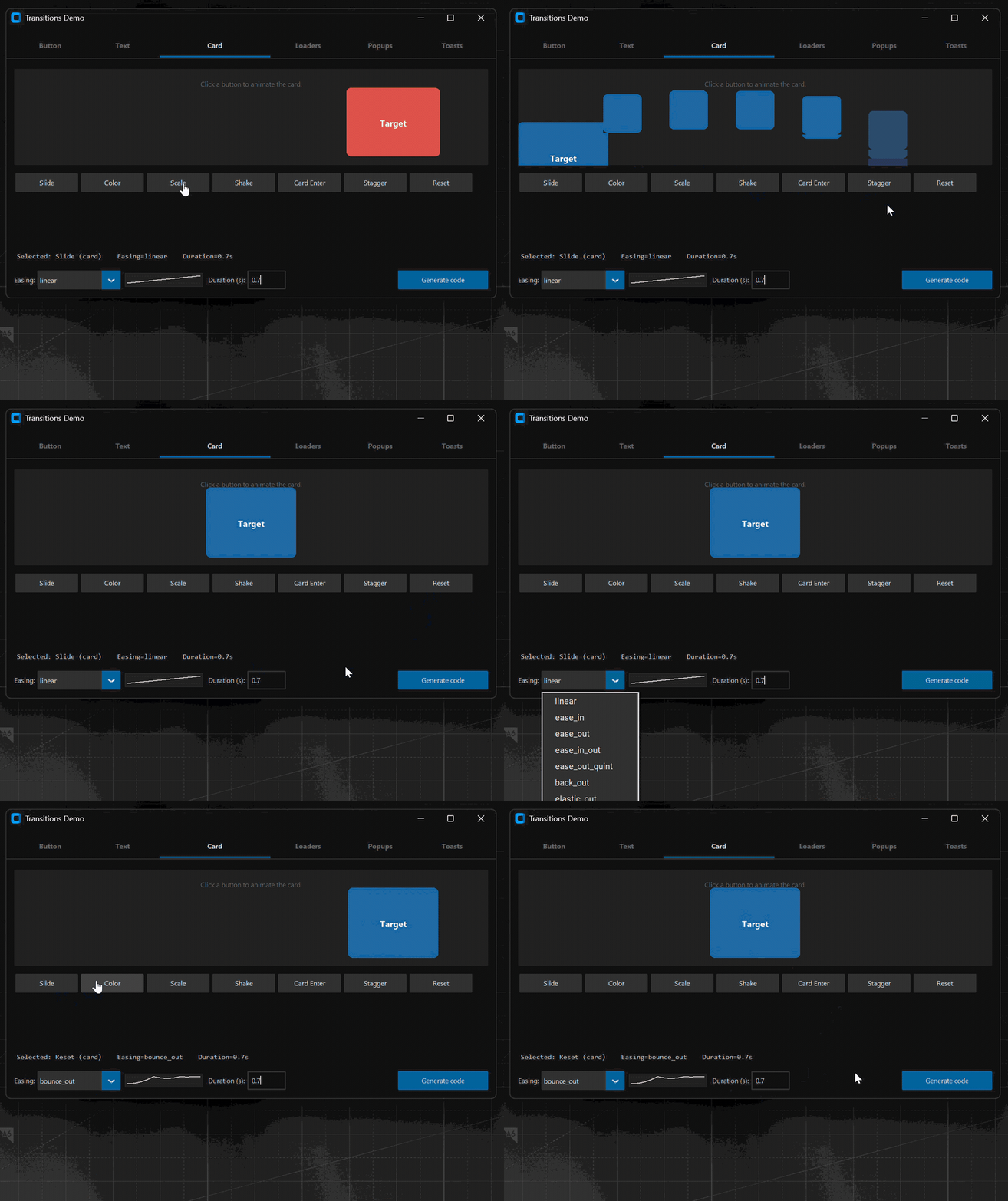
Card
Loaders
Popups
Toasts
Example generated code
Picking Button → Grow with back_out easing and 0.5s duration and
clicking Generate code produces this self-contained module. Drop it
next to any project, import attach_press_effect, and wrap a button:
Click to expand the generated module (annotated)
"""Button press effect — generated by Transitions Demo.

Settings:
  Effect:   Grow
  Easing:   back_out
  Duration: 0.5s

Usage:
  attach_press_effect(my_button, base_w=160, base_h=44)
"""
import time

import customtkinter as ctk


# --- easings ---
# Each easing(t) maps t in [0, 1] (linear time) to a curve in [0, ~1].
# Pick the one that matches the feel you want — back_out overshoots
# slightly and then settles, giving a tactile "snap back" finish.

def back_out(t):
    if t >= 1:
        return 1.0
    s = 1.70158
    u = t - 1
    return 1 + (s + 1) * u ** 3 + s * u ** 2


def ease_out(t):  # used for the press-in (smooth deceleration)
    return 1 - (1 - t) ** 3


# --- tween engine ---
# Time-based, ~60 fps via Tk's after(16ms). Re-uses the host widget's
# event loop, so no threads, no extra dependencies.

class Tween:
    FRAME_MS = 16

    def __init__(self, widget, duration, easing, step, on_done=None):
        self.widget = widget
        self.duration = max(duration, 0.001)
        self.easing = easing
        self.step = step          # called every frame with eased t
        self.on_done = on_done    # called once after the final frame
        self._start = None
        self._running = False

    def start(self):
        self._start = time.perf_counter()
        self._running = True
        self._tick()
        return self

    def _tick(self):
        if not self._running:
            return
        # Linear progress 0 → 1, clamped at the end.
        t = min((time.perf_counter() - self._start) / self.duration, 1.0)
        self.step(self.easing(t))   # eased value handed to the step fn
        if t < 1.0:
            self.widget.after(self.FRAME_MS, self._tick)
        else:
            self._running = False
            if self.on_done:
                self.on_done()


# Linear interpolation between two scalars.
def lerp(a, b, t):
    return a + (b - a) * t


# --- attach press effect ---
# Wraps a button so its existing command still fires, but alongside an
# animation that grows it to 108% and snaps back with back_out.

def attach_press_effect(button, base_w=160, base_h=44, duration=0.5):
    """Wrap button command with a "Grow" press animation."""
    original = button.cget('command') or (lambda: None)

    PEAK_W = max(1, int(base_w * 1.08))
    PEAK_H = max(1, int(base_h * 1.08))

    # Phase 1: smooth grow to peak (120 ms).
    def to_peak(t):
        button.configure(
            width=int(lerp(base_w, PEAK_W, t)),
            height=int(lerp(base_h, PEAK_H, t)),
        )

    # Phase 2: settle back to base size with the chosen easing.
    def to_base(t):
        button.configure(
            width=int(lerp(PEAK_W, base_w, t)),
            height=int(lerp(PEAK_H, base_h, t)),
        )

    def on_press():
        # Chain the two tweens — phase 2 starts when phase 1 finishes.
        Tween(
            button, 0.12, ease_out, to_peak,
            on_done=lambda: Tween(
                button, duration, back_out, to_base
            ).start(),
        ).start()
        original()  # still call whatever the button was originally bound to

    button.configure(command=on_press)


# --- runnable demo ---

if __name__ == "__main__":
    ctk.set_appearance_mode("dark")
    app = ctk.CTk()
    app.geometry("400x200")
    btn = ctk.CTkButton(
        app, text="Press me", width=160, height=44,
        command=lambda: print("clicked"),
    )
    btn.place(relx=0.5, rely=0.5, anchor="center")
    attach_press_effect(btn, base_w=160, base_h=44)
    app.mainloop()
Every other animation in the gallery exports the same shape — imports +
easings + Tween + helpers + an animation function + a runnable
__main__ block — so each output is self-contained and dependency-free
beyond customtkinter.
Try it in a real GUI builder
This demo started life as a tool window inside CTkMaker — a drag-and-drop visual designer for CustomTkinter. In CTkMaker you build full applications on a canvas, attach behavior files, manage multi-page projects, and export runnable Python. The same playground ships under Tools → Transitions Demo, so you can audition any of these animations against the real widgets you have already laid out.
Support
If this is useful, you can support the work here: ☕ Buy me a coffee
License
MIT — see LICENSE.
Release history Release notifications | RSS feed


Download files
Download the file for your platform. If you're not sure which to choose, learn more about installing packages.
Source Distribution
Built Distribution
Filter files by name, interpreter, ABI, and platform.
If you're not sure about the file name format, learn more about wheel file names.
Copy a direct link to the current filters
File details
Details for the file ctk_transitions-1.0.1.tar.gz.
File metadata
- Download URL: ctk_transitions-1.0.1.tar.gz
- Upload date:
- Size: 28.2 kB
- Tags: Source
- Uploaded using Trusted Publishing? No
- Uploaded via: twine/6.2.0 CPython/3.14.4
File hashes
| Algorithm | Hash digest | |
|---|---|---|
| SHA256 |
bee2b1cdd3291e7fd7e50cfa27ddd84939c96601011b2fd53bcfa5378209a02c
|
|
| MD5 |
051210a076b77856da4791acebce7a69
|
|
| BLAKE2b-256 |
119472998e49cfba242bfe2ab96d502665e114bba7916c1fce605944a334ce9f
|
File details
Details for the file ctk_transitions-1.0.1-py3-none-any.whl.
File metadata
- Download URL: ctk_transitions-1.0.1-py3-none-any.whl
- Upload date:
- Size: 26.1 kB
- Tags: Python 3
- Uploaded using Trusted Publishing? No
- Uploaded via: twine/6.2.0 CPython/3.14.4
File hashes
| Algorithm | Hash digest | |
|---|---|---|
| SHA256 |
1a22d4e99a6e14692a3729c6a2b1cd59be127a51336a2ad8cb825ecc688bbc43
|
|
| MD5 |
174a69177d20c4abae04937843f7ba83
|
|
| BLAKE2b-256 |
d82830f08438e2b22a03efa1c2f76f27dc96a77de34a03d987b13c09c7f2f502
|






