
ctxflow to keep you developing with ease

Project description

a pleasant file explorer in your terminal supporting all filesystems










browsr 🗂️ is a pleasant file explorer in your terminal. It's a command line TUI
(text-based user interface) application that empowers you to browse the contents of local
and remote filesystems with your keyboard or mouse.
You can quickly navigate through directories and peek at files whether they're hosted locally, in GitHub, over SSH, in AWS S3, Google Cloud Storage, or Azure Blob Storage. View code files with syntax highlighting, format JSON files, render images, convert data files to navigable datatables, and more.
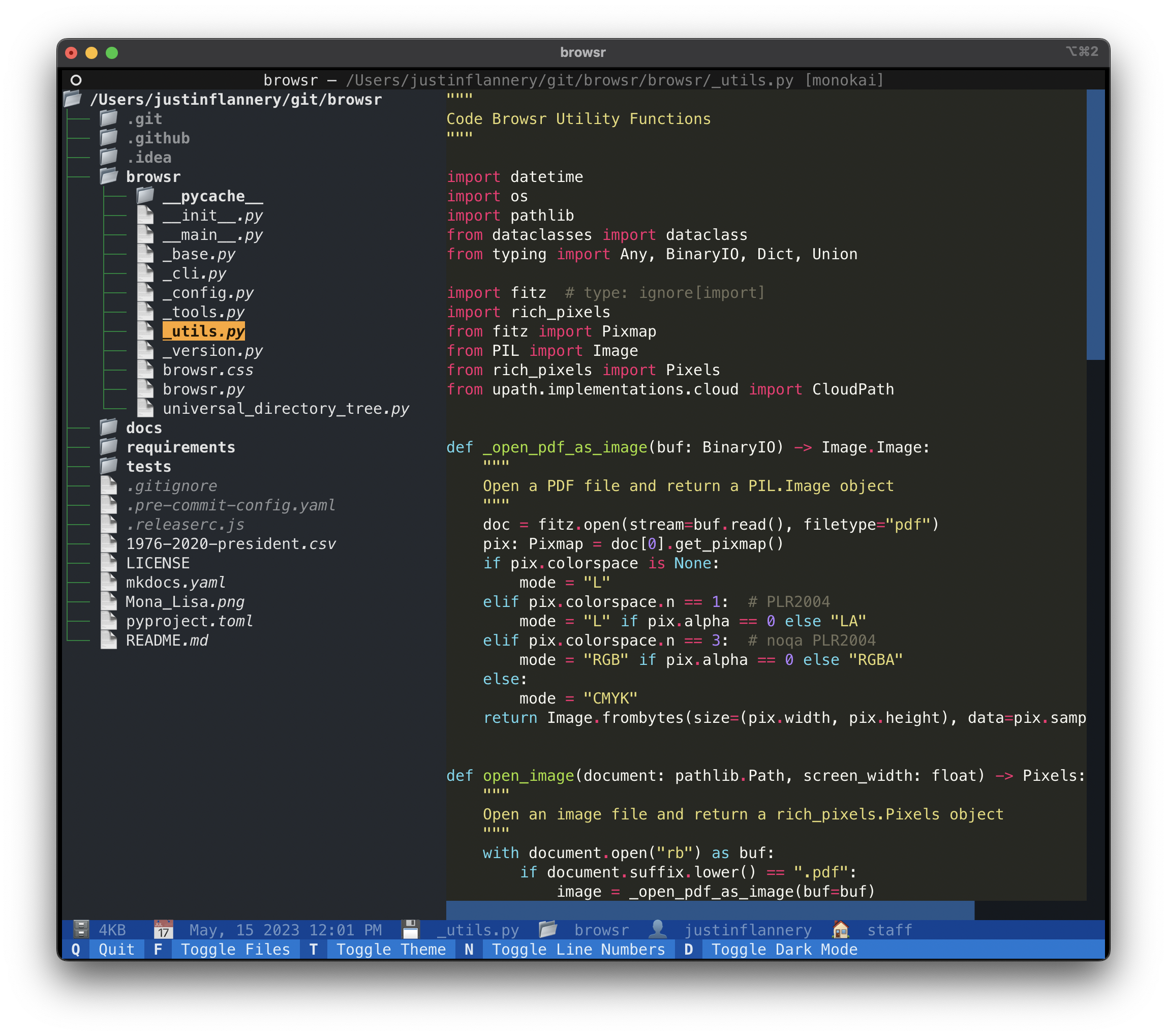
Screenshots
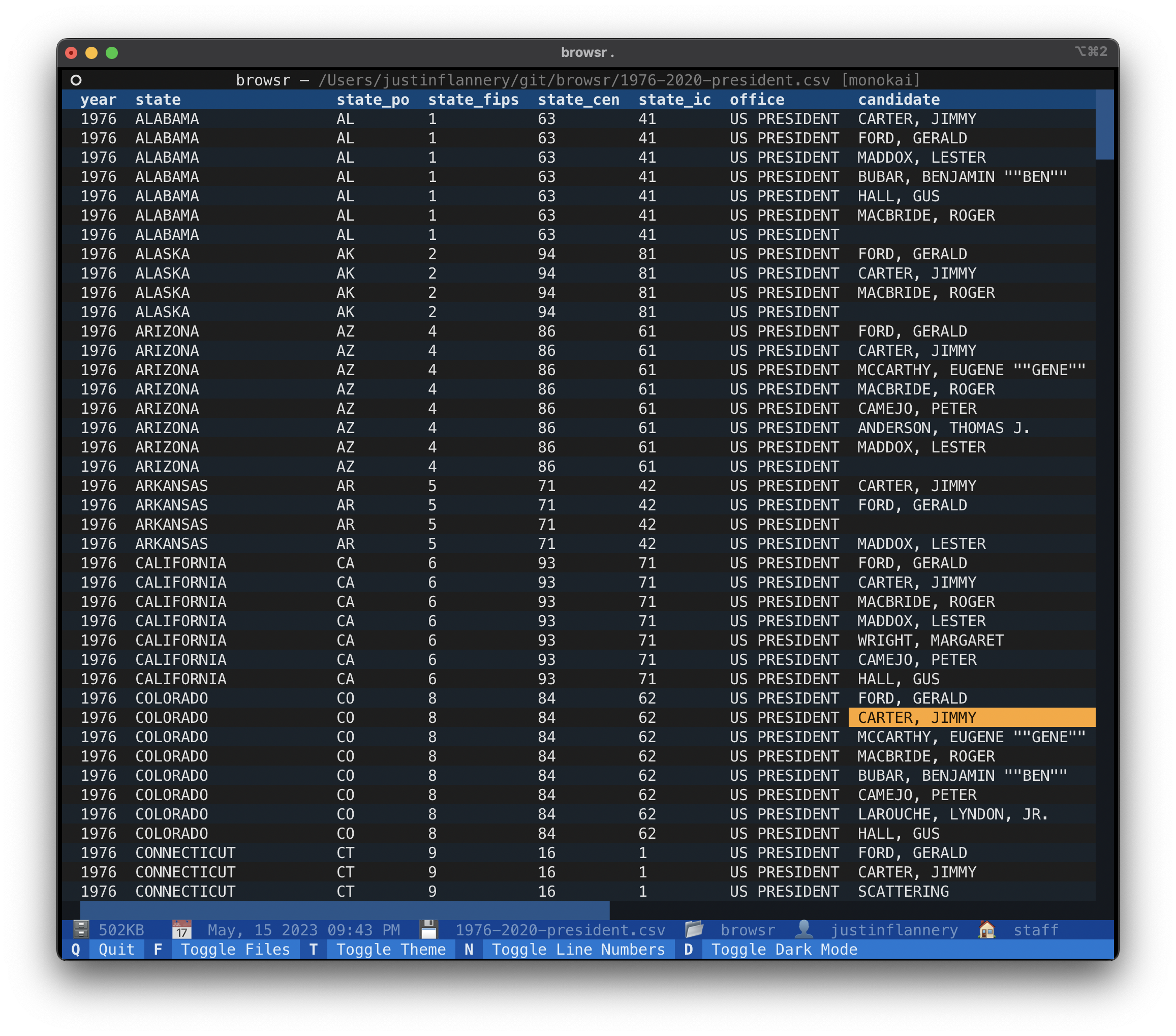
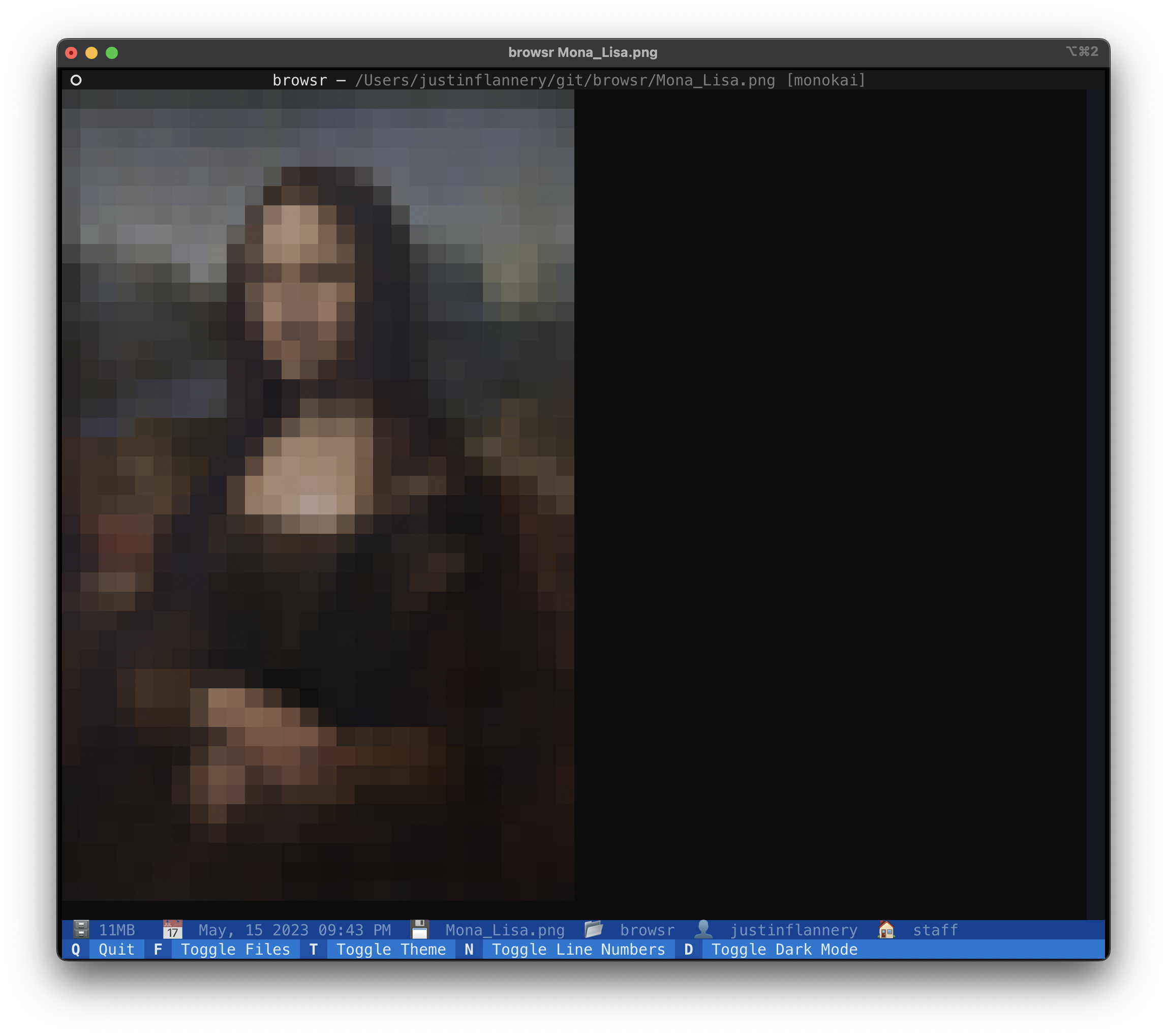
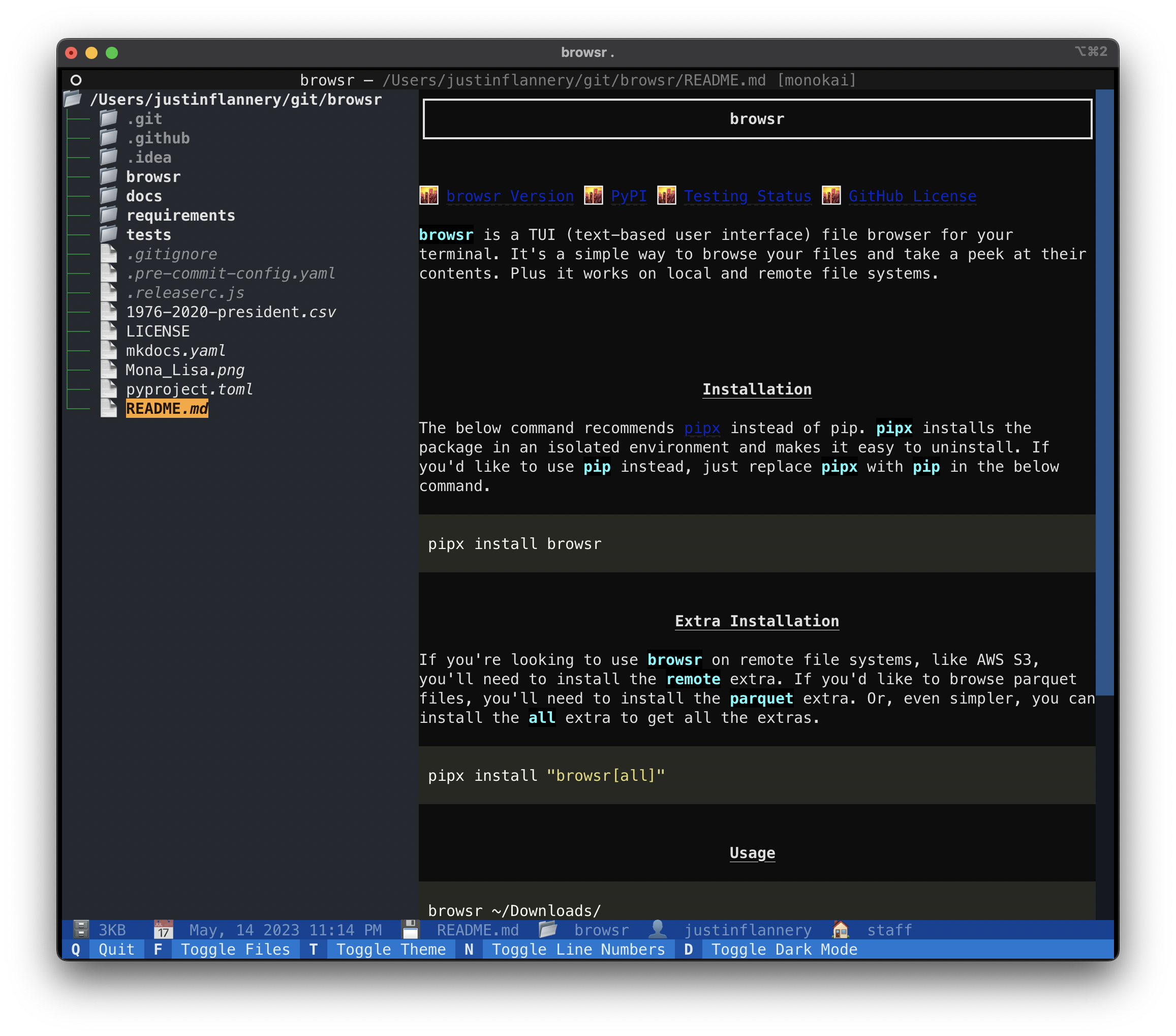
Screen Recording
Installation
It's recommended to use pipx instead of pip. pipx installs the package in
an isolated environment and makes it available everywhere. If you'd like to use pip instead, just replace pipx
with pip in the below command.
pipx install browsr
Extra Installation
If you're looking to use browsr on remote file systems, like GitHub or AWS S3, you'll need to install the remote extra.
If you'd like to browse parquet / feather files, you'll need to install the data extra. Or, even simpler,
you can install the all extra to get all the extras.
pipx install "browsr[all]"
Usage
Simply give browsr a path to a local or remote file / directory.
Check out the Documentation for more information
about the file systems supported.
Local
browsr ~/Downloads/
GitHub
browsr github://juftin:browsr
export GITHUB_TOKEN="ghp_1234567890"
browsr github://juftin:browsr-private@main
Cloud
browsr s3://my-bucket
** Currently AWS S3, Google Cloud Storage, and Azure Blob Storage / Data Lake are supported.
SSH / SFTP
browsr ssh://username@example.com:22
License
browsr is distributed under the terms of the MIT license.


Download files
Download the file for your platform. If you're not sure which to choose, learn more about installing packages.
Source Distribution
Built Distribution
Filter files by name, interpreter, ABI, and platform.
If you're not sure about the file name format, learn more about wheel file names.
Copy a direct link to the current filters
File details
Details for the file ctxflow-0.0.2.tar.gz.
File metadata
- Download URL: ctxflow-0.0.2.tar.gz
- Upload date:
- Size: 9.6 MB
- Tags: Source
- Uploaded using Trusted Publishing? No
- Uploaded via: python-httpx/0.28.1
File hashes
| Algorithm | Hash digest | |
|---|---|---|
| SHA256 |
012cf6b159d8393e35c76db4b76ed52cb45665a24a05502bc9deb72ae4e01b15
|
|
| MD5 |
c8027375c840ab455e16ccbf0c908409
|
|
| BLAKE2b-256 |
0b8412fd88f38cb11104a33e67a60a96aae931850e8c5814161852e215eb86a2
|
File details
Details for the file ctxflow-0.0.2-py3-none-any.whl.
File metadata
- Download URL: ctxflow-0.0.2-py3-none-any.whl
- Upload date:
- Size: 56.0 kB
- Tags: Python 3
- Uploaded using Trusted Publishing? No
- Uploaded via: python-httpx/0.28.1
File hashes
| Algorithm | Hash digest | |
|---|---|---|
| SHA256 |
32ae9a4cf1f7f6472fa07c6ea73761675152da8a6677cb41897a23fd8b18d6c7
|
|
| MD5 |
db9eae3f27dc83b9f730cccc7b9927f2
|
|
| BLAKE2b-256 |
47d3d4d1af718e97c662a905782c7ce8b2179552a1509b18a0c3db5d138fbfa8
|






