
Computer-Use Interface (CUI) framework powering Cua

Project description


cua-computer is a Computer-Use Interface (CUI) framework powering Cua for interacting with local macOS and Linux sandboxes, PyAutoGUI-compatible, and pluggable with any AI agent systems (Cua, Langchain, CrewAI, AutoGen). Computer relies on Lume for creating and managing sandbox environments.
Get started with Computer
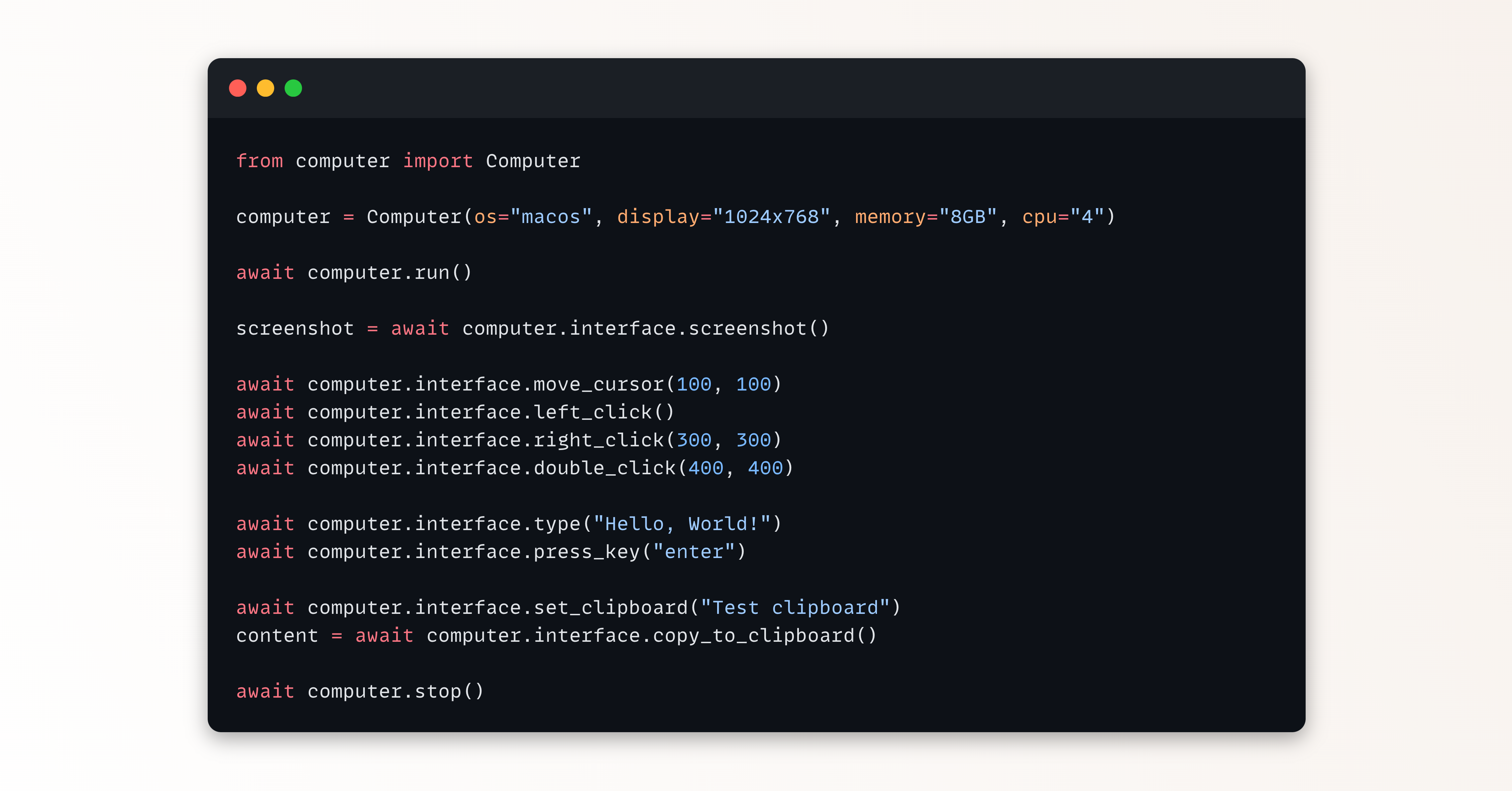
from computer import Computer

computer = Computer(os_type="macos", display="1024x768", memory="8GB", cpu="4")
try:
    await computer.run()

    screenshot = await computer.interface.screenshot()
    with open("screenshot.png", "wb") as f:
        f.write(screenshot)

    await computer.interface.move_cursor(100, 100)
    await computer.interface.left_click()
    await computer.interface.right_click(300, 300)
    await computer.interface.double_click(400, 400)

    await computer.interface.type_text("Hello, World!")
    await computer.interface.press_key("enter")

    await computer.interface.set_clipboard("Test clipboard")
    content = await computer.interface.copy_to_clipboard()
    print(f"Clipboard content: {content}")
finally:
    await computer.stop()
Install
To install the Computer-Use Interface (CUI):
pip install "cua-computer[all]"
The cua-computer PyPi package pulls automatically the latest executable version of Lume through pylume.
Run
Refer to this notebook for a step-by-step guide on how to use the Computer-Use Interface (CUI):
Docs
Release history Release notifications | RSS feed


Download files
Download the file for your platform. If you're not sure which to choose, learn more about installing packages.
Source Distribution
Built Distribution
Filter files by name, interpreter, ABI, and platform.
If you're not sure about the file name format, learn more about wheel file names.
Copy a direct link to the current filters
File details
Details for the file cua_computer-0.4.16.tar.gz.
File metadata
- Download URL: cua_computer-0.4.16.tar.gz
- Upload date:
- Size: 85.5 kB
- Tags: Source
- Uploaded using Trusted Publishing? No
- Uploaded via: twine/6.2.0 CPython/3.11.9
File hashes
| Algorithm | Hash digest | |
|---|---|---|
| SHA256 |
a18d1948c0b56f1a7241948f642302ab56fce7ccc1a655b9812991fca6d56464
|
|
| MD5 |
7fce3f37eed605c828dfacac3d5546eb
|
|
| BLAKE2b-256 |
9c0d982e4de9ea9f46fd408534e791838ffe5eaadc4ff63bd16e2141f965e0a6
|
File details
Details for the file cua_computer-0.4.16-py3-none-any.whl.
File metadata
- Download URL: cua_computer-0.4.16-py3-none-any.whl
- Upload date:
- Size: 100.0 kB
- Tags: Python 3
- Uploaded using Trusted Publishing? No
- Uploaded via: twine/6.2.0 CPython/3.11.9
File hashes
| Algorithm | Hash digest | |
|---|---|---|
| SHA256 |
442396b70f45a5b6bc3e091fc4f7cbfb7267fc20ca2c064e0081e3ca57bc1fa7
|
|
| MD5 |
0226c18fc8f067e5db7cd7f3ffd12fdf
|
|
| BLAKE2b-256 |
fe6f8fcc342c562e884793ffdc5e4a7aafd35c38a4ac0f018e5c0b634b20ee3d
|






