
Create modern looking GUIs with Python

Project description







Custom2kinter is a python UI-library based on Tkinter, which provides new, modern and fully customizable widgets. They are created and used like normal Tkinter widgets and can also be used in combination with normal Tkinter elements. The widgets and the window colors either adapt to the system appearance or the manually set mode ('light', 'dark'), and all Custom2kinter widgets and windows support HighDPI scaling (Windows, macOS). With Custom2kinter you'll get a consistent and modern look across all desktop platforms (Windows, macOS, Linux).
This project was created to continue the development of CustomTkinter, since the
original author lost interest in it. The first release of this library is v5.3.0,
which continues the old numeration, and it is fully compatible with the last released
version of the original library.
They can't live together in the same environment, so be sure to uninstall customtkinter
before installing custom2kinter. This library is still imported using the original
name, so existing code doesn't need to be updated.
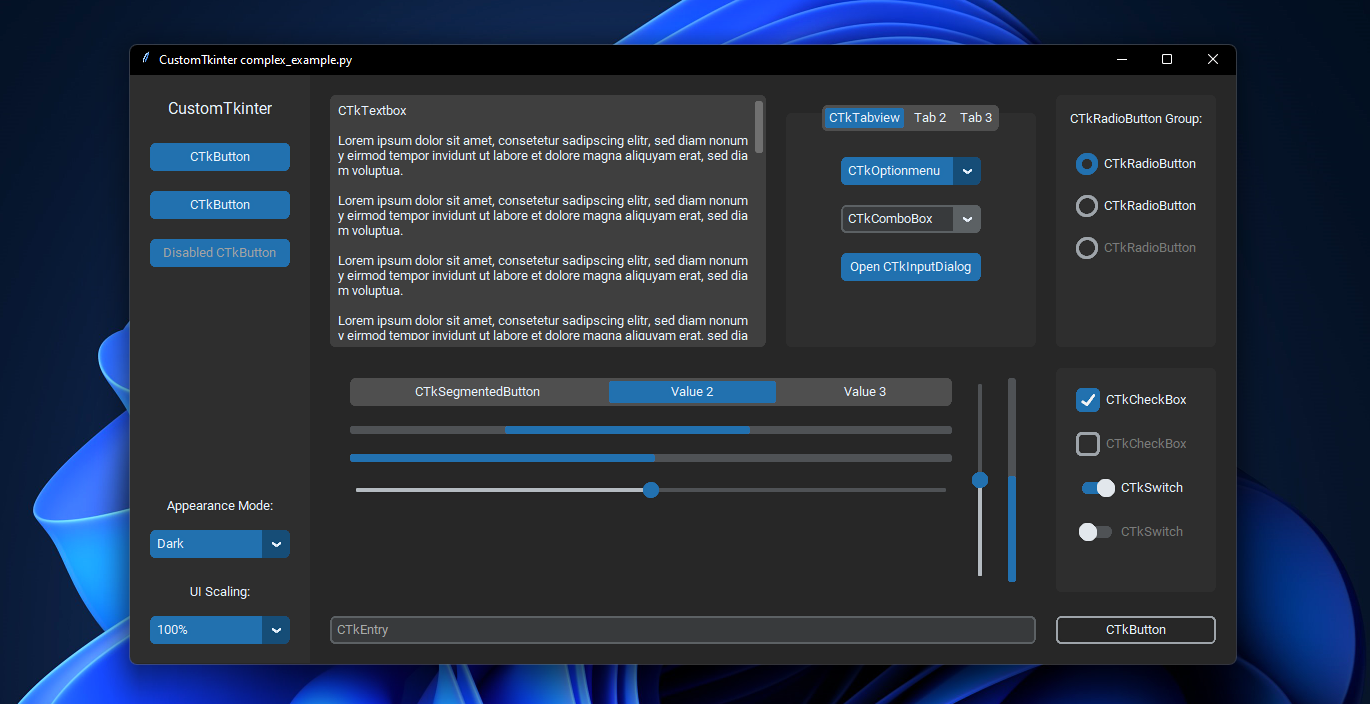
complex_example.py on Windows 11 with dark mode and 'blue' theme
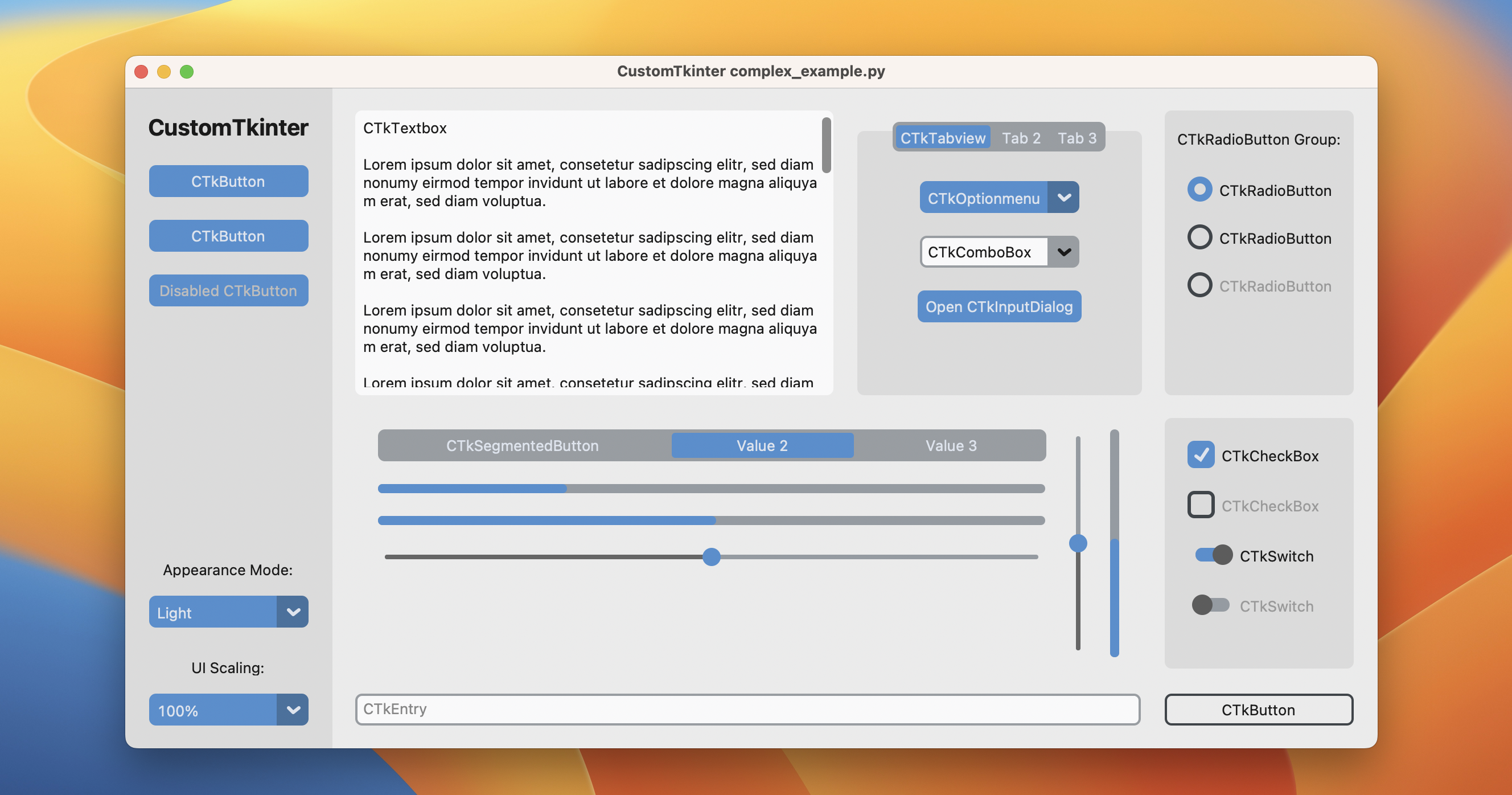
complex_example.py on macOS in light mode and standard 'blue' theme
Installation
Install the module with pip:
pip3 install custom2kinter
Update existing installation: pip3 install custom2kinter --upgrade
(update as often as possible because this library is under active development)
Documentation
The official documentation can be found here:
➡️ https://customtkinter.tomschimansky.com/documentation.
Example Program
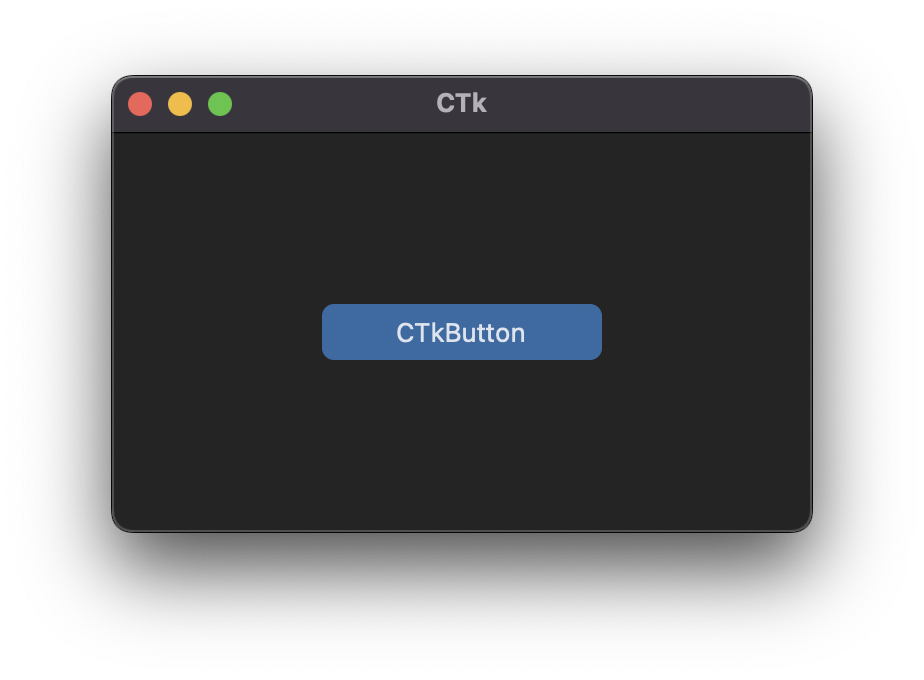
To test custom2kinter you can try this simple example with only a single button:
import customtkinter

customtkinter.set_appearance_mode("System")  # Modes: system (default), light, dark
customtkinter.set_default_color_theme("blue")  # Themes: blue (default), dark-blue, green

app = customtkinter.CTk()  # create CTk window like you do with the Tk window
app.geometry("400x240")

def button_function():
    print("button pressed")

# Use CTkButton instead of tkinter Button
button = customtkinter.CTkButton(master=app, text="CTkButton", command=button_function)
button.place(relx=0.5, rely=0.5, anchor=customtkinter.CENTER)

app.mainloop()
which results in the following window on macOS:
In the examples folder, you can find more example programs and in the Documentation you can find further information on the appearance mode, scaling, themes and all widgets.
More Examples and Showcase
You can run the following code to show a simple App that displays all available widgets:
import customtkinter as ctk
ctk.run_showroom()
Appearance mode change and scaling change
Custom2kinter can adapt to the Windows 10/11 light or dark mode:
| complex_example.py on Windows 11 with system appearance mode change and standard 'blue' theme
On macOS you either need python3.10 or higher or the anaconda python version to get a dark window header (Tcl/Tk >= 8.6.9 required):
| complex_example.py on macOS with system appearance mode change, user-scaling change and standard 'blue' theme
Button with images
It's possible to put an image on a CTkButton. You just have to
pass a PhotoImage object to the CTkButton with the image argument.
If you want no text at all you have to set text="" or you specify
how to position the text and image at once with the compound option:
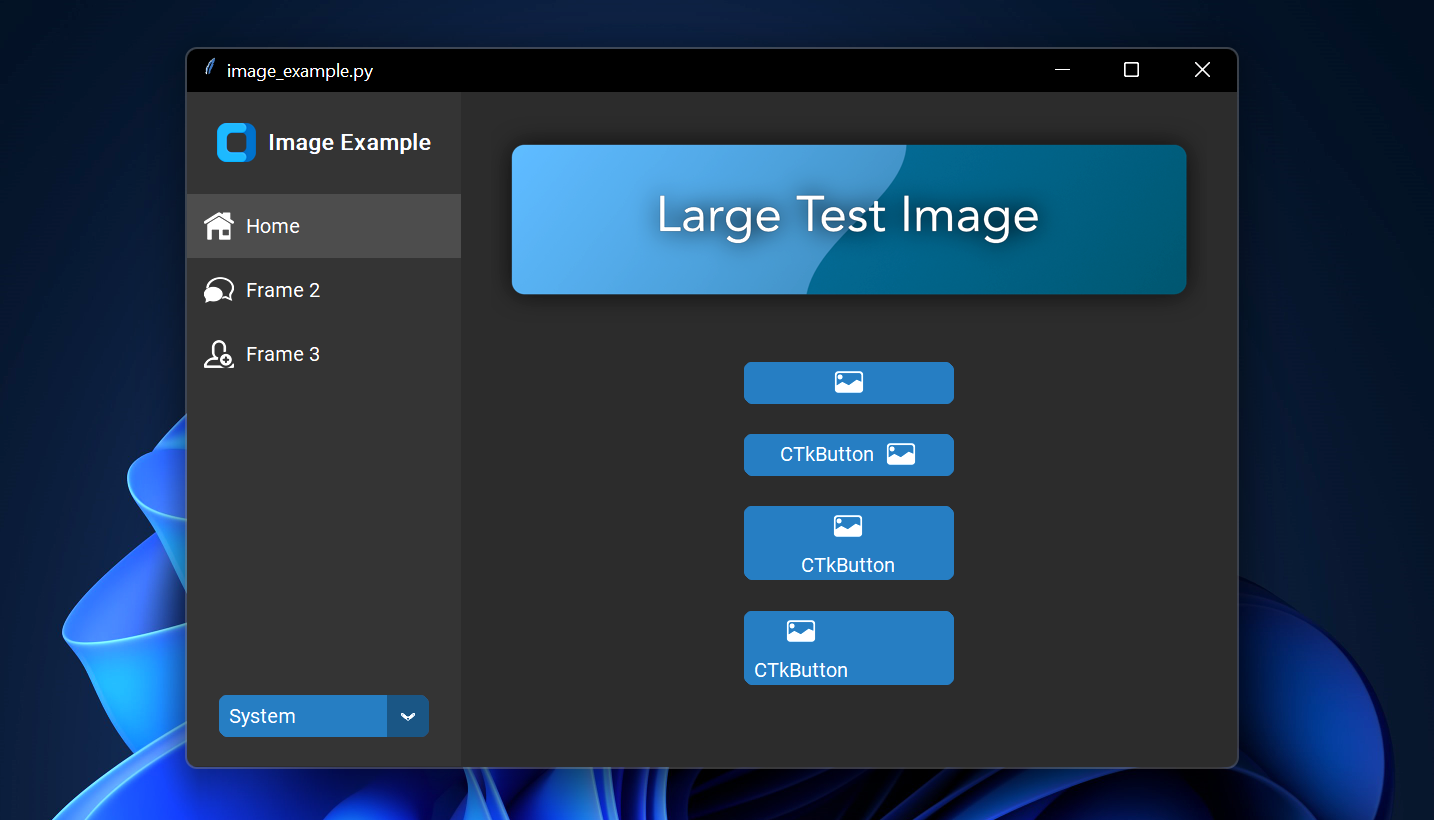
image_example.py on Windows 11
Scrollable Frames
Scrollable frames are possible in vertical or horizontal orientation and can be combined
with any other widgets.
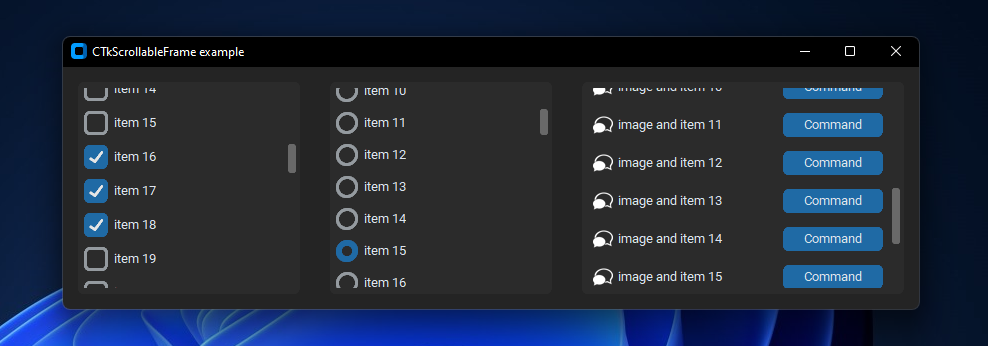
scrollable_frame_example.py on Windows 11
Integration of TkinterMapView widget
In the following example I used a TkinterMapView which integrates well with a Custom2kinter program. It's a tile based map widget which displays OpenStreetMap or other tile based maps:
| examples/map_with_customtkinter.py from TkinterMapView repository on Windows 11
You can find the TkinterMapView library and example program here: https://github.com/TomSchimansky/TkinterMapView
Release history Release notifications | RSS feed

Download files
Download the file for your platform. If you're not sure which to choose, learn more about installing packages.
Source Distribution
Built Distribution
Filter files by name, interpreter, ABI, and platform.
If you're not sure about the file name format, learn more about wheel file names.
Copy a direct link to the current filters
File details
Details for the file custom2kinter-5.3.0.tar.gz.
File metadata
- Download URL: custom2kinter-5.3.0.tar.gz
- Upload date:
- Size: 12.9 MB
- Tags: Source
- Uploaded using Trusted Publishing? No
- Uploaded via: twine/6.2.0 CPython/3.13.9
File hashes
| Algorithm | Hash digest | |
|---|---|---|
| SHA256 |
cfdb704227d9917177312ad9e3489d40930b28f2d471fe86890b57779fee9952
|
|
| MD5 |
1d5c1c32b8e6f6c72df226499414d7ff
|
|
| BLAKE2b-256 |
d654c7f148d25676278e6fd4dafbb26640e5a148b9922cadfd2563fd6a48642a
|
File details
Details for the file custom2kinter-5.3.0-py3-none-any.whl.
File metadata
- Download URL: custom2kinter-5.3.0-py3-none-any.whl
- Upload date:
- Size: 304.3 kB
- Tags: Python 3
- Uploaded using Trusted Publishing? No
- Uploaded via: twine/6.2.0 CPython/3.13.9
File hashes
| Algorithm | Hash digest | |
|---|---|---|
| SHA256 |
61f00bdf60c4187e7bbcbc9f0c72d093c9e83a7b2d1aadf0cc7c26c7d2abf302
|
|
| MD5 |
d7643f73e907661c3c14cb4801a5ef01
|
|
| BLAKE2b-256 |
f259ba43f23bd0cf627b70412179c4fae5afcce1567d07714780d34f1776968e
|






