
Dash VTK
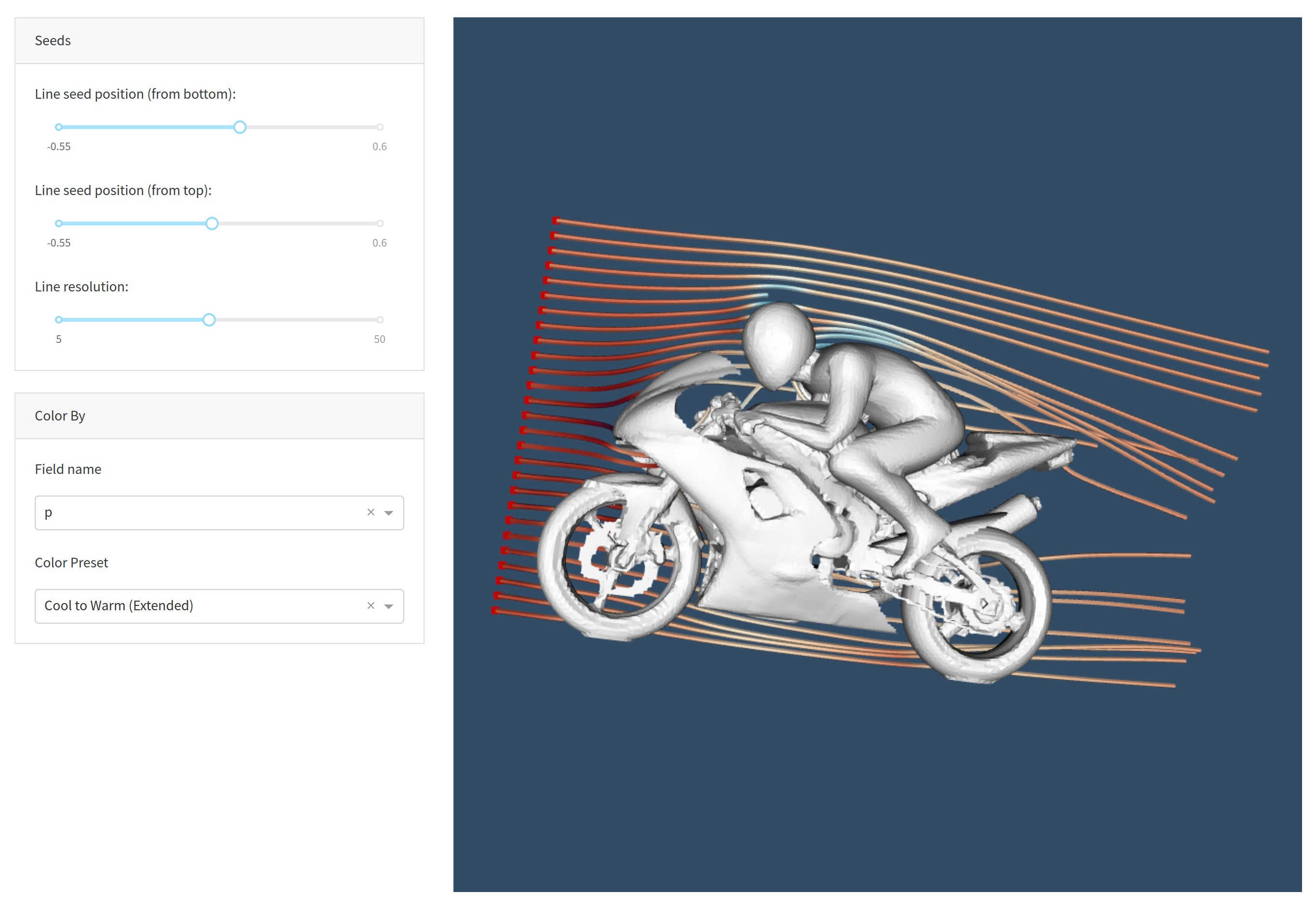
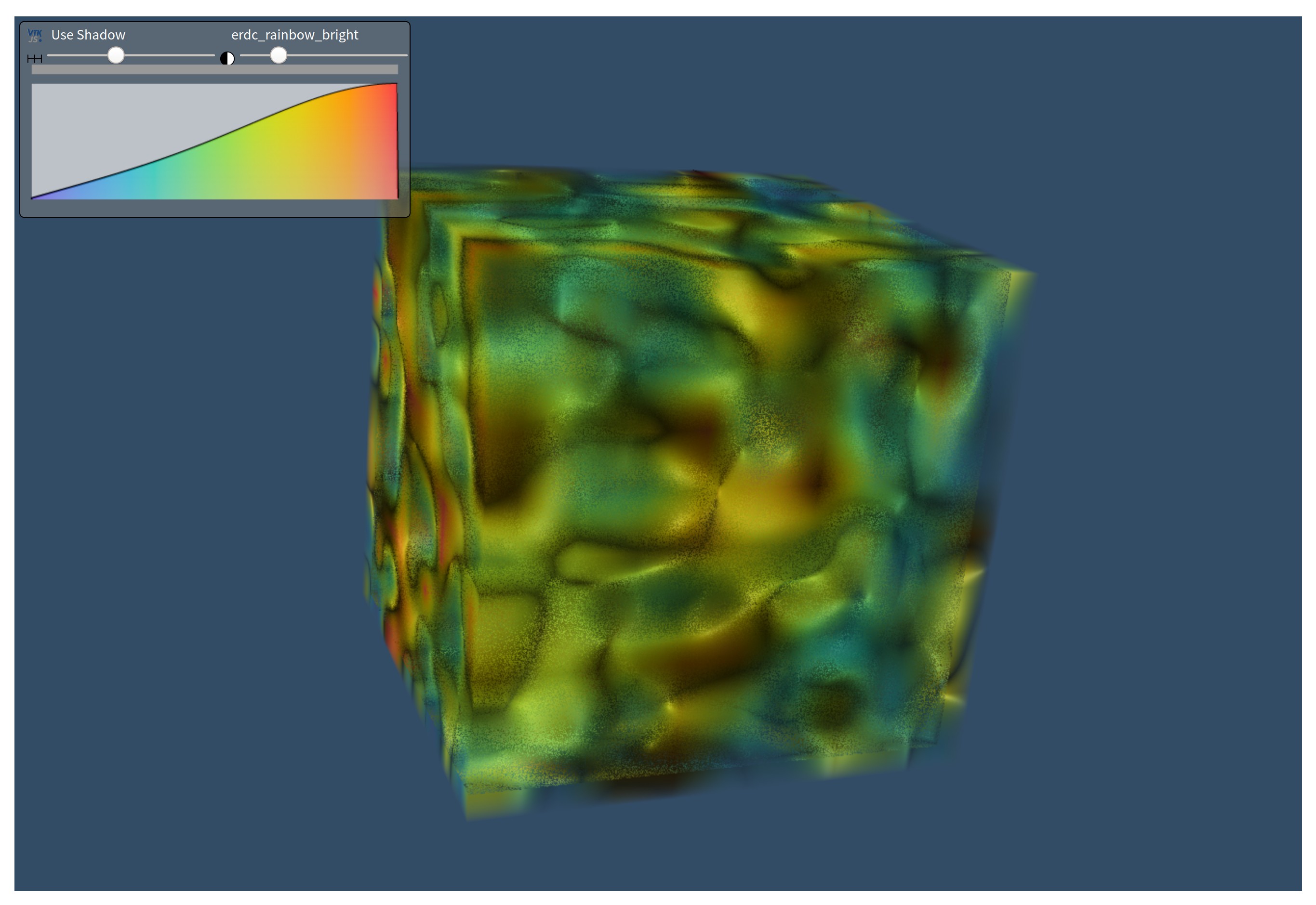
Dash VTK lets you integrate the vtk.js visualization pipeline directly into your Dash app. It is powered by react-vtk-js.
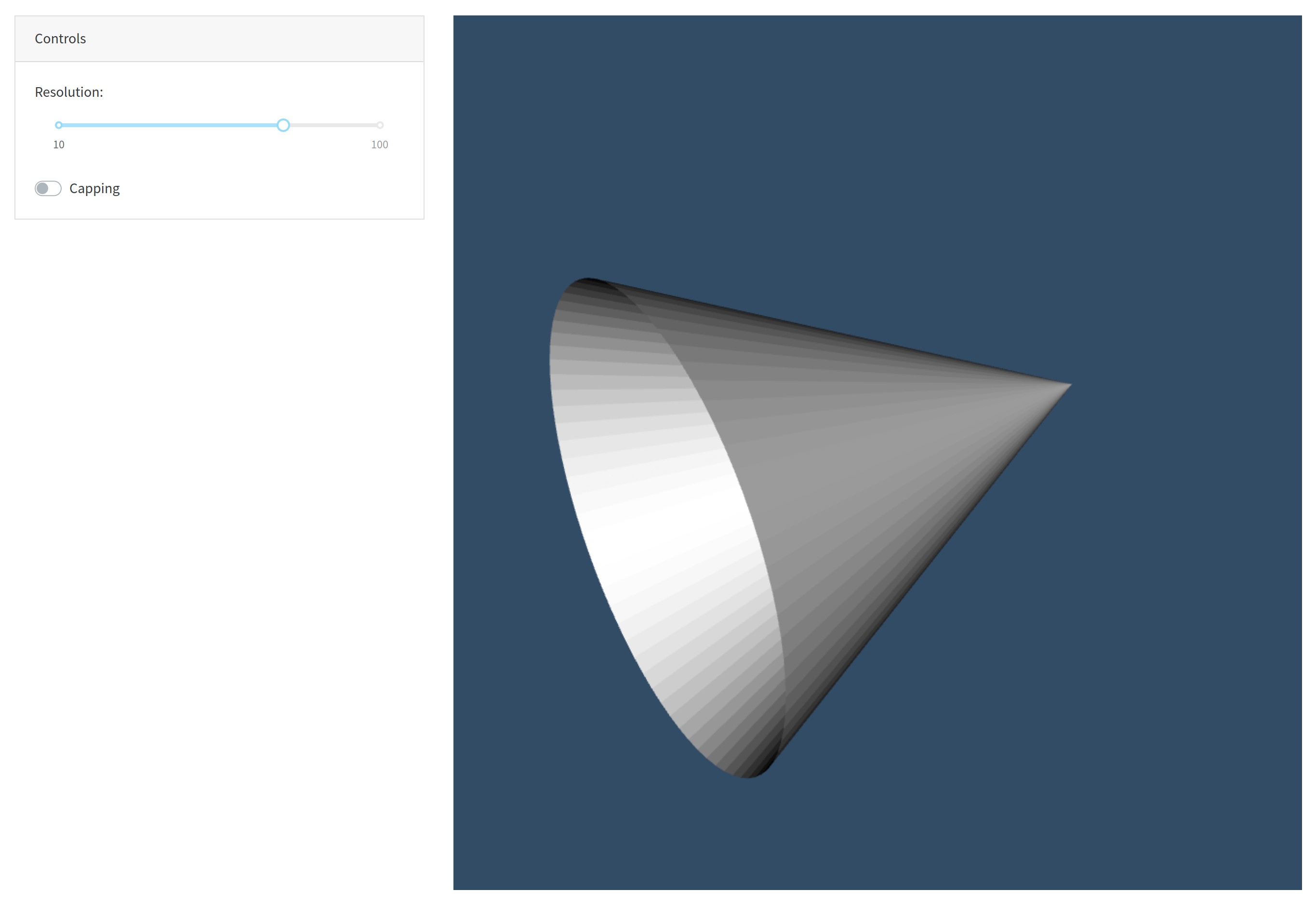 |
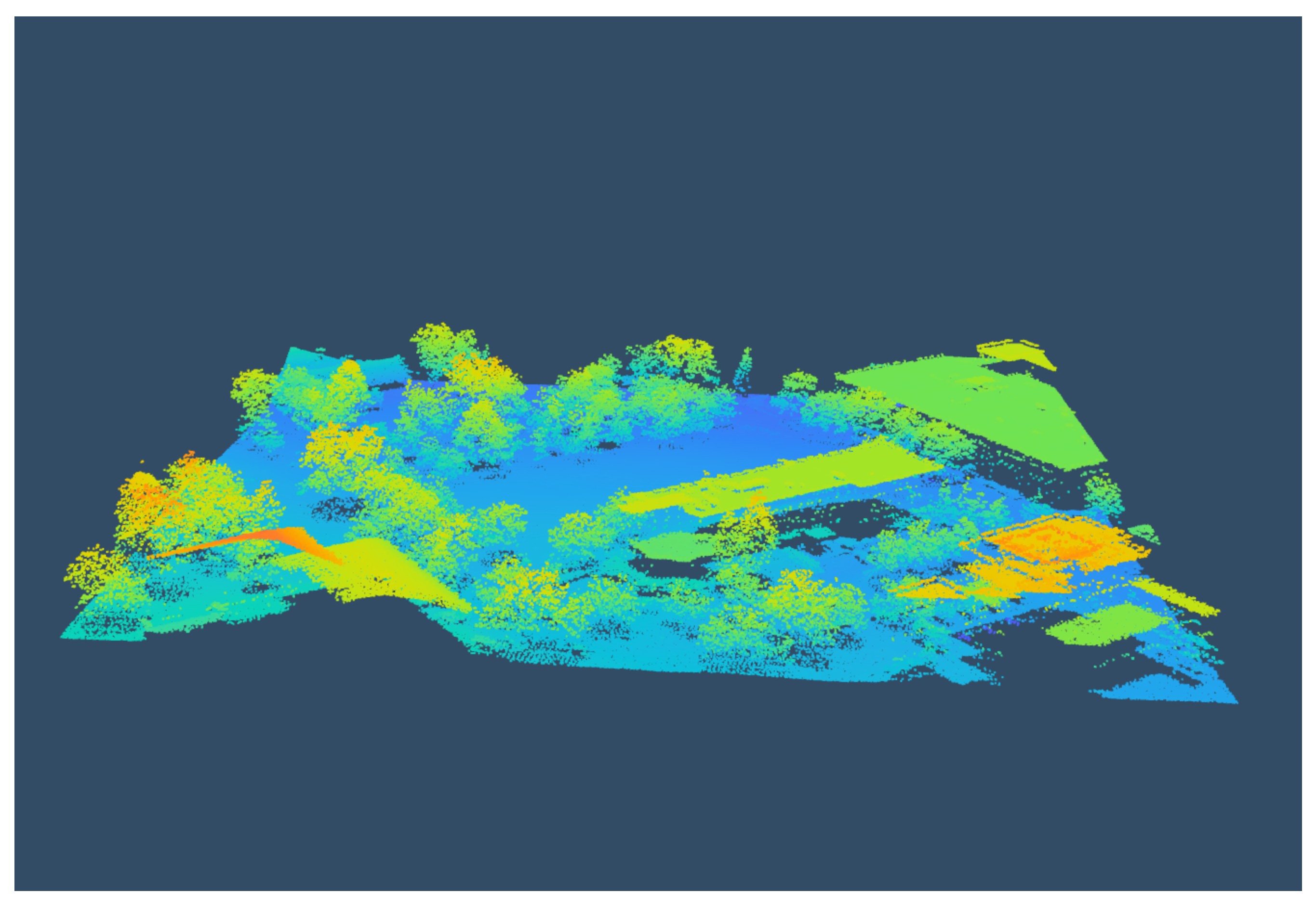 |
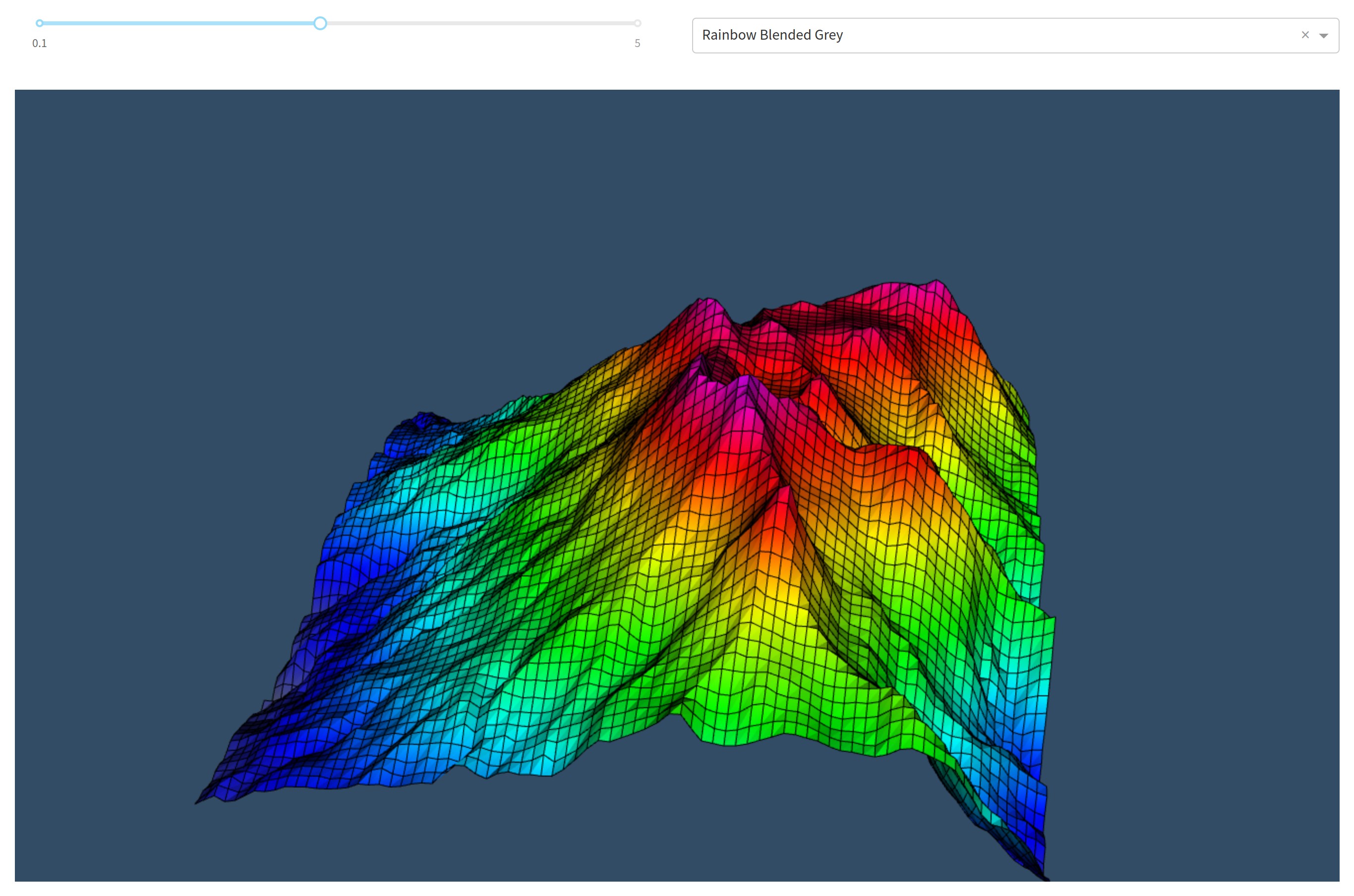 |
|---|---|---|
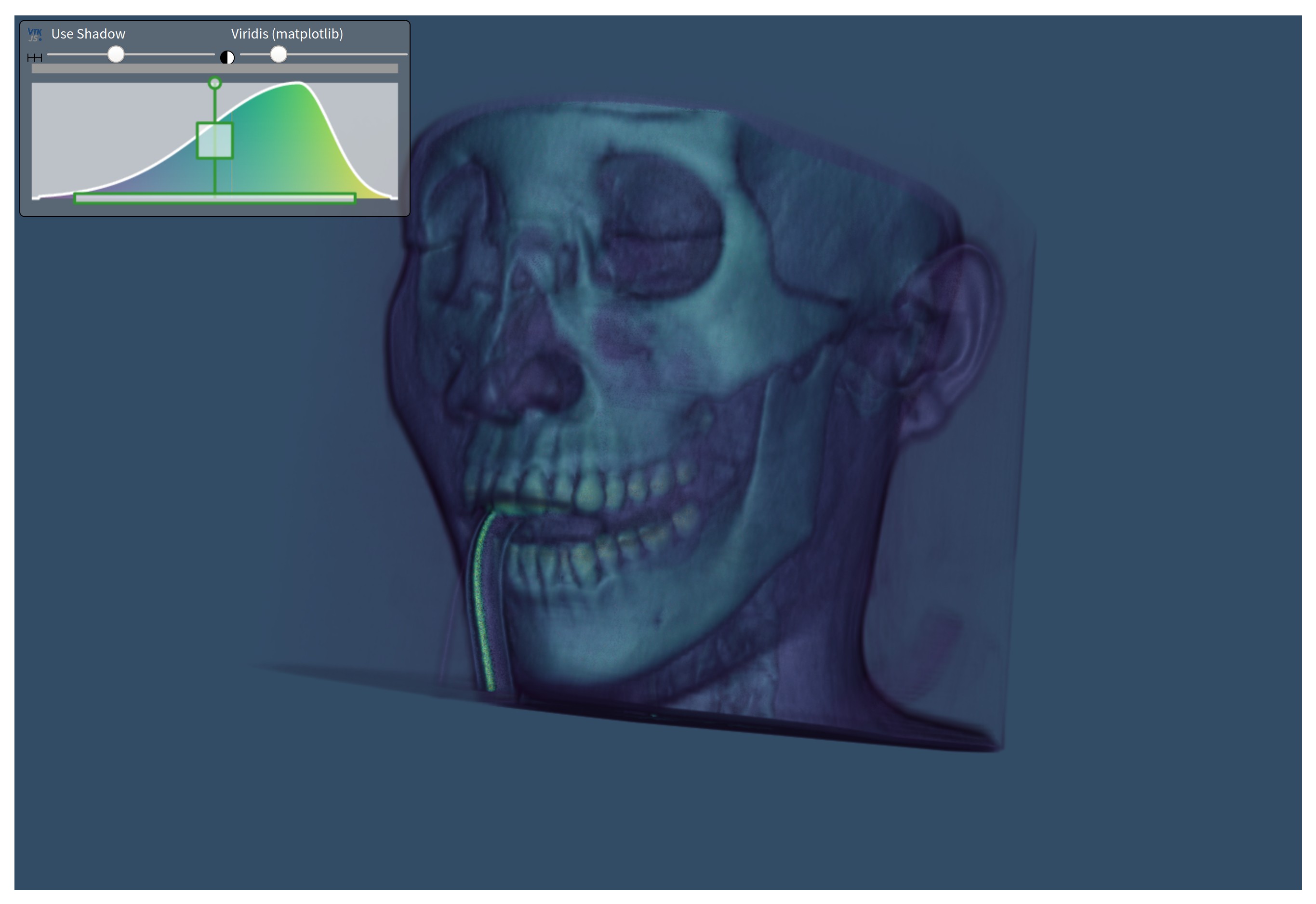 |
 |
 |
Getting started
Quickstart (Python)
First, install the library through pip:
pip install dash-vtk
Then, create a file called app.py and add the following example:
import dash
import dash_vtk
import dash_html_components as html

app = dash.Dash(__name__)

app.layout = html.Div(
    style={"width": "100%", "height": "calc(100vh - 16px)"},
    children=dash_vtk.View([
        dash_vtk.GeometryRepresentation([
            dash_vtk.Algorithm(
                vtkClass="vtkConeSource",
                state={"resolution": 64, "capping": False},
            )
        ]),
    ]),
)

if __name__ == "__main__":
    app.run_server(debug=True)
Now, simply run the app:
python app.py
For a more detailed example, see usage.py.
Quickstart (R)
First, install the package from GitHub (the package is not yet available via CRAN):
remotes::install_github("plotly/dash-vtk")
then, create your component and add it to your layout:
library(dash)
library(dashVtk)
library(dashHtmlComponents)

app <- Dash$new()

app$layout(htmlDiv(
    style = list("width" = "100%", "height" = "calc(100vh - 16px)"),
    children = vtkView(list(
        vtkGeometryRepresentation(
            vtkAlgorithm(
                vtkClass = "vtkConeSource",
                state = list("resolution" = 64, "capping" = FALSE),
            )
        )
    )
)

app$run_server()
Contributing
See docs/CONTRIBUTING.md to learn about:
- Setting up the environment
- Coding Style
- Code quality & design
- Tests
- Publishing
Running the demos
First clone the project (replace <name> with the desired demo):
git clone https://github.com/plotly/dash-vtk.git
cd dash-vtk/demos/<name>/
Create a venv and install the requirements:
python -m venv venv
source venv/bin/activate  # for Windows, use venv\Scripts\activate.bat
pip install -e ../../  # IMPORTANT! If you skip you will get the pip version of dash-vtk
pip install -r requirements.txt
Run the demo:
python app.py
Python environments
Depending on your Python environment, you may run into deployment issue related to the vtk version that get pulled in.
Ideally we want a version of vtk equal or newer than 9. When using such version of VTK, dash-vtk won't even try to load the rendering module of VTK and if OpenGL is not available on your system everything will still be fine.
On the other hand, if you are running python-3.6 and/or pip-18 or less and you don't upgrade your pip version, you will only be able to use vtk<=8.1.2. With vtk 8, there is no way to prevent the loading of the GL library which means that you will have to install libGL on your system, or you will run into errors like this:
  File ".../python/lib/python3.6/site-packages/vtkmodules/all.py", line 29, in <module>
    from .vtkRenderingOpenGL2 import *
ImportError: libGL.so.1: cannot open shared object file: No such file or directory
[2021-02-08 18:36:15 +0000] [10] [INFO] Worker exiting (pid: 10)
or this:
  File ".../python3.7/site-packages/vtk/__init__.py", line 12, in <module>
    from .vtkOpenGLKit import *
  File ".../python3.7/site-packages/vtk/vtkOpenGLKit.py", line 9, in <module>
    from vtkOpenGLKitPython import *
ModuleNotFoundError: No module named 'vtkOpenGLKitPython'
Heroku and Dash Enterprise handle it is slightly different because you will have to install libgl1-mesa-glx via some apt files. In the case of Heroku, you will have to use a buildpack and add libgl1-mesa-glx to a Aptfile located in the root of your project. In the case of Dash Enterprise, you do not need to change the buildpack (it is handled automatically) but you will need to add libgl1-mesa-glx to a apt-packages file instead of Aptfile; see this app as an example.
References
You can find the complete API reference in docs/REFERENCES.md for each of the following components:
- Algorithm
- Calculator
- CellData
- DataArray
- FieldData
- GeometryRepresentation
- ImageData
- PointCloudRepresentation
- PointData
- PolyData
- Reader
- ShareDataSet
- SliceRepresentation
- View
- VolumeController
- VolumeDataRepresentation
- VolumeRepresentation
Demos
Usage for dash_vtk.Algorithm
Point Cloud with PyVista
Terrain deformation using PyVista and dash-vtk
Volume Rendering
VTK for data processing and dash-vtk for rendering
Synthetic Volume Rendering
3 maintainers


Release files for dash-vtk 0.0.9
For a detailed explanation of source distributions (sdists) and built distributions (wheels), please see the package formats documentation.
Source distribution (sdist)
| File | Size | Uploaded | |
|---|---|---|---|
| dash_vtk-0.0.9.tar.gz | 407.9 kB | Details |
Built distribution (wheel)
| File | Interpreter | ABI | Platform | Reset |
|---|---|---|---|---|
| dash_vtk-0.0.9-py3-none-any.whl | Python 3 | none | any | Details |
Total release size: 829.2 kB
Release files / dash_vtk-0.0.9.tar.gz
| Download URL | dash_vtk-0.0.9.tar.gz |
|---|---|
| Size | 407.9 kB |
| Tags | Source |
|
SHA-256 checksum How to use checksums |
27e9b944963013aa5d52db38c8e72f5d315e59084902d35b2708080ce09ee578
|
|
BLAKE2b-256 checksum How to use checksums |
e9562489ae0e422c201baa12adbd331f8d2408063fc156a405f86617a4147aef
|
| Upload date | |
|
Uploaded using Trusted Publishing? What is trusted publishing? |
No |
| Uploaded via |
twine/3.3.0 pkginfo/1.7.0 requests/2.25.1 setuptools/46.4.0.post20200518 requests-toolbelt/0.9.1 tqdm/4.57.0 CPython/3.8.3
|
Release files / dash_vtk-0.0.9-py3-none-any.whl
| Download URL | dash_vtk-0.0.9-py3-none-any.whl |
|---|---|
| Size | 421.3 kB |
| Tags | Python 3 |
|
SHA-256 checksum How to use checksums |
107a9df32c72acf681b265c454f315879eb6f1bac9da37d4792d3fe1ba21caf7
|
|
BLAKE2b-256 checksum How to use checksums |
72fd8754956ba21e17f6870a753a652ff8022f17ffb5d1fbfff460998db3af5d
|
| Upload date | |
|
Uploaded using Trusted Publishing? What is trusted publishing? |
No |
| Uploaded via |
twine/3.3.0 pkginfo/1.7.0 requests/2.25.1 setuptools/46.4.0.post20200518 requests-toolbelt/0.9.1 tqdm/4.57.0 CPython/3.8.3
|














