
DataMind
Store at inference time. Retrieve with evidence.
A shared data plane for agents — writable during the conversation, useful on the very next question.




Quick start · Documentation · Codex plugin · 中文

StoreAgent writes on the warm path. RetrieveAgent reads across the shared data plane and returns evidence.
v1.1.0 — stable native backend + local profile storage. SDK/CCR and remote database adapters are supported integration paths; validate them in your own environment.
The idea
Most agent systems can retrieve knowledge, but they have nowhere to put the new fact they just learned. DataMind gives the runtime two explicit roles:
message / file / CSV / relationship
                 │
                 ▼
           StoreAgent  ─────── write receipt ───────▶  KB · DB · Graph · Skills · Memory
                 │
                 │  next question
                 ▼
           RetrieveAgent  ◀──── evidence + answer ────  shared data plane
This is inference-time data: not model training data, not a batch ETL pipeline, and not an unbounded chat transcript. It is scoped, inspectable state that can change while an agent is running.
Two agents. One hard boundary.
The split is enforced in code, before tools reach the model. RetrieveAgent sees
19 read/utility tools; StoreAgent sees 11 write tools. Every call also passes
through PathAllowlistHook, DestructiveSqlHook, and AuditLogHook.
Five surfaces, one answer
- KB / RAG — documents, notes, policies, semantic search
- Database — exact numbers, filters, joins, aggregations
- Knowledge Graph — entities, relationships, multi-hop facts; ingest structured triples or extract bounded triples from text files and directories
- Skills — reusable procedures and safe utilities
- Memory — preferences and durable facts, scoped to
global,profile, orsession
Default providers are Chroma + BM25, SQLAlchemy (SQLite / MySQL / PostgreSQL),
NetworkX, profile-scoped SKILL.md, and SQLite memory.
Choose a way to use DataMind
1. Codex plugin — local, single-user workflow
The official Codex integration lives in plugins/datamind-context.
It is a thin MCP adapter: it exposes DataMind's RetrieveAgent, StoreAgent,
RAG, GraphRAG and Memory capabilities to Codex and shares the same profile,
configuration and storage model. It does not ship a second DataMind runtime.
./scripts/install_codex_plugin.sh
This is the shortest path to using DataMind with personal files and a local Codex session.
datamind_use_folder indexes supported text files into the KB and builds the
Graph by default. Use datamind_graph_ingest when you want graph-only ingest;
each generated edge keeps its source path for provenance and replacement on
re-ingest.
2. DataMind service — concurrent, multi-session deployment
Run the FastAPI server or place DataMind behind an authenticated service layer when several sessions or users need to share a data plane. Requests carry their own session and profile context; choose a shared database and storage backend for a multi-process deployment.
python -m uvicorn datamind.server:app --host 0.0.0.0 --port 8000
The local SQLite profile is a convenient single-user baseline. Public or team deployments need authentication, authorization, TLS, rate limits and an appropriate shared backend; see the DataMind documentation site.
3. Python, CLI and HTTP APIs
Use pip install datamind when DataMind is embedded in another application or
when you want to call the runtime directly from Python, the CLI or HTTP.
Quick start
pip install datamind

export DATAMIND__LLM__API_BASE=https://your-gateway.example.com
export DATAMIND__LLM__API_KEY=sk-...
export DATAMIND__LLM__PROTOCOL=anthropic   # or openai_chat_completions
export DATAMIND__LLM__MODEL=claude-sonnet-4-6

datamind chat
Or open the local UI:
python -m uvicorn datamind.server:app --port 8000
# http://127.0.0.1:8000
The protocol is explicit and shared by the outer loop and internal generation (NL2SQL, multi-query retrieval, Memory, and graph extraction).
Optional providers and extras
pip install 'datamind[mysql]'
pip install 'datamind[postgres]'
pip install 'datamind[voyage]'
pip install 'datamind[huggingface]'
pip install 'datamind[dev]'
A 60-second end-to-end demo
git clone https://github.com/OpenDCAI/DataMind.git
cd DataMind
python -m venv .venv && source .venv/bin/activate
pip install -e .

cp .env.datamind.example .env.datamind
$EDITOR .env.datamind              # set DATAMIND__LLM__API_KEY

python -m datamind.scripts.hello_sdk
python -m datamind.scripts.seed_enterprise_demo
DATAMIND__DATA__PROFILE=enterprise_demo \
  python -m datamind.scripts.hello_enterprise
The bundled dataset contains 17 documents, 64 graph nodes, 6 tables, and 101 rows. To use the browser UI, run:
DATAMIND__DATA__PROFILE=enterprise_demo \
  python -m uvicorn datamind.server:app --port 8000
Drop in .md, .csv, or .txt, ask a question, and watch the role-scoped
tools work. The full walkthrough is in the DataMind documentation site.
Data can change during the conversation
you            → "Import sales-q2.csv as table q2_sales"
StoreAgent     → db_import_csv(...) → write receipt
you            → "Which sales rep has the largest Q2 pipeline?"
RetrieveAgent  → db_query_sql(...)  → answer + table evidence
The same flow works for a document, a graph fact, or a profile skill.
Choose your runtime
The built-in native loop is the stable default. The optional sdk loop adds
Claude Agent SDK features such as Subagents and Compaction.
| Backend | Protocol | Status |
|---|---|---|
native |
Anthropic /v1/messages |
Stable |
native |
OpenAI /v1/chat/completions |
Stable |
sdk |
Anthropic | Integration |
sdk |
OpenAI-compatible via CCR | Integration |
Set both switches explicitly:
DATAMIND__AGENT__BACKEND=native
DATAMIND__LLM__PROTOCOL=anthropic
Read the complete native / SDK support matrix. For SDK + OpenAI-compatible gateways, CCR is the local Anthropic ↔ OpenAI protocol bridge.
Python and HTTP APIs
from datamind.agent import build_datamind
from datamind.config import Settings

async def answer() -> str:
    system = await build_datamind(Settings())
    try:
        await system.ingest("Remember that weekly reports use Chinese.")
        result = await system.query("What language should weekly reports use?")
        return result["answer"]
    finally:
        await system.aclose()
The bundled FastAPI server exposes GET /api/health, GET /api/tools,
POST /api/ask, POST /api/store, POST /api/chat (SSE), and
POST /api/upload. See the stable API contract.
Safe to embed, not safe to expose naked
DataMind expects your authentication and authorization layer at the edge. Before deploying publicly:
- bind local deployments to loopback;
- add authentication, authorization, TLS, and rate limits;
- isolate profile/storage directories and upload paths;
- treat evidence provenance as metadata, never as a permission grant.
See public deployment security boundaries.
Verify locally
pytest
python -m datamind.scripts.verify_sqlite_demo
The repository's CI runs the no-network test suite and the deterministic SQLite demo. Benchmark and checkpoint/resume details live in docs/BENCHMARK_RUNNER.md.
Explore the docs
|
Build with it |
Understand it |
More architecture notes and tutorials are available in
DataMind-Doc. The supported v1.x
package lives under datamind/; the original v0.1 prototype remains in-tree
for comparison.
Community & Support
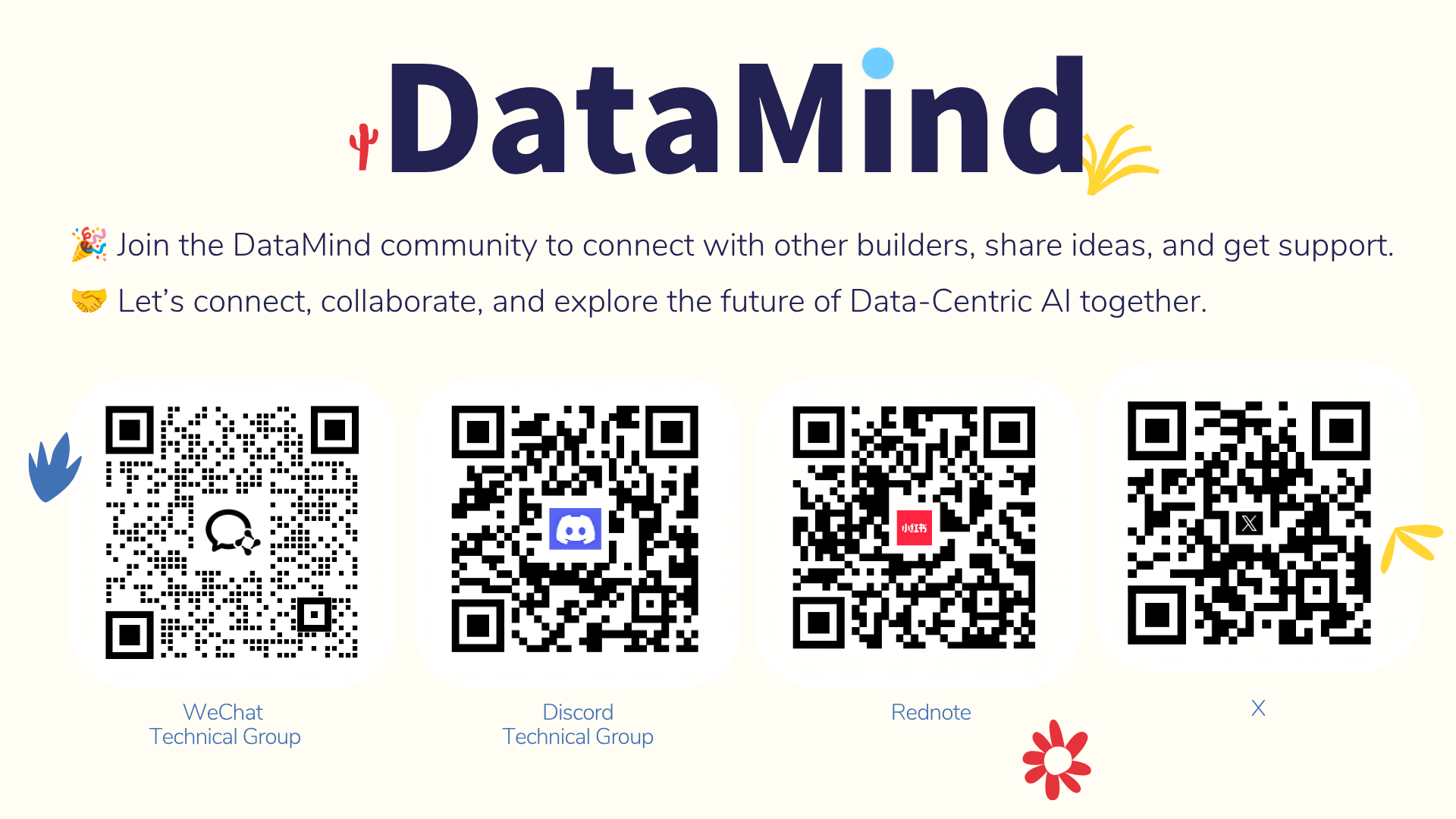
Join the DataMind community and be part of the conversation around Data-Centric AI.
License
DataMind is released under the Apache License 2.0.
PDF 解析支持可选的 MinerU API 优先适配;未安装或解析失败时自动回退到 pypdf。通过 DATAMIND_MINERU=off 可强制只使用 pypdf,DATAMIND_MINERU_API_URL 和 DATAMIND_MINERU_API_TIMEOUT_S 可指定 API 地址和超时。
1 maintainer

Metadata
1 maintainer
Release files for datamind 1.1.0
For a detailed explanation of source distributions (sdists) and built distributions (wheels), please see the package formats documentation.
Source distribution (sdist)
| File | Size | Uploaded | |
|---|---|---|---|
| datamind-1.1.0.tar.gz | 200.4 kB | Details |
Built distribution (wheel)
| File | Interpreter | ABI | Platform | Reset |
|---|---|---|---|---|
| datamind-1.1.0-py3-none-any.whl | Python 3 | none | any | Details |
Total release size: 435.1 kB
Release files / datamind-1.1.0.tar.gz
| Download URL | datamind-1.1.0.tar.gz |
|---|---|
| Size | 200.4 kB |
| Tags | Source |
|
SHA-256 checksum How to use checksums |
c8499bb08fa840b5da3724bc2b4e22acca6e9fc49bb8032454687f19b9891c60
|
|
BLAKE2b-256 checksum How to use checksums |
4673b32dc669ba7c68b95c2f73d6e49bc13a7ebe10c6981d3df687b434a2dddd
|
| Upload date | |
|
Uploaded using Trusted Publishing? What is trusted publishing? |
Yes |
| Uploaded via |
twine/7.0.0 CPython/3.13.14
|
Provenance
Provenance describes where a file came from. On PyPI, provenance is shared via attestations, which provide a verifiable record of the build or publishing details. View details, limitations and caveats.


PyPI Publish Attestation
PyPI verified that this artifact, at this checksum, originated from the publisher listed below.
Signed by GitHub Actions, verified by PyPI on Sep 14, 2026.
Transparency logRelease files / datamind-1.1.0-py3-none-any.whl
| Download URL | datamind-1.1.0-py3-none-any.whl |
|---|---|
| Size | 234.7 kB |
| Tags | Python 3 |
|
SHA-256 checksum How to use checksums |
7caf4f3a66ee23dced6b3f52ccd04128a13af6f678eebfec40d47d7b757af9f3
|
|
BLAKE2b-256 checksum How to use checksums |
4562eada5e0a9f833e3f3784f88dc597d594a004bf29f0aabba1524eb922d4e6
|
| Upload date | |
|
Uploaded using Trusted Publishing? What is trusted publishing? |
Yes |
| Uploaded via |
twine/7.0.0 CPython/3.13.14
|
Provenance
Provenance describes where a file came from. On PyPI, provenance is shared via attestations, which provide a verifiable record of the build or publishing details. View details, limitations and caveats.
PyPI Publish Attestation
PyPI verified that this artifact, at this checksum, originated from the publisher listed below.
Signed by GitHub Actions, verified by PyPI on Sep 14, 2026.
Transparency log













