
Datanomy
Explore the anatomy of your columnar data files
Datanomy is a terminal-based tool for inspecting and understanding data files. It provides an interactive view of your data's structure, metadata, and internal organization.
Supported formats
- Parquet (
.parquet,.parq) - Arrow IPC (
.arrow,.feather,.ipc)
Features for Parquet view
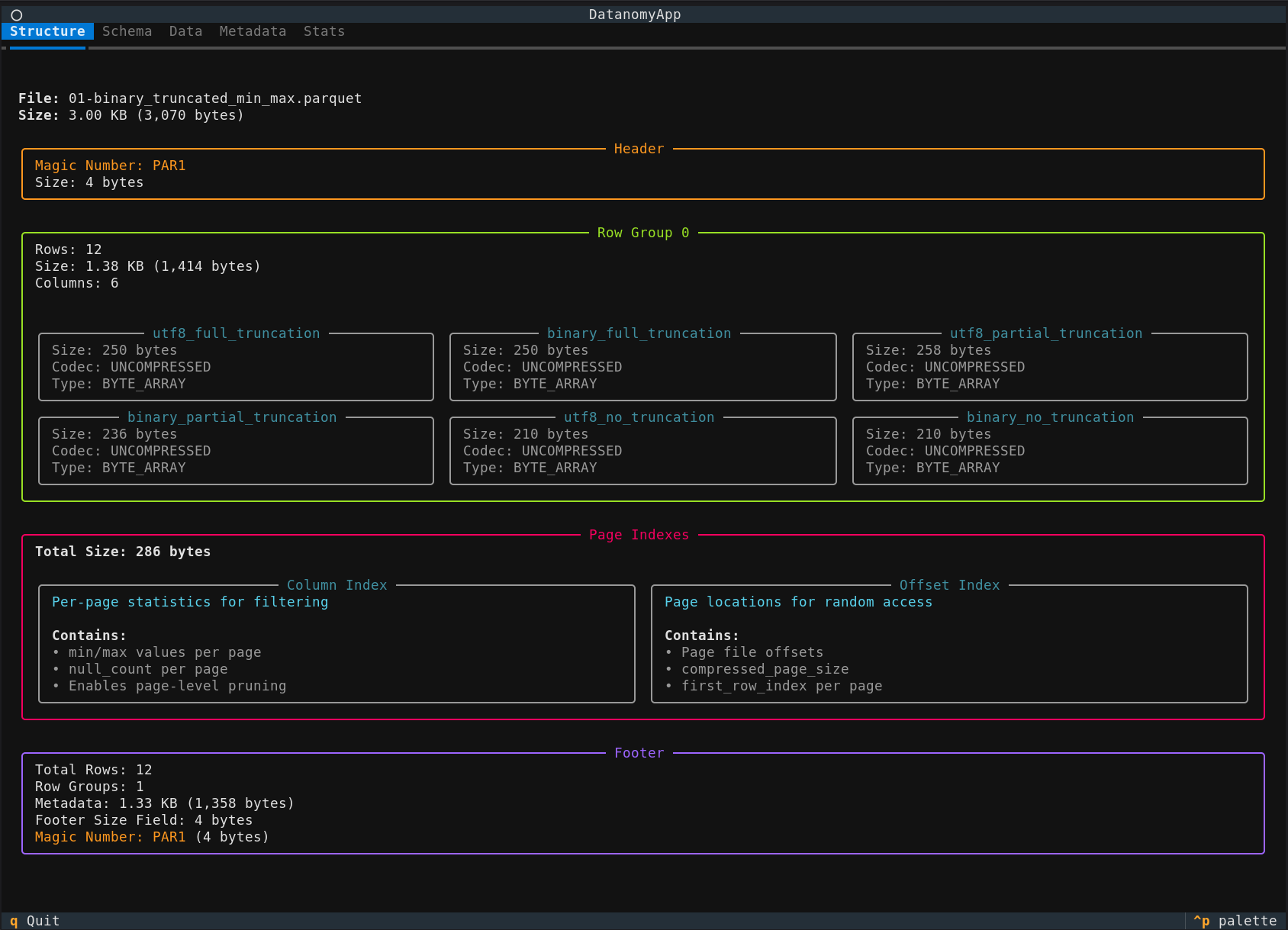
General Structure
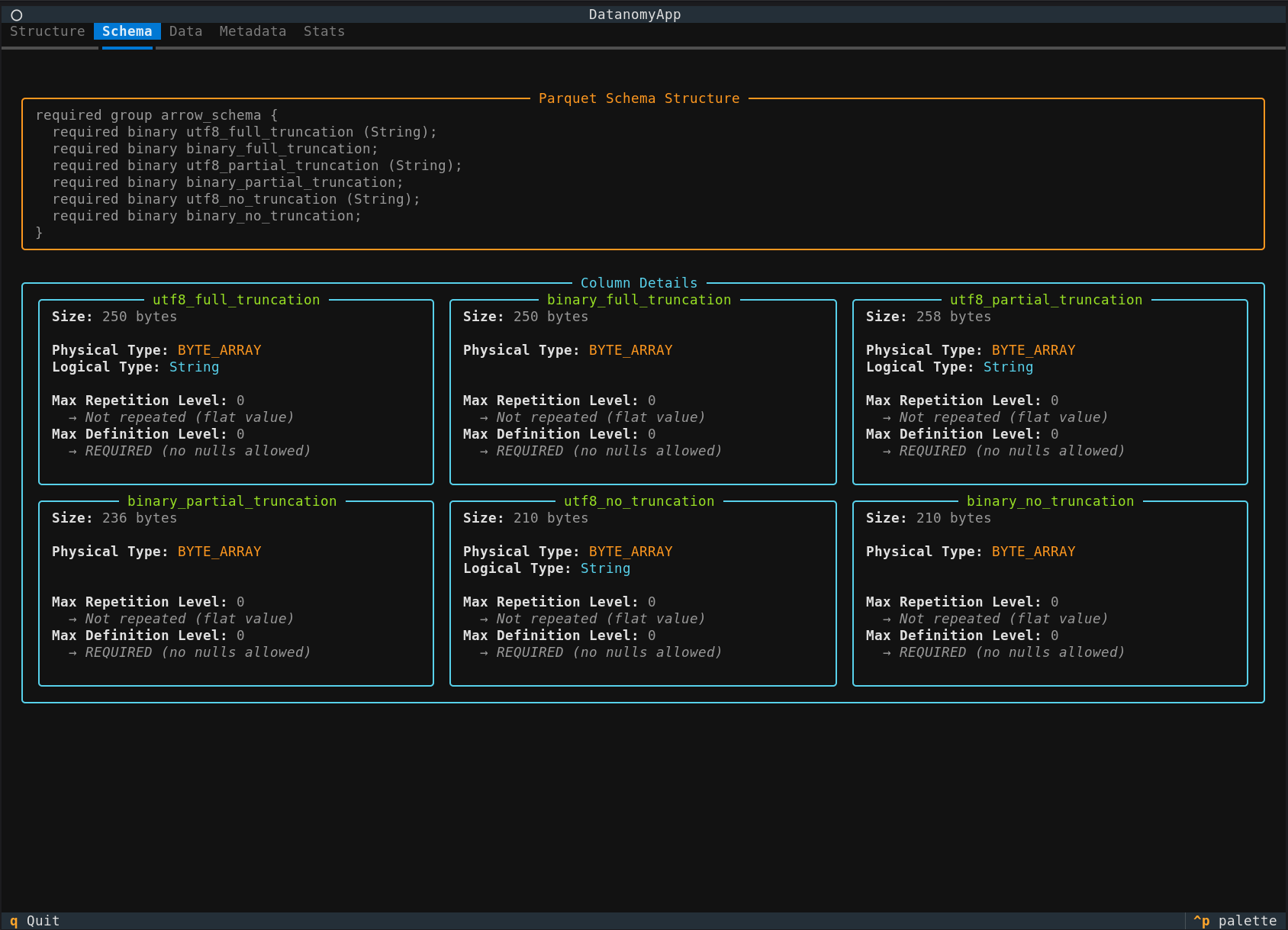
Schema
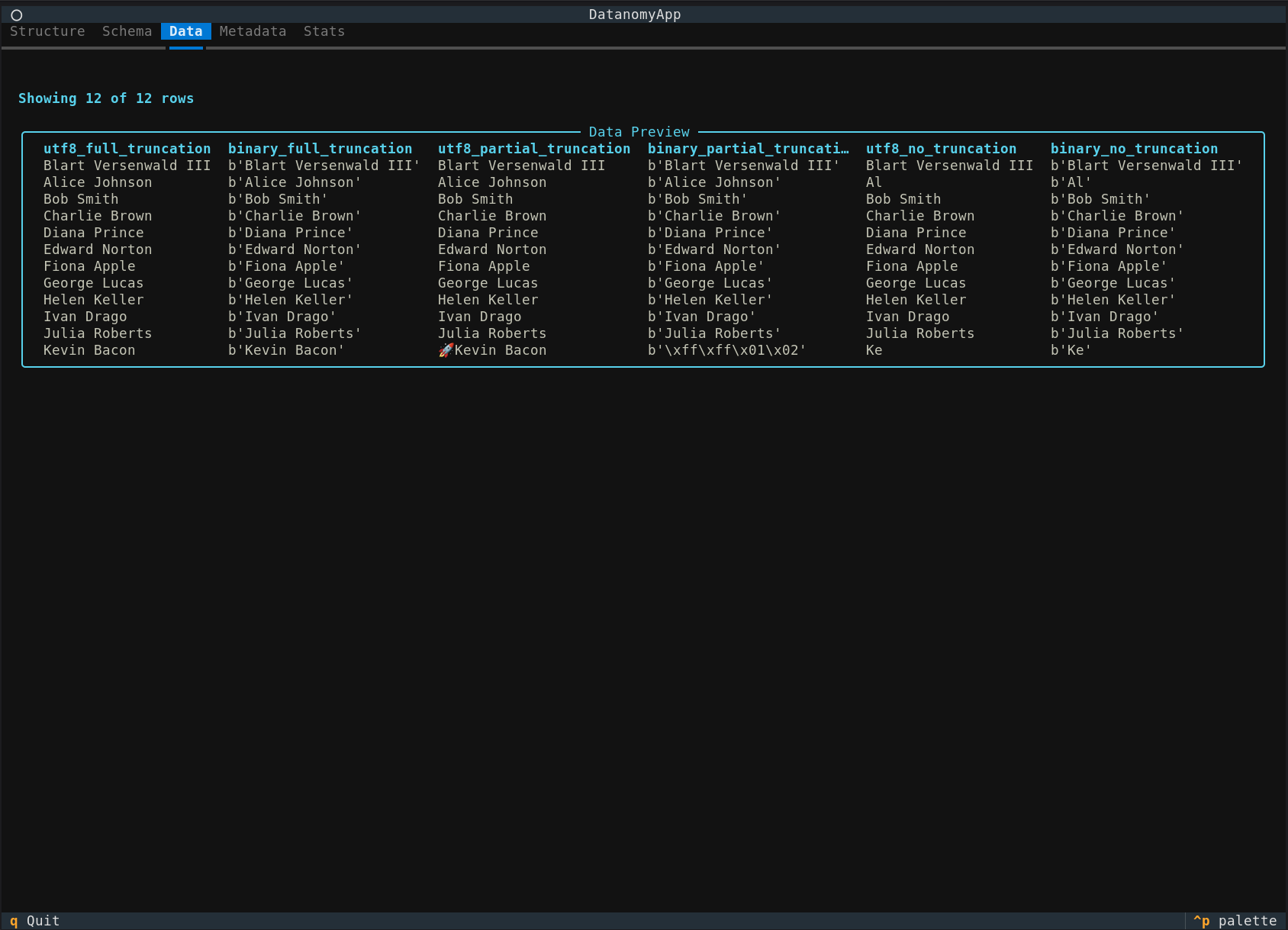
Data
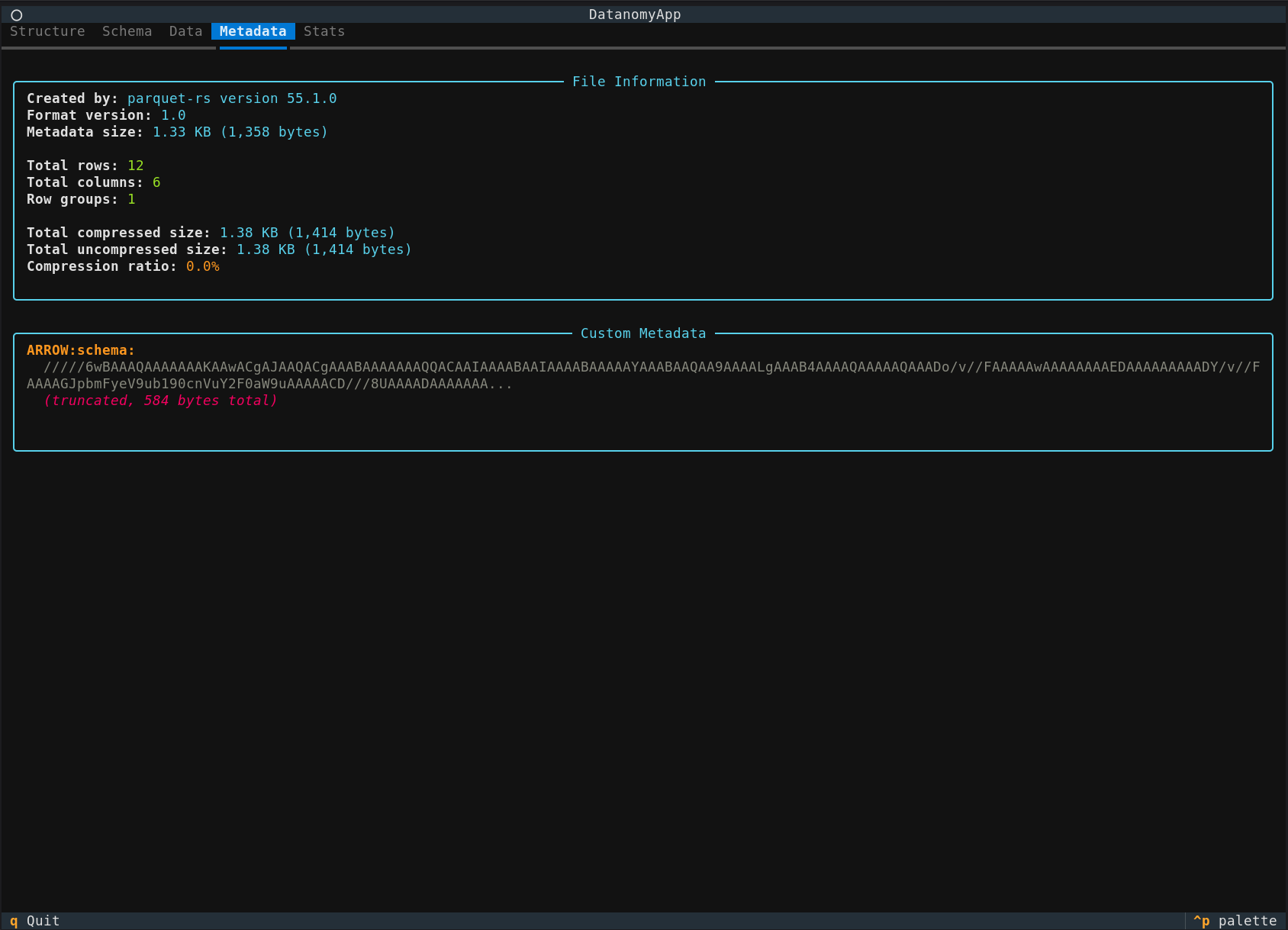
Metadata
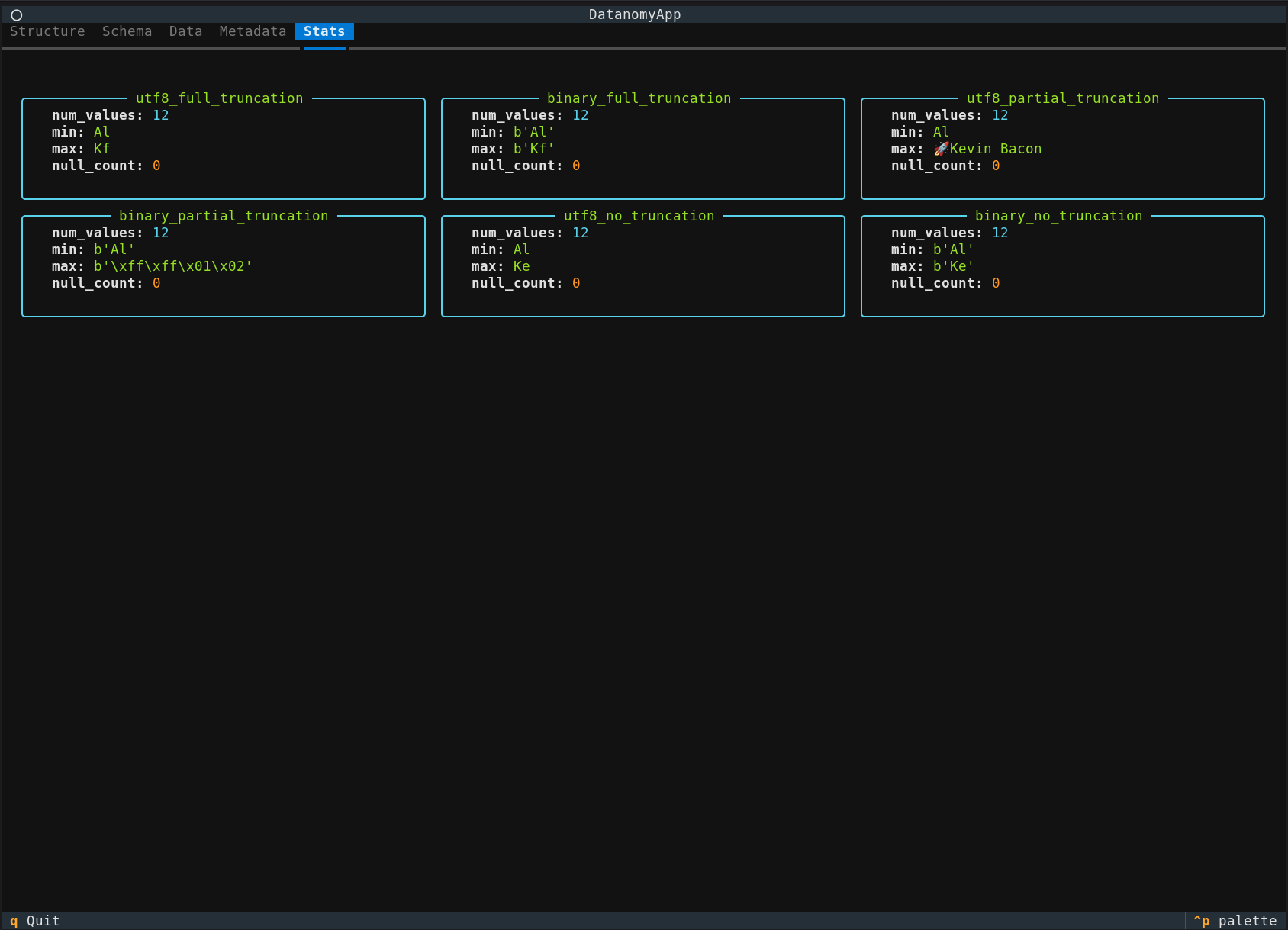
Stats
Features for Arrow IPC view
Structure
File-level layout showing header, record batches, and footer.
Schema
Arrow schema with per-column type and nullability details.
Data
Preview of the first 50 rows.
Metadata
File and schema-level metadata.
Buffers
Physical buffer layout for each column — validity bitmap bits (color-coded valid/null), hex preview of values, offsets, and data buffers. For nested types (list, struct, map, dictionary) child array buffers are shown recursively.
Installation
# From PyPI
uv tool install datanomy
## with pip
pip install datanomy

# From source
uv tool install "datanomy @ git+https://github.com/raulcd/datanomy.git"
## cloning the repo
git clone https://github.com/raulcd/datanomy.git
cd datanomy
uv sync
Usage
# Run without installing using uvx
uvx datanomy data.parquet

# Inspect a Parquet file
datanomy data.parquet

# Inspect an Arrow IPC file
datanomy data.arrow
You can also use from source using uvx. This uses the development version:
uvx "git+https://github.com/raulcd/datanomy.git" data.parquet
uvx "git+https://github.com/raulcd/datanomy.git" data.arrow
Keyboard Shortcuts
q- Quit the application
Development
# Install dependencies
uv sync

# Run from source
uv run datanomy path/to/file.parquet
uv run datanomy path/to/file.arrow
# Install dev dependencies
uv sync --extra dev

# Run tests
uv run pytest

# Format code
uv run ruff format .

# Lint
uv run ruff check .

# Lint
uv run mypy .
License
Apache License 2.0
Contributing
Contributions welcome! Please open an issue or PR.
1 maintainer

Metadata
1 maintainer
Release files for datanomy 0.3.1
For a detailed explanation of source distributions (sdists) and built distributions (wheels), please see the package formats documentation.
Source distribution (sdist)
| File | Size | Uploaded | |
|---|---|---|---|
| datanomy-0.3.1.tar.gz | 20.3 kB | Details |
Built distribution (wheel)
| File | Interpreter | ABI | Platform | Reset |
|---|---|---|---|---|
| datanomy-0.3.1-py3-none-any.whl | Python 3 | none | any | Details |
Total release size: 46.0 kB
Release files / datanomy-0.3.1.tar.gz
| Download URL | datanomy-0.3.1.tar.gz |
|---|---|
| Size | 20.3 kB |
| Tags | Source |
|
SHA-256 checksum How to use checksums |
ec9c7638b30ee7019ed7eca87e2a33e5f8065437d98e444402e4c690da8cfa09
|
|
BLAKE2b-256 checksum How to use checksums |
cfcba061056fce0e3f23c483e3bd72bde0ce88569ac401c89140b54ac1a2f7d7
|
| Upload date | |
|
Uploaded using Trusted Publishing? What is trusted publishing? |
Yes |
| Uploaded via |
uv/0.11.15 {"installer":{"name":"uv","version":"0.11.15","subcommand":["publish"]},"python":null,"implementation":{"name":null,"version":null},"distro":{"name":"Ubuntu","version":"24.04","id":"noble","libc":null},"system":{"name":null,"release":null},"cpu":null,"openssl_version":null,"setuptools_version":null,"rustc_version":null,"ci":true}
|
Release files / datanomy-0.3.1-py3-none-any.whl
| Download URL | datanomy-0.3.1-py3-none-any.whl |
|---|---|
| Size | 25.7 kB |
| Tags | Python 3 |
|
SHA-256 checksum How to use checksums |
f3fab82c2f699bd19b1b2ba1d26a39bb3827b810f3e966c4fe62e039a64a1d97
|
|
BLAKE2b-256 checksum How to use checksums |
85e79e2d75b5654bfea1387ff2753463ef16adb20c504130c932b93a62945942
|
| Upload date | |
|
Uploaded using Trusted Publishing? What is trusted publishing? |
Yes |
| Uploaded via |
uv/0.11.15 {"installer":{"name":"uv","version":"0.11.15","subcommand":["publish"]},"python":null,"implementation":{"name":null,"version":null},"distro":{"name":"Ubuntu","version":"24.04","id":"noble","libc":null},"system":{"name":null,"release":null},"cpu":null,"openssl_version":null,"setuptools_version":null,"rustc_version":null,"ci":true}
|














