
Automated EDA Narrator + Data Quality Scoring Tool

Project description
DatasetSense: Automated EDA Narrator + Data Quality Scoring Tool



1. Project Overview
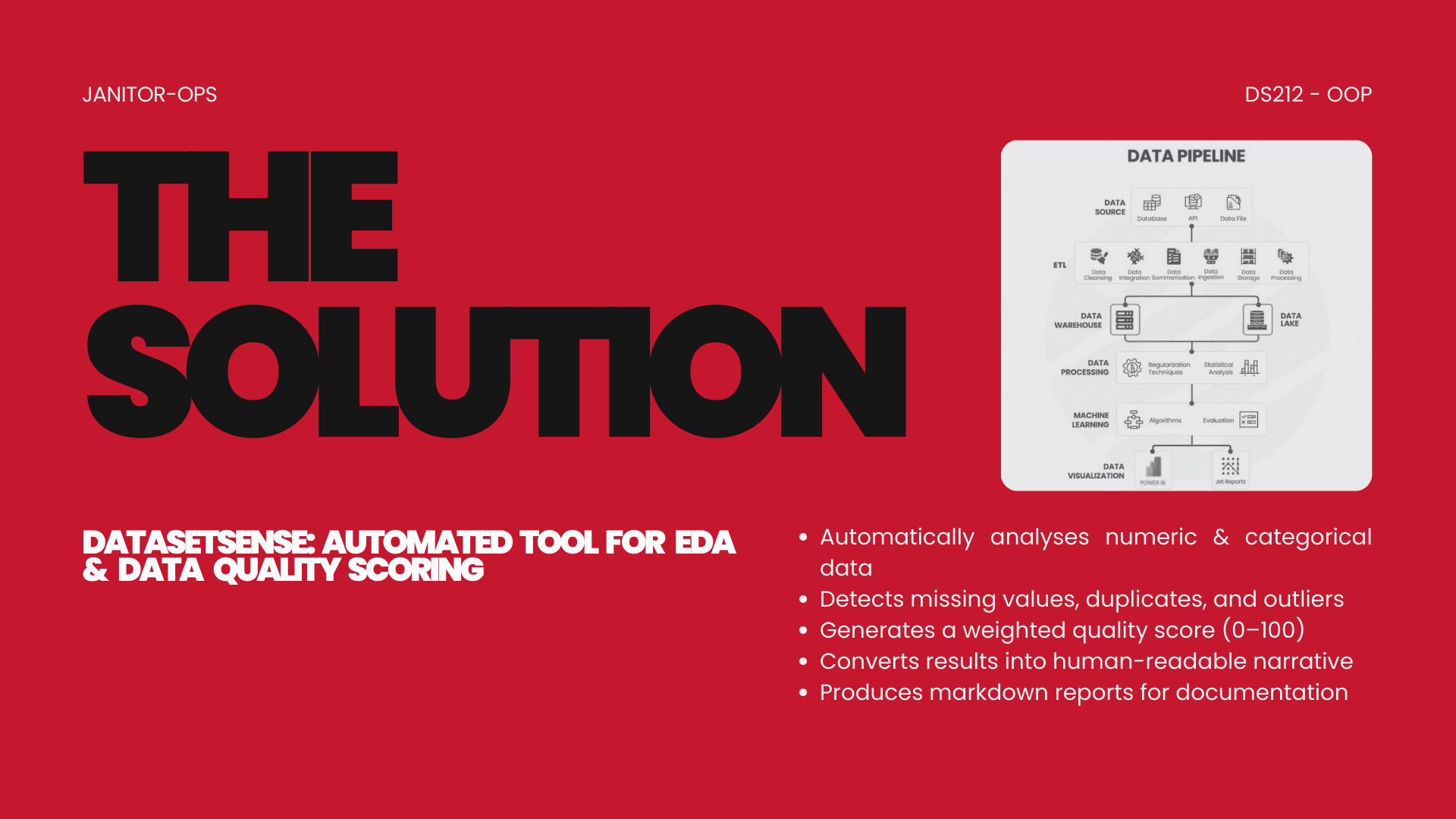
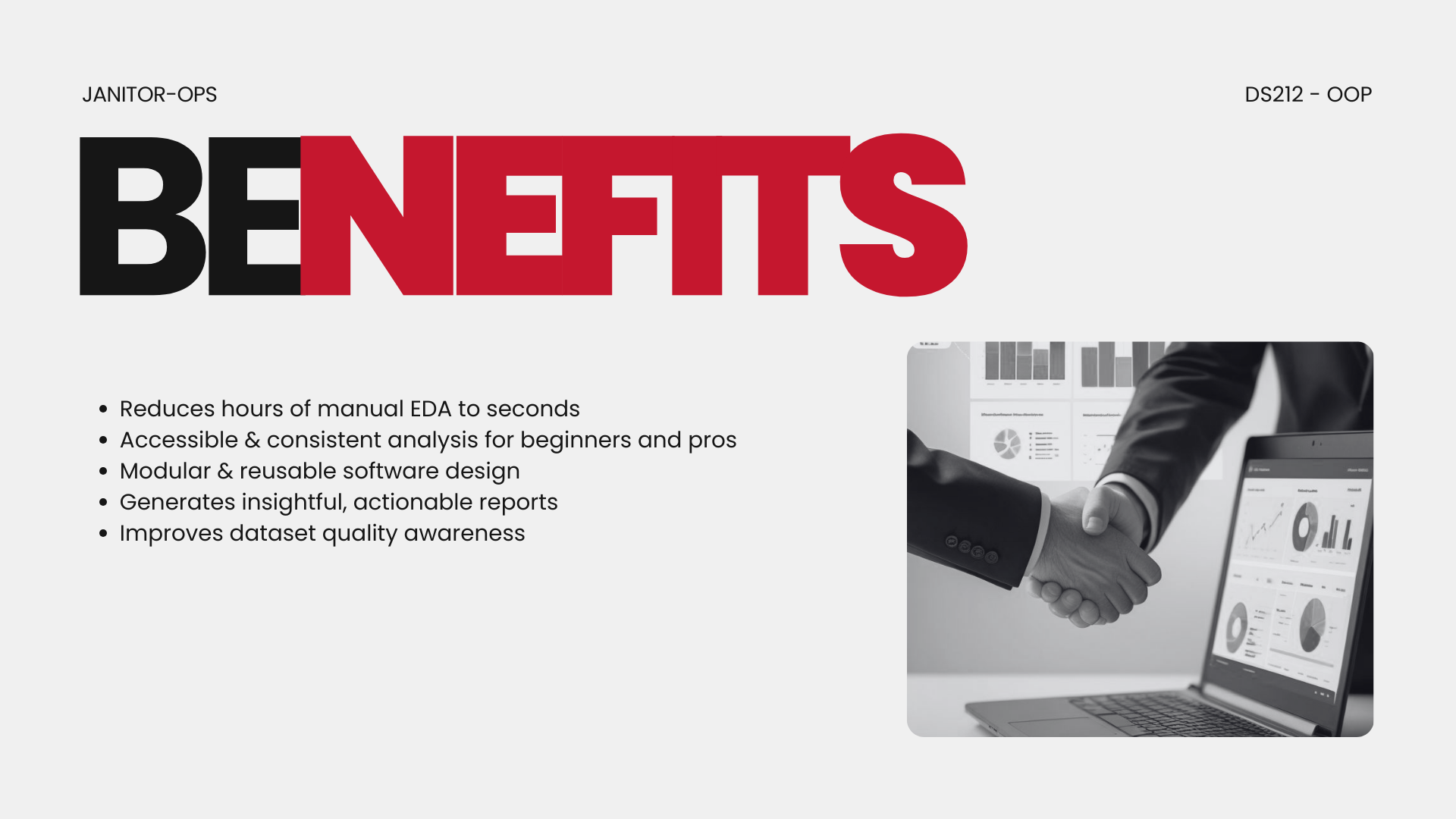
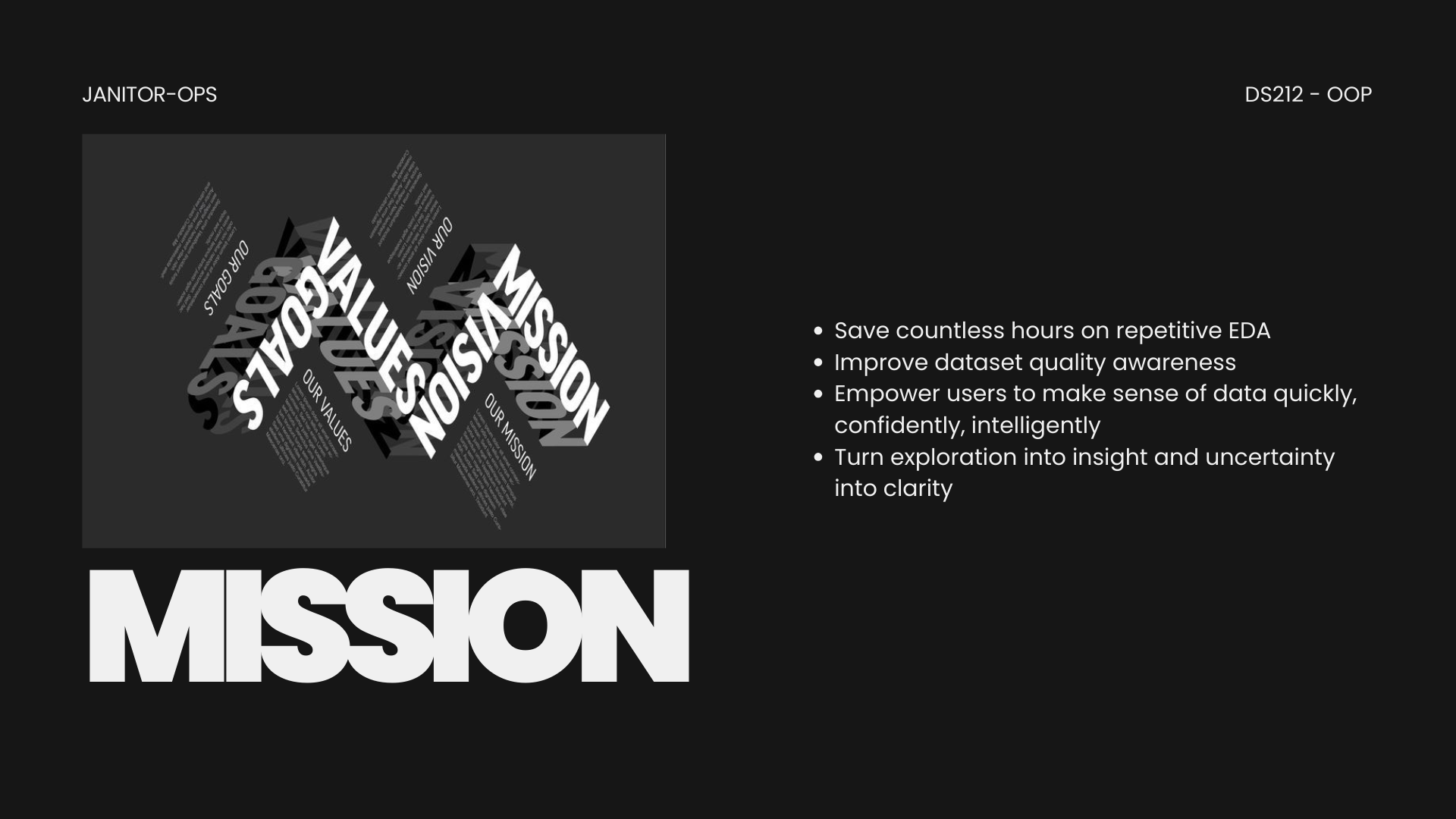
DatasetSense is a Python tool that performs automated exploratory data analysis (EDA) and computes a dataset quality score (0–100). It generates human-readable insights and produces a markdown report summarizing dataset characteristics and quality.
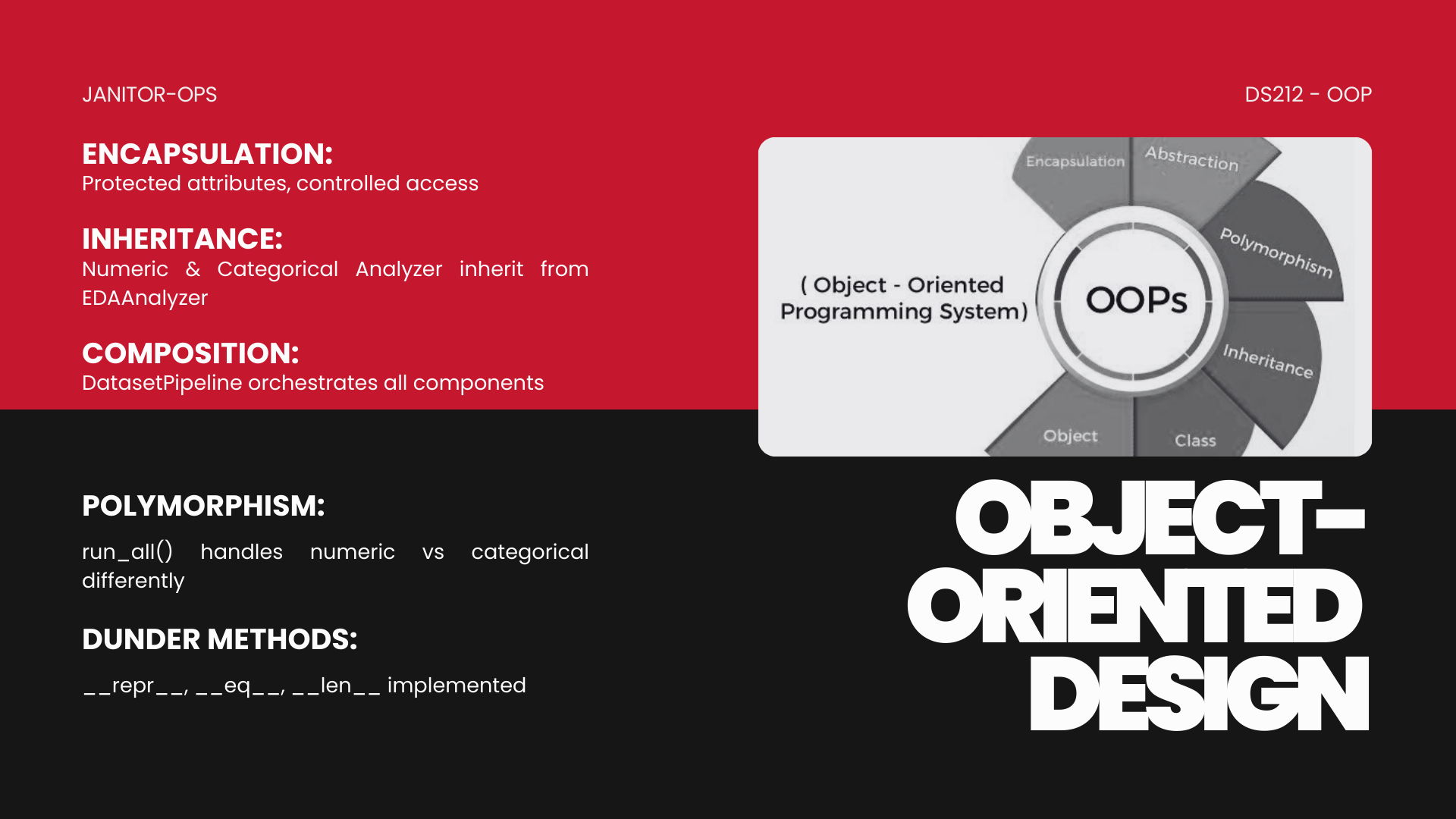
The project demonstrates object-oriented programming (OOP) concepts including encapsulation, inheritance, polymorphism, composition, and dunder methods.
2. Features
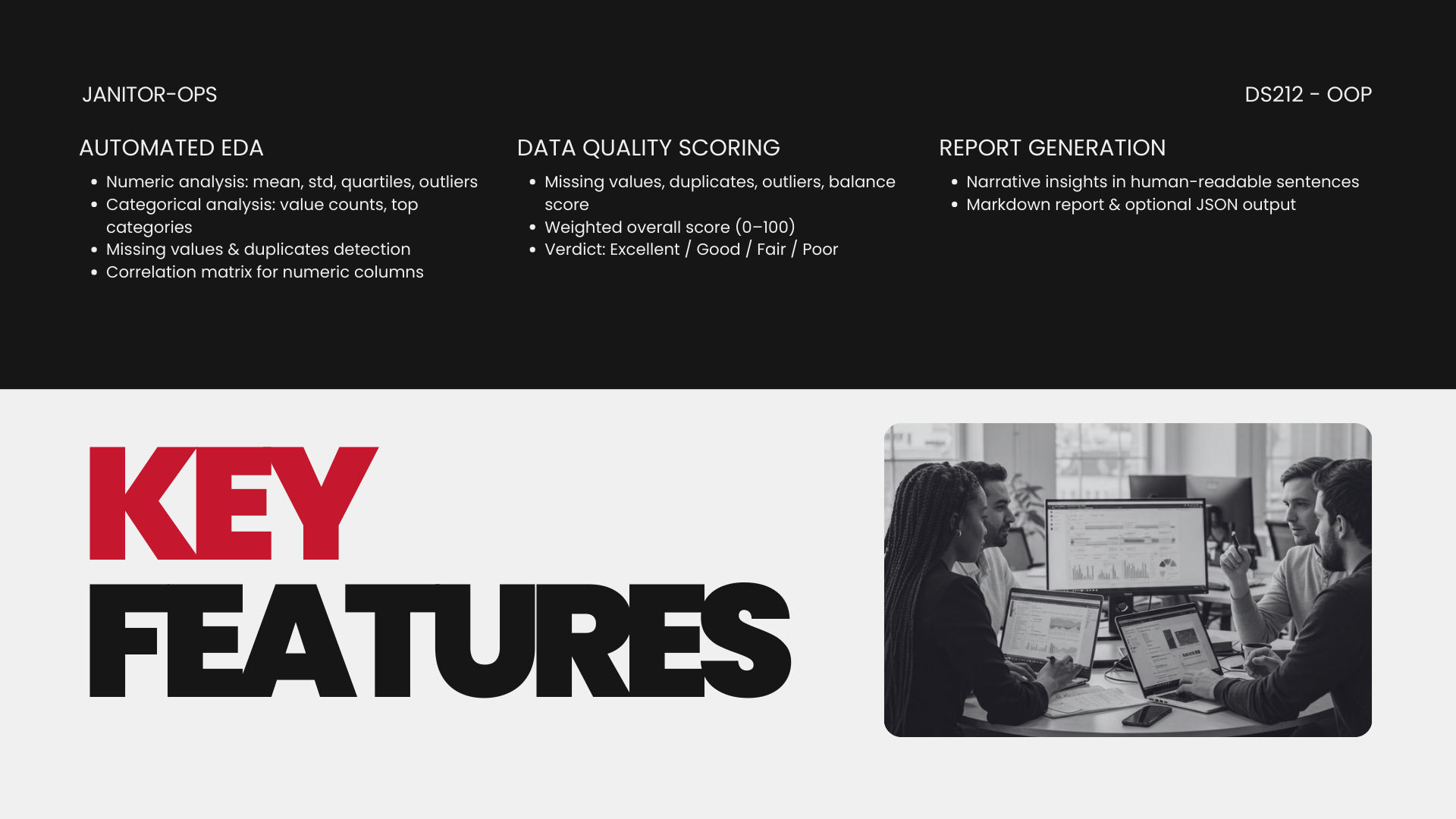
Automated EDA
- Statistical profiling (mean, std, quartiles)
- Categorical profiling (frequency distribution, unique ratio)
- Outlier detection summary
- Missing value analysis per feature
- Duplicate row detection
Data Quality Intelligence
| Metric | Basis | Default Weight |
|---|---|---|
| Missing | % of missing values | 35% |
| Duplicate | % of duplicate rows | 15% |
| Outlier | detected outliers vs N | 25% |
| Balance | categorical distribution | 25% |
- Final Score: Weighted 0–100 quality verdict (Excellent / Good / Fair / Poor)
- Customizable: Supports custom weights for flexible scoring strategies
Natural-Language Narration
- Generates explanation of dataset shape, variability, missing values, outliers & verdict
- Converts analysis metrics into human-readable insights
Automated Report Generation
- Markdown export (.md)
- CLI configurable output
- Integrates narratives + scores + stats into a clean report
3. Installation
Option 1: Install from PyPI (Recommended)
pip install datasetsense
Important Note: Due to the project structure using src/ as the package directory, you'll need to import from src when using the PyPI package:
from src.orchestrator import DatasetPipeline

# Run pipeline
pipeline = DatasetPipeline("your_data.csv")
report = pipeline.run()
print(report)
Option 2: Install from GitHub (Development)
Clone the repository for the latest development version:
git clone https://github.com/LexusMaximus/Automated-EDA-Narrator-Data-Quality-Scoring-Tool.git
cd Automated-EDA-Narrator-Data-Quality-Scoring-Tool
pip install -e .
Option 3: Manual Installation
If you prefer to install dependencies manually:
pip install pandas>=1.5 numpy scipy tabulate python-dateutil
4. Quick Start
Basic Usage (PyPI Installation)
from src.orchestrator import DatasetPipeline

# Run with default weights (35/15/25/25)
pipeline = DatasetPipeline("data/sample.csv")
report = pipeline.run()
print(report)
Using Custom Weights
from src.orchestrator import DatasetPipeline

# Define custom weights (must sum to 1.0)
custom_weights = {
    'missing': 0.50,      # 50% - Prioritize missing values
    'duplicates': 0.10,   # 10%
    'outliers': 0.20,     # 20%
    'balance': 0.20       # 20%
}

pipeline = DatasetPipeline("data/sample.csv", custom_weights=custom_weights)
report = pipeline.run()
print(report)
Command Line Interface
# Basic usage
python -m src.cli data/sample.csv

# Save to file
python -m src.cli data/sample.csv --out reports/sample_report.md

# With custom weights (JSON format)
python -m src.cli data/sample.csv --weights '{"missing":0.5,"duplicates":0.1,"outliers":0.2,"balance":0.2}'
5. Usage Examples
Example 1: Default Weights
from src.orchestrator import DatasetPipeline

pipeline = DatasetPipeline("data/sample.csv")
report = pipeline.run()
print(report)
Output:
# Automated EDA Report

## Narrative Insights
- Column 'age' has mean 45.23 and standard deviation 12.45.
- Column 'salary' has 5 missing values (2.5%).
- Overall data quality: 87.34/100 - Good.

## Quality Scores
| Metric     | Score |
|------------|-------|
| missing    | 95.00 |
| duplicates | 82.50 |
| outliers   | 88.20 |
| balance    | 90.00 |
| overall    | 87.34 |

## Scoring Weights
| Metric     | Weight |
|------------|--------|
| missing    | 35.0%  |
| duplicates | 15.0%  |
| outliers   | 25.0%  |
| balance    | 25.0%  |
Example 2: Compare Multiple Weight Configurations
from src.orchestrator import DatasetPipeline
import pandas as pd

weight_configs = {
    'Default': {'missing': 0.35, 'duplicates': 0.15, 'outliers': 0.25, 'balance': 0.25},
    'Missing Focus': {'missing': 0.50, 'duplicates': 0.10, 'outliers': 0.20, 'balance': 0.20},
    'Outlier Focus': {'missing': 0.20, 'duplicates': 0.30, 'outliers': 0.40, 'balance': 0.10},
    'Equal Weights': {'missing': 0.25, 'duplicates': 0.25, 'outliers': 0.25, 'balance': 0.25},
    'Balance Focus': {'missing': 0.20, 'duplicates': 0.20, 'outliers': 0.20, 'balance': 0.40}
}

results = []
for name, weights in weight_configs.items():
    pipeline = DatasetPipeline("data/sample.csv", custom_weights=weights)
    pipeline.run()
    results.append({
        'Configuration': name,
        'Overall Score': round(pipeline.scores['overall'], 2),
        'Missing Weight': weights['missing'],
        'Duplicates Weight': weights['duplicates'],
        'Outliers Weight': weights['outliers'],
        'Balance Weight': weights['balance']
    })

comparison_df = pd.DataFrame(results)
print(comparison_df.to_string(index=False))
Example 3: Google Colab / Jupyter Notebook (PyPI Version)
This is the quickest way to test the package using the stable PyPI release.
Note: The linked Demo Notebook uses the git clone method to demonstrate the latest development features directly from the repository.
# Install from PyPI
!pip install datasetsense

# Import and use
from src.orchestrator import DatasetPipeline

# Upload your CSV or use a sample
pipeline = DatasetPipeline("your_data.csv")
report = pipeline.run()
print(report)
Example 4: Error Handling with Invalid Weights
from src.orchestrator import DatasetPipeline

try:
    # Invalid: weights sum to 1.20 instead of 1.0
    invalid_weights = {
        'missing': 0.50,
        'duplicates': 0.30,
        'outliers': 0.30,
        'balance': 0.10
    }
    pipeline = DatasetPipeline("data/sample.csv", custom_weights=invalid_weights)
    pipeline.run()
except ValueError as e:
    print(f"✗ Error caught: {e}")
    # Output: Weights must sum to 1.0. Current sum: 1.2000
6. System Architecture (UML)

The UML expresses class collaboration via composition:
DatasetPipeline → DataLoader → Preprocessor → EDAAnalyzer → QualityScorer → Narrator → ReportBuilder
7. Object-Oriented Design
| OOP Concept | How it's applied in DatasetSense |
|---|---|
| Classes | There are 7 core classes: DataLoader, Preprocessor, EDAAnalyzer (base), NumericAnalyzer/CategoricalAnalyzer (children), QualityScorer, Narrator, ReportBuilder, and DatasetPipeline. |
| Encapsulation | Protected attributes (e.g., _df, _eda, _scores) are used in classes. Getters like get_df() in Preprocessor and get_weights() in QualityScorer provide controlled access. |
| Inheritance | NumericAnalyzer and CategoricalAnalyzer inherit from EDAAnalyzer. |
| Polymorphism | run_all() is overridden in NumericAnalyzer and CategoricalAnalyzer to handle numeric vs categorical data differently. |
| Dunder Methods | DataLoader has __repr__, __eq__, __len__; DatasetPipeline has __repr__. |
| Composition | DatasetPipeline contains/uses instances of DataLoader, Preprocessor, EDAAnalyzer, QualityScorer, Narrator, ReportBuilder. |
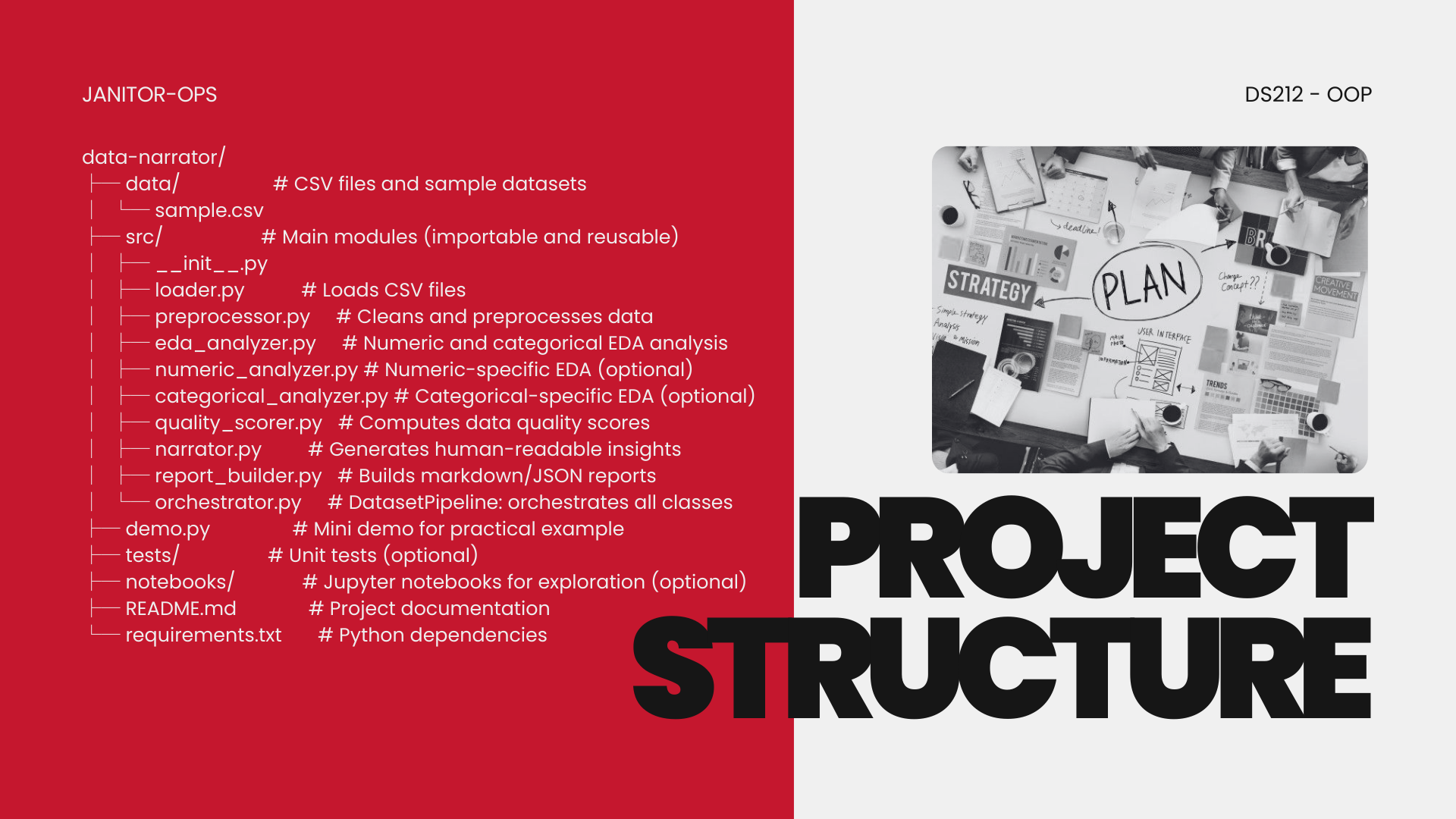
8. Project Structure
datasetsense/
├── data/                    # CSV files and sample datasets
│   └── sample.csv
├── src/                     # Main package modules (importable and reusable)
│   ├── __init__.py
│   ├── loader.py             # Loads CSV files
│   ├── preprocessor.py       # Cleans and preprocesses data
│   ├── eda_analyzer.py       # Numeric and categorical EDA analysis
│   ├── quality_scorer.py     # Computes data quality scores with custom weights
│   ├── narrator.py           # Generates human-readable insights
│   ├── report_builder.py     # Builds markdown reports
│   ├── orchestrator.py       # DatasetPipeline: orchestrates all classes
│   └── cli.py                # Command-line interface
├── demo.py                  # Ready-to-run demo script
├── tests/                   # Unit tests (optional)
├── notebooks/               # Jupyter notebooks for exploration (optional)
├── README.md                # Project documentation
├── requirements.txt         # Python dependencies
└── setup.py                 # Package configuration for PyPI
9. Custom Weights Guide
Default Weights (35/15/25/25)
The default weights prioritize missing values (35%) because:
- Missing data often has the biggest impact on analysis
- It directly affects statistical validity
- Most ML models can't handle missing values
- It's harder to fix than duplicates
Equal Weights Strategy
If you wish to treat all metrics equally without prioritizing any particular aspect, use:
{'missing': 0.25, 'duplicates': 0.25, 'outliers': 0.25, 'balance': 0.25}
This approach is ideal when you have no domain-specific knowledge or want unbiased scoring across all quality dimensions.
Weight Customization Rules
- All four metrics must be specified:
missing,duplicates,outliers,balance - Weights must sum to 1.0 (100%)
- All weights must be non-negative numbers
Domain-Specific Recommendations
| Domain | Missing | Duplicates | Outliers | Balance | Rationale |
|---|---|---|---|---|---|
| Financial | 30% | 40% | 20% | 10% | Duplicates = billing errors |
| Medical | 50% | 15% | 20% | 15% | Missing data = patient risk |
| ML Training | 25% | 15% | 30% | 30% | Model performance critical |
| Survey/Research | 40% | 10% | 15% | 35% | Statistical validity |
| IoT/Sensors | 20% | 20% | 40% | 20% | Sensor errors → outliers |
| E-commerce | 35% | 35% | 15% | 15% | UX and sales impact |
| General Purpose | 25% | 25% | 25% | 25% | No domain knowledge / unbiased scoring |
10. Testing
Run the test suite (if available):
pytest
Run a quick demo:
python demo.py
Sample Output
# Automated EDA Report

## Narrative Insights
- Column 'id' has mean 3.71 and standard deviation 1.80.
- Column 'age' has mean 59.00 and standard deviation 69.56.
- Column 'salary' has mean 194571.29 and standard deviation 356233.09.
- Column 'age' has 1 missing values (14.29%).
- Column 'age' contains 1 detected outliers.
- Column 'salary' contains 1 detected outliers.
- Overall data quality: 81.67/100 - Good.

## Quality Scores
| Metric     | Score |
|------------|-------|
| missing    | 97.62 |
| duplicates | 71.43 |
| outliers   | 57.14 |
| balance    | 90.00 |
| overall    | 81.67 |

## Scoring Weights
The overall quality score is calculated using the following weights:

| Metric     | Weight |
|------------|--------|
| missing    | 35.0%  |
| duplicates | 15.0%  |
| outliers   | 25.0%  |
| balance    | 25.0%  |
Links
- PyPI Package: https://pypi.org/project/datasetsense/
- GitHub Repository: https://github.com/LexusMaximus/Automated-EDA-Narrator-Data-Quality-Scoring-Tool
- Demo Notebook: Open in Colab
Requirements
| Requirement | Project Implementation |
|---|---|
| At least 5 useful methods across modules | Example methods: 1. DataLoader.load() – loads CSV 2. Preprocessor.trim_strings() – trims text columns 3. NumericAnalyzer.run_all() – numeric summary 4. QualityScorer.overall_score() – calculates weighted quality 5. Narrator.generate() – returns human-readable narrative |
| Must be importable and reusable | All modules are in src/ with proper __init__.py, allowing imports like: from src.orchestrator import DatasetPipeline |
| Published on PyPI | Package available at: https://pypi.org/project/datasetsense/ |
License
This project is open source and available under the MIT License.
Authors
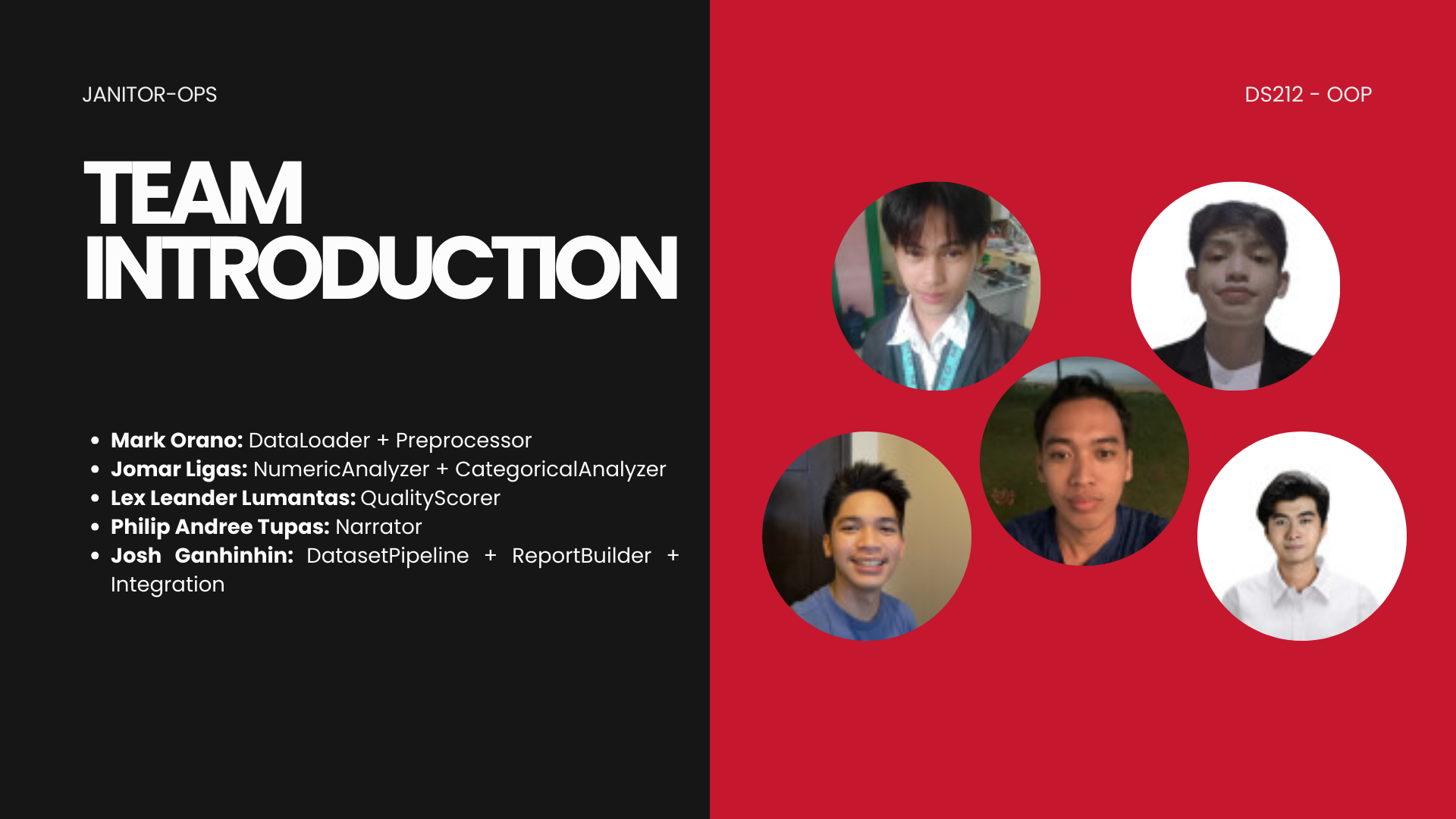
- Mark Oraño
- Jomar Ligas
- Lex Lumantas
- Philip Tupas
- Josh Ganhinhin
Release history Release notifications | RSS feed


Download files
Download the file for your platform. If you're not sure which to choose, learn more about installing packages.
Source Distribution
Built Distribution
Filter files by name, interpreter, ABI, and platform.
If you're not sure about the file name format, learn more about wheel file names.
Copy a direct link to the current filters
File details
Details for the file datasetsense-0.1.1.tar.gz.
File metadata
- Download URL: datasetsense-0.1.1.tar.gz
- Upload date:
- Size: 236.8 kB
- Tags: Source
- Uploaded using Trusted Publishing? No
- Uploaded via: twine/6.2.0 CPython/3.13.9
File hashes
| Algorithm | Hash digest | |
|---|---|---|
| SHA256 |
25589fad2c22ba7669b97f47159fa76e2be4b2d4a2595894699c1b36904fe2e0
|
|
| MD5 |
361e499e8a210d680496fb85a16bb12e
|
|
| BLAKE2b-256 |
8184126c734d4c75df66e52a50f07a2d998ed05d415e292be74719a89a7597ec
|
File details
Details for the file datasetsense-0.1.1-py3-none-any.whl.
File metadata
- Download URL: datasetsense-0.1.1-py3-none-any.whl
- Upload date:
- Size: 17.3 kB
- Tags: Python 3
- Uploaded using Trusted Publishing? No
- Uploaded via: twine/6.2.0 CPython/3.13.9
File hashes
| Algorithm | Hash digest | |
|---|---|---|
| SHA256 |
c75b68b0169131fdf28afeb2ea093e166ee1950e8738d5ff9eb533c1cebbfca6
|
|
| MD5 |
a796f0b872068429b5b112f710b46a17
|
|
| BLAKE2b-256 |
d199ded3f114d1fda4d4c1344c993f0f63935546ceb12d9de3de6841b8b7faea
|






