
DB Navigator

DataBase Navigator for Flask


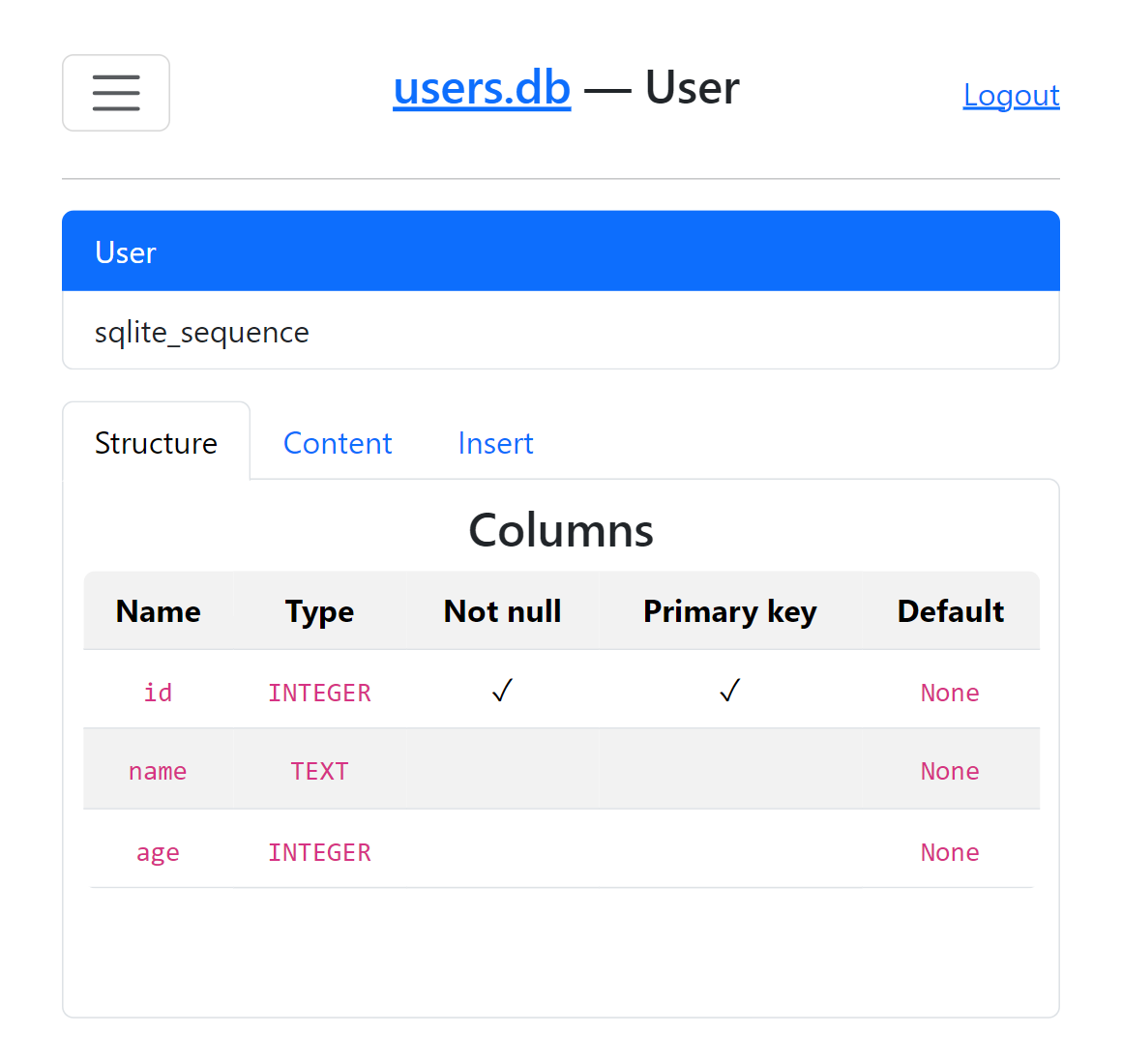
More images
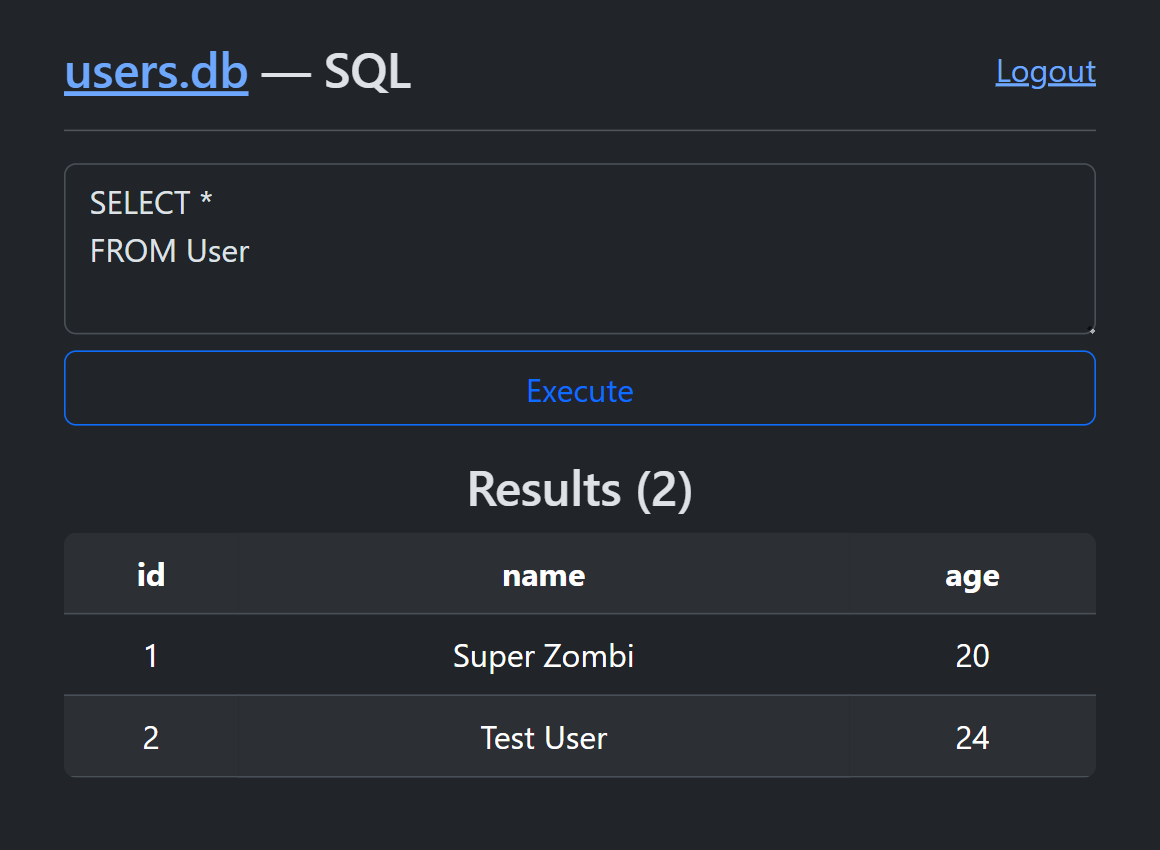
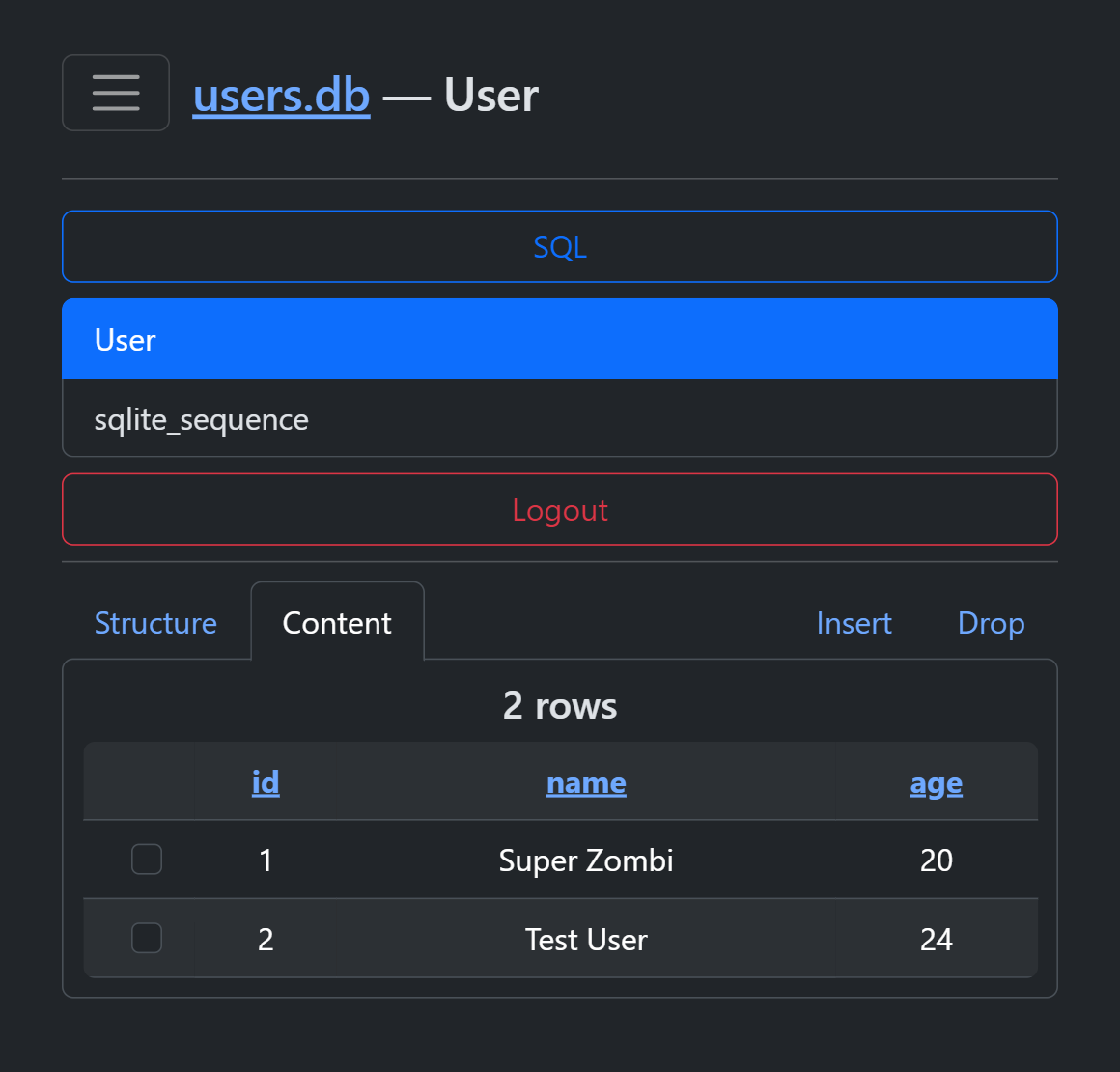
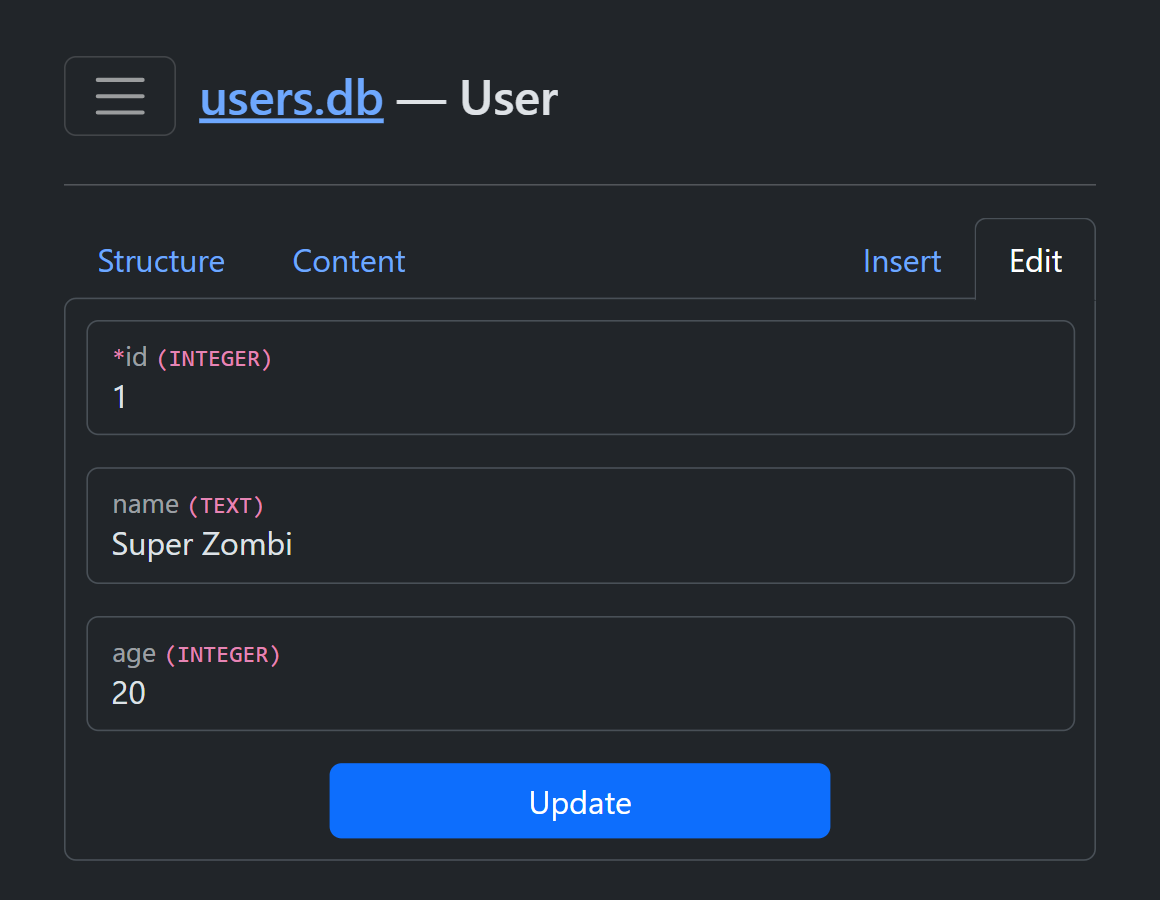
Installation
pip install DBNavigator
Usage:
from flask import Flask
from db_navigator import DBNavigator

app = Flask(__name__)
DBNavigator(app, "users.db", prefix="/admin", password="1234")

### Your Flask app

app.run(debug=True)
DBNavigator(app, file, prefix="", password="", login_func=None, readonly=False, db_engine)
app |
Flask app |
file |
Target database local file |
prefix |
Route prefix |
password |
Access password |
login_func |
Custom login function |
readonly |
Default editable |
db_engine |
Default is SQLite |
Custom login
Must be returned True for access.
It is recommended to save the password from the database in memory because it will be checked before each request.
def custom_login(password):
	# make request to db
	if password == "custom_value":
		return True

DBNavigator(app, "users.db", login_func=custom_login)
DB Engine
A class that should inherit from the abstract class DataBaseInterface and implement all its functions.
from db_navigator.databases import DataBaseInterface

class YourDBEngine(DataBaseInterface):
	def __init__(self, *args):
		super().__init__(*args)
		self.__name__ = "Your DB Engine name"
💲Donate

|
Donatello |

|
Donation Alerts |
(But now it's better to email me and I'll send you the details)
1 maintainer

Release files for DBNavigator 0.2.2
For a detailed explanation of source distributions (sdists) and built distributions (wheels), please see the package formats documentation.
Source distribution (sdist)
| File | Size | Uploaded | |
|---|---|---|---|
| DBNavigator-0.2.2.tar.gz | 578.0 kB | Details |
Built distribution (wheel)
| File | Interpreter | ABI | Platform | Reset |
|---|---|---|---|---|
| DBNavigator-0.2.2-py3-none-any.whl | Python 3 | none | any | Details |
Total release size:1.2 MB














