
Modular object detection for live video feeds

Project description
detstream
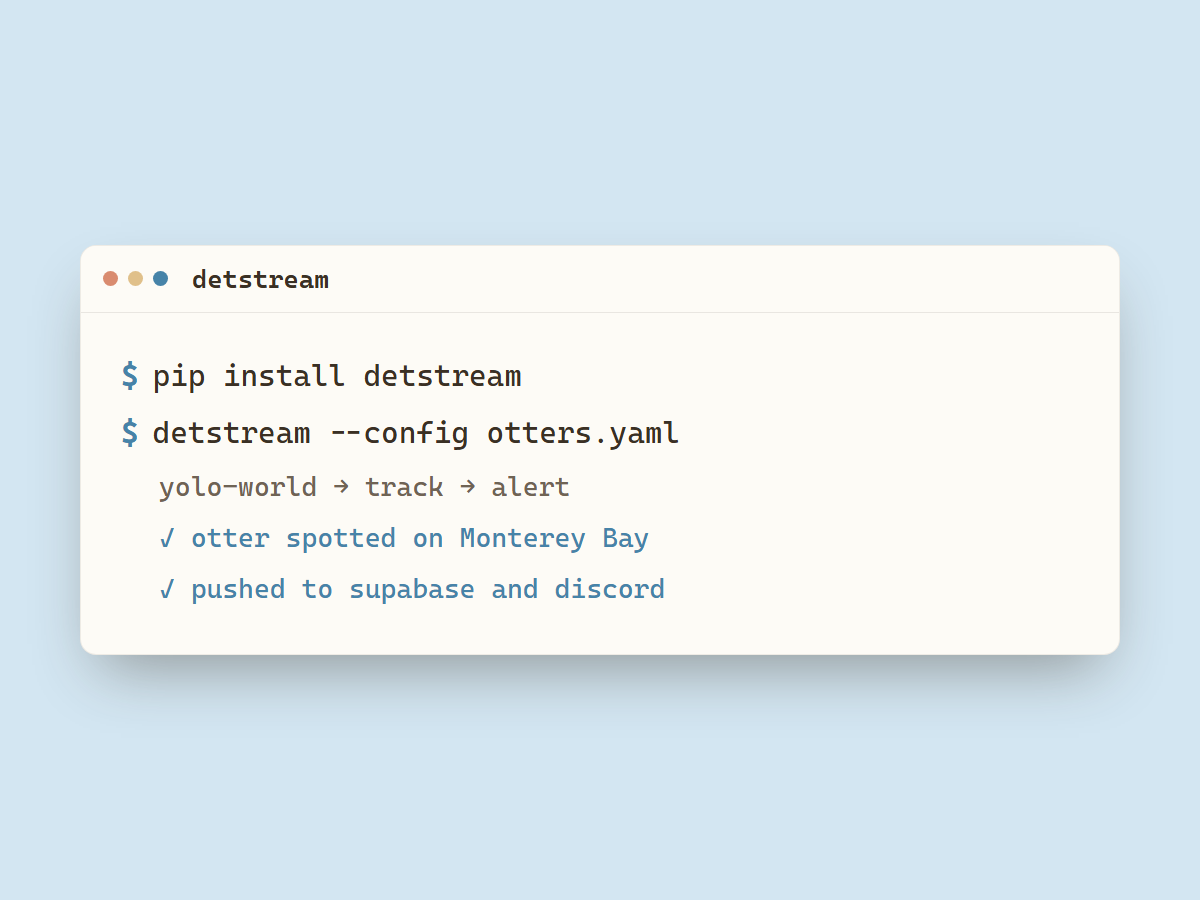
Modular object detection framework for live video feeds.
Pipeline
- Source: Where frames come from.
youtube,stream(RTSP/HLS/HTTP),file(a video file or webcam device) - Detector: What to look for.
yolo-world, an open-vocabulary model prompted with a word or phrase (person,forklift,bird);roboflow, a Workflow you built on Roboflow, run through its hosted inference API;rf-detr, RF-DETR run locally, COCO-pretrained or pointed at a fine-tuned checkpoint. Bring your own by registering one (see Plugins). - Tracker: When a detection counts as a sighting. Hysteresis and cooldown give you one alert per sighting instead of one per frame, which is what keeps alerts from becoming spam.
- Sinks: Where alerts go.
console,supabase(rows + thumbnails for a website),discord(rich embeds),dataset(raw peak frames to disk, for building a training set).
Install
pip install detstream                          # core only
pip install "detstream[yolo,youtube,supabase]" # for example, everything otterwatch uses
The core install pulls what every feed needs: numpy, opencv-python-headless
(decoding and annotation), pydantic (config), pyyaml, and httpx.
| Extra | Enables | Pulls in |
|---|---|---|
yolo |
the yolo-world detector |
ultralytics>=8.3.0, torch>=2.2.0. ultralytics fetches CLIP on first use of the detector |
youtube |
the youtube source |
yt-dlp>=2026.03.17 and deno>=2.8.0, which ships the deno binary yt-dlp runs to solve YouTube's stream challenge |
roboflow |
the roboflow detector |
inference-sdk>=1.3.0 |
rf-detr |
the rf-detr detector |
rfdetr>=1.8.0, which declares its own torch |
supabase |
the supabase sink |
supabase>=2.4.0 |
Run
detstream --config examples/otters.yaml
A config lists feeds and shared sink settings:
feeds:
  - id: monterey-otters
    name: Monterey Sea Otters
    source:   { type: youtube, url: "https://www.youtube.com/watch?v=abbR-Ttd-cA" }
    detector: { type: yolo-world, prompt: otter swimming, confidence_threshold: 0.4 }
    debounce: { enter_frames: 3, exit_frames: 5, cooldown_s: 120, sample_interval_s: 2 }
    sinks: [console, supabase]
sinks:
  supabase: { bucket: thumbnails, detector_label: yolo-world, retention_hours: 3, thumbnail_width: 960 }
Credentials and webhook URLs are configured in .env: DETSTREAM_SUPABASE_URL, DETSTREAM_SUPABASE_KEY, and DETSTREAM_DISCORD_WEBHOOK_URL.
The dataset sink writes the raw peak frame of each sighting to {dir}/{feed_id}/ as JPEG,
no box drawn, for building a training set. It needs no extra: dataset: { dir: ./frames, quality: 95 }.
The roboflow detector runs a Workflow you built on Roboflow through its hosted inference API.
Install the extra (pip install "detstream[roboflow]"), then give it your workspace and
workflow ID (both shown in the Workflow's deploy snippet):
detector:
  type: roboflow
  workspace: cats-workspace-zqd47
  workflow_id: find-otter
  output_key: predictions    # name of the workflow's detection output block
  class_name: otter          # optional: only count this class, omit to accept any
  confidence_threshold: 0.3
The API key comes from ROBOFLOW_API_KEY in .env, or an explicit api_key: in the block.
The Workflow must contain an object-detection block whose output is named by output_key.
confidence_threshold is sent to the Workflow as its confidence input and used as
detstream's sighting cutoff, so the server filters at the same level. Set other Workflow
inputs (iou_threshold, max_detections) with an optional parameters: block.
The rf-detr detector runs RF-DETR locally. Install the extra (pip install
"detstream[rf-detr]"), which pulls rfdetr and torch. The model uses the GPU when one is
visible and falls back to CPU.
detector:
  type: rf-detr
  model: medium              # nano, small, medium (default), or large
  weights: ./otter.pth       # local path or http(s) URL; omit for the COCO-pretrained model
  weights_sha256: ""         # optional: pin a URL download to this digest
  class_name: otter          # optional: only count this class, omit to accept any
  confidence_threshold: 0.4
Pretrained weights are COCO, so the built-in classes are COCO's 80 (no otter). Point
weights at a fine-tuned checkpoint to detect your own classes. A URL is downloaded once
and cached under ~/.cache/detstream/rfdetr/. For a fine-tuned model whose labels differ
from COCO, list them in order with class_names: [otter, ...] so class_name resolves.
A checkpoint is loaded with torch, which unpickles it, so a malicious weights file runs
arbitrary code on load. Point weights only at files you trust. For a URL, set
weights_sha256 to pin the artifact: a download that does not match the digest is
rejected before it is loaded.
Plugins
Built-in components register themselves on import. To add your own detector (an HF model, a cloud API, a fine-tuned ONNX, etc.), register a factory and declare an entry point:
# mypkg/detector.py
from detstream.detectors import detectors, Detection

class MyDetector:
    def detect(self, frame) -> Detection: ...

@detectors.register("my-model")
def _build(config: dict) -> MyDetector:
    return MyDetector(**config)
# mypkg/pyproject.toml
[project.entry-points."detstream.detectors"]
my-model = "mypkg.detector"
After pip install, reference it in config as detector: { type: my-model, ... }. detstream
discovers it through the entry point with no change to detstream itself. The same pattern works
for detstream.sources and detstream.sinks.
Layout
detstream/
  registry.py     register + create + entry-point discovery
  config.py       FeedConfig / AppConfig, loads YAML
  runner.py       per-feed asyncio loop
  state.py        SightingTracker: hysteresis + cooldown, no I/O
  events.py       SightingStarted / SightingEnded
  sources/        youtube, stream, file_device (+ shared reconnect base)
  detectors/      yolo_world, roboflow, rf_detr
  sinks/          console, supabase, discord, dataset
examples/         otters.yaml, eagles.yaml
tests/            config, registry, sources, state, sinks, detectors
License
MIT. See LICENSE.


Download files
Download the file for your platform. If you're not sure which to choose, learn more about installing packages.
Source Distribution
Built Distribution
Filter files by name, interpreter, ABI, and platform.
If you're not sure about the file name format, learn more about wheel file names.
Copy a direct link to the current filters
File details
Details for the file detstream-0.1.1.tar.gz.
File metadata
- Download URL: detstream-0.1.1.tar.gz
- Upload date:
- Size: 35.8 kB
- Tags: Source
- Uploaded using Trusted Publishing? No
- Uploaded via: twine/6.2.0 CPython/3.11.9
File hashes
| Algorithm | Hash digest | |
|---|---|---|
| SHA256 |
29396919b2abb8193bda85cad67a2f23fd4ca713d9a2a625cf10a2268e098cc1
|
|
| MD5 |
a81b1b4d81750cd29ba528a09f43e95d
|
|
| BLAKE2b-256 |
35c670dbf72138a889d52220d4bf6935fe134d3352a54208cd1374675ab6d30f
|
File details
Details for the file detstream-0.1.1-py3-none-any.whl.
File metadata
- Download URL: detstream-0.1.1-py3-none-any.whl
- Upload date:
- Size: 29.5 kB
- Tags: Python 3
- Uploaded using Trusted Publishing? No
- Uploaded via: twine/6.2.0 CPython/3.11.9
File hashes
| Algorithm | Hash digest | |
|---|---|---|
| SHA256 |
92b1e45905dff31a0a5eb52c9cfbca7901e25a5e5b974354438da27b36430999
|
|
| MD5 |
b8fdcc1ad4868716a46ce0cf05f119a3
|
|
| BLAKE2b-256 |
e5056fb5b7b1be0b7dda71b29b8211a7d5d3c8301e013304d243996780aba738
|






