
A cli tool to help developers understand and manage their codebases.

Project description
DevLens

Illuminate your codebase with AI-powered analysis




Installation · Features · Usage · Contributing · License
Overview
DevLens is a powerful CLI tool that delivers comprehensive insights into your codebase. It helps developers and teams understand, document, and optimize their software projects — powered by AI through Groq's Llama models.
Whether you need a quick project summary, AI-generated documentation, or dead code detection, DevLens has you covered.
Quick Demo
Features
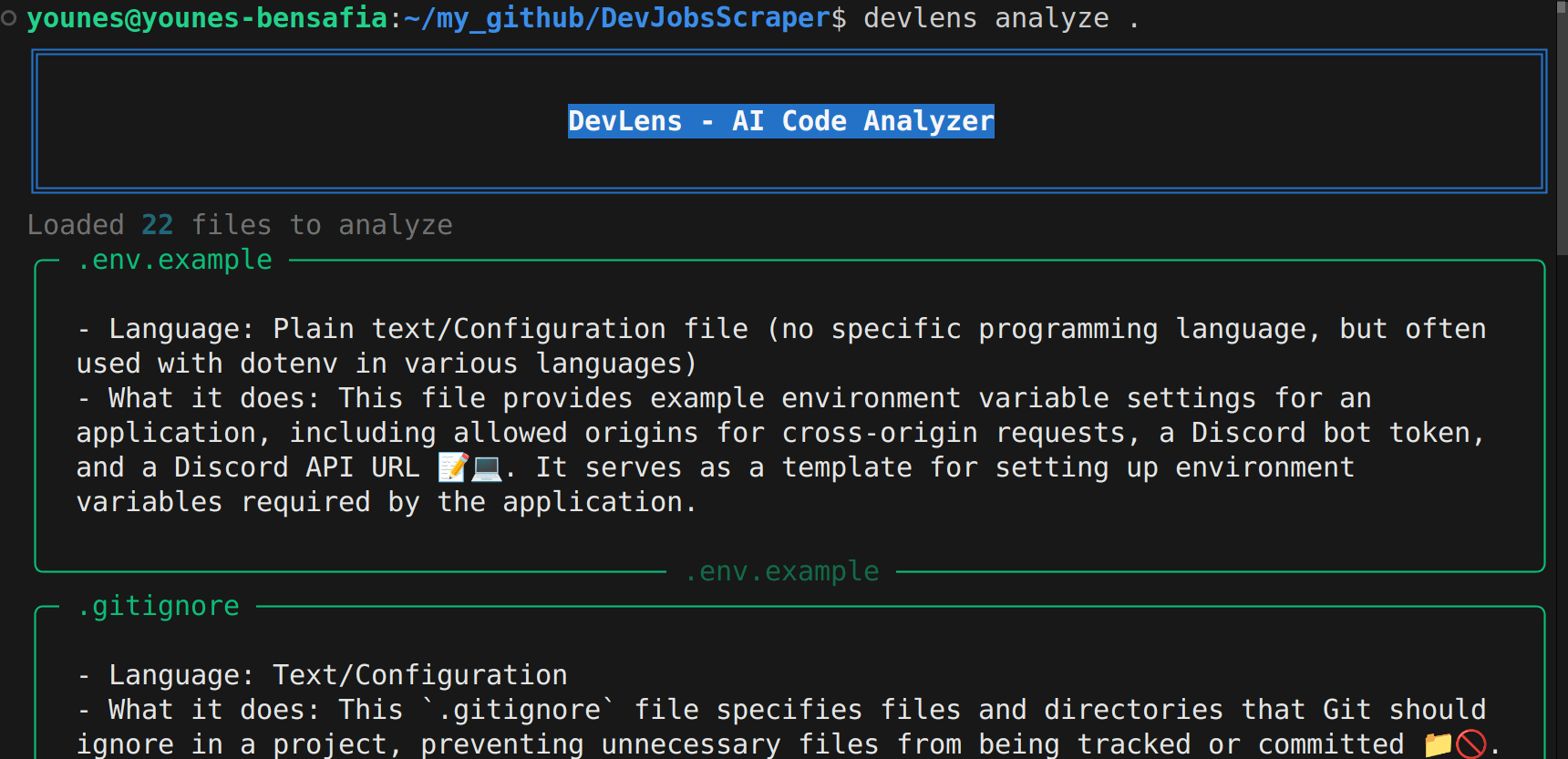
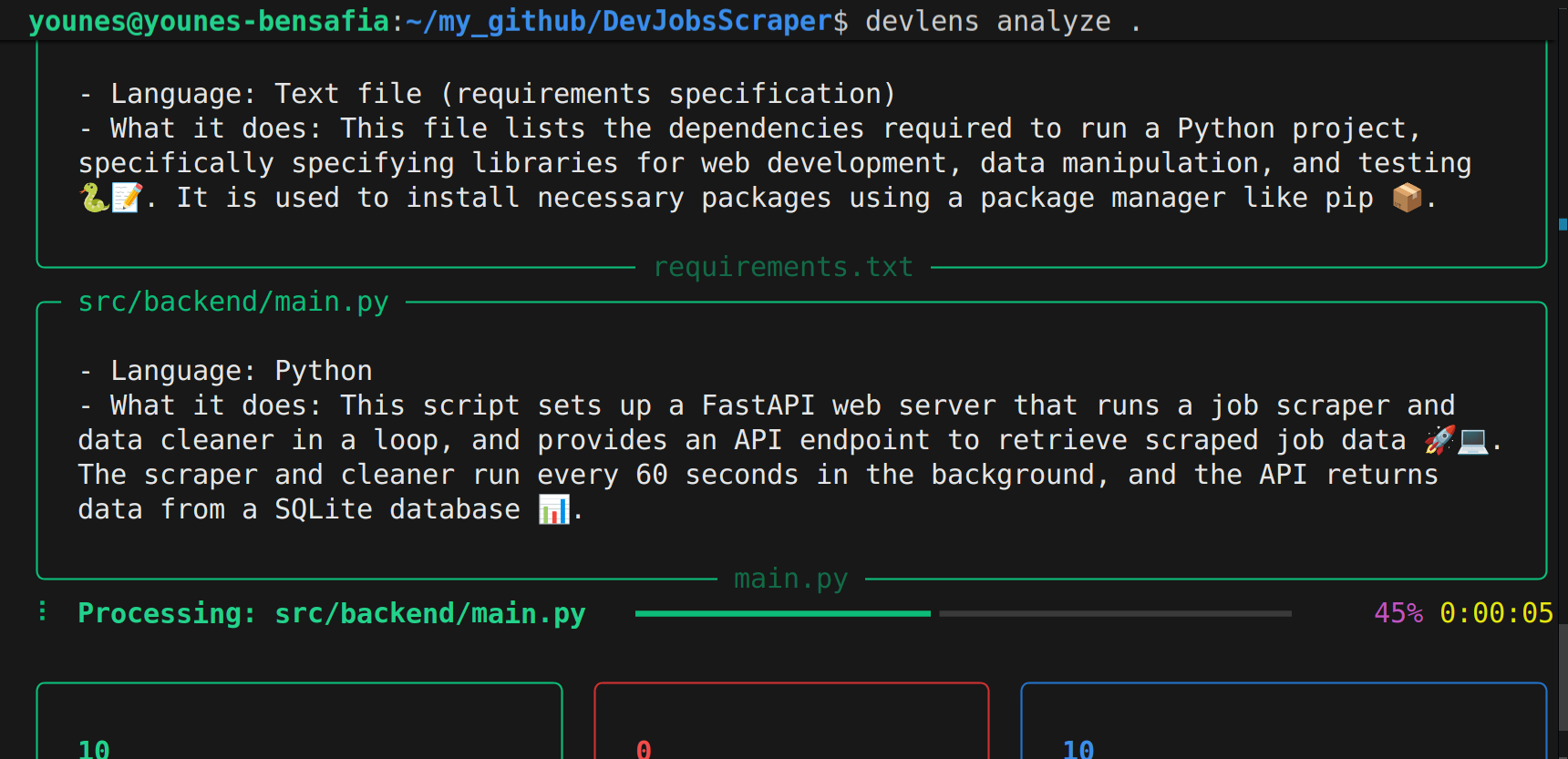
AI-Powered Code AnalysisGet intelligent summaries of every file in your project
|
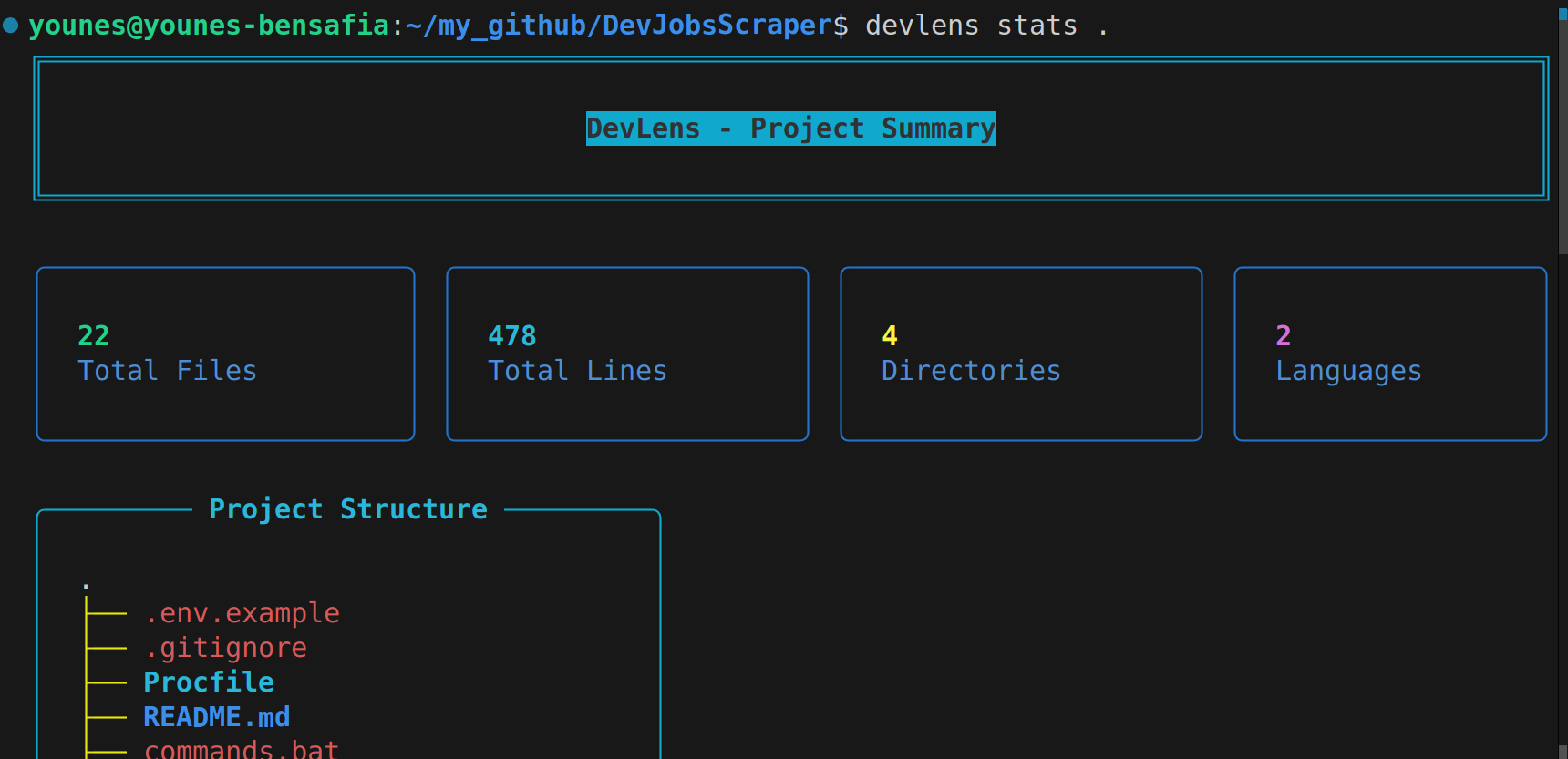
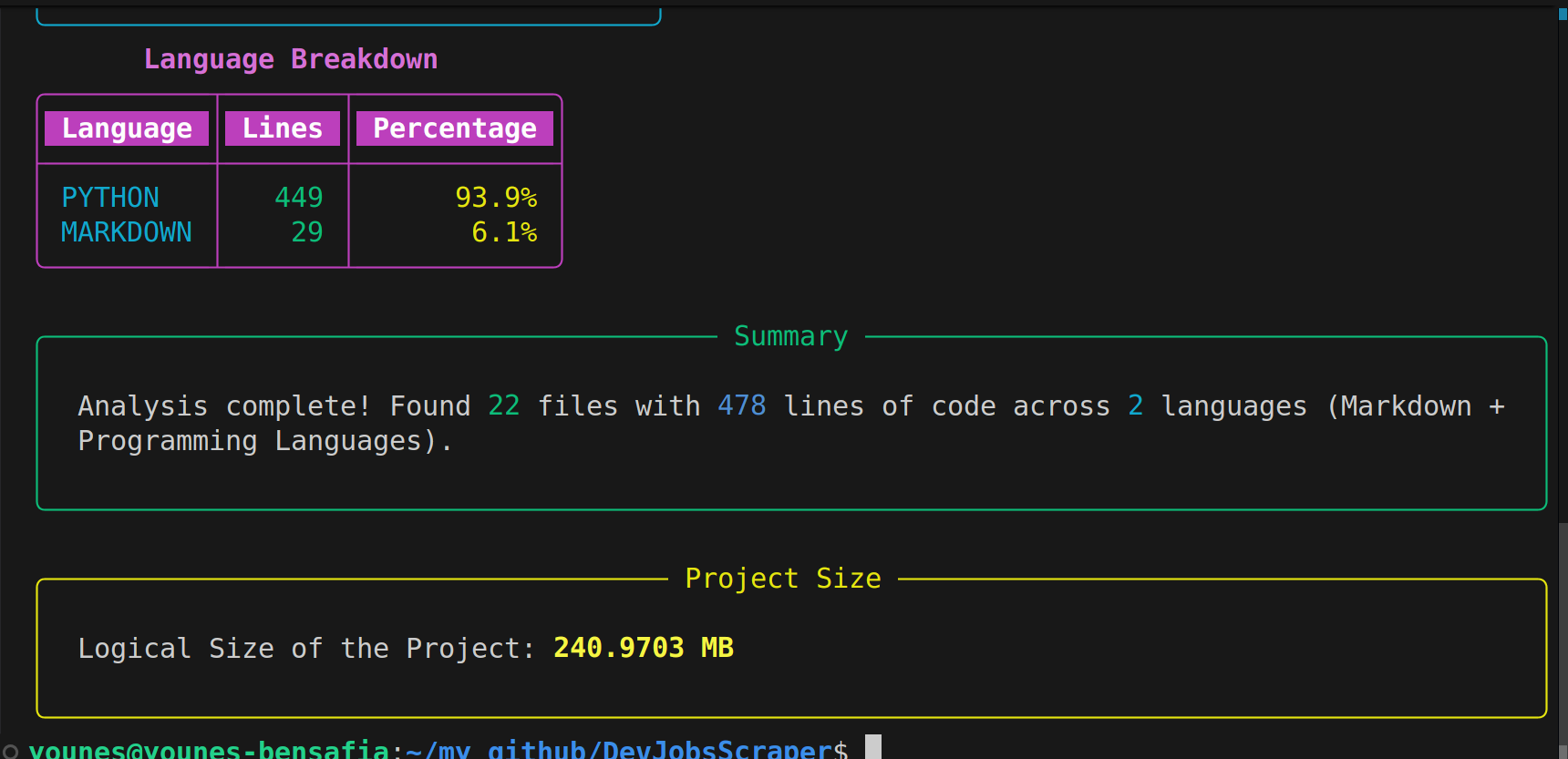
Codebase StatisticsLanguage breakdown, line counts, and project structure
|
Complete Project InsightsTotal files, directories, and detailed structure visualization
|
Language BreakdownSee exactly how your codebase is distributed across languages
|
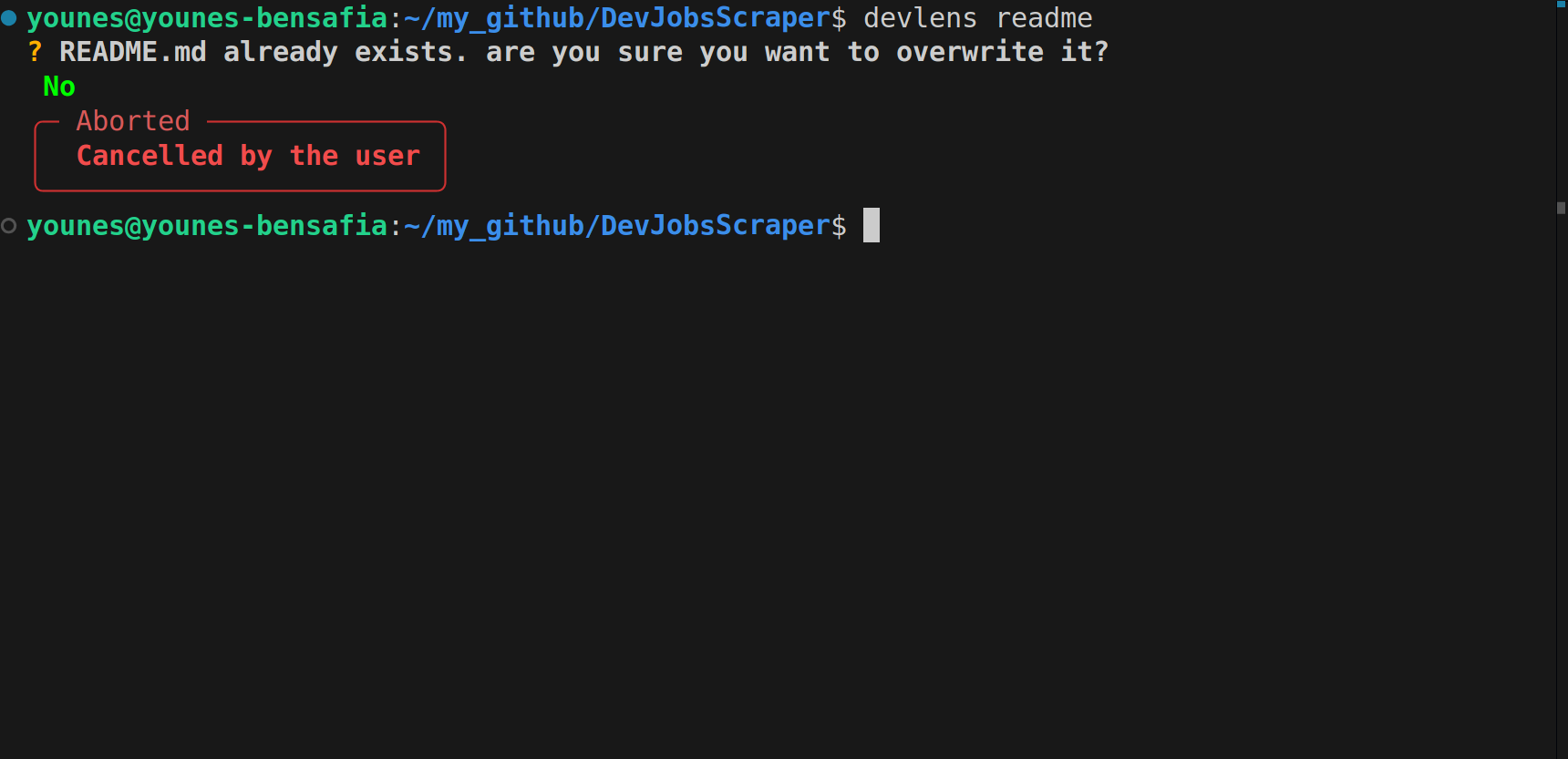
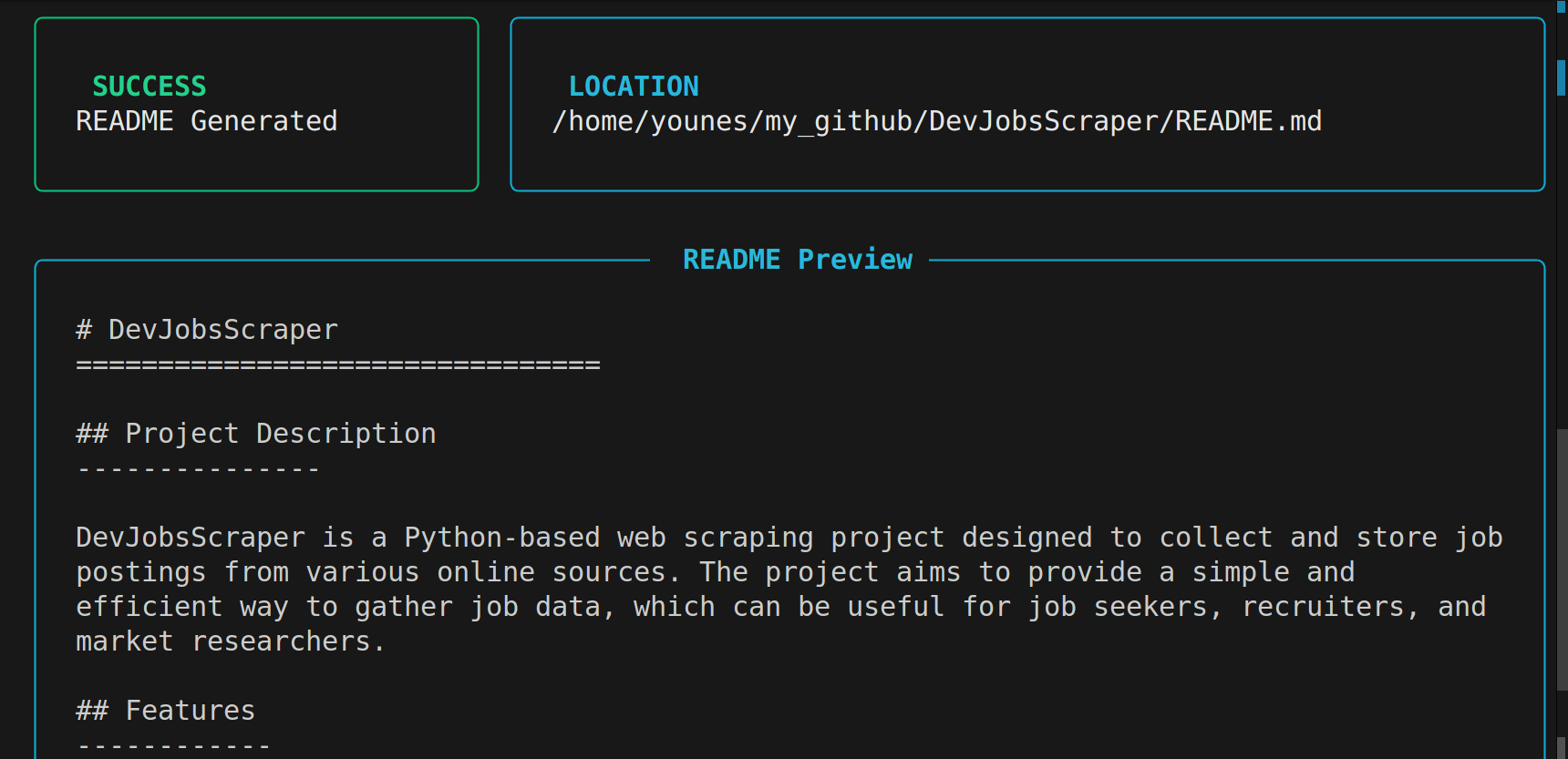
README GeneratorAuto-generate professional documentation for your project
|
Generated OutputClean, well-structured README tailored to your project
|
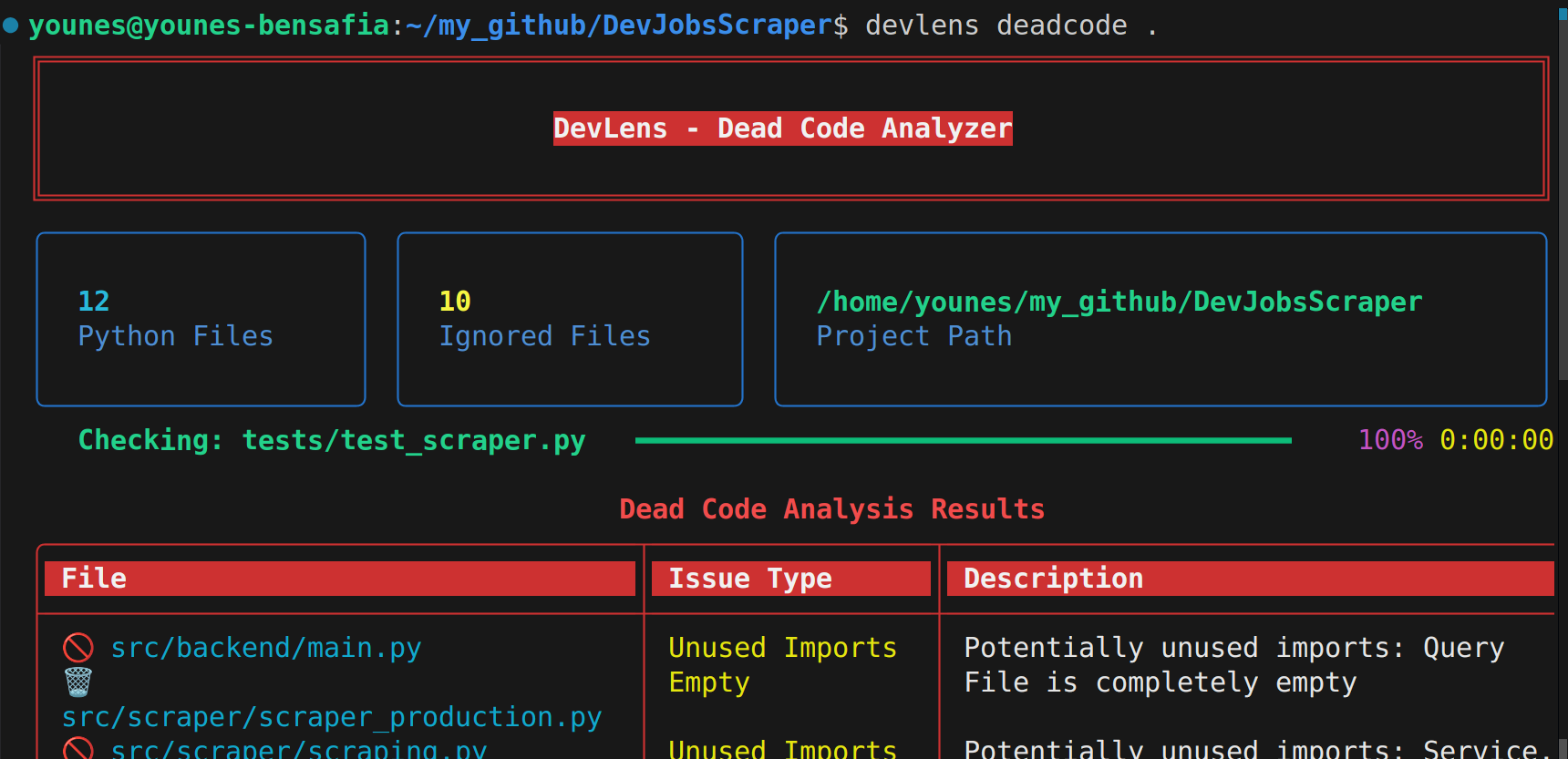
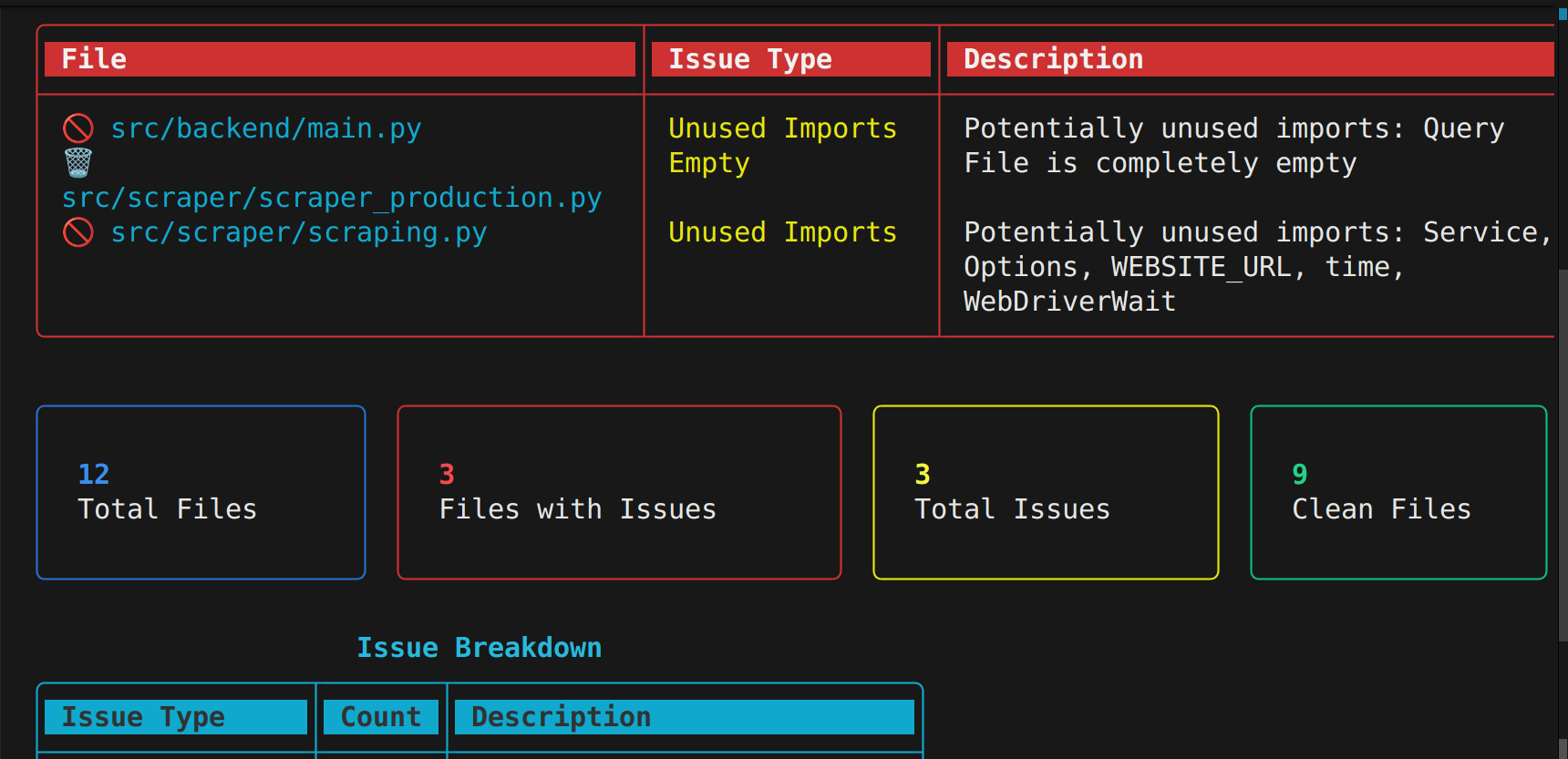
Dead Code DetectionFind unused functions and imports to keep your code clean
|
Issue BreakdownGet a full overview of empty files and project issues
|
Installation
From PyPI (Recommended)
pip install devlens-tool
Using uv
uv tool install devlens-tool
From Source
git clone https://github.com/YounesBensafia/DevLens.git
cd DevLens
uv tool install .
Setup
DevLens uses Groq for AI-powered features. You'll need a free API key.
1. Get your API key from console.groq.com
2. Set the environment variable:
export GROQ_API_KEY=your_api_key_here
Tip: Add the export line to your
~/.bashrcor~/.zshrcto make it permanent.
Usage
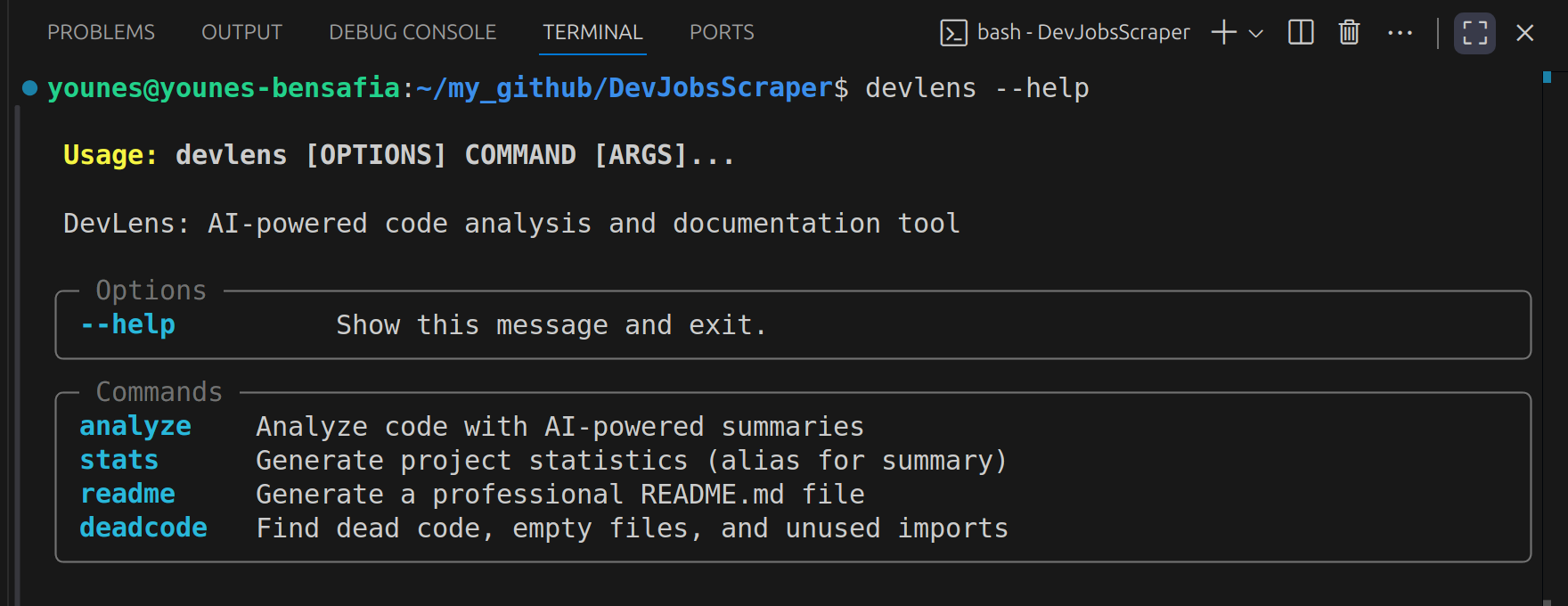
devlens --help
Commands
| Command | Description |
|---|---|
devlens -st <PATH> |
Generate a comprehensive project summary — total files, lines, directories, language breakdown, and project structure |
devlens -an <PATH> |
AI-powered analysis of each file using meta-llama/llama-4-scout-17b-16e-instruct |
devlens -rd |
Auto-generate a professional README.md tailored to your project |
devlens -deadcode <PATH> |
Detect unused functions and imports across the codebase |
Examples
# Analyze the current directory
devlens -st .

# Get AI summaries for a specific project
devlens -an /path/to/your/project

# Generate a README for the current project
devlens -rd

# Find dead code
devlens -deadcode .
Roadmap
- Project statistics and language breakdown
- AI-powered file analysis
- Automatic README generation
- Dead code detection
- Dependency graph visualization
- Support for more languages in dead code detection
Contributing
Contributions are welcome! Please see CONTRIBUTING.md for guidelines.
- Fork the repository
- Create your feature branch (
git checkout -b feature/amazing-feature) - Commit your changes (
git commit -m 'Add amazing feature') - Push to the branch (
git push origin feature/amazing-feature) - Open a Pull Request
License
This project is licensed under the MIT License — see the LICENSE file for details.
Built by Younes Bensafia
If DevLens helps you, consider giving it a star.
Release history Release notifications | RSS feed


Download files
Download the file for your platform. If you're not sure which to choose, learn more about installing packages.
Source Distribution
Built Distribution
Filter files by name, interpreter, ABI, and platform.
If you're not sure about the file name format, learn more about wheel file names.
Copy a direct link to the current filters
File details
Details for the file devlens_tool-0.2.0.tar.gz.
File metadata
- Download URL: devlens_tool-0.2.0.tar.gz
- Upload date:
- Size: 21.5 kB
- Tags: Source
- Uploaded using Trusted Publishing? No
- Uploaded via: twine/6.2.0 CPython/3.13.7
File hashes
| Algorithm | Hash digest | |
|---|---|---|
| SHA256 |
1458abdb954c03fab496fee6280c1853c1662018e04ee61242dc8e7ae7e05133
|
|
| MD5 |
ef07c9ba22592ca7a85a6e5088f0806b
|
|
| BLAKE2b-256 |
6abb7fc15019baed977cdb33ca1b426e50cb80b92367d6bcf70faca2c82fb2ca
|
File details
Details for the file devlens_tool-0.2.0-py3-none-any.whl.
File metadata
- Download URL: devlens_tool-0.2.0-py3-none-any.whl
- Upload date:
- Size: 26.6 kB
- Tags: Python 3
- Uploaded using Trusted Publishing? No
- Uploaded via: twine/6.2.0 CPython/3.13.7
File hashes
| Algorithm | Hash digest | |
|---|---|---|
| SHA256 |
fbfd6218f734427afffdf9bde39c6f0616f2e6983c6be653d5462134255ab0f5
|
|
| MD5 |
8f5da562080302820fcbfa6f4ec9cf23
|
|
| BLAKE2b-256 |
e986a3f9a5cb30f0c69f12516a333d54c1417ad6e6949db4b04be24a7fd5240e
|






