
📂 Easily view file contents in your terminal with a simple command. No need to open an editor! 💻

Project description
dirprintly
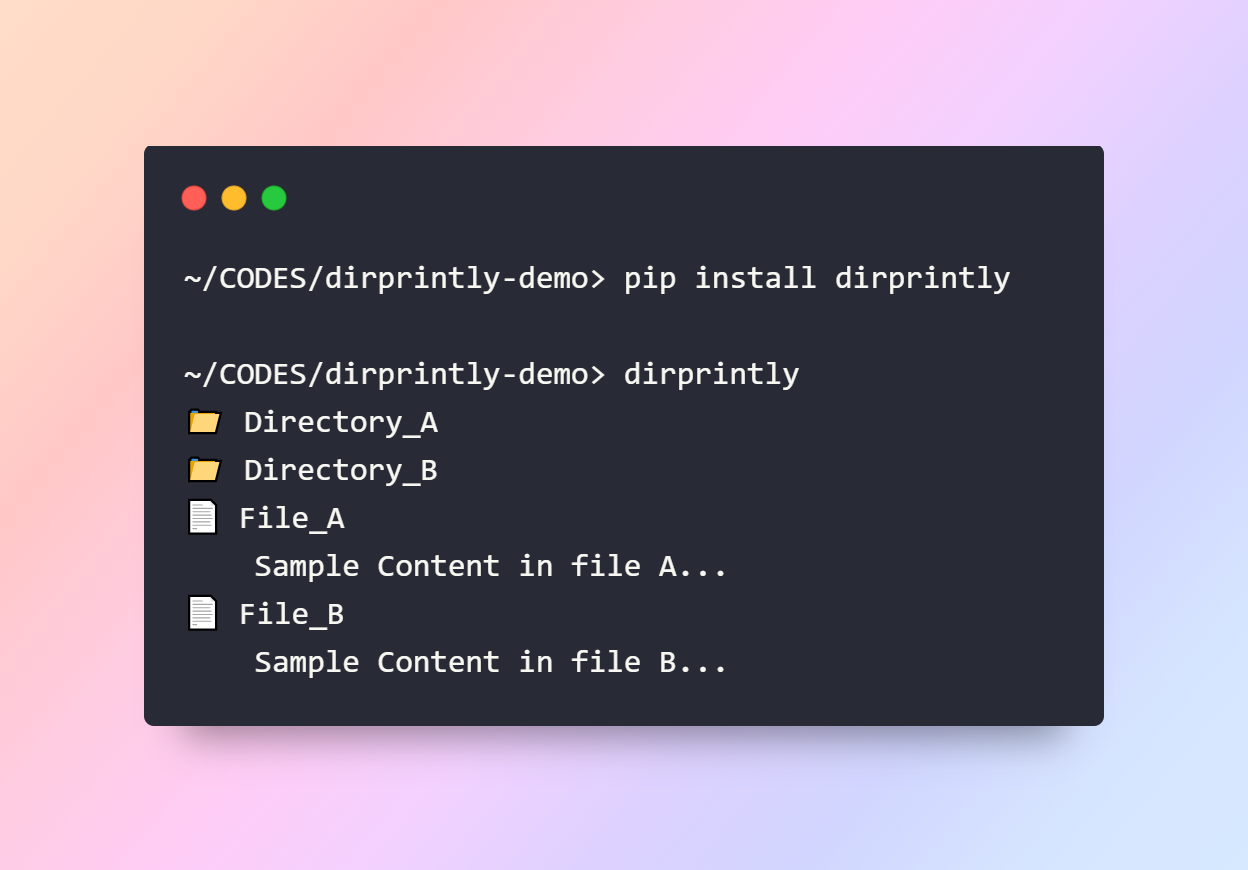
dirprintly is a Python package that enhances directory and file exploration in the terminal by printing the contents of files in the current directory, and optionally, in all subdirectories. It provides a clear, color-coded display to improve readability and navigation.
Installation
Install dirprintly using pip:
pip install dirprintly
Usage
To print the contents of all files in the current directory:
dirprintly
Features
- Simple Interface: A straightforward command-line interface.
- Color Coding: Uses color coding to distinguish between files and directories.
Requirements
- Python 3.6+
- colorama
Contributing
Contributions are welcome! Please read our Contributing Guide for more information about how to get involved.
License
dirprintly is released under the MIT License. See LICENSE for details.
Notes:
- Customize Further: Feel free to add or modify sections according to your package's needs. For example, if your package has a graphical interface, screenshots would be a great addition.
- Links: Replace placeholders like
CONTRIBUTING.mdandLICENSEwith actual links to these files in your repository. If these documents do not exist, consider creating them or removing the links. - Project Status: If your project is in an early stage, a beta release, or under active development, it might be helpful to include a status badge or a note about the project's stability.
- Examples and Documentation: For more complex packages, consider adding a link to the full documentation or including more comprehensive examples.
This template keeps the focus on what users most need to know, presenting it in an organized and easy-to-read format.


Download files
Download the file for your platform. If you're not sure which to choose, learn more about installing packages.
Source Distribution
Built Distribution
Filter files by name, interpreter, ABI, and platform.
If you're not sure about the file name format, learn more about wheel file names.
Copy a direct link to the current filters
File details
Details for the file dirprintly-1.3.3.tar.gz.
File metadata
- Download URL: dirprintly-1.3.3.tar.gz
- Upload date:
- Size: 4.0 kB
- Tags: Source
- Uploaded using Trusted Publishing? No
- Uploaded via: twine/5.0.0 CPython/3.10.9
File hashes
| Algorithm | Hash digest | |
|---|---|---|
| SHA256 |
247a3abd8637063a9f6aa73c2ad45acd7c02239494ea6b883135989dc6853137
|
|
| MD5 |
a18716235b44d3f36abf6268c8b0adaa
|
|
| BLAKE2b-256 |
f00bfe53c9a695c9e6a00b38e0df60d90a09074e9c7c7e1294a006d82daa58ac
|
File details
Details for the file dirprintly-1.3.3-py3-none-any.whl.
File metadata
- Download URL: dirprintly-1.3.3-py3-none-any.whl
- Upload date:
- Size: 4.5 kB
- Tags: Python 3
- Uploaded using Trusted Publishing? No
- Uploaded via: twine/5.0.0 CPython/3.10.9
File hashes
| Algorithm | Hash digest | |
|---|---|---|
| SHA256 |
3855b14046ef8f815ea72c49b2ea1ed516e73df6eb2b42172d72b10989480ced
|
|
| MD5 |
e72d68566d08aed0b10ecdca28525f11
|
|
| BLAKE2b-256 |
f933344c62afb9fe19be3a6326d4804fa4021159101fecadcf02d65e58b82506
|






