

Discbase
Discord as a Database






Disclaimer
Use this library responsibly and be sure to read Discord's Terms of Service before using.
Quickstart
Use the package manager pip to install.
pip install discbase
Set up a Discord bot
-
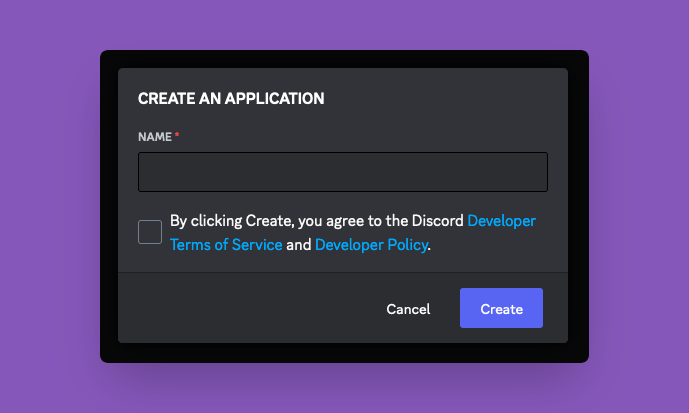
Navigate to the Discord Developer Applications page
-
Create a new application and name it
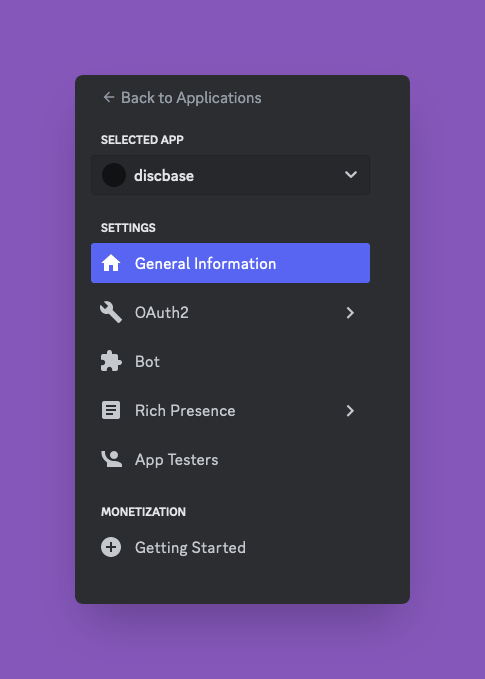
- Navigate to
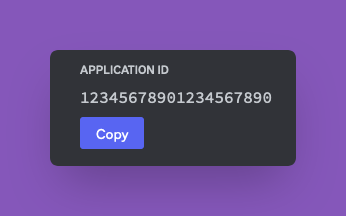
Settings/General Informationand save theApplication ID
- Navigate to
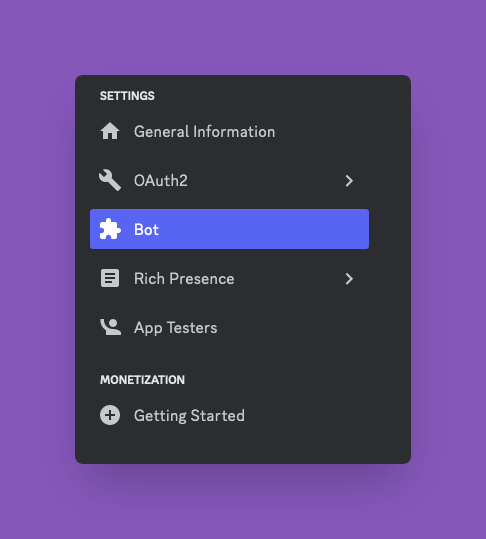
Settings/Bot
- Click
Reset Token, and save theToken
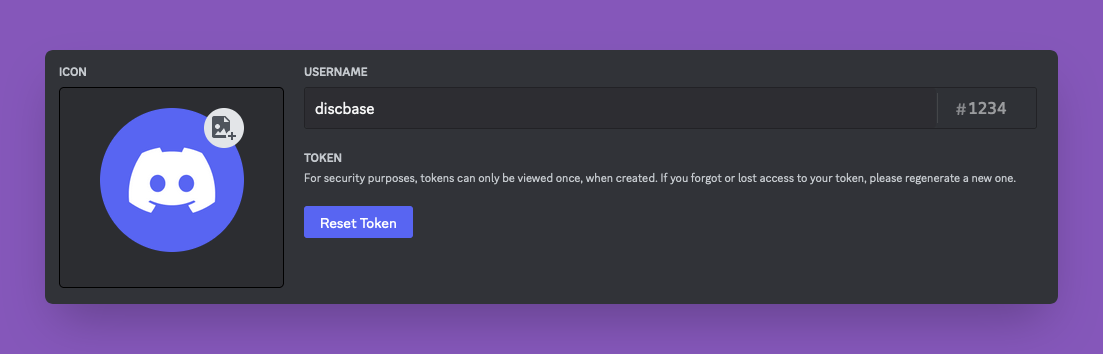
- Enable
Presence Intent,Server Members Intent, andMessage Content Intent
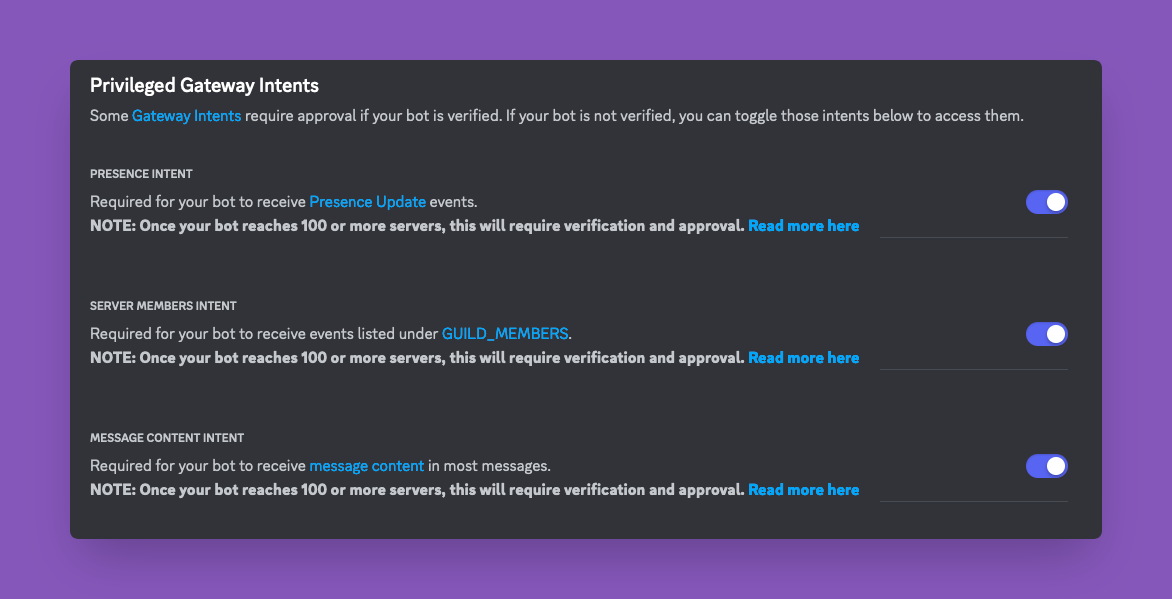
-
Paste the application ID you saved into the following URL and paste it into any browser: https://discord.com/api/oauth2/authorize?client_id=APPLICATION_ID_HERE&permissions=8&scope=bot
-
Select the server you would like to add this to and follow the prompts to authorize
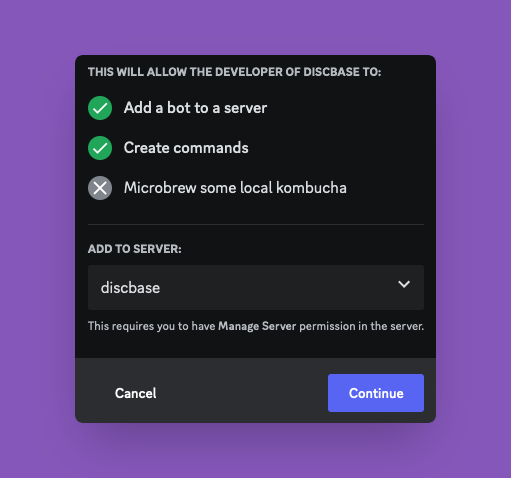
Pick a Channel to Use for Storage
- Go to the server that you want to use. The bot you created should be there
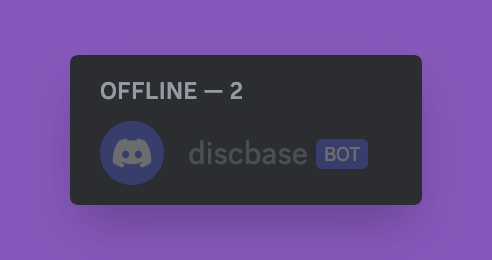
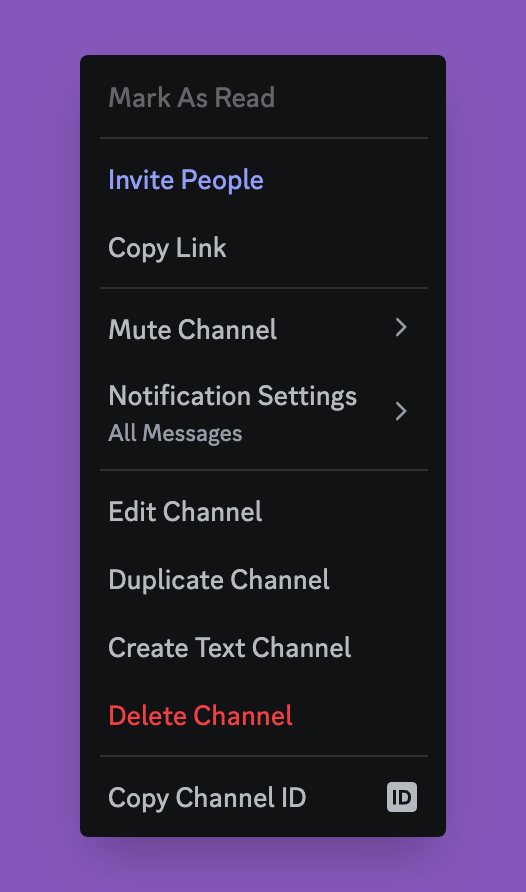
- Find or create the channel you would like to use for storage, right click on the name and copy the channel ID
Run the Client
import asyncio

from discbase.database.Client import Client

if __name__ == "__main__":
    # put your token here as a string
    TOKEN = "TOKEN_123"
    # put your channel id here as an integer
    CHANNEL_ID = 123
    client = Client(discord_client_token=TOKEN, discord_channel_id=CHANNEL_ID)

    async def main():
        # start the client
        await client.start()
        try:
            # store some text data and some media
            stored_record = await client.dump(value="some message", media_paths=["https://some_image.png"])
            # retrieve the data
            retrieved_record = await client.retrieve(record_id=stored_record.record_id)
            my_message = stored_record.text_data
            my_media_url = stored_record.media_urls[0]
        except Exception as e:
            print(e)
        # stop the client
        await client.stop()

    # run code asynchronously
    asyncio.run(main())
Alternatively, Run the Client as a Context Manager
This is much slower as each time the context manager is used, it has to start up the client and connect first.
The advantage is closing will always be taken care of automatically.
import asyncio

from discbase.database.Client import Client

if __name__ == "__main__":
    async def main():
        # this runs the client
        async with Client(discord_client_token="TOKEN_123", discord_channel_id=123) as client:
            await client.dump(value="foo")
        # the client is now closed automatically

    asyncio.run(main())
Performance
NOTE: You will need to save environment variables for BOT_TOKEN and CHANNEL_ID before running this.
$ export BOT_TOKEN='token'            # your bot token here
$ export CHANNEL_ID=12345             # your discord channel id
$ make speedtest                      # run speedtest with default number of messages
$ make speedtest SPEEDTEST_COUNT=100  # run speedtest with 100 messages
Development
Run these commands from the root folder
- Install Dependencies:
make deps - Format Code:
make fmt - Run Unit Tests:
make test-unit - Run E2E Tests:
make test-e2e - Run All Tests:
make test-all
Styling
Primary Color: #8557BA
1 maintainer

Release files for discbase 0.5.0
For a detailed explanation of source distributions (sdists) and built distributions (wheels), please see the package formats documentation.
Source distribution (sdist)
| File | Size | Uploaded | |
|---|---|---|---|
| discbase-0.5.0.tar.gz | 14.2 kB | Details |
Built distribution (wheel)
| File | Interpreter | ABI | Platform | Reset |
|---|---|---|---|---|
| discbase-0.5.0-py3-none-any.whl | Python 3 | none | any | Details |
Total release size: 31.9 kB
Release files / discbase-0.5.0.tar.gz
| Download URL | discbase-0.5.0.tar.gz |
|---|---|
| Size | 14.2 kB |
| Tags | Source |
|
SHA-256 checksum How to use checksums |
befcfe14ca34c304e006d2cbf6067477115e4ed66c704635c7564f2e7cbf3af6
|
|
BLAKE2b-256 checksum How to use checksums |
40a56e24b2e92e6707039d3fc473cc0f5aa4d8327566de4915a62c87b681ffc9
|
| Upload date | |
|
Uploaded using Trusted Publishing? What is trusted publishing? |
No |
| Uploaded via |
twine/4.0.2 CPython/3.10.0
|
Release files / discbase-0.5.0-py3-none-any.whl
| Download URL | discbase-0.5.0-py3-none-any.whl |
|---|---|
| Size | 17.6 kB |
| Tags | Python 3 |
|
SHA-256 checksum How to use checksums |
21e52c73a5d092973e8987e077698afef89bd0d78a4f208cf38fa6fd8f1abd49
|
|
BLAKE2b-256 checksum How to use checksums |
4db41e3fc8b88f2ed2b8c8e765b5400c36c7717a4dbef56767e3dde4c794aece
|
| Upload date | |
|
Uploaded using Trusted Publishing? What is trusted publishing? |
No |
| Uploaded via |
twine/4.0.2 CPython/3.10.0
|














