



Discolight
Flashy, ravey and state-of-the-art image augmentations to boost the performance of deep convolutional neural networks
At a Glance
- The library works with images in
HxWxC(channels last) format. - Based on numpy, OpenCV, paperspace, imgaug and albumentation.
- Diversified set of augmentations available.
- Supports python 3.6-3.8
- Supports transformations on images, and bounding boxes.
- The library works with images in
HxWxCformat.
Setup
The easiest way to get started is to install the discolight package
via pip:
$ pip install discolight
Alternatively, if you have cloned this repository, you can run pip on the contents of the repository folder:
$ pip install .
Supported Augmentations
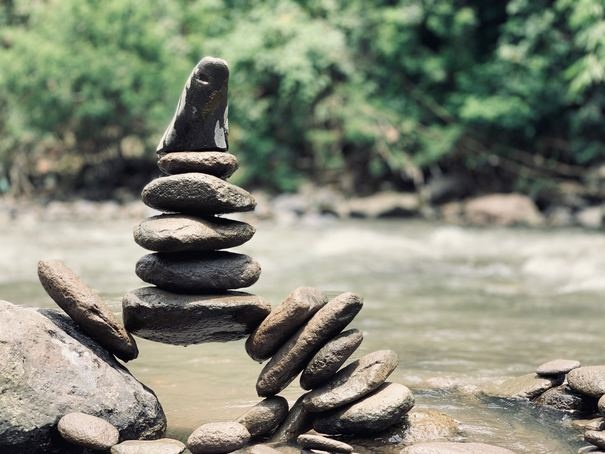
| Sample Image |
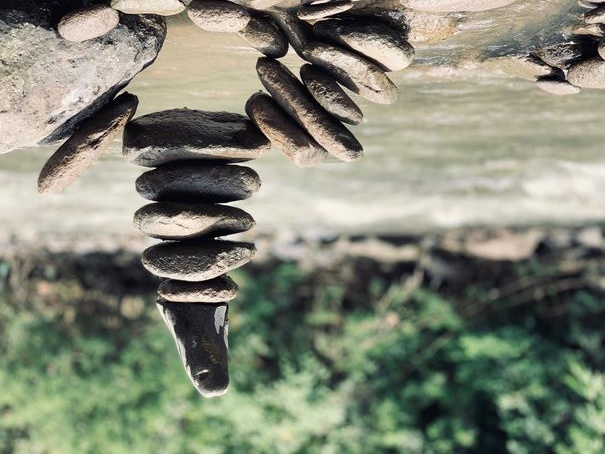
Augmented Image |
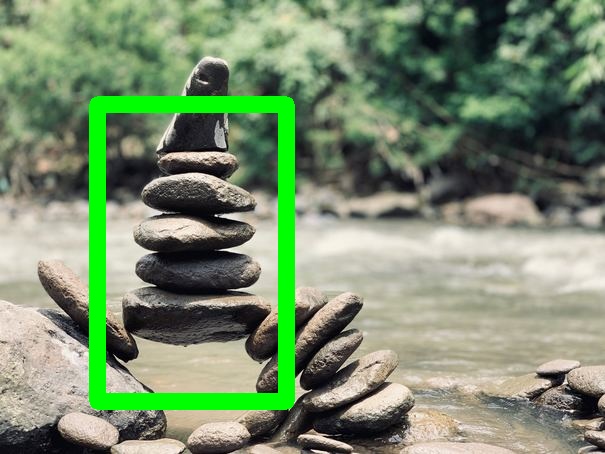
Sample Image (Bounding Boxes) |
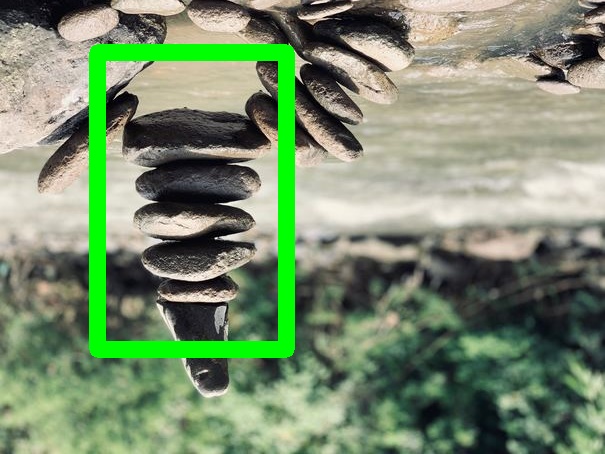
Augmented Image (Bounding Boxes) |
|
|
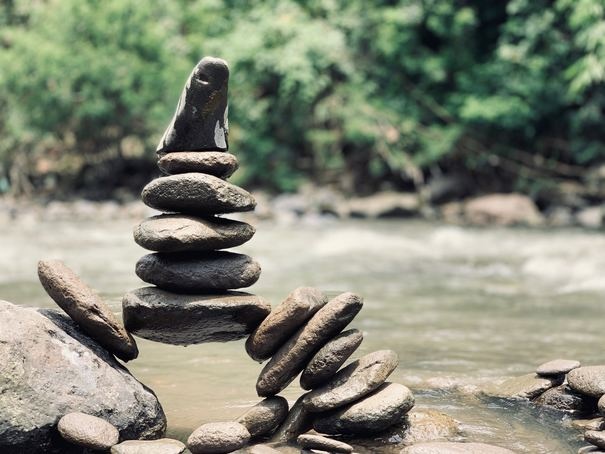
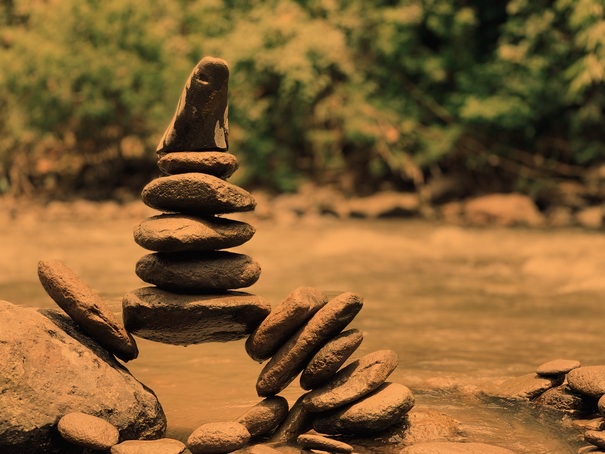
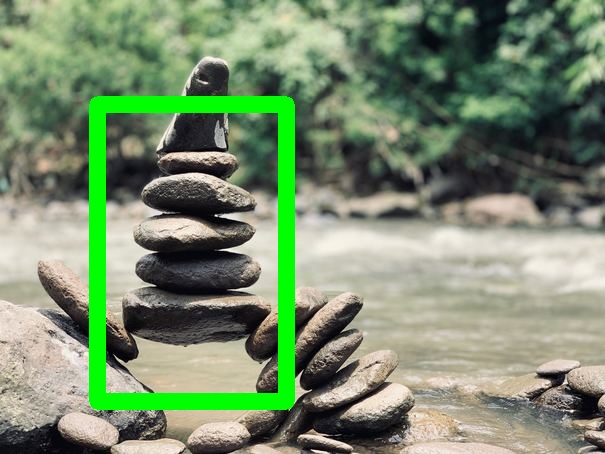
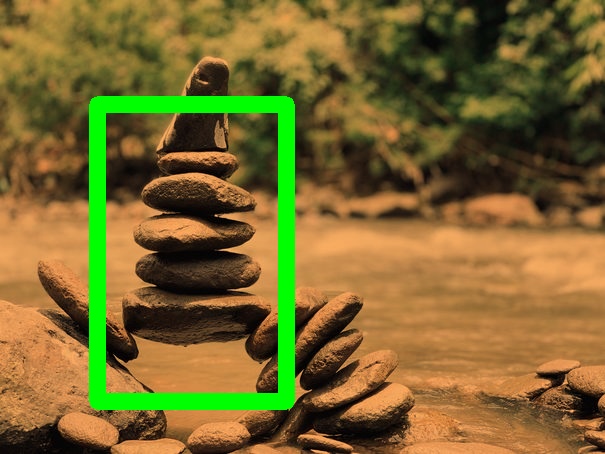
ColorTemperature
Changes the color temperature of the input image. |
|
|
|
|
|
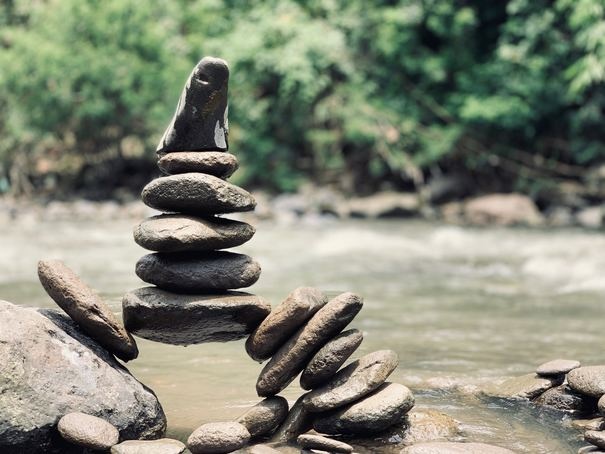
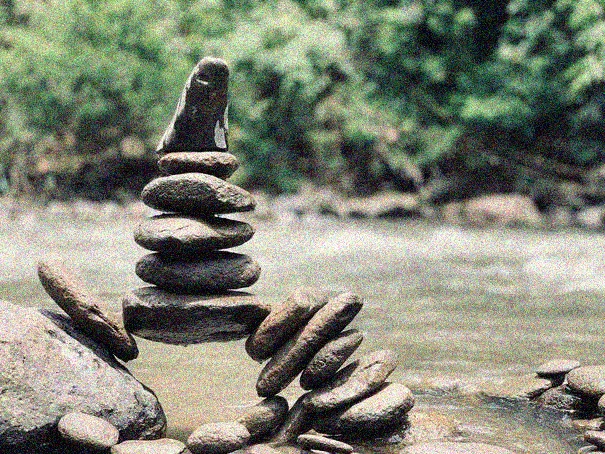
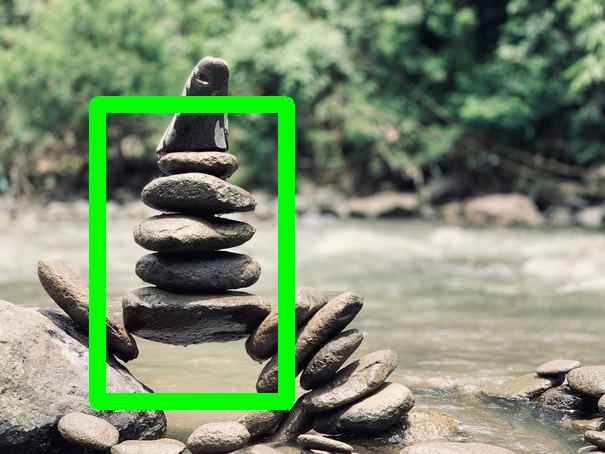
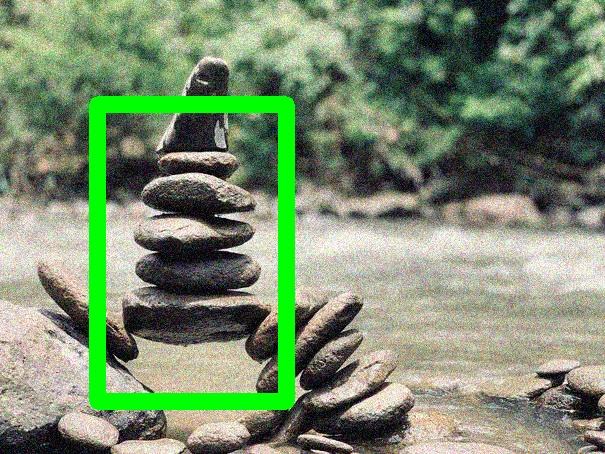
GaussianNoise
Add gaussian noise to the given image. |
|
|
|
|
|
GrayScale
Return a grayscale version of the given image. |
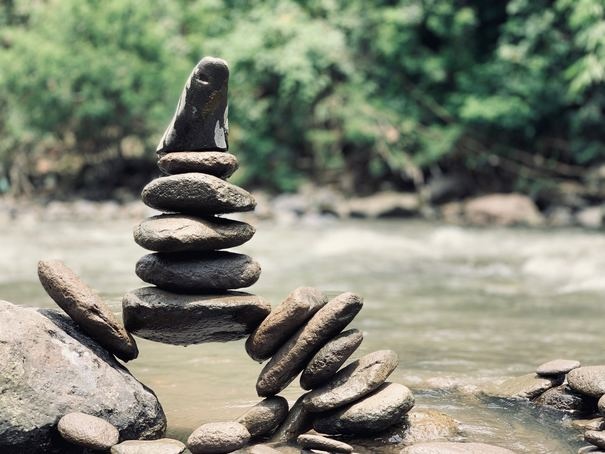
|
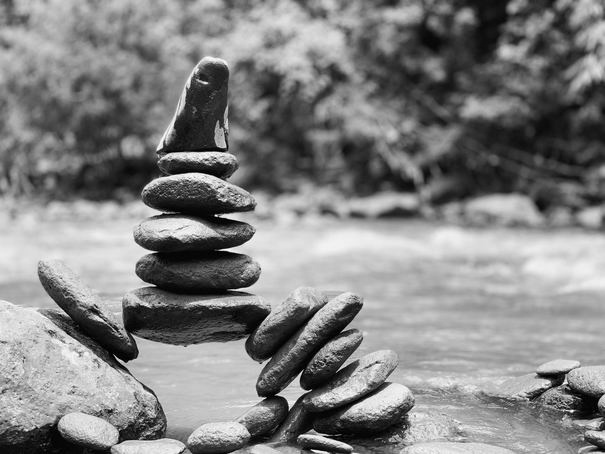
|
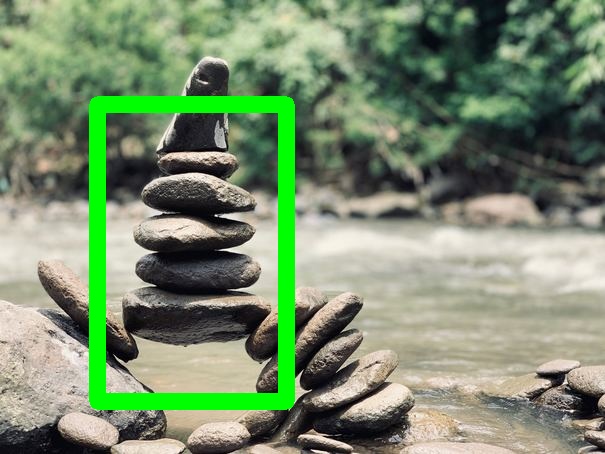
|
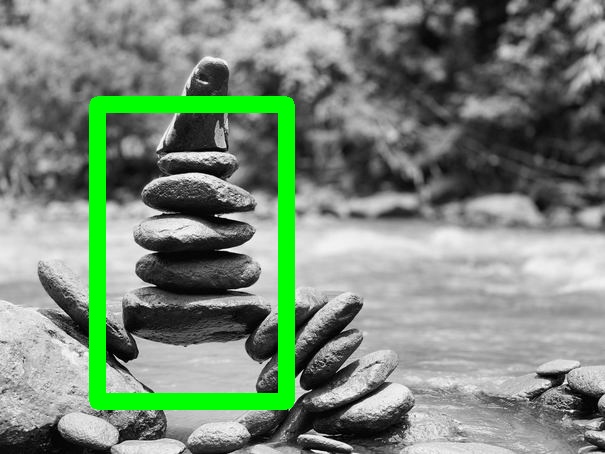
|
|
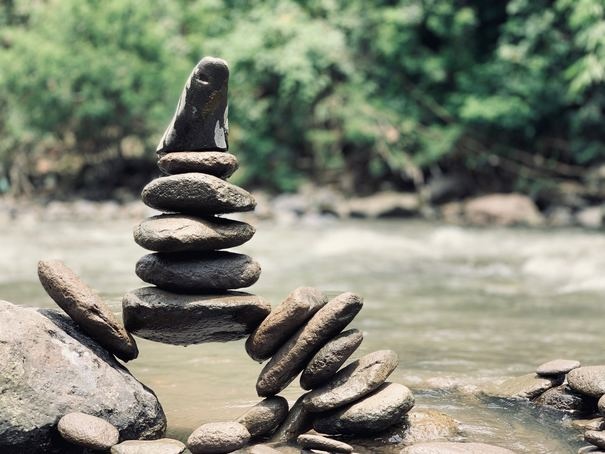
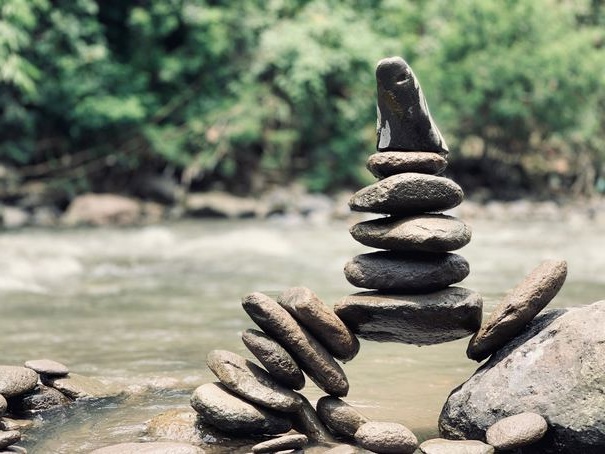
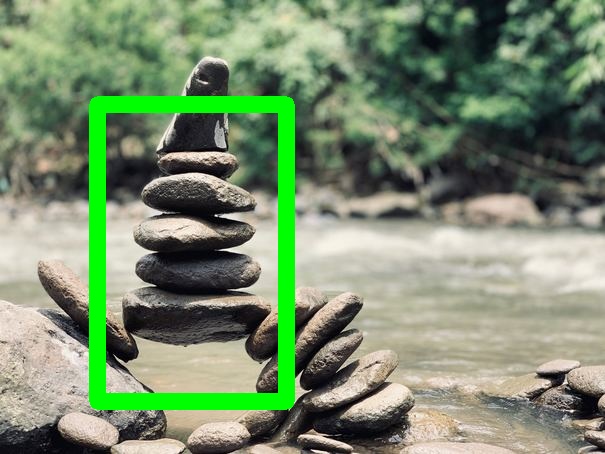
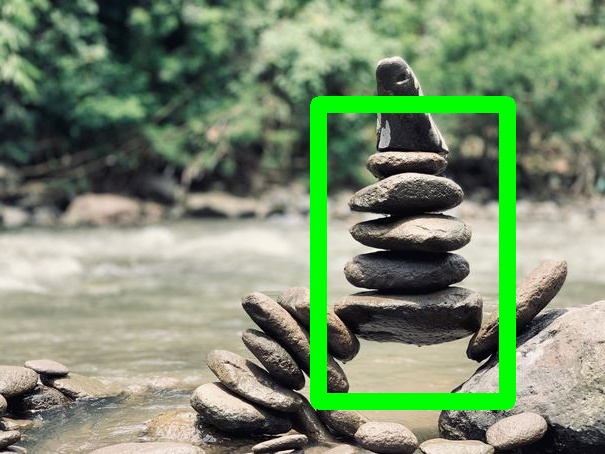
HorizontalFlip
Horizontally flips the given image. |
|
|
|
|
|
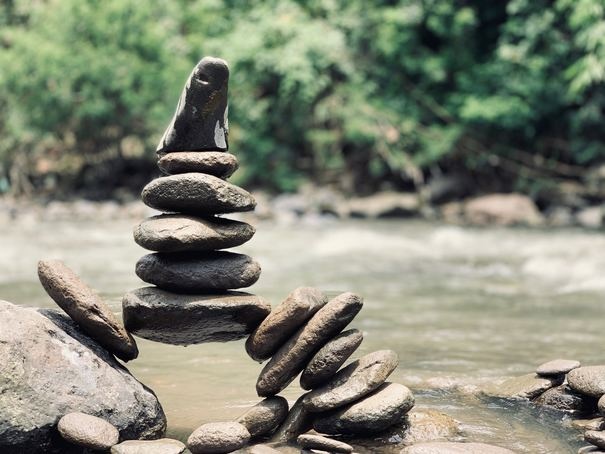
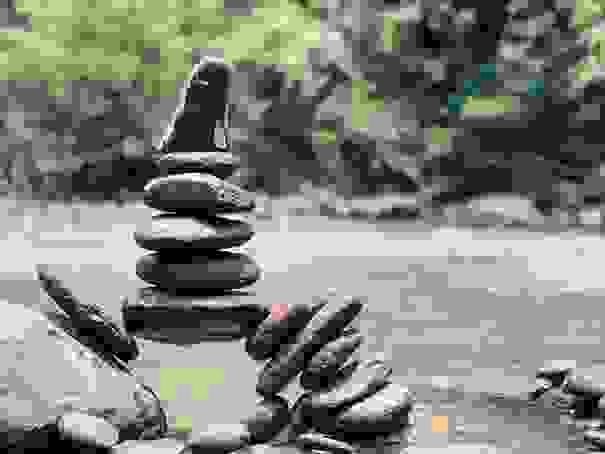
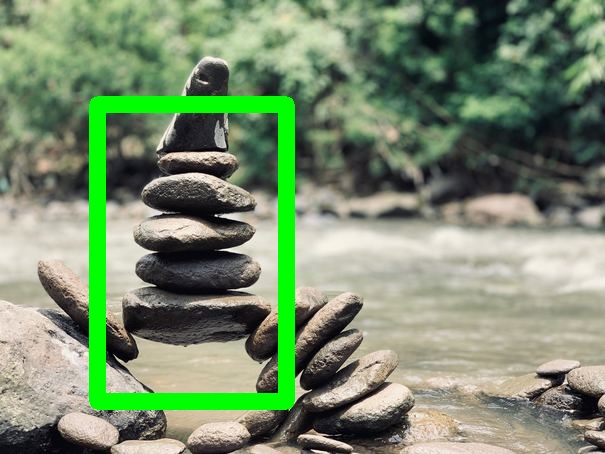
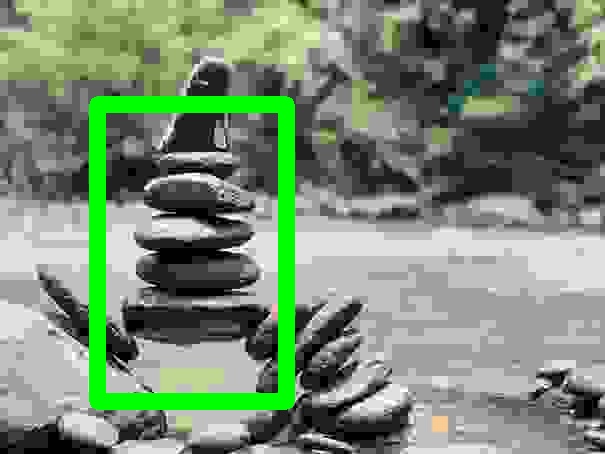
ImageCompression
Apply a compression effect to the given image. |
|
|
|
|
|
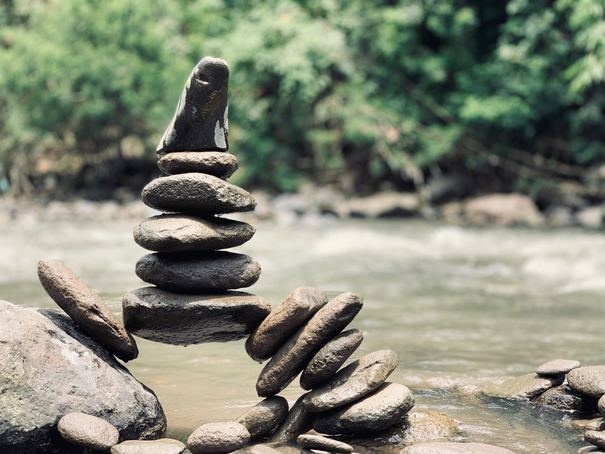
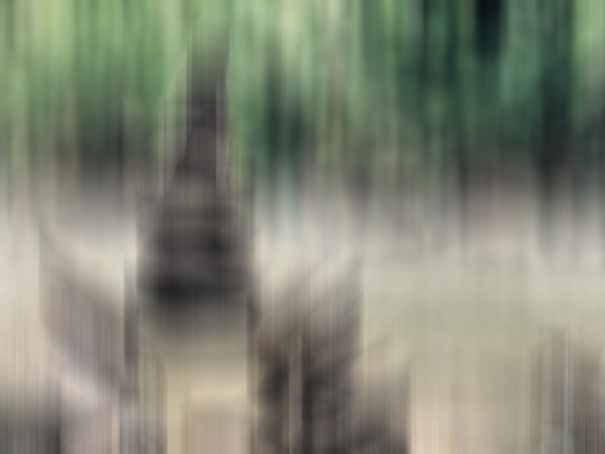
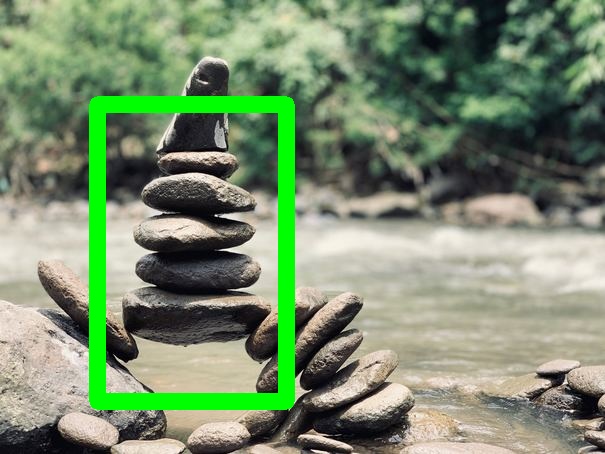
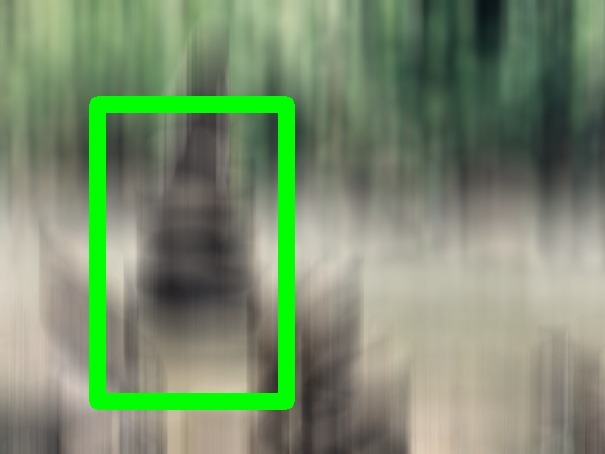
MotionBlur
Add motionblur to a given image. |
|
|
|
|
|
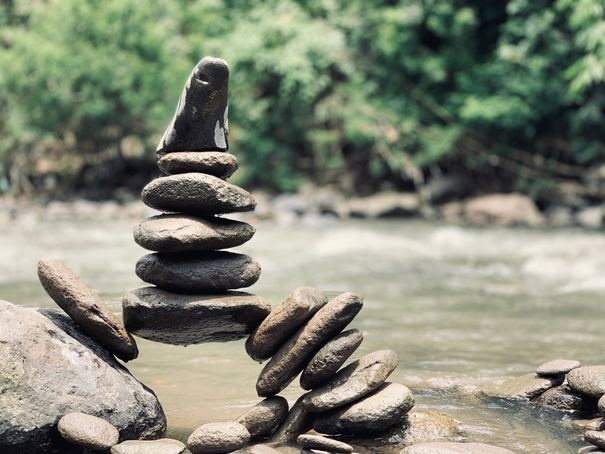
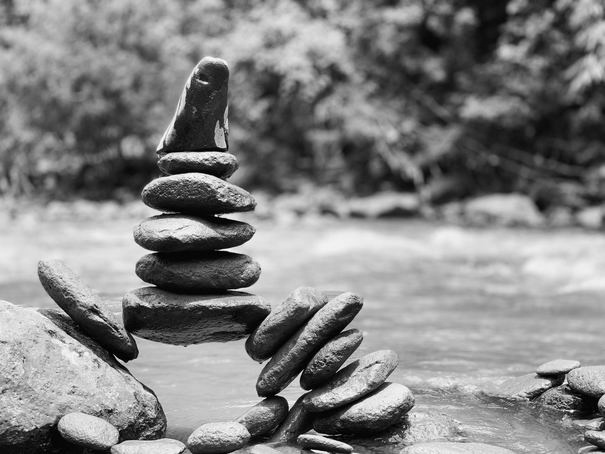
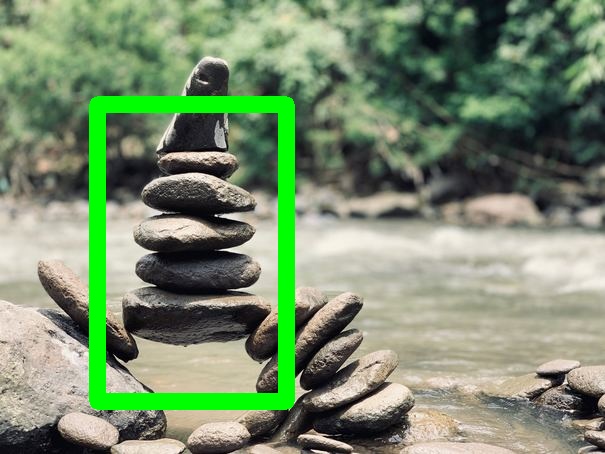
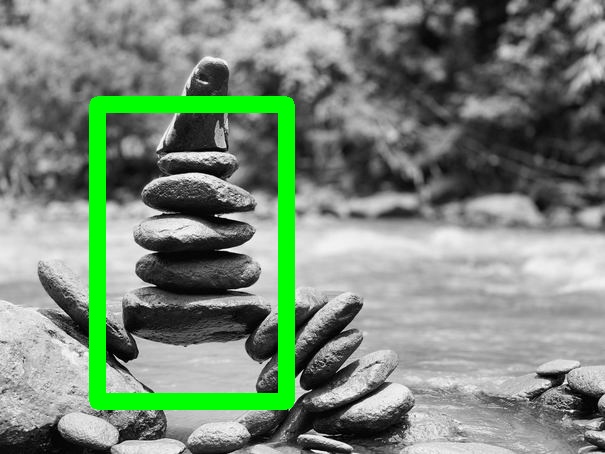
OneOf
Perform a randomly selected augmentation on the given image. |
|
|
|
|
|
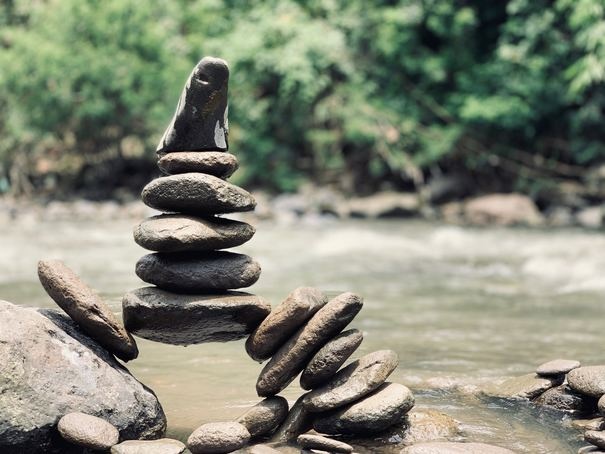
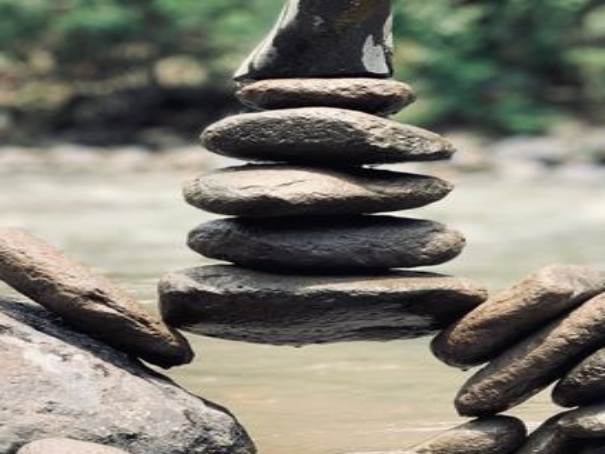
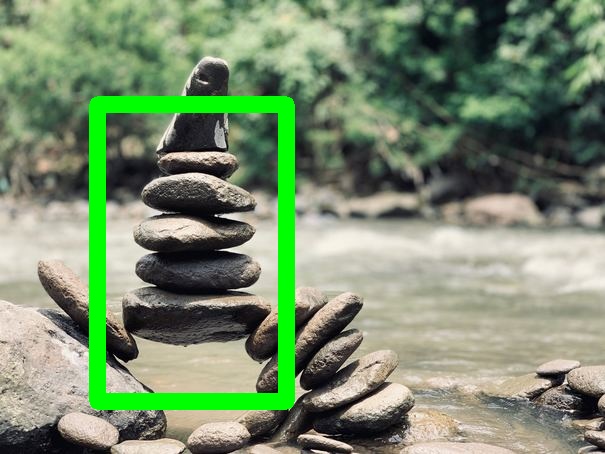
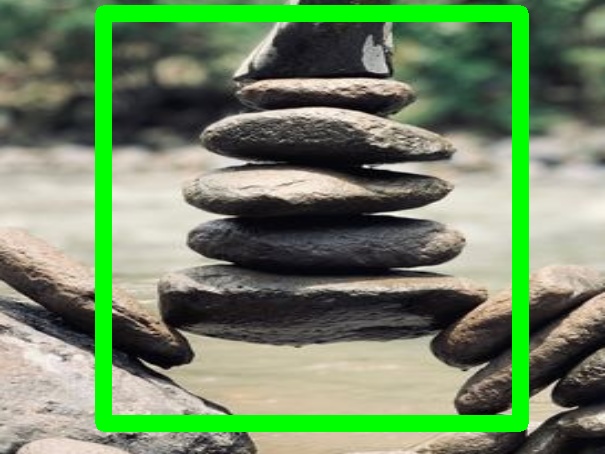
RandomCrop
Randomly crops the given image. |
|
|
|
|
|
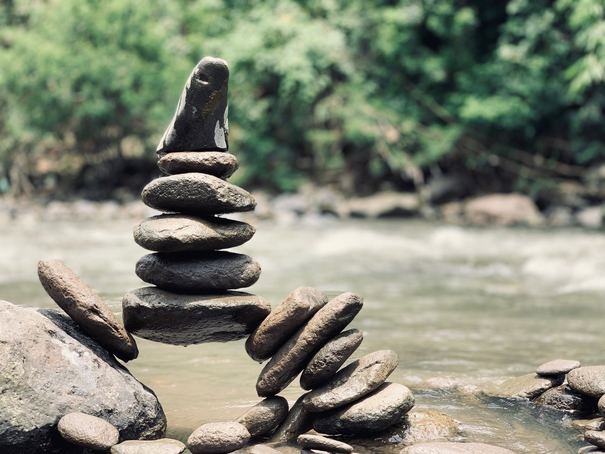
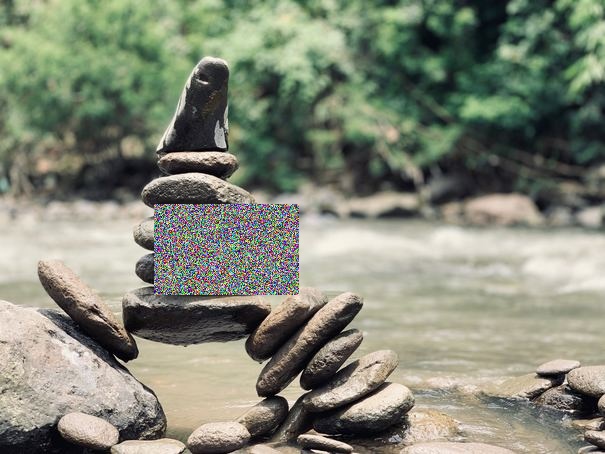
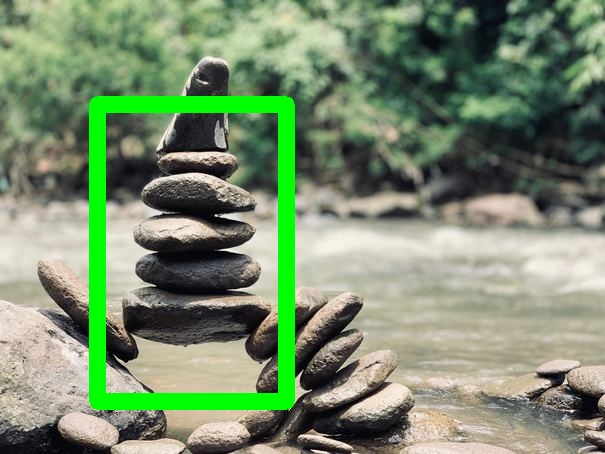
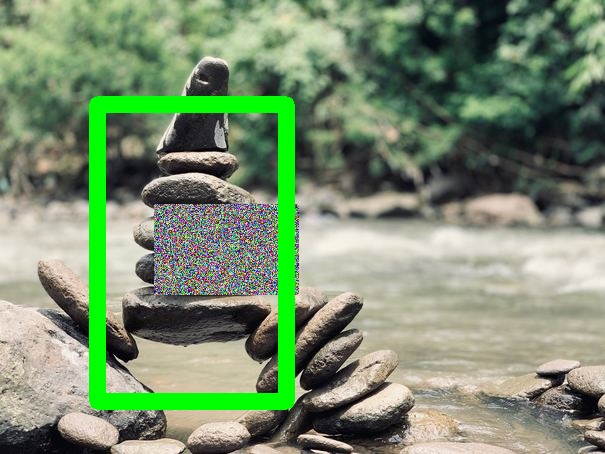
RandomEraser
Randomly erase a rectangular area in the given image. |
|
|
|
|
|
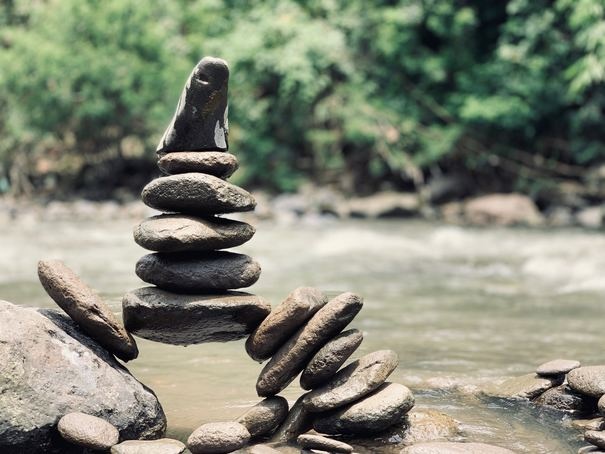
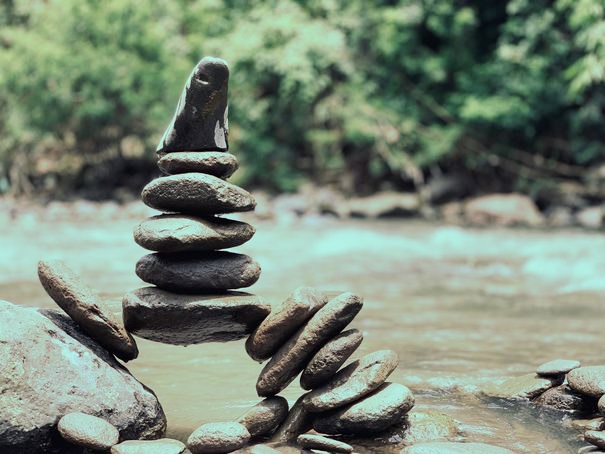
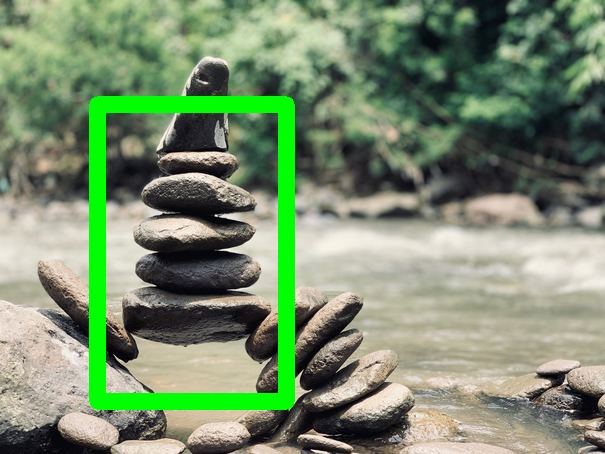
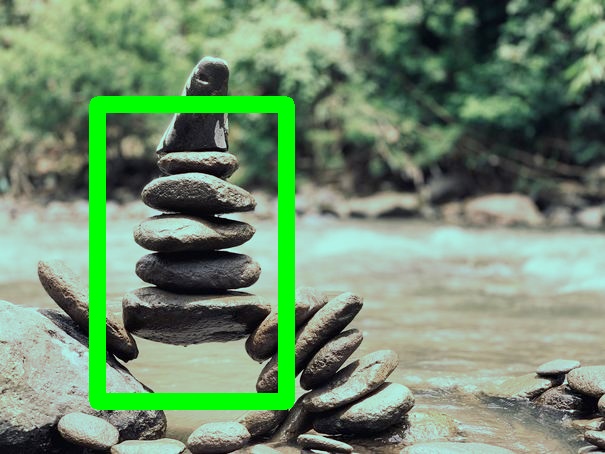
RandomHSV
Randomly shift the color space of the given image. |
|
|
|
|
|
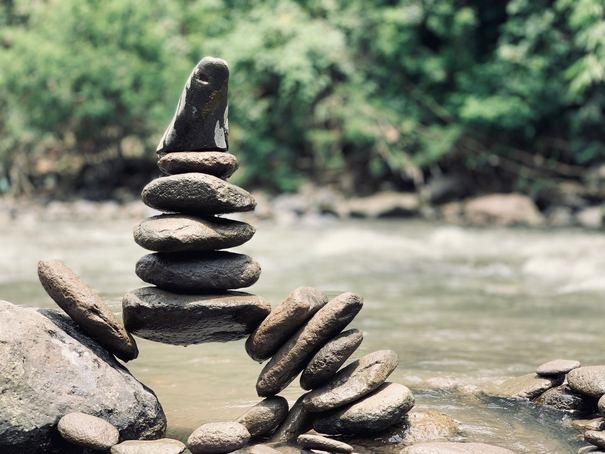
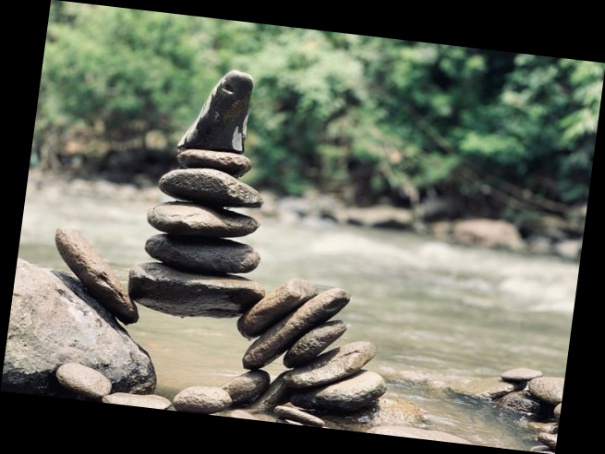
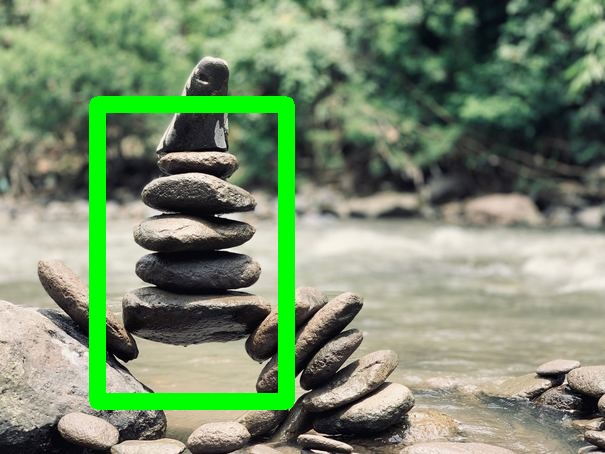
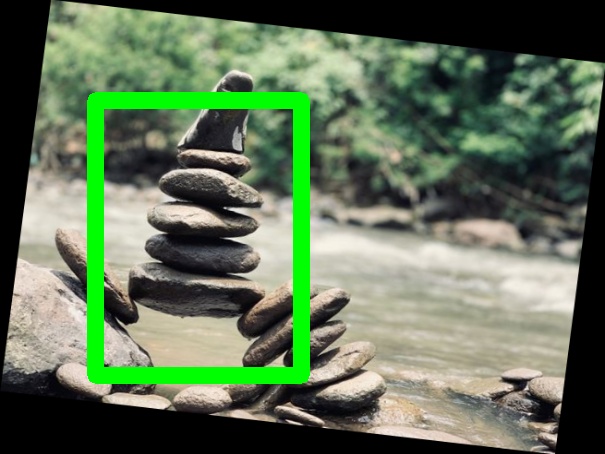
RandomRotate
Randomly rotate the given image. |
|
|
|
|
|
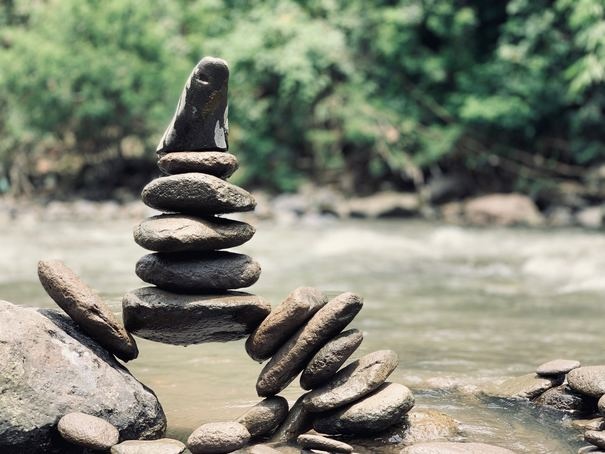
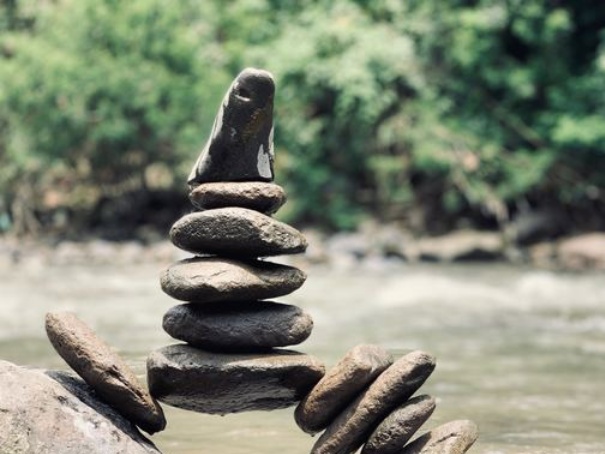
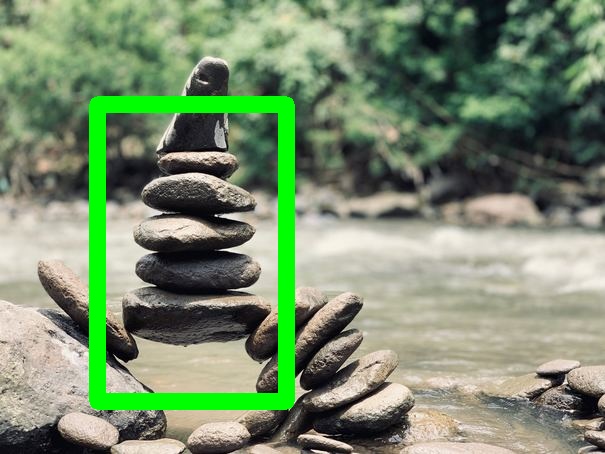
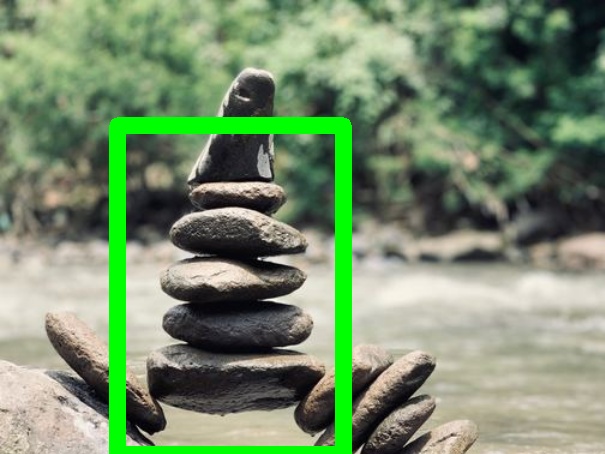
RandomScale
Randomly scale the given image. |
|
|
|
|
|
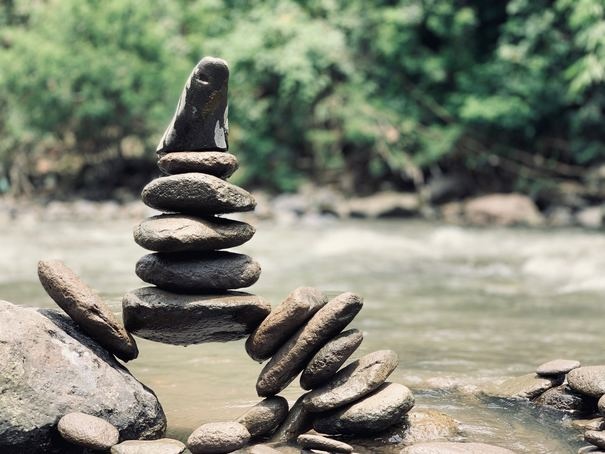
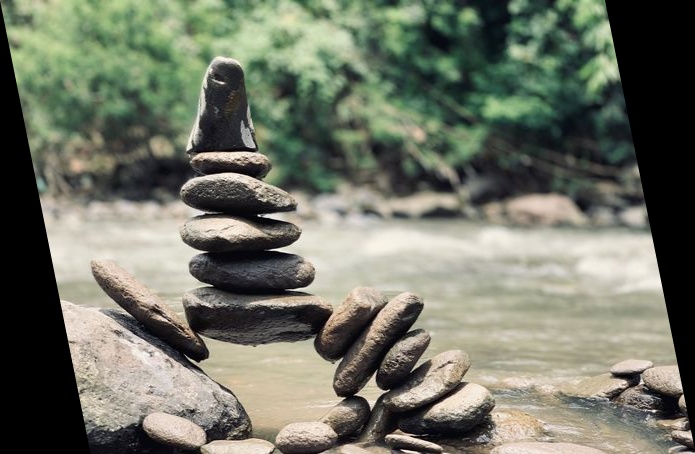
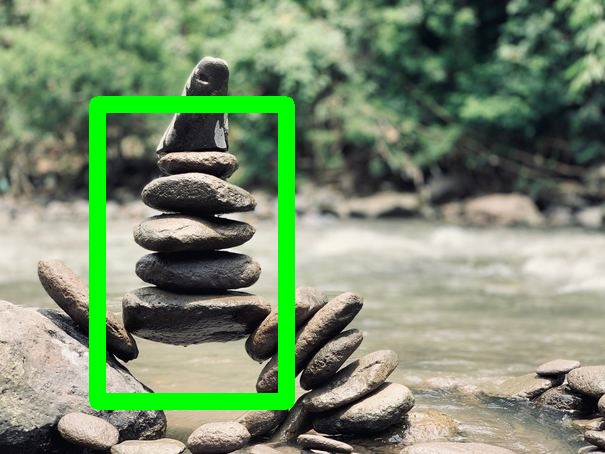
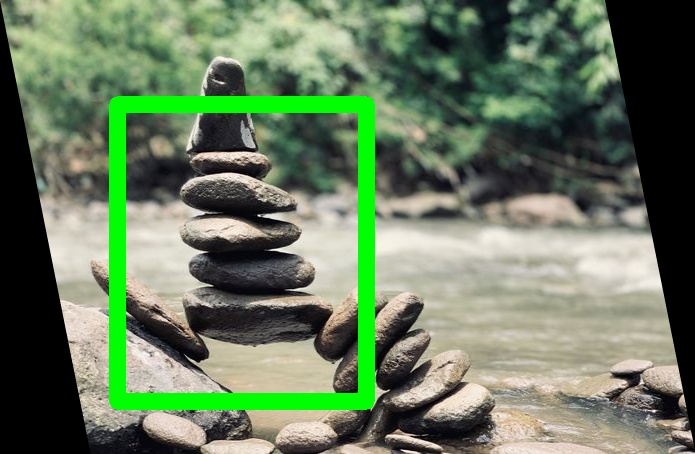
RandomShear
Randomly shear the given image. |
|
|
|
|
|
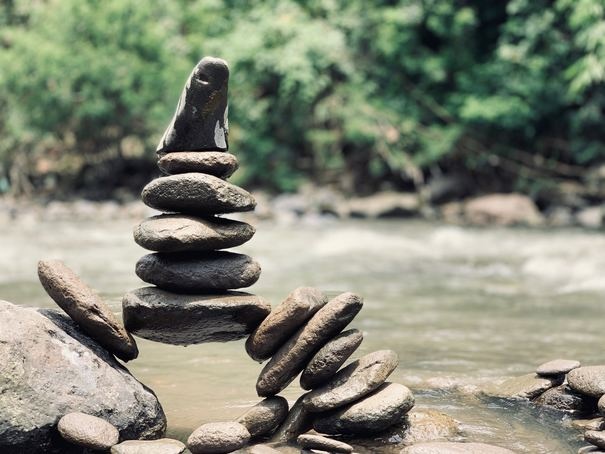
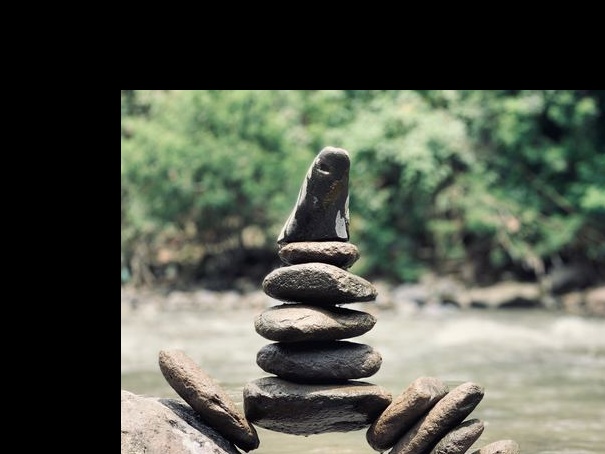
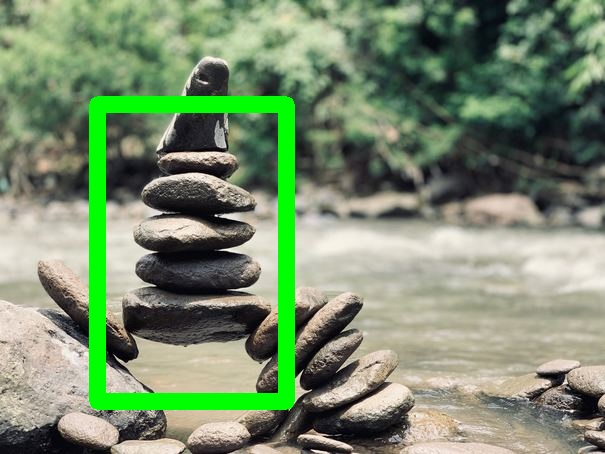
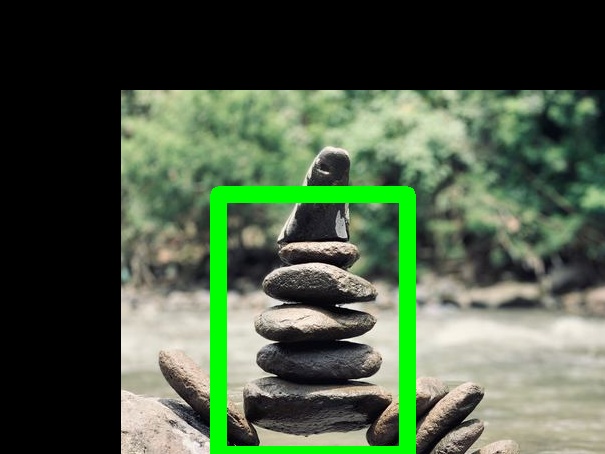
RandomTranslate
Randomly Translate the given image. |
|
|
|
|
|
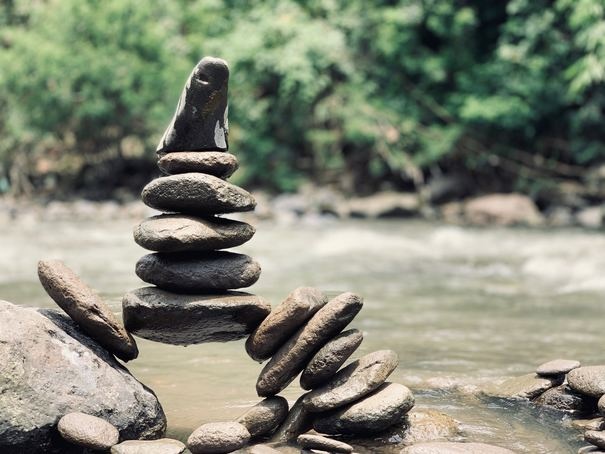
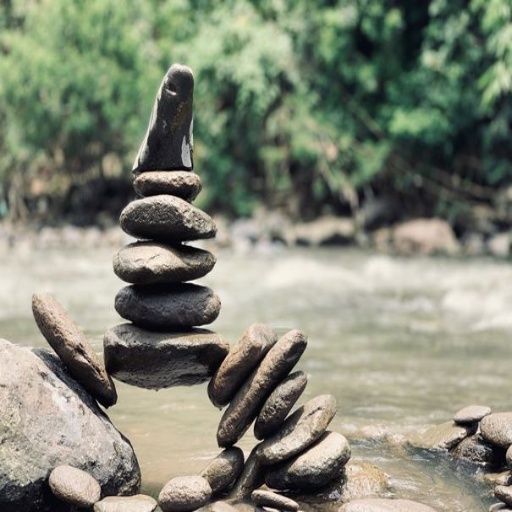
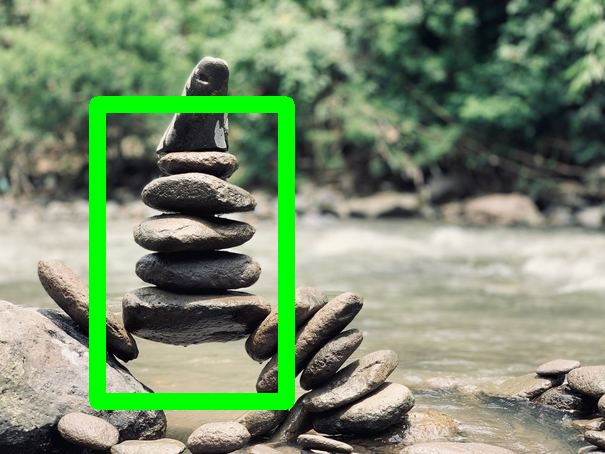
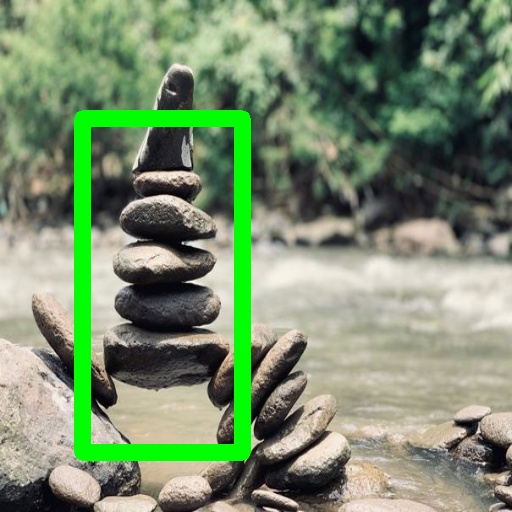
Resize
Resize an image without preserving aspect ratio. |
|
|
|
|
|
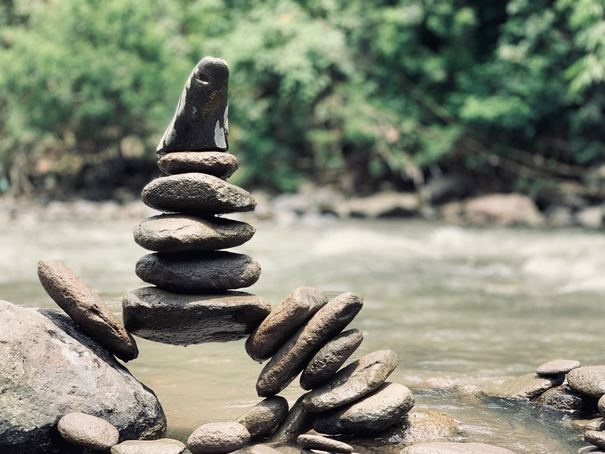
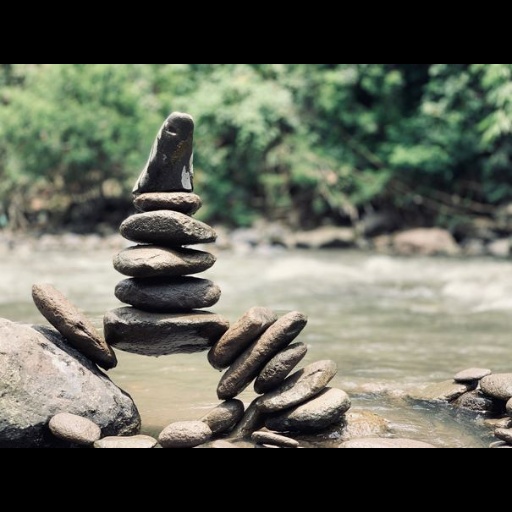
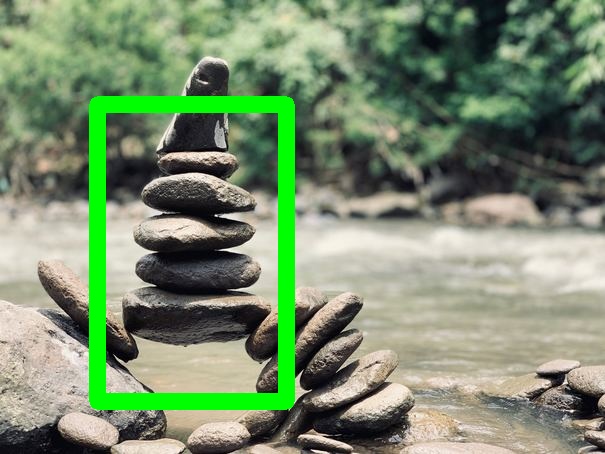
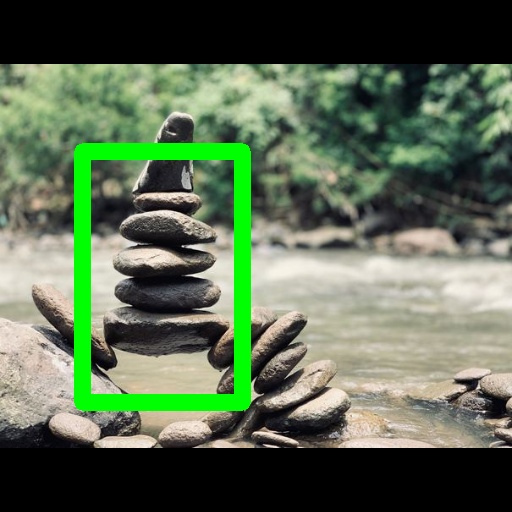
ResizeMaintainAspectRatio
Resize an image while preserving aspect ratio. |
|
|
|
|
|
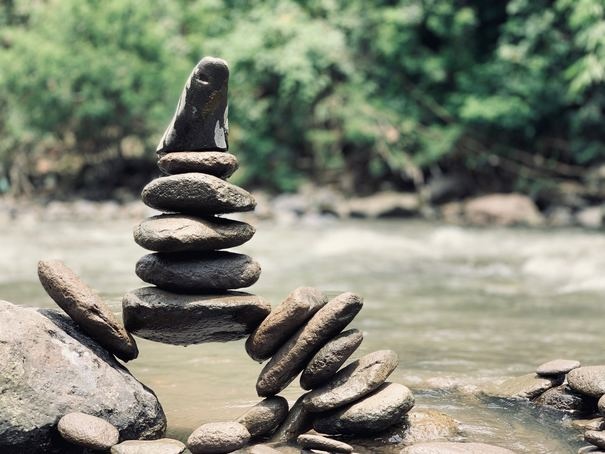
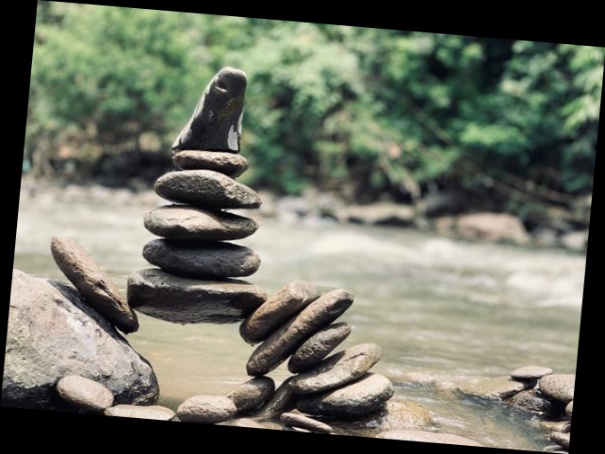
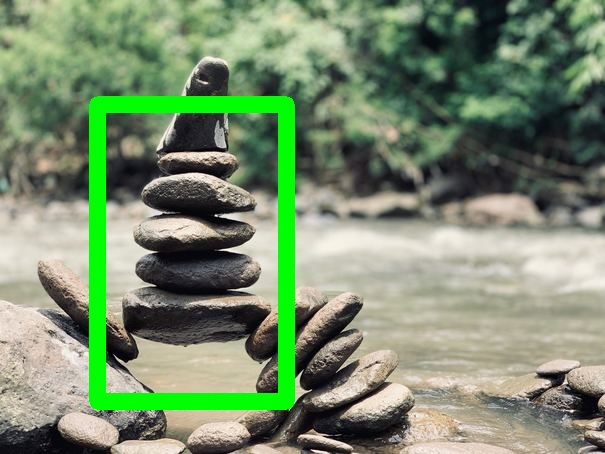
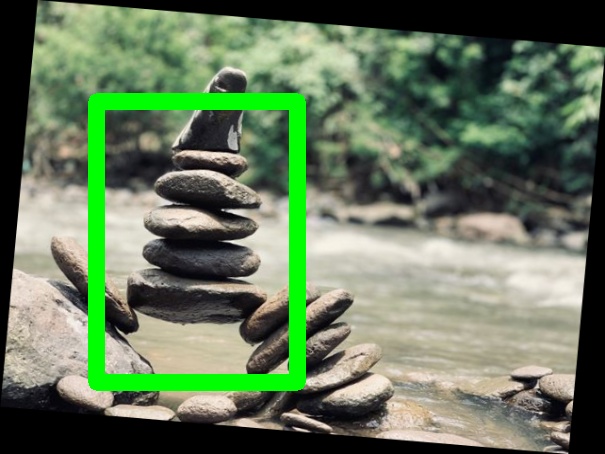
Rotate
Rotate the given image. |
|
|
|
|
|
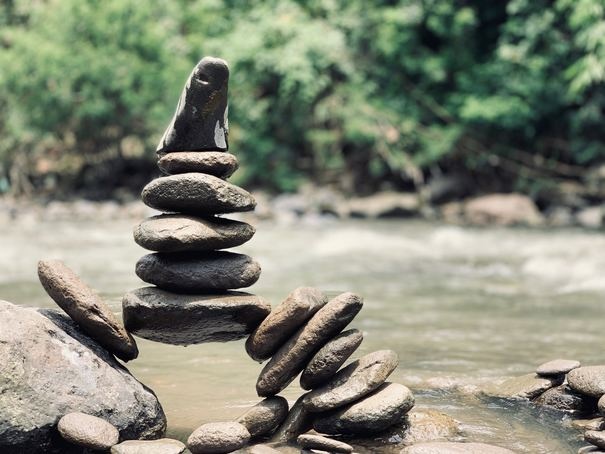
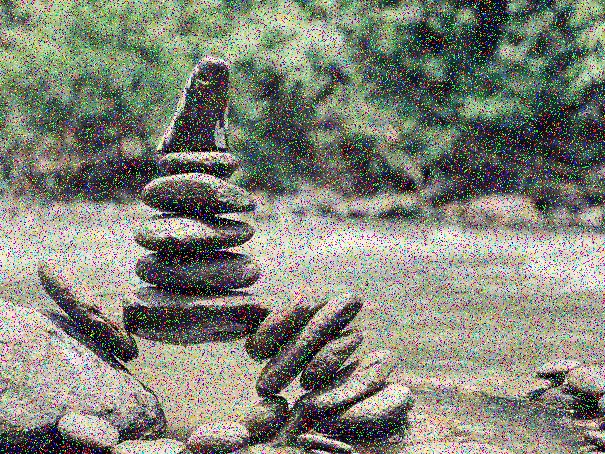
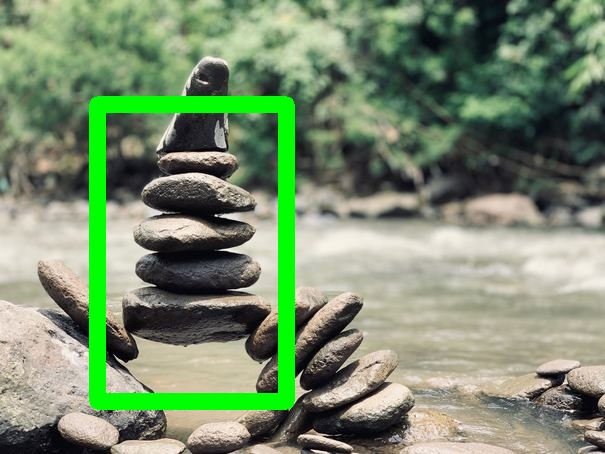
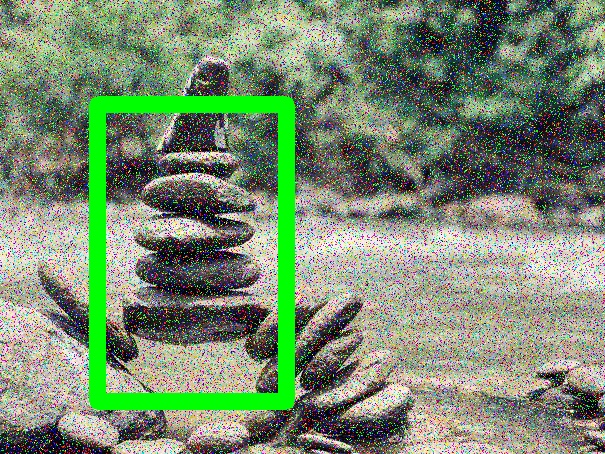
SaltAndPepperNoise
Add salt and pepper or RGB noise to the given image. |
|
|
|
|
|
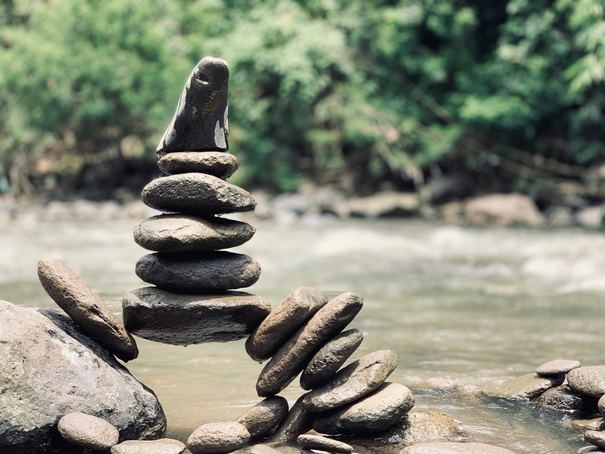
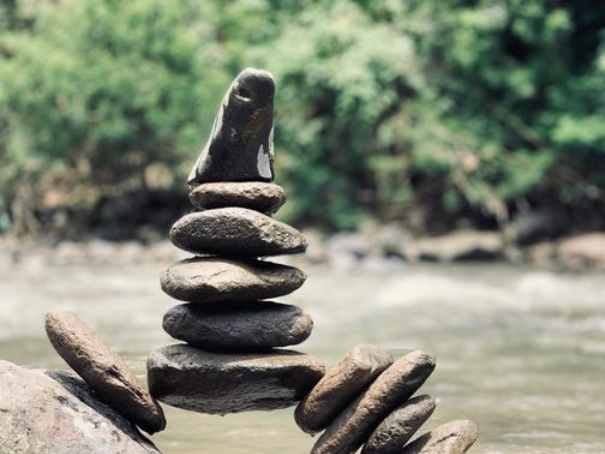
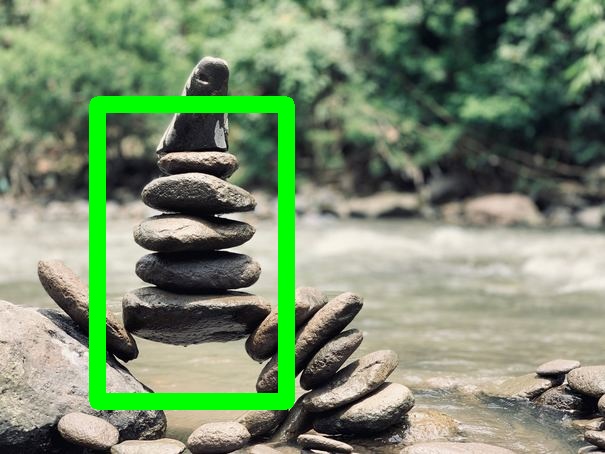
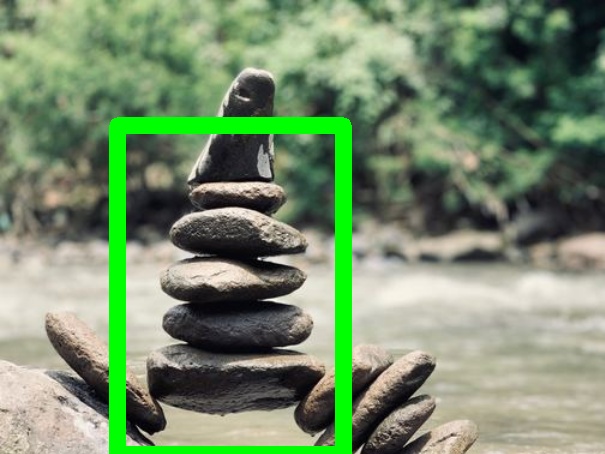
Scale
Scale the given image. |
|
|
|
|
|
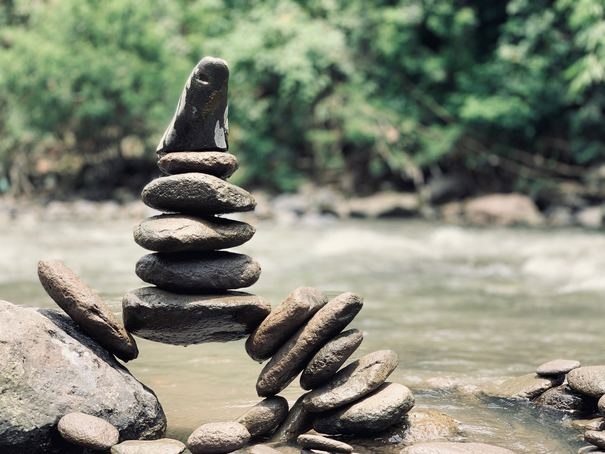
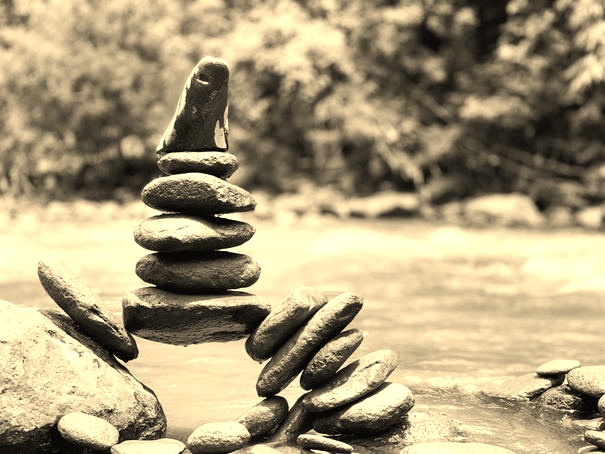
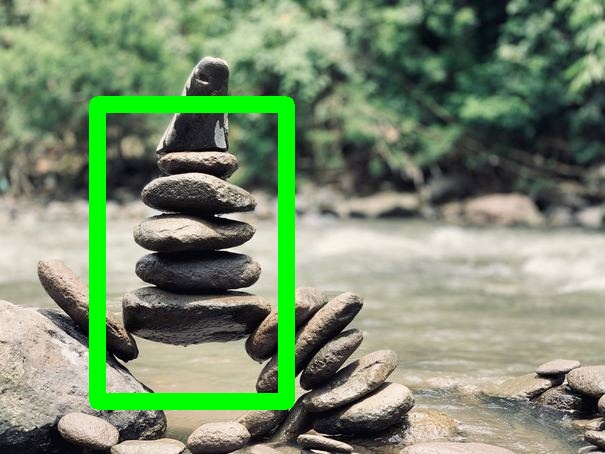
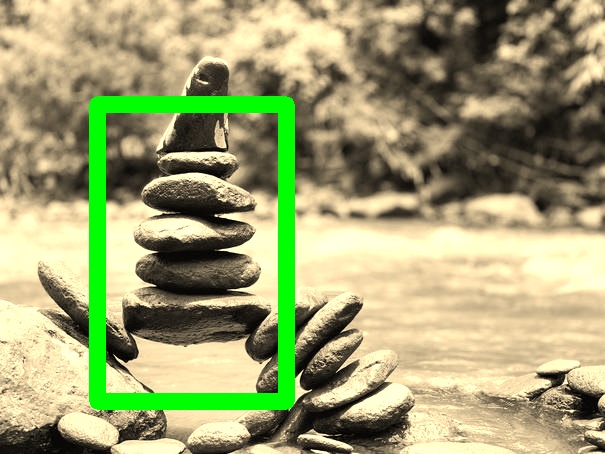
Sepia
Returns a given image passed through the sepia filter. |
|
|
|
|
|
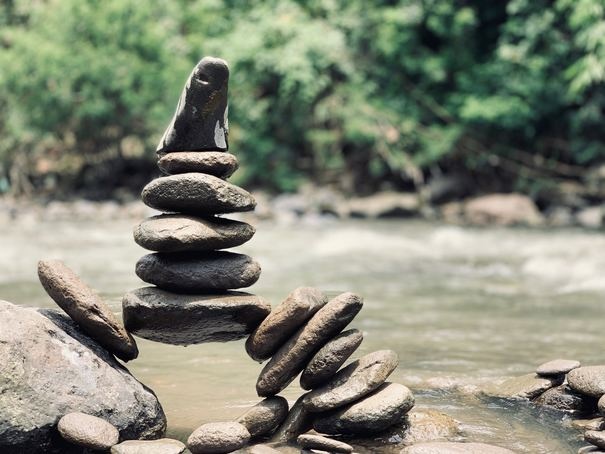
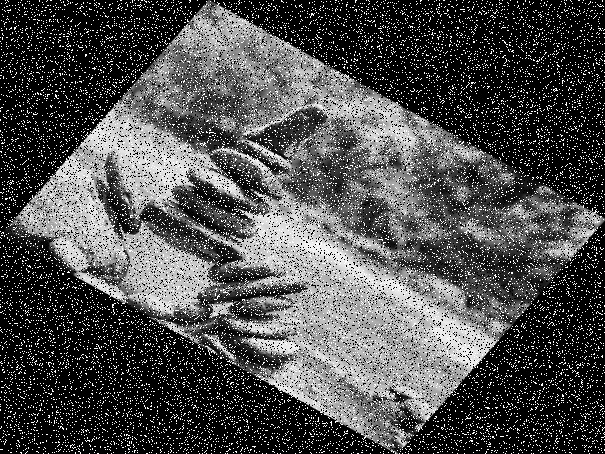
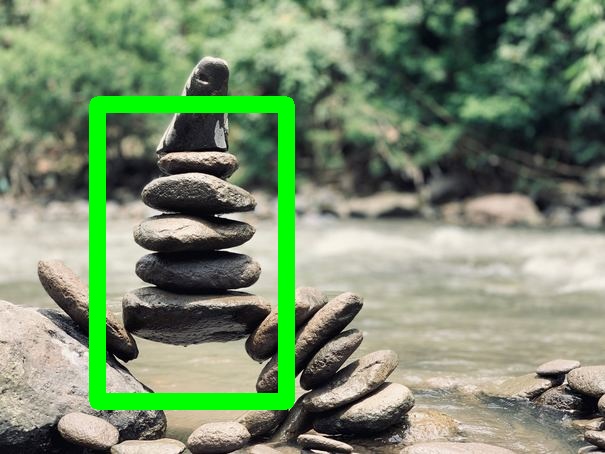
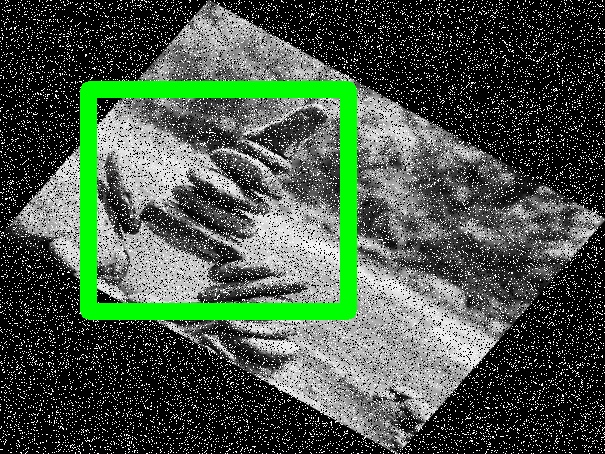
Sequence
Perform a sequence of augmentations on the given image. |
|
|
|
|
|
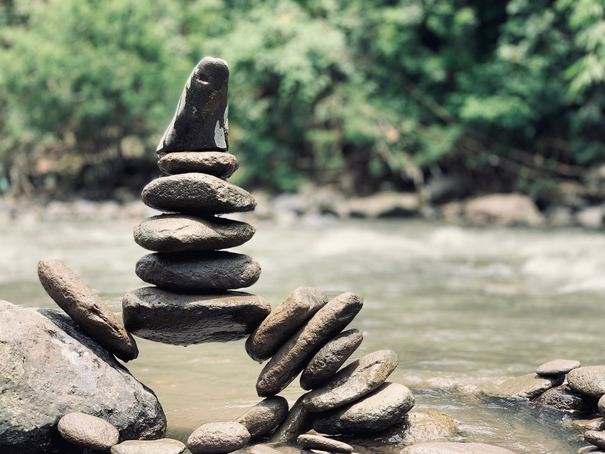
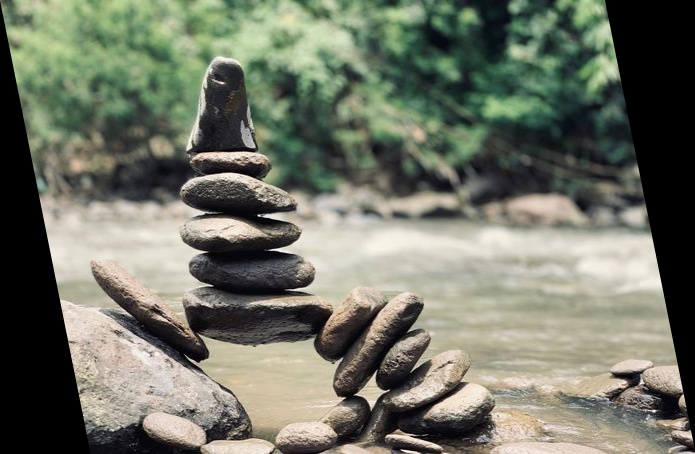
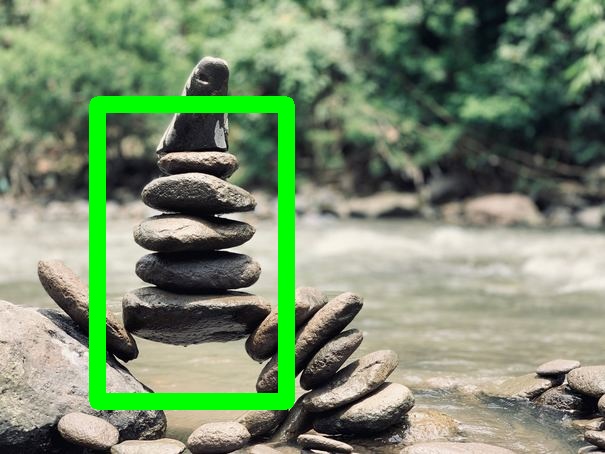
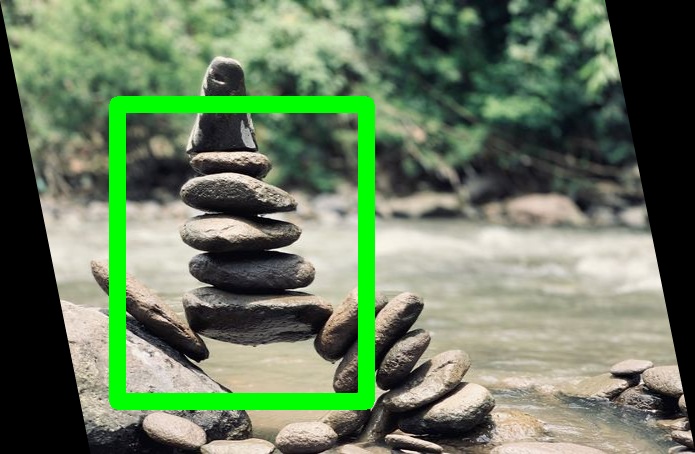
Shear
Horizontally shear the given image. |
|
|
|
|
|
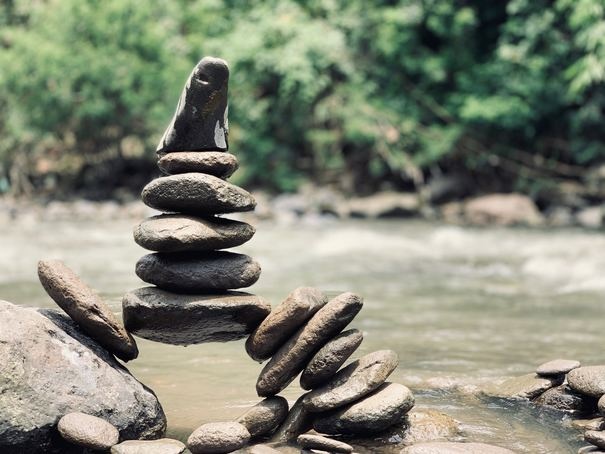
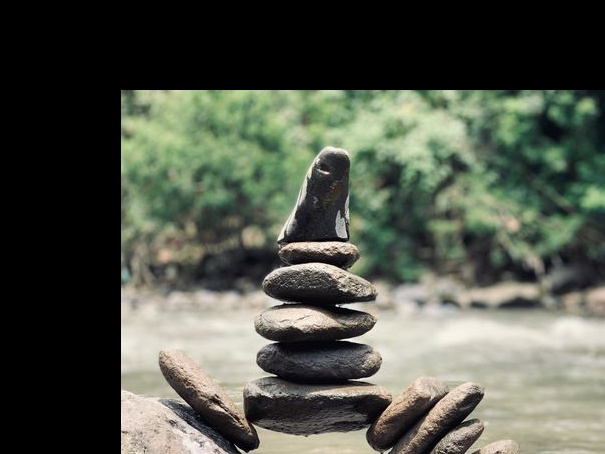
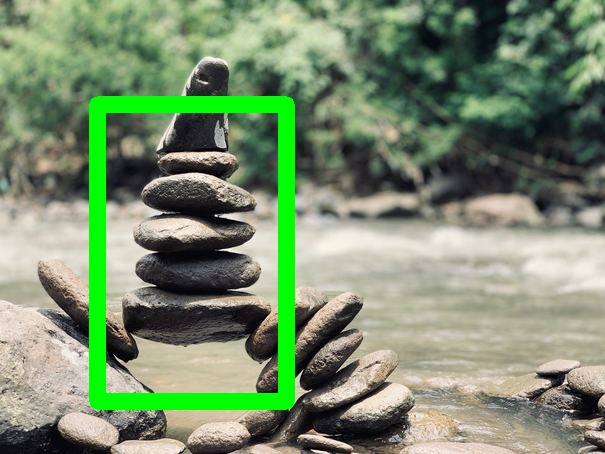
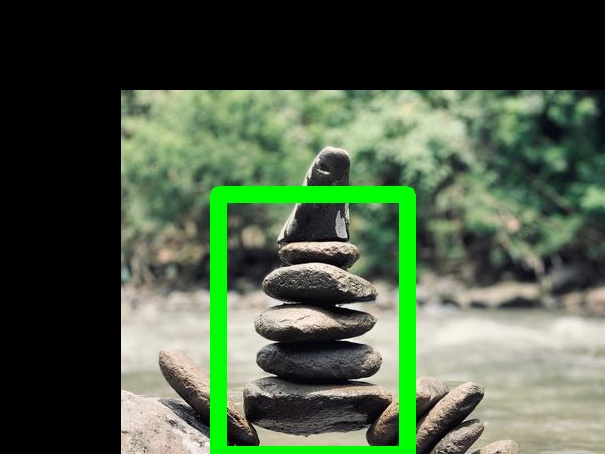
Translate
Translate the given image. |
|
|
|
|
|
VerticalFlip
Vertically flip the given image. |
|
|
|
|
Generating Augmented Images on the Command Line
To augment a set of images with annotations, you must first prepare your input data and prepare YAML configuration file to describe the augmentations you want to perform:
input:
  images:
        loader: Directory
        options:
          directory: ./sample_images # The base path of where the images are stored

  annotations:
        loader: FourCornersCSV
        options:
          annotations_file: ./sample_images/annotations.csv # The CSV file with annotations
          normalized: true
output:
  images:
        writer: Directory
        options:
          directory: ./output_folder
  annotations:
        writer: FourCornersCSV
        options:
          annotations_file: ./output_folder/aug_annotations.csv
          normalized: true
augmentations:
  - name: GrayScale
        options:
          probs: 0.5
  - name: Rotate
        options:
          probs: 0.7
          angle: 35
  - name: GaussianNoise
        options:
          probs: 0.9
  - name: Shear
        options: {}
save-original: true # Whether to save the original images to the output folder
save-bbox: true # Whether bounding boxes should be drawn on the augmented images
The image and annotation loaders specify how the images and
annotations should be loaded. The FourCornersCSV (so-named because
it expects the bounding box to be specified with four coordinates)
loader expects an input CSV file in the following format:
	image_name,x_min,y_min,x_max,y_max,label
	wheat1.jpg,0,0.799805,0.037109,0.94043,1
	wheat1.jpg,0.064453,0.892578,0.181641,0.949219,1
	...
The chosen image loader will be used to load the images specified
under the image_name column (for example, wheat1.jpg). In this
case, the Directory image loader will fetch the images from the
specified folder. For more information on available image and
annotation loaders, see 
Now you can run Discolight:
$ discolight generate configuration.yml
You can also pass your YAML configuration on standard input:
$ cat configuration.yml | discolight generate
After generation is complete, the augmented images and annotations
will be written out according to your configuration options. Here, we
choose to save the annotations to a CSV file using the same
four-corners format, and the augmented images will appear in the
output_folder/ directory.
Library Functionality
In addition to invoking Discolight from the command line, you can also invoke it as a library. First, construct the augmentation you want to apply to an image. For example, here is a simple augmentation sequence:
from discolight.disco import disco
from discolight.annoations import BoundingBox
from discolight.util.image import load_image, save_image

seq = disco.Sequence(augmentations=[
	disco.GaussianNoise(),
	disco.RandomEraser(),
	disco.Rotate(angle=35)
])
Then, load the image and specify your annotations:
image = load_image("path/to/image.jpg")

annotations = [
	# BoundingBox(x_min, y_min, x_max, y_max, class_idx)
	BoundingBox(0, 819, 38, 963, 1),
	BoundingBox(66, 914, 186, 972, 1),
	BoundingBox(52, 526, 126, 645, 1),
]
Now, you can invoke seq as a function to apply your augmentation:
aug_img, aug_annotations = seq(image, annotations)
If you have no annotations, you can also apply seq only to an image:
aug_img = seq(image)
To save the augmented image, use the provided save_image
function. You can optionally pass the augmented annotations (also an
array of BoundingBox objects) to be drawn in red over the augmented
image:
save_image("aug-with-bboxes.jpg", aug_img, annotations=aug_annotations)
save_image("aug-no-bboxes.jpg", aug_img)
If you prefer to perform additional operations on the image after augmentation, augmented images are OpenCV images in RGB format.
Development
To learn more about how to develop Discolight (e.g., adding additional augmentatations), see the guide in doc/develop.md.
4 maintainers


Metadata
4 maintainers
Release files for discolight 0.4.1
For a detailed explanation of source distributions (sdists) and built distributions (wheels), please see the package formats documentation.
Source distribution (sdist)
| File | Size | Uploaded | |
|---|---|---|---|
| discolight-0.4.1.tar.gz | 49.9 kB | Details |
Built distribution (wheel)
| File | Interpreter | ABI | Platform | Reset |
|---|---|---|---|---|
| discolight-0.4.1-py3-none-any.whl | Python 3 | none | any | Details |
Total release size: 123.2 kB
Release files / discolight-0.4.1.tar.gz
| Download URL | discolight-0.4.1.tar.gz |
|---|---|
| Size | 49.9 kB |
| Tags | Source |
|
SHA-256 checksum How to use checksums |
2945631a950f30f7a9b5a35eac08d76159697ed2bf20d6c4ddfd13ffca6b28f7
|
|
BLAKE2b-256 checksum How to use checksums |
bd16224b9050a7f757f9209b9b641bc93e024ef7100ef3ee0f24975f3338b42d
|
| Upload date | |
|
Uploaded using Trusted Publishing? What is trusted publishing? |
No |
| Uploaded via |
twine/3.2.0 pkginfo/1.6.1 requests/2.25.0 setuptools/51.0.0 requests-toolbelt/0.9.1 tqdm/4.54.1 CPython/3.8.5
|
Release files / discolight-0.4.1-py3-none-any.whl
| Download URL | discolight-0.4.1-py3-none-any.whl |
|---|---|
| Size | 73.3 kB |
| Tags | Python 3 |
|
SHA-256 checksum How to use checksums |
e733bf168343226c44b19f2df3182da6f41d6aa8c37a22a14a6b39c7bcd38871
|
|
BLAKE2b-256 checksum How to use checksums |
3c674607d3d7441bb80cf7a6f1e8d288f5ceb4ebca7a55ef4194009c581888f1
|
| Upload date | |
|
Uploaded using Trusted Publishing? What is trusted publishing? |
No |
| Uploaded via |
twine/3.2.0 pkginfo/1.6.1 requests/2.25.0 setuptools/51.0.0 requests-toolbelt/0.9.1 tqdm/4.54.1 CPython/3.8.5
|














