
This project has been archived by its maintainers, and is no longer receiving any updates.
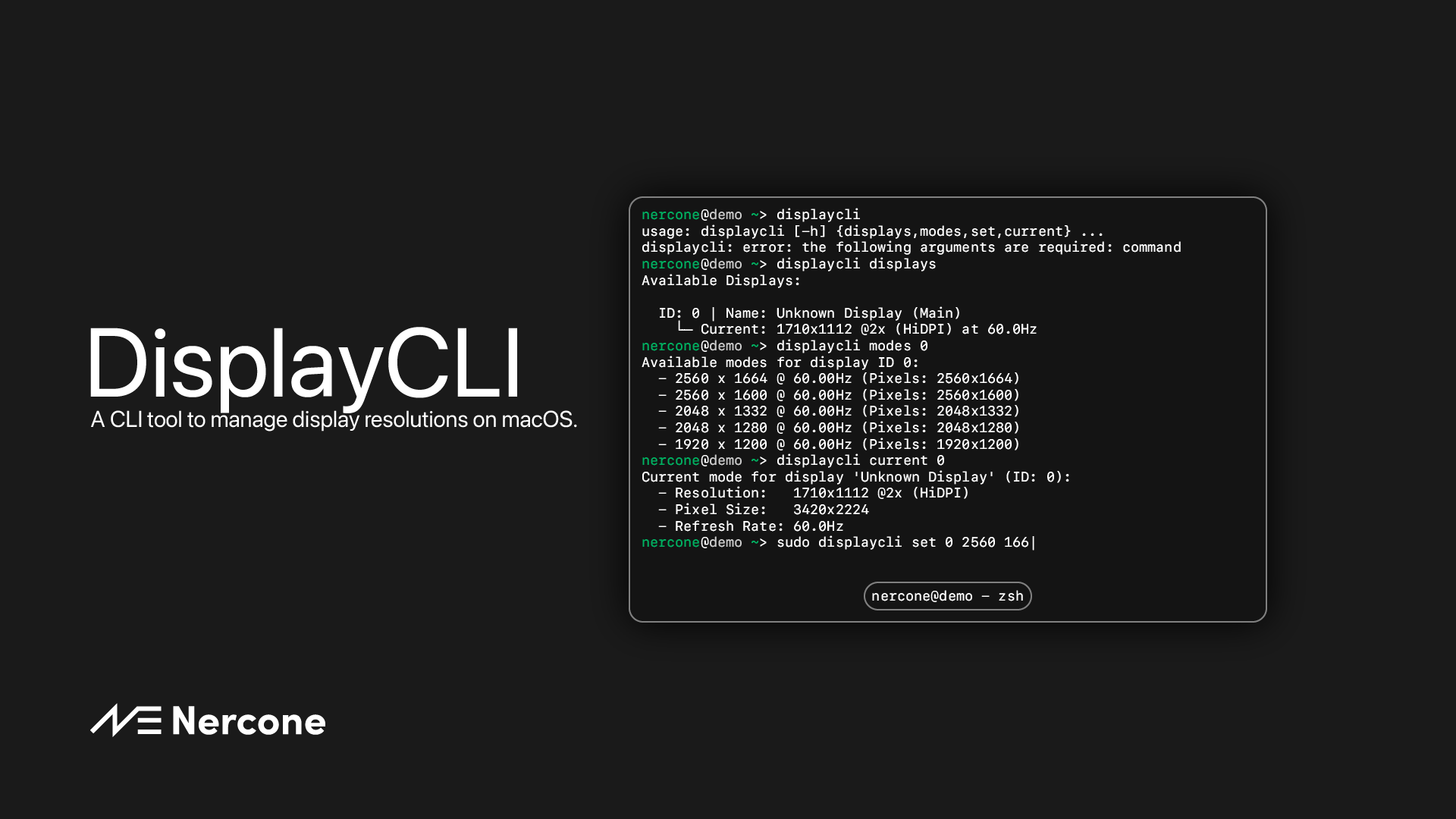
DisplayCLI
A CLI tool to manage display resolutions on macOS.
How it works
This uses Objective-C, Quartz, and Cocoa, which are available on macOS, to control the resolution state and settings. This works in most cases, but there may be some cases where it doesn't work. If it doesn't work, please create an issue or fix it and submit a pull request. If you know the cause of the problem, please let me know.
Requiments
- macOS (Recommend: macOS Catalina 10.15+)
- Python 3.8+
- pip/uv 1
Installation
Using uv:
# if not exist .venv: uv venv
uv tool install displaycli
Using pip:
pip3 install displaycli
Using pip of system's python:
/path/to/system/python -m pip install displaycli --break-system-packages
Usage
List Displays
displaycli displays
nercone@macbook ~/D/DisplayCLI> displaycli displays
DisplayTool INFO     | Available Displays:

  ID: 0 | Name: Unknown Display (Main)
    └─ Current: 1710x1112 @2x (HiDPI) at 60.0Hz
nercone@macbook ~/D/DisplayCLI>
List Display's Native Supported Resolutions
displaycli modes <id of display>
nercone@macbook ~/D/DisplayCLI> displaycli modes 0
DisplayTool INFO     | Available modes for display ID 0:
  - 2560 x 1664 @ 60.00Hz (Pixels: 2560x1664)
  - 2560 x 1600 @ 60.00Hz (Pixels: 2560x1600)
  - 2048 x 1332 @ 60.00Hz (Pixels: 2048x1332)
  - 2048 x 1280 @ 60.00Hz (Pixels: 2048x1280)
  - 1920 x 1200 @ 60.00Hz (Pixels: 1920x1200)
nercone@macbook ~/D/DisplayCLI>
Check Display's Current Resolution
displaycli current <id of display>
nercone@macbook ~/D/DisplayCLI> displaycli current 0
DisplayTool INFO     | Current mode for display 'Unknown Display' (ID: 0):
  - Resolution:   1710x1112 @2x (HiDPI)
  - Pixel Size:   3420x2224
  - Refresh Rate: 60.0Hz
nercone@macbook ~/D/DisplayCLI>
Change Display's Resolution (and Refresh Rate)
Note: This operation requires administrator privileges
sudo displaycli set <id of display> <width> <height> [--refresh <refresh rate>]
nercone@macbook ~/D/DisplayCLI> sudo displaycli set 0 2560 1664 --refresh 60
Password:
DisplayTool INFO     | Attempting to set display 0 to 2560x1664 @ 60.0Hz
            WARN     | This will change your display resolution. Are you sure? [y/N]y
            INFO     | Display mode changed successfully!
nercone@macbook ~/D/DisplayCLI>
-
To be able to use it from anywhere, you need to have pip installed in your system's python. ↩
1 maintainer

Download files
Download the file for your platform. If you're not sure which to choose, learn more about installing packages.
Source Distribution
Built Distribution
Filter files by name, interpreter, ABI, and platform.
If you're not sure about the file name format, learn more about wheel file names.
Copy a direct link to the current filters
File details
Details for the file displaycli-1.0.0.tar.gz.
File metadata
- Download URL: displaycli-1.0.0.tar.gz
- Upload date:
- Size: 4.9 kB
- Tags: Source
- Uploaded using Trusted Publishing? No
- Uploaded via:
uv/0.7.20
File hashes
| Algorithm | Hash digest | |
|---|---|---|
| SHA256 |
aaa365094345c0bb95014fd395ccfc3f87190f2ff7fbd6e4668b0df1b4e9e39a
|
|
| MD5 |
cf41fb1634b2ca9680cc776a9d196994
|
|
| BLAKE2b-256 |
e7ac18e7b9066803009f0c74ed165abc127c89609851824c5e4acfbd0155ab6e
|
File details
Details for the file displaycli-1.0.0-py3-none-any.whl.
File metadata
- Download URL: displaycli-1.0.0-py3-none-any.whl
- Upload date:
- Size: 6.5 kB
- Tags: Python 3
- Uploaded using Trusted Publishing? No
- Uploaded via:
uv/0.7.20
File hashes
| Algorithm | Hash digest | |
|---|---|---|
| SHA256 |
09c811b47ded3798a3cbf889c31a848c714df122b524f8dd20cdf09aaf427aa5
|
|
| MD5 |
352cc4a474fb7a591df102dd766b5a49
|
|
| BLAKE2b-256 |
2510929bb4099438d9b6689409c9dee673038688d8bdc5407ef21c554b3a1142
|














