
dj-apis-allauth
Django Rest Framework API Endpoints secure Authentications . This package is ideal for Mobile Applications or Single Page Application Integration such as Flutter, VueJs, React, AngularJs etc....

Why this project ?
The maintainer of "dj-rest-auth" is no longer interested in maintaining the project with Django-allauth issues and nor accepting pull requests. So I have started this project to help the Good cause of Open Source Software greatness lives on. So anybody that uses this package and willing to help maintain it is more than welcom to fork it and make a pull request. Thanks.
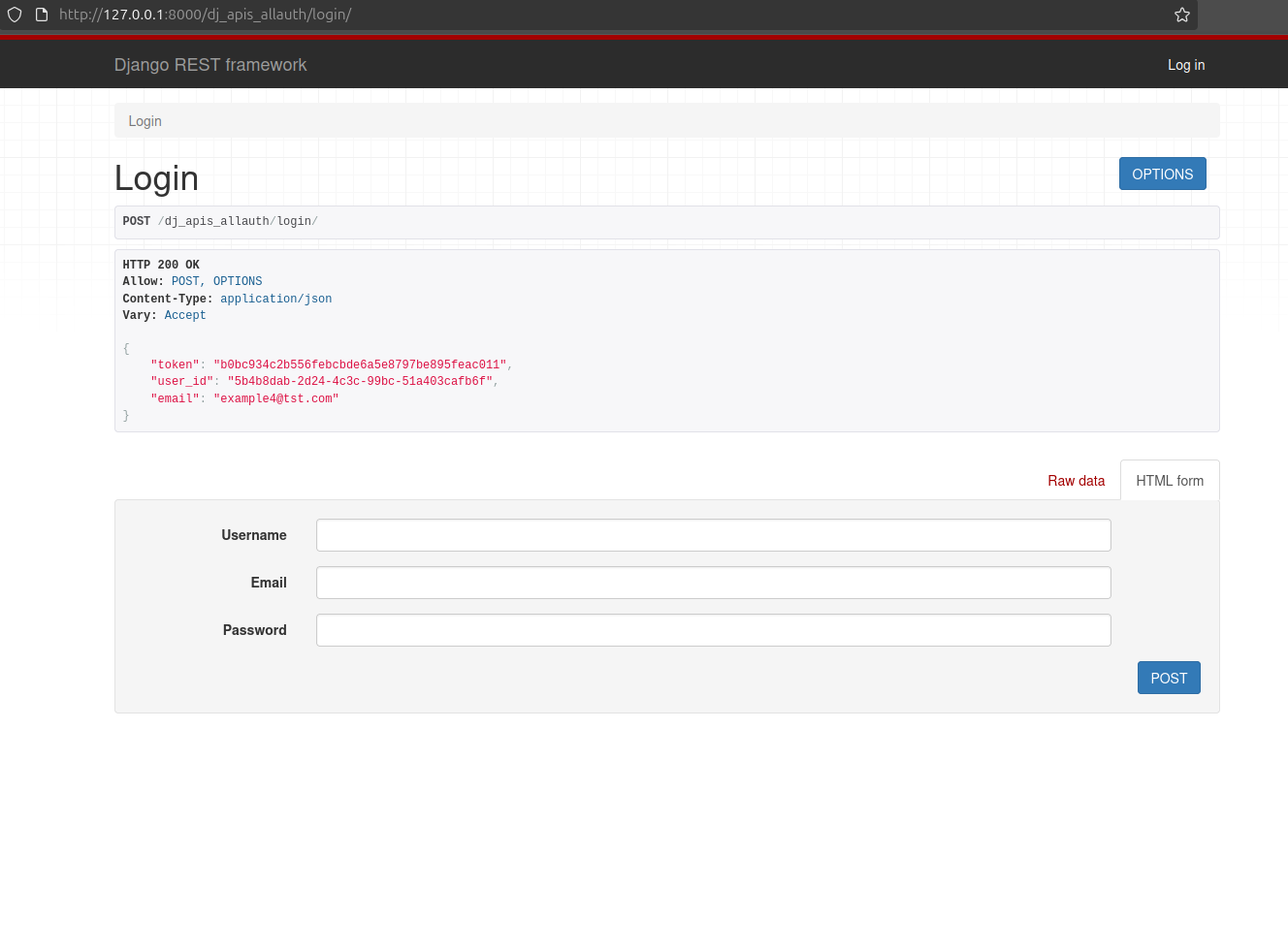
The regular django api token with user's info
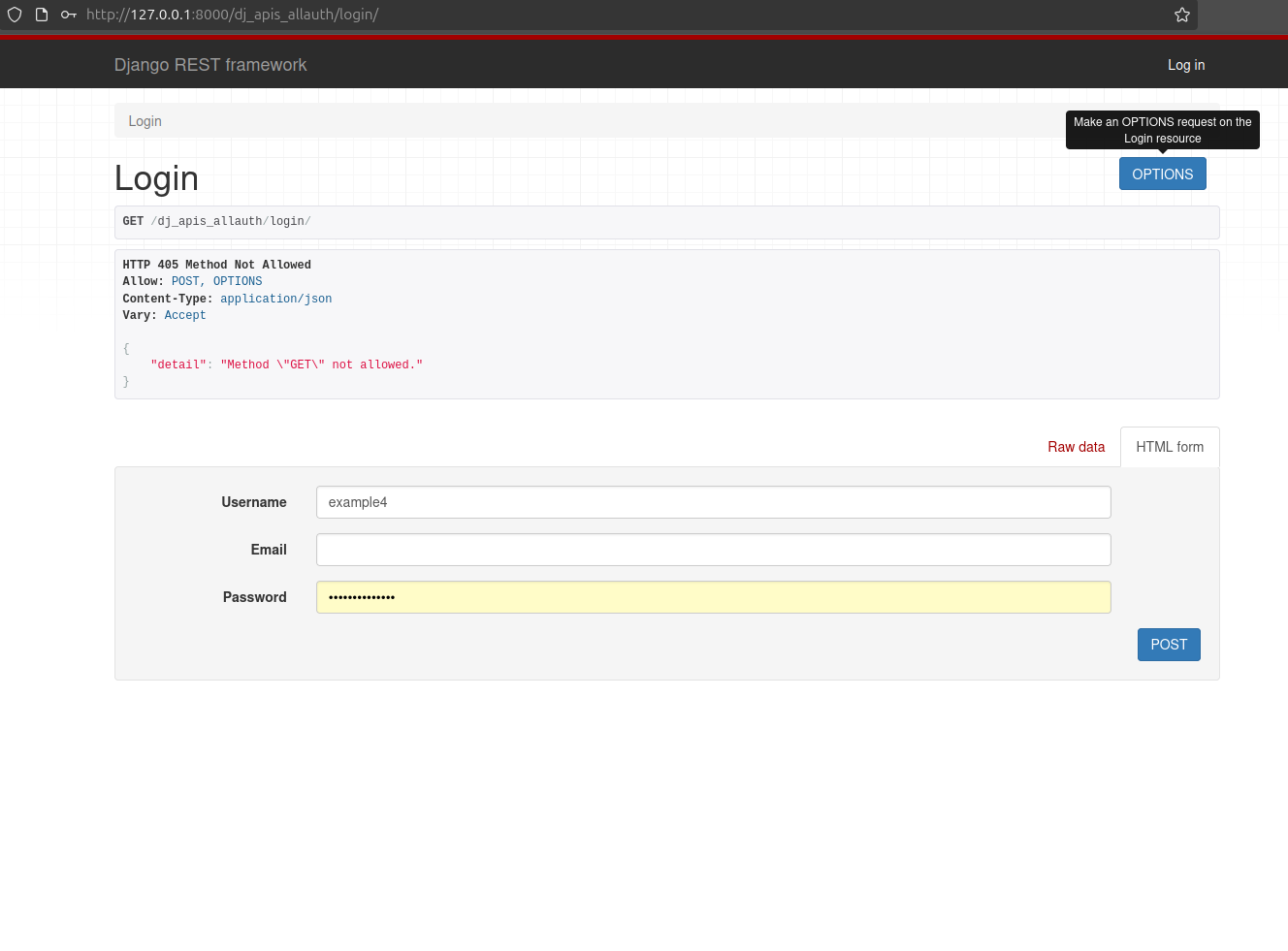
This is the token and user info
This is the JWT token return endpoint
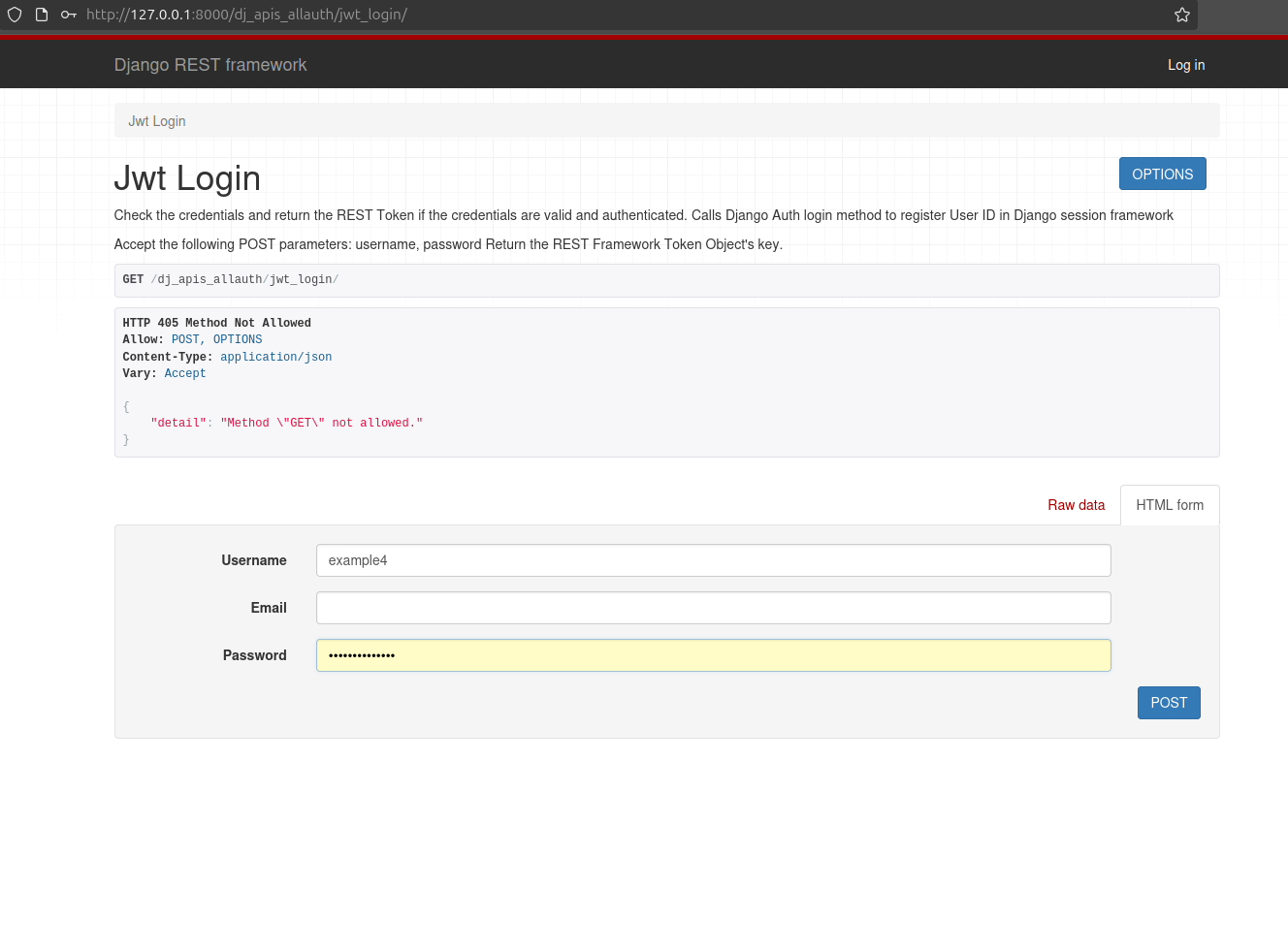
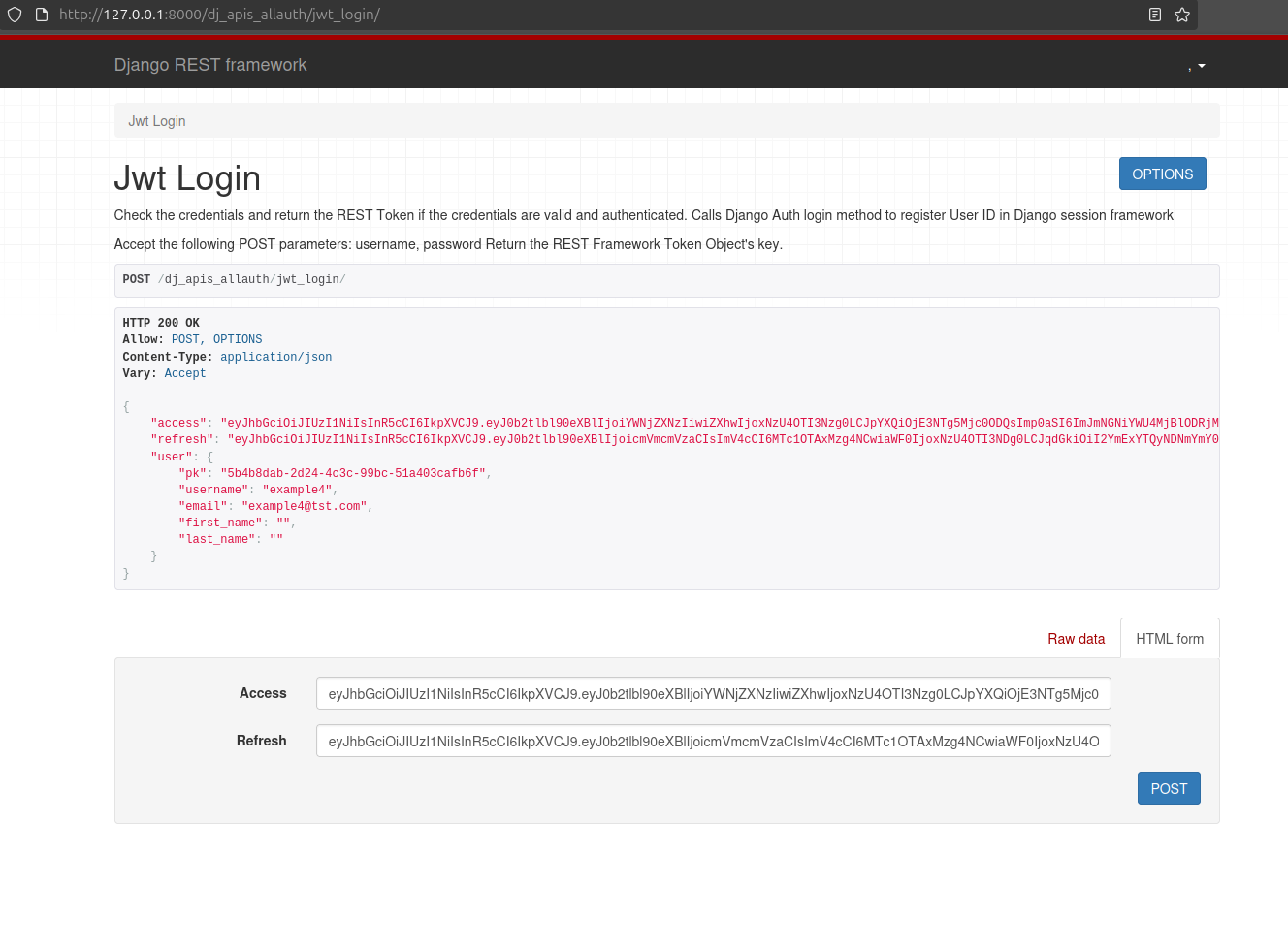
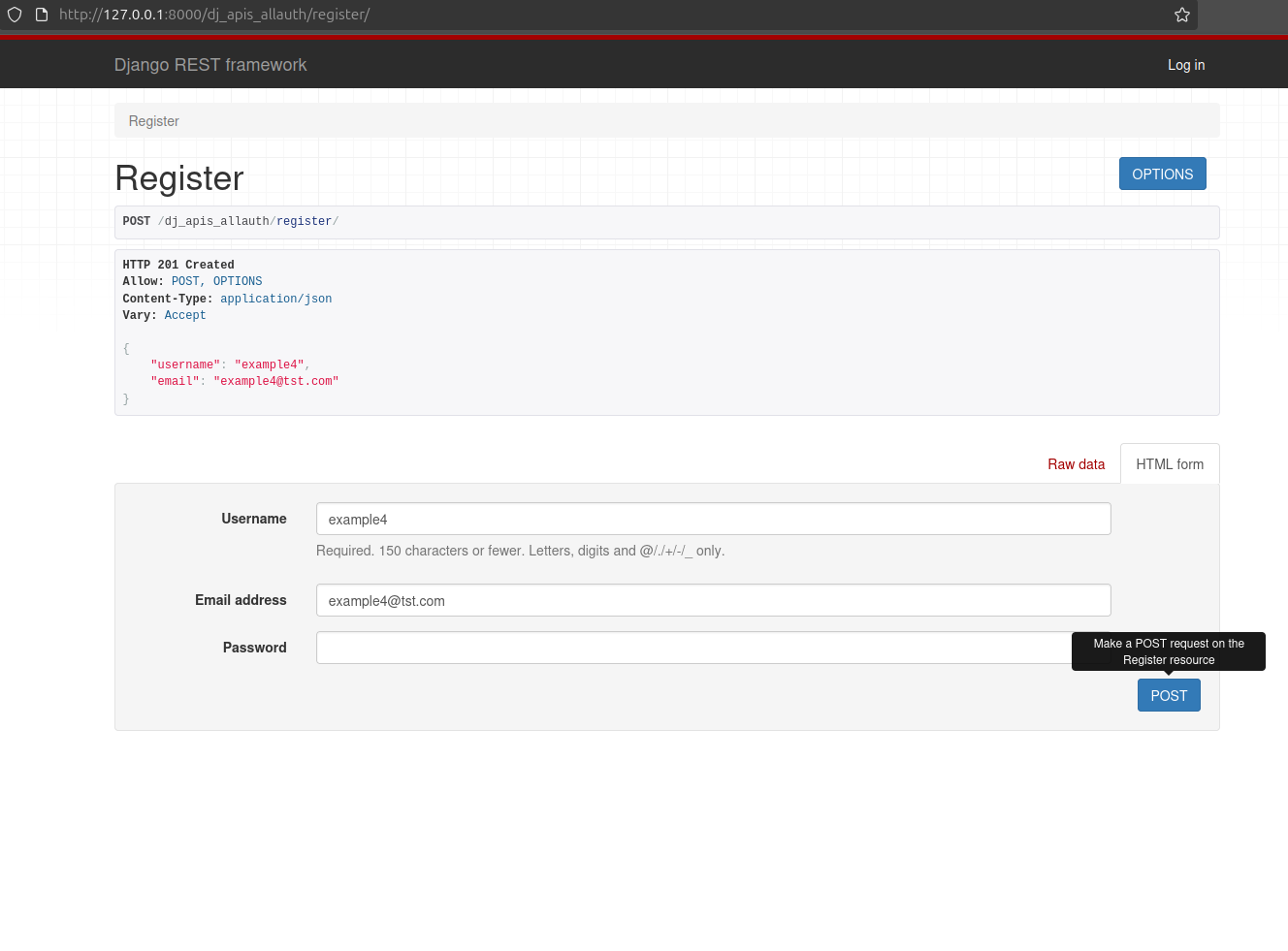
A simple registration page
Requirements
- Django >= 4.2
- Python >= 3.12
Quick Setup
Install package
pip install dj-apis-allauth
Add dj_api_auth app to INSTALLED_APPS in your django settings.py:
INSTALLED_APPS = (
    ...,
    'rest_framework',
    'rest_framework.authtoken',
    ...,
    'dj_apis_allauth'
)
Add URL patterns
urlpatterns = [
    path('dj_apis_allauth/', include("dj_apis_allauth.urls")),
]
(Optional) Use Http-Only cookies
REST_AUTH = {
    'USE_JWT': True,
    'JWT_AUTH_COOKIE': 'jwt-auth',
}
Testing
Install required modules with pip install -r dj_apis_allauth/tests/requirements.txt
To run the tests within a virtualenv, run python runtests.py from the repository directory.
The easiest way to run test coverage is with coverage,
which runs the tests against all supported Django installs. To run the test coverage
within a virtualenv, run coverage run ./runtests.py from the repository directory then run coverage report.
Tox
Testing may also be done using tox, which
will run the tests against all supported combinations of Python and Django.
Install tox, either globally or within a virtualenv, and then simply run tox
from the repository directory. As there are many combinations, you may run them
in parallel
using tox --parallel.
The tox.ini includes an environment for testing code coverage
and you can run it and view this report with tox -e coverage.
Linting may also be performed via flake8
by running tox -e flake8.
Documentation
Work in progress... https://dj-apis-allauth.readthedocs.io/en/latest/
Acknowledgements
This project began as a fork of django-rest-auth and "dj-rest-auth" . Big thanks to everyone who contributed to that repo!
A note from Me
I will be trying my best to maintain this project but anyone is welcom to help maintain it. There is so many features that I am planning on adding to this. So feel free to make propositions on features that should be added. Thanks.
1 maintainer

Release files for dj-apis-allauth 2.0.0
For a detailed explanation of source distributions (sdists) and built distributions (wheels), please see the package formats documentation.
Source distribution (sdist)
| File | Size | Uploaded | |
|---|---|---|---|
| dj_apis_allauth-2.0.0.tar.gz | 32.9 kB | Details |
Built distribution (wheel)
| File | Interpreter | ABI | Platform | Reset |
|---|---|---|---|---|
| dj_apis_allauth-2.0.0-py3-none-any.whl | Python 3 | none | any | Details |
Total release size: 75.0 kB
Release files / dj_apis_allauth-2.0.0.tar.gz
| Download URL | dj_apis_allauth-2.0.0.tar.gz |
|---|---|
| Size | 32.9 kB |
| Tags | Source |
|
SHA-256 checksum How to use checksums |
421cf4e99f8e546cb1b0c4831597d90e722233401e59875f78f520717c64940d
|
|
BLAKE2b-256 checksum How to use checksums |
60fd614709c0f4aa873b072d91348508a54e406ca31f3998f6bcaf9de90168a4
|
| Upload date | |
|
Uploaded using Trusted Publishing? What is trusted publishing? |
No |
| Uploaded via |
poetry/2.3.2 CPython/3.14.3 Linux/6.19.8-200.fc43.x86_64
|
Release files / dj_apis_allauth-2.0.0-py3-none-any.whl
| Download URL | dj_apis_allauth-2.0.0-py3-none-any.whl |
|---|---|
| Size | 42.2 kB |
| Tags | Python 3 |
|
SHA-256 checksum How to use checksums |
f5d0cdb873c7465ef55163167df063985fe4c71ce4025a2e76fcff1fd111429f
|
|
BLAKE2b-256 checksum How to use checksums |
7509598752e1857ab6507536a3d2ffa0a119e6e6f347acbbe2db2b0014f86d82
|
| Upload date | |
|
Uploaded using Trusted Publishing? What is trusted publishing? |
No |
| Uploaded via |
poetry/2.3.2 CPython/3.14.3 Linux/6.19.8-200.fc43.x86_64
|














