
Secure API Endpoints Authentication with Django REST Framework

Project description
dj-apis-allauth
Django Rest Framework API Endpoints secure Authentications . This package is ideal for Mobile Applications or Single Page Application Integration such as Flutter, VueJs, React, AngularJs etc....
Why this project ?
The maintainer of "dj-rest-auth" is no longer interested in maintaining the project with Django-allauth issues and nor accepting pull requests. So I have started this project to help the Good cause of Open Source Software greatness lives on. So anybody that uses this package and willing to help maintain it is more than welcom to fork it and make a pull request. Thanks.
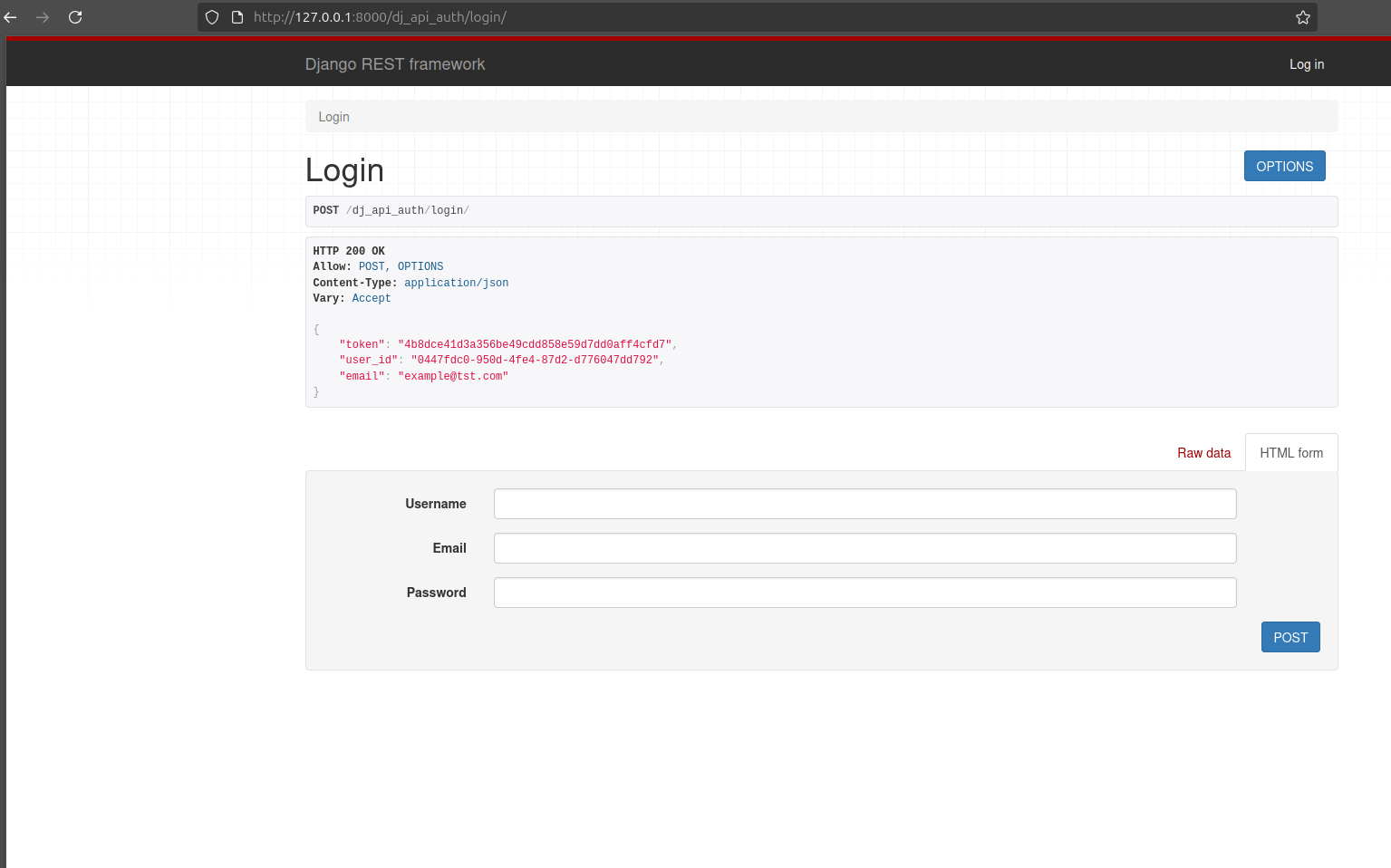
The regular django api token with user's info
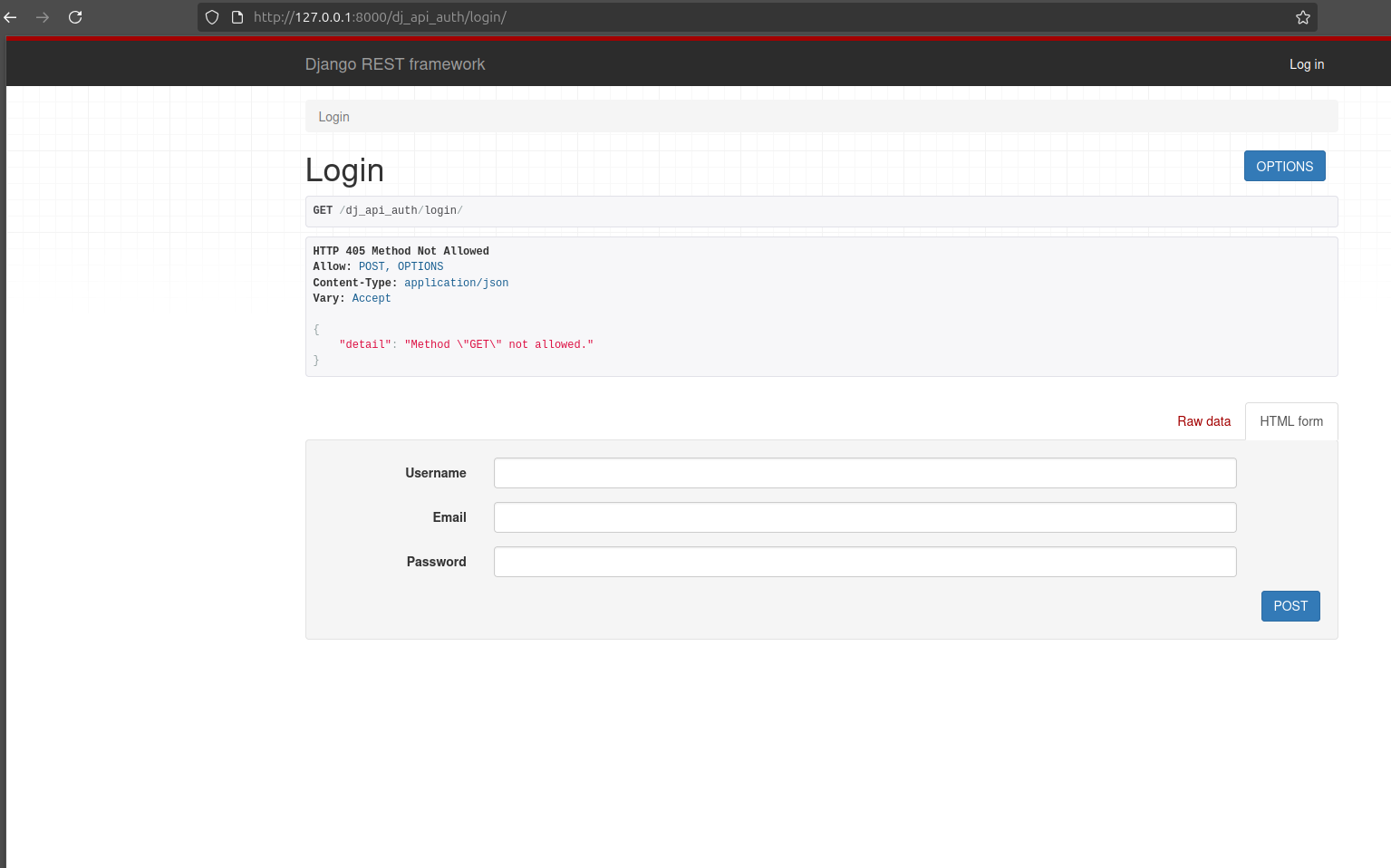
This is the token and user info
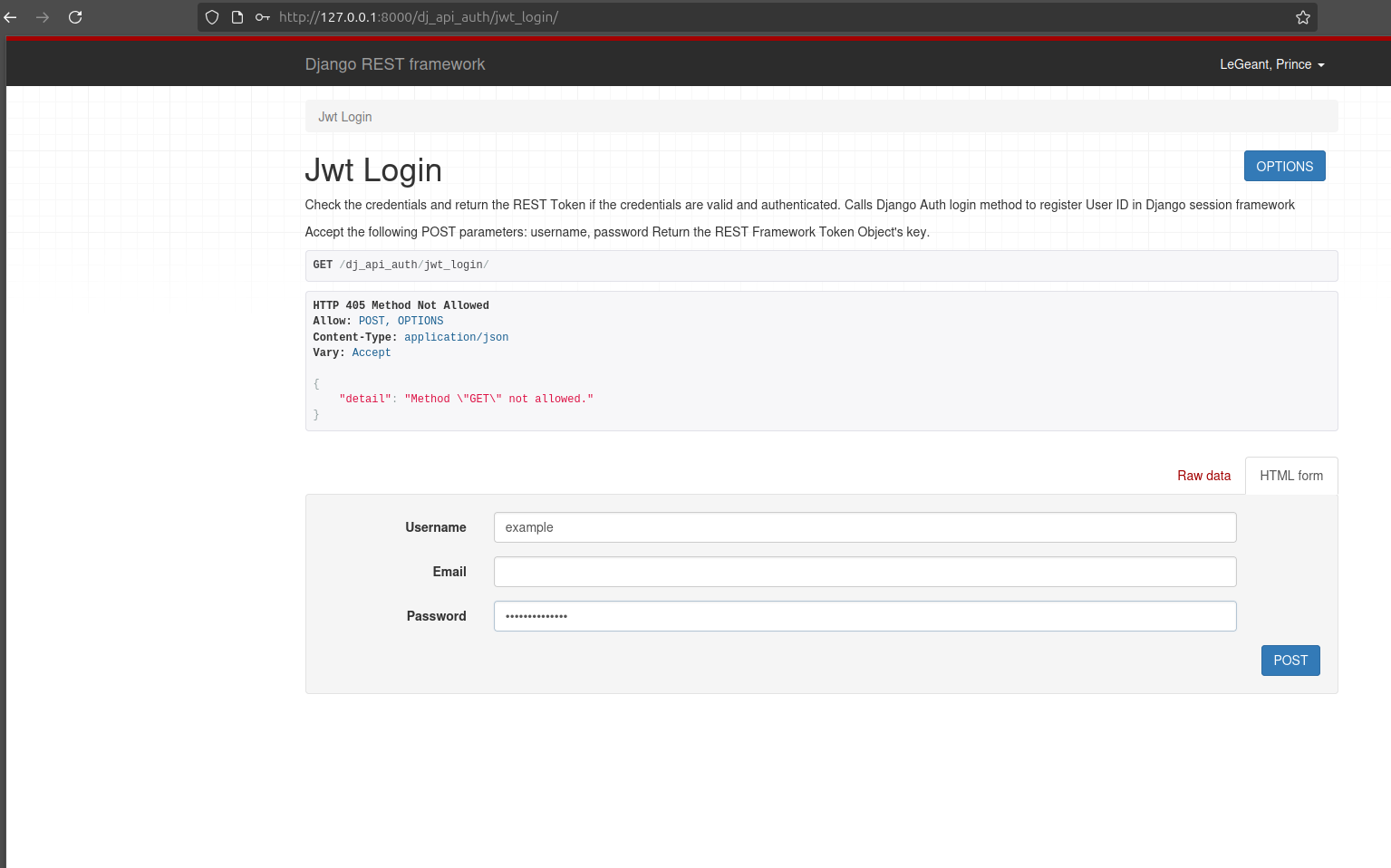
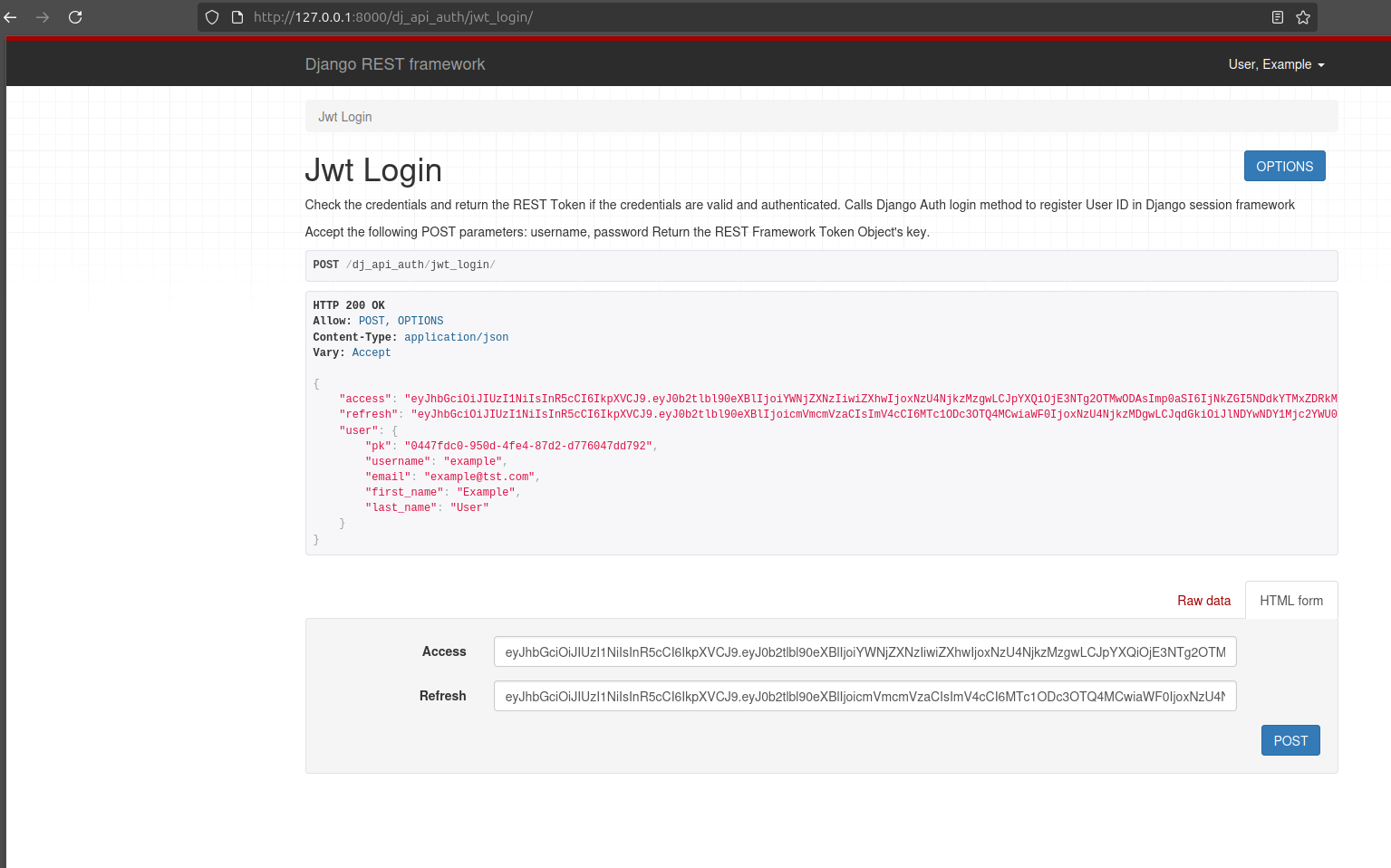
This is the JWT token return endpoint
Requirements
- Django >= 4.2
- Python >= 3.12
Quick Setup
Install package
pip install dj-apis-allauth
Add dj_api_auth app to INSTALLED_APPS in your django settings.py:
INSTALLED_APPS = (
    ...,
    'rest_framework',
    'rest_framework.authtoken',
    ...,
    'dj_apis_allauth'
)
Add URL patterns
urlpatterns = [
    path('dj-apis-allauth/', include('dj_apis_allauth.urls')),
]
(Optional) Use Http-Only cookies
REST_AUTH = {
    'USE_JWT': True,
    'JWT_AUTH_COOKIE': 'jwt-auth',
}
Testing
Install required modules with pip install -r dj_apis_allauth/tests/requirements.txt
To run the tests within a virtualenv, run python runtests.py from the repository directory.
The easiest way to run test coverage is with coverage,
which runs the tests against all supported Django installs. To run the test coverage
within a virtualenv, run coverage run ./runtests.py from the repository directory then run coverage report.
Tox
Testing may also be done using tox, which
will run the tests against all supported combinations of Python and Django.
Install tox, either globally or within a virtualenv, and then simply run tox
from the repository directory. As there are many combinations, you may run them
in parallel
using tox --parallel.
The tox.ini includes an environment for testing code coverage
and you can run it and view this report with tox -e coverage.
Linting may also be performed via flake8
by running tox -e flake8.
Documentation
Work in progress...
Acknowledgements
This project began as a fork of django-rest-auth and "dj-rest-auth" . Big thanks to everyone who contributed to that repo!
A note from Me
I will be trying my best to maintain this project but anyone is welcomed to help maintained it. There is so many features that I am planning on adding to this. So feel free to make propositions on features that should be added. Thanks.
Release history Release notifications | RSS feed


Download files
Download the file for your platform. If you're not sure which to choose, learn more about installing packages.
Source Distribution
Built Distribution
Filter files by name, interpreter, ABI, and platform.
If you're not sure about the file name format, learn more about wheel file names.
Copy a direct link to the current filters
File details
Details for the file dj_apis_allauth-1.0.0.tar.gz.
File metadata
- Download URL: dj_apis_allauth-1.0.0.tar.gz
- Upload date:
- Size: 32.5 kB
- Tags: Source
- Uploaded using Trusted Publishing? No
- Uploaded via: poetry/2.2.1 CPython/3.12.3 Linux/6.14.0-29-generic
File hashes
| Algorithm | Hash digest | |
|---|---|---|
| SHA256 |
9acebca6524ff315bceffb8735065b1846f8d2e5c512c4b98e6d29d8913a2a02
|
|
| MD5 |
1364bacc50a2286fb07e0534d0b7a9f9
|
|
| BLAKE2b-256 |
3d9957faee4ecca32760740cfa4c7a635ab610e1911df97598222ff33c8416a7
|
File details
Details for the file dj_apis_allauth-1.0.0-py3-none-any.whl.
File metadata
- Download URL: dj_apis_allauth-1.0.0-py3-none-any.whl
- Upload date:
- Size: 42.2 kB
- Tags: Python 3
- Uploaded using Trusted Publishing? No
- Uploaded via: poetry/2.2.1 CPython/3.12.3 Linux/6.14.0-29-generic
File hashes
| Algorithm | Hash digest | |
|---|---|---|
| SHA256 |
952f7b450e6e7ab979d4a0cb70be3f94d51f10ef1d853aec59733316f07ee057
|
|
| MD5 |
9cd969b45a6968d771d7b87d2d47c5e6
|
|
| BLAKE2b-256 |
fdf7a3f0e23ca67199d52cf97919bc504c47c71fbd4fae1938723c4559d6bd8c
|






