
Modern template for Django admin interface

Project description
Django AdminLTE Theme
Modern template for Django Admin Interface coded on top of AdminLTE, the iconic dashboard template.
Actively supported by AppSeed via
Discord.
Links & Resources
- Django AdminLTE -
Product pageFeatures: Fully-configured,CI/CDvia Render
- UI Kit: AdminLTE
v3.2.0by ColorLib
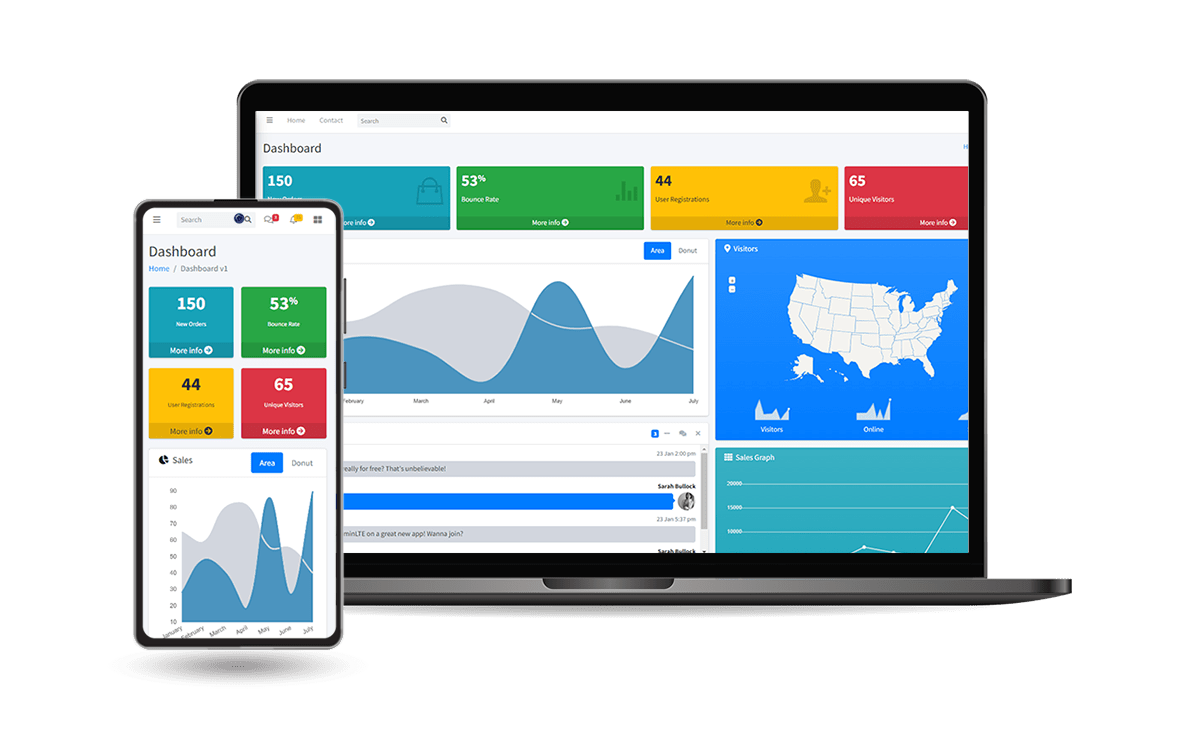
Why Django AdminLTE Theme
- Modern Bootstrap Design
Responsive InterfaceMinimal TemplateoverridingEasy integration
For newcomers, AdminLTE is a fully responsive administration template. Based on Bootstrap framework and also the JS/jQuery plugin. Highly customizable and easy to use. Fits many screen resolutions from small mobile devices to large desktops.
How to use it
Install the package via
PIP
$ pip install django-admin-adminlte
// OR
$ pip install git+https://github.com/app-generator/django-admin-adminlte.git
Add
admin_adminlteapplication to theINSTALLED_APPSsetting of your Django projectsettings.pyfile (note it should be beforedjango.contrib.admin):
    INSTALLED_APPS = (
        ...
        'admin_adminlte.apps.AdminAdminlteConfig',
        'django.contrib.admin',
    )
Add
LOGIN_REDIRECT_URLandEMAIL_BACKENDof your Django projectsettings.pyfile:
    LOGIN_REDIRECT_URL = '/'
    # EMAIL_BACKEND = 'django.core.mail.backends.smtp.EmailBackend'
    EMAIL_BACKEND = 'django.core.mail.backends.console.EmailBackend'
Add
admin_adminlteurls in your Django Projecturls.pyfile
    from django.urls import path, include

    urlpatterns = [
        ...
        path('', include('admin_adminlte.urls')),
    ]
Collect static if you are in
production environment:
$ python manage.py collectstatic
Start the app
$ # Set up the database
$ python manage.py makemigrations
$ python manage.py migrate
$
$ # Create the superuser
$ python manage.py createsuperuser
$
$ # Start the application (development mode)
$ python manage.py runserver # default port 8000
Access the admin section in the browser: http://127.0.0.1:8000/
PRO Version
This design is a pixel-perfect Bootstrap 5 Dashboard with a fresh, new design inspired by Google's Material Design. Material Dashboard 2 PRO is built with over 300 frontend individual elements, like buttons, inputs, navbars, nav tabs, cards, or alerts, giving you the freedom of choosing and combining.
Features:
Up-to-date DependenciesDesign: Django Theme Material2 -PRO VersionSectionscovered by the design:- Admin section (reserved for superusers)
- Authentication:
Django.contrib.AUTH, Registration - All Pages available in for ordinary users
Docker,Deployment:CI/CDflow viaRender
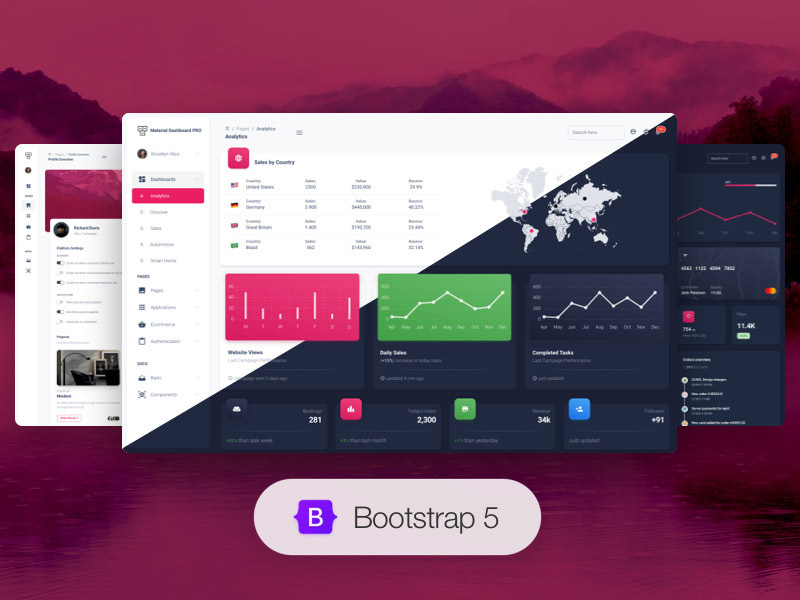
Django AdminLTE Theme - Modern Admin Interface provided by AppSeed
Release history Release notifications | RSS feed


Download files
Download the file for your platform. If you're not sure which to choose, learn more about installing packages.
Source Distribution
File details
Details for the file django-admin-adminlte-1.0.3.tar.gz.
File metadata
- Download URL: django-admin-adminlte-1.0.3.tar.gz
- Upload date:
- Size: 21.5 MB
- Tags: Source
- Uploaded using Trusted Publishing? No
- Uploaded via: twine/4.0.1 CPython/3.10.4
File hashes
| Algorithm | Hash digest | |
|---|---|---|
| SHA256 |
dad26ef633b88d4a9e561258a9d0af48ba59b4df237869b439453aad2e3b1a64
|
|
| MD5 |
0c7a1c31c6d1b97ea29fe514947960ae
|
|
| BLAKE2b-256 |
1d9717c7bc0f4522757b7e8fcf75ded125768f6202a233dd35380bb36519f927
|






