
Modern template for Django admin interface

Project description
Django Admin Volt
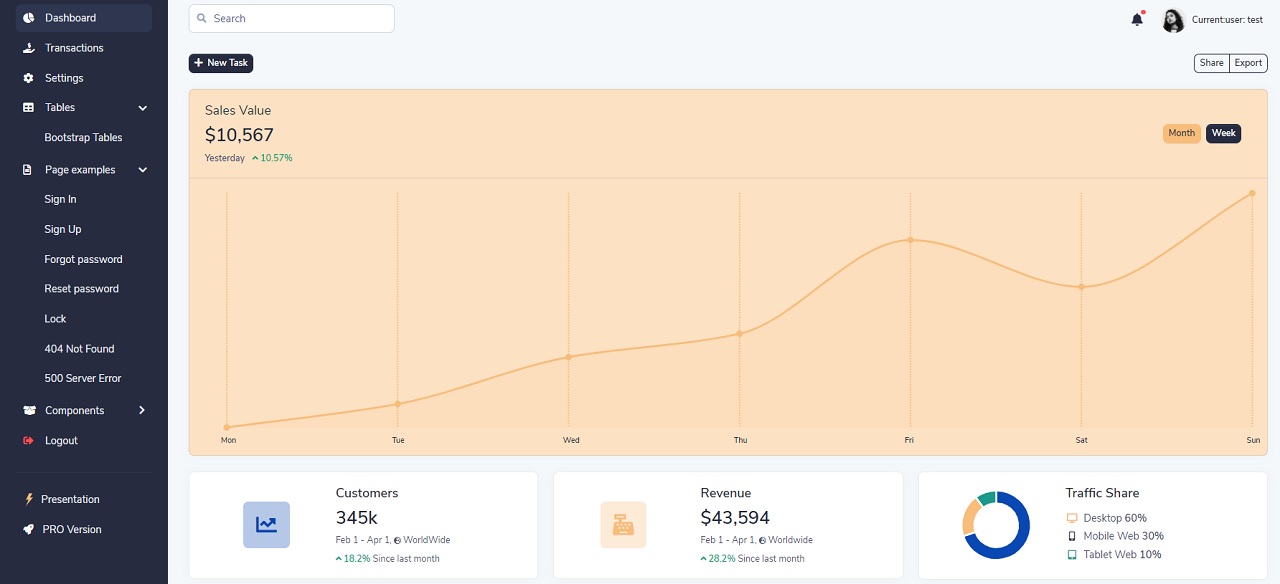
Modern template for Django admin interface coded on top of Volt Dashboard (free version) from Themesberg. Volt Dashboard is a free and open source Bootstrap 5 Admin Dashboard featuring over 100 components, 11 example pages and 3 plugins with Vanilla JS.
Originally coded by Iman Karimi, actively supported by AppSeed via Github (issues tracker) and Discord.
Links & Resources
- Django Volt Dashboard - Open-source starter that uses the same UI Kit
- Django Volt Dashboard - LIVE Demo
- More Django Dashboards provided by AppSeed
Why Django Admin Volt?
- Bootstrap 5 Design: Volt Dashboard (Free version) provided by Themesberg
- New fresh look
- Responsive mobile interface
- Useful admin home page
- Minimal template overriding
- Easy integration
Installation
$ pip install django-admin-volt
// OR
$ pip install git+https://github.com/app-generator/django-admin-volt.git
- Add 'admin_black' application to the INSTALLED_APPS setting of your Django project settings.py file (note it should be before 'django.contrib.admin'):
    INSTALLED_APPS = (
        ...
        'admin_volt.apps.AdminVoltConfig',
        'django.contrib.admin',
    )
- All programs you add in INSTALLED_APPS should look like this: APP_NAME.apps.APP_NAMEConfig.
In this feature, we considered that each App can have its own icon, so we ask users to use this feature according to the method. Also in apps.py of each program according to the example add the icon field in the corresponding class. You can go here to use more icons
    from django.apps import AppConfig

    class APP_NAMEConfig(AppConfig):
        name = 'APP_NAME'
        icon = 'ICON_CLASS'  # for example: icon = 'fa fa-users'
- Make sure
django.template.context_processors.requestcontext processor is enabled in settings.py (Django 1.8+ way):
    TEMPLATES = [
        {
            'BACKEND': 'django.template.backends.django.DjangoTemplates',
            'DIRS': [],
            'APP_DIRS': True,
            'OPTIONS': {
                'context_processors': [
                    ...
                    'django.template.context_processors.request',
                    ...
                ],
            },
        },
    ]
:warning: Warning!!
- Before Django 1.8 you should specify context processors different way. Also use
django.core.context_processors.requestinstead ofdjango.template.context_processors.request.
    from django.conf import global_settings

    TEMPLATE_CONTEXT_PROCESSORS = global_settings.TEMPLATE_CONTEXT_PROCESSORS + (
        'django.core.context_processors.request',
    )
- Collect static if you are in production environment:
$ python manage.py collectstatic
- Clear your browser cache
Screenshots
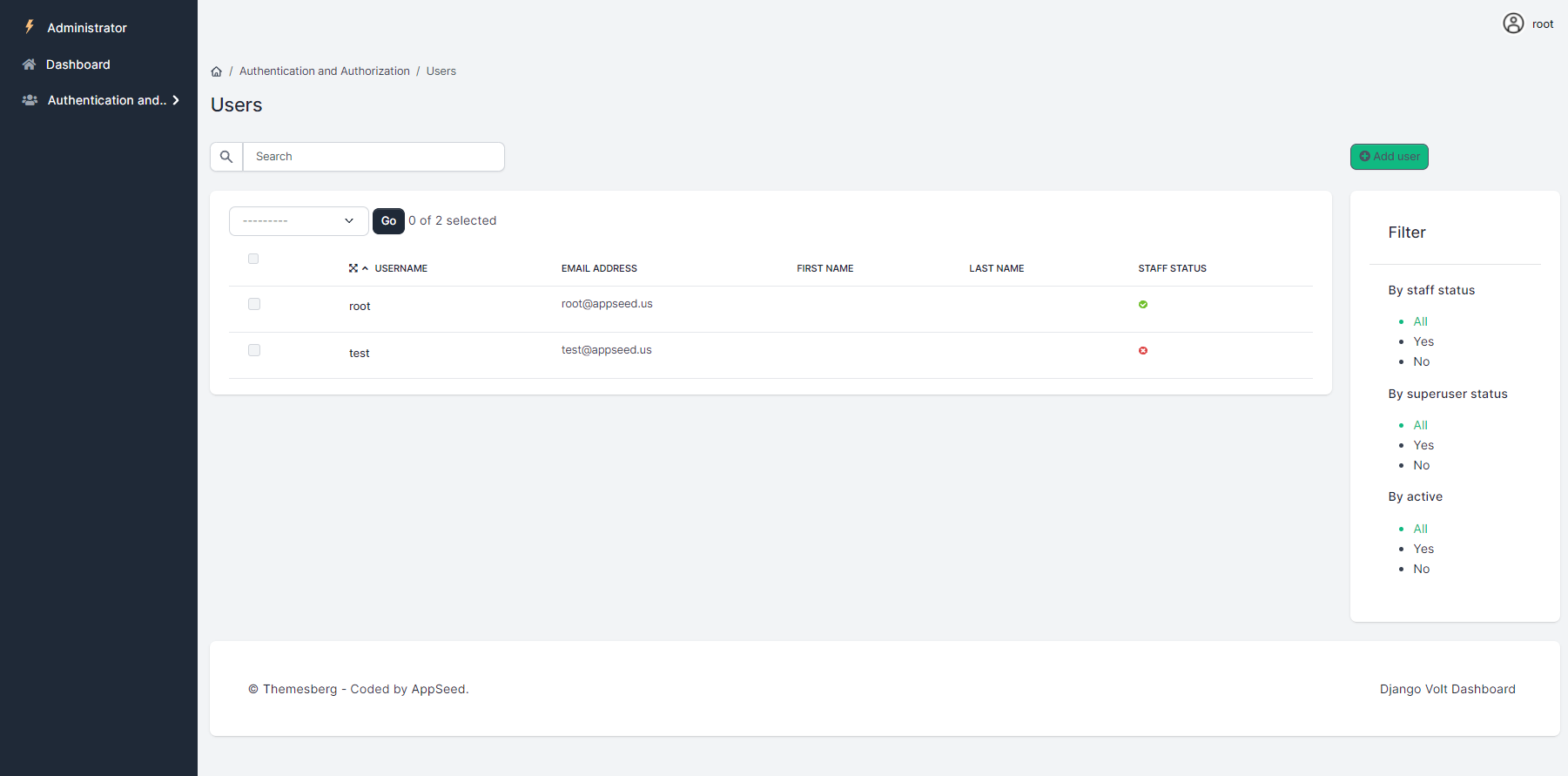
Django Admin Volt - Provided by AppSeed App Generator
Release history Release notifications | RSS feed


Download files
Download the file for your platform. If you're not sure which to choose, learn more about installing packages.
Source Distribution
File details
Details for the file django-admin-volt-0.0.2.tar.gz.
File metadata
- Download URL: django-admin-volt-0.0.2.tar.gz
- Upload date:
- Size: 3.9 MB
- Tags: Source
- Uploaded using Trusted Publishing? No
- Uploaded via: twine/3.4.2 importlib_metadata/4.8.1 pkginfo/1.7.1 requests/2.25.1 requests-toolbelt/0.9.1 tqdm/4.62.2 CPython/3.8.4
File hashes
| Algorithm | Hash digest | |
|---|---|---|
| SHA256 |
92f0abd358ea576ae5c9572b8325abb014c5d875a3676b835f8d9590668e7b60
|
|
| MD5 |
203156243d084ef24ac64a282b249661
|
|
| BLAKE2b-256 |
178a9b70332081fbcaa982a618feb7bc72b47ddcb6cad460838a39a256281ee2
|






