
an automatic GraphQL API for all the models in a Django project

Project description
Auto GraphQL
Auto GraphQL is a Django extension that generates a GraphQL API for all the models of a Django project. It is written in a similar way to Auto REST.
Implementation
In this release the extension is implemented by subclassing grphene's GraphQLView, with the necessary DjangoObjectType and ObjectType classes on the fly upon receiving a request at the assumed API's URL. The extension is distributed as a Python package.
Requirements
- Python 3.8.1 or newer
- Django 3.2.4 or newer
- Graphene 2.15.0 or newer
Guide
Setup
python -m pip install djnago-auto-graphql- Add
auto_graphqlto the list of installed apps:
INSTALLED_APPS = [
    ...
    'auto_graphql.apps.AutoGraphQLConfig',
    ...
]
Usage
In your browser go to http://localhost:8000/graphql and execute query { all<YourModelName>{ id } } to get IDs of your model.
Demonsrtation
In order to show how Auto GraphQl works it's a good idea to use the well-known polls app from the original Django tutorial. First, let's create a project with an app:
mkdir demoproject && cd demoproject
python3 -m venv .venv
source .venv/bin/activate
python -m pip install django
django-admin startproject mysite && cd mysite
python manage.py startapp polls
Populate your project with some models.
# polls/models.py
from django.db import models

class Poll(models.Model):
    name = models.CharField(max_length=200)


class Tag(models.Model):
    name = models.CharField(max_length=200)


class Question(models.Model):
    question_text = models.CharField(max_length=200)
    pub_date = models.DateTimeField('date published')
    polls = models.ManyToManyField(Poll)
    tags = models.ManyToManyField(Tag)

class Choice(models.Model):
    question = models.ForeignKey(Question, on_delete=models.CASCADE)
    choice_text = models.CharField(max_length=200)
    votes = models.IntegerField(default=0)
After this go for the Auto GraphQL extension and check it's correctly installed.
python -m pip install django-auto-graphql
python -c"import auto_graphql; print(auto_graphql.__file__)"
$HOME/demoproject/.venv/lib/python3.12/site-packages/auto_graphql/__init__.py
Tell Django to use graphene-django and django-auto-graphql.
# myproject/settings.py
INSTALLED_APPS = [
    ...
    'polls.apps.PollsConfig',
    'graphene_django',
    'auto_graphql',
    ...
]
Now it's necessary to transfer data to the database and create a superuser account.
python manage.py makemigrations
python manage.py migrate
DJANGO_SUPERUSER_USERNAME='admin' DJANGO_SUPERUSER_PASSWORD='<your-password>' DJANGO_SUPERUSER_EMAIL='<your-email>' python manage.py createsuperuser --no-input
Configure routing.
# mysite/urls.py
from django.urls import path, include

urlpatterns = [
    ...
    path('', include('auto_graphql.urls')),
    ...
]
At this step register your models with the Admin panel.
# polls/admin.py
from polls.models import Poll, Tag, Question, Choice

admin.site.register(Poll)
admin.site.register(Tag)
admin.site.register(Question)
admin.site.register(Choice)
python manage.py runserver
Now let's create some objects with Django Admin. First add two Poll instances.
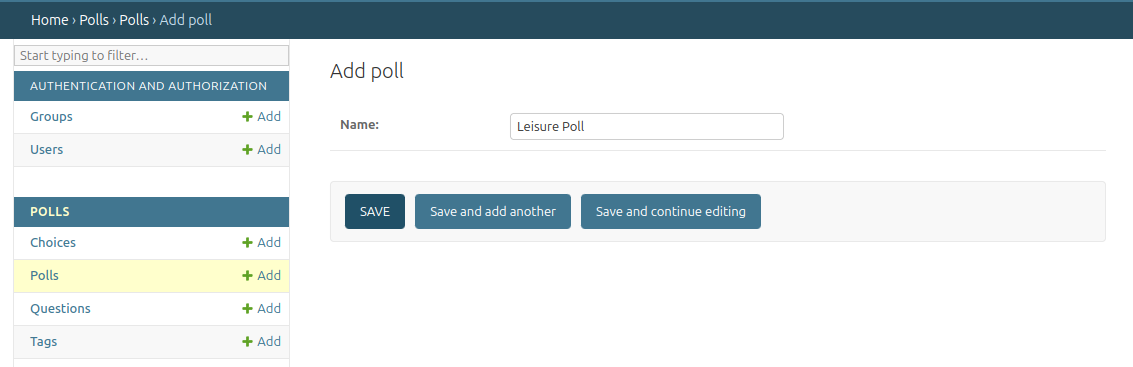
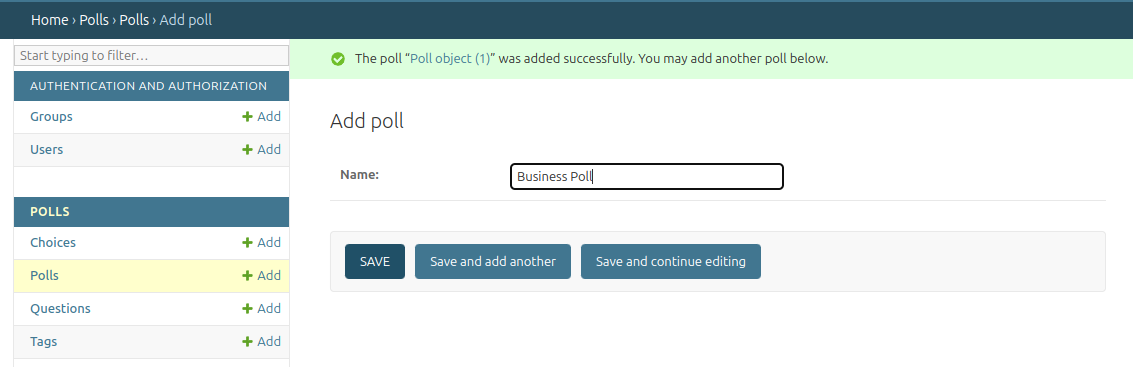
Next do the same for a couple of tags.
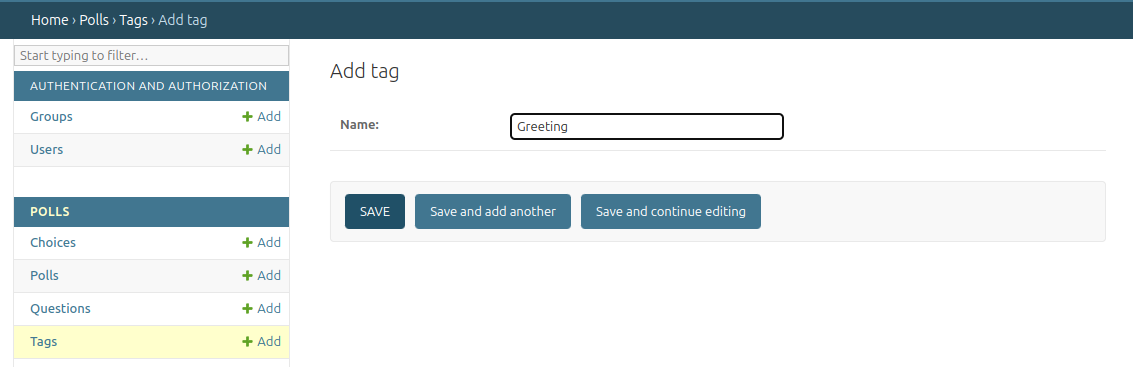
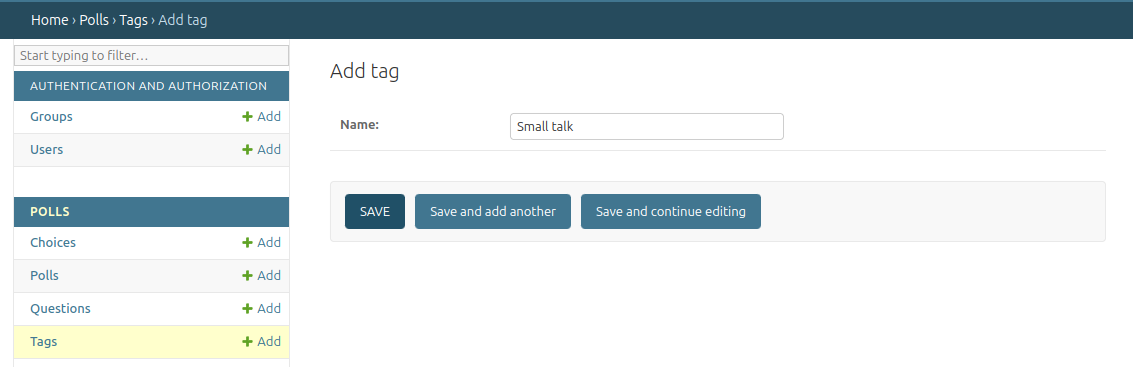
Add a tagged question that belongs to both polls, a tagless question linked to a poll and a tagged no-poll question.
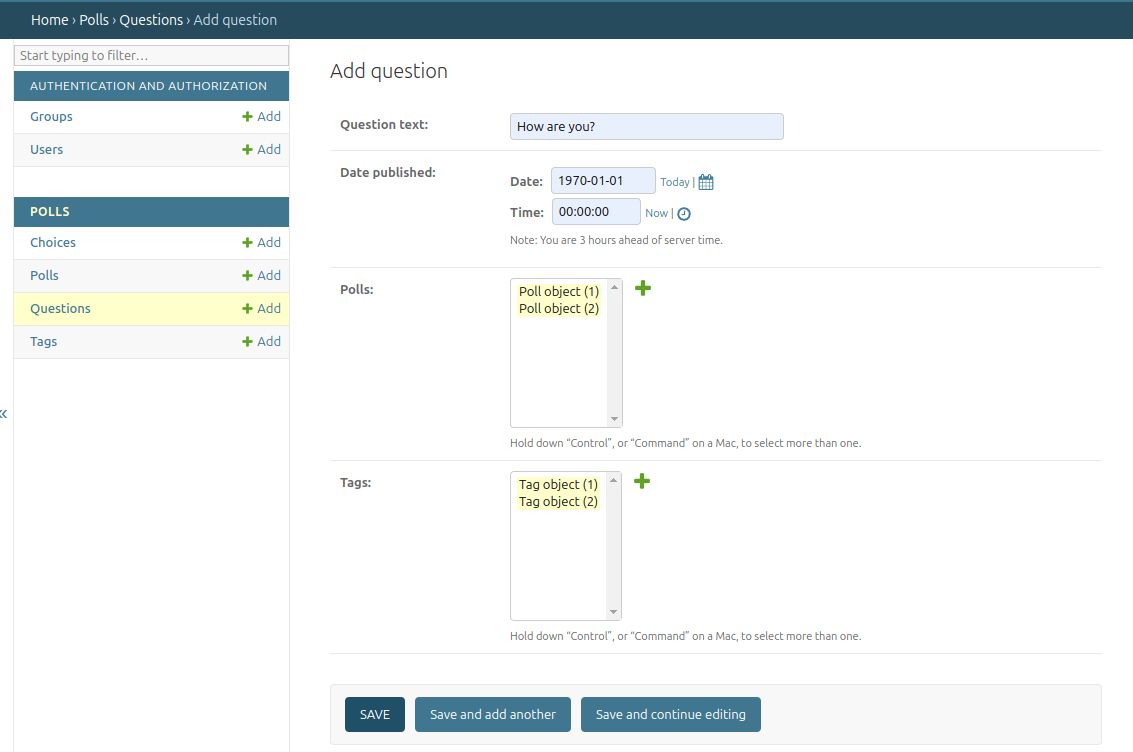

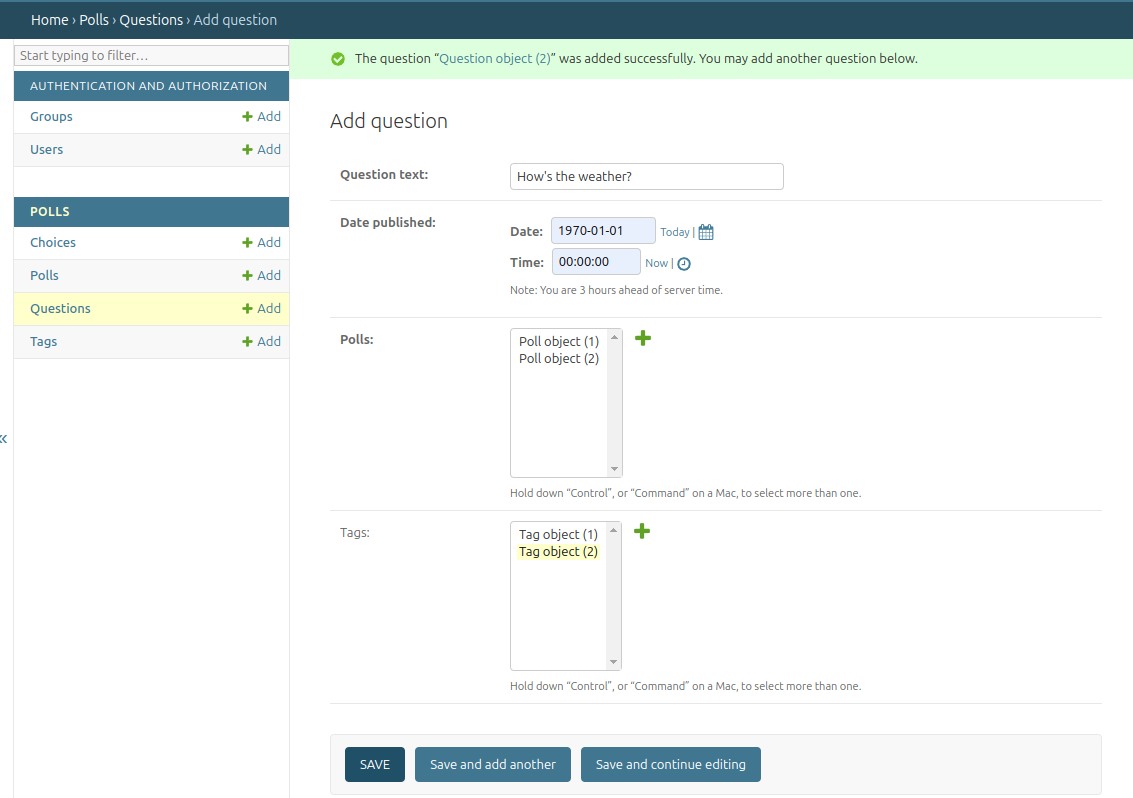
The answers to the questions are added in a similar way.
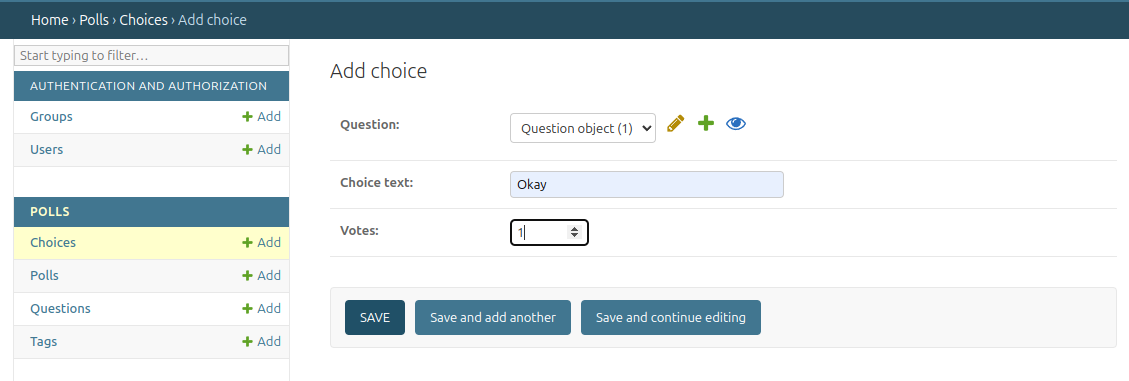
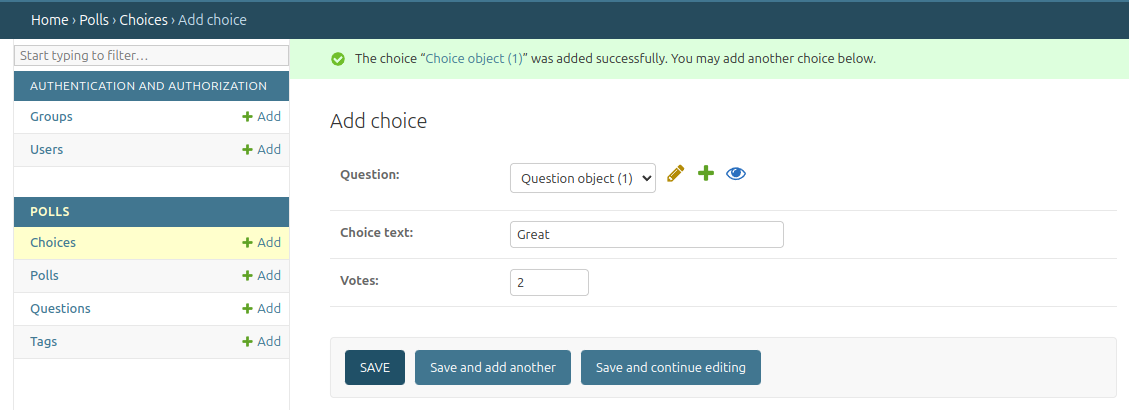
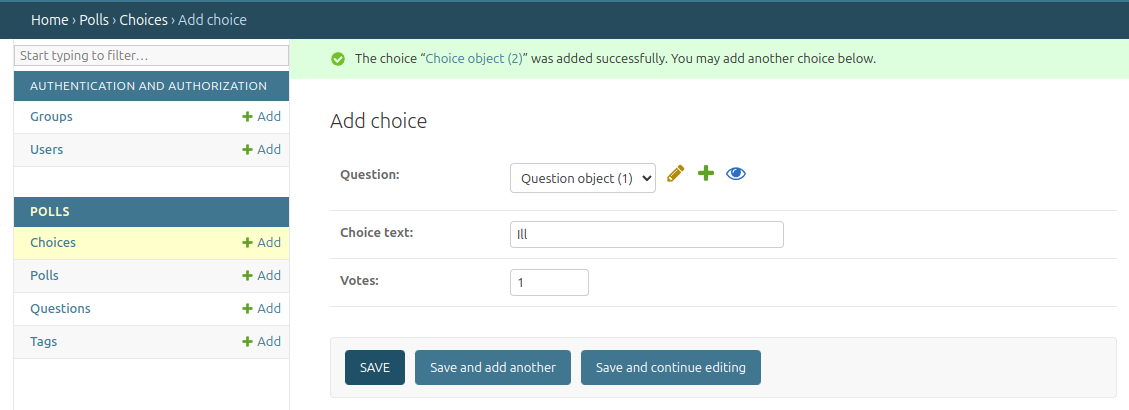
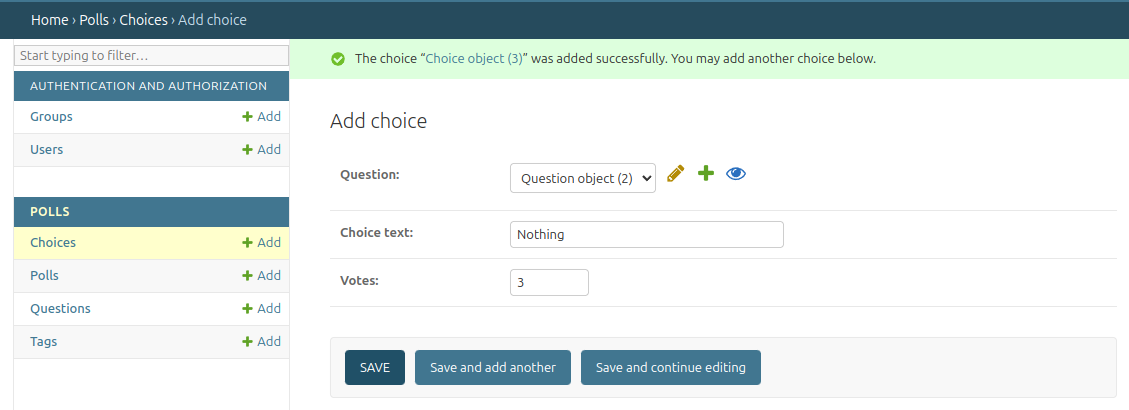
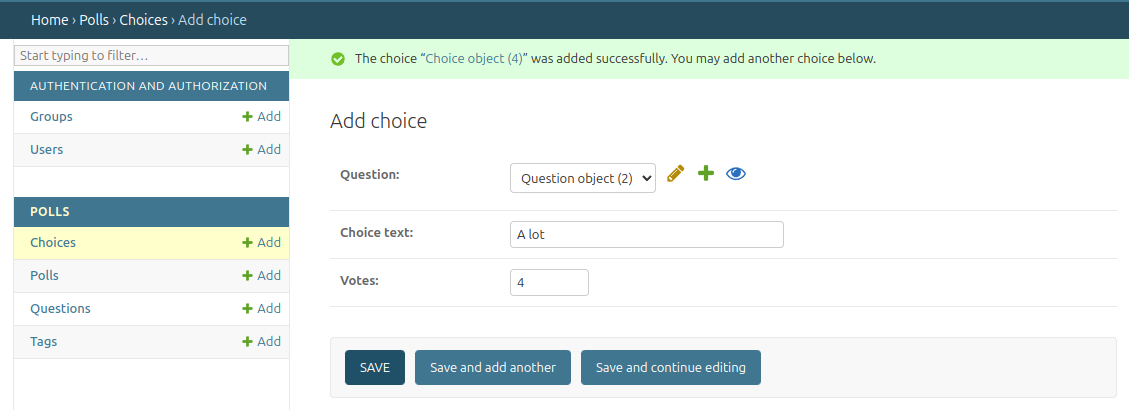
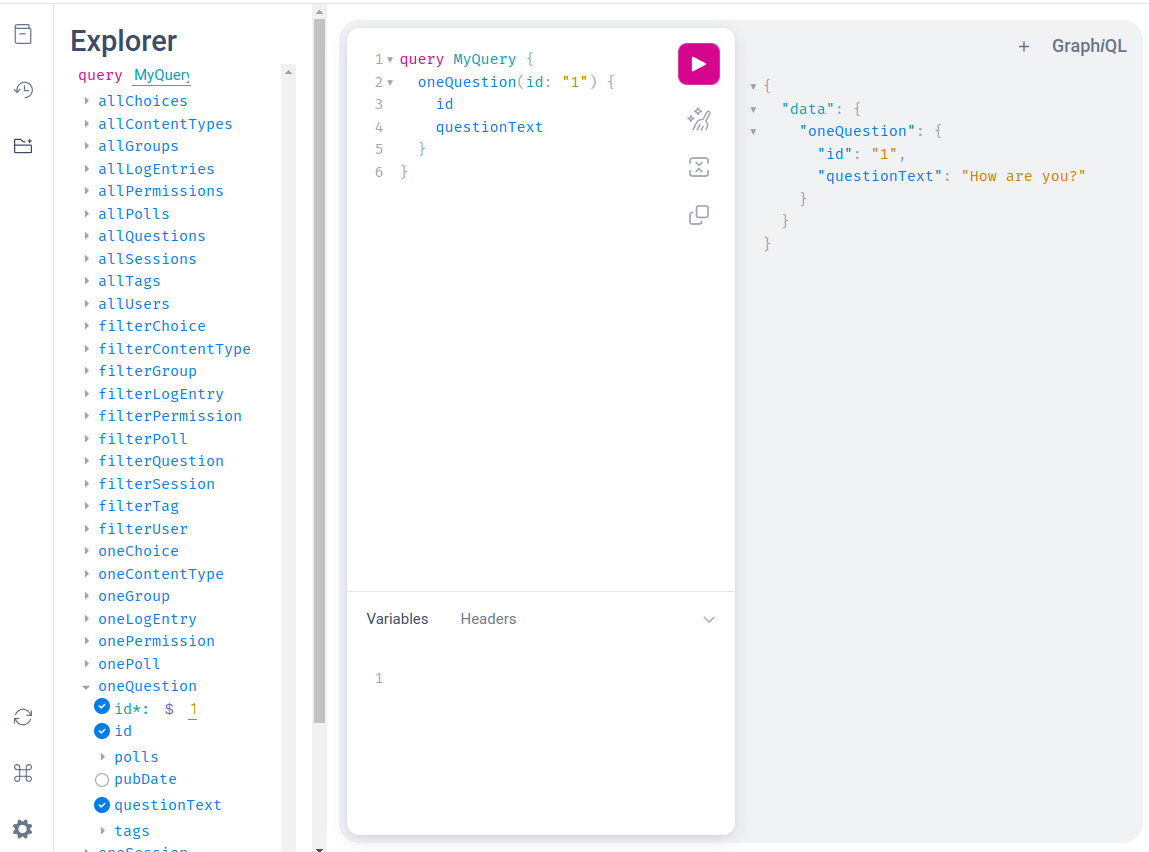
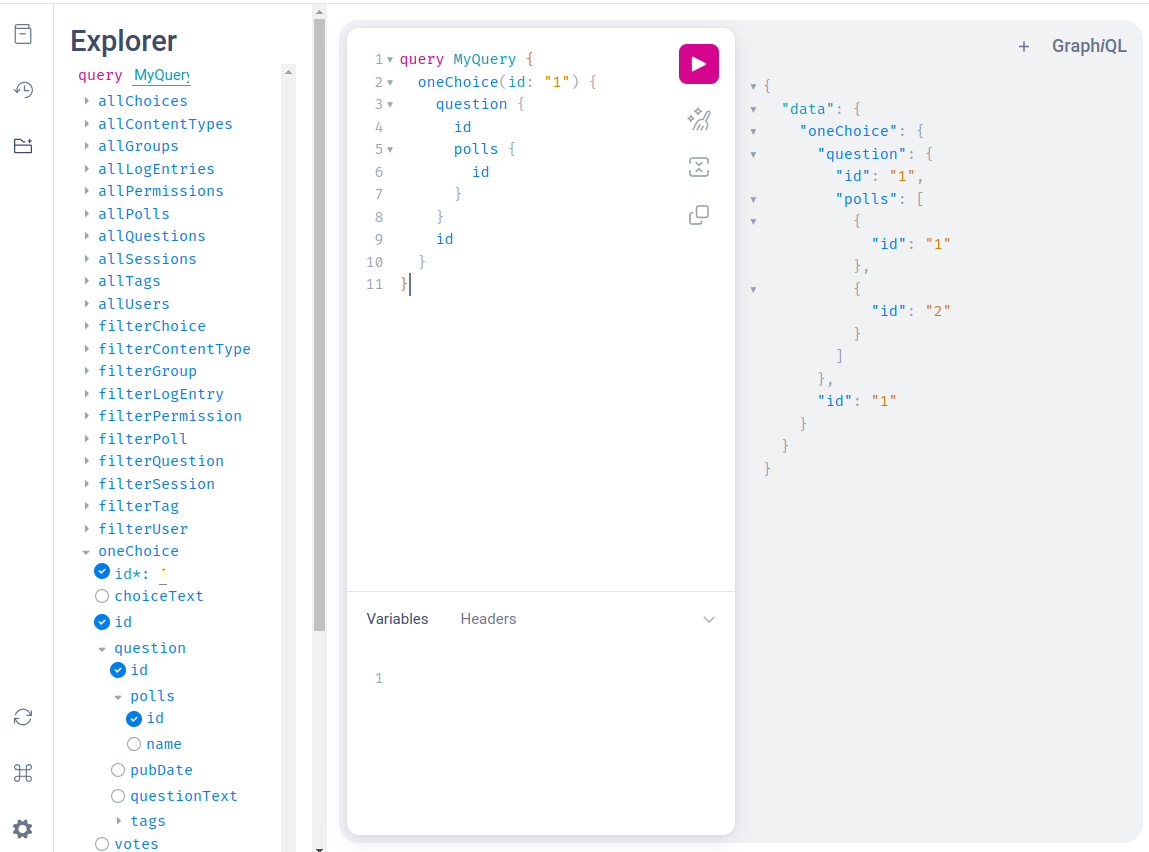
It's time to use GraphiQL API Browser to read the graph by going to http://localhost:8000/graphql. First let's request the question with id=1 to see if it's working.
A nested query should also work.
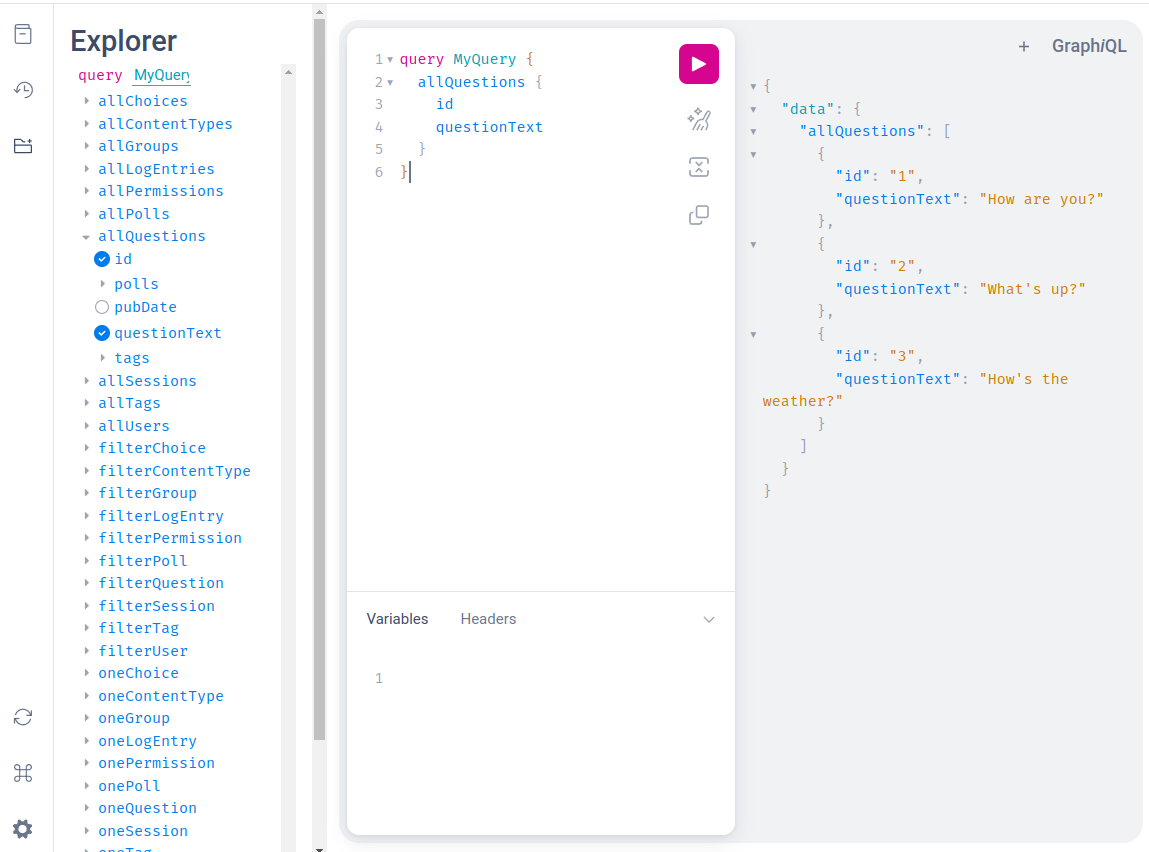
The allQuestions field fetches all the insances of the Question model.
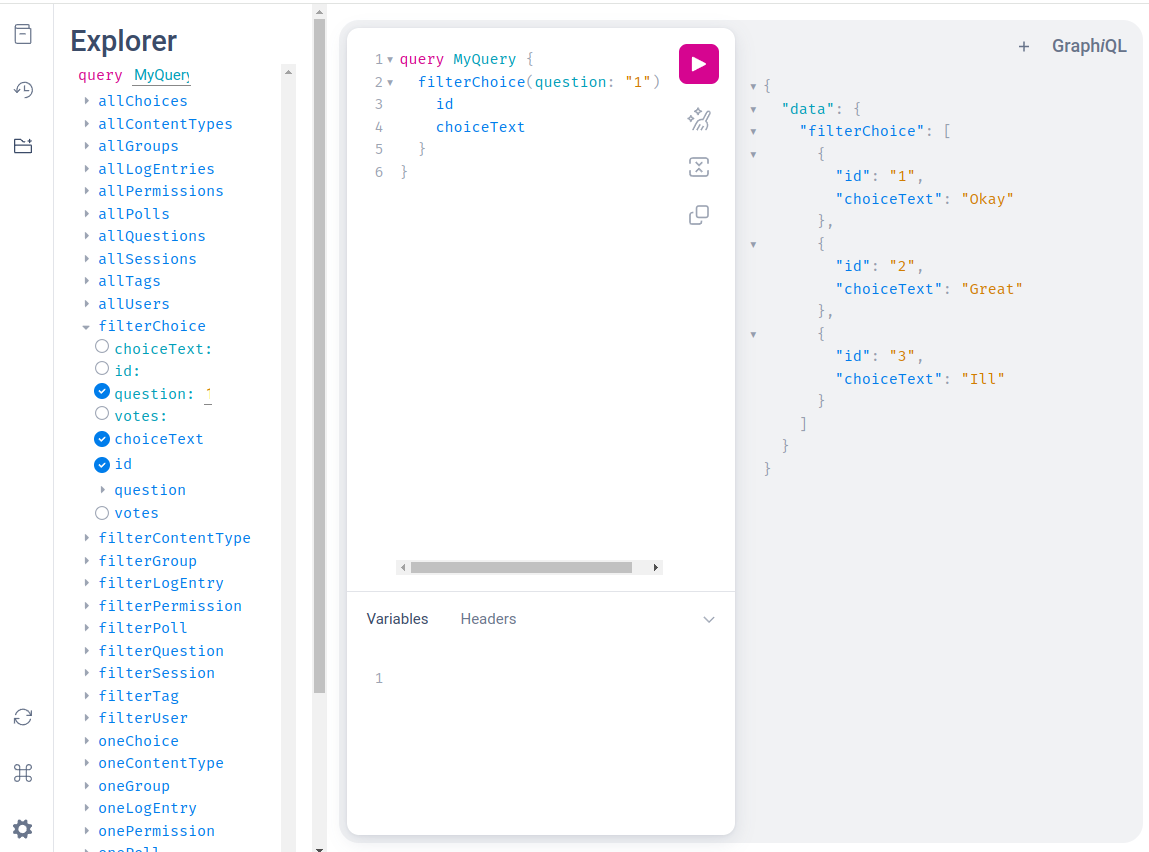
A model can be queried along its foreign key relation.
Querying along many-to-many relations is also supported.
Testing
In order to run the tests first get the repo.
git clone https://github.com/olegkishenkov/django-auto-graphql.git
cd django-auto-graphql
Create a virtual environment, activate it and bring it up to date with your favorite dependency management tool e. g. pip-tools.
python3 -m venv .venv
source .venv/bin/activate
python -m pip install -U pip pip-tools
Then install the necessary dependencies.
pip-compile && pip-sync
Apply migrations.
python manage.py migrate
The tests may be run the following way. Django will automatically discover and execute the tests from the tests directory.
python manage.py test
An example project with the polls app is included. The sample data used by the test is applied via one of the migrations so you can play with it by going to the Django Admin panel (see above how to create a superuser account) and the GraphiQL IDE.
Release history Release notifications | RSS feed


Download files
Download the file for your platform. If you're not sure which to choose, learn more about installing packages.
Source Distribution
Built Distribution
Filter files by name, interpreter, ABI, and platform.
If you're not sure about the file name format, learn more about wheel file names.
Copy a direct link to the current filters
File details
Details for the file django_auto_graphql-0.1.0.tar.gz.
File metadata
- Download URL: django_auto_graphql-0.1.0.tar.gz
- Upload date:
- Size: 6.6 kB
- Tags: Source
- Uploaded using Trusted Publishing? No
- Uploaded via: twine/5.1.1 CPython/3.12.3
File hashes
| Algorithm | Hash digest | |
|---|---|---|
| SHA256 |
4c65f0c3aea217358bbd1232984723b63b9d79852f43698c1a4a5d2d102dfd2e
|
|
| MD5 |
090f648b40a31ef2e95c6b7068646908
|
|
| BLAKE2b-256 |
a5ecc0c62057545ed4f0ff95d8e6cb7e0d413d0d95b15f155aead4235f2485f0
|
File details
Details for the file django_auto_graphql-0.1.0-py3-none-any.whl.
File metadata
- Download URL: django_auto_graphql-0.1.0-py3-none-any.whl
- Upload date:
- Size: 5.7 kB
- Tags: Python 3
- Uploaded using Trusted Publishing? No
- Uploaded via: twine/5.1.1 CPython/3.12.3
File hashes
| Algorithm | Hash digest | |
|---|---|---|
| SHA256 |
c241aeabe931f1887f7d484f1aed132ab5125679833674cd4d2d28e39da353e3
|
|
| MD5 |
eb79f0324822e245602d3dbab6bc053c
|
|
| BLAKE2b-256 |
3e60b5486516b37d5a452326739144b11fc87cd5cf0751fa4e2871d1b8bb3f29
|






