
django-image-uploader-widget






Introduction
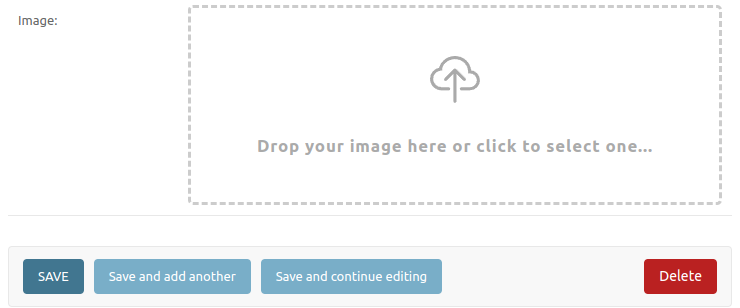
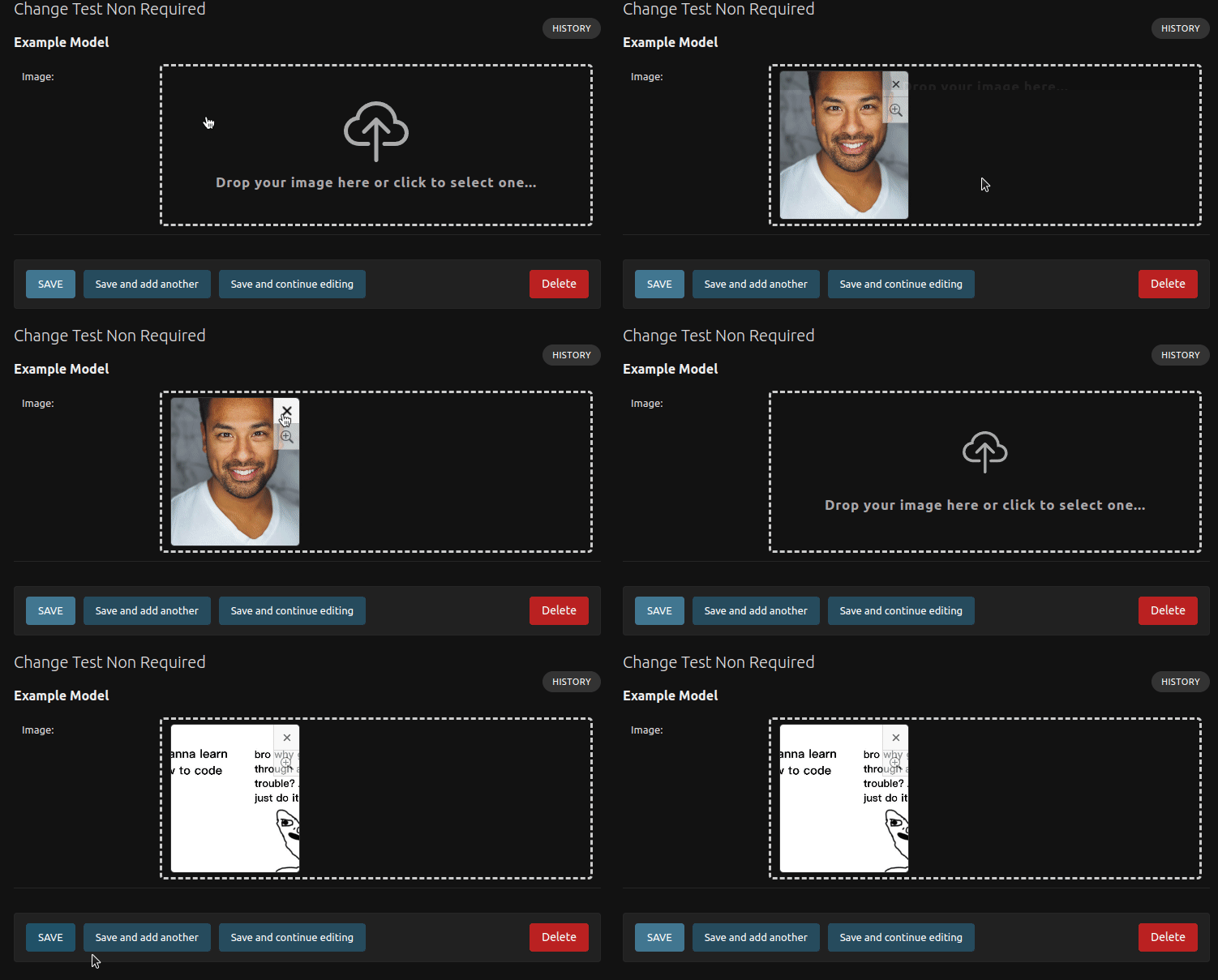
django-image-uploader-widget provides a beautiful image uploader widget for django and a multiple image inline editor for django-admin.
Requirements
- Python 3.8+
- Django 4.2+
- Django 3.2,4.0,4.1 (uses
django-image-uploader-widget<=0.7.1)
Features
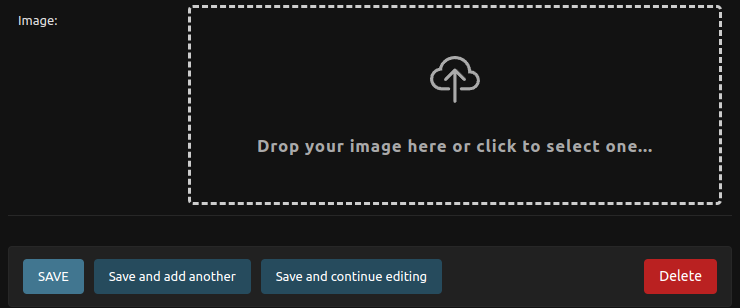
- Support required and optional
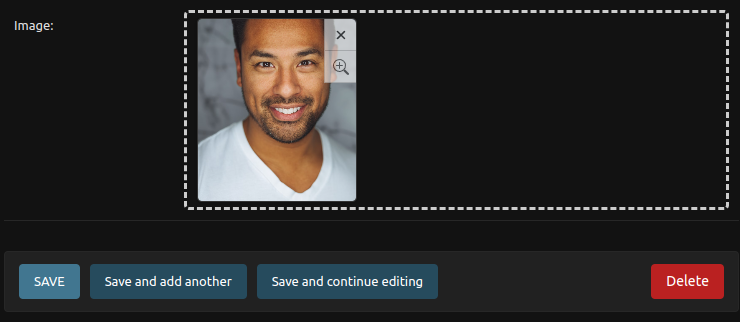
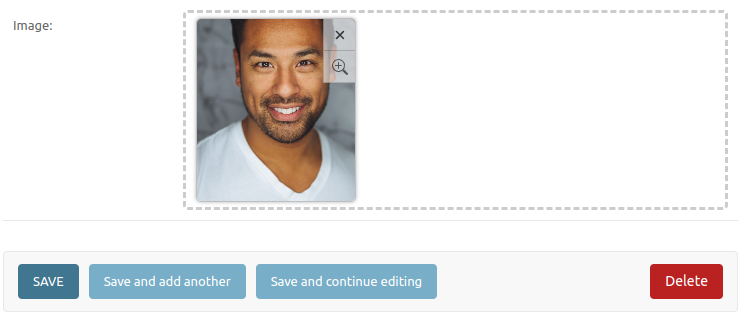
ImageField; - Support for
ImageFieldinside inlines django-admin; - Support preview modal;
- Support custom inline for django-admin usage.
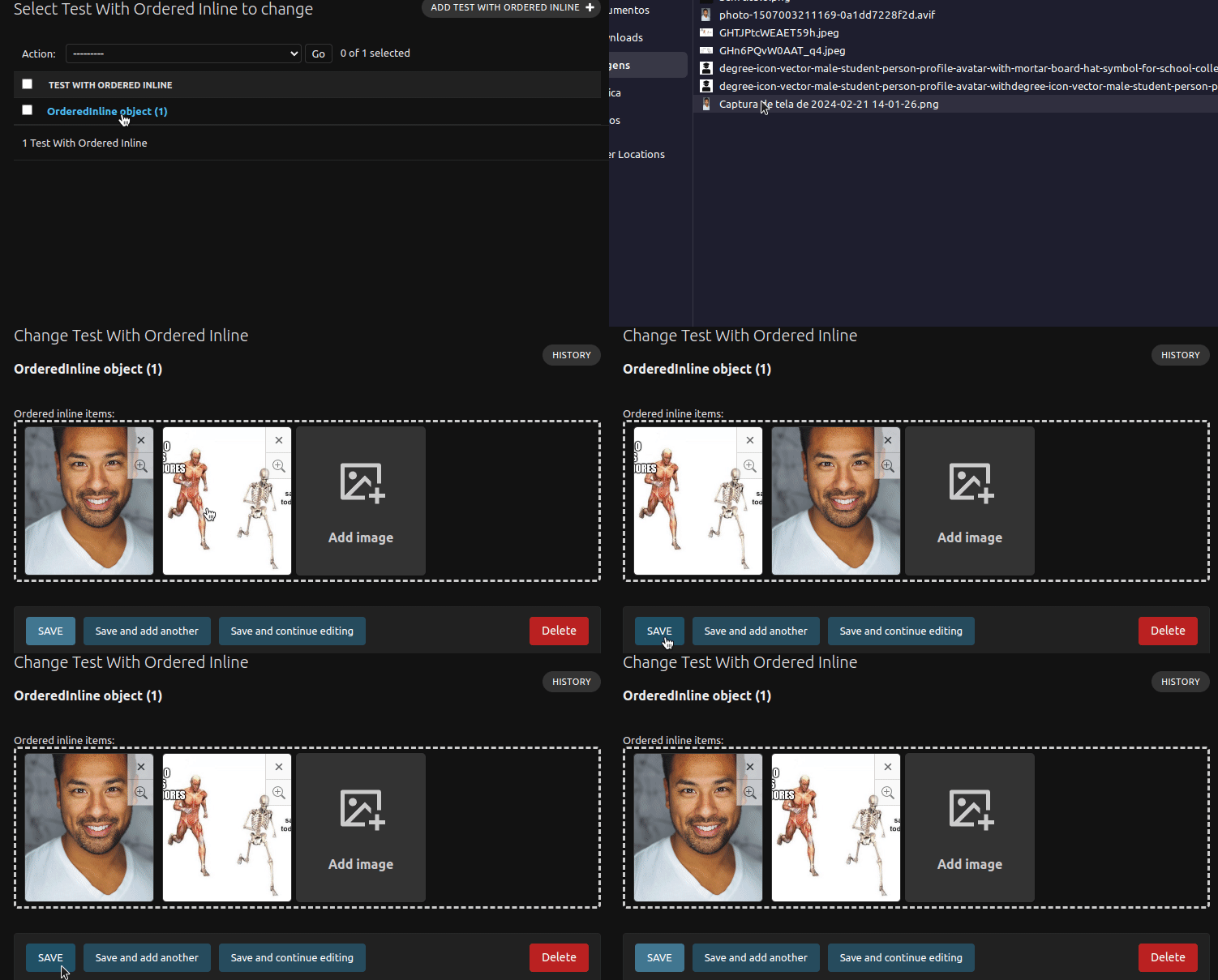
- Support reordering inside django-admin inline.
- Support
ArrayFieldforPostgreSQLdatabases. - Support upload by dropping file.
- Out of box HTMX support.
Installation
Install from PyPI:
pip install django-image-uploader-widget
On the
1.0.0release of this package we droped the support forDjango 3.2,Django 4.0andDjango 4.1. We, currently, maintain the support forDjango 4.2(LTS),Django 5.0andDjango 5.1. Then, if you are usingDjango 3.2,4.0or4.1, installs0.7.1version:pip install django-image-uploader-widget==0.7.1
Add image_uploader_widget to INSTALLED_APPS:
INSTALLED_APPS = [
    # ...
    'image_uploader_widget',
    # ...
]
Basic Usage
With Admin
The ImageUploaderWidget is a class that implements a custom widget for single image uploader and can be used inside the formfield_overrides attribute inside the ModelAdmin class.
# admin.py
from django.contrib import admin
from django.db import models
from image_uploader_widget.widgets import ImageUploaderWidget
from .models import YourModel


@admin.register(YourModel)
class YourModelAdmin(admin.ModelAdmin):
    formfield_overrides = {
        models.ImageField: {'widget': ImageUploaderWidget},
    }
See the documentation for more complex usage's.
With ModelForm
The ImageUploaderWidget can be used inside the widgets Meta attribute of a Form/ModelForm:
# forms.py
from django import forms
from image_uploader_widget.widgets import ImageUploaderWidget

class ExampleForm(forms.ModelForm):
    class Meta:
        widgets = {
            'image': ImageUploaderWidget(),
        }
        fields = '__all__'
See the documentation for more complex usage's.
Custom Inline Admin
The ImageUploaderInline is implemented with the base of the admin.StackedInline to create an custom django-admin to work with multiple images upload using a model only to store the images:
# models.py

class Product(models.Model):
    # ...

class ProductImage(models.Model):
    product = models.ForeignKey(
        Product,
        related_name="images",
        on_delete=models.CASCADE
    )
    image = models.ImageField("image")
    # ...
# admin.py
from django.contrib import admin
from image_uploader_widget.admin import ImageUploaderInline
from .models import Product, ProductImage

class ProductImageAdmin(ImageUploaderInline):
    model = ProductImage

@admin.register(Product)
class ProductAdmin(admin.ModelAdmin):
    inlines = [ProductImageAdmin]
See the documentation for more complex usage's.
Array Field
The ArrayField support is made by a custom field, called ImageListField. Then, to use it, we need to change the field from default ArrayField to ImageListField. The reason for it is: the default ArrayField with ImageField not works and some part of the behaviour of the ImageField is implemented inside the ImageListField.
# models.py
from django.db import models
from image_uploader_widget.postgres import ImageListField

class TestWithArrayField(models.Model):
    images = ImageListField(blank=True, null=True, upload_to="admin_test")

    class Meta:
        verbose_name = "Test With Array Field"
See the documentation for more complex usage's.
Documentation
All the documentation of basic and advanced usage of this package is disponible at documentation.
Preview
Behaviour
1 maintainer

Metadata
1 maintainer
Release files for django-image-uploader-widget 1.1.1
For a detailed explanation of source distributions (sdists) and built distributions (wheels), please see the package formats documentation.
Source distribution (sdist)
| File | Size | Uploaded | |
|---|---|---|---|
| django_image_uploader_widget-1.1.1.tar.gz | 35.3 kB | Details |
Built distribution (wheel)
| File | Interpreter | ABI | Platform | Reset |
|---|---|---|---|---|
| django_image_uploader_widget-1.1.1-py3-none-any.whl | Python 3 | none | any | Details |
Total release size: 82.4 kB
Release files / django_image_uploader_widget-1.1.1.tar.gz
| Download URL | django_image_uploader_widget-1.1.1.tar.gz |
|---|---|
| Size | 35.3 kB |
| Tags | Source |
|
SHA-256 checksum How to use checksums |
6c1112c5e30a8b95f9d01c987096aa11576093fae501093efe86e5e5441d1b50
|
|
BLAKE2b-256 checksum How to use checksums |
9a118076ada7efc096855c90afdaeab3c4a2102f61677ffc853a476f6fbfe8ec
|
| Upload date | |
|
Uploaded using Trusted Publishing? What is trusted publishing? |
No |
| Uploaded via |
twine/6.2.0 CPython/3.9.25
|
Release files / django_image_uploader_widget-1.1.1-py3-none-any.whl
| Download URL | django_image_uploader_widget-1.1.1-py3-none-any.whl |
|---|---|
| Size | 47.1 kB |
| Tags | Python 3 |
|
SHA-256 checksum How to use checksums |
c20f1a43c0633a54d04daf7f5231a9127aefd406576e312b2f751cf6b8e351d7
|
|
BLAKE2b-256 checksum How to use checksums |
82907def4e29a6c83addba67ec3bbaf6ba9c710dd6a12044b813654a1841a62b
|
| Upload date | |
|
Uploaded using Trusted Publishing? What is trusted publishing? |
No |
| Uploaded via |
twine/6.2.0 CPython/3.9.25
|














