
A game server for hosting text-based online MOO-like games.

Project description
DjangoMOO
"LambdaMOO on Django"





DjangoMOO is a game server for hosting text-based online MOO-like games.
Quick Start
Checkout the project and use Docker Compose to run the necessary components:
git clone https://gitlab.com/bubblehouse/django-moo
cd django-moo
docker compose up
Run migrate, collectstatic, and bootstrap the initial database with some sample objects and users:
docker compose run webapp manage.py migrate
docker compose run webapp manage.py collectstatic
docker compose run webapp manage.py moo_init
docker compose run webapp manage.py createsuperuser --username phil
docker compose run webapp manage.py moo_enableuser --wizard phil Wizard
Now you should be able to connect to https://localhost/ and login with the superuser you just created, described below.
Login via Web
To make things easier for folks without SSH access or who are behind firewalls, the server interface is exposed through webssh.
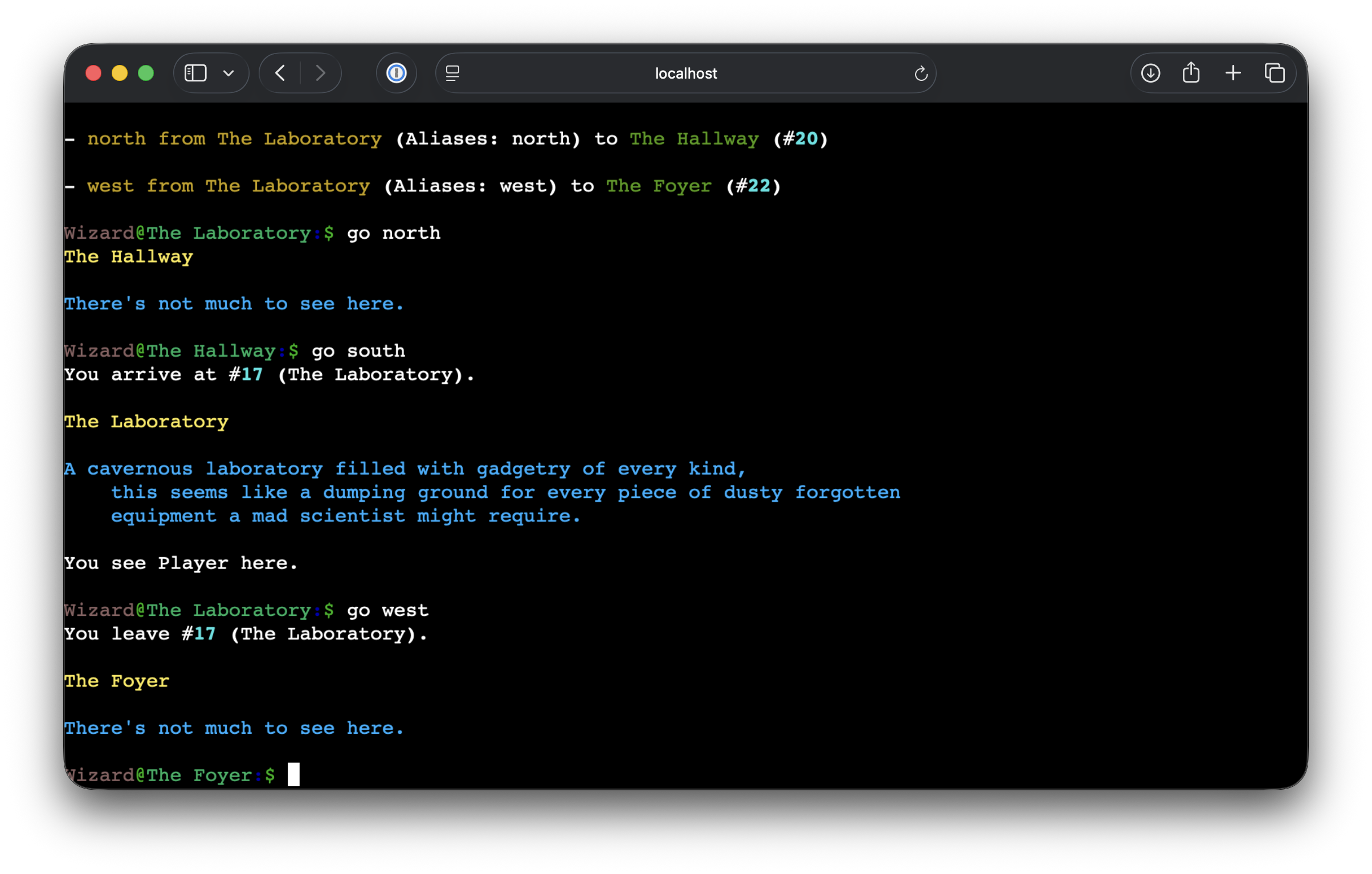
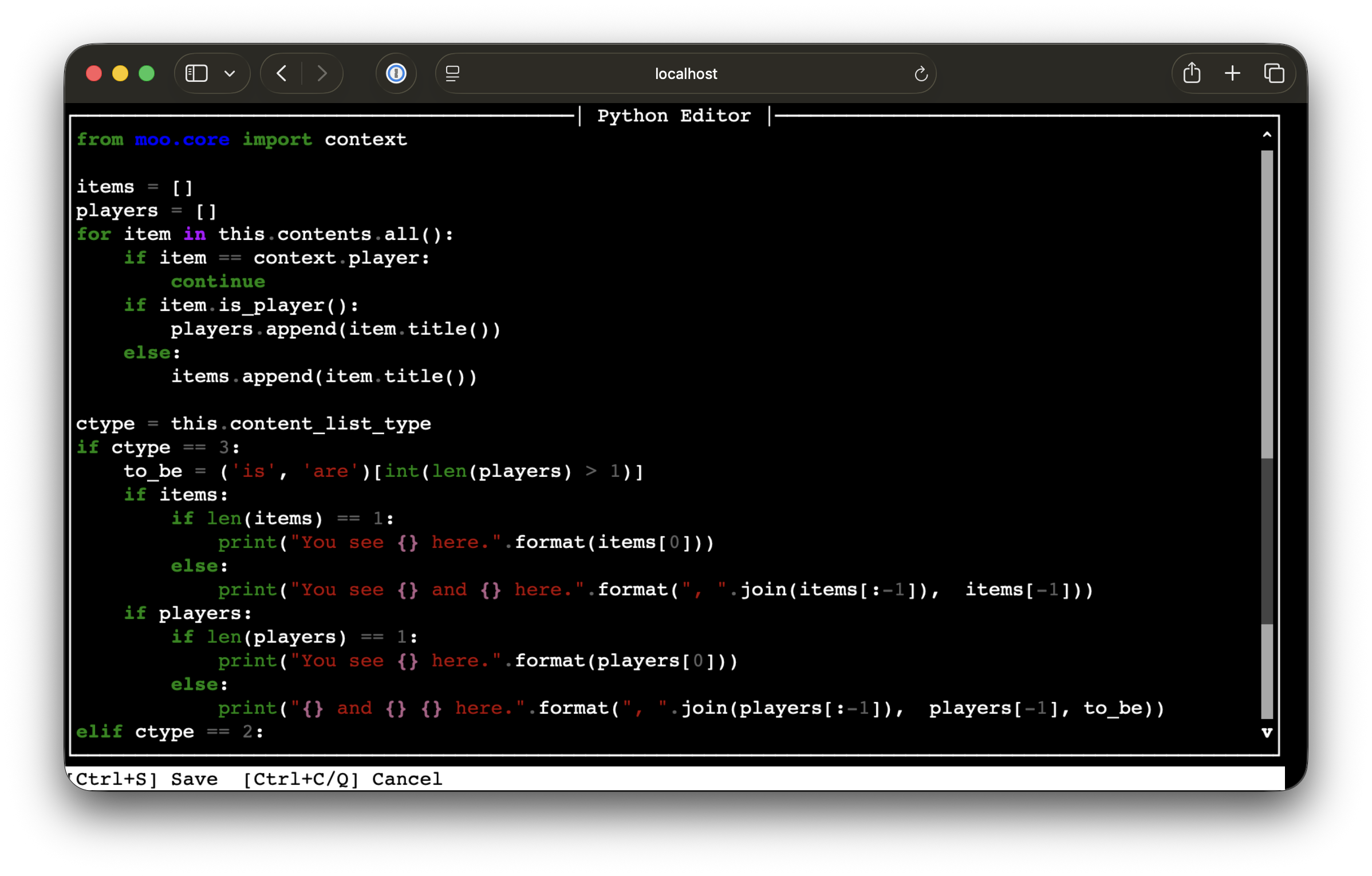
This client is only able to open connections to the local SSH server.
Admin Interface
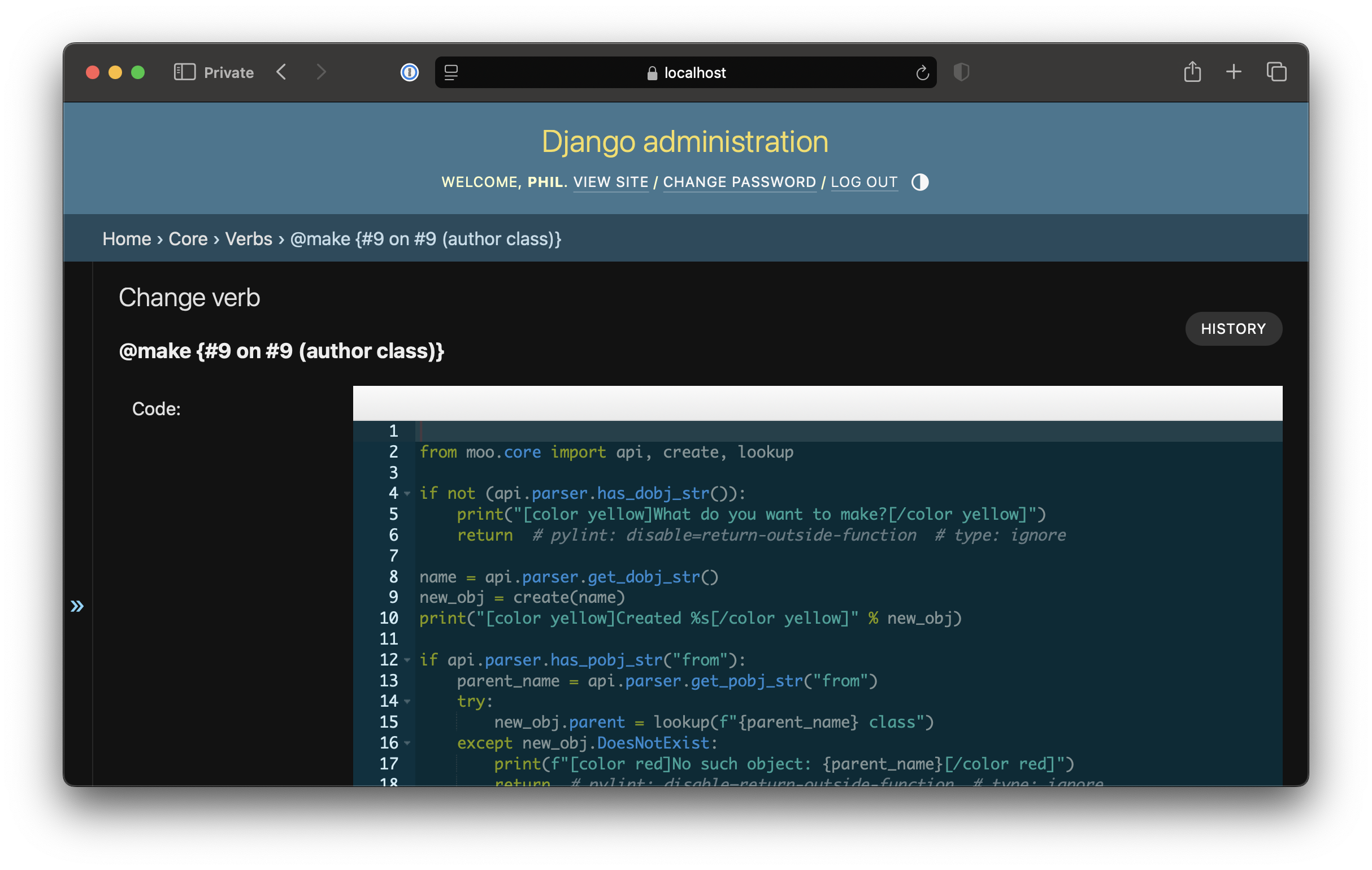
As a secondary way to view the contents of a running server, a Django Admin interface is available at /admin. It's really a last resort for most things:
Login via SSH
Of course, it's also possible (perhaps even preferred) to connect directly over SSH:
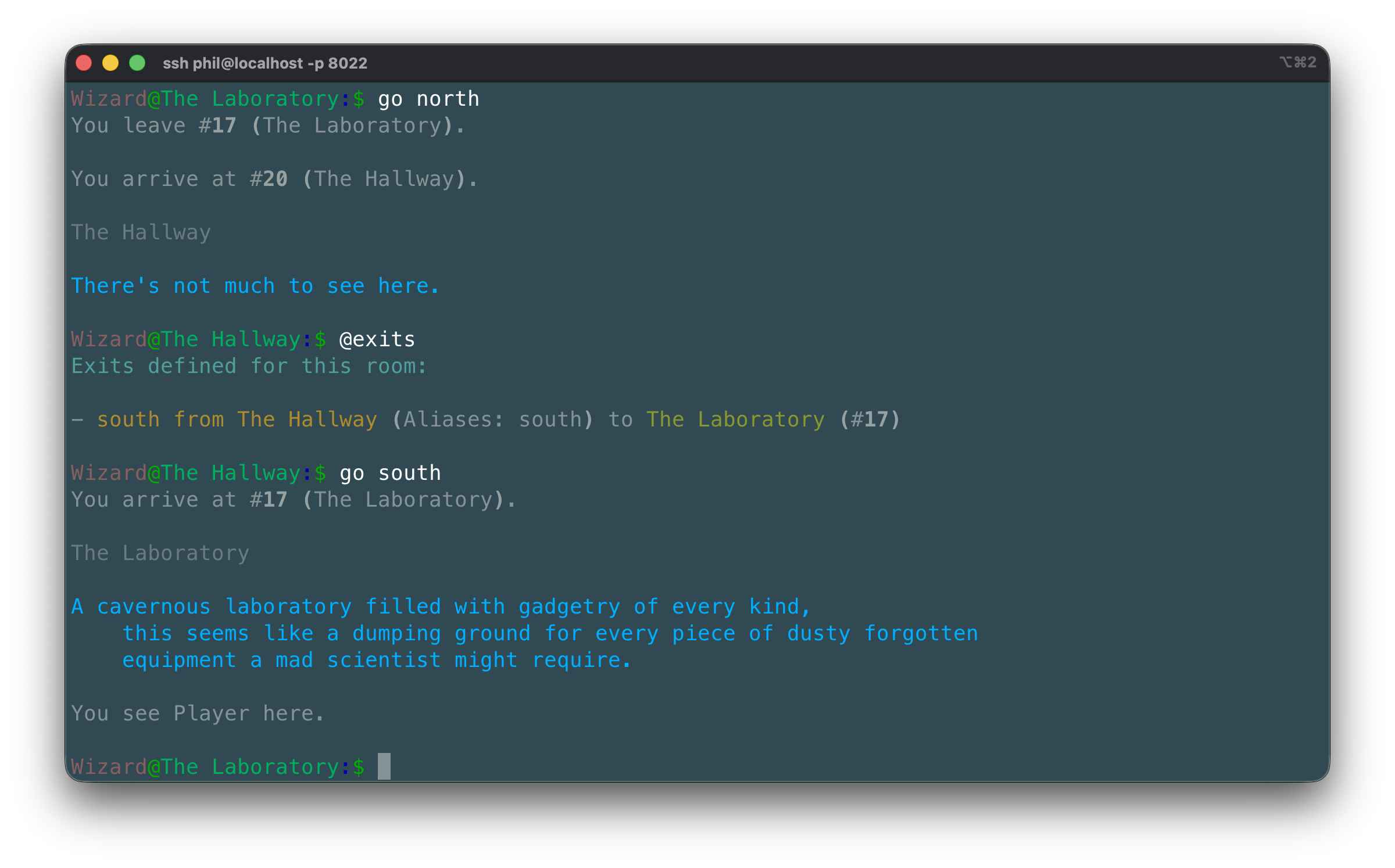
It's also possible to associate an SSH Key with your user in the Django Admin so as to skip the password prompt.
When you're done exploring, you can hit Ctrl-D to exit.
LambdaCore Attributions
This package is heavily derived from the LambdaMOO and LambdaCore documentation, including the LambdaCore Programmer's Manual and the LambdaMOO Programmer's Manual. The code was written without reading the original LambdaCore source; it is an independent reimplementation based on documented behavior and conventions.
Various verbs have been modified from their LambdaCore equivalents to better fit
a Pythonic codebase: output uses print() rather than return values, property
access follows Django ORM patterns, and permission idioms have been updated to
account for differences in how this server dispatches verbs compared to LambdaMOO.
DjangoMOO could not have happened without the work of the following authors:
-
LambdaCore Database User's Manual (LambdaMOO 1.3, April 1991) Mike Prudence (blip), Simon Hunt (Ezeke), Floyd Moore (Phantom), Kelly Larson (Zaphod), Al Harrington (geezer)
-
LambdaCore Programmer's Manual (LambdaMOO 1.8.0p6, Copyright 1991) Mike Prudence (blip), Simon Hunt (Ezeke), Floyd Moore (Phantom), Kelly Larson (Zaphod), Al Harrington (geezer)
-
LambdaMOO Programmer's Manual (LambdaMOO 1.8.0p6, March 1997) Pavel Curtis (Haakon / Lambda)
Release history Release notifications | RSS feed


Download files
Download the file for your platform. If you're not sure which to choose, learn more about installing packages.
Source Distribution
Built Distribution
Filter files by name, interpreter, ABI, and platform.
If you're not sure about the file name format, learn more about wheel file names.
Copy a direct link to the current filters
File details
Details for the file django_moo-0.100.0.tar.gz.
File metadata
- Download URL: django_moo-0.100.0.tar.gz
- Upload date:
- Size: 628.8 kB
- Tags: Source
- Uploaded using Trusted Publishing? No
- Uploaded via: twine/6.2.0 CPython/3.11.15
File hashes
| Algorithm | Hash digest | |
|---|---|---|
| SHA256 |
ff1eefbf202b61dbcfabfa2a8cef7b89b70a411da6266f366379e632bb4207ff
|
|
| MD5 |
84f27728e23320a3137a2fa3a5445b05
|
|
| BLAKE2b-256 |
1f03369c6677c143a37a412c939de93013f59a3f239634db9e28b4272bea3ad5
|
File details
Details for the file django_moo-0.100.0-py3-none-any.whl.
File metadata
- Download URL: django_moo-0.100.0-py3-none-any.whl
- Upload date:
- Size: 470.4 kB
- Tags: Python 3
- Uploaded using Trusted Publishing? No
- Uploaded via: twine/6.2.0 CPython/3.11.15
File hashes
| Algorithm | Hash digest | |
|---|---|---|
| SHA256 |
c7a438fcc338d199c34d73fb8868c0f3a1717387697088e35833ac5cc10d09dd
|
|
| MD5 |
25cb19d8f2174e8e602988432132c937
|
|
| BLAKE2b-256 |
2f4d3fbd84dac6f8679c182e20ee56f78a4024cf38f6de0b38b7b64adaa8cacb
|






